

- Name Quick Share
- Category Utilities & tools
- Available on PC
- OS Windows 10 version 19041.0 or higher
- languages Albanian, Arabic, Armenian, Assamese, Azerbaijani (Latin), Bangla, Bangla (Bangladesh), Bangla (India), Basque, Belarusian, Bosnian (Latin), Bulgarian, Catalan, Chinese (Simplified) (China), Chinese (Traditional), Chinese (Traditional, Hong Kong SAR), Croatian, Czech, Danish, Dutch, English, English (Canada), English (Philippines), English (United States), Estonian, Finnish, French, French (Canada), Galician, Georgian, German, Greek, Gujarati, Hindi, Hungarian, Icelandic, Indonesian, Irish, Italian, Japanese, Kannada, Kazakh, Khmer, Korean, Korean , Kyrgyz (Cyrillic), Latvian, Lithuanian, lo, Macedonian, Malay, Malayalam, Marathi, Mongolian (Cyrillic), Nepali, Norwegian (Bokmål), Odia, Persian/Farsi, Polish, Portuguese (Brazil), Portuguese (Portugal), Punjabi (India), Romanian, Russian, Serbian (Latin, Serbia), Sinhala, Slovak, Slovenian, Spanish (Argentina), Spanish (Chile), Spanish (Latin America), Spanish (Mexico), Spanish (Paraguay), Spanish (Spain), Spanish (United States), Spanish (Uruguay), Swedish, Tamil, Telugu, Thai, Turkish, Ukrainian, Urdu, Uyghur (Arabic), Uzbek (Latin), Vietnamese
Quick Share for Windows: Seamless File Transfers at Your Fingertips
Quick Share for Windows, developed by Samsung Electronics Co., Ltd., is a handy utility designed to make sharing files between devices effortless and swift. Whether you're collaborating on a project or just sharing photos with friends, this app promises a hassle-free experience rooted in simplicity and speed.
Streamlined Sharing — Making Transfers Breeze
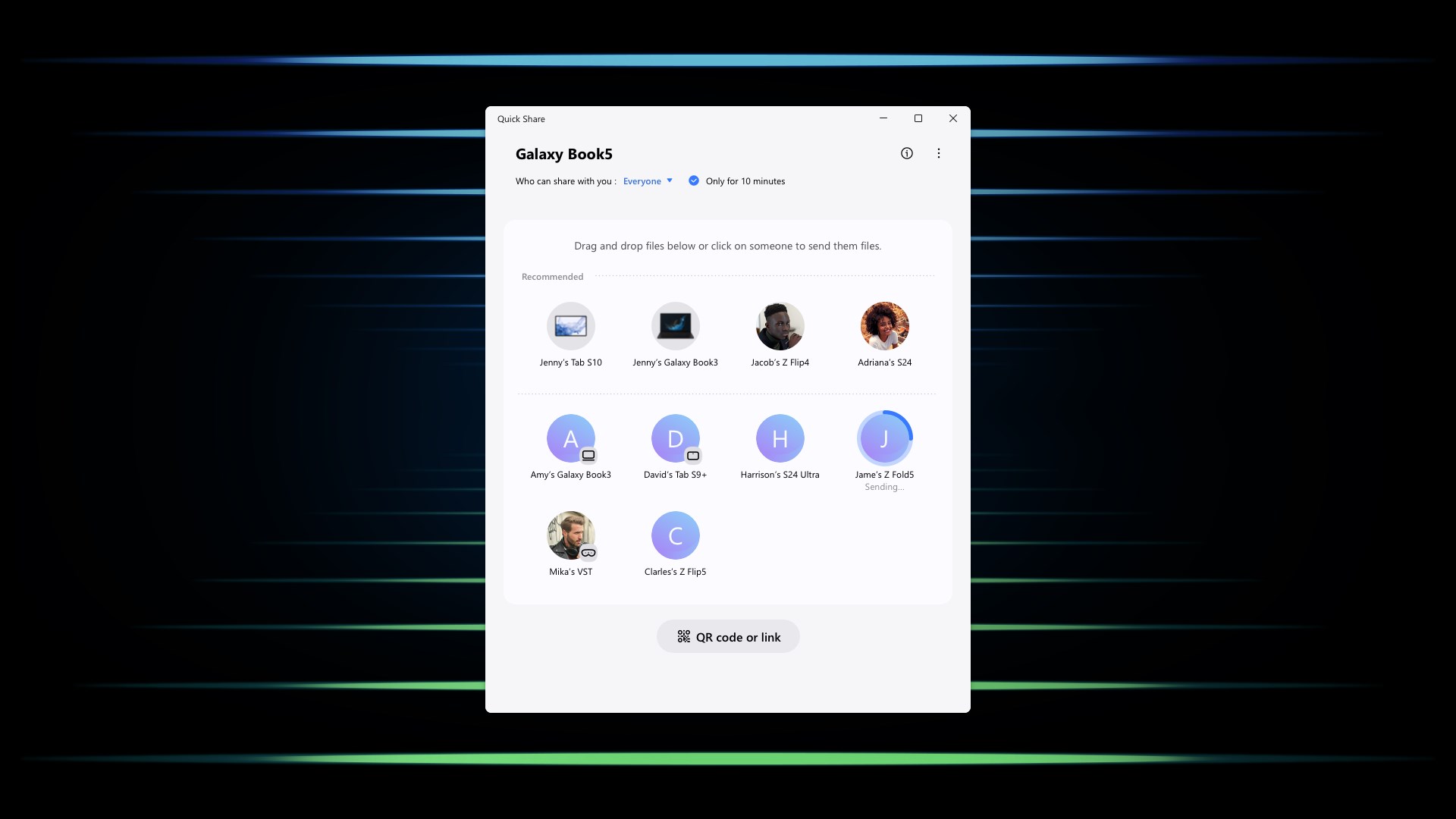
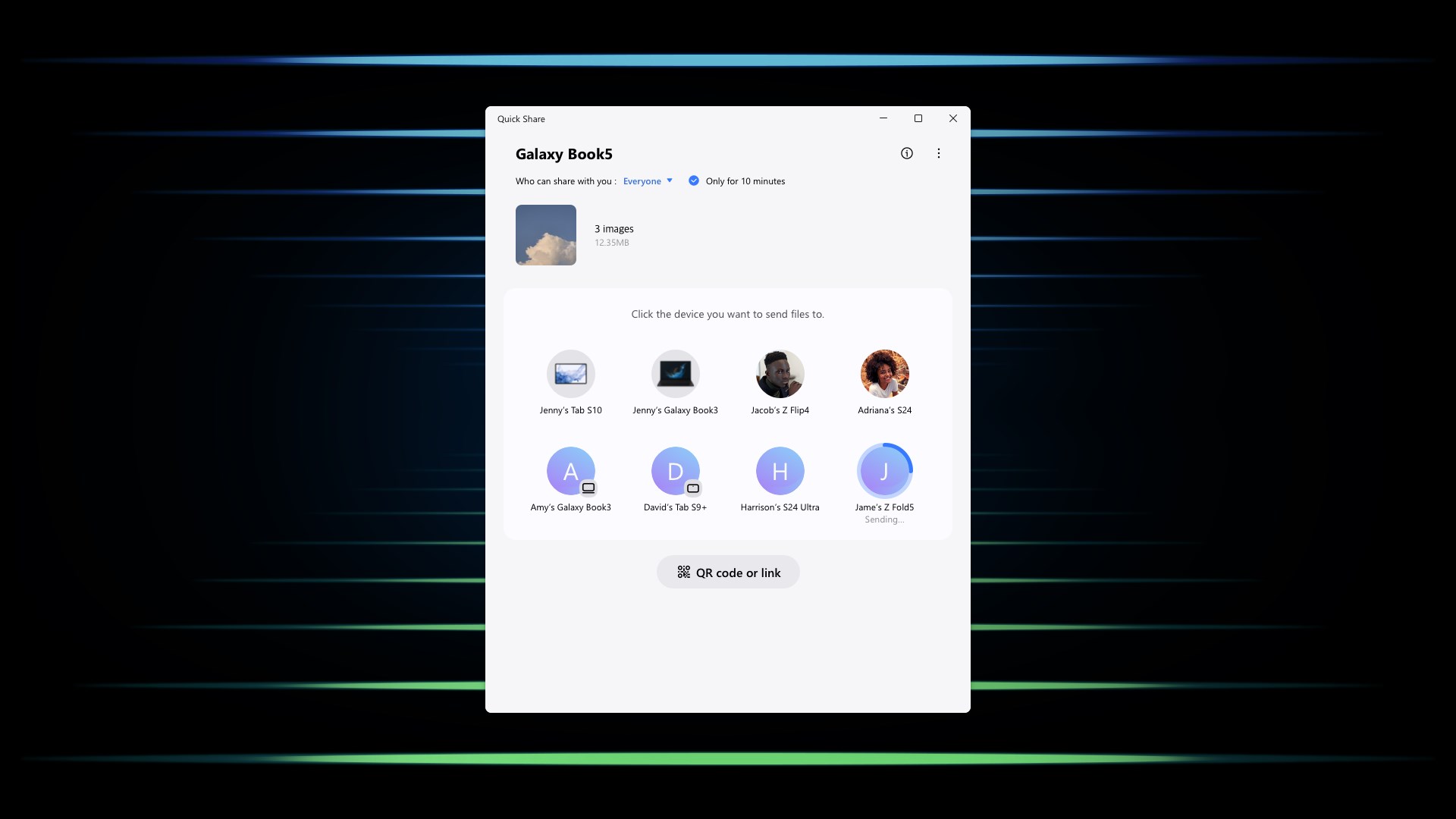
At its core, Quick Share offers a fast, wireless method of transferring files without the need for cables or complicated setups. Its primary allure lies in effortless device discovery and quick pairing. Imagine this app as your digital courier, eagerly waiting to pick up your photos, documents, or videos and deliver them across devices within seconds. The focus on speed and ease of use makes it a standout in an era where time and convenience are king.
Intuitive Interface and User Experience
The app boasts a clean, modern interface that is immediately inviting. Navigating through its menus feels natural, akin to flipping through familiar photo albums—nothing complex, just straightforward options. Transitioning between functions is smooth, with minimal loading times, signaling a well-optimized experience especially on Windows systems. The learning curve is gentle; even first-time users will find it easy to understand how to start sharing files instantly. The overall design reduces cognitive load, making the process feel almost instinctive.
Unique Features That Set It Apart
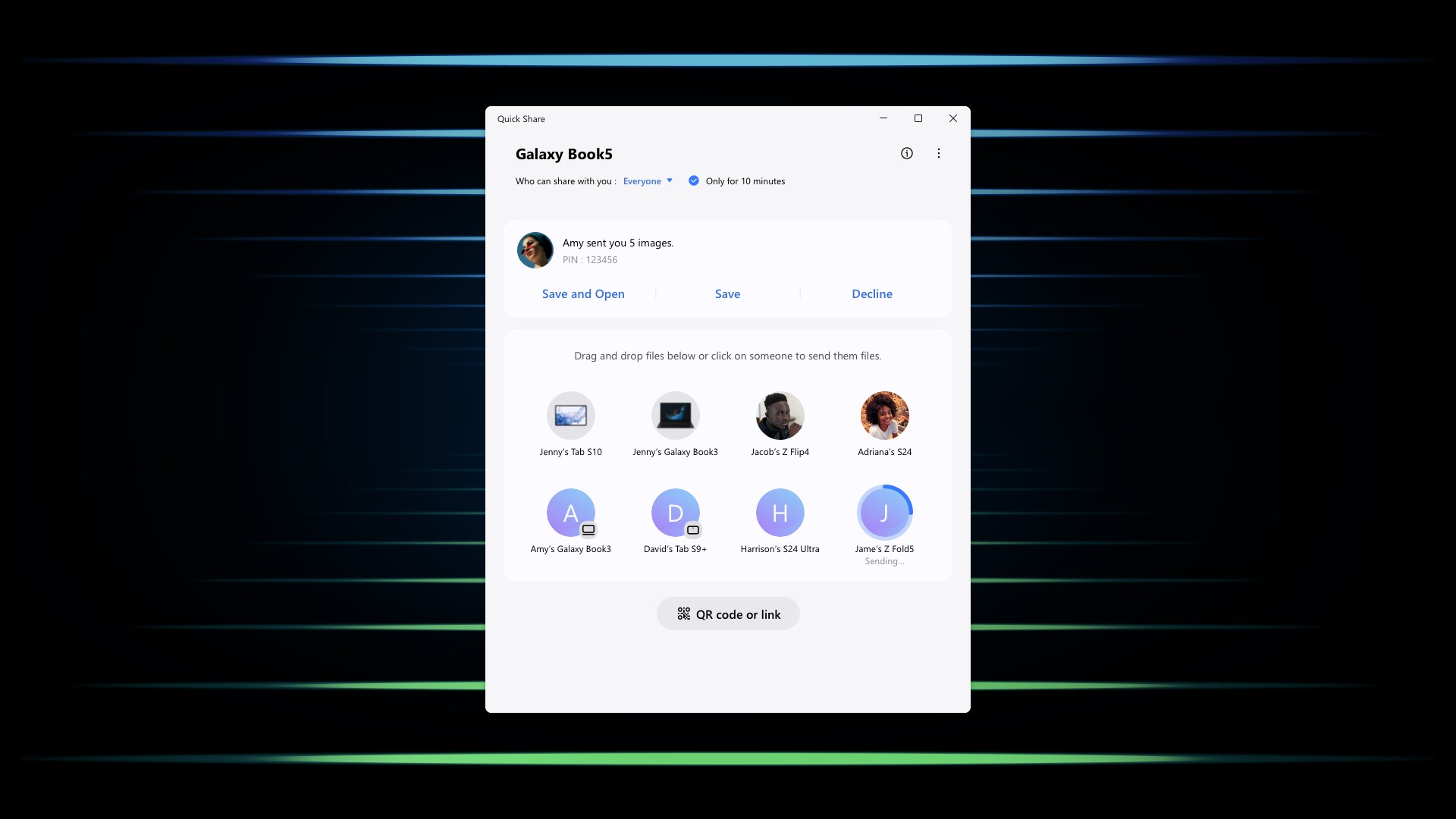
While many utilities claim to handle wireless sharing, Quick Share's most compelling advantage is its seamless integration with Samsung devices, enabling a cross-platform ecosystem that feels almost magical. Its ability to recognize Samsung Galaxy smartphones and tablets effortlessly, and facilitate rapid sharing without manual pairing steps, offers a tangible time-saving benefit. Furthermore, its multi-device support allows simultaneous sharing, akin to having a digital conveyor belt where multiple items can be sent out at once—an edge over many competing utilities which often handle only one transfer at a time.
Should You Give It a Try?
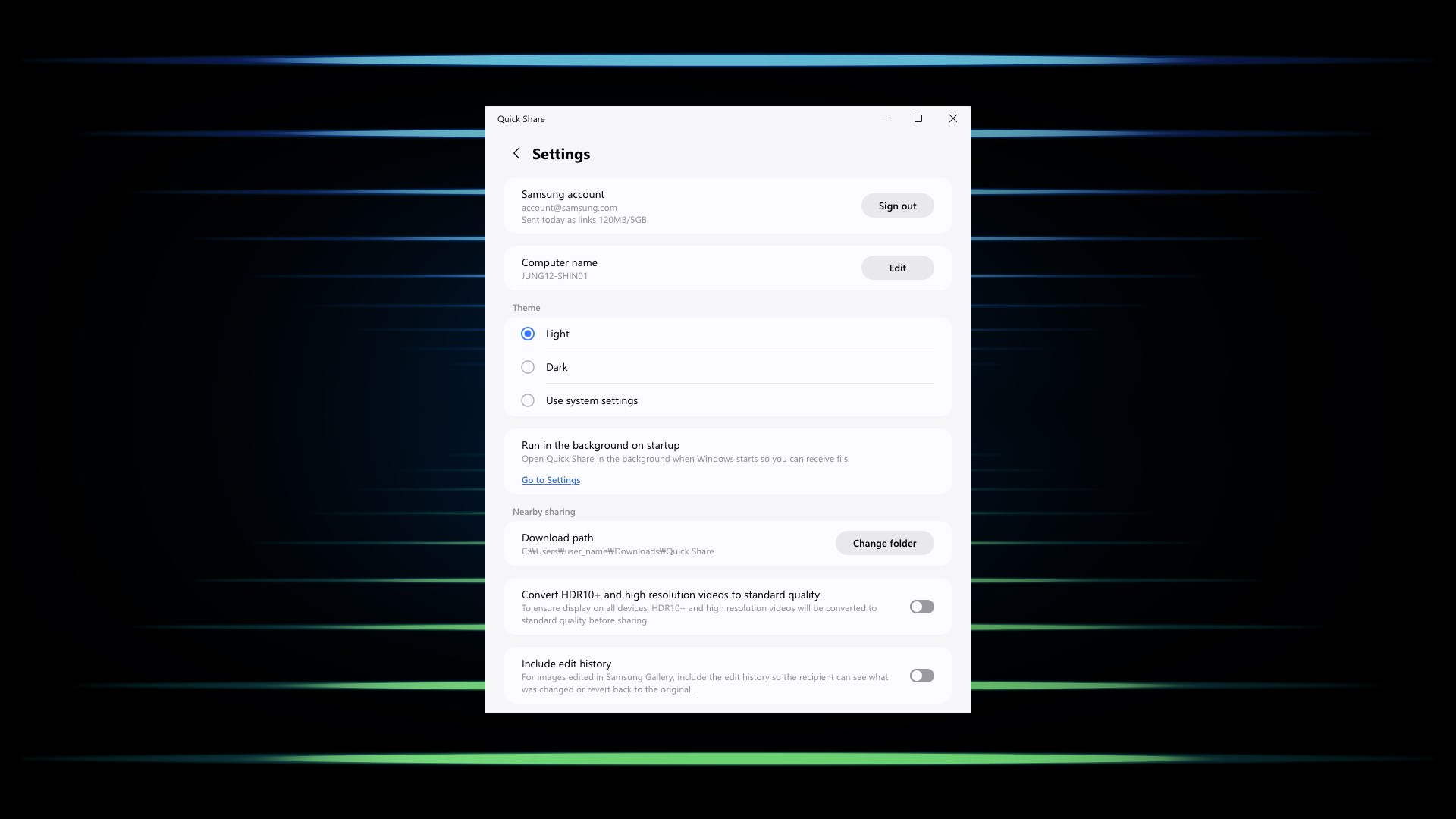
Overall, Quick Share for Windows earns a solid recommendation for users invested in Samsung hardware as well as those seeking a quick, intuitive way to share files across devices. For casual users or professionals alike, the app's ease of use, speed, and special integration capabilities make it a useful addition to your digital toolkit. While it may lack some of the advanced customization found in leading file management programs, its targeted focus on quick transfers makes it a valuable utility for everyday needs. If seamless, wireless sharing is what you're after, this app is definitely worth exploring.
Pros
- Fast and seamless file sharing
- Supports multiple file types
- User-friendly interface
- Cross-device compatibility
- No additional costs
Cons
- Limited device pairings
- Connectivity issues in some environments
- Large file transfers can be slow
- Lack of detailed transfer status updates
- Limited customization options











