

- Name PuTTY
- Category Utilities & tools
- Available on PC
- OS Windows 10 version 0.0 or higher
- Keyboard Integrated Keyboard
- Mouse Integrated Mouse
- languages English
A Reliable Companion for Windows Remote Access
PuTTY for Windows is a lightweight, open-source application that simplifies securely connecting to remote servers through various protocols. Its straightforward design and extensive customization options make it a staple tool for network administrators, developers, and tech enthusiasts alike. Developed by Simon Tatham, this utility stands out for its simplicity and robustness, serving as a dependable bridge between your Windows machine and remote systems.
Powerful Core Features with a User-Centric Approach
Versatile Protocol Support
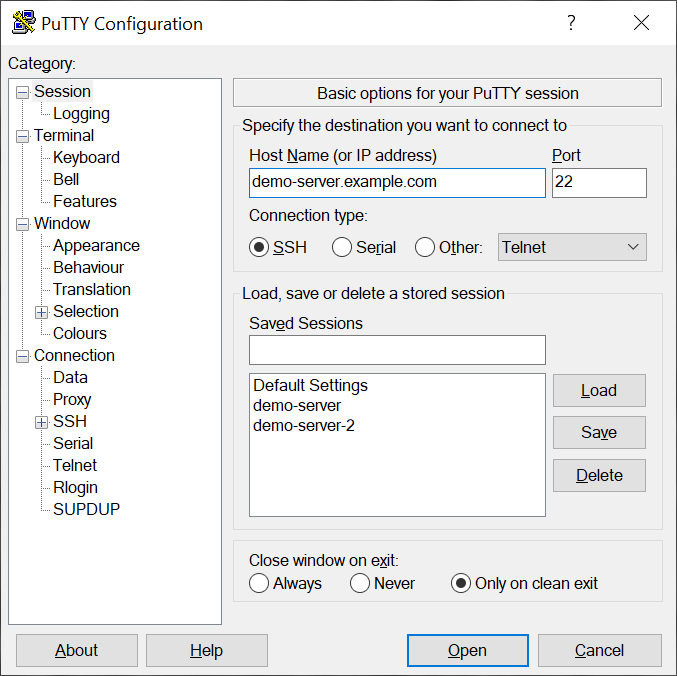
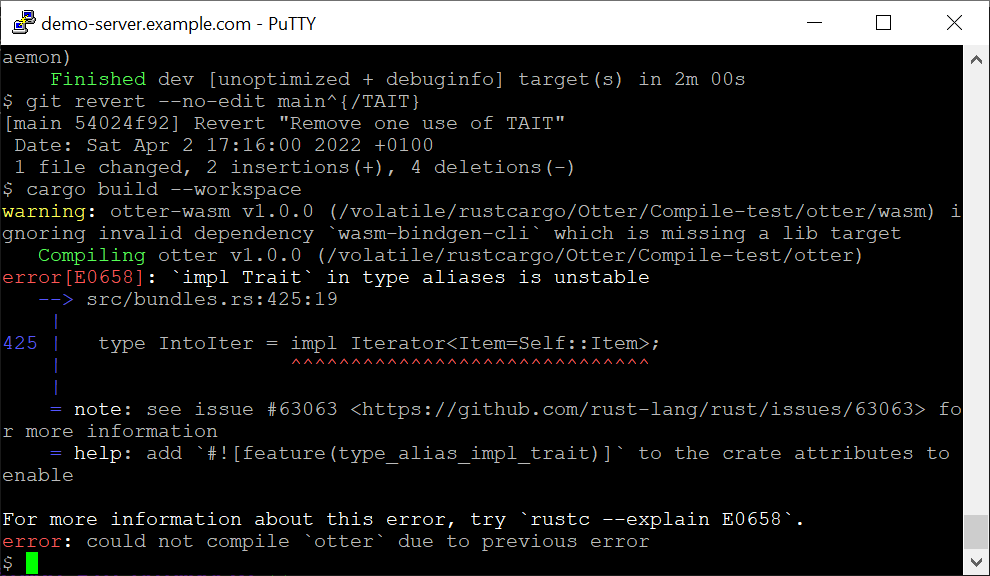
At its heart, PuTTY's main strength lies in its support for an array of protocols like SSH, Telnet, rlogin, and serial connections. Whether you're managing Linux servers via SSH or testing legacy systems with Telnet, PuTTY handles it all within a single, streamlined interface. This flexibility ensures that users aren't limited by protocol constraints, making it an essential multi-tool for network tasks.
Highly Customizable Interface
Notice that PuTTY lets you fine-tune nearly every aspect of your connection environment. From adjusting font styles and sizes to configuring window and color schemes, it transforms into a personalized portal tailored to your preferences. This level of control not only enhances usability but also helps reduce cognitive load during intensive work sessions, especially for long-term users who prefer a familiar look and feel.
Session Management and Export Options
Another shining feature is its ability to save and manage multiple sessions, allowing quick access to different servers with just a few clicks. Plus, it offers options to export configurations, streamlining workflows for system administrators who juggle numerous connections. This focus on session persistence distinguishes PuTTY from lightweight utilities that require reconfiguration each time you connect.
Evaluating the User Experience: Simplicity Meets Efficiency
Sparking curiosity with its minimalist interface, PuTTY feels like a trusted toolkit—no unnecessary bells or whistles, just straightforward access. Navigating through the menus is intuitive for anyone familiar with remote protocols, and the setup process is almost poetic in its simplicity: open, configure, connect. For new users, the learning curve is gentle enough to pick up quickly, while seasoned professionals can appreciate the depth of customization available.
Design and Operation Fluidity
Despite its age, PuTTY's interface remains lean and functional, favoring practicality over flashiness. The application's responsiveness is commendable; windows open instantly, and configurations are saved accurately—a testament to its efficient coding. Users will find that switching between sessions or adjusting settings happens seamlessly, minimizing disruptions during critical tasks.
Unique Differentiators and Advantages
What sets PuTTY apart from similar utilities? Its open-source nature guarantees continuous updates from a passionate community, fostering a reliable and secure environment. Particularly, its ability to run as a portable app, requiring no installation, makes it an agile choice for on-the-move technical work. Additionally, its extensive protocol support and highly customizable sessions are true game-changers, offering unmatched flexibility in a crowded field of remote connection tools.
Is PuTTY for You? Our Final Recommendation
If you're seeking a dependable, straightforward tool for remote server management that doesn't bog down with unnecessary features, PuTTY is your go-to. While it may not boast a modern GUI or flashy effects, its focus on core functionality, reliability, and flexibility makes it a standout. For network administrators, developers, or hobbyists who need a trusted companion without the bells and whistles, PuTTY shines brightest. We recommend it wholeheartedly for those who value stability and configurability over cutting-edge aesthetics—simply put, PuTTY remains a classic for good reason.
Pros
- Lightweight and Portable
- Wide Protocol Support
- Customizable Interface
- Open Source and Free
- Configurable Session Management
Cons
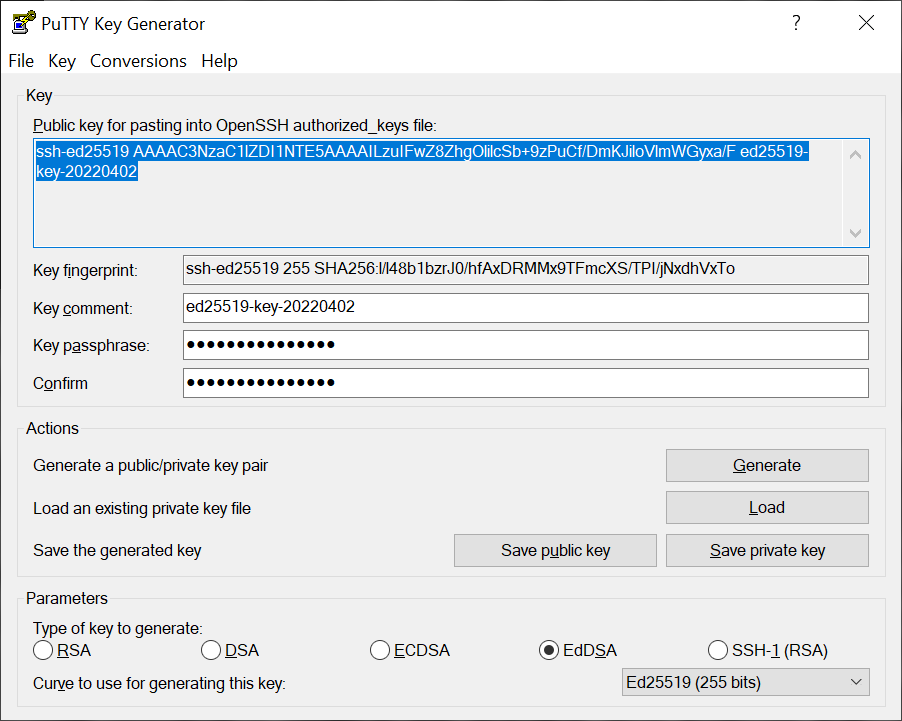
- Limited Native Support for Modern Authentication
- Basic User Interface
- Inconsistent Clipboard Handling
- Limited Session Management Features
- Lack of Built-in File Transfer











