
- Name Printer Driver - Install & Fix Driver Issues
- Category Utilities & tools
- Developer Wuhan Yousigan Technology Co., Ltd
- Available on PC, Mobile, Surface Hub, HoloLens
- OS Windows 10 version 17763.0 or higher
- Mouse Integrated Mouse
- languages Arabic, Bangla, Chinese (Simplified), Chinese (Traditional Chinese), English, English (United States), French, German, Hindi, Indonesian, Italian, Japanese, Korean, Portuguese, Russian, Spanish, Thai, Turkish, Vietnamese
Empowering Your Printing Experience: An In-Depth Review of Printer Driver - Install & Fix Driver Issues for Windows
If you've ever felt the frustration of a printer refusing to cooperate just when you need it most, then this app promises to be your reliable partner in troubleshooting and fixing printer driver issues seamlessly. Designed to streamline the often tangled web of driver management, it aims to bring harmony between your Windows system and your printing devices.
Solid Foundations: About the App and Its Makers
Printer Driver - Install & Fix Driver Issues for Windows is a versatile utility that specializes in installing, updating, and repairing printer drivers, aiming to simplify printer management for everyday users.
Developer & Publisher: Wuhan Yousigan Technology Co., Ltd is the passionate team behind this app, bringing a sense of local expertise in software solutions tailored for Windows users.
Main Features at a Glance:
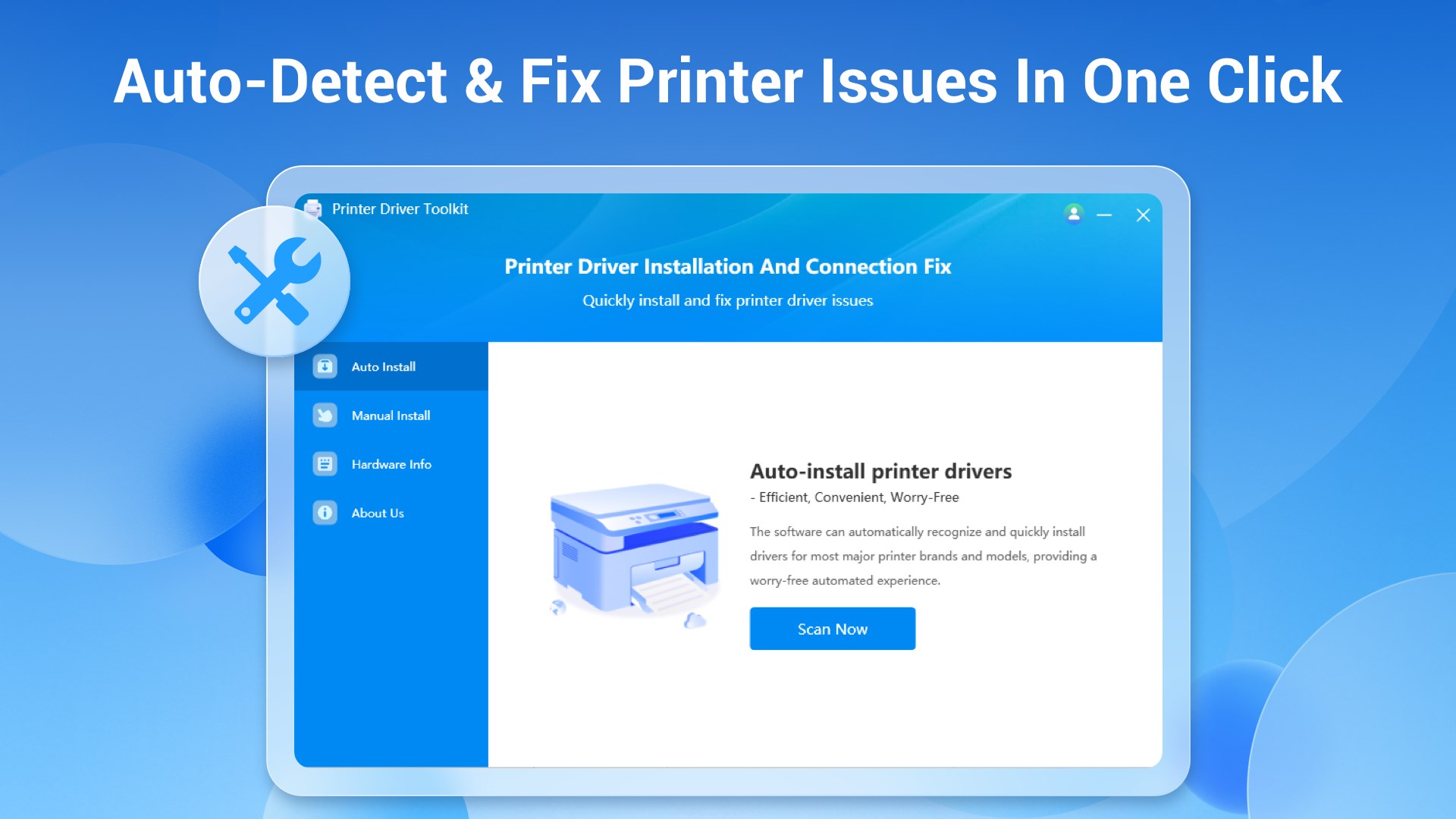
- Automatic Driver Detection and Installation: Quickly identifies your printer model and fetches the correct driver, eliminating the guesswork and manual searching.
- Driver Repair & Troubleshooting: Detects corrupted or missing drivers and offers streamlined repair options to get your printer back online.
- Driver Backup & Restoration: Provides the ability to back up existing drivers before making changes, ensuring a quick rollback if necessary.
- User-Friendly Interface: Simplifies complex driver management with an accessible, clean design suitable for all tech comfort levels.
Target Audience: This app is ideal for home users, small business owners, or any Windows user who struggles with printer driver issues or prefers hassle-free setup and maintenance.
Engaging, Simplified Printing: App Evaluation from a Tech Enthusiast's Perspective
Imagine this app as your personal tech assistant, whispering in your ear: “Let me handle that pesky printer driver problem while you relax.” Its promise is straightforward—make driver installation and fixing as easy as pie. But does it deliver? Let's dig deeper into its core functionalities.
Intelligent Driver Detection and Installation: Your Printer's Best Friend
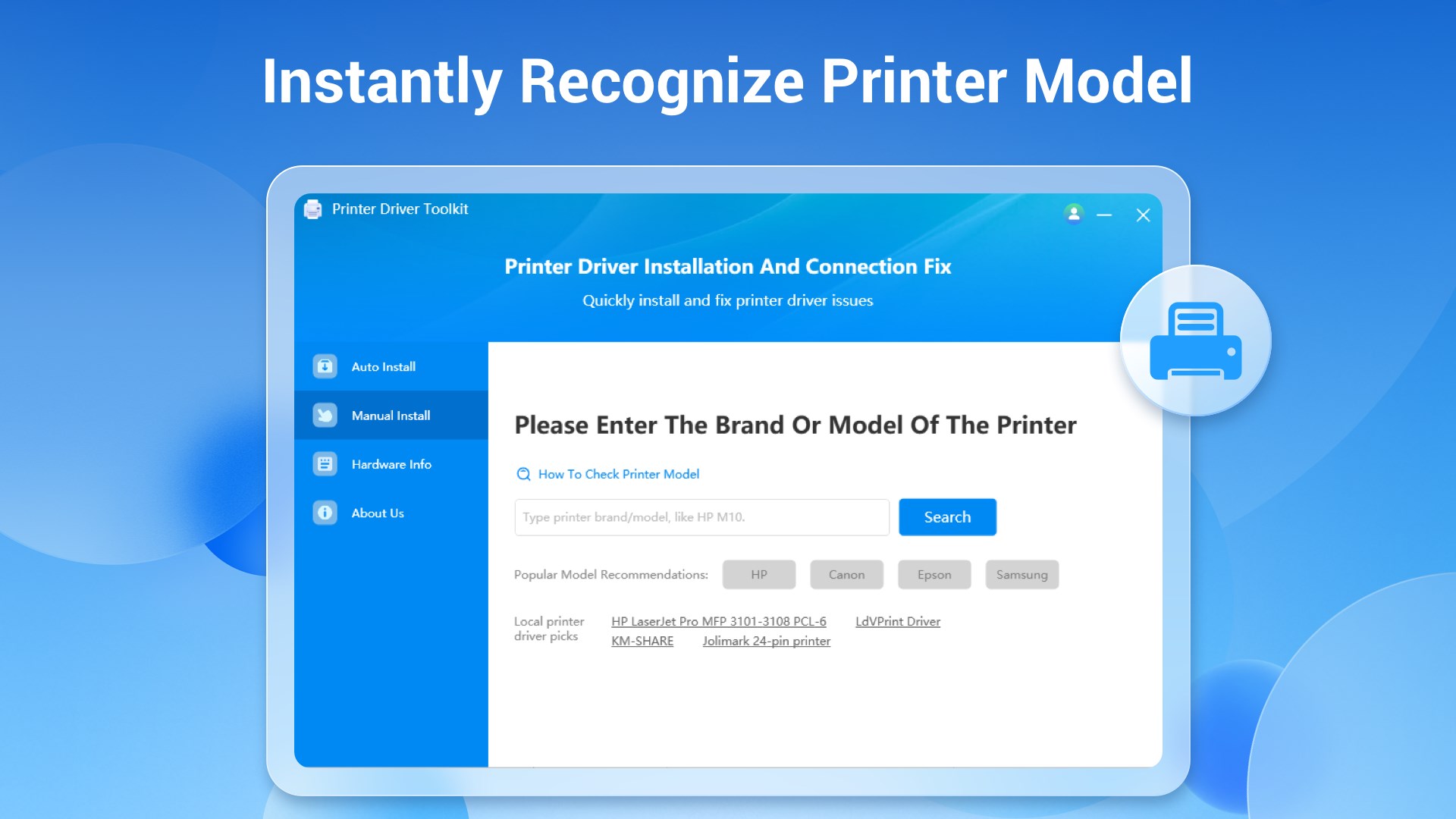
One of the app's most outstanding features is its capacity for precise driver detection. Instead of manually searching through the tangled web of manufacturer sites and generic driver repositories, this utility scans your system, recognizes the exact printer model, and fetches the compatible driver — think of it as having a savvy personal shopper who picks the perfect fit every time. The user experience here is remarkably smooth: the detection process is quick, and the subsequent installation feels almost instantaneous, making it an ideal solution for users who find tech setups intimidating.
Problem Diagnosis and Fixes: Bringing Your Printer Back to Life
If your printer isn't cooperating—say it's not printing or throwing errors—the app's diagnosis tools spring into action. It actively scans for driver corruption, outdated software, or misconfigurations and then offers actionable repair steps. This functionality is particularly vital for small offices or users who lack deep technical expertise, providing a reassuring safety net. The repair process itself is streamlined; users are guided through each step with clear prompts, minimizing the risk of errors. This diagnostic capability is a defining strength, setting it apart from more basic utilities that only perform superficial updates.
Backup and Restoration: Peace of Mind in Your Hands
One of the under-the-hood yet invaluable features is its backup function. Before making changes, you can save the current drivers—a safeguard that reassures users who worry about losing their printer configurations. Should anything go wrong after an update or repair, restoring the previous state is just a click away. This thoughtful addition elevates the app from a simple tool to a reliable maintenance companion, especially for users managing multiple printers or those hesitant to experiment without safeguards.
Design and User Experience: Friendly, Intuitive, and Light
The user interface of this app resembles a friendly dashboard—minimal, organized, and free of confusing jargon. Navigating through detection, repair, and backup modules feels natural, akin to flipping through familiar pages. The design emphasizes clarity, with icons and prompts guiding the user step-by-step, making it accessible even for tech novices. The app runs smoothly without noticeable lag or crashes, demonstrating good craftsmanship. Its learning curve is gentle, proving that powerful functionalities can be wrapped in a welcoming package.
Standing Out in the Utility Crowd: Unique Strengths
While many driver utilities clutter the market, this app's standout feature is its integration of automatic detection combined with repair capabilities in one streamlined package. Unlike basic tools that only facilitate manual driver updates, it intelligently identifies issues and applies fixes proactively, saving users valuable time and effort. Its backup feature further distinguishes it, offering a level of safety not always present in competitors. Think of it as a seatbelt for your driver management journey—added security that makes maintenance less daunting.
Final Verdict and Recommendations
Overall, Printer Driver - Install & Fix Driver Issues for Windows offers a well-rounded, user-friendly experience tailored for those who need reliable printer management. Its core strength lies in automating complex tasks—driver detection, troubleshooting, and safeguarding backups—making printer maintenance less of a chore.
Would I recommend it? Absolutely, especially for small office setups and home users who find driver issues a common headache. It's a practical addition to your computer toolkit, providing peace of mind and efficiency. As always, keep regular backups and practice safe updates, but with this app nearby, you're well-equipped to tackle printer driver problems confidently.
Pros
- Simple and user-friendly interface
- Automates driver detection and installation
- Effective in resolving common driver issues
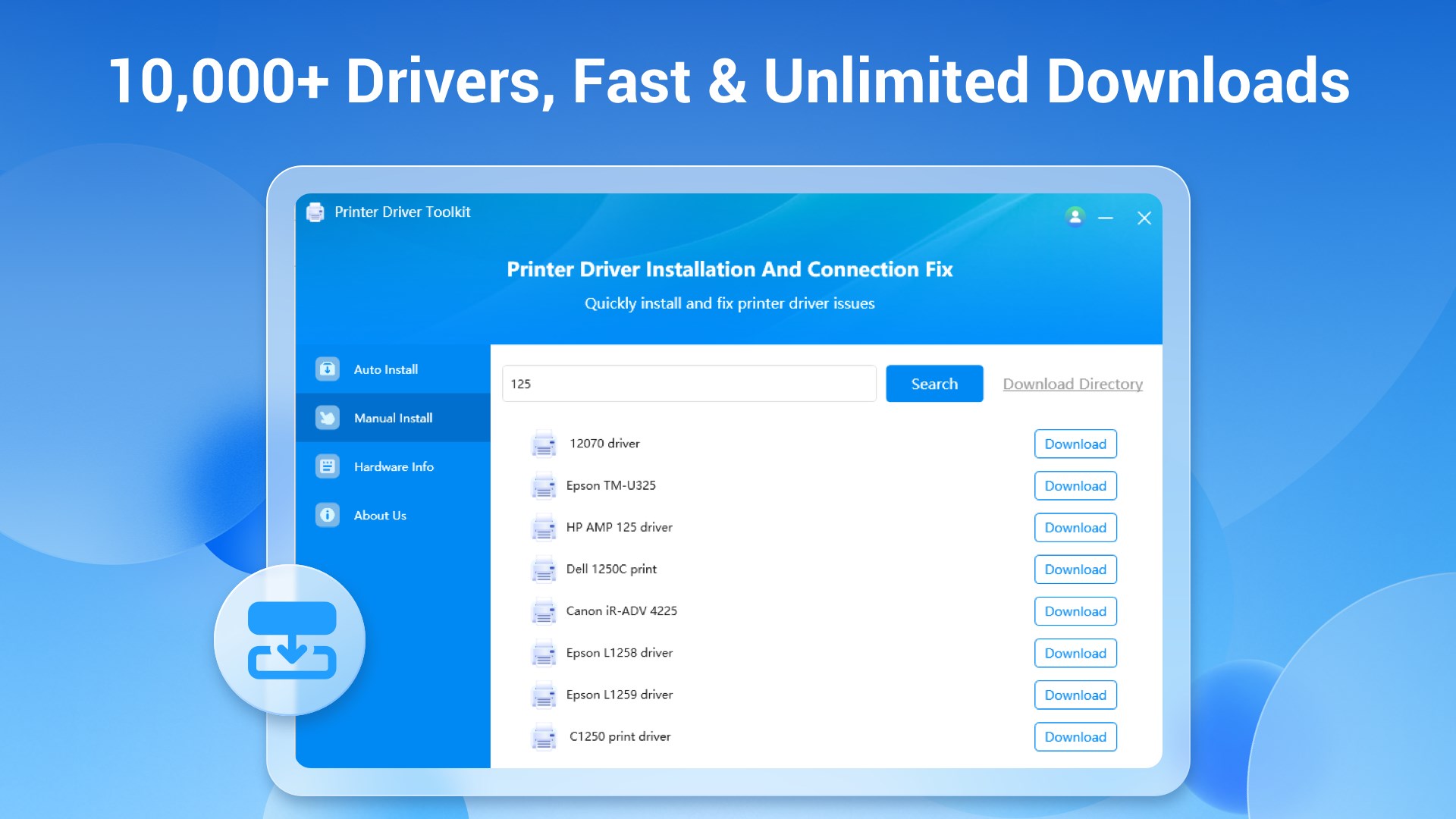
- Supports a wide range of printers
- Quick troubleshooting process
Cons
- Limited troubleshooting options for complex issues
- Occasional false positives in driver detection
- No detailed logs for advanced diagnostics
- Inconsistent performance with certain printer brands
- Requires Internet connection for driver updates











