

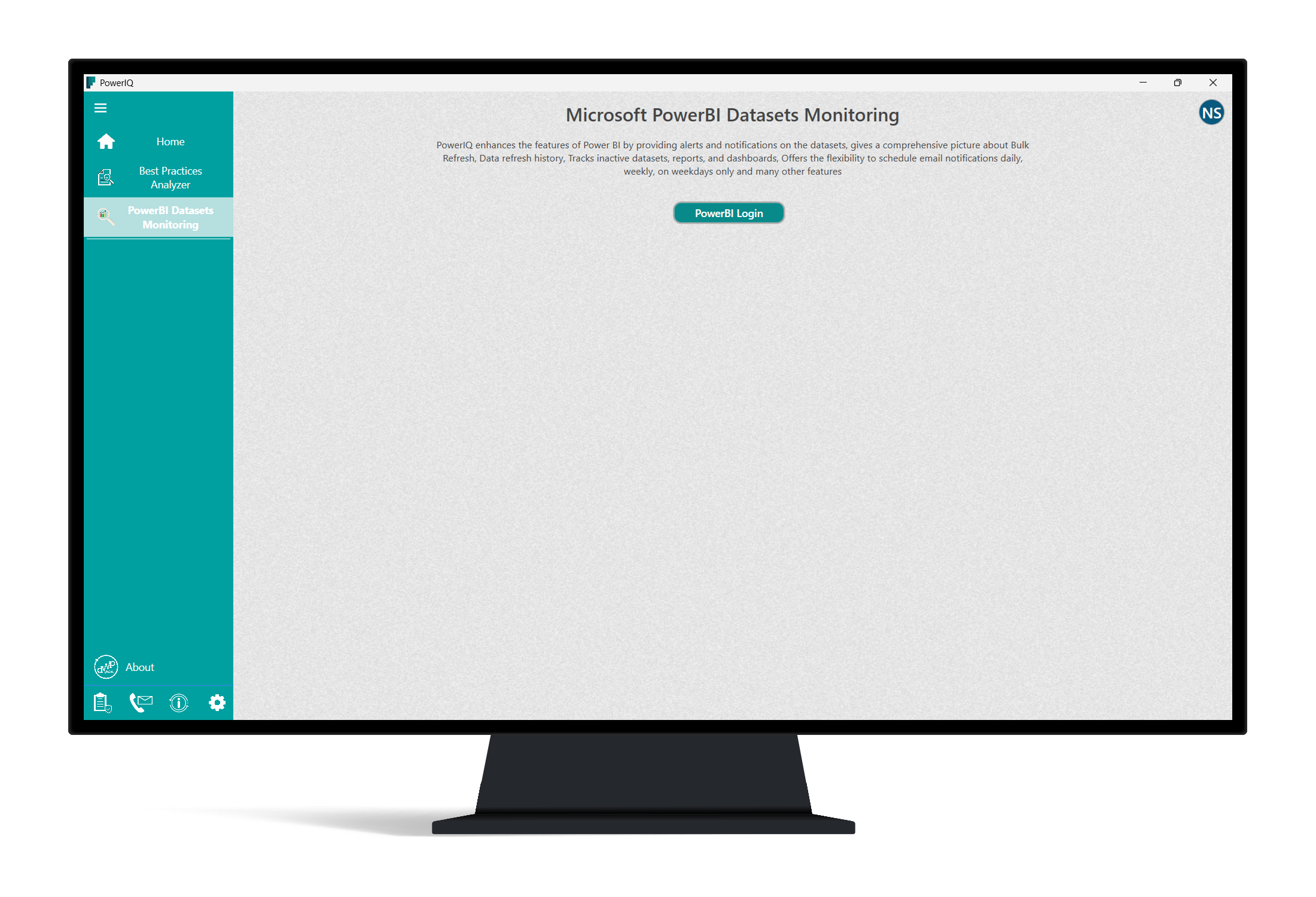
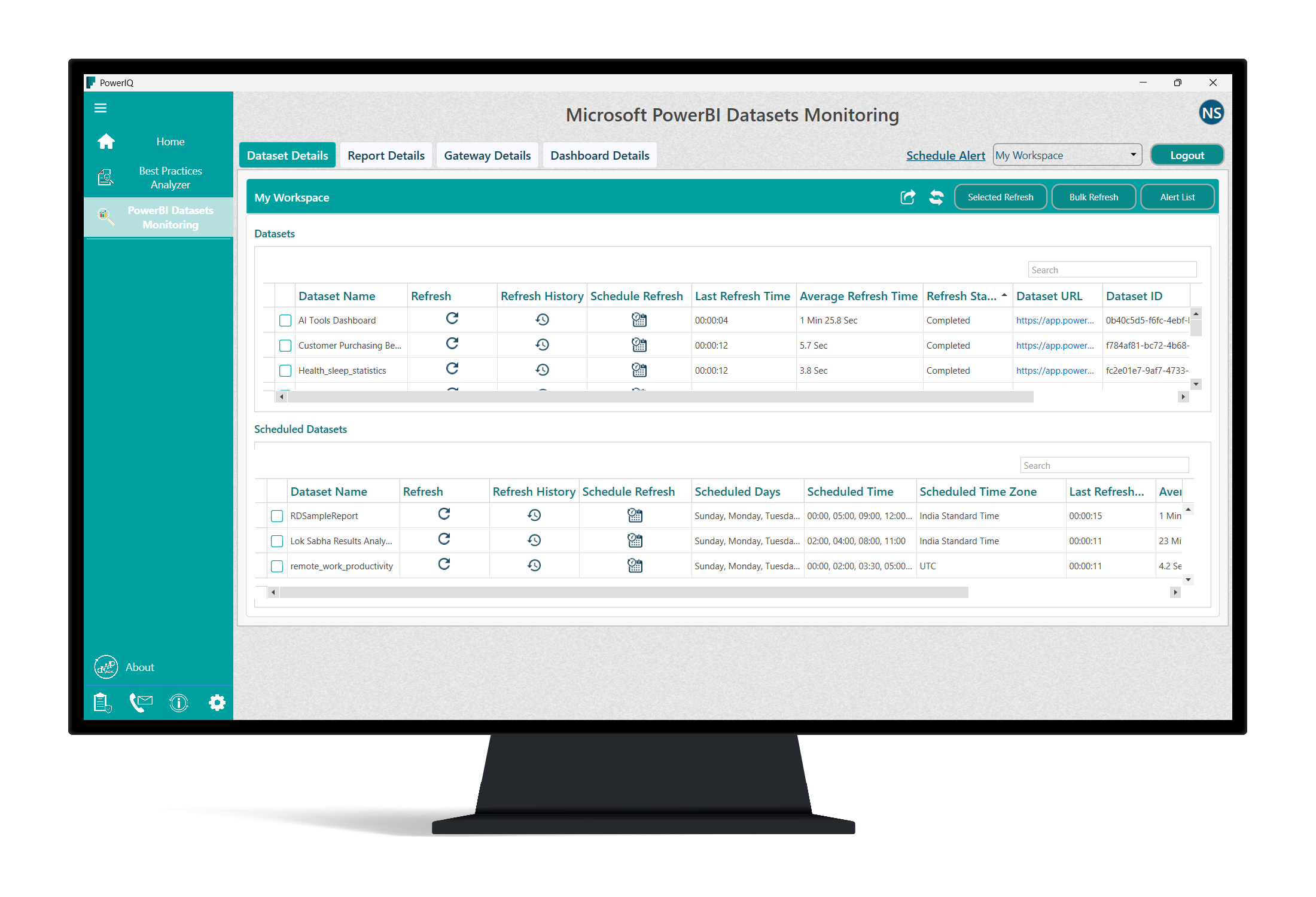
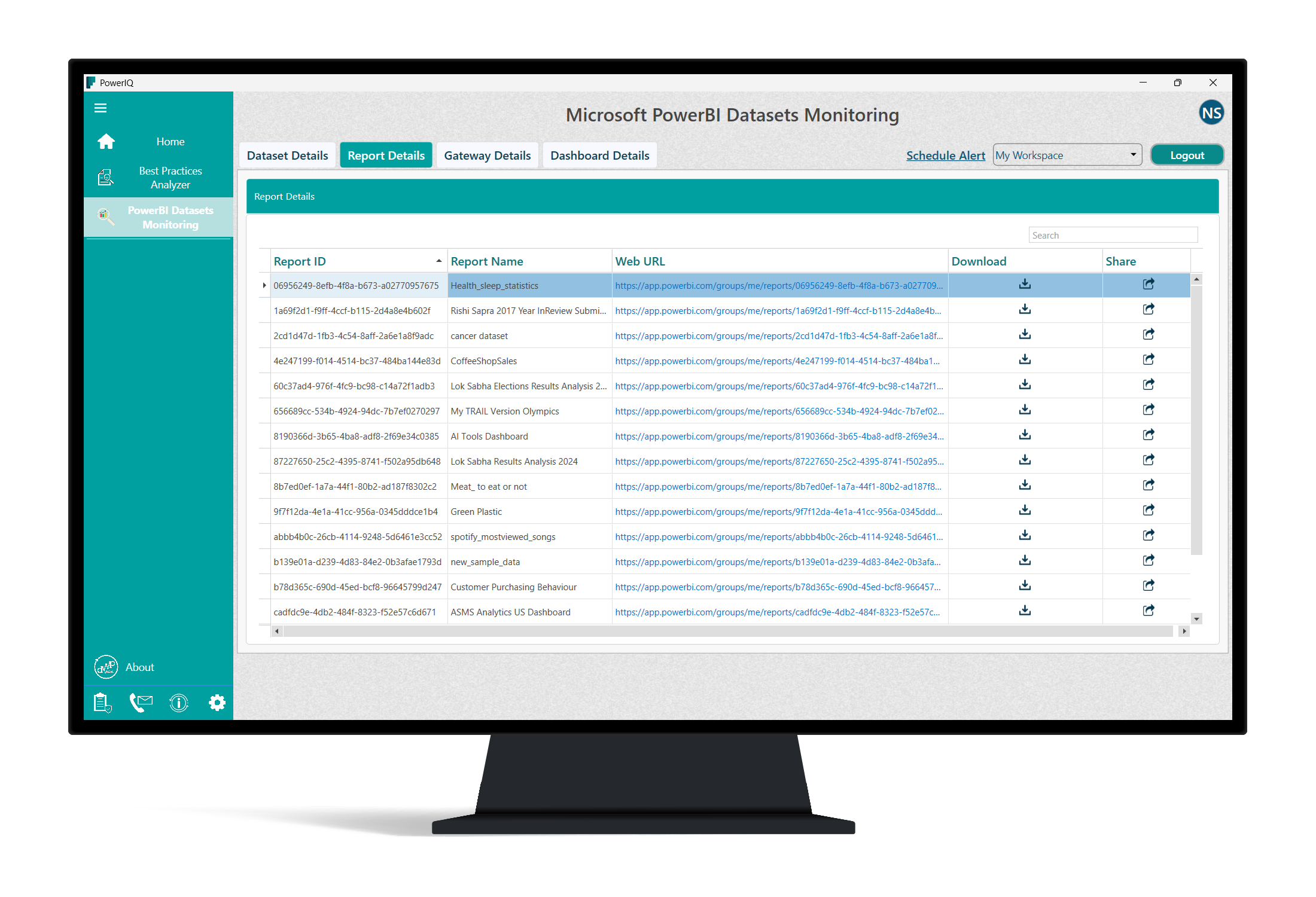
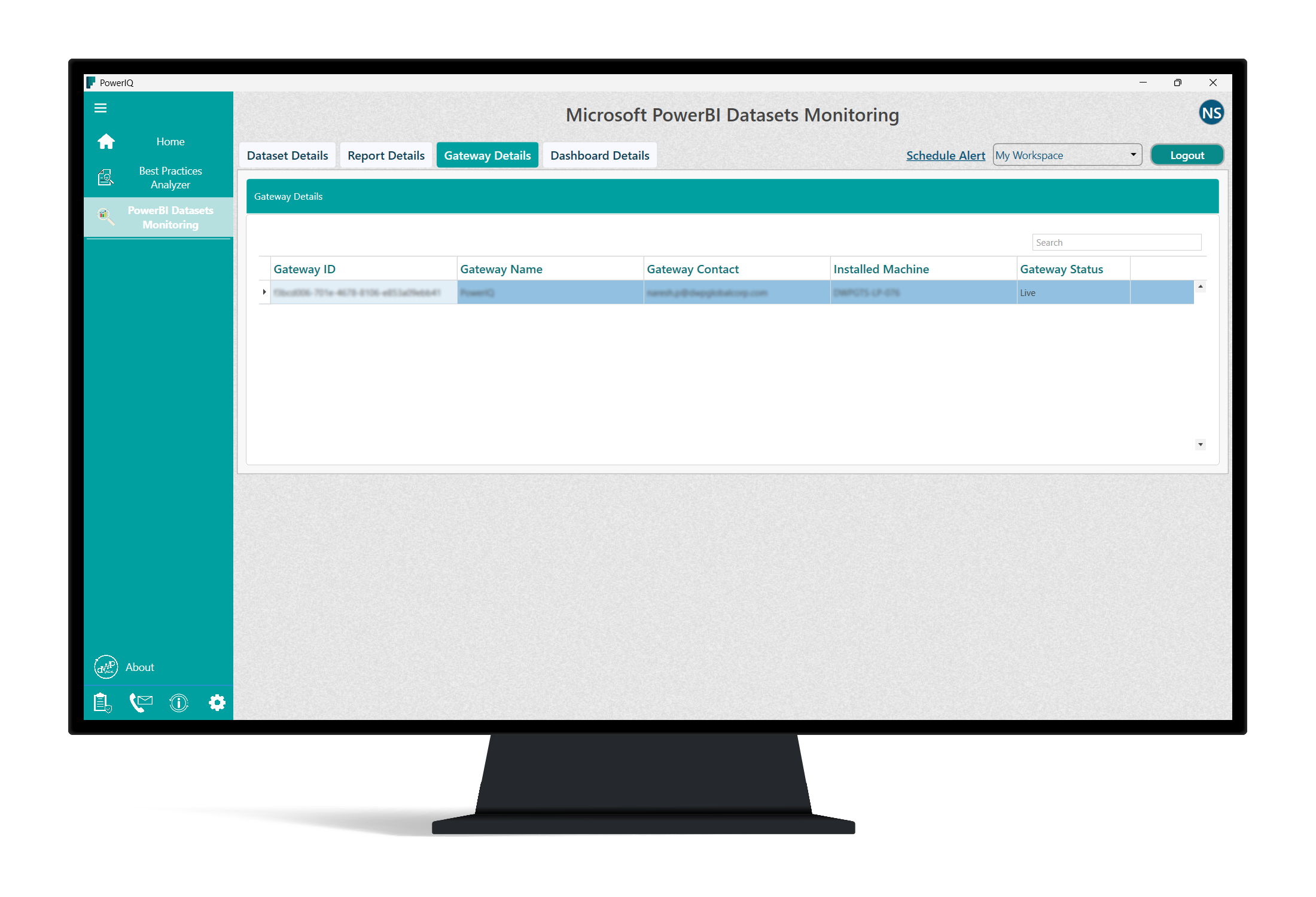
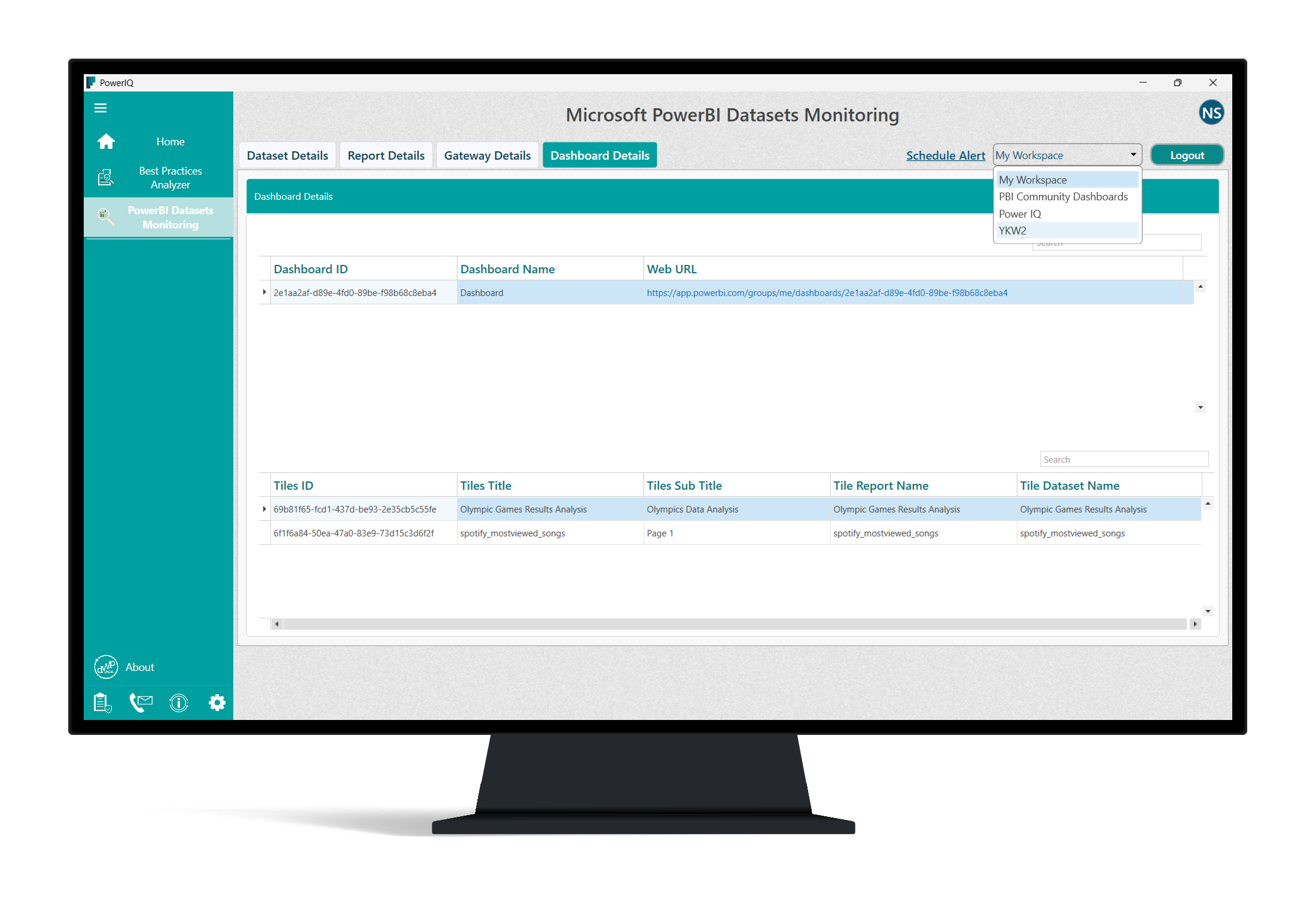
- Name PowerIQ
- Category Business
- Developer DWP Global Corp
- Available on PC
- OS Windows 10 version 0.0 or higher
- Memory 4 GB
- languages English, English (United States)
Empowering Windows Productivity with PowerIQ
PowerIQ for Windows emerges as a versatile tool designed to streamline task management and collaborative workflows, making it a noteworthy addition for professionals seeking efficiency without complexity.
About PowerIQ: The Basics
PowerIQ is a productivity application developed and published by DWP Global Corp, targeting users who aim to optimize their work routines seamlessly on Windows devices. Its primary appeal lies in combining task management, teamwork facilitation, and intuitive design into a single platform. Key functionalities include dedicated project tracking, real-time collaboration features, and customizable task organization, all crafted to cater to professionals, small teams, and anyone looking to boost their productivity. Whether you're an individual freelancer or part of a dynamic team, PowerIQ aims to serve your organizational needs with ease and clarity.
Brightening the Workflow: A Fun Yet Professional Perspective
Imagine walking into your workspace and having a trusty digital assistant by your side—ready to organize, coordinate, and track your daily efforts effortlessly. That's the promise PowerIQ holds—it transforms mundane task lists into an interactive experience, turning productivity from a chore into an engaging journey. Its user-friendly interface feels like a well-organized toolkit, inviting users to dive into their work with confidence. As we explore its core features, you'll see that PowerIQ is more than just another task manager—it's a partner that delights with its thoughtful design and robust capabilities.
Core Functionality 1: Seamless Collaboration & Real-Time Workspaces
PowerIQ excels at facilitating collaborative work, offering real-time sharing and editing capabilities that resemble having a virtual whiteboard. Unlike traditional apps that compartmentalize communication, PowerIQ integrates chat, comments, and file sharing within project spaces, fostering smooth dialogue and immediate feedback. Imagine brainstorming with your team on plans that update instantly—no delays, no confusion. This feature ensures all team members stay on the same page, reducing the hassle of multiple email chains or disparate tools.
Core Functionality 2: Intelligent Task Organization & Prioritization
At its heart, PowerIQ simplifies task management through customizable boards, smart tagging, and deadline reminders. You can drag and drop tasks to re-prioritize effortlessly, much like sorting colorful sticky notes on a corkboard. The app's intelligent algorithms suggest task priorities based on deadlines and dependencies, helping users focus on what truly matters. The visual clarity and intuitive layout make it easy for even beginners to grasp their project landscapes and tackle items systematically.
Core Functionality 3: User Experience & Design Aesthetics
The interface strikes a balance between functional simplicity and aesthetic appeal, akin to a neatly organized desktop that invites exploration. Navigation is smooth, with responsive elements that respond swiftly to user input—no lag, no frustration. The learning curve is gentle; users familiar with basic project management tools will find themselves up and running within minutes. Overall, PowerIQ's design enhances user engagement and minimizes the time spent figuring out how to work, allowing more attention to be given to actual productivity.
Standing Out in the Crowd: Unique Advantages
Compared to other business applications, PowerIQ distinguishes itself through its collaborative work features. The platform emphasizes real-time interaction, making remote teamwork feel natural—almost like sitting together in the same room. Its task management system is enhanced with AI-driven suggestions, which adapt to your workflow patterns, offering a personalized experience. Unlike apps that merely list tasks, PowerIQ promotes a conversational approach, integrating communication directly into task spaces. This seamless blend of teamwork and task management fosters a more cohesive working environment.
Final Thoughts and Recommendations
I would recommend PowerIQ for professionals and teams seeking a well-rounded, straightforward productivity app with a focus on collaboration. Its especially strong points lie in its real-time workspace features and intelligent task organization. For individual users looking for a clean, no-fuss task manager, it's equally suitable. While not overly complex, it packs enough power to handle the demands of dynamic work scenarios. If you're tired of juggling multiple apps and want an integrated solution that promotes teamwork and clarity, PowerIQ deserves a spot on your desktop. Use it daily to turn your projects into a well-orchestrated symphony of productivity—without the stress of chaos.
Pros
- User-friendly Interface
- Effective Power Optimization
- Real-time Monitoring
- Customizable Settings
- Compatibility with Multiple Devices
Cons
- Limited Device Support in Free Version
- Occasional App Crashes
- Battery Usage by the App Itself
- Lack of Detailed Reports in Basic Version
- Delayed Response to Hardware Changes











