

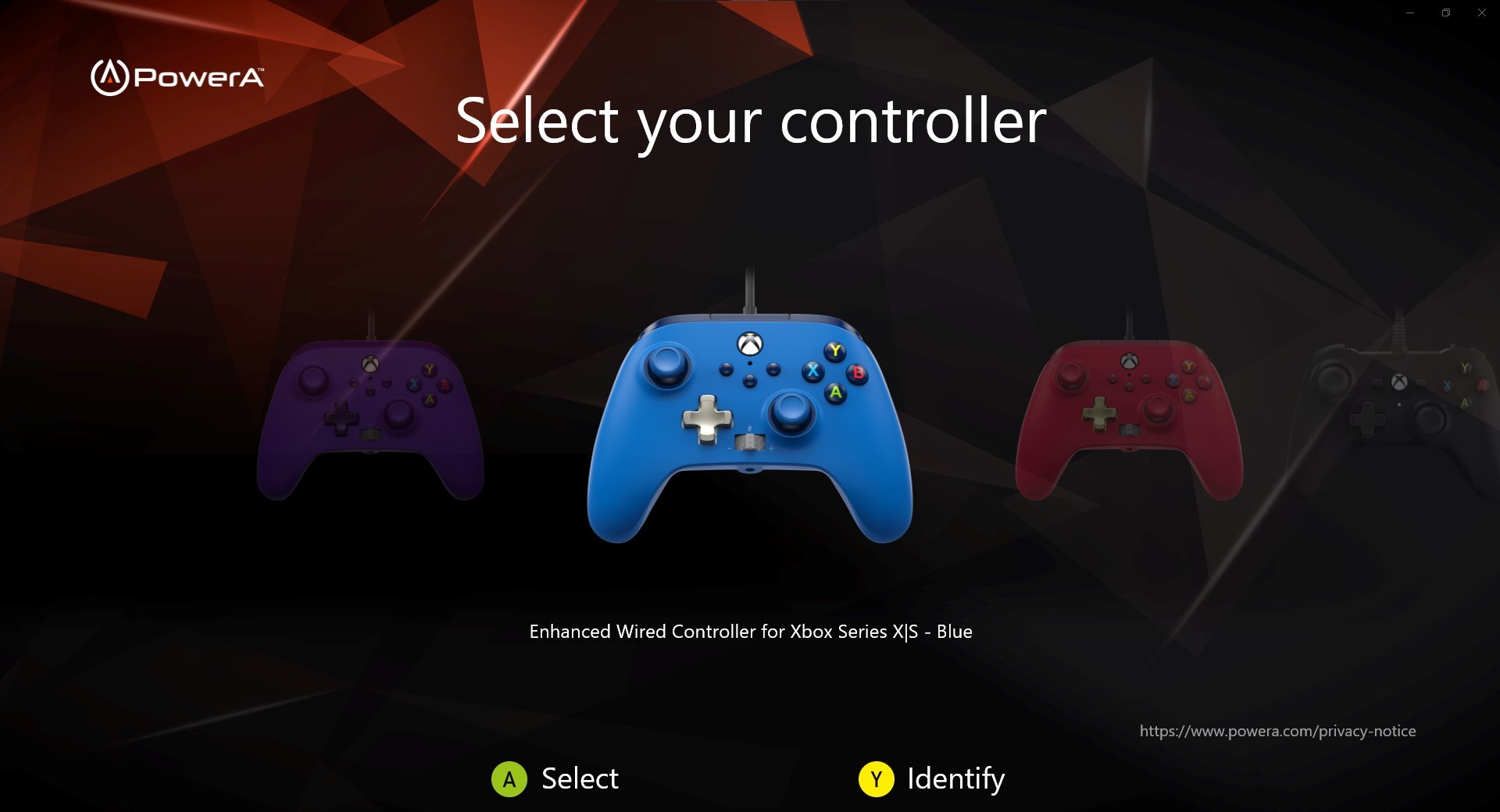
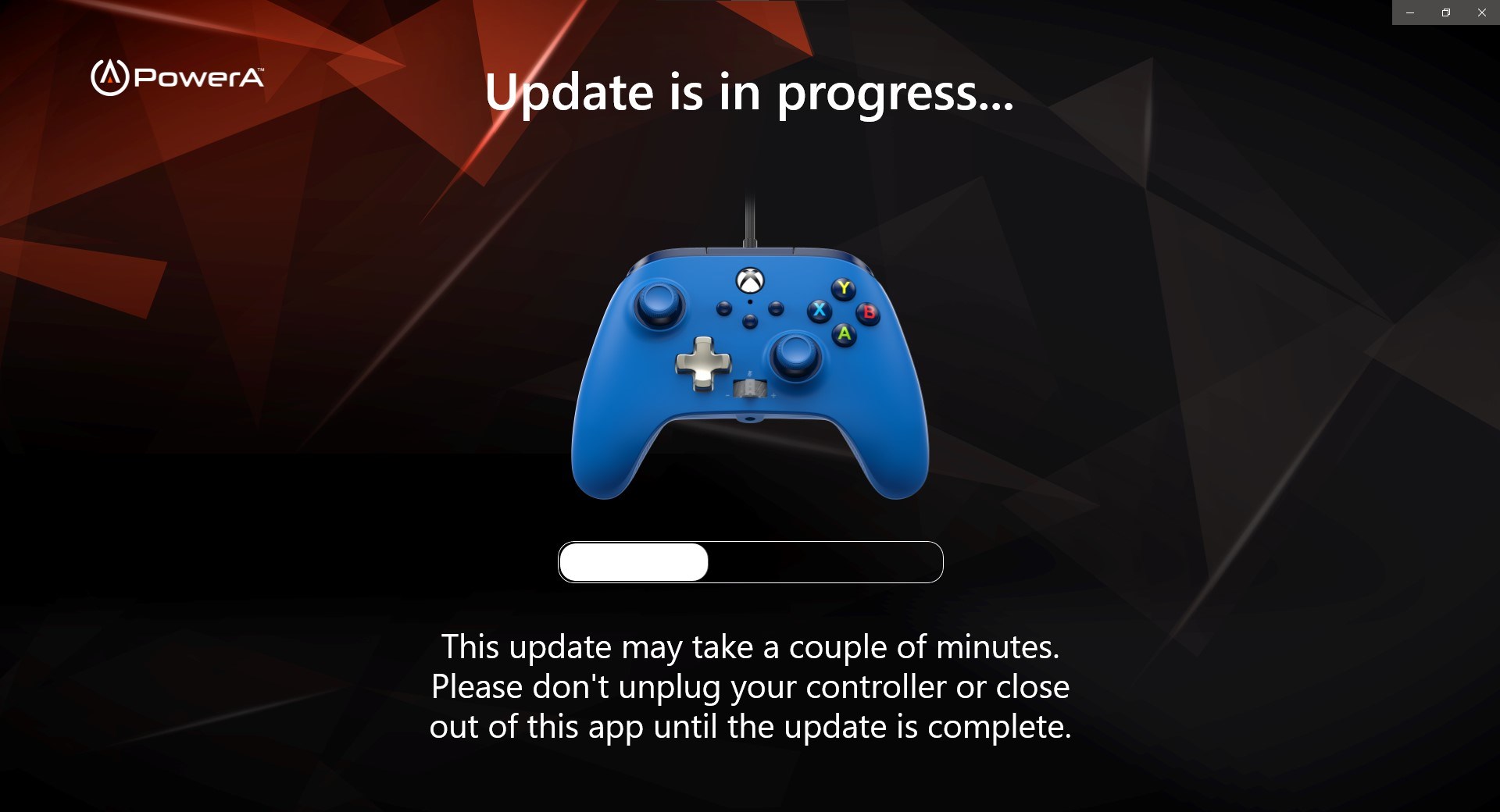
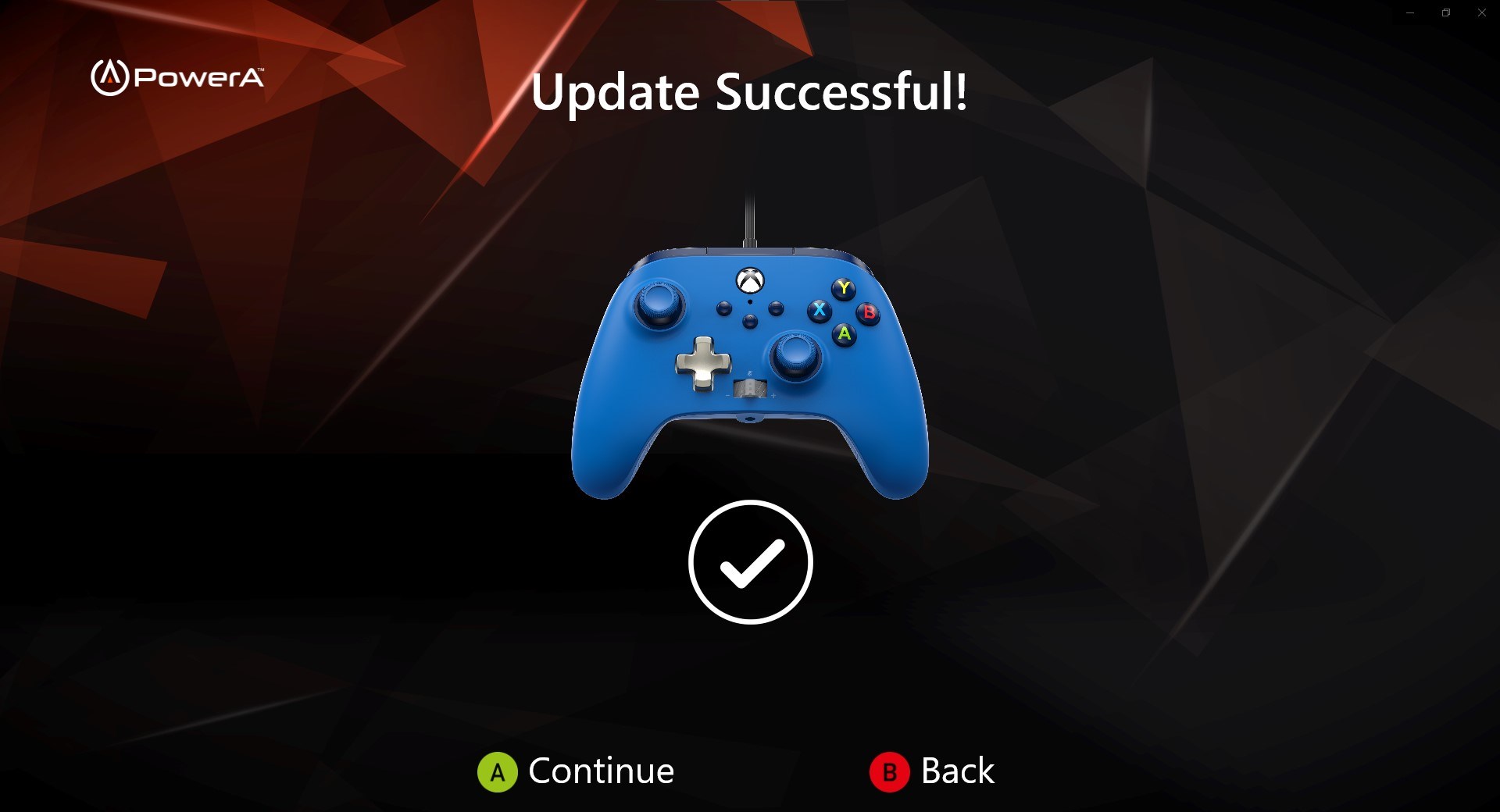
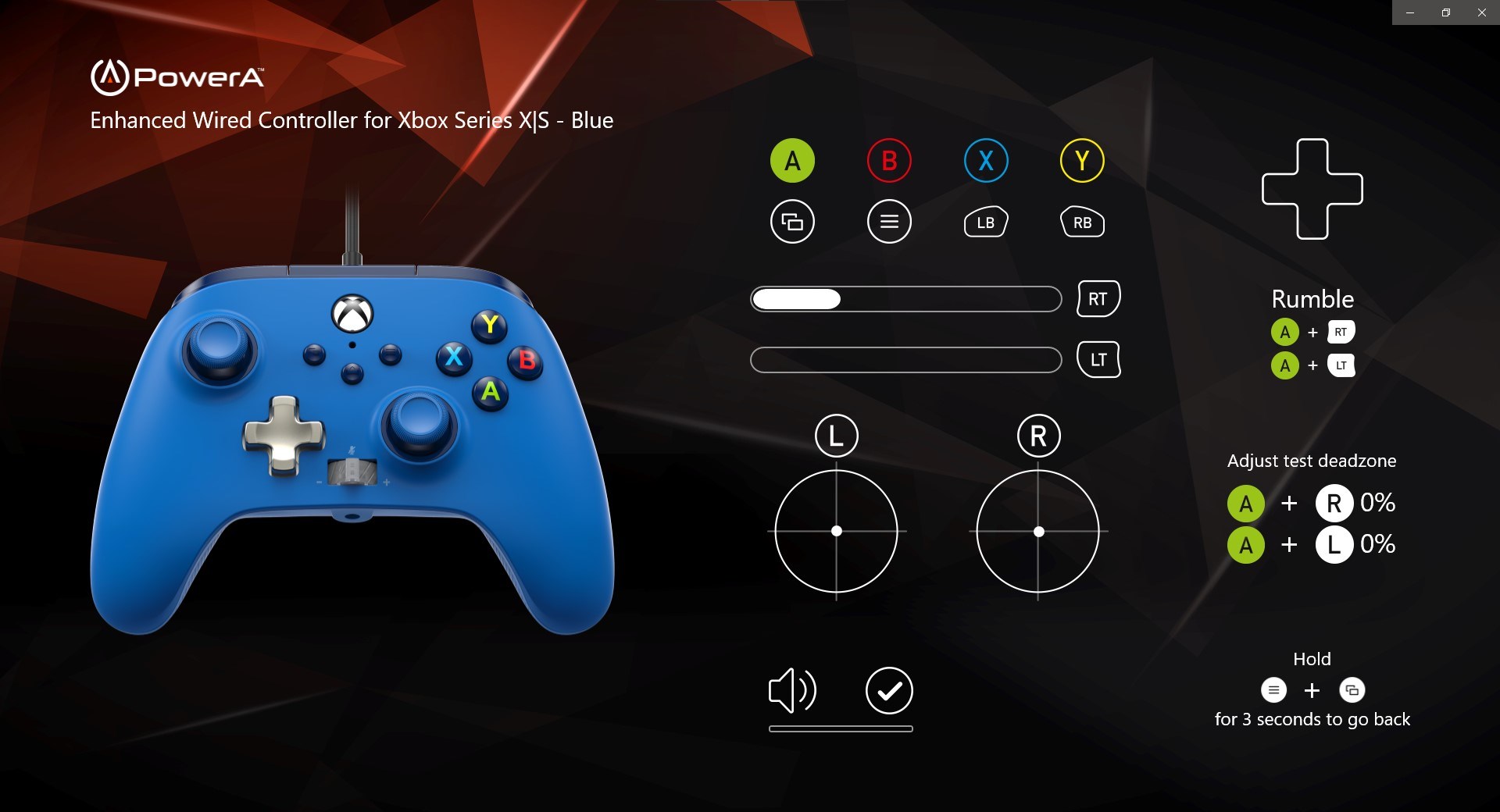
- Name PowerA Gamer HQ
- Category Utilities & tools
- Available on Xbox console, PC
- OS Windows 10 version 18362.0 or higher
- languages English (United States)
Unlocking Your Gaming Potential: An In-Depth Look at PowerA Gamer HQ for Windows
If you're someone who's passionate about gaming and values seamless control management, PowerA Gamer HQ for Windows positions itself as a versatile hub designed to optimize your gaming experience. Developed by PowerA Gaming, this application promises to bridge the gap between gamers and their hardware, offering a suite of tools to enhance gameplay and device management.
Who's Behind the Curtain?
PowerA Gaming, renowned for its gaming peripherals and accessories, extends its expertise into software with PowerA Gamer HQ. The team's focus on creating user-centric gaming solutions ensures that the app is built with both performance and ease of use in mind. As a company rooted in gaming hardware innovation, their software offerings aim to complement their physical products and improve overall user experience.
Top Features that Make PowerA Gamer HQ Stand Out
- Unified Device Management: Instantly connect, customize, and manage your PowerA controllers and peripherals under a single interface, simplifying configuration processes.
- Custom Profile Support: Create and switch between multiple profiles tailored for different games or user preferences, enabling quick adjustments without fiddling through settings.
- Real-Time Performance Monitoring: Monitor device status, battery health, and input responsiveness during gameplay, providing valuable insights for troubleshooting and optimization.
- Intuitive Interface: User-friendly layout with visual cues ensures both beginners and seasoned gamers can navigate and utilize features with ease.
Engaging User Experience: Performance and Design
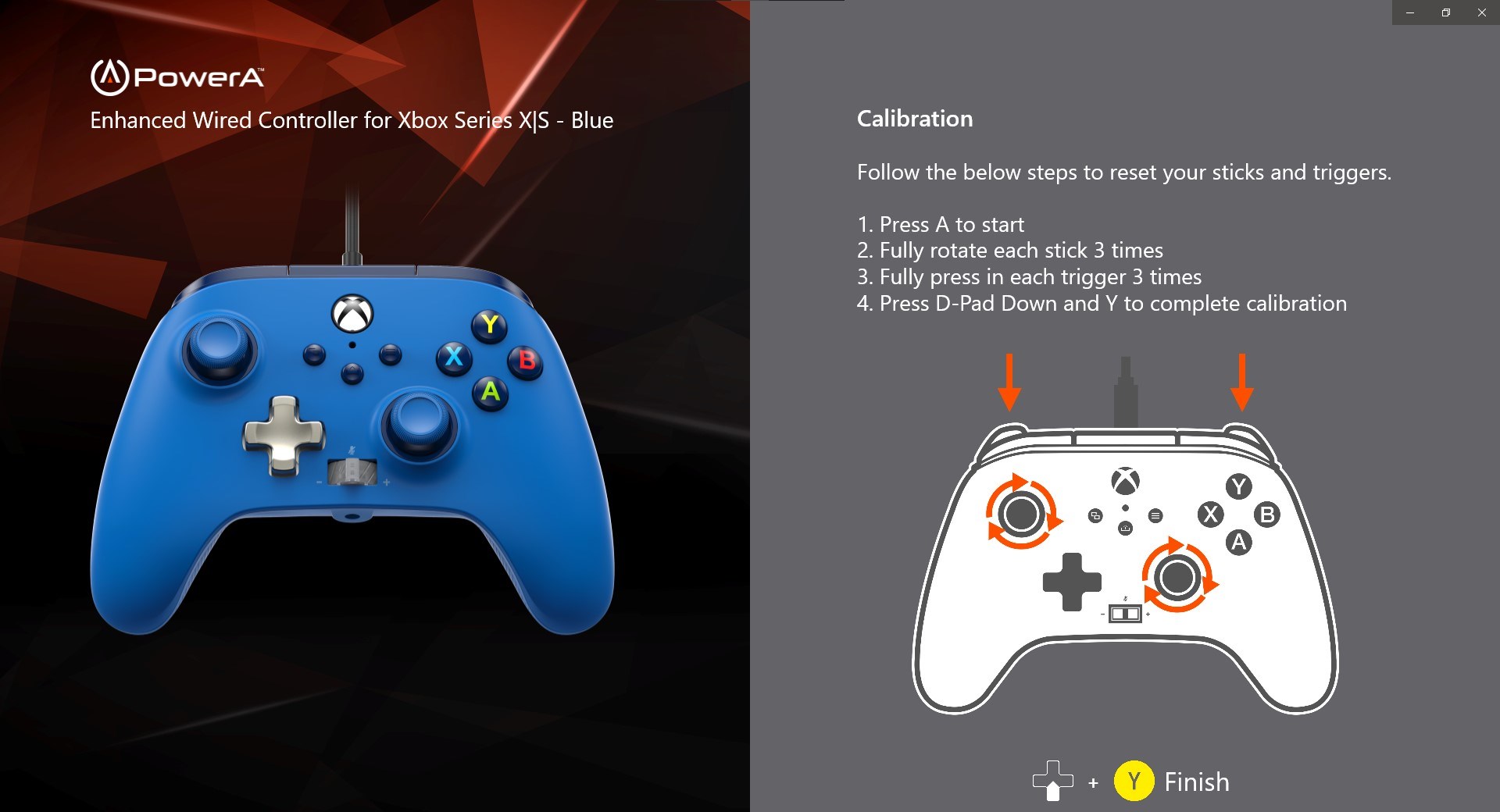
Stepping into PowerA Gamer HQ for the first time, users will find a clean, dashboard-like interface that feels like stepping into the cockpit of a well-equipped gaming ship. The design is straightforward yet modern, with neatly organized menus and clear icons guiding users through device management and profile customization. The app's responsiveness is notable; switching between profiles or adjusting settings happens seamlessly without noticeable lag, akin to changing gears smoothly in a high-performance vehicle.
The intuitive layout minimizes the learning curve, making it accessible to newcomers while still offering depth for power users. Whether you're a casual gamer looking to fine-tune your controller setup or a competitive player aiming for precise input calibration, the app responds swiftly and predictably, elevating the overall user experience.
What Sets PowerA Gamer HQ Apart?
Compared to other utility tools for gaming peripherals, PowerA Gamer HQ distinguishes itself through its dedicated focus on PowerA hardware. Its customization profiles and device management features are tailored specifically for PowerA controllers, offering a level of integration that generic device management apps can't match. The real-time performance monitoring also provides a unique window into device health, which is particularly valuable for gamers who rely on consistent input response and battery life during intense sessions.
Furthermore, unlike some utilities that feel cluttered or overly technical, PowerA Gamer HQ prioritizes user-friendliness—think of it as your personalized control tower, guiding you effortlessly through optimization without overwhelming you with options.
Should You Give It a Try?
Overall, PowerA Gamer HQ for Windows earns a solid recommendation for gamers who own PowerA peripherals and want streamlined, tailored management tools. It's especially advantageous for users who value customization and real-time device insights—attributes that can make the difference in competitive gaming or casual enjoyment alike. For those already invested in PowerA's ecosystem, this app is a handy addition that enhances hardware capability and convenience.
While the app is quite focused on PowerA devices, its ease of use and thoughtful features make it a worthwhile download for any gamer eager to get more out of their controllers. If you're seeking a straightforward, reliable utility that elevates your hardware experience, give PowerA Gamer HQ a shot — it's like having a dedicated tech assistant right at your fingertips.
Pros
- User-Friendly Interface
- Comprehensive Compatibility
- Customizable Profiles
- Fast Firmware Updates
- Helpful Troubleshooting Tools
Cons
- Limited Advanced Settings
- Occasional Connectivity Drops
- Slow Response to Feedback
- Limited Guidance for Beginners
- In-App Settings Navigation Slightly Clunky











