

- Name Power Apps
- Category Business
- Available on PC
- OS Windows 10 version 17763.0 or higher
- Memory 2 GB
- languages Arabic, Basque, Bulgarian, Catalan, Chinese (Simplified), Chinese (Traditional), Croatian, Czech, Danish, Dutch, English (United States), Estonian, Finnish, French, Galician , German, Greek, Hebrew, Hindi, Hungarian, Indonesian, Italian, Japanese, Kazakh, Korean , Latvian, Lithuanian, Malay, Norwegian (Bokmål), Polish , Portuguese (Brazil), Portuguese (Portugal), Romanian, Russian, Serbian, Serbian (Latin, Serbia), Slovak, Slovenian (Slovenia), Spanish (Spain), Swedish, Thai, Turkish, Ukrainian, Vietnamese
Empowering Business Workflows on Windows: An In-Depth Look at Power Apps for Windows
In today's fast-paced digital landscape, the ability to craft custom applications directly on your desktop can be a game-changer for organizations seeking agility and efficiency. Power Apps for Windows, developed by Microsoft Corporation, positions itself as a robust tool enabling users to design, develop, and deploy tailored business solutions seamlessly within the Windows environment.
Core Features and Highlights
Power Apps for Windows shines with its focus on integrating custom app creation into the familiar Windows workspace. Its standout features include intuitive drag-and-drop app design, deep integration with the Microsoft ecosystem (like Teams, SharePoint, and Dynamics), and the ability to automate workflows through built-in connectors. Additionally, its offline mode ensures productivity isn't hindered by connectivity issues, making it primed for on-the-go scenarios.
Who Is This App For?
This application primarily targets business professionals, citizen developers, and IT teams looking to accelerate digital transformation without heavy reliance on traditional coding. Small to medium-sized enterprises that desire tailored, scalable solutions to streamline their operations will find Power Apps for Windows an accessible yet powerful companion.
Introducing Power Apps for Windows: A Fresh Take on Business Application Development
Imagine having a versatile toolkit that lets you craft your company's custom apps as effortlessly as sketching out ideas on paper—Power Apps for Windows turns that dream into reality. Its integration into the Windows environment ensures that app development becomes a natural extension of your daily workflow, inviting users into a world where business solutions are just a few clicks away. Whether you're managing inventory, tracking sales, or coordinating team tasks, this app acts as your digital workshop.
Simplified App Creation with Intuitive Design Tools
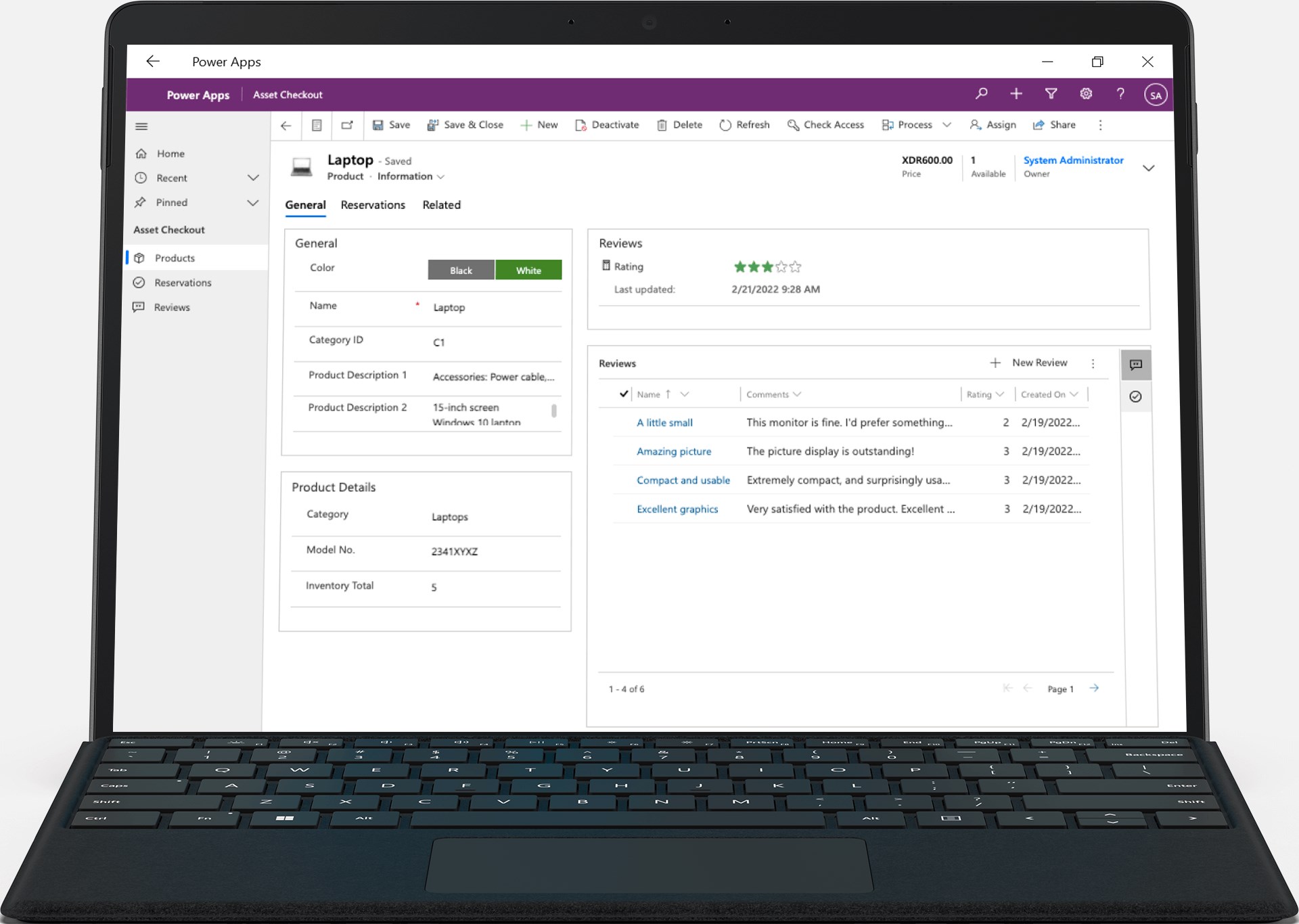
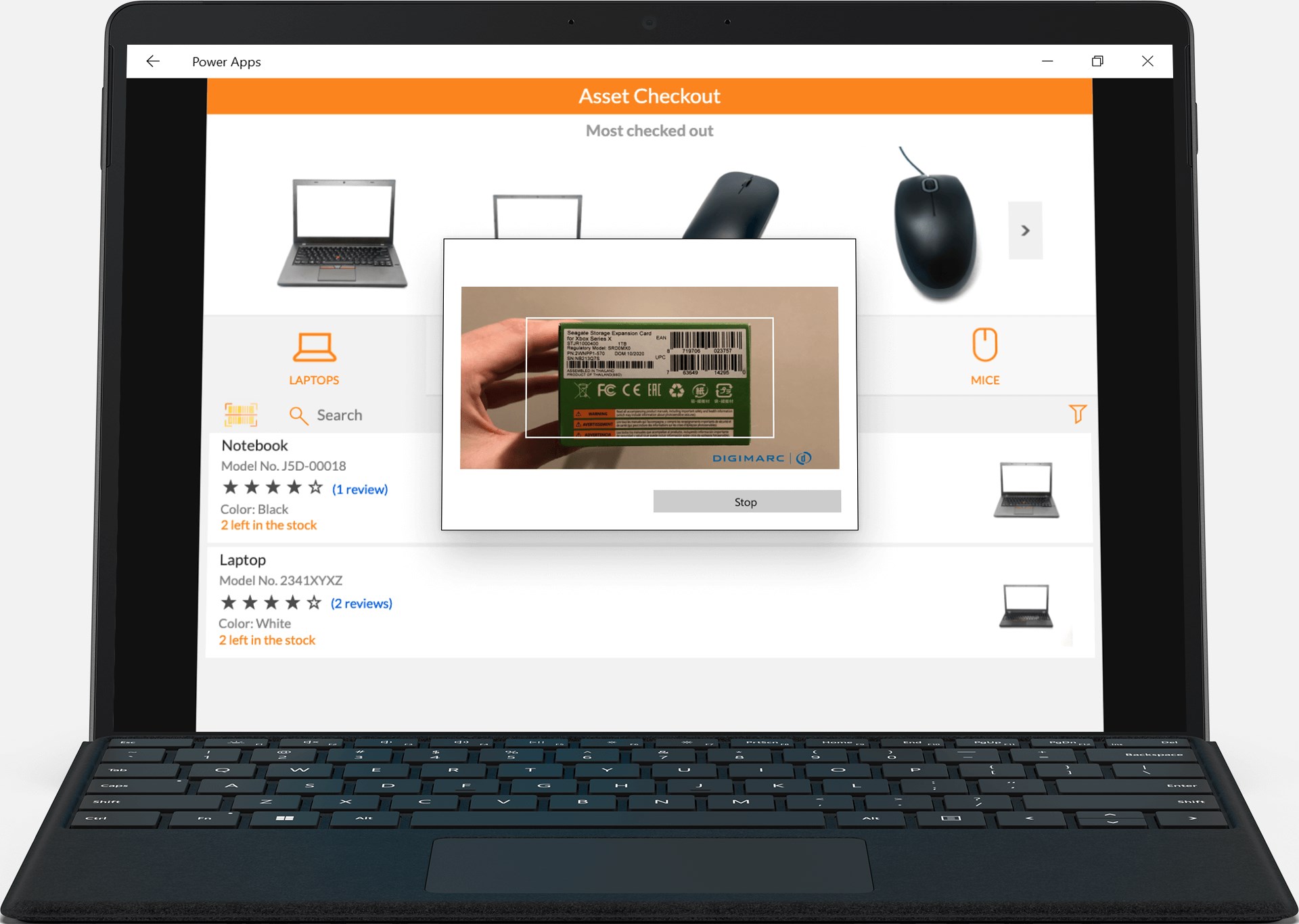
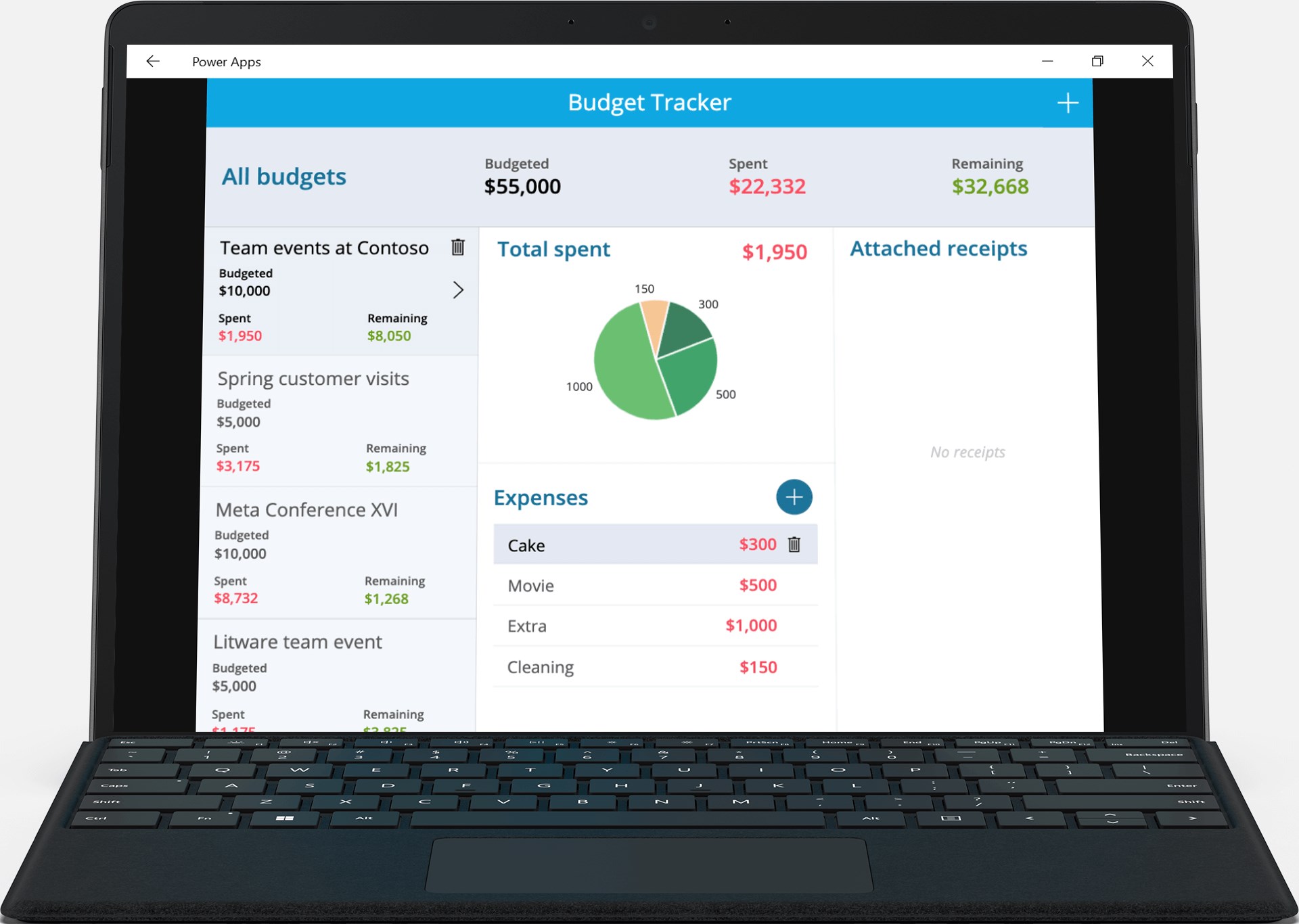
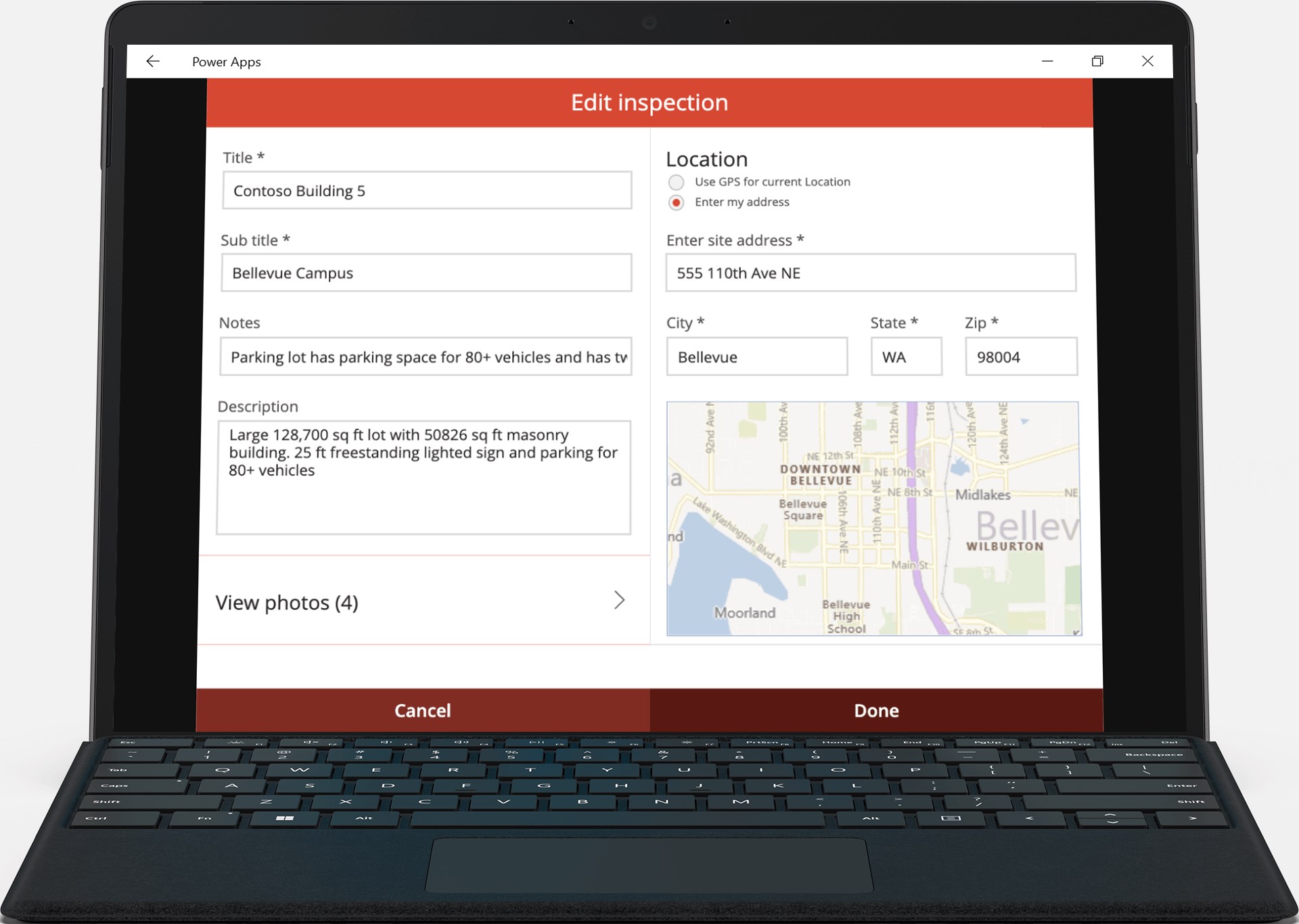
The heart of Power Apps for Windows beats with its user-friendly interface. Even if you're not a seasoned developer, the drag-and-drop canvas provides a visual playground where you can piece together your app's layout effortlessly. The component library is rich yet organized, allowing for quick insertion of buttons, forms, and data visualizations. Behind the scenes, intelligent suggestions and templates jumpstart your project, reducing what was once hours of coding into mere minutes. For example, creating a custom task tracker can be as simple as dragging status indicators and deadlines onto your canvas, then linking them to your existing data sources.
Powerful Integration and Collaboration Features
One of Power Apps for Windows' most striking strengths lies in its collaborative capabilities. Unlike standalone apps, it integrates seamlessly with the Microsoft 365 suite, especially Teams and SharePoint, turning your app into a central hub for teamwork. This integration enables real-time data sharing and notifications, fostering a collaborative environment where team members can update shared dashboards or assign tasks with a few clicks. Its task management features stand out because they allow for assigning roles, setting priorities, and tracking progress without leaving the app, making teamwork not just easy but also cohesive.
User Experience and Differentiators
From the moment you open Power Apps for Windows, it feels like stepping into a familiar workspace—clean, organized, and designed for efficiency. Navigation is smooth, with quick access to recent apps and templates, and performance remains stable even when working with complex data. The learning curve is gentle; newcomers can start building basic apps within minutes, while seasoned developers can leverage advanced connectors and customization options for more sophisticated solutions. What sets this app apart from similar business application platforms is its native Windows integration combined with its emphasis on collaborative workflows. This makes it ideal for teams that need to quickly adapt and iterate on their business processes without the hassle of switching between multiple tools.
Final Recommendations
Power Apps for Windows earns a solid recommendation for organizations seeking to democratize app development within their teams. Its emphasis on ease of use, robust integration, and collaborative features make it a compelling choice for creating practical, scalable business solutions. For users already immersed in the Microsoft ecosystem, this app offers a familiar yet powerful environment to streamline operations and foster teamwork. However, those looking for highly complex, enterprise-level customizations might need additional development resources. Overall, it's a reliable and innovative tool worth exploring for enhancing your organization's digital agility.
Pros
- User-friendly Interface
- Wide Integration Capabilities
- Rapid Development
- Customizable Templates
- Multi-Platform Support
Cons
- Limited Offline Functionality
- Performance Challenges with Complex Apps
- Learning Curve for Advanced Features
- Cost for Premium Features
- Limited Support for Non-Microsoft Integrations











