

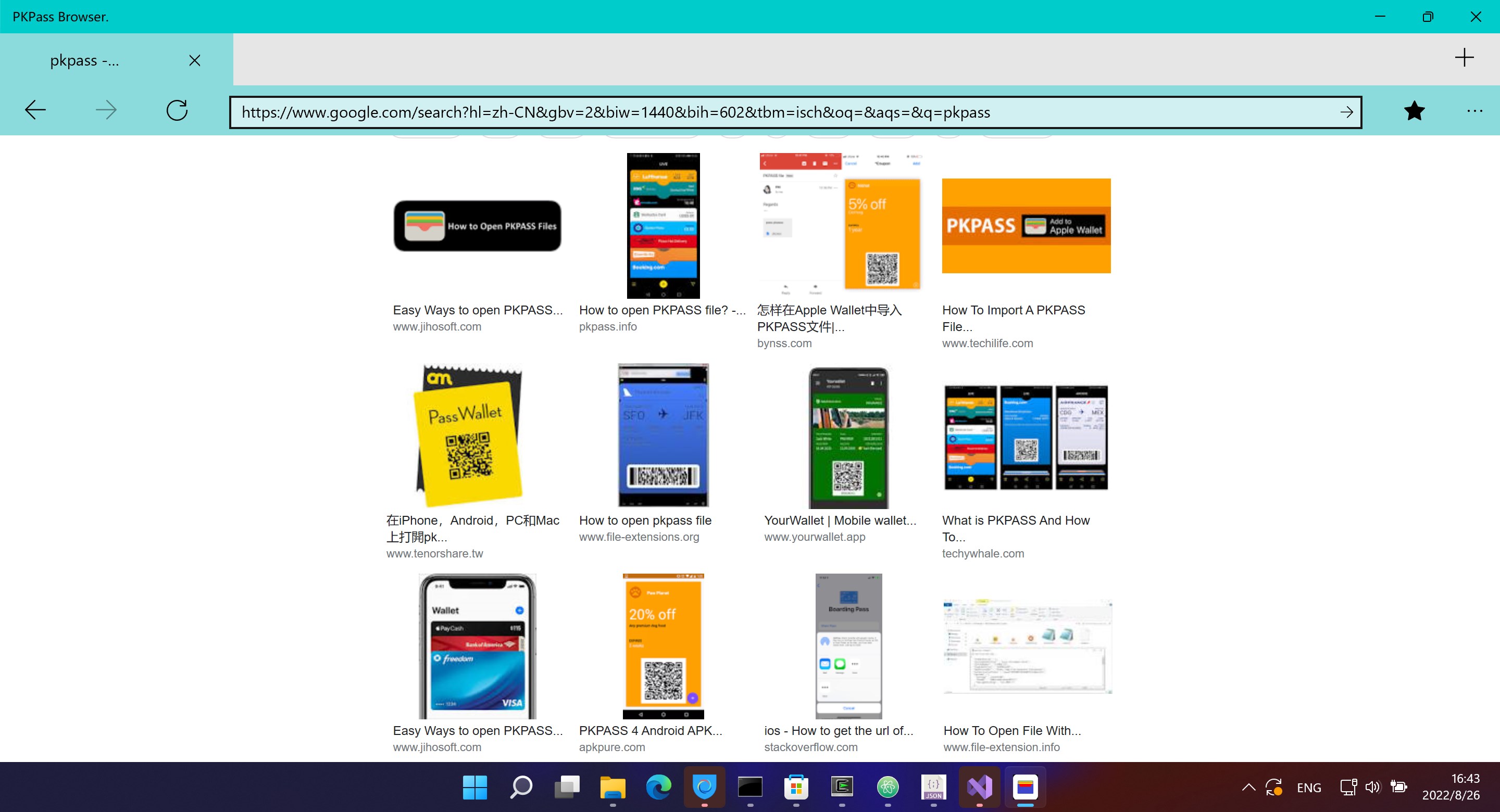
- Name PKPass Browser.
- Category Utilities & tools
- Available on PC
- OS Windows 10 version 10240.0 or higher
- languages English (United States), Portuguese (Brazil)
Introducing PKPass Browser for Windows: Your Digital Pass Companion
PKPass Browser for Windows, developed by Herbert Studio, is a sleek and efficient tool designed to manage, view, and organize your digital passes seamlessly within your desktop environment. Whether it's boarding passes, event tickets, or loyalty cards, this app aims to streamline access and enhance your digital wallet experience.
Key Features That Stand Out
Unified Pass Management
One of PKPass Browser's standout features is its ability to consolidate all kinds of digital passes into a single, intuitive interface. No more hunting through different apps or emails—manage your tickets, boarding passes, and loyalty cards effortlessly in one place, with easy search and categorization options.
Real-Time Pass Updates & Notifications
The app excels in keeping your passes current. It can automatically fetch updates for passes that support dynamic information, such as flight delays or gate changes, and notify you promptly. This real-time aspect ensures you're always in the loop without manual refreshes, acting like a vigilant digital assistant.
Easy Import & Export
PKPass Browser simplifies the process of adding new passes through drag-and-drop support and integration with your file explorer. Need to share or back up a pass? Export functions make it convenient to save or transfer your passes as needed, making the app both user-friendly and versatile.
Design, Usability, and Experience
The interface of PKPass Browser is akin to a well-organized digital wallet, clean yet accessible. With a minimalist but colorful design, it balances elegance with practicality. Navigating through passes feels smooth, akin to flipping through a well-curated photo album—each tap and click responsive and fluid.
On the learning curve, new users will find the app straightforward. Importing passes is as simple as dragging files into the window, and the layout naturally guides you through managing them. For tech novices, its intuitive design reduces the typical intimidation of digital tools, making it an approachable companion for everyday pass organization.
What Makes PKPass Browser Different?
Compared to other utility apps for managing digital passes, PKPass Browser's standout trait is its focus on simplicity without sacrificing functionalities. Unlike multi-purpose digital wallets that often integrate with broader payment systems, this app concentrates solely on viewing and organizing passes, offering a clutter-free experience. Its automatic updates and notification system are notable, transforming passive pass storage into an active, live information hub—something many competitors lack.
Additionally, its lightweight design ensures minimal system resource consumption, making it both swift and unobtrusive—think of it as a trusty sidekick that stays out of your way but is always ready when needed.
Final Thoughts and Recommendations
All told, PKPass Browser for Windows earns a confident recommendation for users seeking a dedicated, easy-to-use solution for managing digital passes on their desktops. Whether you're a frequent traveler, concert-goer, or loyalty program enthusiast, this app acts like a digital butler—organized, reliable, and unobtrusive.
For those tired of cluttered wallets or juggling multiple apps, PKPass Browser offers a straightforward way to bring your passes into your desktop workspace, with the added bonus of real-time updates keeping you informed. Its unique focus on pass management and refresh capabilities make it a particularly compelling choice in the utilities realm.
In sum, if you want an app that simplifies your digital passes and keeps you prepared, PKPass Browser is certainly worth trying out.
Pros
- User-friendly interface
- Fast and smooth performance
- Supports various pass formats
- Offline access to passes
- Regular updates and improvements
Cons
- Limited customization options
- Occasional syncing delays
- Basic notification features
- Lack of detailed pass management tools
- Minimal language options











