

- Name Phone Call Pro
- Category Business
- Available on PC, Mobile, Surface Hub, HoloLens
- OS Windows 10 version 17763.0 or higher
- Keyboard Integrated Keyboard
- Mouse Integrated Mouse
- languages English (United States)
A Professional Yet Friendly Call Management Tool for Windows
Phone Call Pro for Windows by GMT Software is designed to streamline your communication efforts by offering a comprehensive platform for managing and making calls directly from your desktop. Whether for business or personal use, this application aims to centralize your call activities, making communication smoother and more efficient.
About the App: The Basics
Phone Call Pro positions itself as a dedicated call management assistant tailored for Windows users seeking an integrated calling solution without the need for external devices or complex setups.
Developer: GMT Software, a team committed to enhancing productivity through innovative communication tools.
Main Features Highlights:
- Integrated calling directly from the Windows desktop environment.
- Ability to sync contacts and call logs seamlessly with your existing contact database.
- Call recording and logging features to keep track of your communications.
- Customizable call notifications and scheduling options.
Target Audience: Business professionals, remote workers, customer service teams, and anyone who frequently manages multiple calls and needs a unified platform for their communication needs.
A Dynamic Introduction: Making Calls More Than Just a Tap
Imagine transforming your Windows PC into a personal secretary that handles your calls—quickly, efficiently, and without the clutter of switching devices. Phone Call Pro feels like a trusty office assistant, quietly organizing your day's conversations and ensuring nothing slips through the cracks. Its intuitive interface means you're not wrestling with menus or deciphering complex tools—instead, you're simply connecting, chatting, and moving on. It's a breath of fresh air in a world where managing calls can sometimes feel like juggling flaming torches.
Core Features in Deep Dive
Seamless Call Handling & Contact Management
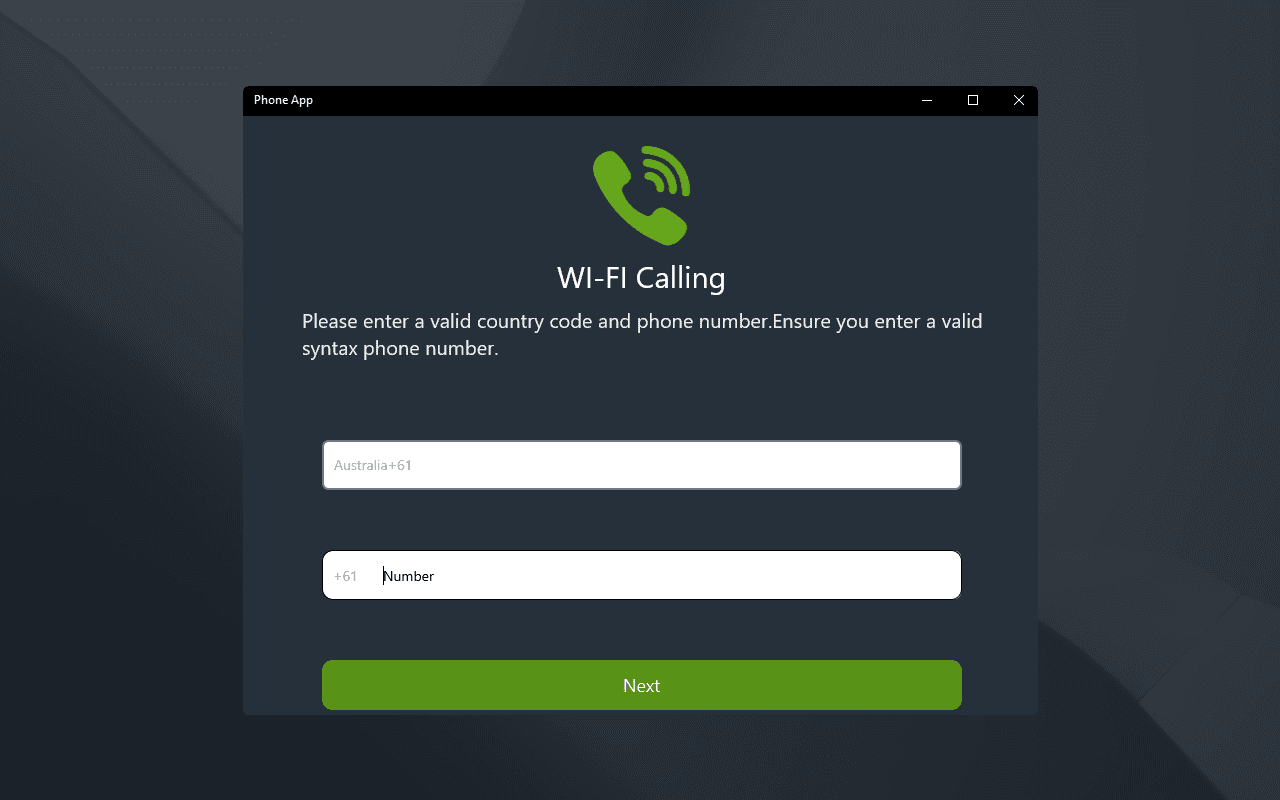
The app's primary strength lies in its robust call handling capabilities. With a clean, user-friendly interface, initiating or answering calls becomes as effortless as clicking a contact's name. The contact sync feature ensures your phone numbers, emails, and call history are unified in one place, reducing the chaos of scattered data across multiple platforms. This integration enables quick access during calls and saves time when retrieving important contact information.
Advanced Call Logging and Recording
Another standout feature is the ability to automatically log details of each call—time, duration, and participant info—making post-call review straightforward. For more important conversations, call recording offers an extra layer of security, ensuring you have records for future reference. These features are especially valuable for businesses that need to maintain precise records or individuals who want to revisit essential dialogue without rummaging through memos or emails.
Customizable Notifications & Scheduling
Phone Call Pro isn't just about making calls; it's about managing your time effectively. The app's notification system alerts you to upcoming scheduled calls or missed calls, ensuring you stay on top of your communication game. Further, scheduling features allow you to plan calls in advance, integrating with your calendar, so you're always prepared without the frantic last-minute rush.
What Sets It Apart & User Experience
Among numerous business communication tools, Phone Call Pro distinguishes itself through its focus on collaboration and task management. Unlike traditional calling apps, this software emboldens your team workflow by allowing synchronized contact sharing and call notes, fostering transparent, real-time collaboration. Its task management features—such as assigning follow-up calls or setting reminders—embed communication into your broader productivity framework.
From an experience standpoint, the interface is minimalist yet functional, similar to a well-organized digital drawer—you can find what you need intuitively. The app performs smoothly without noticeable lag, and the learning curve is gentle, making onboarding easy for new users.
Final Verdict and Recommendations
Considering its features and usability, Phone Call Pro for Windows earns a solid recommendation for professionals seeking a lightweight but capable call management solution. If you value integrated contact handling, meticulous call logging, and tools that facilitate team collaboration, this app fits the bill. It is best suited for users who require a reliable desktop calling interface and meaningful integration into their workflow. For those who rely heavily on phone calls, especially in a business context, Phone Call Pro offers an organized, efficient, and user-friendly experience worth exploring.
Pros
- Intuitive User Interface
- High Call Quality
- Integration with Phone Contacts
- Customizable Call Settings
- Reliable Connectivity Features
Cons
- Limited Feature Set in Free Version
- Occasional App Crashes During Launch
- Inconsistent Notifications for Incoming Calls
- Requires Internet Connection for Calls
- Limited Customer Support Options











