
- Name PDF X: PDF Editor & PDF Reader
- Category Business
- Available on PC
- OS Windows 10 version 14393.0 or higher
- languages Chinese (Simplified), Dutch, English (United States), French, German, Italian, Japanese, Korean, Portuguese, Russian, Spanish
Introducing PDF X: Your All-in-One PDF Companion for Windows
Looking for a reliable yet user-friendly tool to handle your PDF needs? PDF X by NG PDF Lab offers a comprehensive solution that blends core editing capabilities with innovative collaboration features, making it a noteworthy choice for both casual users and professionals alike.
Core Features That Stand Out
PDF X shines with its intuitive interface, swift processing speed, and a suite of powerful tools such as seamless PDF editing, annotation, and form management. Notably, it brings collaboration to the forefront, allowing multiple users to work on documents simultaneously, a feature often missing in standard PDF readers/editors.
Designed for Every PDF User Come Rain or Shine
This application caters broadly to students handling assignments, business professionals managing contracts, or team members collaborating on project documentation. Its versatility makes it suitable for anyone needing a reliable PDF tool with collaborative prowess.
Vivid Insights: A Friendly Peek into PDF X
Imagine sitting at your desk, juggling several PDFs—some needing quick edits, others requiring annotations or form filling. PDF X acts as your digital Swiss Army knife, providing a smooth ride through your document management journey. Its clean and modern interface ensures you're not lost in menus; instead, you're efficiently navigating your PDF universe, like a captain confidently steering a sleek ship through calm waters.
Robust Editing and Annotation Capabilities
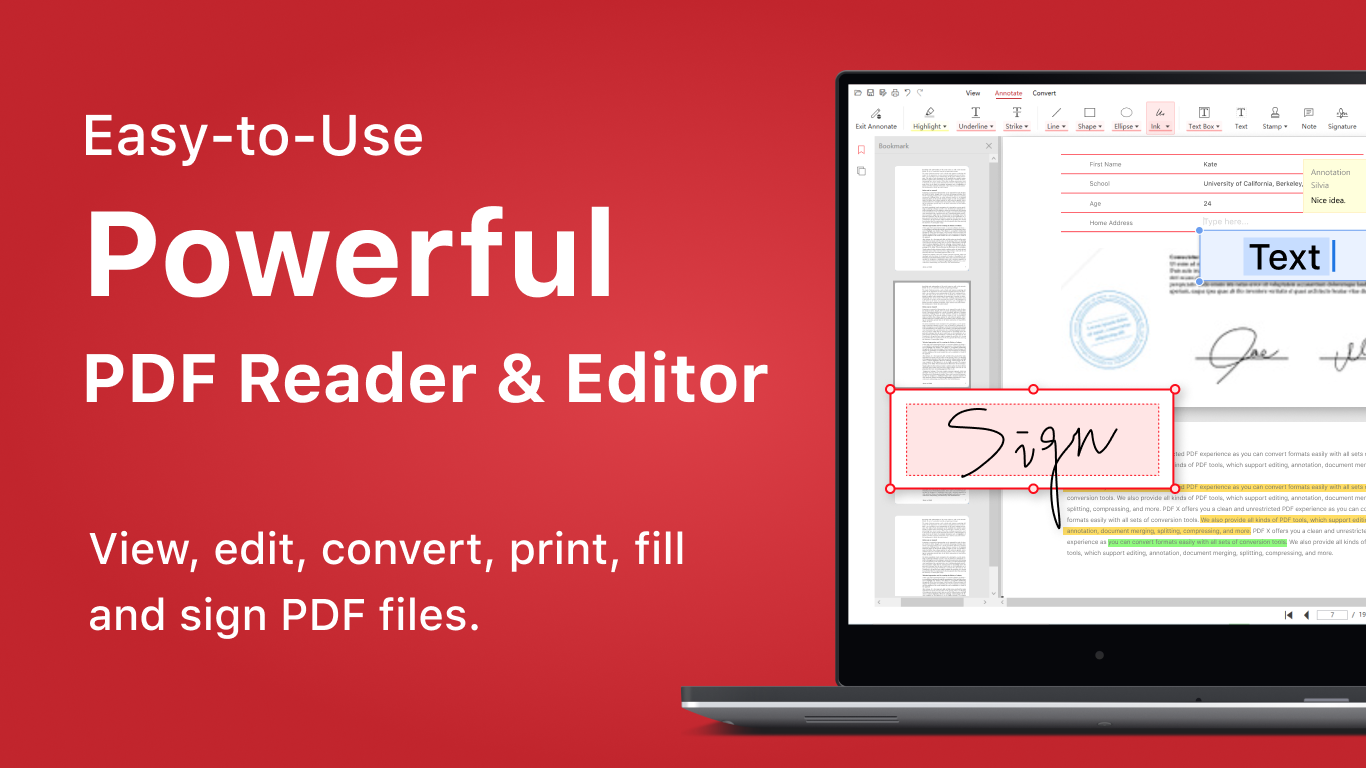
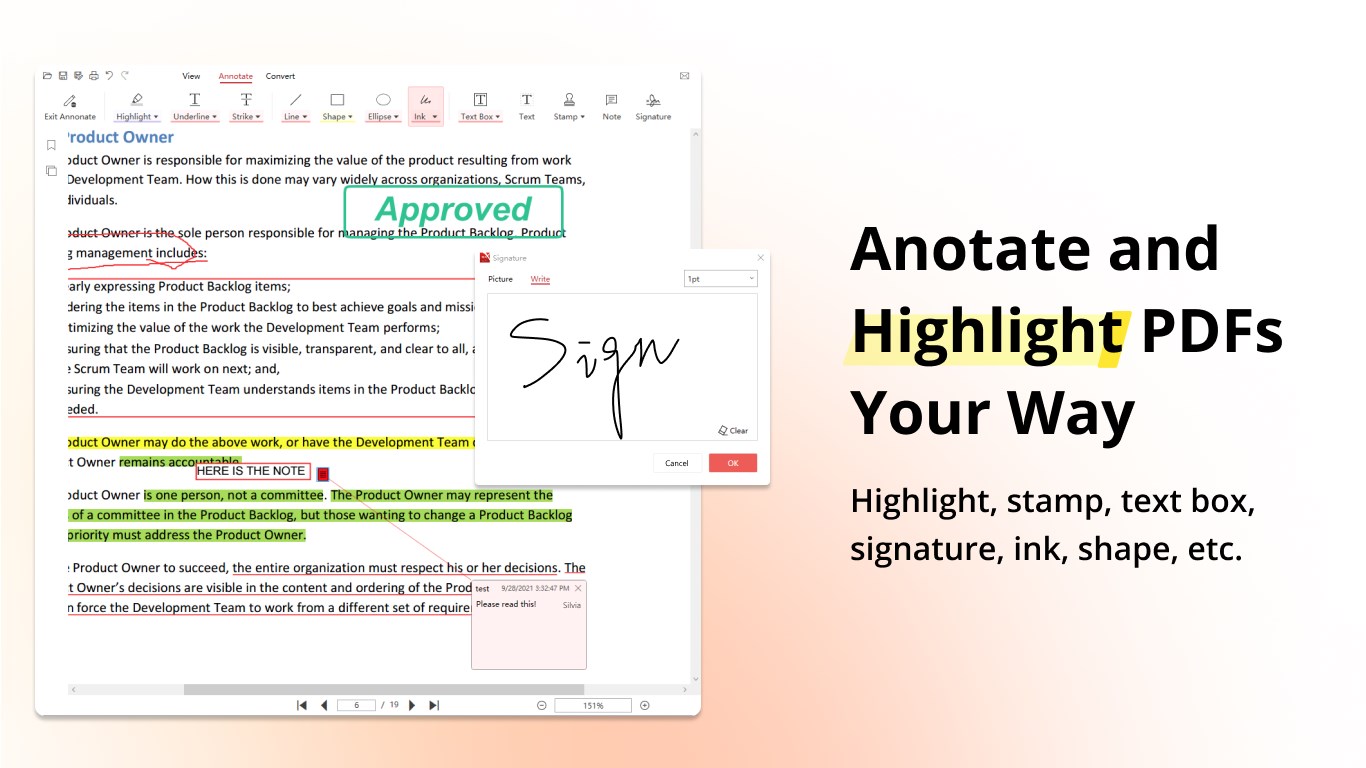
At its core, PDF X offers robust editing tools—adding or removing text, inserting images, cropping pages, and reorganizing content effortlessly. Annotation features are equally impressive; highlight, underline, or add sticky notes with a few clicks. These tools emulate the natural workflow of marking up a paper document, but in a digital realm—making comments and revisions smooth and intuitive. The application handles large files gracefully, maintaining speed and responsiveness even with busy documents, which is essential for professional environments.
Streamlined Collaboration and Task Management
What truly elevates PDF X above many rivals is its built-in collaboration aspect. Unlike standard PDF editors, this app allows multiple users to review, comment, and edit PDFs simultaneously. Think of it as a virtual conference room where team members can leave real-time feedback—a game-changer for remote work. Its task management features help assign comments or edits to specific team members, track changes, and streamline workflows, turning PDF editing from a solitary chore into a team effort.
User Experience and Unique Selling Points
The interface of PDF X is thoughtfully designed—modern, uncluttered, and easy to navigate, akin to someone organizing all your tools in a well-ordered workspace. The learning curve is gentle; even first-time users can start editing or collaborating within minutes. The app's speed and stability are commendable, minimizing frustration and keeping productivity high.
Compared to other business-oriented PDF tools, PDF X's standout feature is its **collaborative work environment combined with task management**, which makes teamwork more transparent and efficient. Many PDF editors support annotations, but few integrate real-time collaboration with project management capabilities at this level.
Recommendation and Usage Suggestions
Overall, I'd recommend PDF X to those seeking an accessible yet potent PDF tool, especially if collaboration and teamwork are central to your workflow. It fits well for small to medium-sized teams working remotely, or business professionals needing efficient review cycles. For individual users primarily editing personal documents, it still offers enough features to justify its place on your desktop.
In summary, PDF X by NG PDF Lab stands out for its collaborative features and user-centric design. It's like having a virtual team assistant that's always ready to lend a helping hand with your PDFs. Whether you're managing contracts, preparing reports, or collaborating on shared documents, this app deserves a spot in your digital toolkit.
Pros
- Intuitive user interface
- Comprehensive PDF editing features
- Smooth PDF viewing experience
- Excellent annotation tools
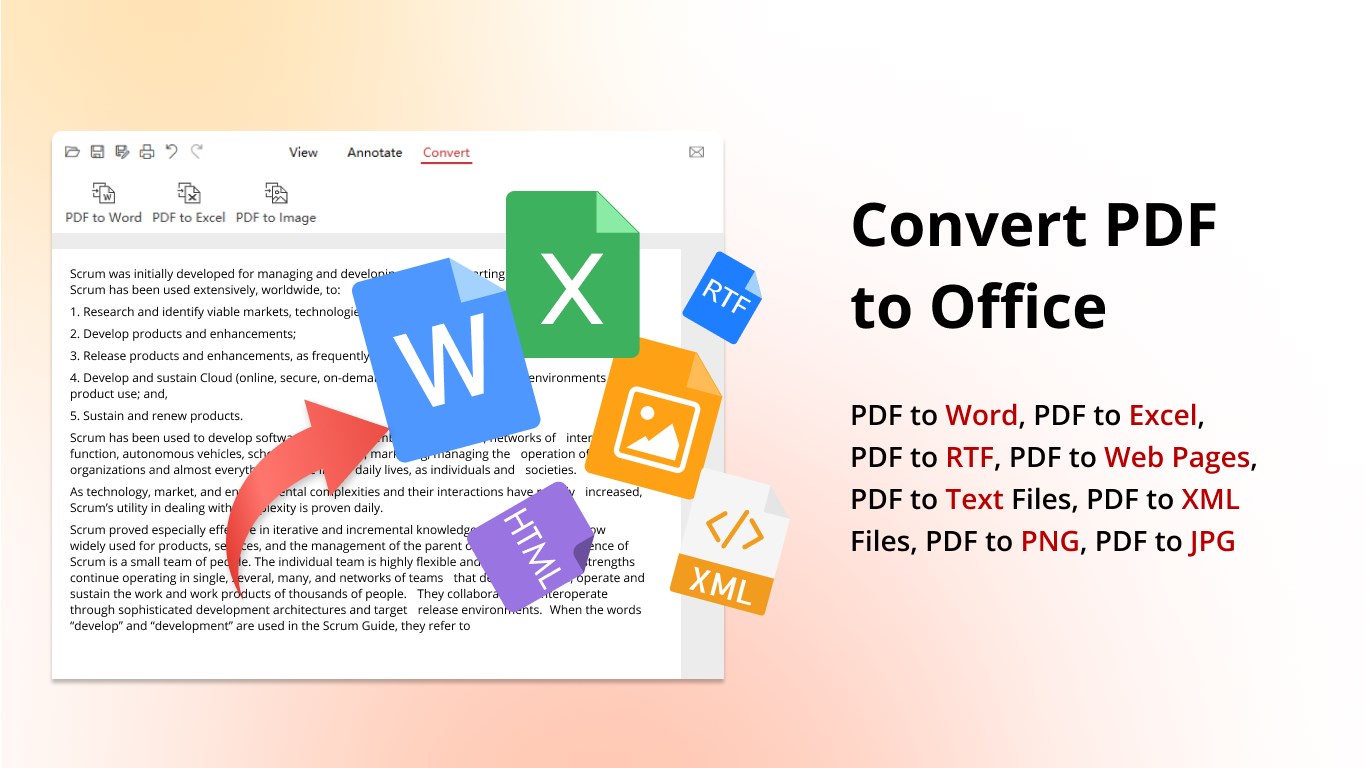
- Fast PDF conversion options
Cons
- Limited free features
- Occasional crashes during large file imports
- Basic annotation tools lack advanced options
- Occasional slow performance on older devices
- Limited cloud storage integration











