
- Name PDF Reader Pro - Editing Expert
- Category Business
- Developer PDF Technologies, Inc.
- Available on PC
- OS Windows 10 version 17763.0 or higher
- languages Chinese (Simplified), Chinese (Traditional), English (United States), French, German
Introducing PDF Reader Pro - Editing Expert for Windows
Imagine having a Swiss Army knife for all your PDF needs—robust, versatile, and designed to streamline your workflow. That's exactly what PDF Reader Pro - Editing Expert aims to deliver. Developed by PDF Technologies, Inc., this application positions itself as a comprehensive solution for editing, annotating, and managing PDF documents efficiently. Whether you're a student, a business professional, or anyone who frequently handles PDFs, this app promises to elevate your experience with a suite of powerful features tailored to improve productivity.
Core Features That Stand Out
PDF Reader Pro isn't just another PDF viewer; it's a full-fledged editing studio wrapped into a sleek interface. Here are some of its brightest highlights:
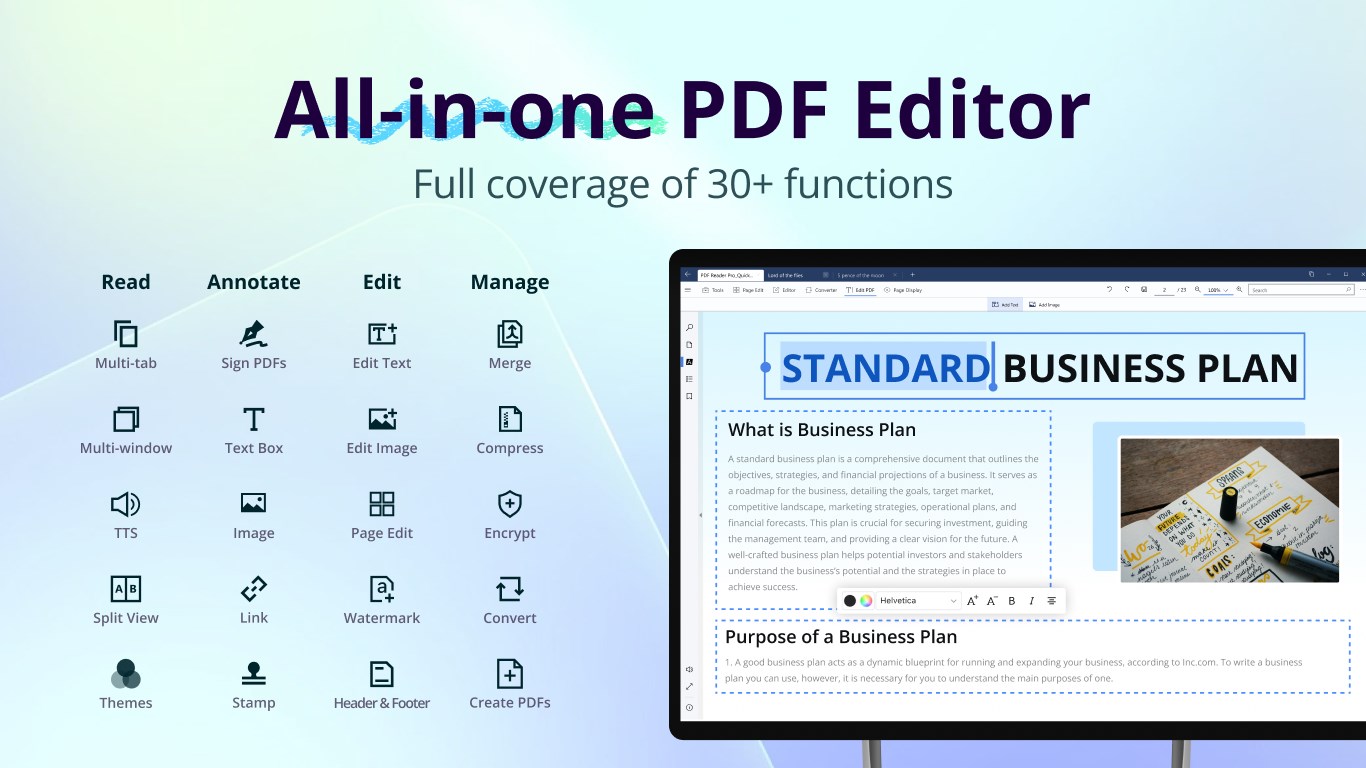
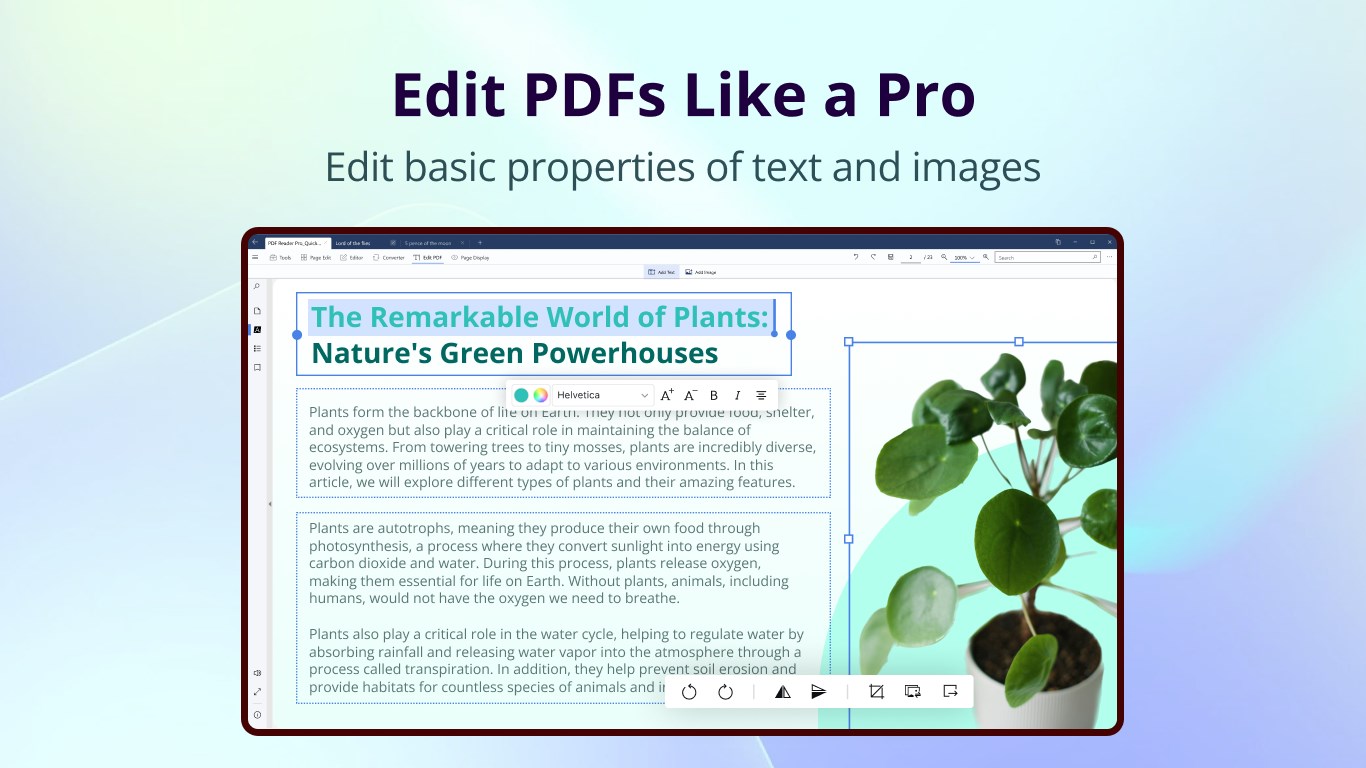
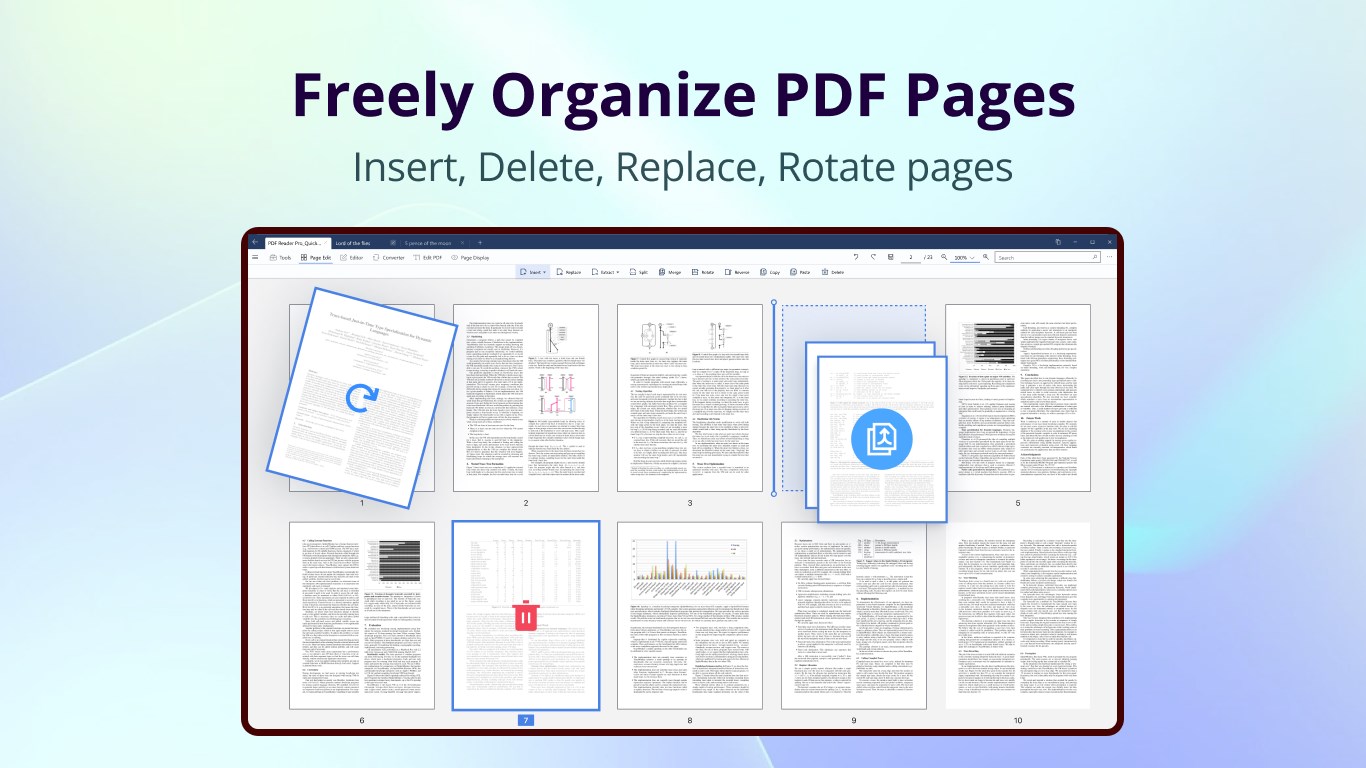
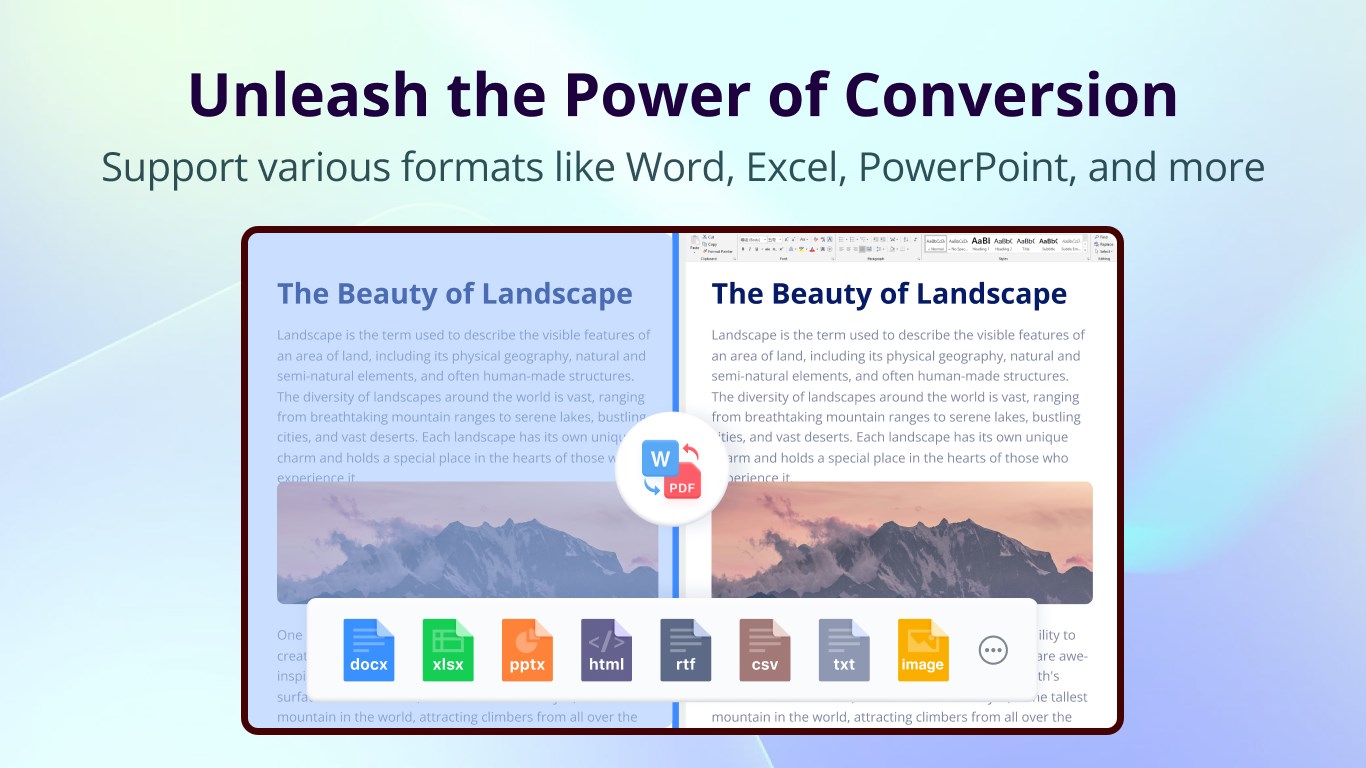
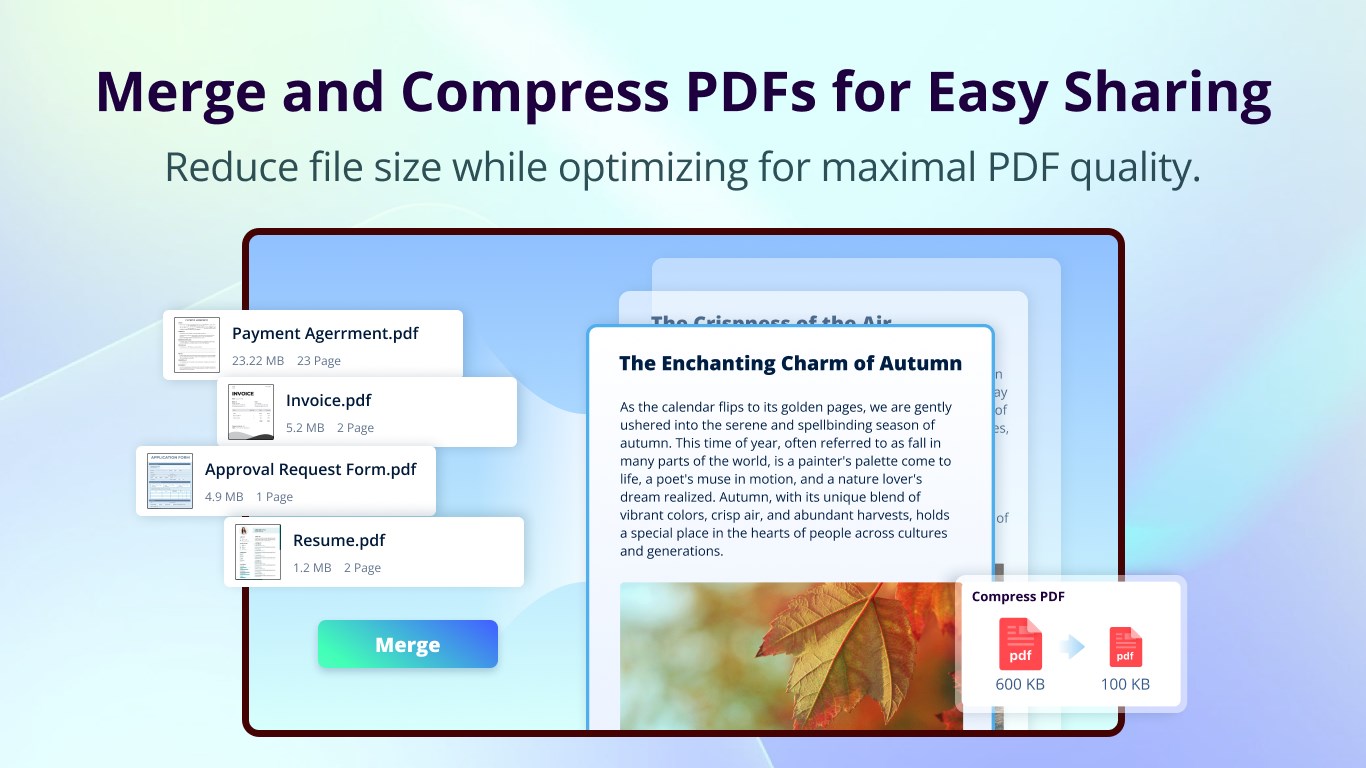
- Advanced Editing Capabilities: Modify text, images, and layouts directly within your PDFs, making on-the-fly updates or corrections a breeze.
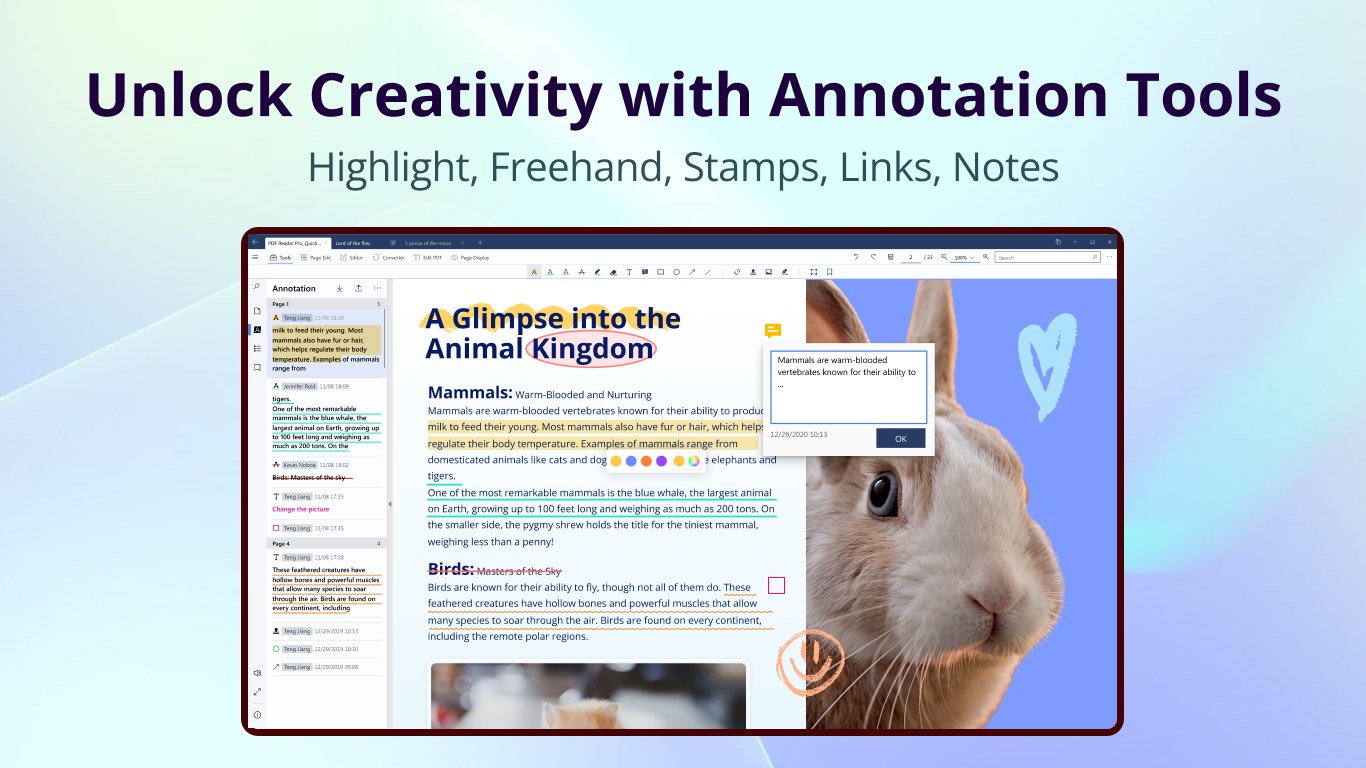
- Collaborative Annotations and Sharing: Annotate PDFs collaboratively, share comments seamlessly, and streamline team reviews—perfect for team-based projects or client feedback.
- Enhanced Task Management Integration: Organize your work with built-in tools for task tracking and document workflows, helping you stay on top of multiple projects.
- Intuitive User Interface: Designed with user experience in mind, offering an easy-to-navigate environment that minimizes the learning curve.
Experience and Ease of Use
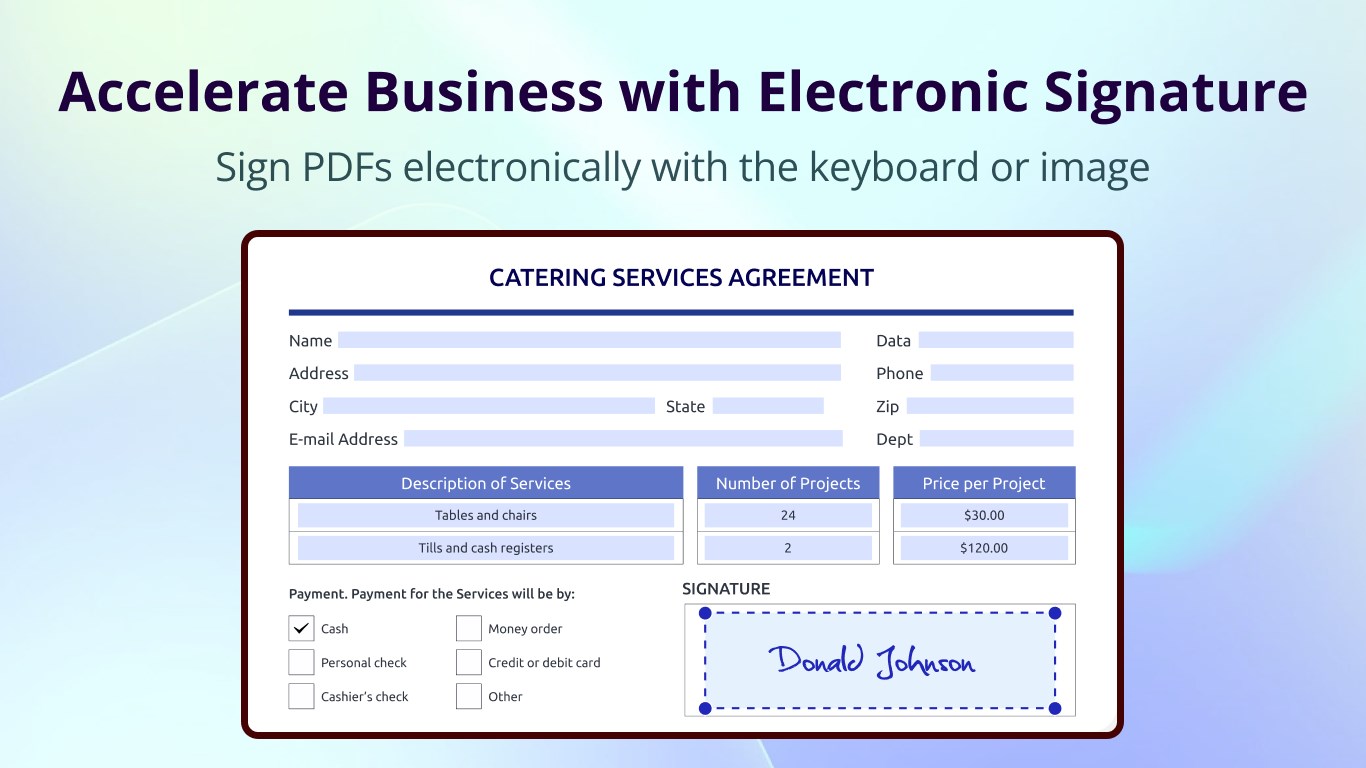
Stepping into PDF Reader Pro feels akin to entering a well-organized digital workshop. The interface strikes a good balance: clean, professional, yet inviting enough not to intimidate new users. The toolbar is logically arranged, allowing quick access to essential functions. Annotating a PDF, for instance, is as simple as clicking a few icons and selecting your preferred tools—be it highlighting, underlining, or adding notes. Operations are smooth and responsive; I didn't experience any lag or glitches even when working with sizable documents.
Learning to harness its features doesn't require an advanced degree; a few minutes exploring the tutorials or help guides will suffice. The app's design emphasizes straightforwardness, removing unnecessary clutter and presenting options contextually. For those new to PDF editing, the intuitive layout acts as a friendly guide, gradually revealing deeper functionalities as needed.
Unique Selling Points — Collaboration and Task Management
What truly differentiates PDF Reader Pro from similar apps in the market is its focus on facilitating collaboration and integrating task management. Unlike standard PDF tools that simply let you annotate and sign documents, this app fosters teamwork by allowing multiple users to review and comment on the same file in real-time or asynchronously. This collaborative aspect turns PDF editing from a solitary chore into a shared project—imagine a digital conference room within your desktop where ideas and revisions flow effortlessly.
Furthermore, its task management features enable users to assign, track, and complete actions related to document workflows. If your team handles numerous contracts, reports, or proposals, these capabilities ensure that your PDFs aren't just static files but active parts of your project pipeline. This synergy between document editing and task oversight is a significant advantage, especially for teams seeking to unify their document-centric processes.
Final Thoughts and Recommendations
In conclusion, PDF Reader Pro - Editing Expert for Windows stands out as a comprehensive and user-friendly tool for anyone needing more than just a basic PDF viewer. Its core strengths, particularly in collaborative review features and integrated task management, make it a compelling choice for teams and busy professionals. While it maintains a gentle learning curve and smooth operation, users looking for an all-in-one PDF solution will find it a valuable addition to their toolkit.
I would recommend this app for small to medium-sized teams who want to enhance their document workflows without juggling multiple separate tools. Individual users seeking a reliable, feature-rich PDF editor will also benefit from its intuitive design and robust capabilities. Overall, it's a trustworthy companion for navigating the complex world of PDFs—like having a trusty assistant always ready to help manage, edit, and organize your documents efficiently.
Pros
- User-friendly interface
- Rich editing features
- Fast performance
- Multi-platform support
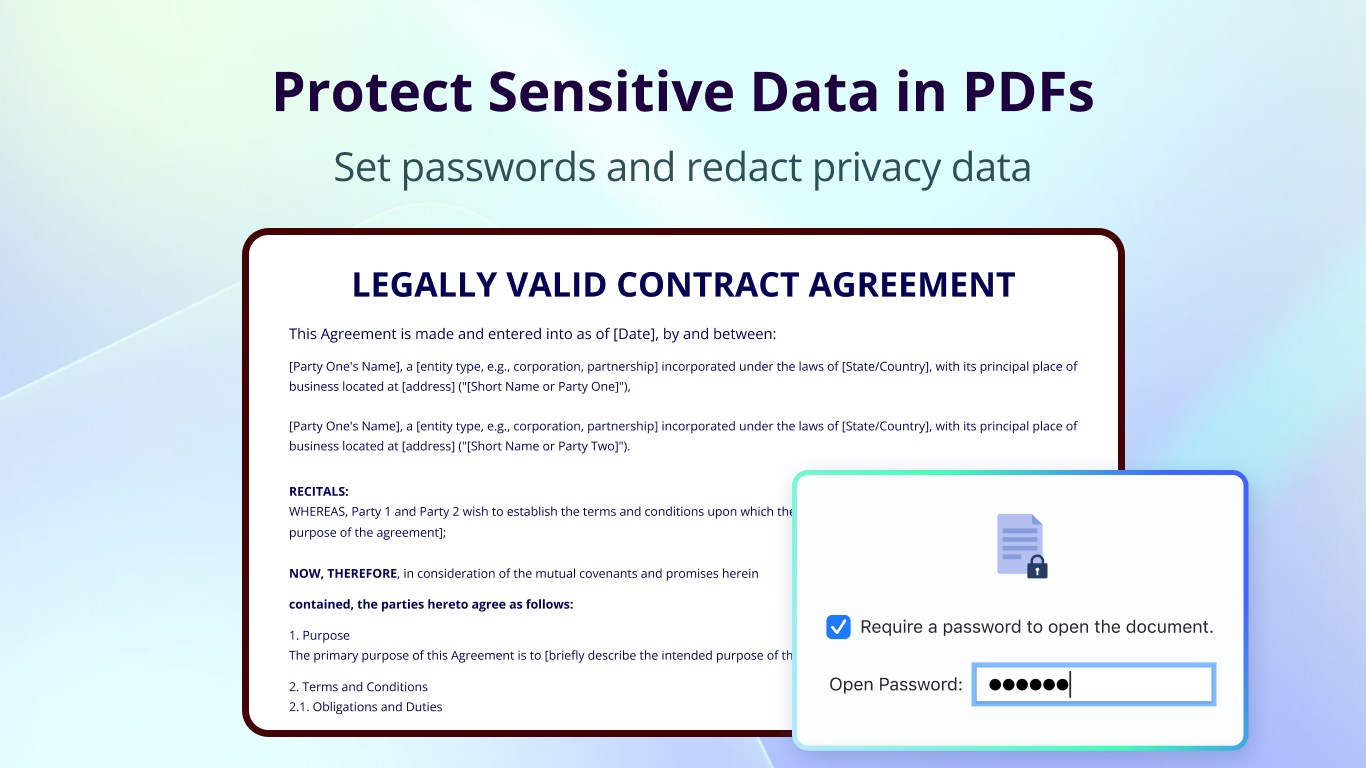
- Secure document handling
Cons
- Occasional stability issues
- Limited free features
- Minor UI inconsistencies
- Sample size limitation
- Limited cloud integration











