

- Name NX Auto Clicker
- Category Utilities & tools
- Developer Neuron Software
- Available on PC
- OS Windows 10 version 17763.0 or higher
- languages English (United States)
An Efficient and User-Friendly Auto Clicker for Windows
NX Auto Clicker for Windows, developed by Neuron Software, is a lightweight utility designed to automate repetitive clicking tasks seamlessly. Whether you're gaming, testing applications, or performing routine actions, this tool promises to make mouse automation straightforward and accessible.
Meet the Developer: Neuron Software's Commitment
Neutron Software, renowned for crafting focused and reliable utilities, brings its expertise to the table with this auto clicker. Their goal is to provide users with simple yet powerful tools that enhance productivity without unnecessary complexity.
Key Features That Make NX Auto Clicker Stand Out
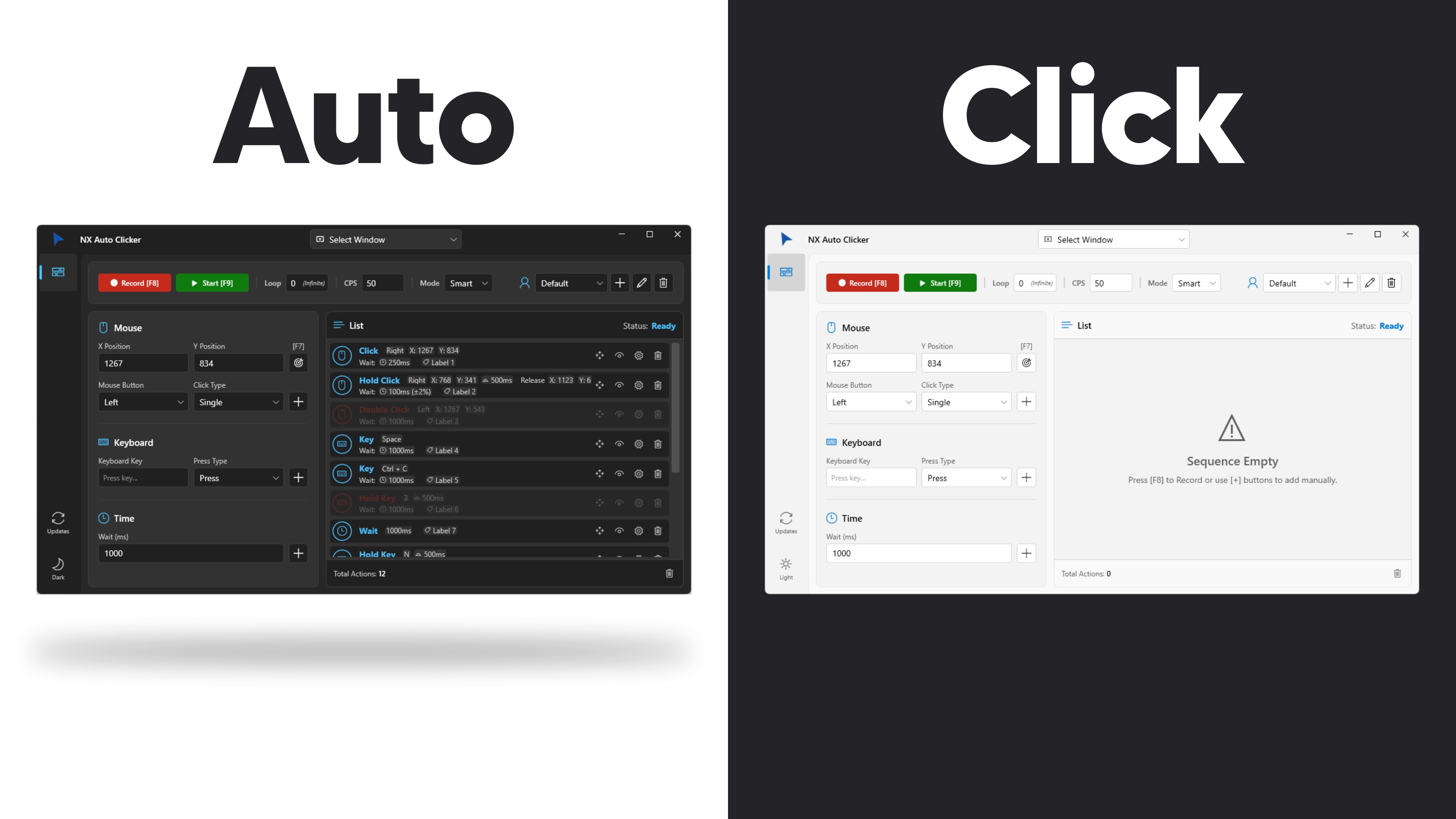
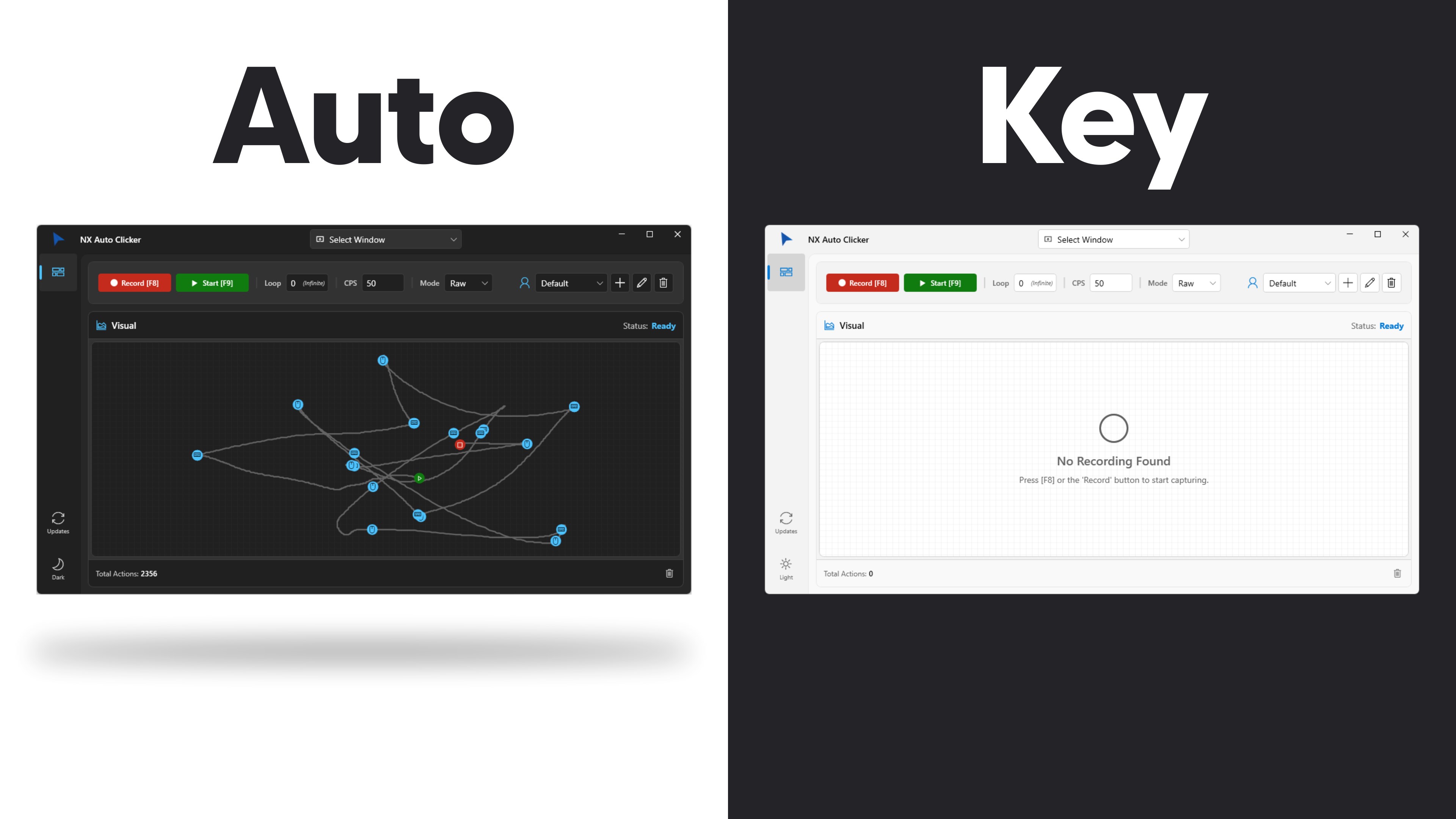
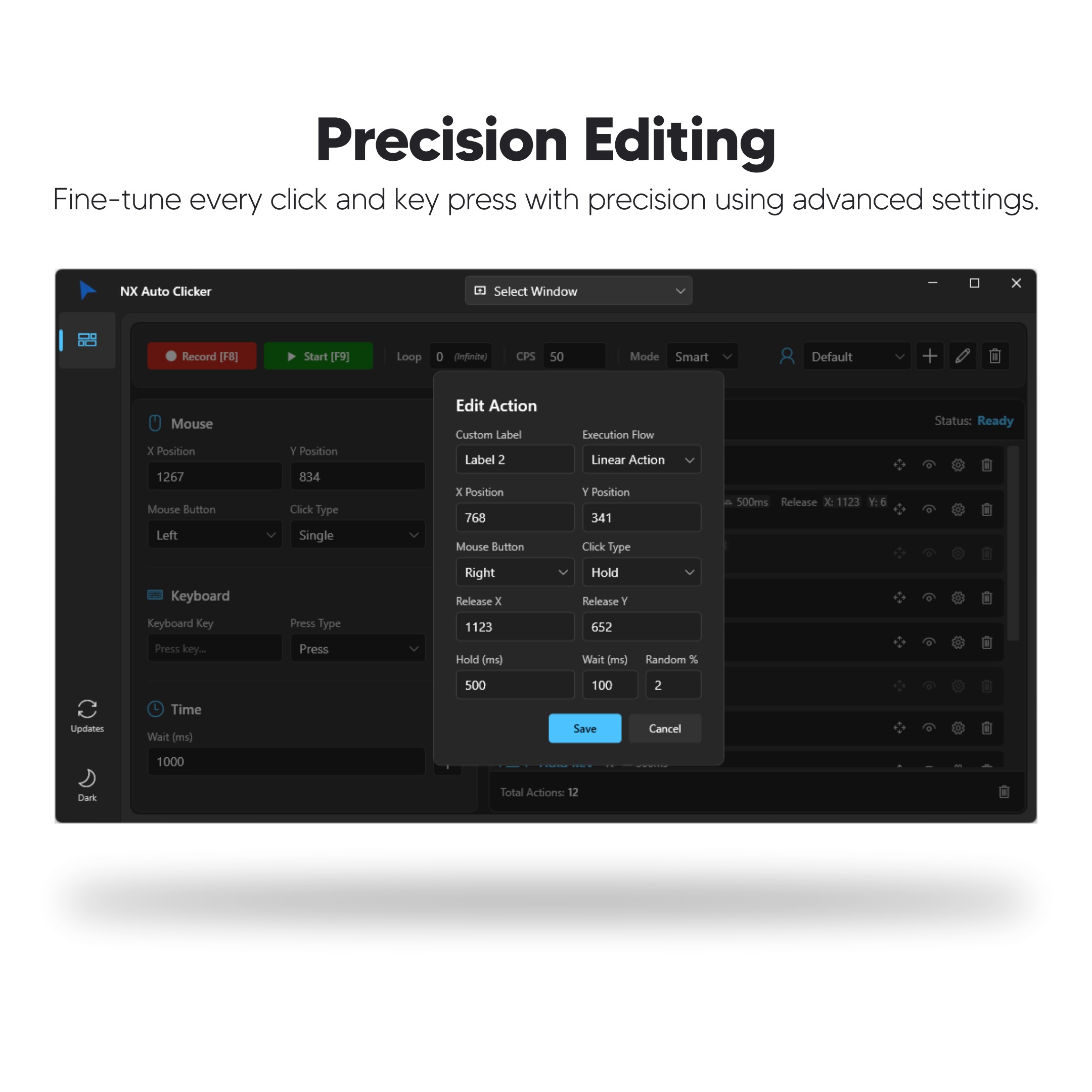
- Customizable Click Settings: Users can set specific click intervals, modes (single, double, or multiple clicks), and choose between left or right mouse buttons, allowing for tailored automation suited to diverse needs.
- Flexible Hotkey Support: Easy to activate and deactivate the auto clicking with customizable hotkeys, enabling quick toggling during tasks without navigating menus.
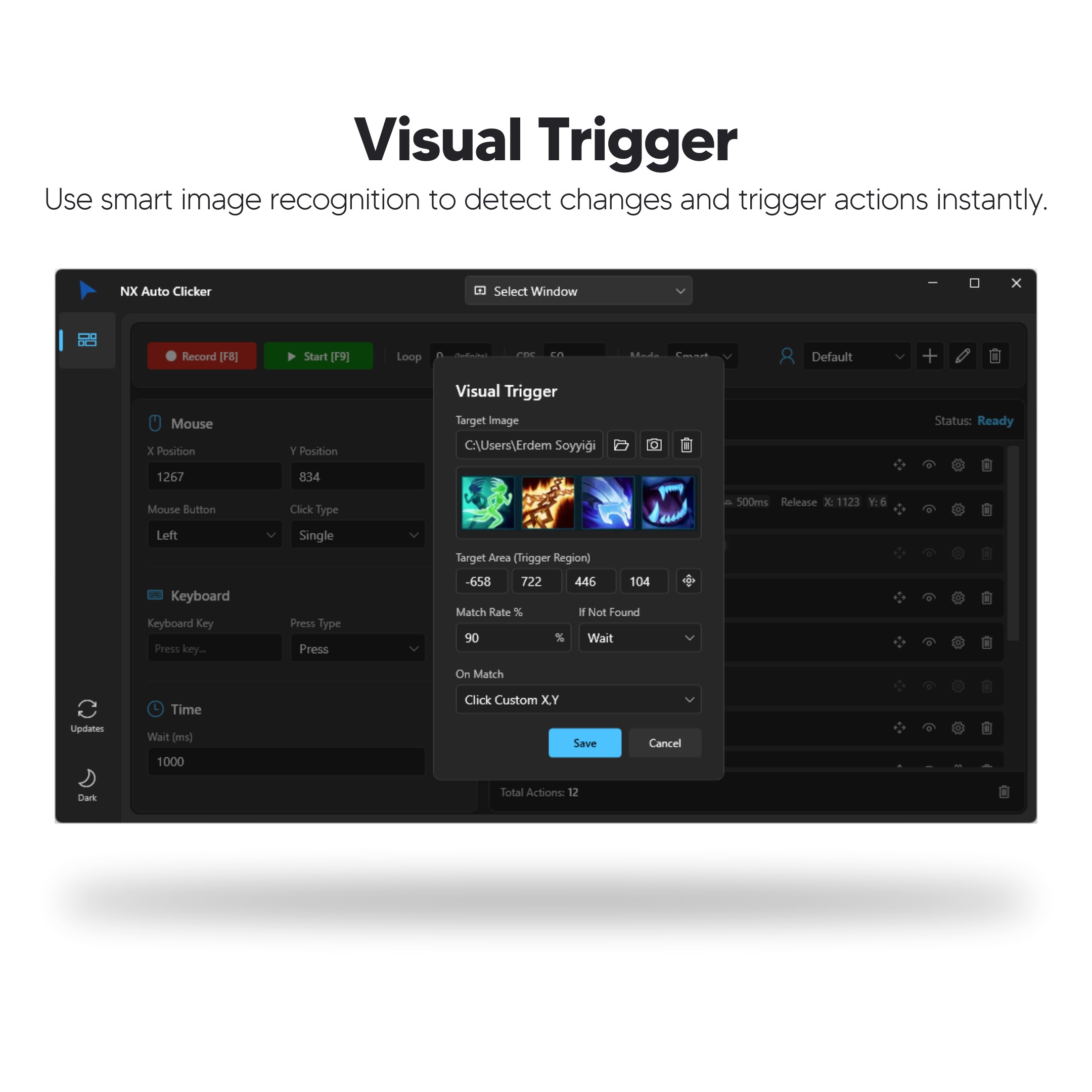
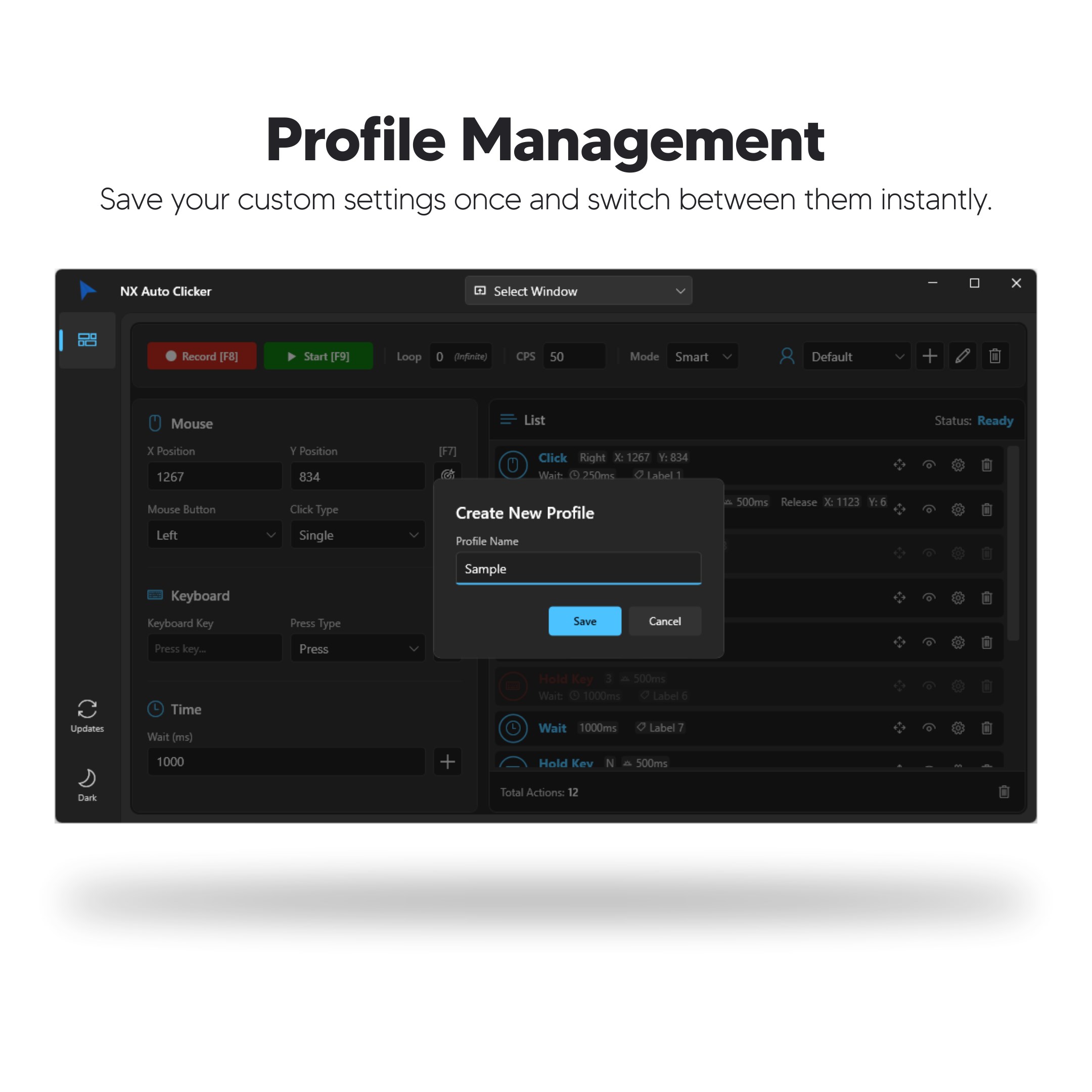
- Multiple Presets and Profiles: Save different configurations to switch effortlessly between various automation setups, beneficial for tasks that require different click patterns.
- Low Resource Consumption: Designed to run smoothly on most Windows setups without hogging CPU or memory, keeping your system responsive during use.
Engaging the User: A Closer Look at the Experience
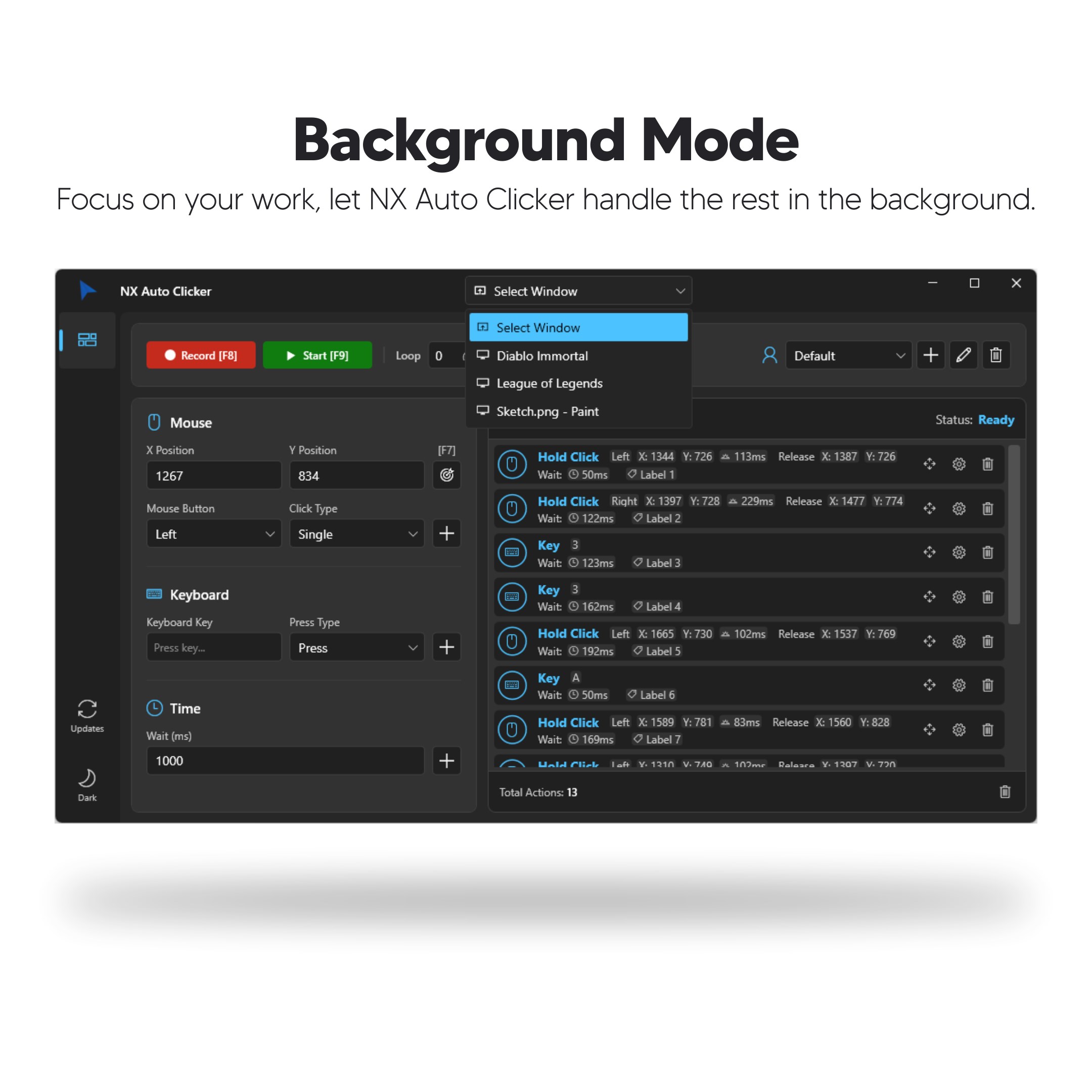
Jumping into NX Auto Clicker feels a bit like opening the cockpit of a sleek drone — straightforward, intuitive, and ready to put your automation in motion. Its minimalistic interface welcomes users with clear, uncomplicated controls, making it approachable even for novices. The setup process is quick: define your preferred click interval, select your click mode, choose the mouse button, and assign a hotkey — all in just a few clicks. Once activated, the auto clicker operates silently in the background, performing its choreographed clicks with precision, whether for gaming sessions that demand rapid-fire actions or repetitive data entry tasks.
Intuitive Interface and Smooth Operation
The design strikes a perfect balance between simplicity and functionality. Buttons are logically arranged, and real-time feedback helps users monitor active profiles. During testing, the app demonstrated remarkable responsiveness — a critical aspect when automating fast-paced activities. The learning curve is gentle; even first-time users can become proficient within minutes, thanks to clear labels and straightforward controls.
How Does It Outshine Similar Tools?
Compared to other auto clickers and automation utilities, NX Auto Clicker's most compelling advantage lies in its combination of low resource usage and user-centered customization. Unlike complex scripting tools that require programming knowledge, this app offers a "set and forget" experience, focusing on core functionality without unnecessary bells and whistles. Its hotkey support and profile management give it an edge for users needing quick toggling and quick switching between different setups — features that are sometimes overlooked or less refined in competing utilities.
Final Verdict: Is It Worth Using?
For anyone seeking a straightforward, reliable auto clicking tool on Windows, NX Auto Clicker presents a compelling choice. Its ease of use, customization options, and efficiency make it suitable not only for gamers but also for professionals performing repetitive tasks. I'd recommend giving it a try if you want a no-fuss solution that blends simplicity with practicality. Just remember to use it responsibly and ethically, especially in gaming environments, to ensure fair play and compliance with platform policies.
Pros
- User-Friendly Interface
- Customizable Click Patterns
- Lightweight and Fast
- Supports Multiple Platforms
- Free for Basic Use
Cons
- Limited Advanced Features in Free Version
- Lack of Built-in Scheduling Functionality
- Basic Support Documentation
- No MacOS Compatibility
- Potential Detection by Anti-Cheat Systems











