


- Name NanaZip
- Category Utilities & tools
- Available on PC
- OS Windows 10 version 19041.0 or higher
- languages Afrikaans, Albanian, Arabic, Armenian, Azerbaijani (Arabic), Bangla, Basque, Belarusian, Bulgarian, Catalan, Central Kurdish, Chinese (Simplified), Chinese (Traditional Chinese), Croatian, Czech, Danish, Dutch, English, Estonian, Finnish, French, Galician, Georgian, German, Greek, Gujarati, Hebrew, Hindi, Hungarian, Icelandic, Indonesian, Irish, Italian, Japanese, Kazakh, Kiswahili, Korean, Kyrgyz, Latvian, Lithuanian, Macedonian, Malay, Marathi, Mongolian (Cyrillic), Mongolian (Traditional Mongolian), Nepali, Norwegian (Bokmål), Norwegian (Nynorsk), Persian/Farsi, Polish, Portuguese, Portuguese (Brazil), Punjabi (India), Romanian, Russian, Serbian (Cyrillic), Serbian (Latin), Sinhala, Slovak, Slovenian, Spanish, Swedish, Tajik (Arabic), Tamil, Tatar (Arabic), Thai, Turkish, Turkmen (Cyrillic), Ukrainian, Uyghur (Arabic), Uzbek (Cyrillic), Uzbek (Latin), Valencian, Vietnamese, Welsh, Yoruba (Latin)
NanaZip for Windows: Elevating Compression with Simplicity and Power
Imagine a compression tool that feels more like a friendly assistant than a complicated software monster—NanaZip for Windows fits that bill perfectly. Built with a focus on user-friendly operation and modern design, NanaZip aims to revive the classic 7-Zip experience with some thoughtful enhancements, making it an excellent choice for everyday users and power users alike.
About NanaZip: A Fresh Take on File Compression
Developed by Kenji Mouri, NanaZip is an open-source Windows compression utility that serves as a modern alternative or complement to the iconic 7-Zip. It's built to integrate seamlessly into Windows, providing a streamlined experience without compromising on robust features.
Key features include support for numerous archive formats like ZIP, 7z, RAR, and more, and the ability to create and extract archives effortlessly. It excels in offering quick access via context menus, ensuring users can compress and decompress files with minimal fuss.
Primarily targeting everyday Windows users, including professionals who manage files regularly and casual users seeking an easy-to-use compression tool, NanaZip balances power and simplicity effectively.
Sweet Sounds of Compression: A Fun and User-Friendly Experience
Using NanaZip feels akin to having a trusty pocket screwdriver—small, reliable, and ready for almost any job. From the moment you install it, the intuitive interface beckons, removing the intimidating barrier often associated with advanced compression tools. Whether you're zipping up a batch of photos or extracting files for an urgent project, NanaZip makes the process feel like a breeze through a well-paved park path.
Intuitive Interface & Seamless User Experience
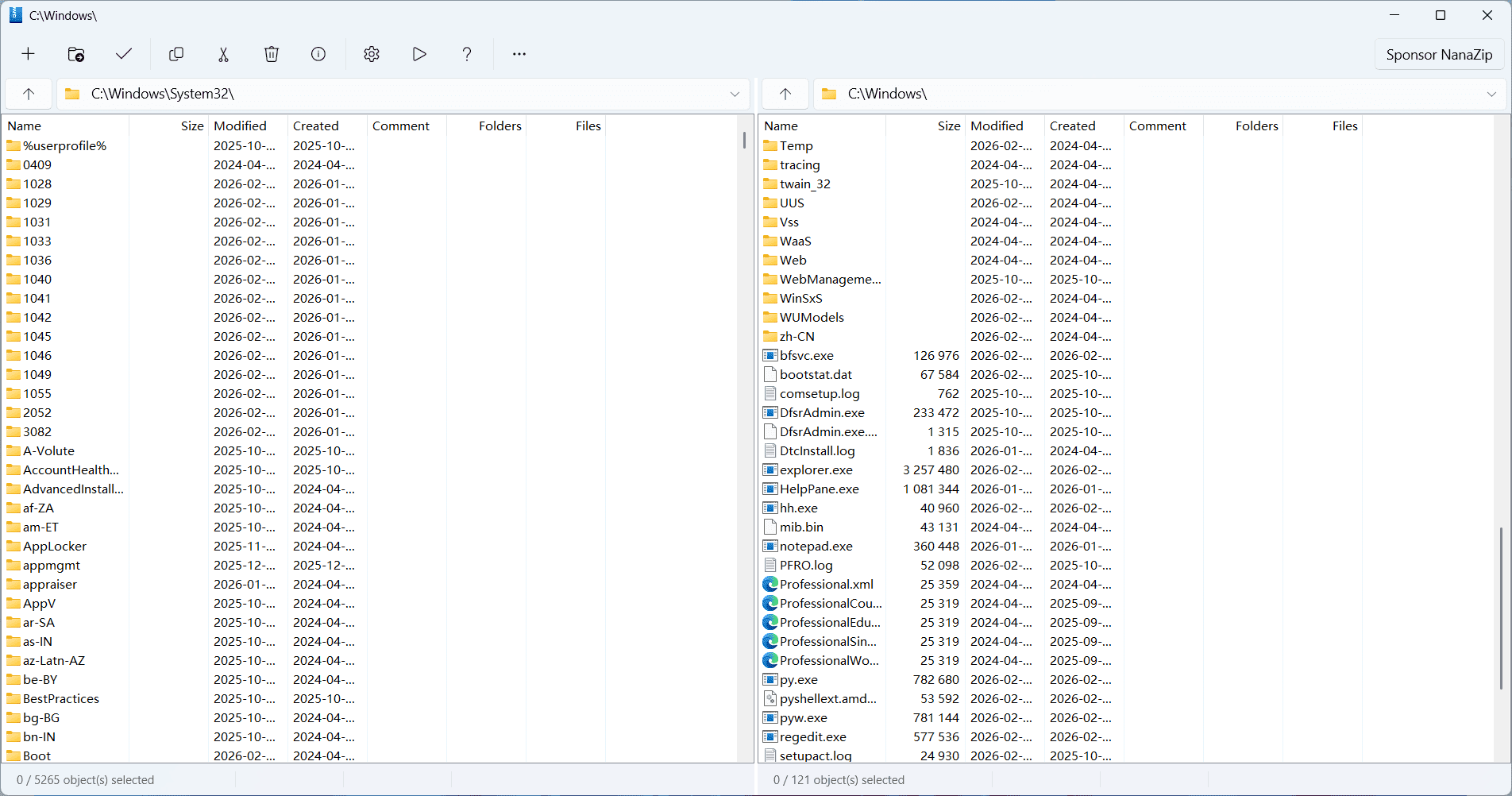
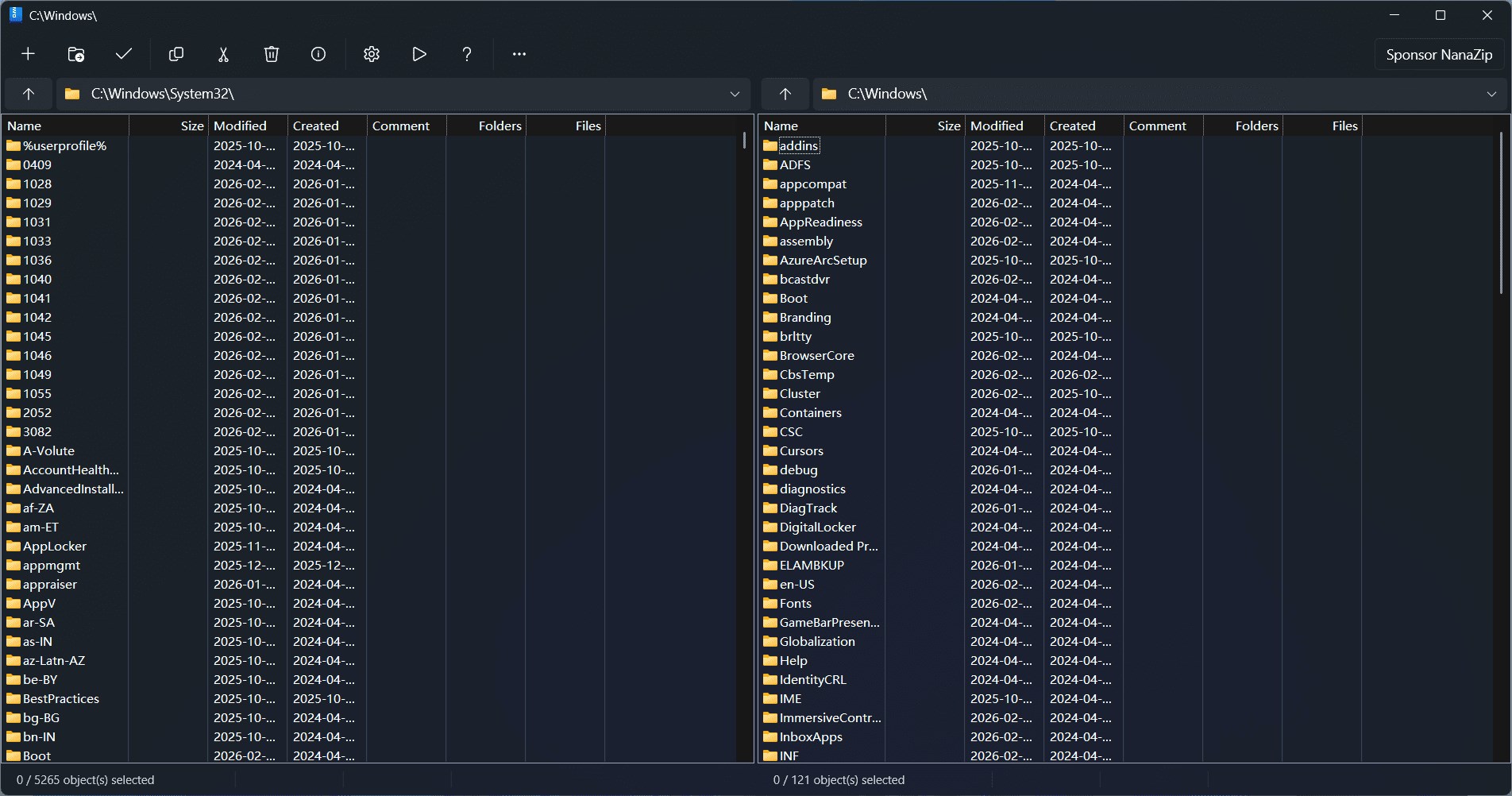
The design of NanaZip is refreshingly straightforward. Its clean, modern look ensures that users can find key functions quickly—no cluttered menus or hidden options. Operations like compressing a file or extracting an archive are as simple as right-clicking and selecting the desired action. The context menu integration feels native to Windows, making every action feel natural.
Performance-wise, NanaZip operates smoothly even when handling large archives. It's lightweight in resource consumption, ensuring that your system doesn't grind to a halt during intensive tasks. The learning curve is gentle; new users can start compressing files within minutes, while power users will appreciate the advanced options readily accessible for fine-tuning.
Innovation & Unique Strengths: What Sets NanaZip Apart?
While many compression tools offer similar core functionalities, NanaZip distinguishes itself with its enhanced compatibility and open-source foundation. Its support for a broad range of archive formats means users are not limited to ZIP and 7z alone; it can handle rarities like RAR and TAR with ease. This versatility turns NanaZip into a true Swiss Army knife for file management.
Most notably, NanaZip brings new life to the classic 7-Zip interface by integrating it seamlessly into Windows 11/10, offering a modern aesthetic combined with familiar functionalities. Unlike some utilities that stick out as bulky or outdated, NanaZip's sleek design and focused feature set make it a compelling choice for users seeking both power and simplicity.
Final Thoughts: A Solid Pick for Everyday Compression Needs
In summary, NanaZip stands out as a reliable, user-friendly, and versatile compression tool that respects your time and system resources. Its most compelling features—broad format support and seamless Windows integration—are like the cherry on top of a well-baked cake. Whether you're a casual user wanting quick zip/unzip capabilities or a power user requiring extensive format support, NanaZip deserves a spot on your desktop.
Considering its open-source nature and ongoing development, I recommend giving NanaZip a try. It's especially suitable for those who value a clean design combined with powerful features in their file management toolkit. For users already familiar with 7-Zip, NanaZip offers a familiar yet refreshed experience that's worth exploring further.
Pros
- Lightweight and fast
- Open-source and free
- Supports ZIP and 7z formats
- Seamless Windows integration
- Customizable interface
Cons
- Limited format support beyond ZIP and 7z
- Occasional compatibility issues with certain Windows updates
- Lacks advanced encryption options
- Limited multilingual support
- UI could be more modern











