
- Name Miracast Receiver
- Category Utilities & tools
- Developer Null Studio Dev
- Available on PC, Mobile, Surface Hub, HoloLens
- OS Windows 10 version 18362.0 or higher
- languages Chinese (Simplified), English (United States)
A Smooth Gateway for Screen Mirroring on Windows
Miracast Receiver for Windows by Null Studio Dev serves as a straightforward solution to wirelessly project your screen onto compatible devices, transforming your PC into a mirror or streaming hub without complicated setups. Whether you're a casual user wanting to share videos or a professional aiming for a quick presentation display, this app aims to make wireless display technology effortlessly accessible.
Meet the Team Behind the App
Developed and published by Null Studio Dev, a company dedicated to creating utility tools that streamline multimedia interactions on Windows platforms. Their focus appears to be on delivering lightweight, user-friendly applications that harness existing hardware capabilities for enhanced user experiences.
Key Features That Make a Difference
- Wireless Mirroring with Ease: The app seamlessly enables your Windows device to act as a Miracast receiver, allowing other Miracast-enabled devices to connect wirelessly. This feature turns your PC into a hub for projecting content from smartphones, tablets, or other PCs without tangled cables.
- Low Latency Streaming: Complimented with optimized encoding, the app offers low-latency performance ideal for smooth video playback and interactive presentations, minimizing lag and rendering delays.
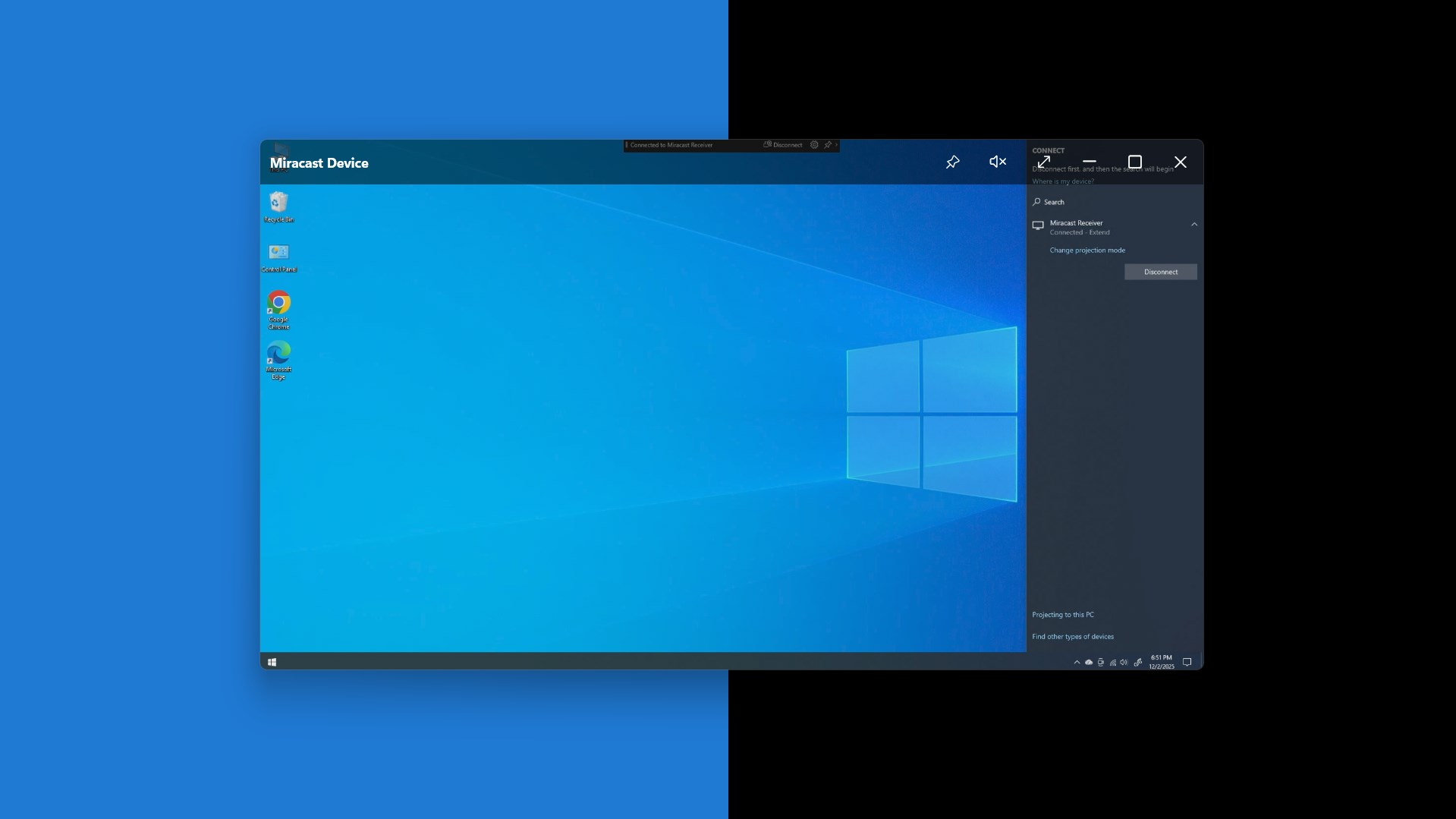
- Simple Connection Management: The intuitive interface simplifies the pairing process. Users can easily scan, select, and connect devices, with clear connection status indicators, making screen sharing nearly as simple as flipping a light switch.
- Compatibility and Flexibility: It works across a variety of Windows versions and supports a broad range of Miracast-enabled hardware, providing flexibility in diverse settings.
User Experience: Intuitive, Streamlined, and User-Friendly
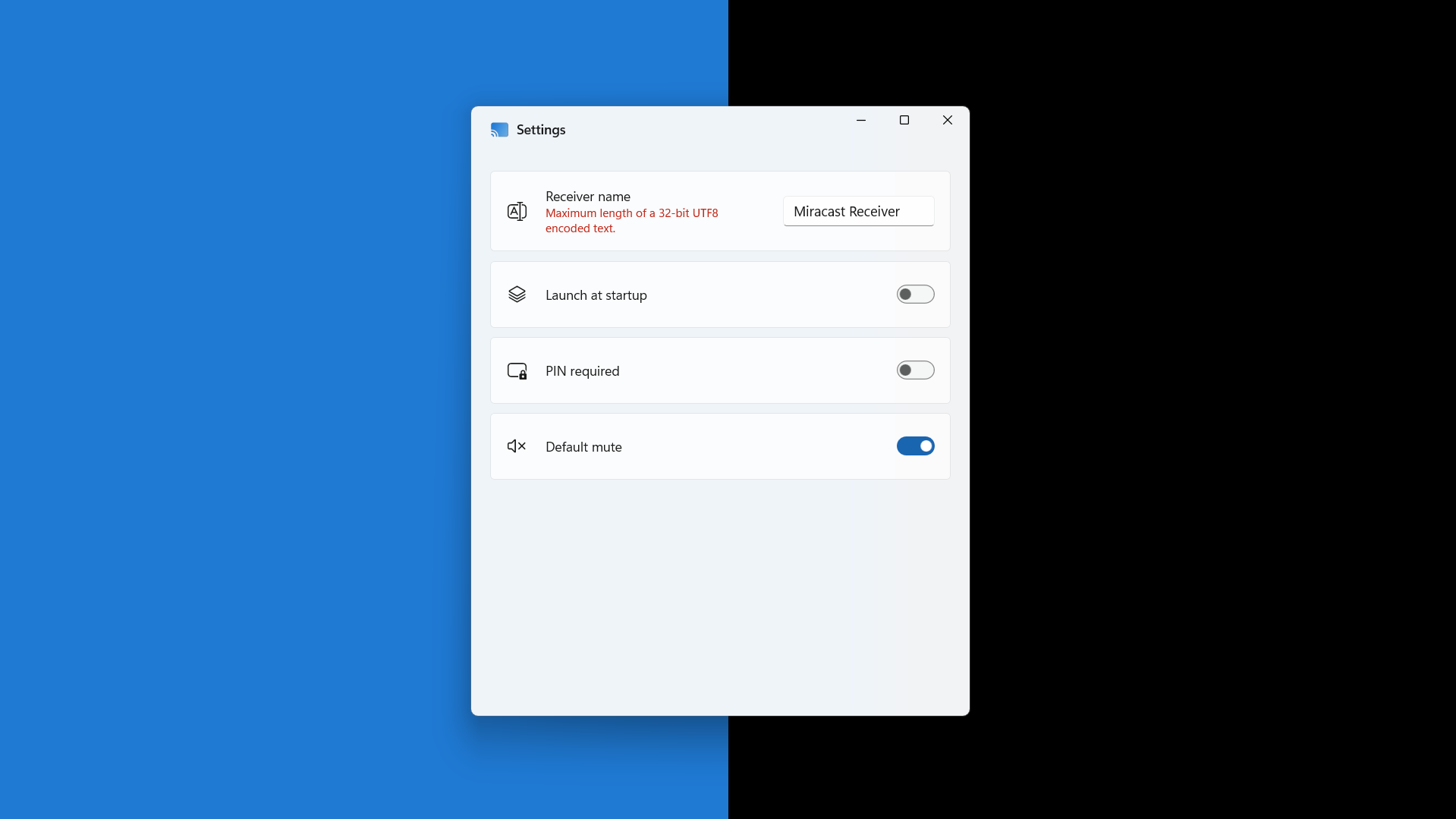
Getting started with Miracast Receiver for Windows feels akin to turning on a tap—intuitive and straightforward. The interface resembles a minimalistic control panel, with clear icons and easy-to-understand prompts. Setting up a connection is as simple as selecting your device from a list; no complicated configurations or technical jargon involved.
During testing, the app demonstrated commendable operational smoothness. Transitioning from one device to another was quick, with minimal delays that wouldn't distract users from their tasks. The design's clean layout makes navigation feel natural, even for first-time users. Its learning curve isn't steep—think of it as a friendly assistant guiding you through your first wireless display experience.
What Sets It Apart from Similar Utilities?
While there are several Miracast-related utilities out there, Null Studio Dev's app distinguishes itself primarily through its balanced approach of simplicity and performance. Unlike some competing tools that overpromise features or require extensive setup procedures, this app emphasizes a seamless, plug-and-play experience.
One standout feature is its focused optimization for low latency streaming, making it particularly suitable for real-time video sharing or interactive demonstrations. Additionally, the app's lightweight footprint ensures it doesn't bog down your system, an advantage over bulkier tools laden with unnecessary features.
Another unique aspect is its compatibility breadth. Many similar apps restrict functionality to specific Windows versions or hardware configurations. This app's broad support enhances its value, catering to a wider user base without the need for additional tweaks or workarounds.
Final Verdict and Recommendations
Overall, Miracast Receiver for Windows by Null Studio Dev serves as a practical, reliable, and user-friendly tool for wireless screen mirroring. Its emphasis on low latency and straightforward operation makes it well-suited for both casual users and professionals seeking quick content sharing solutions. For anyone tired of cumbersome cables or clunky setups, this app offers a welcome alternative—not necessarily a revolutionary one, but definitely a thoroughly competent and approachable one.
We recommend giving it a try if you often need to project your screen wirelessly—especially if low latency is a priority. It's a smart choice for home entertainment, presentations, or even collaborative work sessions where simplicity and responsiveness are valued. Just remember, like any technology, its best performance is achieved with compatible Miracast hardware and a stable Wi-Fi network. Happy streaming!
Pros
- Easy screen mirroring setup
- High-quality video transmission
- Wireless connectivity Compatibility
- Minimal latency for real-time interactions
- Free download from Microsoft Store
Cons
- Limited device support in certain regions
- Occasional connection drops during streaming
- Requires a stable Wi-Fi network for optimal performance
- User interface could be more intuitive for beginners
- Limited customization options for display settings











