

- Name Microsco-PE
- Category Utilities & tools
- Developer Barker Software
- Available on PC, Mobile, Surface Hub, HoloLens
- OS Windows 10 version 17763.0 or higher
- languages English (United States)
Microsco-PE for Windows: A Compact yet Powerful Diagnostics Tool
Designed to streamline and enhance system analysis, Microsco-PE offers a lightweight utility that packs a punch, making Windows troubleshooting more accessible and efficient for both casual users and professionals alike.
Developed by Barker Software: A Focused Developer with a Clear Vision
Barker Software is a dedicated team known for crafting practical and user-friendly utilities. Their focus lies in creating tools that simplify complex technical tasks, and Microsco-PE is a testament to their commitment to delivering effective solutions tailored for Windows users.
Core Features That Stand Out
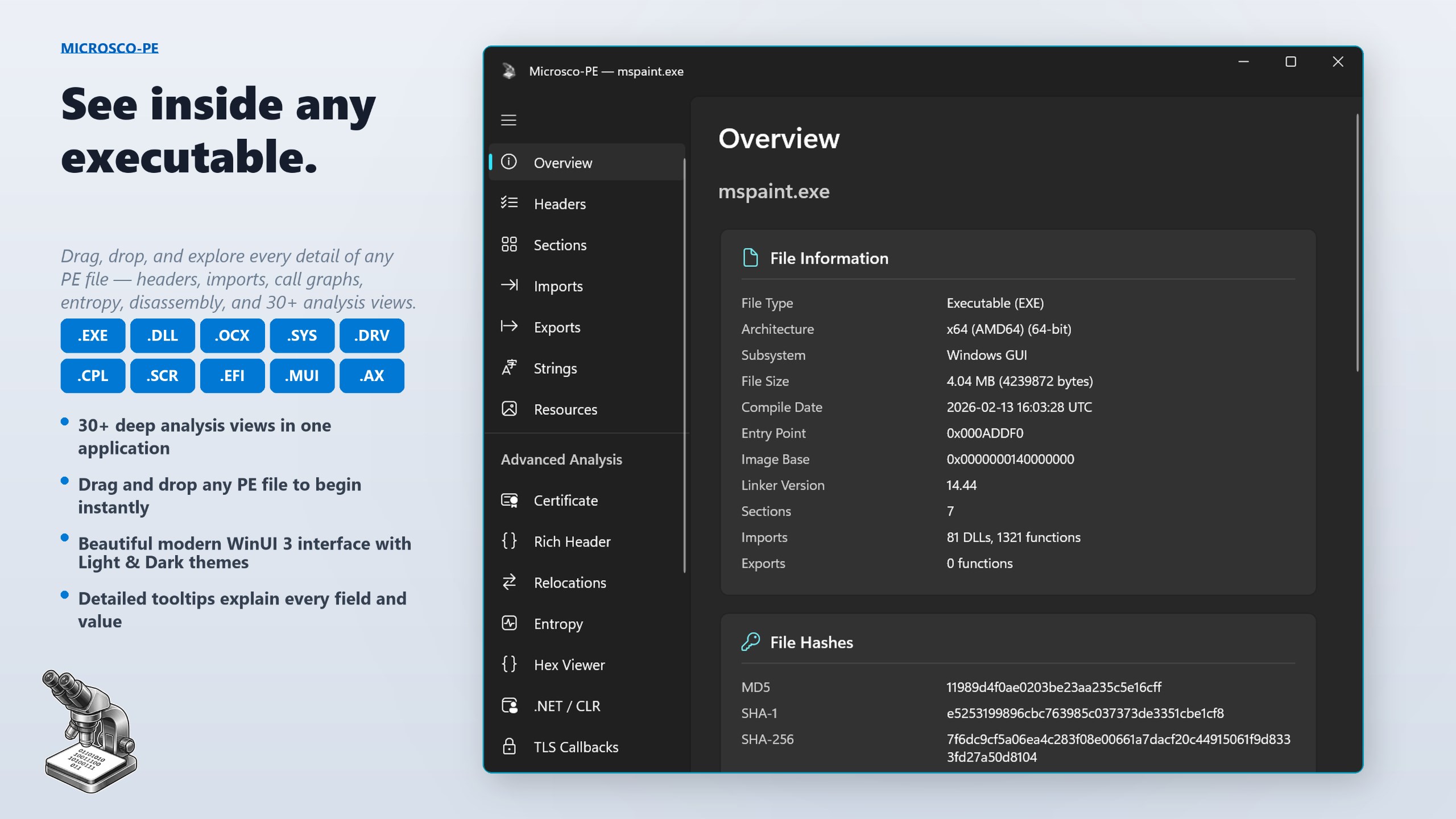
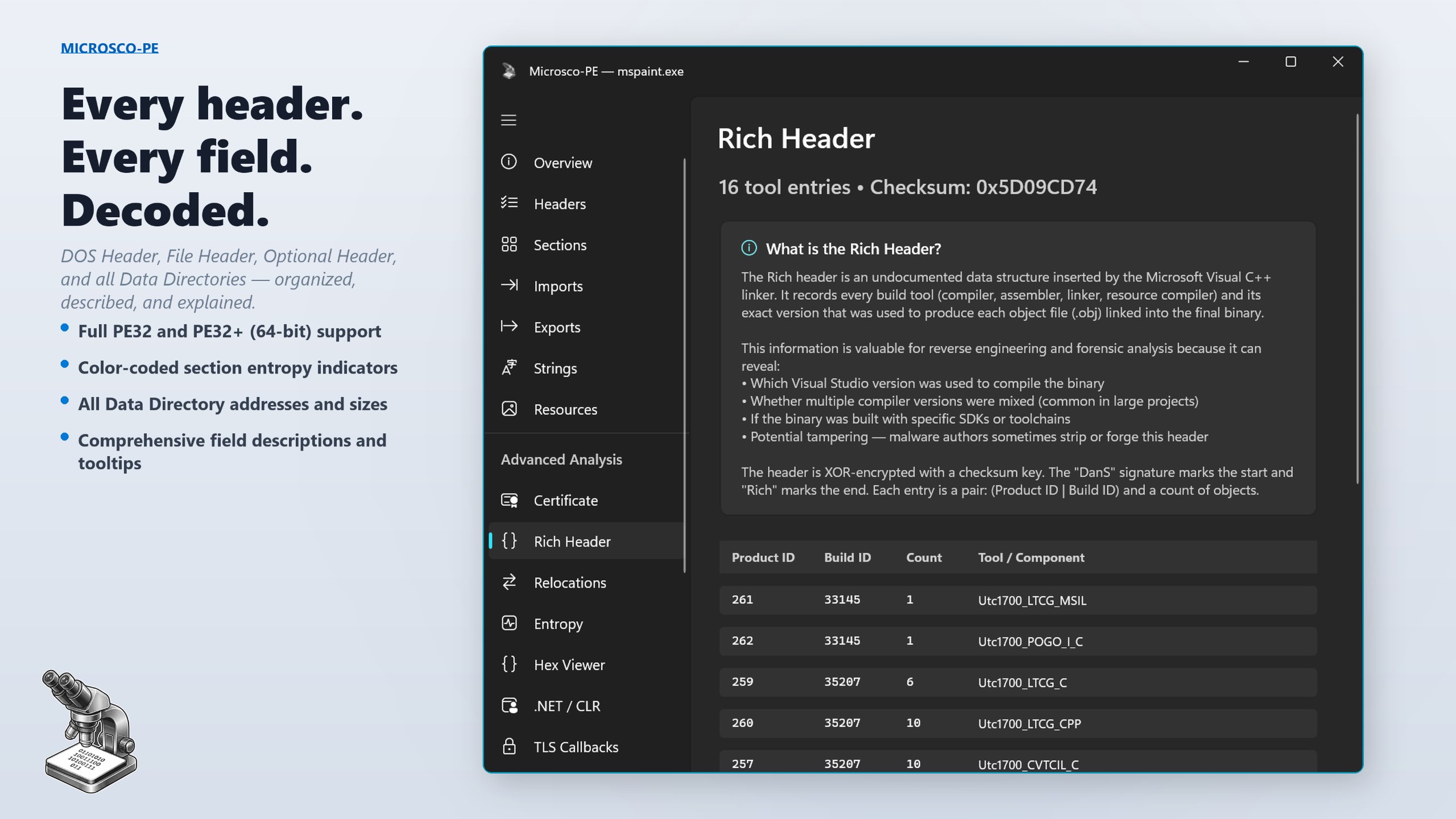
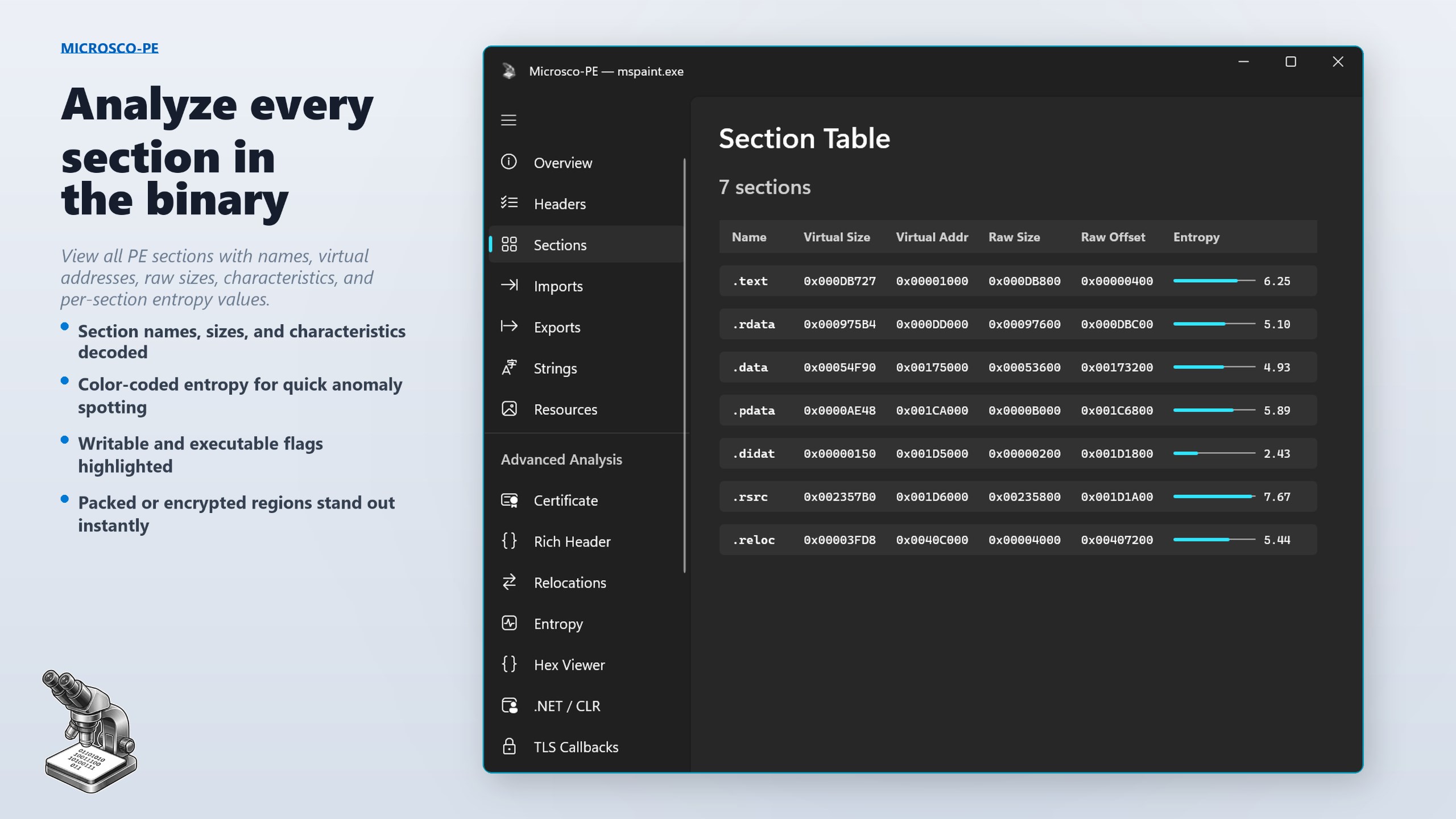
- Comprehensive System Inspection: Microsco-PE provides detailed insights into hardware and software configurations, allowing users to quickly identify issues or system limitations.
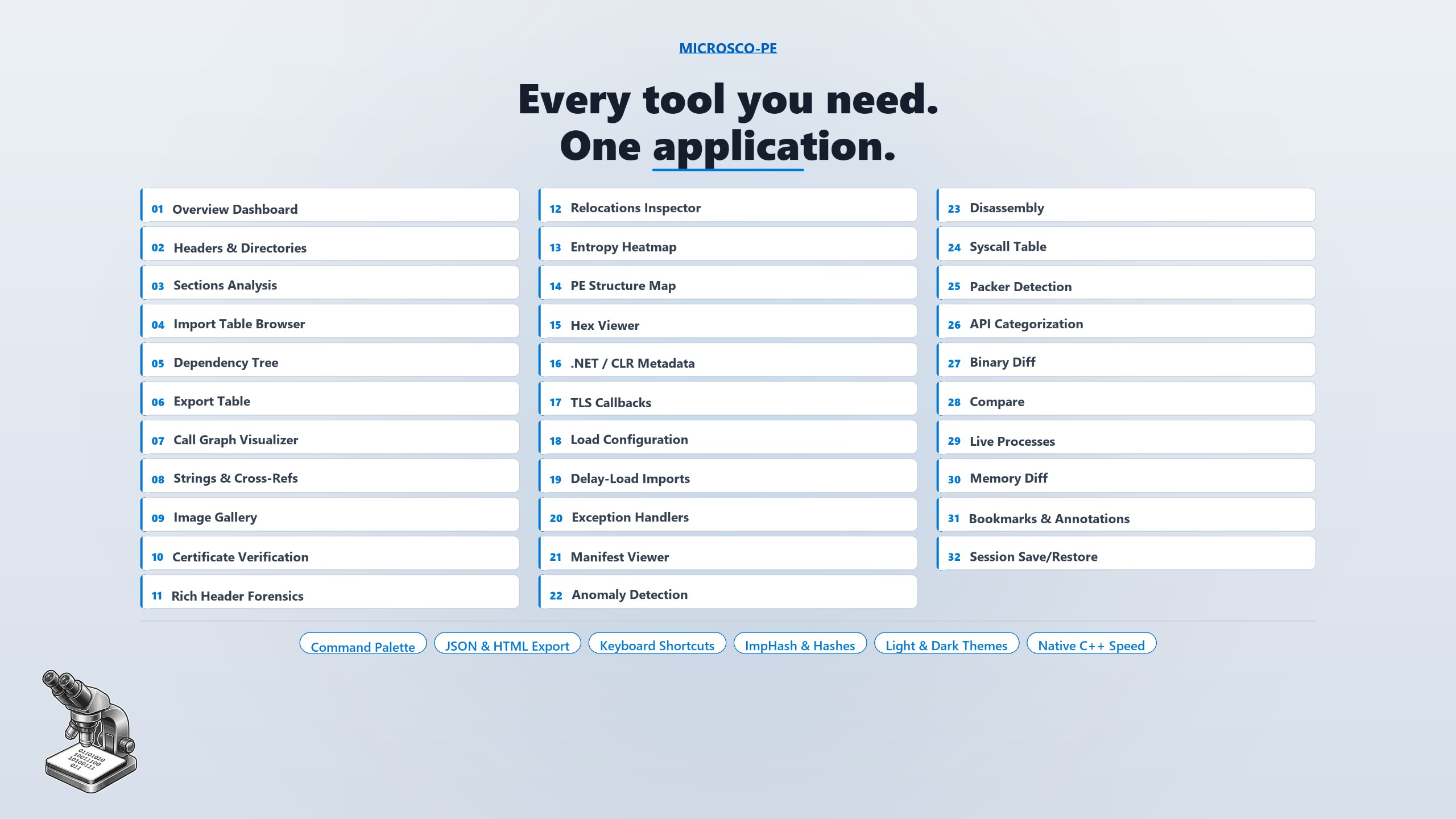
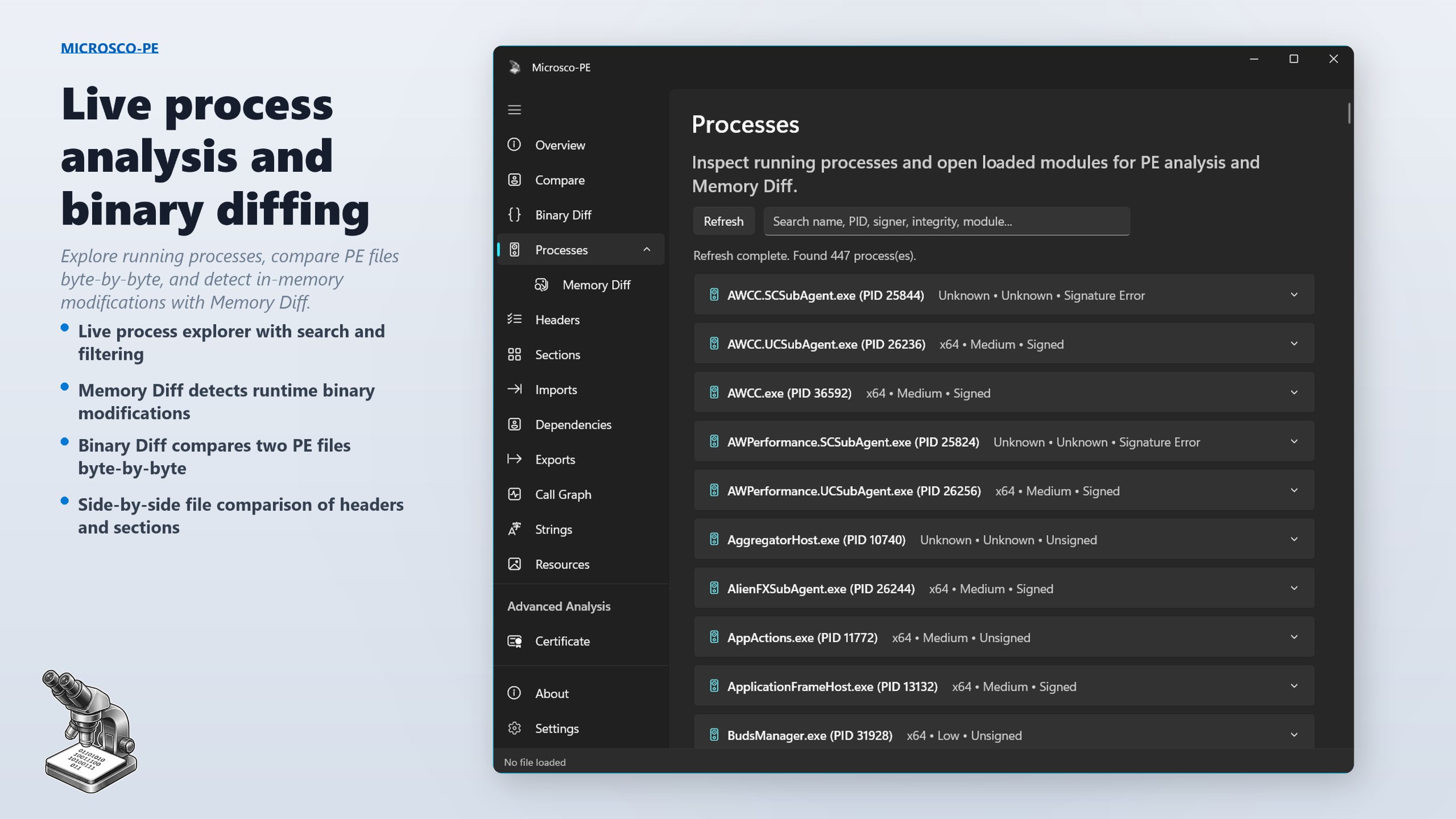
- Modular Utility Suite: The app combines various diagnostic tools within a unified interface, enabling tasks like disk analysis, process monitoring, and network diagnostics without switching apps.
- User-Friendly Interface: Despite its robust features, Microsco-PE maintains an intuitive and clean interface that ensures users of varying technical expertise can navigate effortlessly.
- Lightweight and Fast: With a minimal footprint, it launches swiftly and operates smoothly even on systems with limited resources, making it ideal for quick diagnostics.
A Detailed Appraisal: Dive Into Microsco-PE's World
Imagine a diagnostic buddy that's always ready in the background, quietly gathering the whispers of your system. Microsco-PE feels like that friendly tech companion—compact, approachable, yet surprisingly capable. Its straightforward design nudges users to explore system details they might have previously ignored, all while feeling like chatting with a knowledgeable friend over a cup of coffee.
An Explorer's Treasure Chest: The Core Functionalities
First, let's look at the system inspection module. It's akin to having your own mini tech laboratory—detailed hardware info, real-time process monitoring, and critical system logs at your fingertips. Whether troubleshooting a sluggish startup or checking for potential hardware failures, this feature simplifies complex data into digestible summaries.
The second standout is the network diagnostics tool. Think of it as a GPS for your internet connection—ping tests, throughput analysis, and network troubleshooting with just a few clicks. It's perfect for users who want to quickly pinpoint whether the slowdown is due to their Wi-Fi, ISP issues, or internal configurations.
Lastly, the modular utility system is like a Swiss Army knife. Instead of juggling multiple applications, Microsco-PE consolidates functions such as disk health checks and system info into a single, cohesive environment. This streamlining augments efficiency and makes routine diagnostics much less cumbersome.
Design, Usability, and Overall Experience
The interface embodies simplicity—clear menus, logical layout, and a clean color palette—making the learning curve gentle. Even first-time users can navigate through the tools confidently, thanks to thoughtful labeling and common-sense organization. The app's responsiveness is impressive; operations feel instantaneous, keeping the experience smooth and frustration-free.
Standing Out Among Peers
What makes Microsco-PE truly shine compared to other utilities is its focus on delivering core diagnostics without unnecessary bloat. Many similar tools flood their interface with features that can overwhelm, but Microsco-PE's streamlined approach ensures users get precisely what they need—fast and effective insights. Its modular design, combined with detailed yet accessible reporting, makes it uniquely adaptable for novices and tech pros who prefer simplicity without sacrificing depth.
Should You Give It a Try?
Given its balanced mix of utility, ease of use, and lightweight operation, I recommend Microsco-PE for anyone seeking quick system checks or in-depth diagnostics without hassle. It's particularly well-suited for troubleshooting on the go or as a supplementary tool for more extensive professional assessments. While it may not replace specialized hardware diagnostics for hardware engineers, its utility for everyday users is quite considerable.
In summary, Microsco-PE for Windows deserves recognition as a practical, approachable, and efficient diagnostic tool. Whether you're fixing a slow PC or just curious about your system's health, this app offers just the right blend of power and simplicity—making it a worthy addition to your tech toolkit.
Pros
- User-friendly Interface
- Fast Performance
- Wide Content Library
- Regular Updates
- Offline Access
Cons
- Limited Customization Options
- Occasional App Freezes
- In-App Advertisement Presence
- Limited Language Support
- Basic Analytics Features











