





- Name MenaVPN
- Category Utilities & tools
- Developer MenaVPN Holding B.V.
- Available on PC
- OS Windows 10 version 0.0 or higher
- languages English
Introducing MenaVPN for Windows: A Reliable Partner in Secure Browsing
MenaVPN for Windows positions itself as a straightforward, privacy-focused VPN solution designed to enhance online security and access restricted content effortlessly. Developed by MenaVPN Holding B.V., this app aims to serve users who seek both simplicity and effectiveness in their VPN experience.
Core Features that Stand Out
Secure and Fast Connections with Multiple Server Options
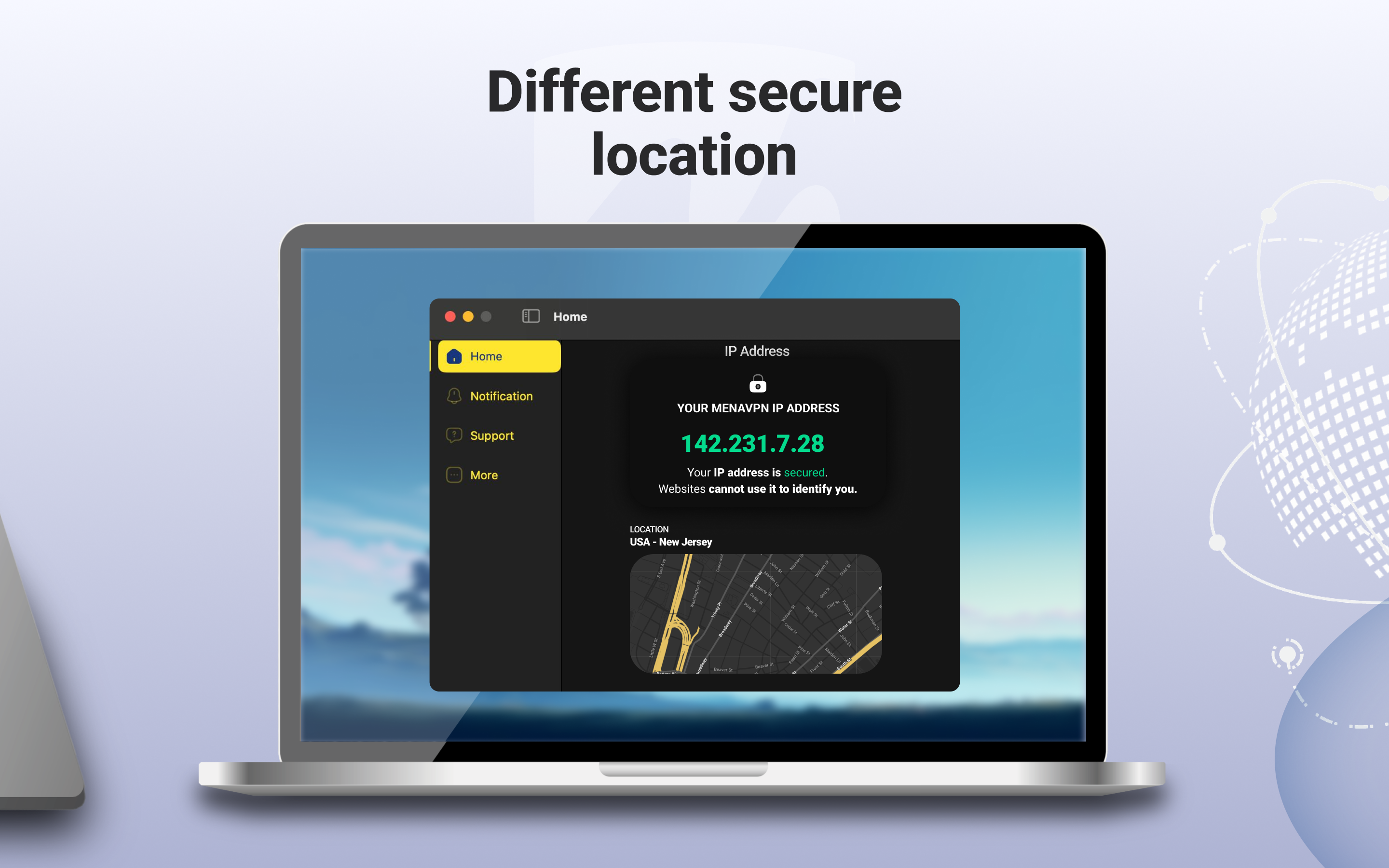
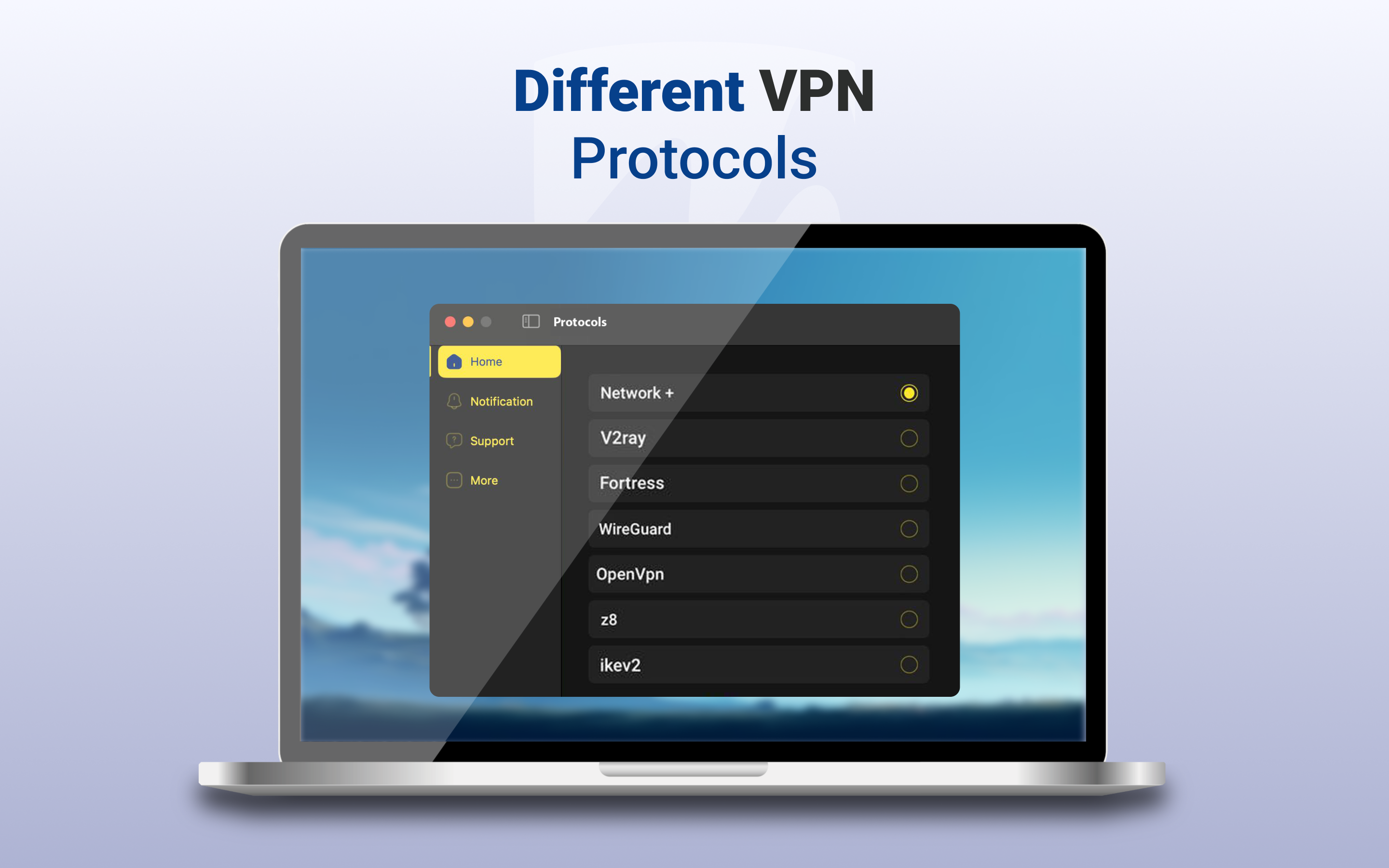
One of MenaVPN's main strengths is its ability to connect users to a broad network of servers across various countries, ensuring fast and stable connections. Whether you're streaming, gaming, or browsing, you can enjoy smooth performance without lag. The app uses high-grade encryption protocols to keep your data safe and your activities private, making it ideal for users concerned about online security.
Easy-to-Use Interface with Seamless Operation
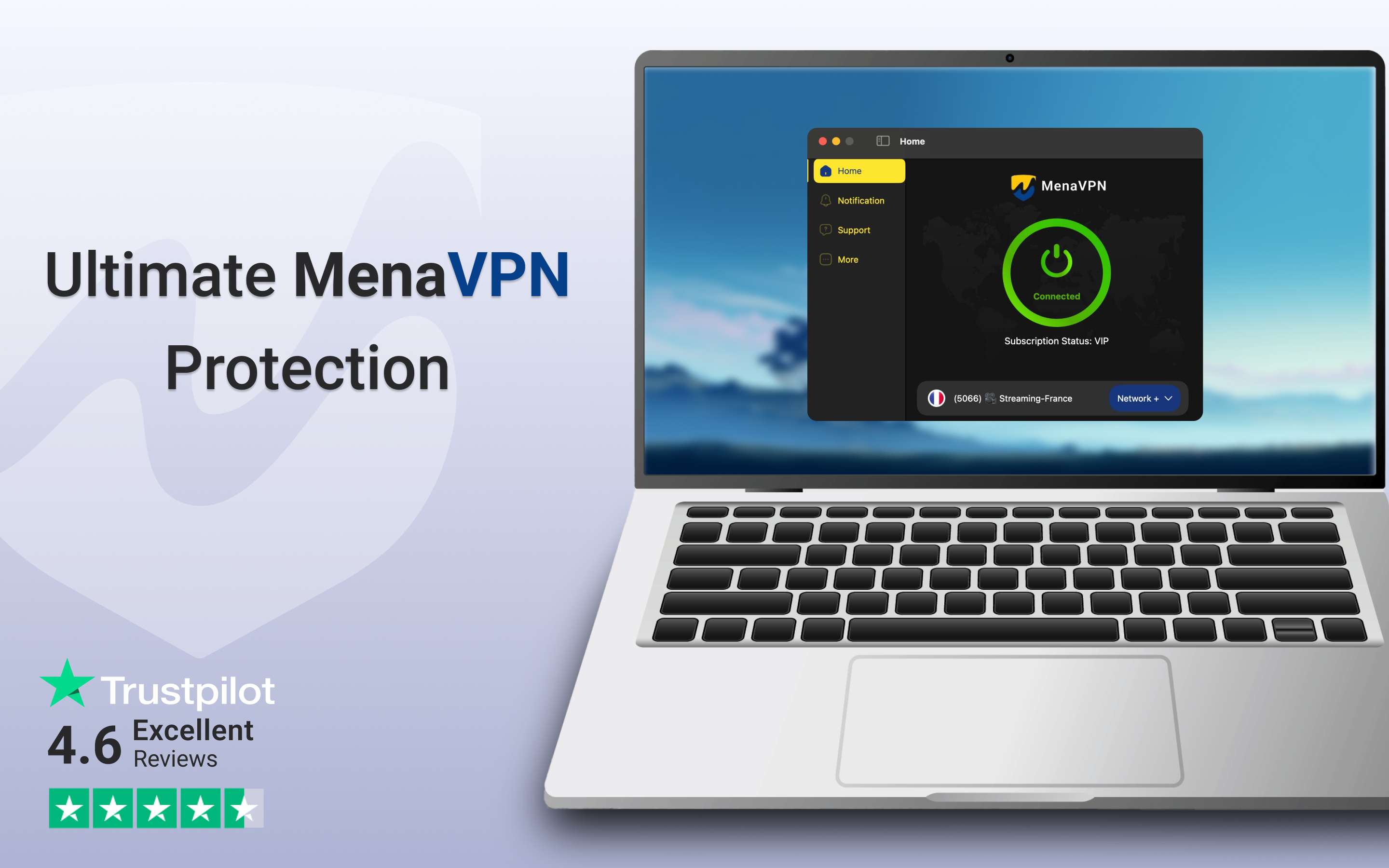
The application's design is clean and intuitive, akin to opening a familiar interface that greets you with simplicity. Navigating through server lists and toggling VPN status is effortless, even for beginners. The login and connection process is quick, translating into a minimal learning curve. This user-centric approach makes MenaVPN accessible without sacrificing depth in configuration options.
Unique Focus on User Privacy and Connectivity Stability
What sets MenaVPN apart from many similar utilities is its dedicated focus on maintaining a stable and private connection without over-complicating settings. Unlike some VPNs that bombard users with a multitude of options, MenaVPN emphasizes core functionality, emphasizing privacy and ease. Its automatically optimized connection algorithms ensure stability even during high-demand use, which is especially beneficial for those who rely on VPNs for work or streaming.
Interface, Performance, and User Experience
The design of MenaVPN for Windows is reminiscent of a sleek dashboard—simple yet functional. The color scheme is gentle on the eyes, with clear icons and text that make navigation feel natural. Switching between servers or turning the VPN on/off is almost instantaneous, thanks to the app's optimized coding. The learning curve is minimal; users can start protection within a few clicks, making it suitable for novices and tech-savvy users alike.
Compared to other utilities and tools, MenaVPN excels by offering a focused, distraction-free experience. While many VPN services pack dozens of features—sometimes leading to clutter—this application prioritizes core VPN functionalities, which results in less confusion and more reliable performance. Its one-click connect feature is like having a trusty switchblade—ready whenever you need.
What Makes MenaVPN Truly Unique
The standout feature of MenaVPN is its ability to combine simplicity with robust privacy security. Unlike some services that bombard users with advanced options and settings, MenaVPN keeps things straightforward—making secure browsing accessible to everyone. Its automatic server selection and connection stability are particularly notable, ensuring users maintain a secure line without dealing with technical hassles. This clarity and focus on core principles create an application that's both dependable and user-friendly.
Final Verdict: A Worthy Choice for Privacy Seekers
Overall, I recommend MenaVPN for Windows to users who prioritize ease of use and reliable security without needing a suite of complicated features. It's particularly ideal for those new to VPNs or anyone looking for a hassle-free tool for everyday privacy needs. While it may lack some of the advanced customization found in pricier VPNs, its core strengths—speed, stability, and straightforward operation—make it a compelling option. For anyone in search of a VPN app that's as simple as flipping a switch but solid in performance, MenaVPN deserves a serious look.
Pros
- Wide server network
- User-friendly interface
- Strong encryption standards
- Reliable connection stability
- Affordable pricing plans
Cons
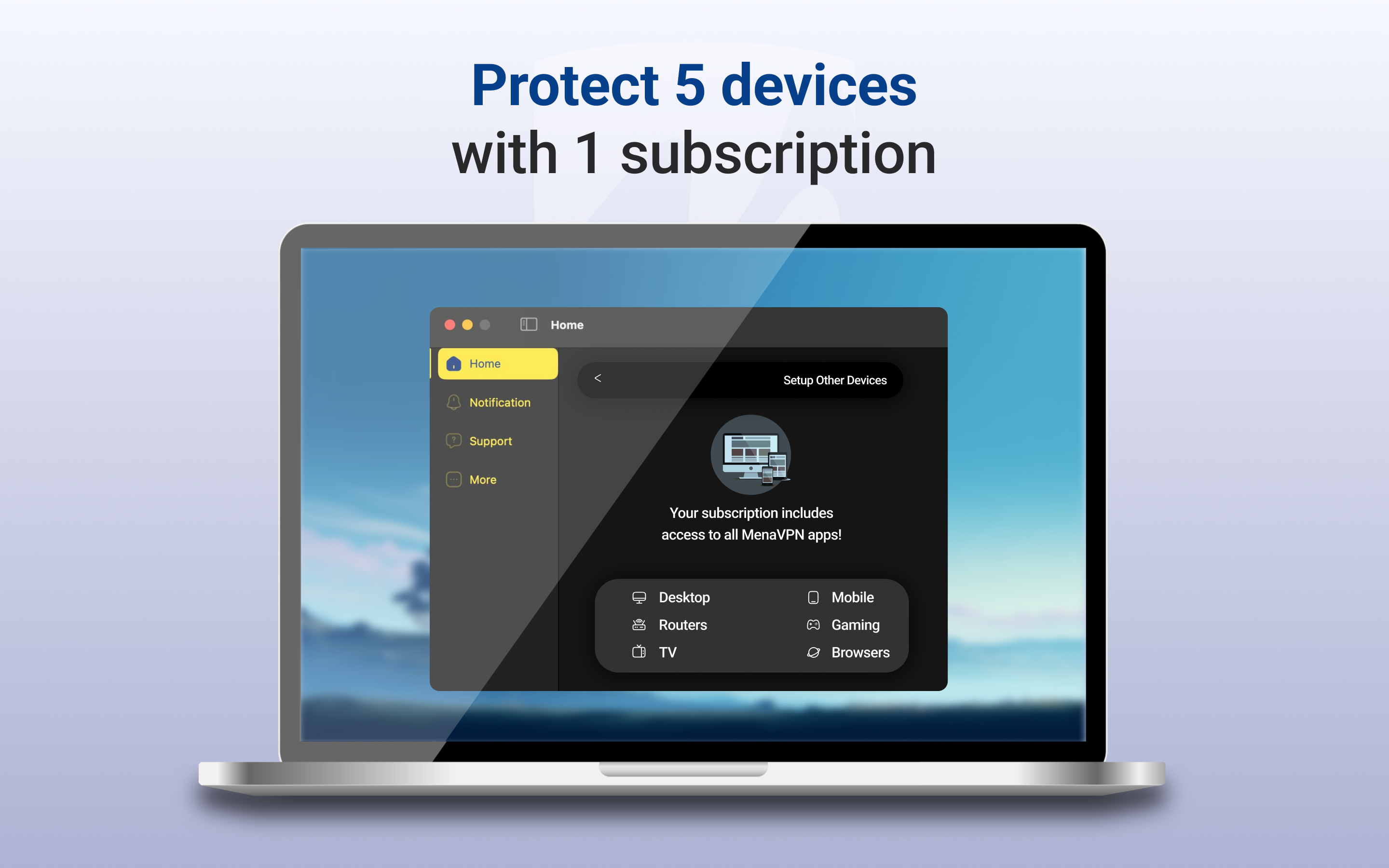
- Limited device support
- Occasional connection drops
- Speed fluctuations during peak hours
- Limited free trial period
- Customer support responsiveness varies











