


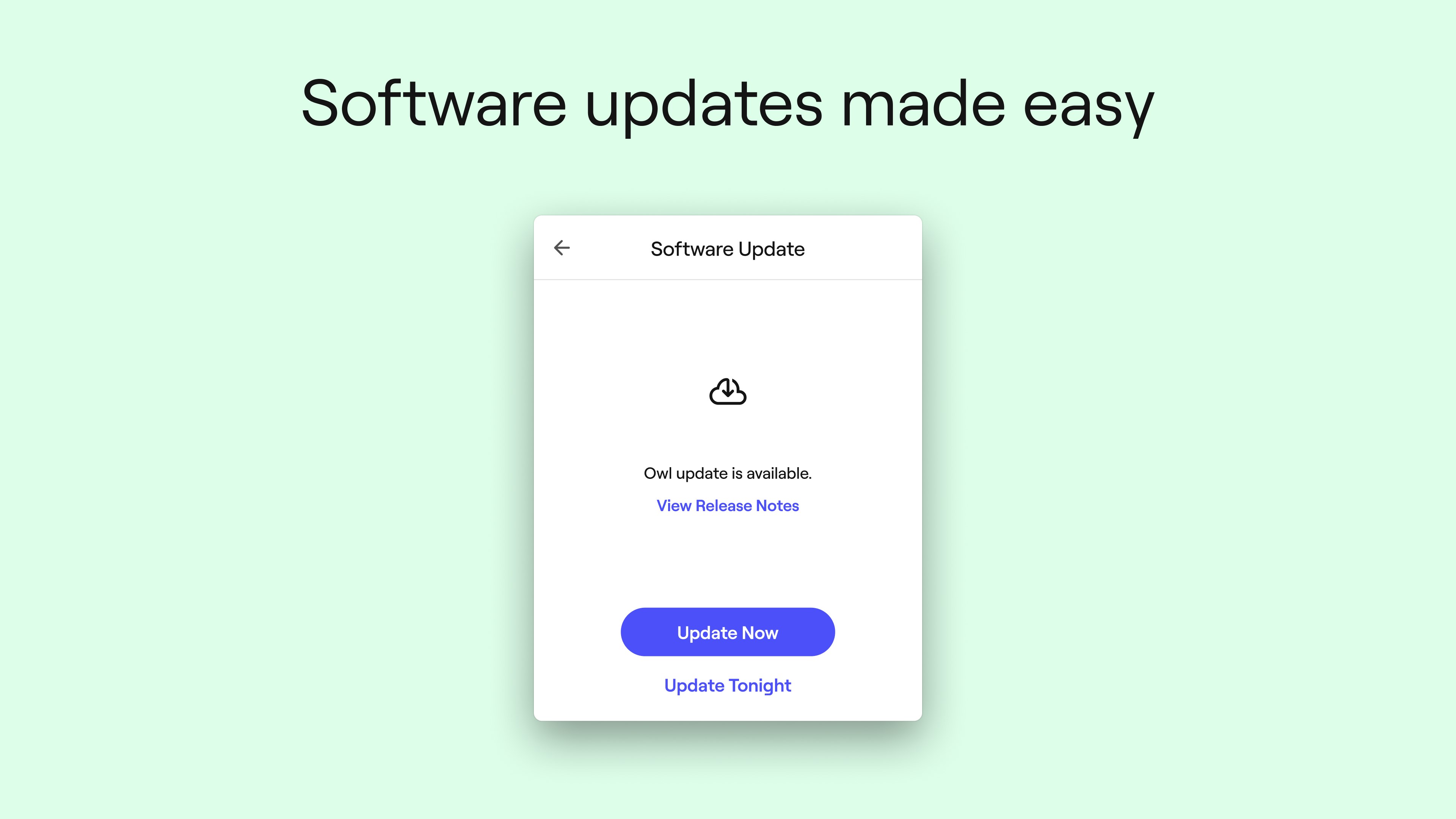
- Name Meeting Owl
- Category Business
- Developer Owl Labs
- Available on PC
- OS Windows 10 version 17763.0 or higher
- languages English (United States)
Meetings Made Smarter: An Overview of Meeting Owl for Windows
In an era where remote and hybrid meetings have become the norm, the Meeting Owl app by Owl Labs emerges as a vital companion to enhance your video conferencing experience on Windows. Designed to seamlessly integrate with your Meeting Owl device, this app aims to elevate collaborative work, making virtual interactions feel more natural and engaging.
Who's Behind the Magic? Developer Insights
Developed and published by Owl Labs, a company renowned for its innovative 360° video conferencing hardware and software solutions, the Meeting Owl app embodies their commitment to transforming remote collaboration. With a track record of delivering intuitive and effective tools, Owl Labs continues to push the boundaries of hybrid meeting technology.
Key Features That Stand Out
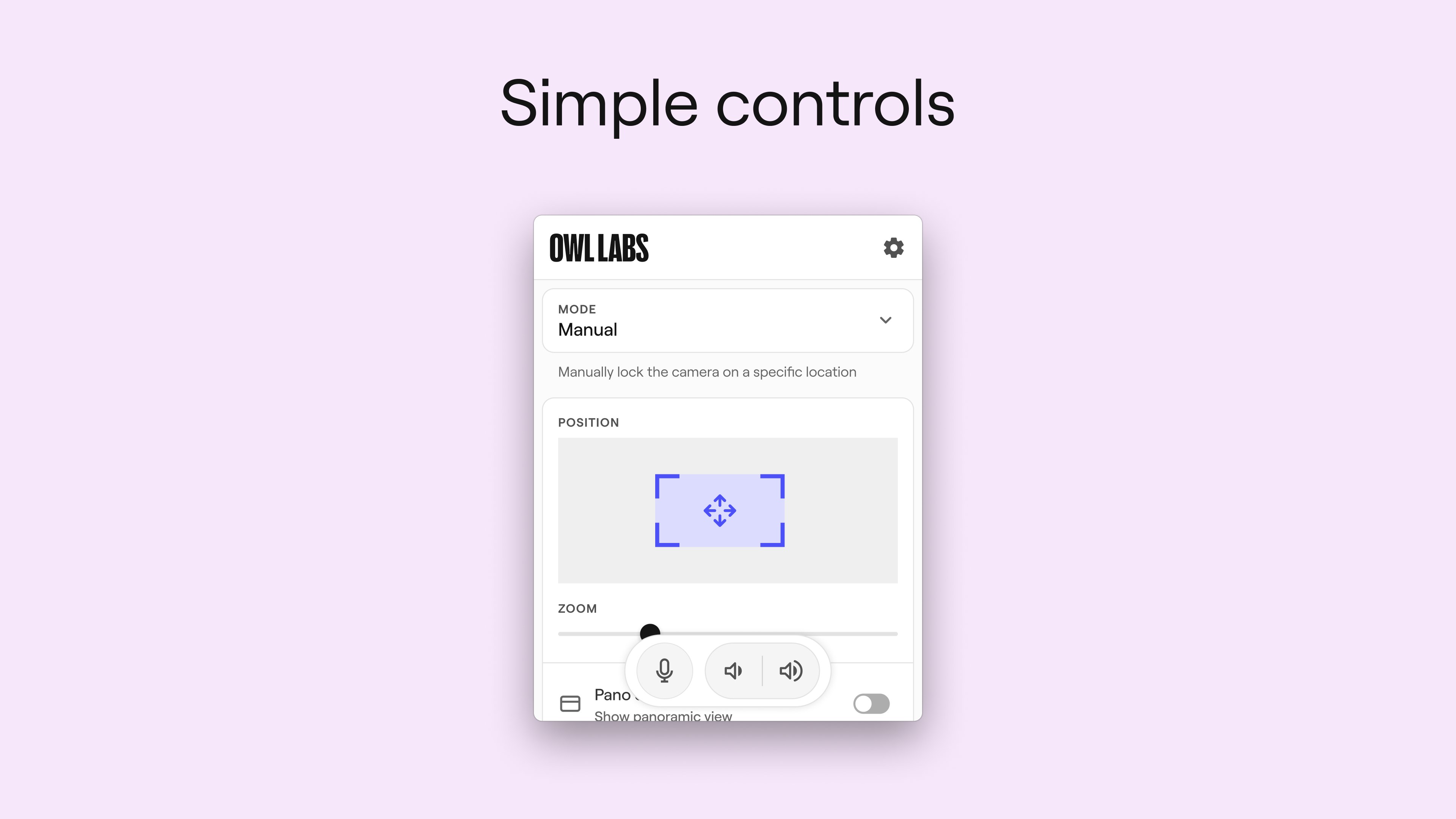
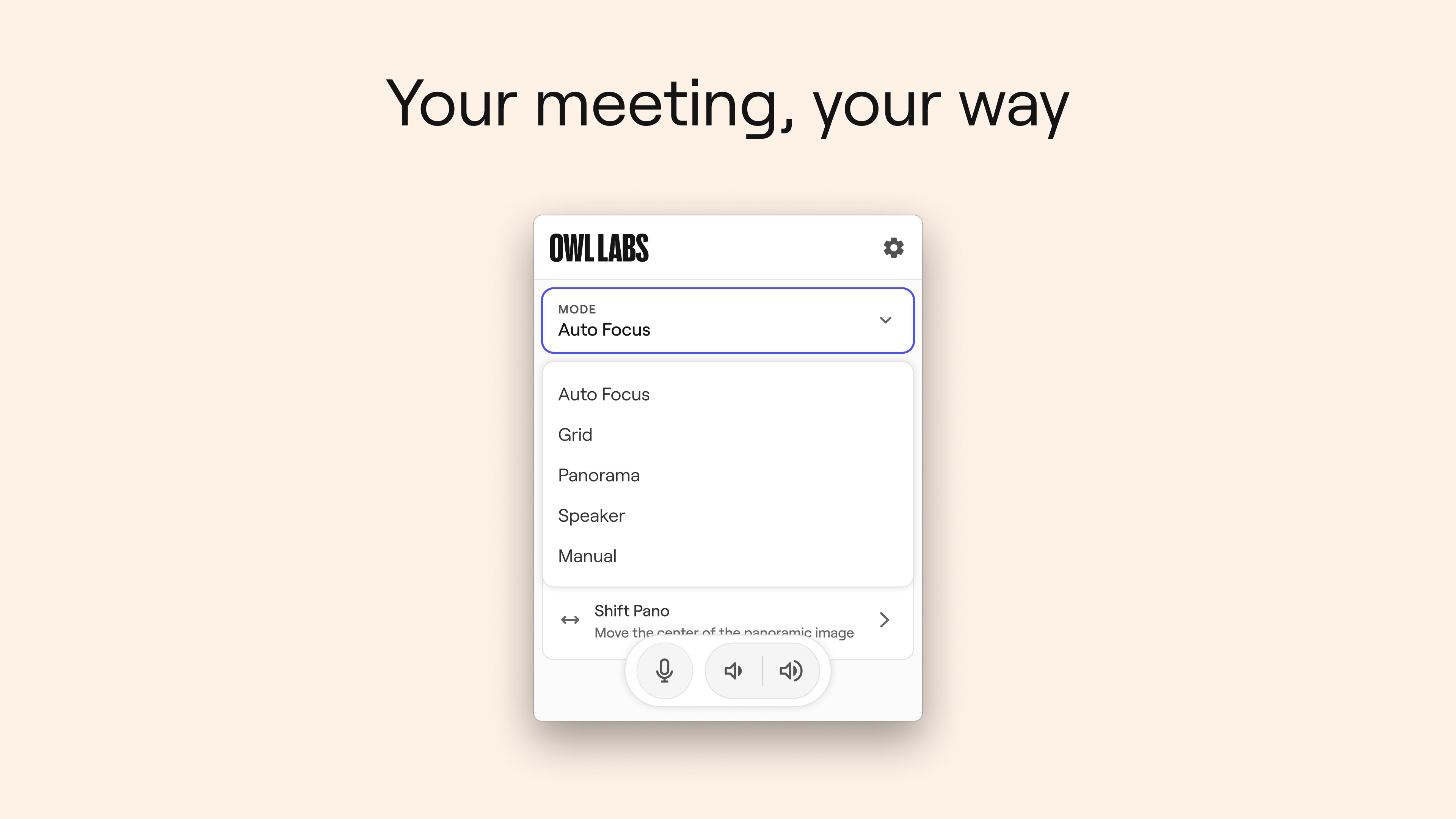
- Intelligent Camera Management: The app offers dynamic control over the Meeting Owl's camera, enabling automatic framing and speaker tracking, ensuring all participants are in focus without manual adjustments.
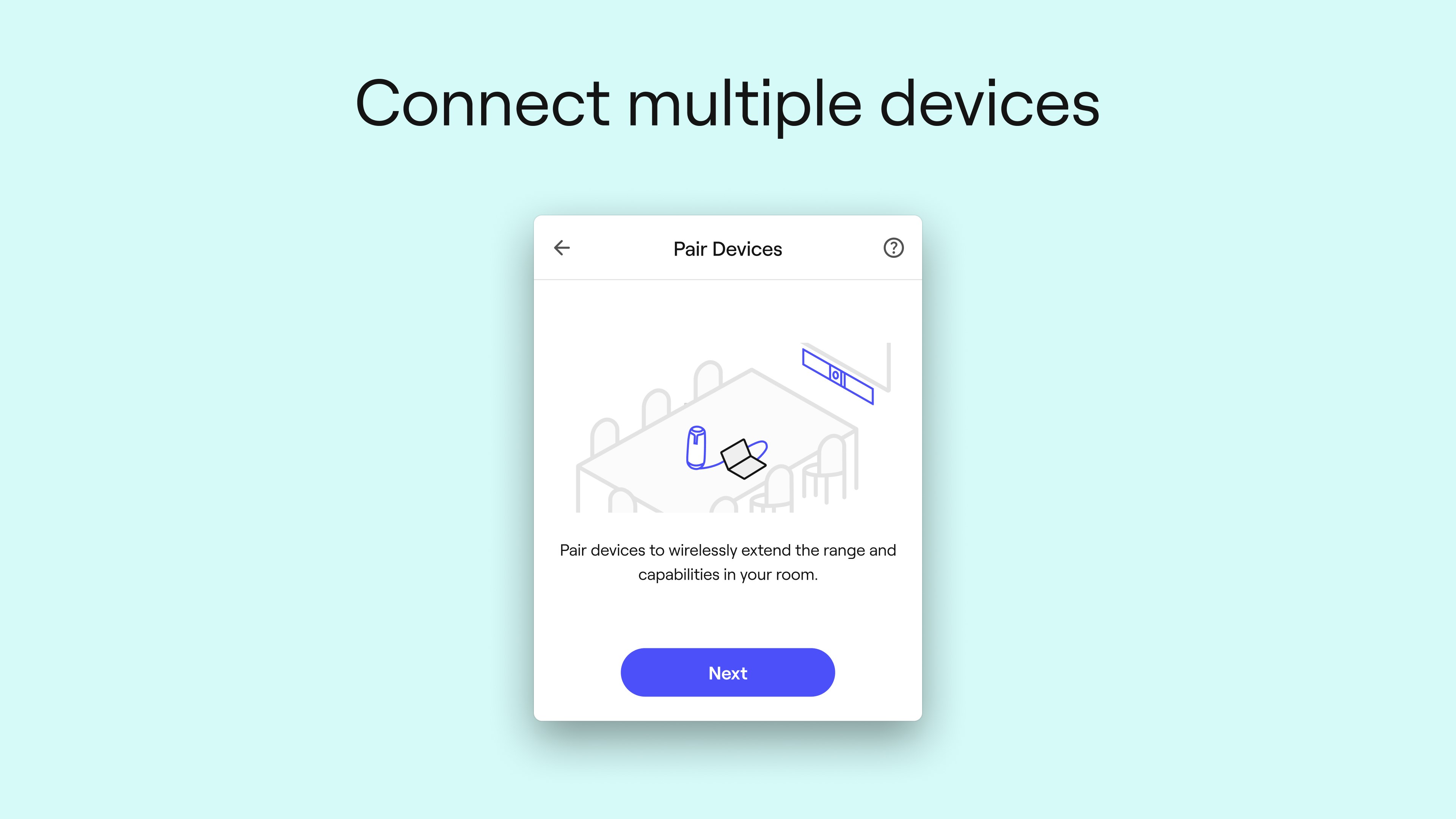
- Seamless Multi-Device Connectivity: Easily connect multiple Meeting Owl devices across different rooms, creating a unified and expansive conferencing setup that adapts to your organization's needs.
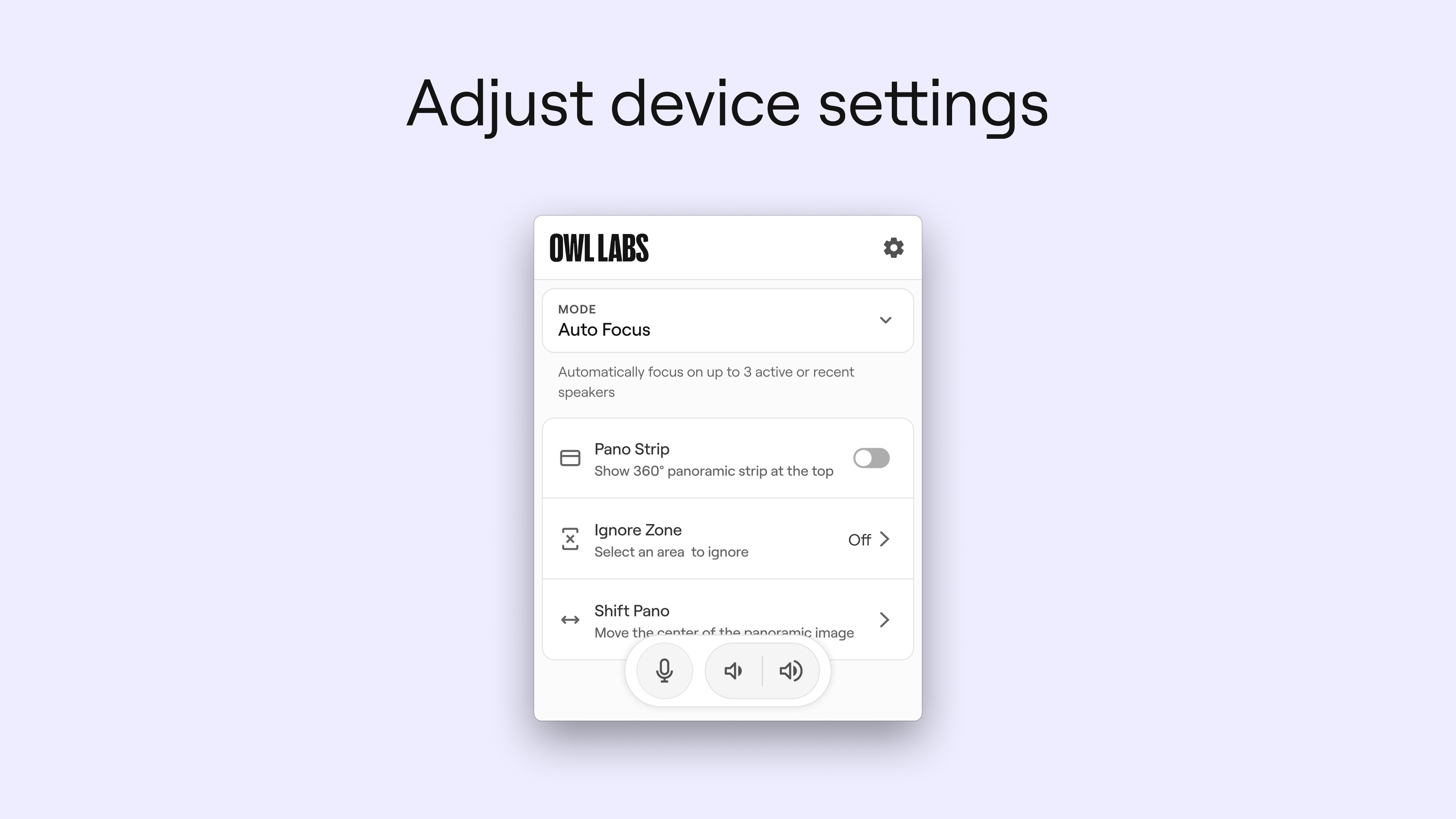
- Integrated Audio & Video Controls: The application provides straightforward access to audio and video settings, allowing hosts to manage microphones, volume levels, and camera angles effortlessly.
- Enhanced Collaborative Features: Certain features facilitate better interaction during meetings, such as shared screen control and device diagnostics for troubleshooting.
Experience in Action: Dive into the App's Core Functionalities
Imagine stepping into a virtual conference room where the camera automatically pans to the speaker, intuitively capturing their expressions and gestures — that's the promise of Meeting Owl's intelligent camera management. This feature transforms stale, static video calls into lively, interactive conversations, making remote participants feel more present and engaged. Additionally, the app's multi-device connectivity is akin to orchestrating a symphony of hardware, enabling organizations to deploy multiple Owl devices seamlessly, regardless of room size or layout.
Intuitive User Interface & User Experience
From the moment you open the Meeting Owl app, it strikes a balance between simplicity and sophistication. The interface is clean, with clearly labeled controls that anyone can pick up quickly. Navigating through settings feels natural, with real-time feedback making adjustments straightforward. The app's responsiveness is impressive; transitions between controls are smooth, and the device's automatic functions minimize the need for manual intervention. For users familiar with standard conferencing tools, there's minimal learning curve, making this a practical upgrade rather than a disruptive shift.
Unique Advantages Over Competitors
While many video conferencing apps focus on screen sharing or chat features, Meeting Owl's standout strength lies in its intelligent hardware integration, especially its dynamic speaker tracking and 360° camera coverage. Unlike traditional webcams that are static and require manual adjustments, the Meeting Owl adapts in real-time, creating a more natural and inclusive meeting environment. Moreover, the app's capability to coordinate multiple Owl devices across rooms sets it apart from conventional apps, effectively turning physical spaces into interconnected collaboration hubs.
Final Verdict: Should You Give It a Try?
In summary, Meeting Owl for Windows is a thoughtfully designed app that complements Owl Labs hardware exceptionally well. Its core features, especially the automatic speaker tracking and multi-device management, address common pain points in remote collaboration—making meetings more fluid and engaging. This app is recommended for organizations already invested in Owl Labs hardware or those seeking to upgrade their hybrid meeting setups with intelligent, user-friendly software. As a professional tech evaluator, I see it as a valuable tool to foster more natural interactions and efficient collaboration in a world where remote work continues to grow.
Pros
- Excellent 360-degree video and audio quality
- Automatic speaker tracking enhances engagement
- Easy setup with plug-and-play compatibility
- Compatible with common video conferencing platforms
- High-quality microphone array reduces background noise
Cons
- Relatively high price point
- Occasional autofocus and tracking glitches
- Requires sufficient USB bandwidth for optimal performance
- Limited customization for camera angles
- Bulkier design compared to traditional webcams











