
- Name Medlin Payroll Software
- Category Business
- Developer Medlin Software Inc
- Available on PC
- OS Windows 10 version 0.0 or higher
- Keyboard Integrated Keyboard
- Mouse Integrated Mouse
- languages English (United States)
Elegant Payroll Management Simplified for Windows
Medlin Payroll Software for Windows by Medlin Software Inc offers a streamlined solution for businesses seeking efficient payroll processing, blending intuitive design with robust features tailored for small to midsize enterprises.
Meet the Team Behind the Tool
Developed and published by Medlin Software Inc, a dedicated team specializing in business applications, this software reflects their commitment to creating reliable and user-friendly financial tools that cater to the practical needs of modern workplaces.
Key Features That Make a Difference
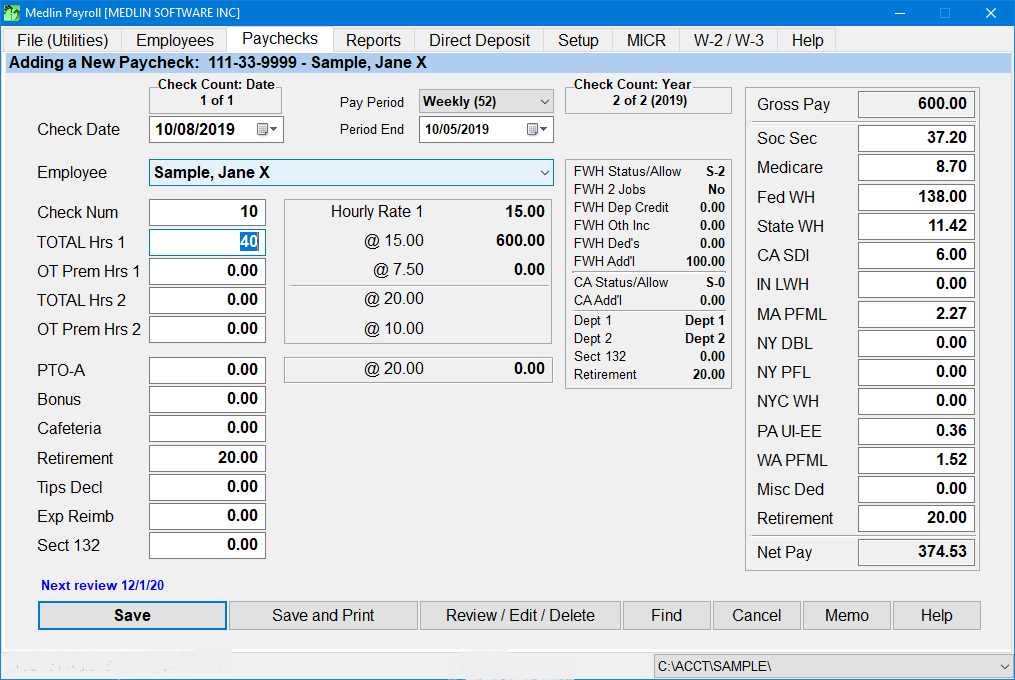
- Automated Payroll Calculations: The software automatically computes wages, taxes, and deductions, greatly reducing manual errors and saving time.
- Built-in Tax Compliance: Incorporates up-to-date tax regulations, helping users stay compliant effortlessly without constantly updating their knowledge base.
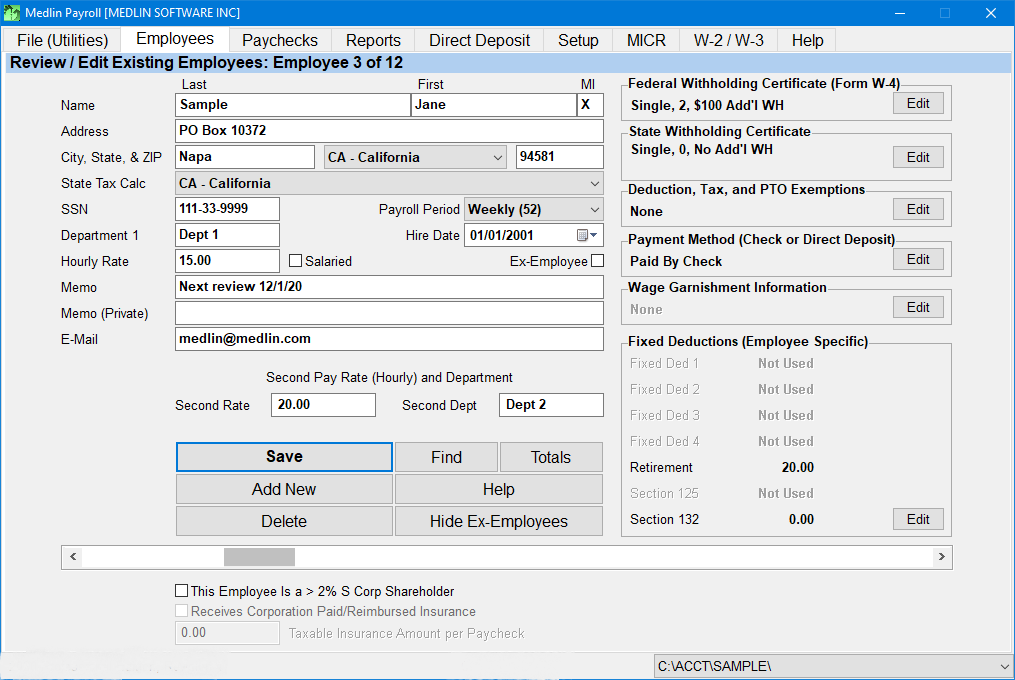
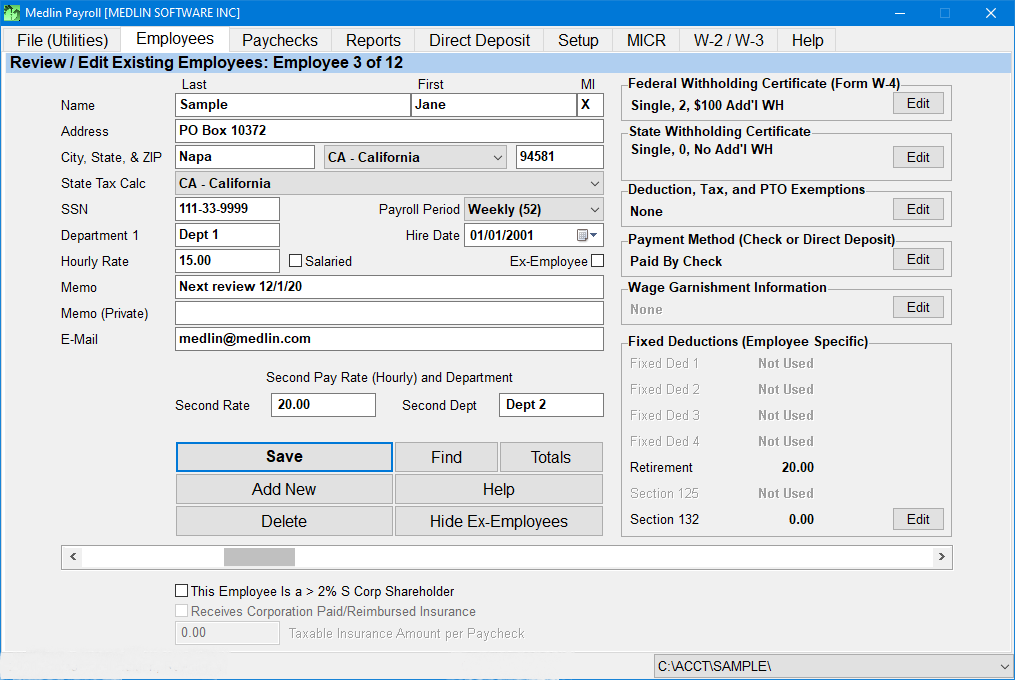
- Seamless Employee Management: Centralized database allows easy management of employee records, pay histories, and benefit tracking.
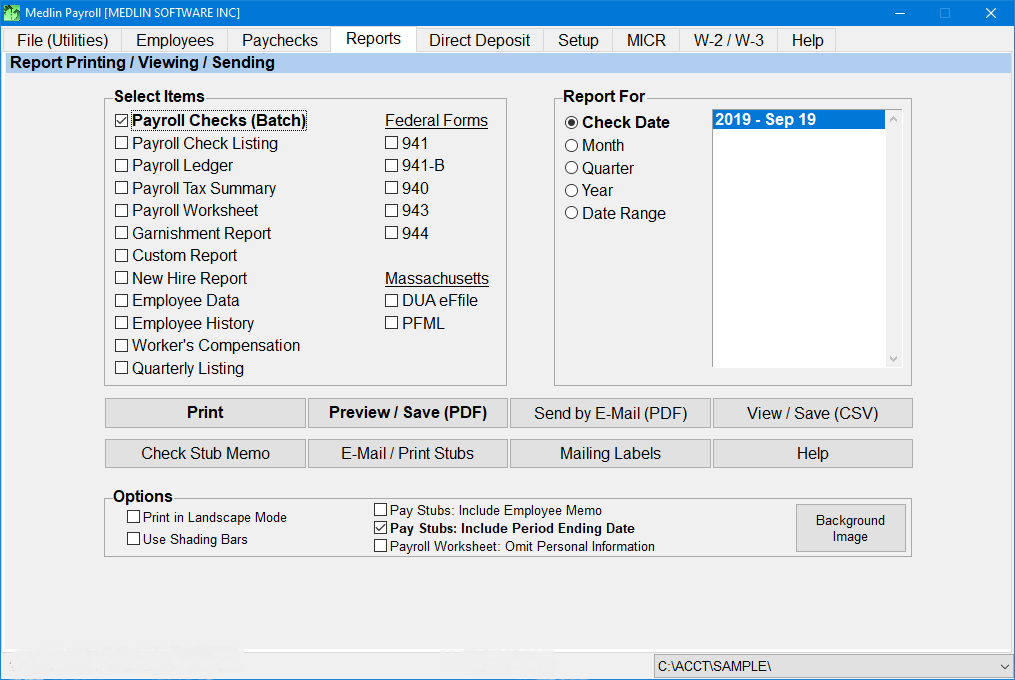
- Customizable Reports: Generate detailed payroll summaries, tax documents, and financial reports tailored to your needs.
An Engaging Dive into Its Core Functionalities
Imagine the typical payroll process as a lengthy relay race—complex, sometimes messy, and prone to missed checkpoints. Medlin Payroll Software transforms this race into an easy glide, with features that act as your reliable teammates, ensuring accuracy and efficiency every step of the way.
Automated Calculations That Save Your Day
One of the standout aspects of Medlin Payroll is its automation capabilities. Instead of manually crunching numbers, the software handles wage calculations, tax deductions, and benefits processing behind the scenes. It's akin to having a diligent accountant at your fingertips, meticulously ensuring every cent is correctly allocated. This feature minimizes errors—a crucial aspect considering payroll mishaps can be more costly than most software subscriptions.
Tax Compliance Made Simple
Tax regulations are the maze most businesses prefer not to navigate alone. Medlin Payroll's integrated tax compliance tools keep your payroll aligned with the latest rules. The software automatically updates itself with new tax rates and regulations (assuming regular internet access), sparing you the headache of manual research. Think of it as having a seasoned tax professional whispering advice into your ear every pay cycle.
User Experience and Interface: Smooth Sailing or Choppy Waters?
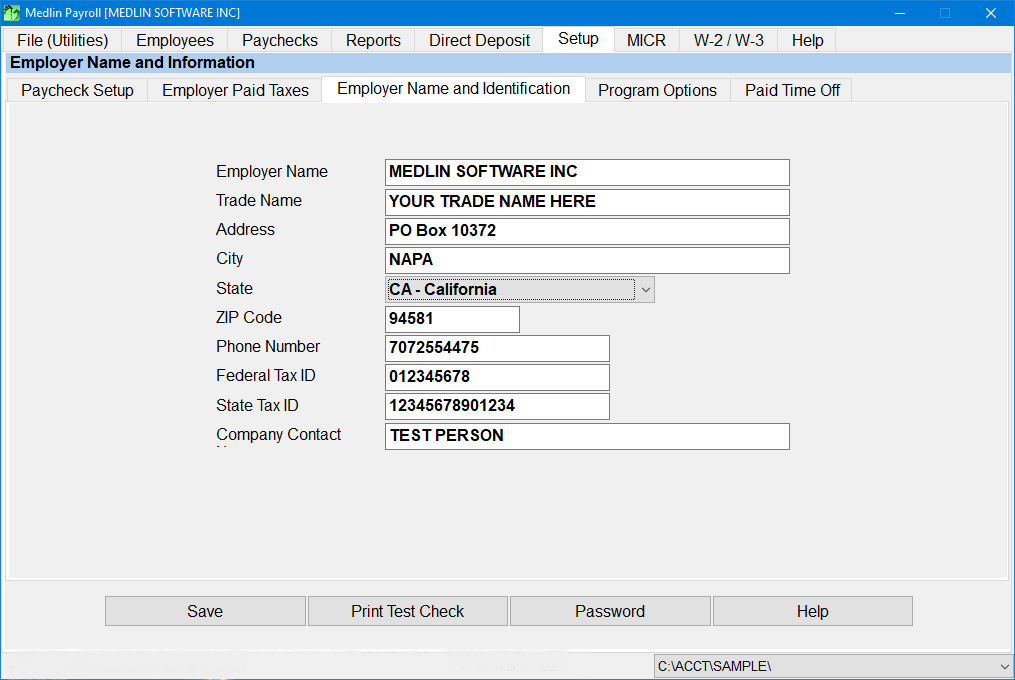
The design of Medlin Payroll Software is straightforward yet polished—imagine walking into a familiar and organized office. Its interface uses clear icons, logical workflow steps, and minimal clutter, which significantly lowers the learning curve. Setup is intuitive; even those less tech-savvy can manage initial configurations within minutes. The application runs smoothly without noticeable lag, thanks to optimized coding and minimal resource consumption. This seamless operation ensures that payroll processing feels like a well-choreographed dance, not a clumsy stumble.
What Sets It Apart from the Crowd?
Compared to other business applications, Medlin Payroll Software distinguishes itself with its focus on collaborative work features and task management tailored for payroll processing. While many competing tools are monolithic and rigid, Medlin offers flexibility, allowing multiple users to work concurrently on payroll tasks with role-based permissions. It encourages a team approach—think shared workspaces where payroll managers, HR, and finance teams can collaboratively review and approve data, reducing bottlenecks. The integrated task management ensures that payroll deadlines are met, reminders are sent, and responsibilities are clear—all within a single platform.
Final Thoughts: Is It Worth Your Trust?
If your business values a straightforward, reliable, and user-friendly payroll solution that's designed with an understanding of day-to-day operations, Medlin Payroll Software is definitely worth considering. Its most distinctive features—automated calculations and collaborative task management—not only make payroll processing less tedious but also foster a team-oriented environment. I'd recommend it primarily for small to midsize businesses looking for a practical tool that doesn't compromise on features or usability. For organizations that require extensive customization or complex multi-state tax processing, additional evaluation might be prudent.
Pros
- Intuitive User Interface
- Comprehensive Payroll Management
- Automatic Tax Updates
- Secure Data Handling
- Excellent Customer Support
Cons
- Limited Integration Options
- Occasional Slow Response Time
- Learning Curve for Advanced Features
- Limited Mobile Functionality
- Pricing Structure May Be Costly for Small Business











