

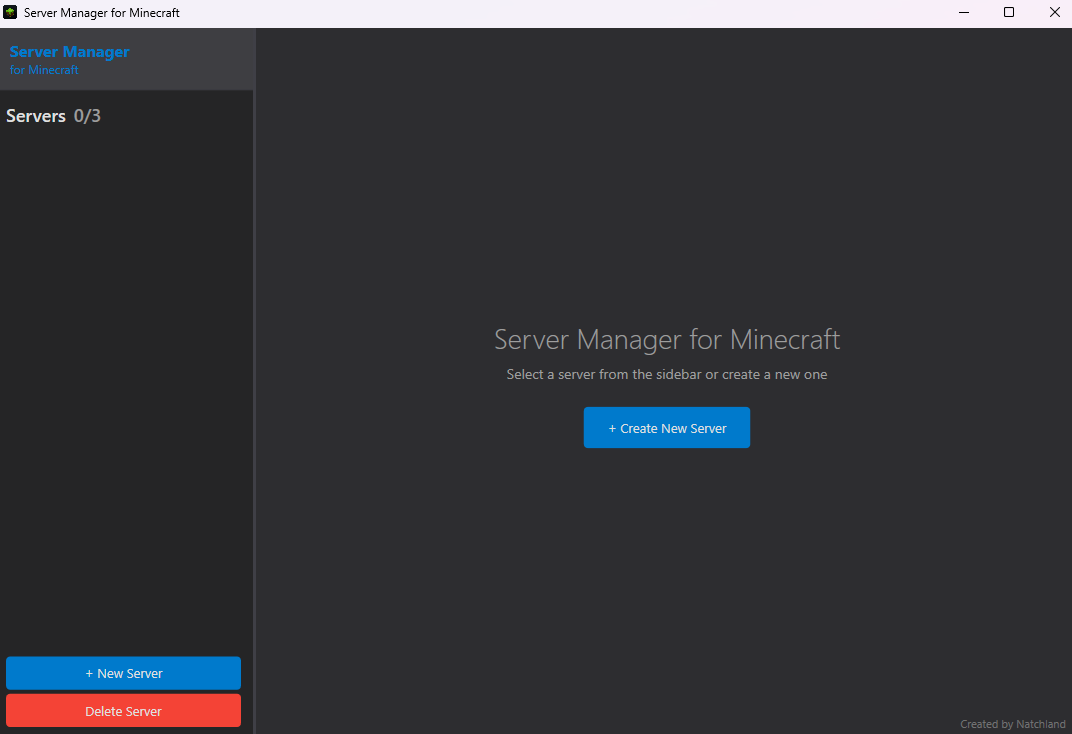
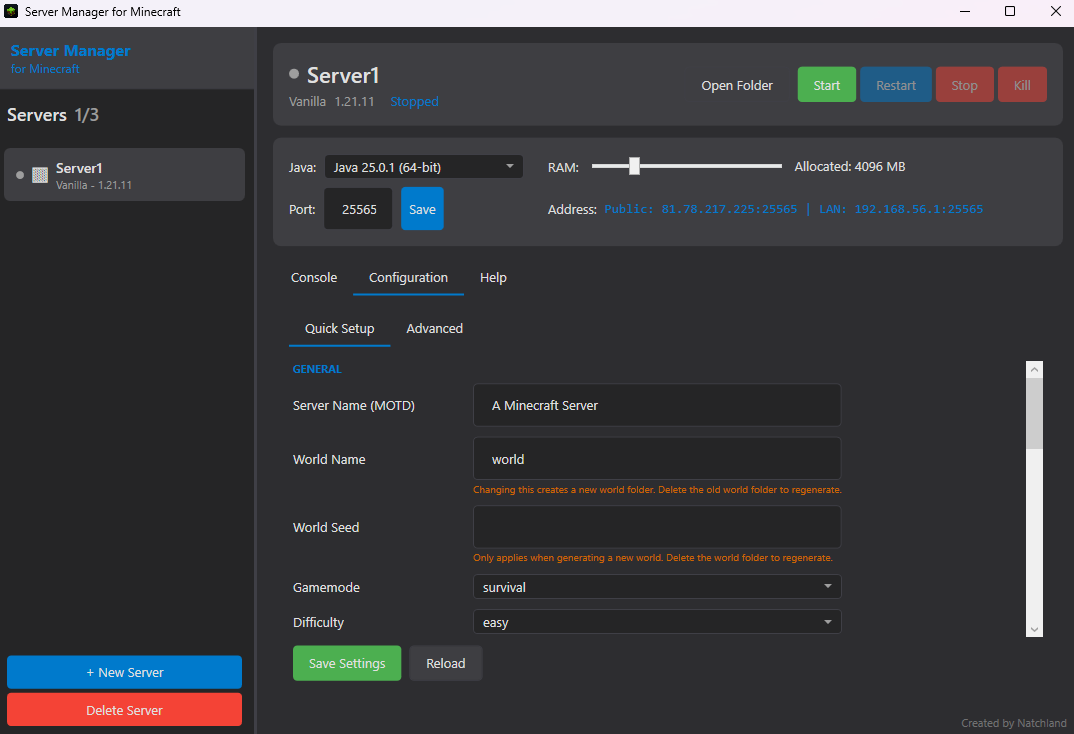
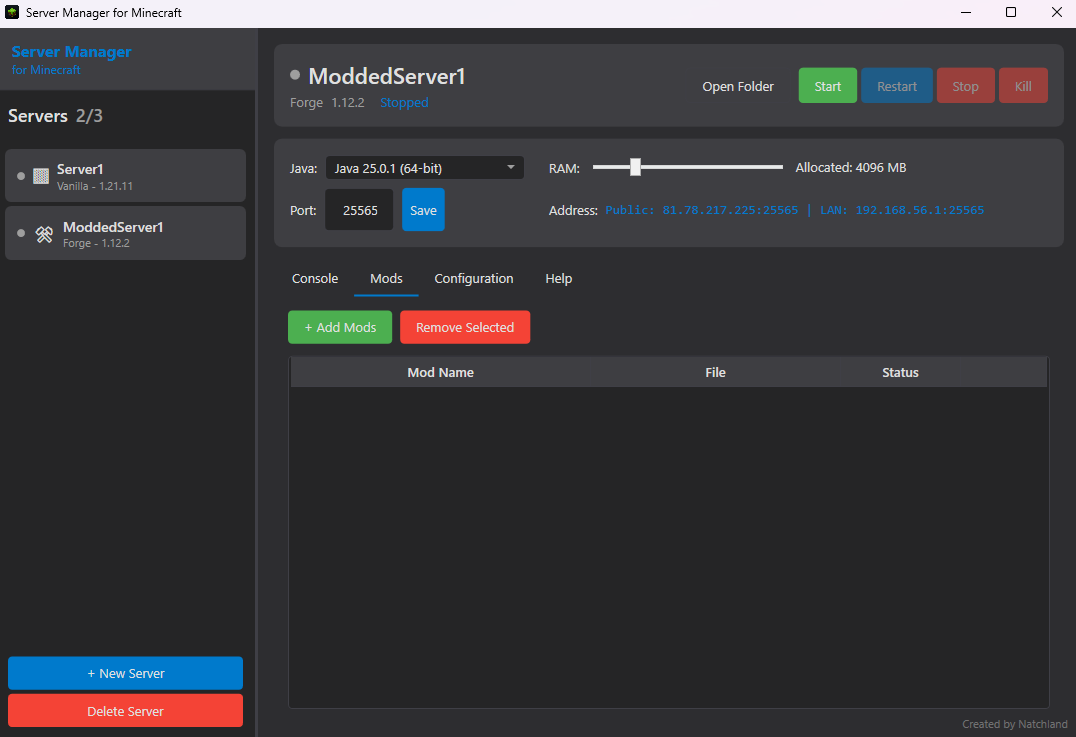
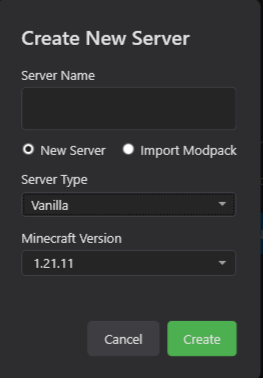
- Name MC Server Manager
- Category Utilities & tools
- Developer Natchland
- Available on PC
- OS Windows 10 version 17763.0 or higher
- Keyboard Integrated Keyboard
- Mouse Integrated Mouse
- Memory Not specified
- languages English (United States)
Fitting Minecraft Server Management into a Windows App
Imagining managing your Minecraft servers with just a few clicks right from your Windows desktop—that's where "MC Server Manager for Windows" steps in. Designed to streamline server control, this app aims to make server administration accessible, whether you're a seasoned admin or a budding enthusiast.
About the Developer and Core Features
The app is developed and published by Natchland, a team dedicated to creating straightforward utilities for gaming communities and tech lovers alike. Its primary promise is to simplify server management with an intuitive interface and core functionalities that cover the essentials of Minecraft server hosting.
- One-Click Server Control: Start, stop, and restart your Minecraft server effortlessly, reducing wait times and eliminating command line complexities.
- Server Configuration Management: Easily edit server properties and configurations within a user-friendly GUI, avoiding messy config files.
- Real-Time Monitoring: View server status, player activity, and resource usage instantly, helping you keep track without digging through logs.
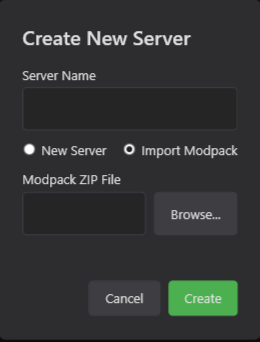
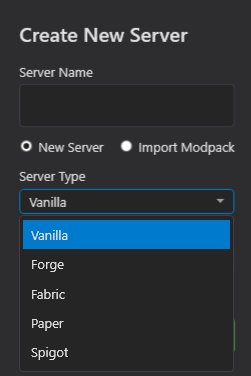
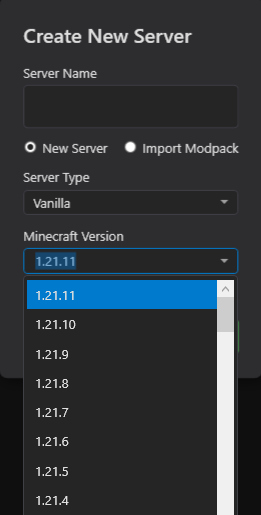
- Multiple Server Handling: Manage multiple servers from a single dashboard, perfect for admins hosting various worlds or modpacks.
The app mainly targets Minecraft community admins, hobbyist server hosts, and small gaming clans who seek a hassle-free, visual approach to server management without delving into complex terminal commands.
Engaging and Practical User Experience
Starting with MC Server Manager for Windows feels like sitting down with a friendly, well-organized dashboard. Its clean layout resembles a well-tended control panel, making server management less like wizardry and more like routine maintenance. Navigating through its features is smooth—the app runs with fluidity, and loading server data is swift, making the experience seamless rather than sluggish. The learning curve is gentle; even newbies can find their way around after a brief exploration, thanks to well-labeled buttons and intuitive workflows.
Imagine you're managing a small virtual world—this app acts like the dedicated dashboard in your spaceship, giving you control without the clutter. The interface's sensible grouping of features, combined with straightforward icons, reduces confusion and speeds up your workflow—crucial in emergencies or when making quick adjustments.
Unique Selling Points and Differentiation
What truly sets MC Server Manager apart from other utilities is its focus on simplicity paired with multi-server capabilities. While many existing tools require juggling multiple apps or extensive command-line knowledge, this app consolidates control into one Windows environment with a visually friendly layout. Its real-time monitoring ensures that you're always aware of your server's health without opening multiple console windows or logs, akin to having a cockpit dashboard that provides all vital stats at a glance.
Moreover, its minimalistic approach doesn't sacrifice functionality. By allowing direct edits to server configs via GUI and supporting batch management for several servers, it provides a unique combination of ease and power—ideal for users who want straightforward management without sacrificing control.
Final Thoughts: Is It Worth Your Time?
Overall, MC Server Manager for Windows serves as a reliable, user-centric tool that simplifies Minecraft server administration. It's particularly recommended for casual hosts and small communities looking to avoid technical complexity. While it might lack some advanced features of enterprise-grade server tools, its dedicated focus on core management and user experience makes it a compelling choice.
If you value intuitive controls, rapid server handling, and a clutter-free interface, this app deserves a spot on your desktop. For those ready to make server management less of a chore and more of an enjoyable part of your gaming setup, MC Server Manager offers a practical, approachable solution—definitely worth trying out for your Minecraft adventures.
Pros
- Intuitive Server Management Interface
- Comprehensive Server Monitoring Tools
- Seamless Integration with Microsoft Ecosystem
- Regular Updates and Support
- Customizable Management Options
Cons
- Limited Compatibility with Non-Microsoft Servers
- Steep Learning Curve for Beginners
- Occasional Performance Lag
- Limited Offline Functionality
- Basic Documentation











