



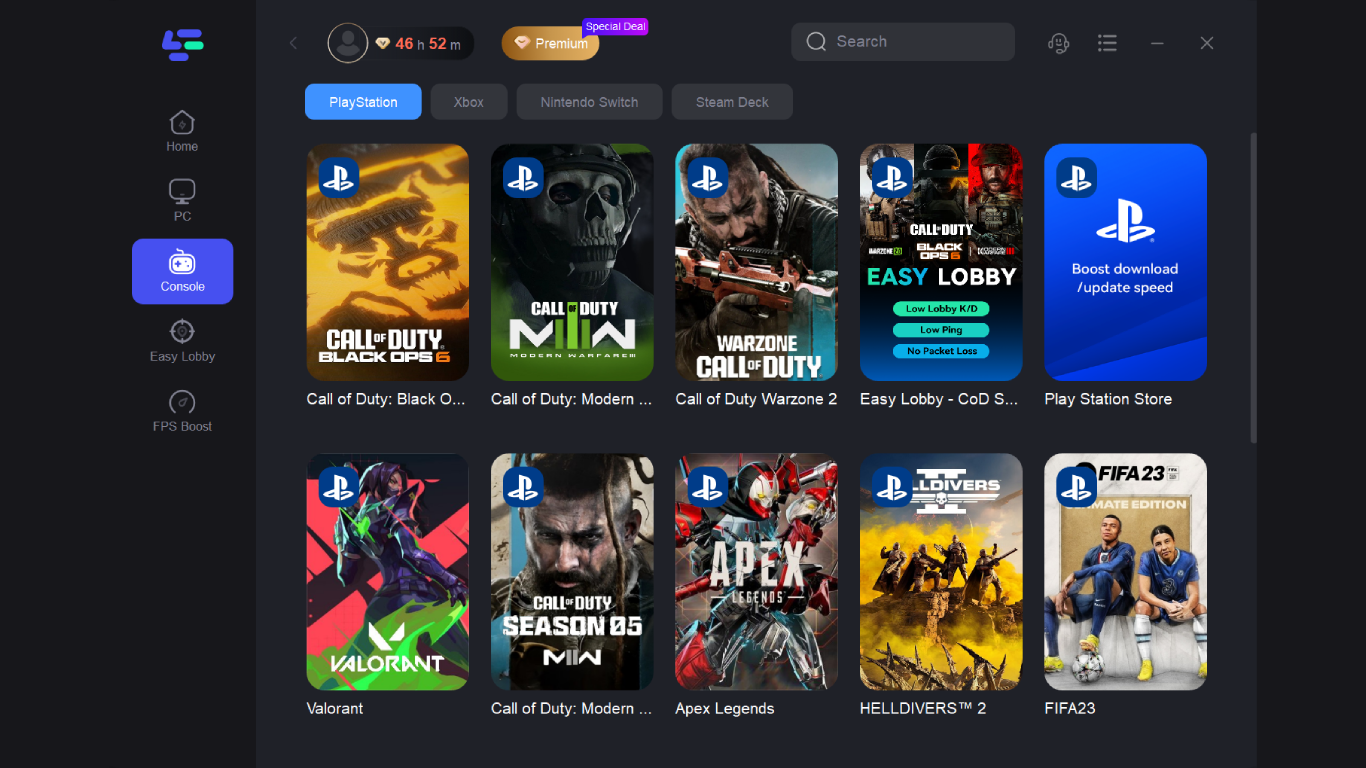
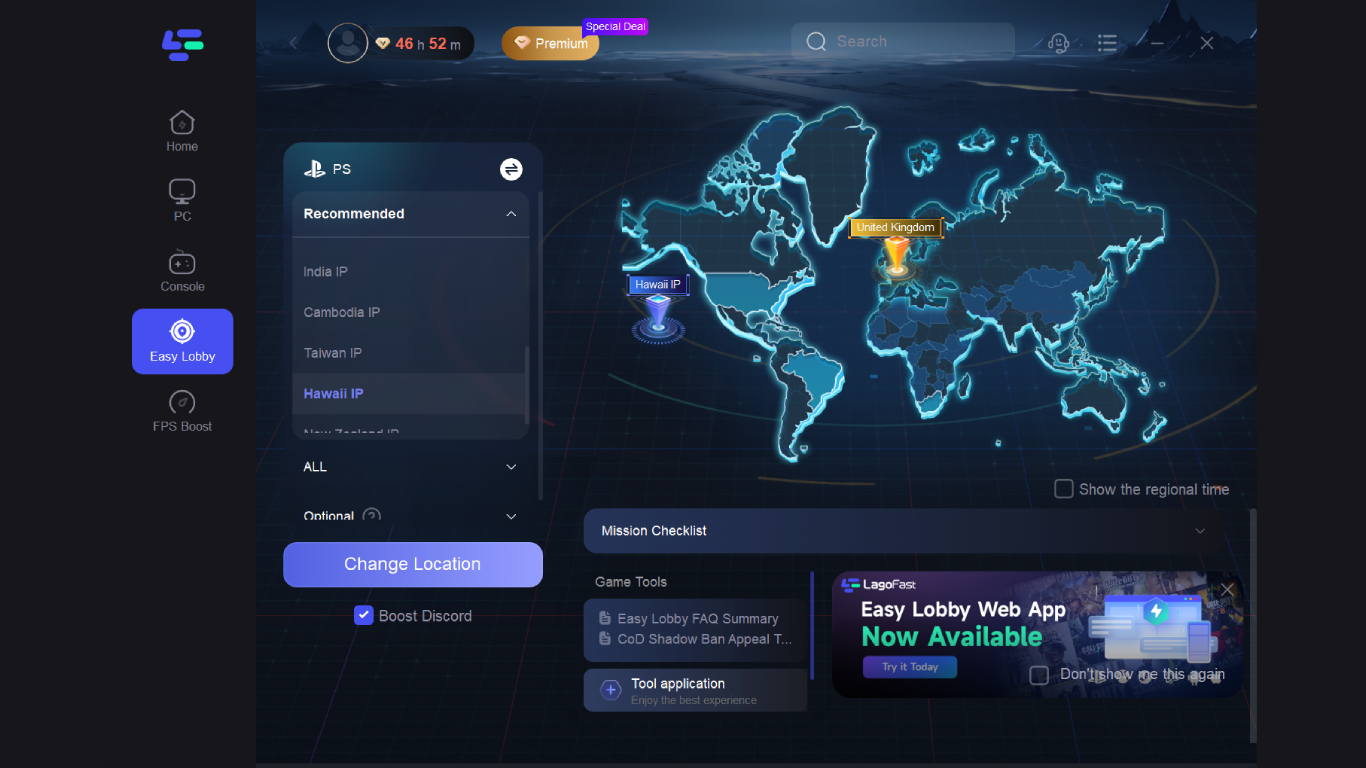
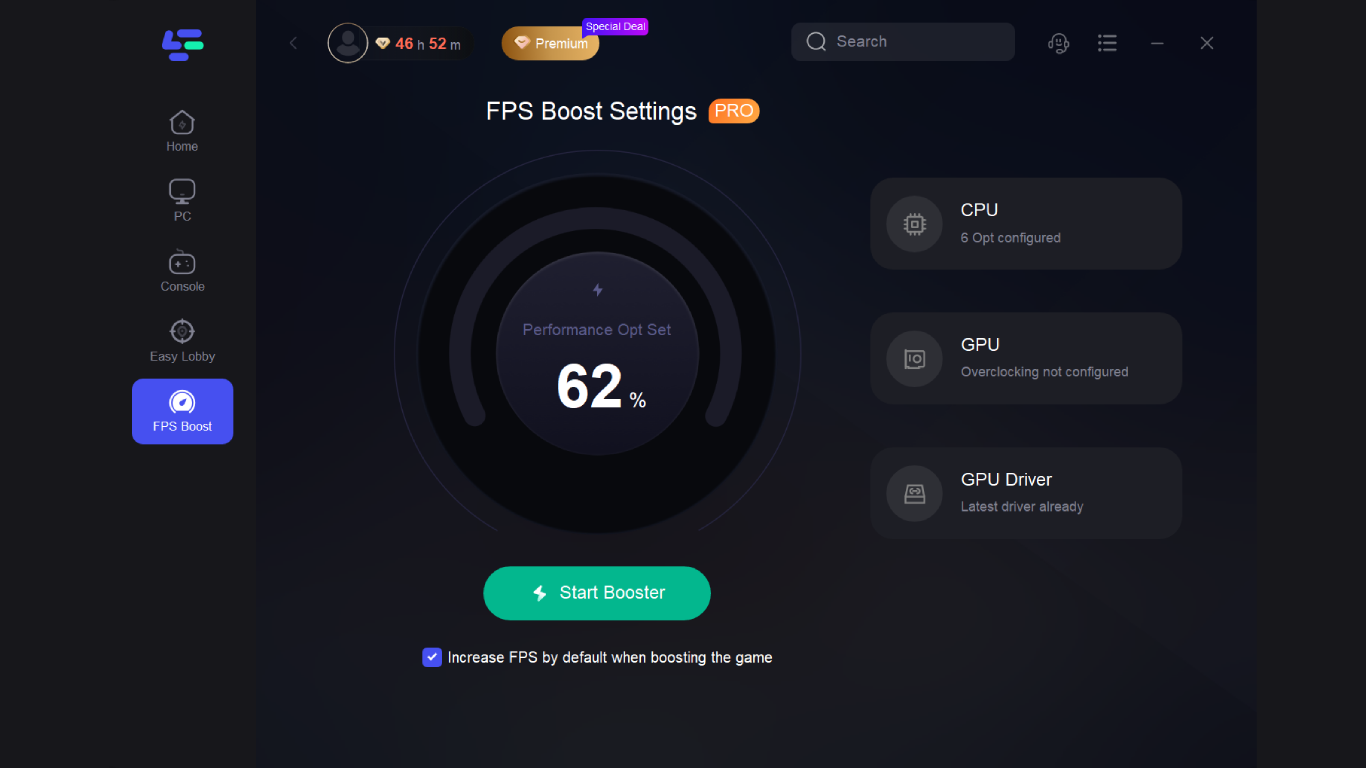
- Name LagoFast
- Category Utilities & tools
- Developer Junyun Limited
- Available on PC
- OS Windows 10 version 0.0 or higher
- languages English
Introducing LagoFast for Windows: A Sleek and Efficient Internet Acceleration Tool
LagoFast for Windows, developed by Junyun Limited and published by Iredwhale, positions itself as a user-friendly utility designed to optimize your internet speed and stability seamlessly. Whether you're a casual browser, streamer, or gamer, LagoFast aims to deliver smoother online experiences with minimal fuss.
Key Features That Stand Out
Intelligent Traffic Optimization
One of LagoFast's most compelling features is its ability to intelligently analyze and optimize your network traffic. Think of it as a traffic cop for your internet lane, directing data through the fastest and most reliable pathways. This ensures reduced latency and improves download and upload speeds, which is especially beneficial for activities like gaming and high-quality streaming.
Multi-Protocol Support with One Click
LagoFast supports various protocols, allowing users to switch effortlessly between them to find the best connection for their specific needs. Its one-click switching feature streamlines what used to be a complex process, making network customization accessible even to tech novices. This flexibility sets it apart from more rigid tools that only support limited protocols.
Automatic Connection Stability Enhancements
Beyond just speeding up connections, LagoFast offers automatic stabilization features to prevent disconnections and network fluctuations. Imagine having an invisible shield that keeps your online activities steady and uninterrupted, which is especially critical during live streams or online meetings. This focus on connection reliability is a defining advantage over similar utilities that only boost speed without ensuring stability.
Design and User Experience: Simple, Effective, and Friendly
The user interface of LagoFast is clean and intuitive, akin to opening the dashboard of a high-end vehicle—well-organized controls that are easy to navigate without prior experience. Navigating through its features is smooth, with quick loading times and responsive controls, lowering the barrier for new users who might be overwhelmed by more complicated network tools. The learning curve is gentle, enabling even those unfamiliar with network optimization to harness its power rapidly.
How Does It Compare? Unique Selling Points
Distinct from many other utilities and tools in its category, LagoFast shines with its blend of straightforward operation and robust optimization capabilities. Its intelligent traffic routing and automatic stability enhancements are particularly noteworthy, providing a holistic approach to improving your internet experience. Many tools focus solely on speed increment or protocol switching; LagoFast's combined focus on stability and speed, along with its user-friendly interface, makes it a compelling choice for users seeking reliable enhancements without fiddling with complex settings.
Final Thoughts: Is LagoFast Worth Trying?
In conclusion, LagoFast for Windows delivers a balanced mix of speed enhancement, stability, and ease of use. It's best suited for users who want a hassle-free tool that genuinely improves their online experience without the need for technical expertise. While it may not revolutionize internet optimization—no tool can do that entirely—it certainly offers a practical and accessible solution. I would recommend giving it a try if you're looking to optimize your network effortlessly and enjoy smoother, more stable online activities.
Pros
- User-Friendly Interface
- High-Speed Data Processing
- Minimal Resource Usage
- Regular Updates
- Customer Support Access
Cons
- Limited Compatibility
- Occasional Connectivity Issues
- Basic Customization Options
- Some Features Need Improvement
- Learning Curve for Advanced Features











