
- Name iTop VPN
- Category Utilities & tools
- Developer ©iTop
- Available on PC
- OS Windows 10 version 0.0 or higher
- languages Chinese (Traditional Chinese), Danish, Dutch, English, French, Georgian, German, Hebrew, Hungarian, Indonesian, Italian, Japanese, Korean, Malay, Polish, Portuguese (Brazil), Russian, Slovak, Slovenian, Swedish, Thai, Turkish, Ukrainian, Vietnamese
Introducing iTop VPN for Windows: A Reliable Shield for Your Digital Journey
In today's world where online privacy and seamless access are more important than ever, iTop VPN for Windows positions itself as a user-friendly yet robust virtual private network solution that aims to keep your digital life safe and free-flowing.
Who's Behind This Digital Fortress?
Developed and published by ©iTop, a tech company known for crafting efficient utility tools, iTop VPN is part of their suite of privacy and security products. Their focus is on delivering straightforward VPN solutions that prioritize user experience without sacrificing essential security features.
What Makes iTop VPN Stand Out? – Key Features in Focus
- Easy-to-Use Interface: Design simplicity meets functional elegance, making connectivity straightforward for users of all skill levels.
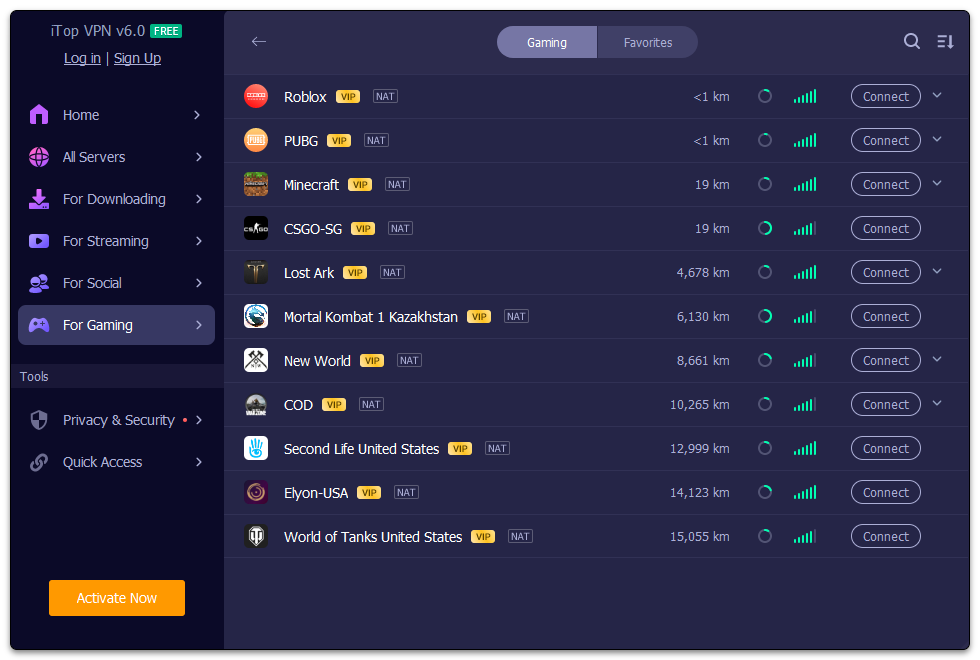
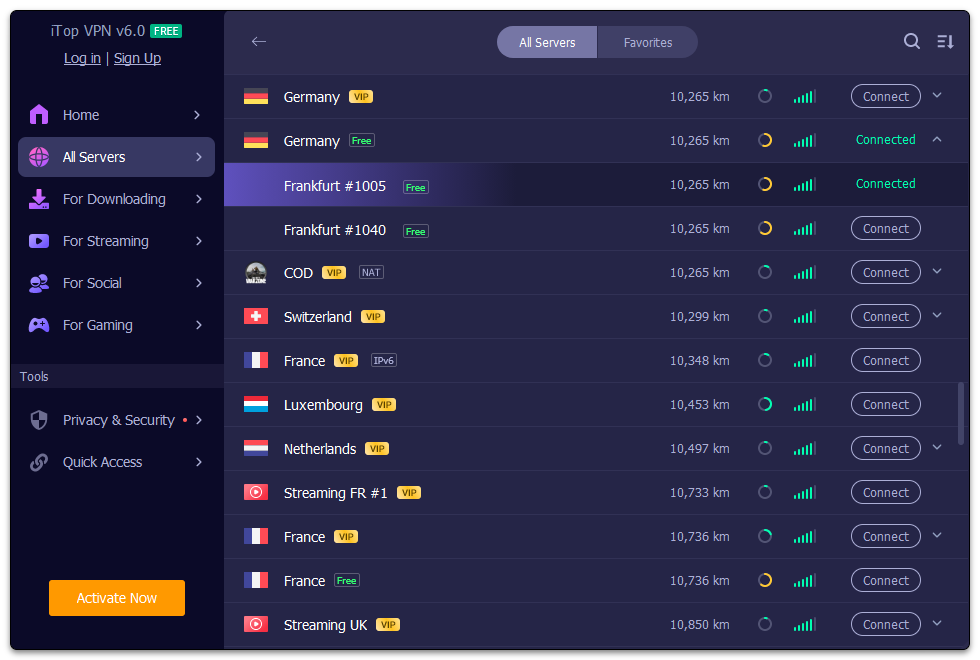
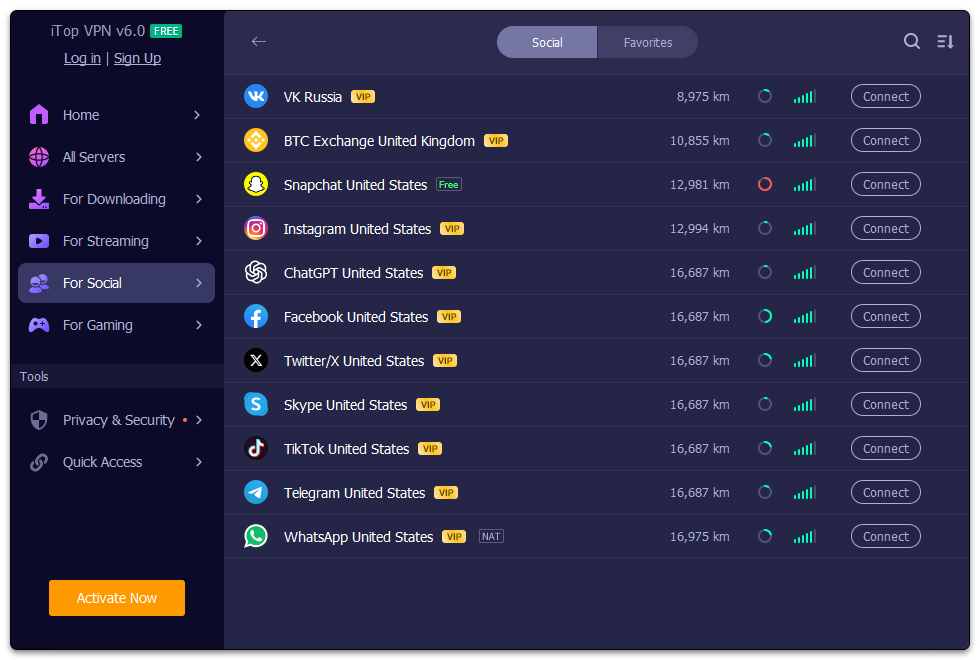
- Global Server Network: Access a wide array of servers across numerous countries, empowering users to bypass geo-restrictions effortlessly.
- Fast and Stable Connections: Optimized servers ensure smooth browsing, streaming, and gaming without annoying lags.
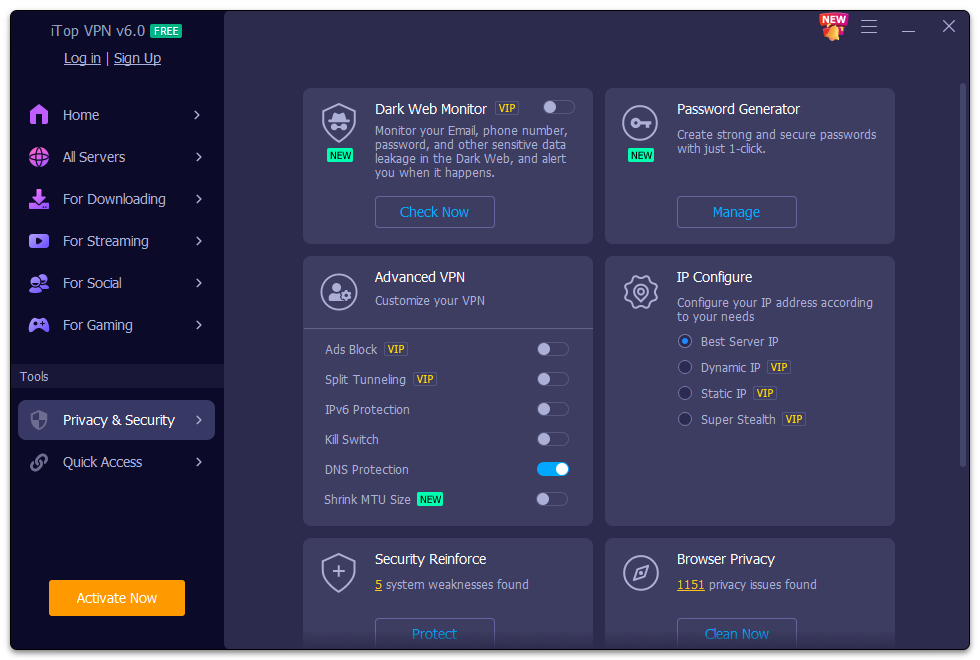
- Strong Encryption and Privacy Protection: Prioritizes security, encrypting data to safeguard against snooping and cyber threats.
Putting iTop VPN Through Its Paces
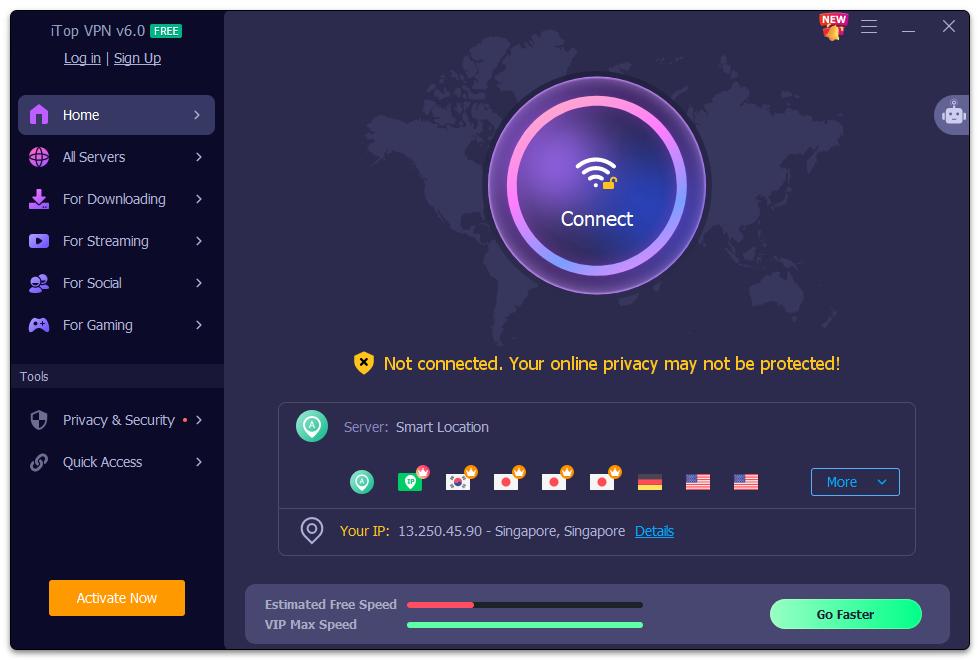
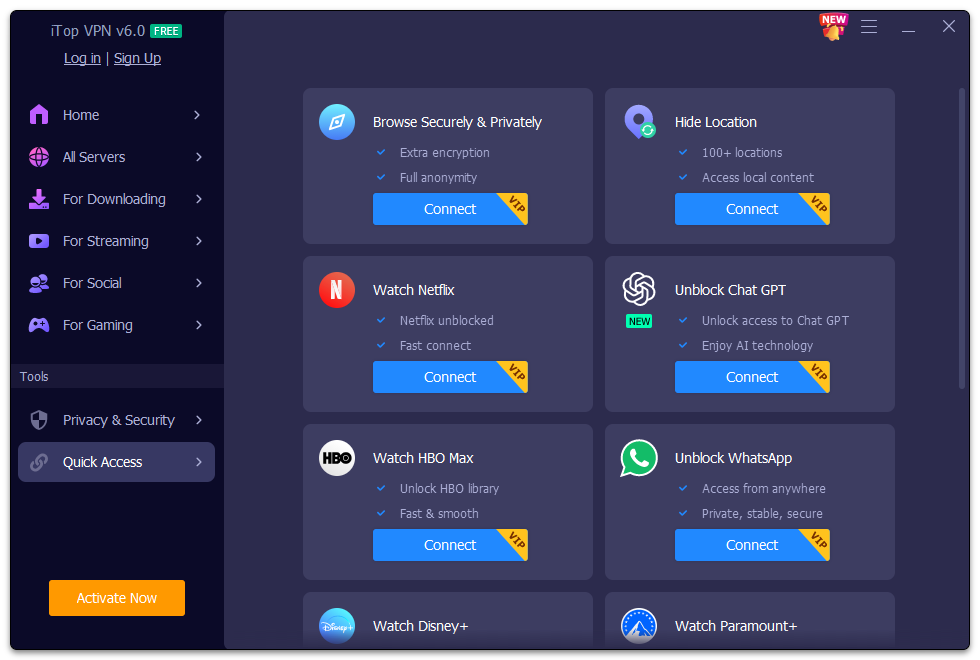
Stepping into the user's shoes, I found iTop VPN to be surprisingly intuitive—like opening a new app and feeling as if you've unlocked a digital safe with familiar keys. Its interface is clean and welcoming, not cluttered with confusing menus or overwhelming options. Whether you're a casual browser or a serious streaming enthusiast, this app aims to make your VPN experience smooth and accessible.
Seamless Connectivity Made Effortless
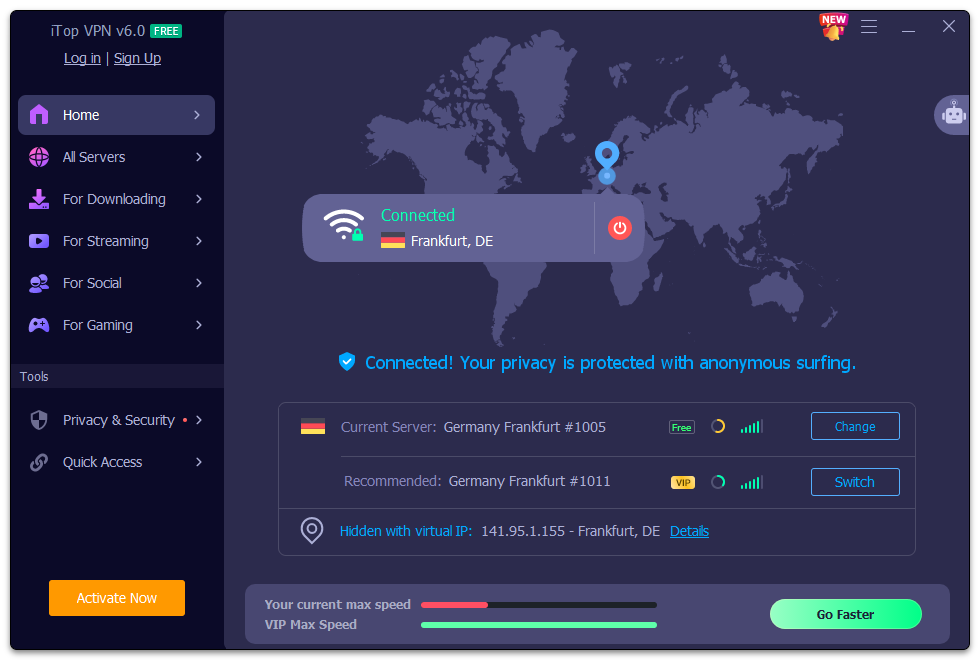
One standout feature is the straightforward connection process. With a single click, you can switch between servers across different countries, almost like teleporting your browsing experience around the globe. The connection remains stable, even during extensive streaming sessions or online gaming—no frustrating disconnects or buffering interruptions. This reliability is a breath of fresh air compared to some VPNs that seem to stumble when pushing their limits.
Security at the Heart of the Experience
In terms of privacy, iTop VPN employs top-tier encryption protocols that act like a digital invisibility cloak. It's perfect for users who treasure their online privacy—whether surfing social media, banking, or accessing work resources remotely. Notably, the VPN doesn't log user activity, which is crucial for privacy-conscious individuals.
Unique Selling Proposition: Effortless Streaming and Bypass Capabilities
Unlike many VPNs that require fiddling in settings or choosing complicated modes, iTop VPN's standout feature is its ability to unblock geo-restricted content with minimal effort. Streaming platforms like Netflix or Hulu still pose challenges for some VPNs, but iTop's optimized servers and automatic detection make accessing your favorite shows a simple matter—like flipping a switch. This ease of use differentiates it from other utility tools that tend to focus solely on security without the user experience in mind.
Final Verdict: A Friendly Companion for Everyday Digital Needs
Based on my experience, I'd recommend iTop VPN for users seeking a straightforward, reliable, and secure VPN solution for Windows. Its user-centric design, coupled with powerful features like unblocking geo-restrictions and ensuring privacy, make it a compelling choice for both beginners and experienced users. It's like having a digital trustworthy friend who helps you stay safe and connected without the fuss.
In conclusion, if you're in search of a VPN that combines simplicity with robust performance, iTop VPN deserves serious consideration. It's not just another utility app—it's your digital passport to a safer, freer online experience.
Pros
- Strong server network
- User-friendly interface
- Good security features
- Affordable pricing plans
- Unblocking geo-restricted content
Cons
- Limited free trial functionality
- Connections occasionally drop during peak hours
- Speed fluctuations on certain servers
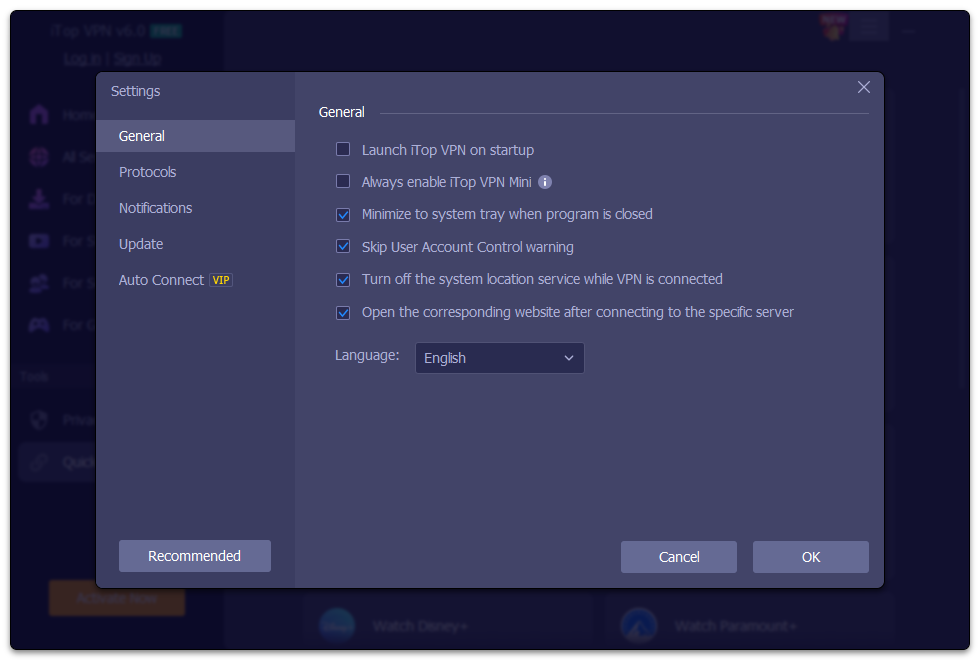
- Less advanced customization options
- Customer support response times vary











