
- Name Intel® Graphics Software
- Category Utilities & tools
- Developer Intel® Corporation
- Available on PC
- OS Windows 10 version 19041.0 or higher
- languages English (United States)
Introduction to Intel® Graphics Software for Windows
Intel® Graphics Software for Windows is a dedicated utility designed to optimize and manage Intel integrated graphics hardware. It offers users an enhanced visual experience with simplified control over settings, driver updates, and performance tuning, making it an essential tool for anyone relying on Intel graphics solutions.
Bright New Features That Power Your Visual Experience
Intelligent Driver Management
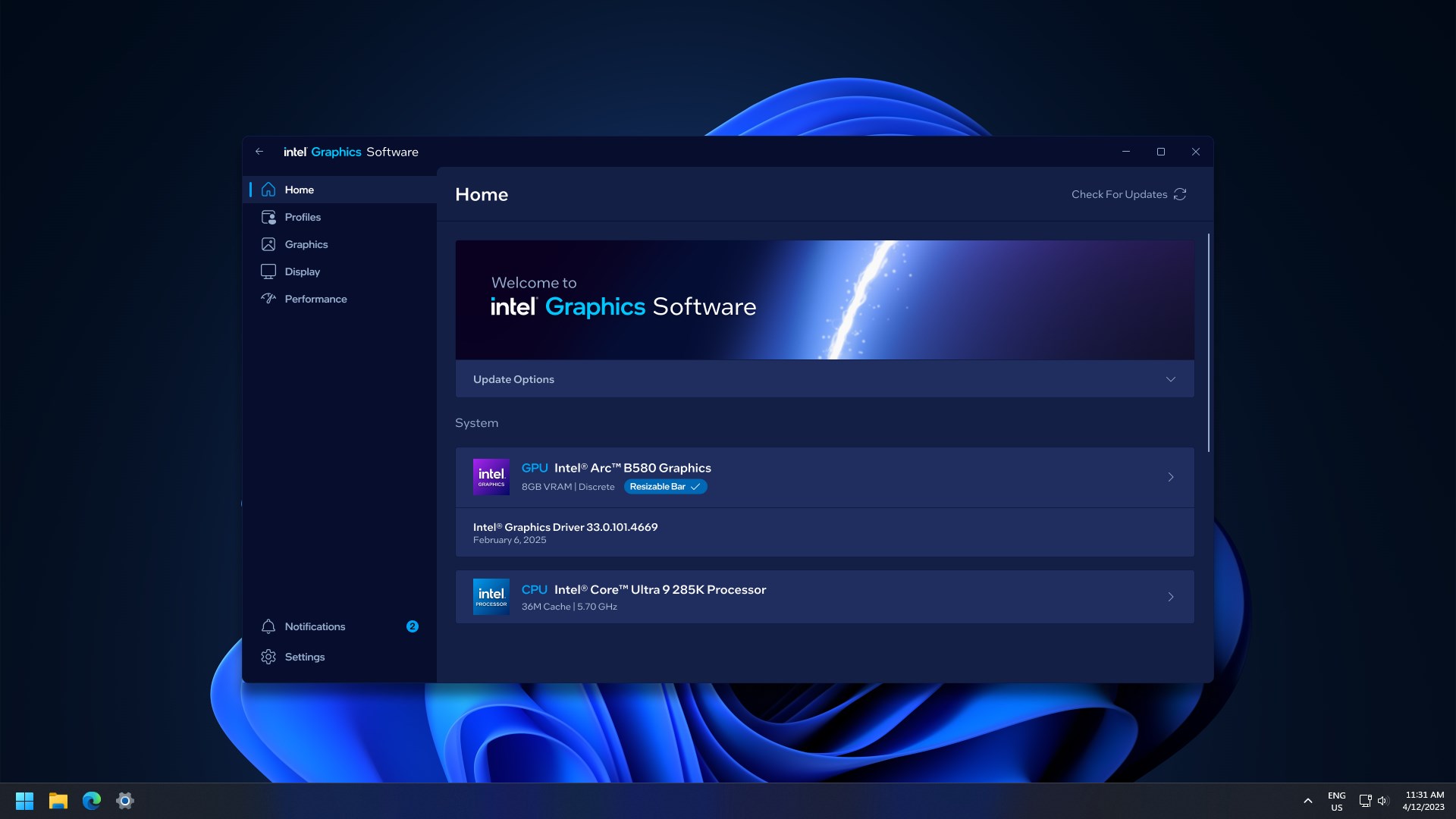
The software provides seamless automatic updates for your Intel graphics drivers, ensuring compatibility with the latest Windows updates and game releases. It's like having a savvy mechanic who keeps your engine in perfect tune without you lifting a finger, thus reducing the risk of driver-related issues and boosting overall system stability.
Performance Optimization & Customization
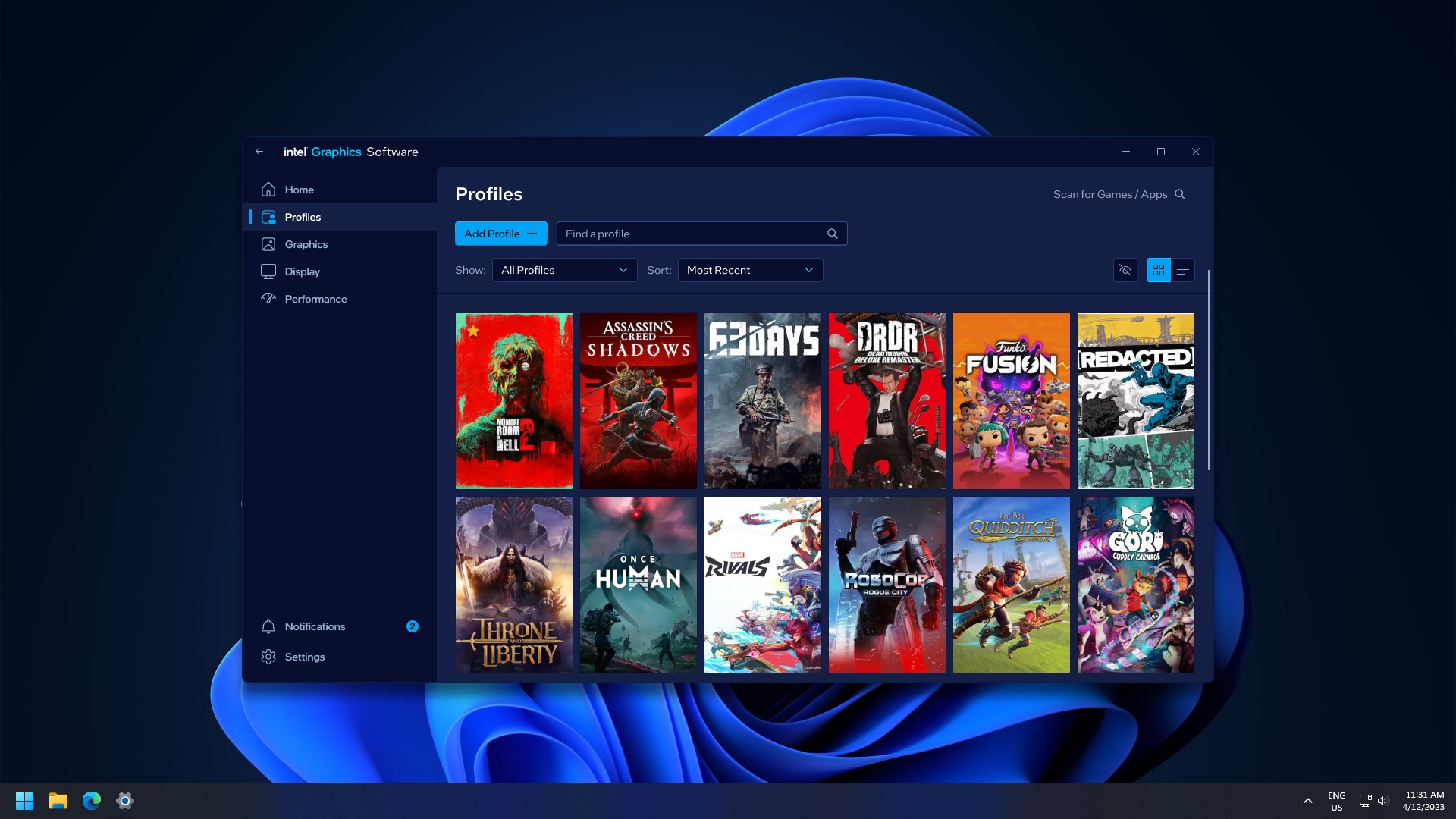
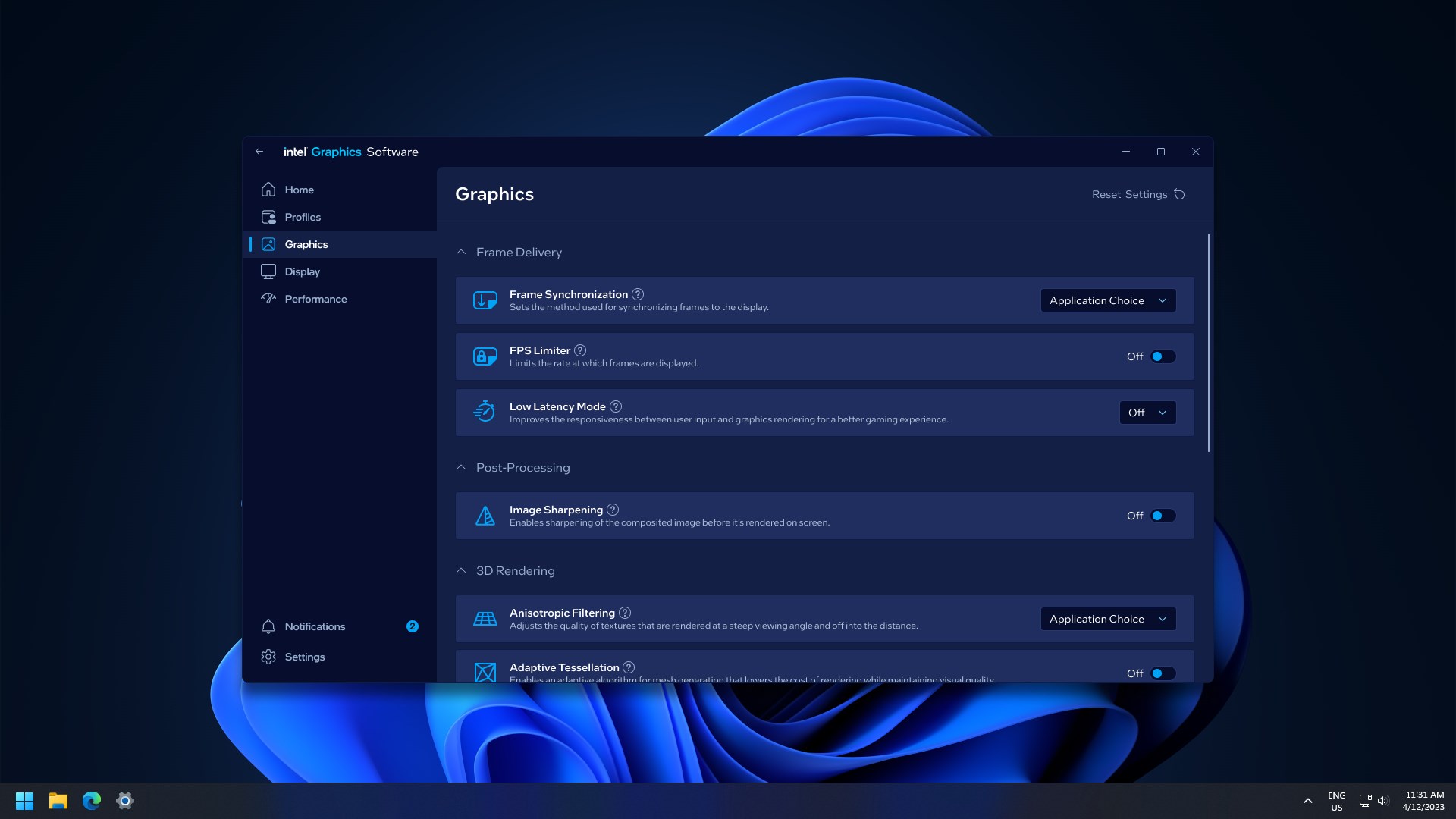
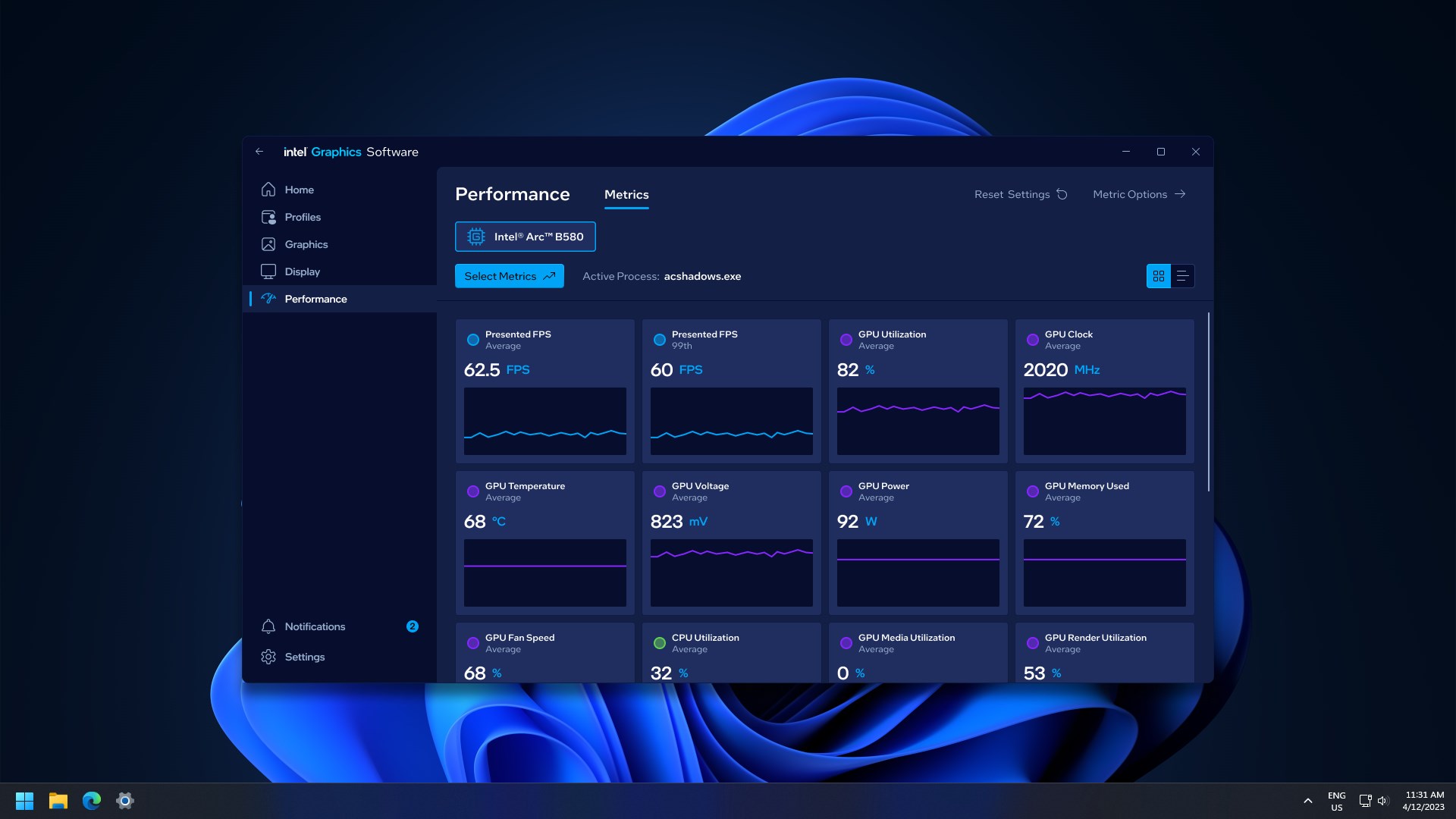
One of the standout features is its ability to tweak performance settings to suit various activities—be it gaming, content creation, or everyday browsing. Users can easily toggle between profiles, optimizing for quality or speed. This adaptability provides a tailored experience, much like tuning a musical instrument for the perfect pitch, ensuring your graphics performance aligns with your needs.
User-Friendly Interface & Control Panel
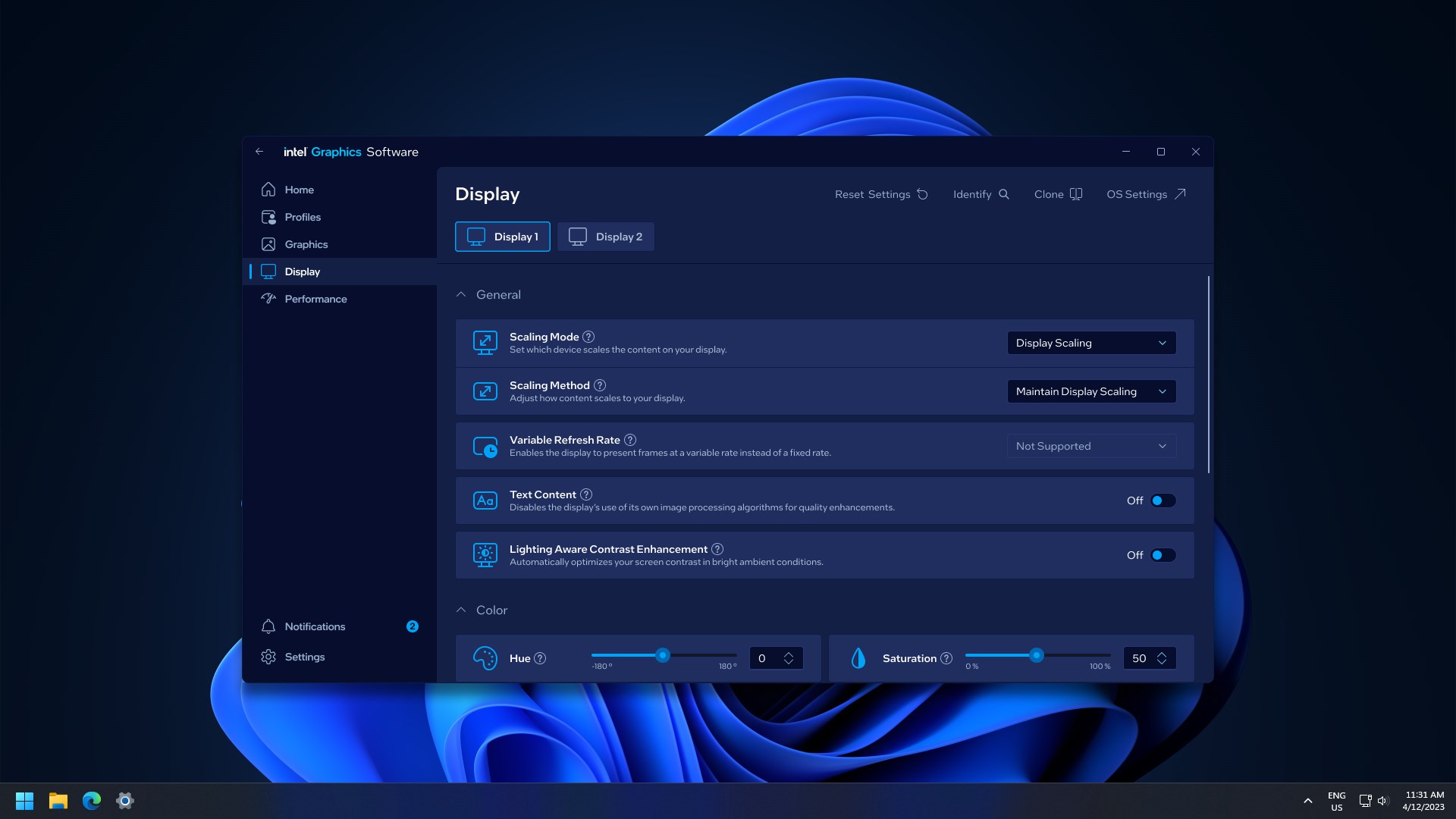
The software boasts a clean, intuitive interface that makes navigation a breeze, akin to flipping through a well-organized toolbox. Whether you're a tech guru or a casual user, the straightforward design lowers the learning curve, allowing quick access to essential functions without frustration or confusion. Smooth operation and instant responsiveness make it feel like your trusted digital assistant at your fingertips.
Detailed User Experience and Differentiators
From the moment you launch Intel® Graphics Software, the user experience feels inviting. Its interface relies on a familiar window layout reminiscent of familiar tools, making it easy to find settings without trial and error. The responsiveness of the software supports fluid interaction, with transitions between sections being silky and lag-free, which adds to the sense of professionalism and reliability.
Compared to other utilities like AMD's Radeon Software or NVIDIA's GeForce Experience, Intel's software distinguishes itself through its simplicity and focus. While other tools might incorporate numerous advanced features suited for high-end gaming rigs, Intel's approach emphasizes core needs—driver stability, easy optimization, and hardware management. Its lightweight design also means it runs swiftly in the background, conserving system resources and avoiding unnecessary bloat.
Most Notable Functionality: Simplified Graphics Management & Driver Safety
The most compelling aspect is its ability to ensure graphics driver safety and simplicity. No more hours of searching for updates or risking the integrity of your system with third-party driver tools. With Intel's software, updates are done securely, saving you time and worry. Its straightforward toggle options for performance profiles mean you don't need to dive into complex settings to get better performance or switch to power-saving modes—just a few clicks, and you're set.
Final Thoughts and Recommendations
If you're an everyday user who values stability and ease of use over elaborate tweaking, Intel® Graphics Software for Windows is highly recommended. Its targeted approach to driver management, performance optimization, and user experience makes it an invaluable companion for laptops and desktops powered by Intel integrated graphics. While it's not packed with overly complex features for gaming enthusiasts, its focus on core functionality makes it an essential, trustworthy tool for maintaining your system's visual health.
Pros
- User-friendly interface
- Real-time graphics driver updates
- Advanced customization options
- Enhanced gaming experience
- Stable software performance
Cons
- Occasional interface lag
- Limited customization for certain hardware
- Update notifications sometimes appear prematurely
- Documentation could be more detailed
- Performance impact during updates











