
- Name Intel® Graphics Command Center (Beta)
- Category Business
- Developer Intel Corporation
- Available on PC, Mobile, Surface Hub, HoloLens
- OS Windows 10 version 17134.0 or higher
- Keyboard Integrated Keyboard
- Mouse Integrated Mouse
- DirectX Not specified
- languages English (United States)
Introducing Intel® Graphics Command Center (Beta): A New Era for Graphics Management
Imagine having a command tower for your graphics experience—sleek, intuitive, and powerful—crafted specifically to help users optimize and customize their visuals on Windows. That's what Intel® Graphics Command Center (Beta) aims to achieve. Developed by Intel Corporation, this application serves as a centralized hub for managing graphics settings, diagnosing issues, and enhancing overall visual performance. Its main appeal lies in providing users—from casual gamers to creative professionals—a straightforward yet comprehensive tool to fine-tune their graphics with ease.
Core Functionalities That Stand Out
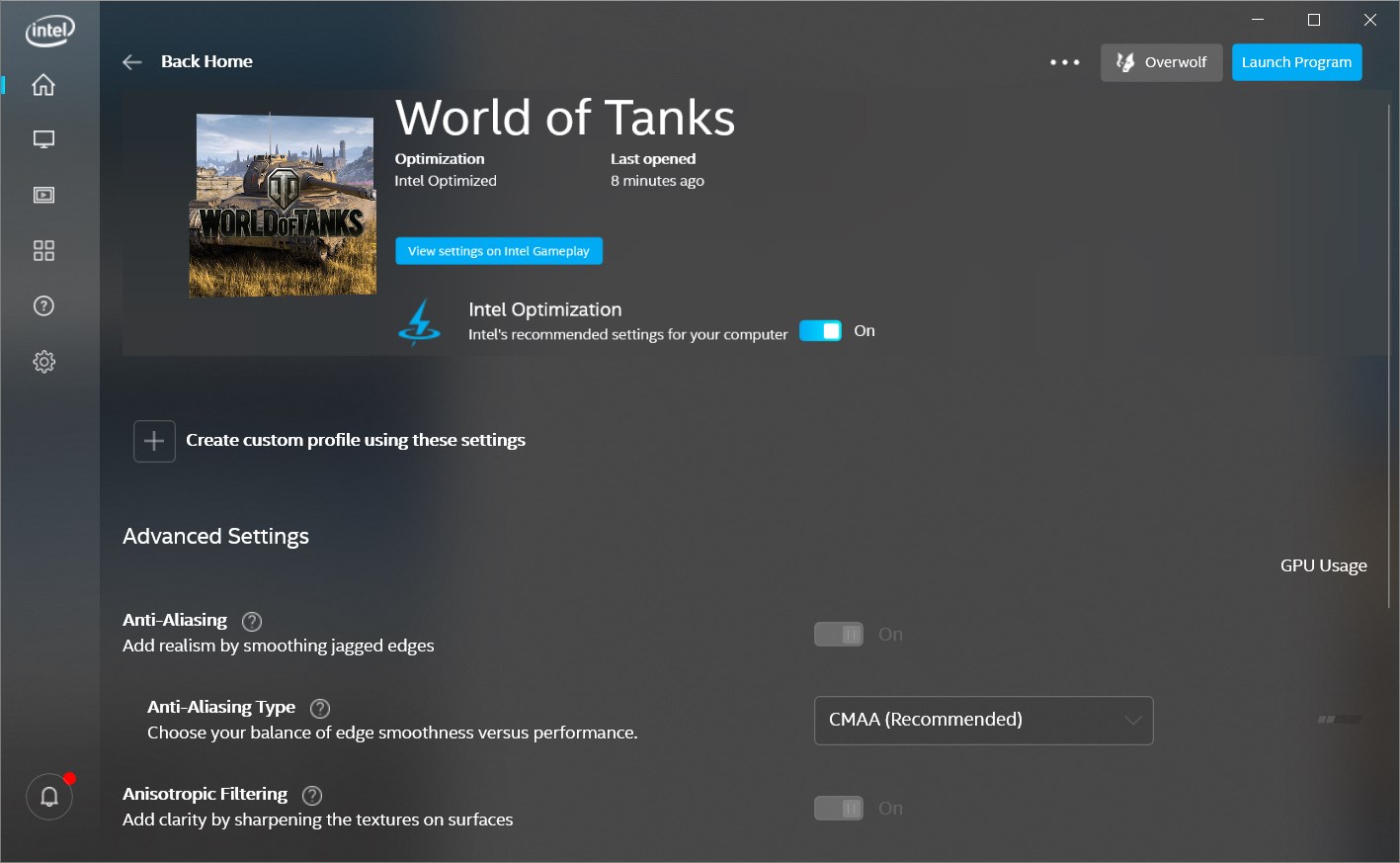
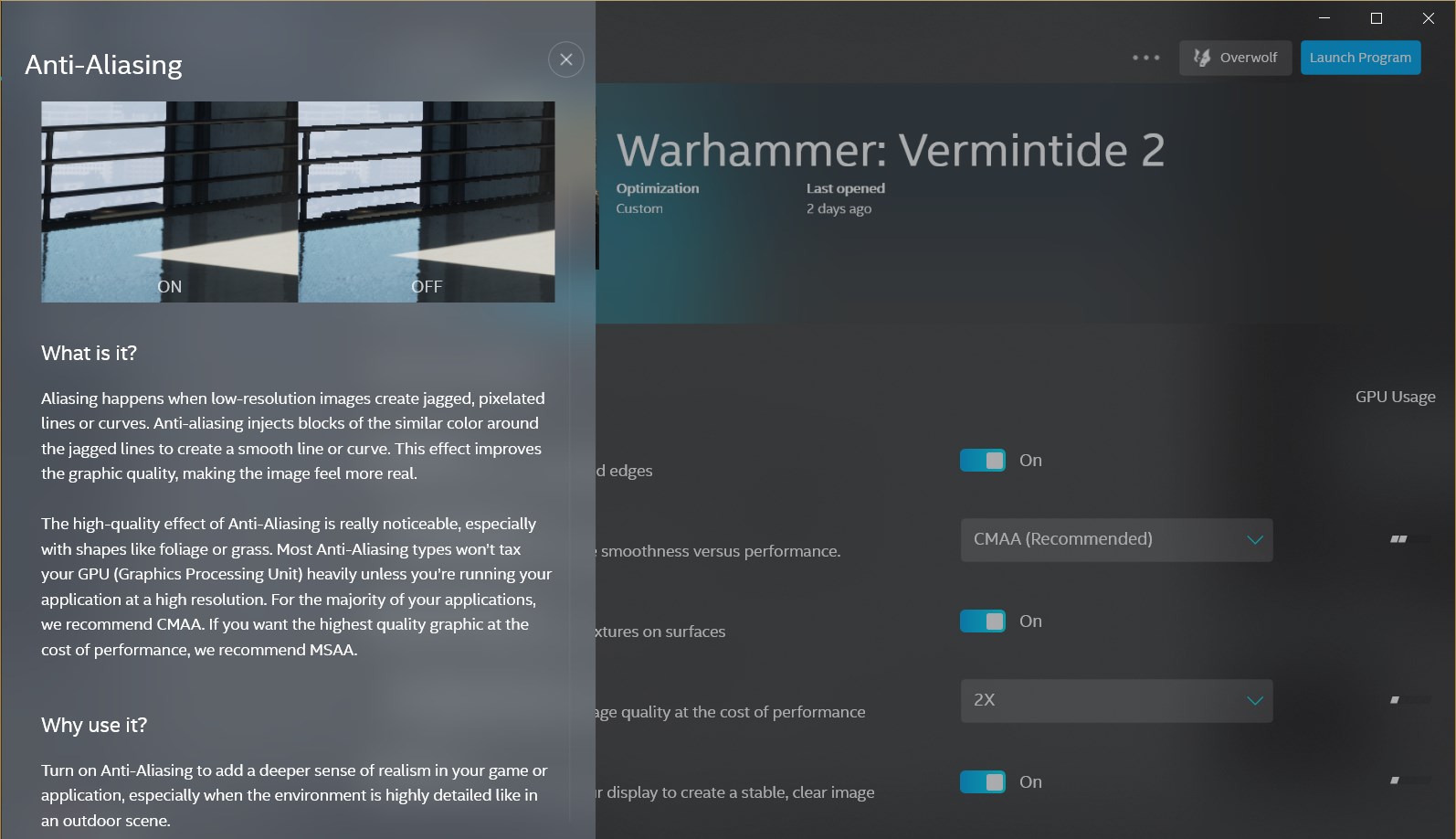
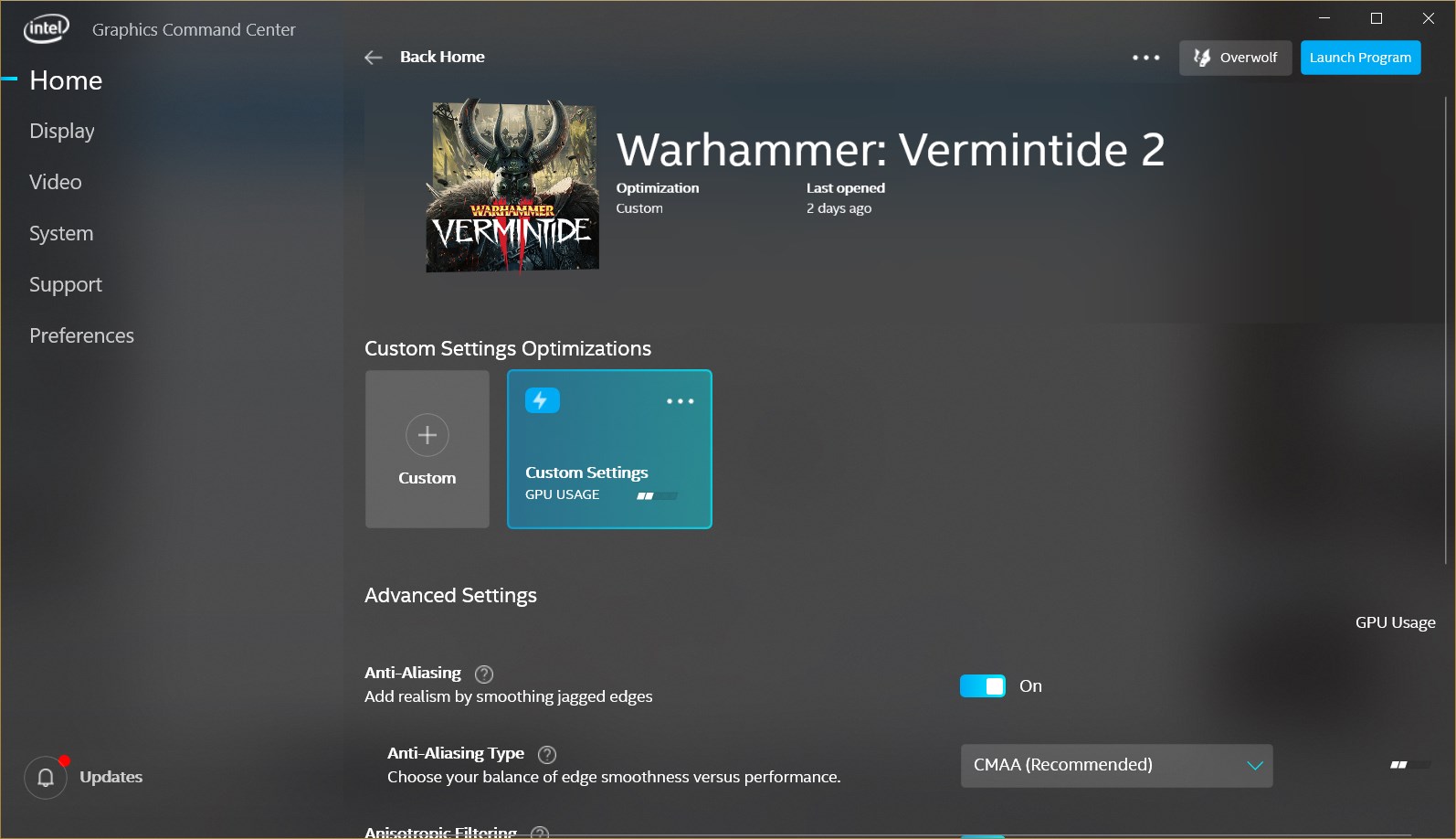
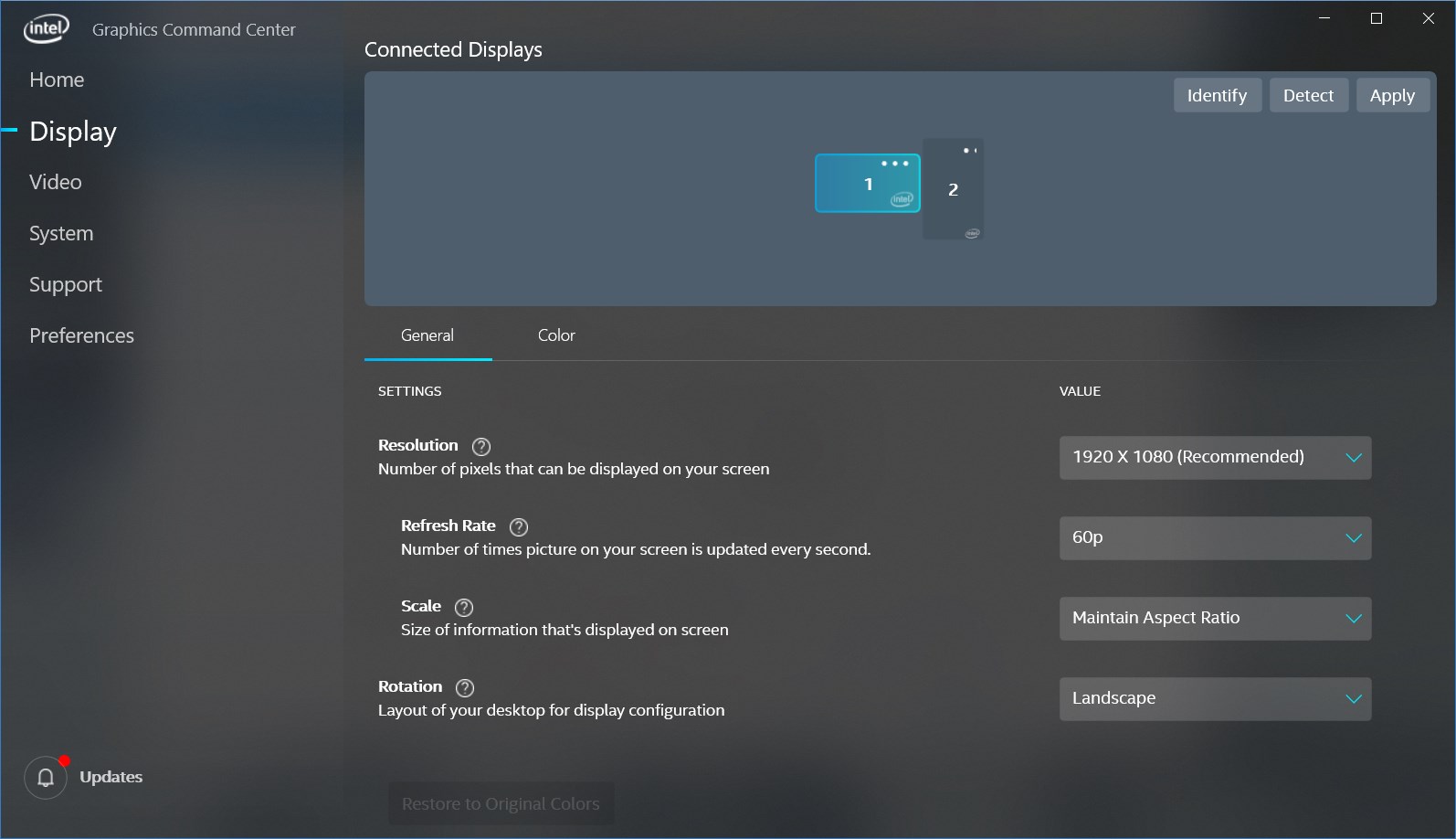
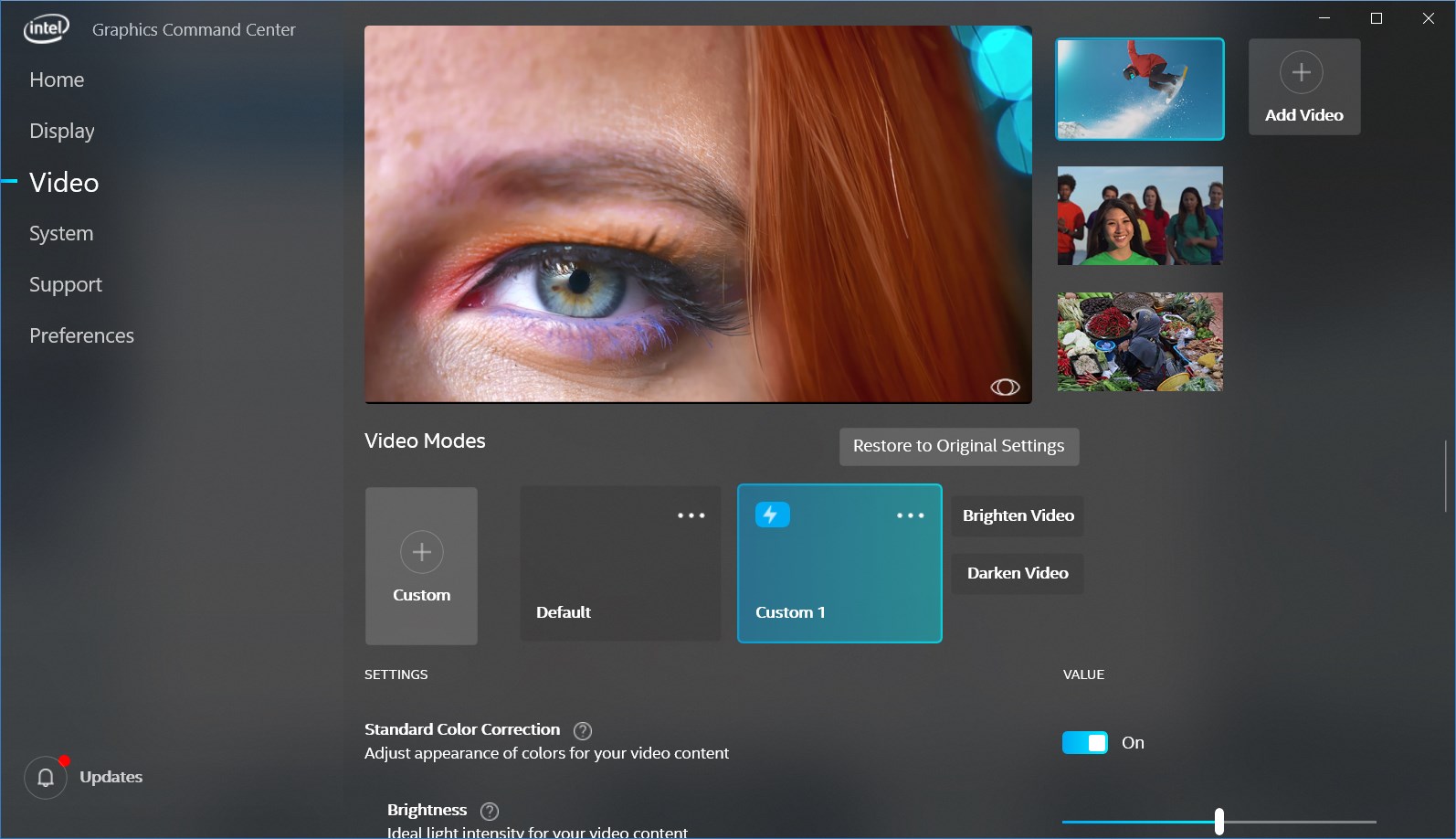
- Intuitive Graphics Optimization: The app offers easy access to performance tuning features, allowing users to adjust display settings, including resolution, refresh rate, and color profiles, all within a user-friendly interface.
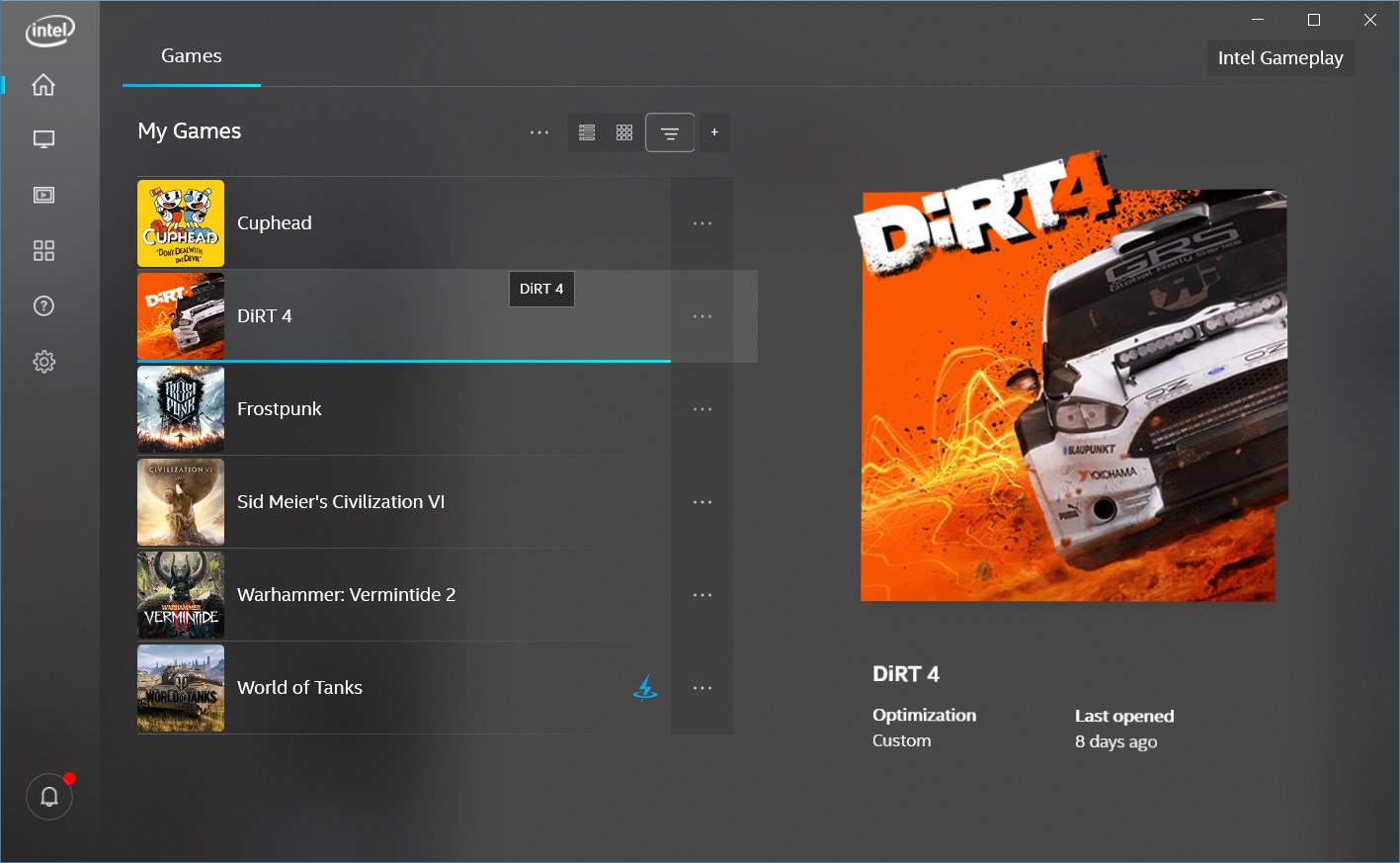
- Game and App Profiles: With dedicated profiles, the tool can optimize settings for popular games and applications, ensuring the best possible experience without manual adjustments every time.
- Diagnostics and Troubleshooting: The application includes built-in tools to detect driver issues, monitor hardware health, and suggest updates or fixes—streamlining the troubleshooting process for less tech-savvy users.
- Collaborative Work Features (Unique Selling Point): The app emphasizes a collaborative approach by enabling users to share custom profiles and performance data seamlessly, making it ideal for teams working on creative or professional projects.
A Fresh Take on Graphics Management
Picture yourself sitting in front of your gaming rig or creative workstation—a world of vibrant colors and crisp images awaiting your command. Intel® Graphics Command Center (Beta) feels like that trusty control panel on the dashboard of a spaceship, offering a clear view and accessible controls. Its interface is modern, clean, and inviting, making complex settings feel approachable even for newcomers. Navigating through its menus is like strolling through a well-organized workshop, where each tool has its precise place. The app responds quickly, with a smooth flow from one function to another—no lag or clutter muddles the experience. For users familiar with traditional graphics drivers or settings menus, this app reduces the learning curve dramatically, acting as a bridge between power and simplicity.
Deep Dive into Core Features
The centerpiece of Intel® Graphics Command Center (Beta) is its user-friendly yet powerful profile management. Imagine being able to craft tailored visual settings for different scenarios—say, a vibrant gaming mode versus a color-accurate mode for photo editing—all within a few clicks. The app's profile management system is highly customizable, allowing users to create, save, and switch settings quickly. This feature is particularly compelling for small professional teams or households sharing a single device, as profiles can be shared effortlessly, fostering a collaborative environment that is both flexible and efficient.
Additionally, its diagnostic tools stand out by proactively analyzing hardware performance and driver status. Envision a health check-up for your graphics hardware—identifying outdated drivers, temperature spikes, or potential failures before they become crises. This proactive approach makes maintenance straightforward and less intimidating, especially for users who might otherwise avoid tinkering with system settings.
Compared to other graphics management tools, Intel's emphasis on collaboration is notable. While many apps focus solely on individual optimization, this application encourages sharing configurations and insights—turning a solitary task into a collaborative effort. Think of it as a social hub for your graphics preferences, where teams or families can pool their best settings to achieve the optimal visual experience collectively.
Conclusion: Is It Worth Your Attention?
Overall, Intel® Graphics Command Center (Beta) is a thoughtfully designed, approachable application that fills a niche for those seeking a centralized, customizable, and collaborative graphics management solution. Its most distinctive feature—collaborative profile sharing—sets it apart from traditional standalone tools, making it especially suited for teams and households. The interface is intuitive, the performance is smooth, and the diagnostic tools add a layer of confidence in maintaining hardware health.
For casual users looking to get more out of their graphics setup without wading through complex menus, this app offers a compelling option. Creative professionals and gamers who wish to tweak settings for different scenarios will also find it valuable. While being in Beta means some features might evolve, the current version demonstrates promising stability and features. I recommend giving it a try, especially if you value an integrated, collaborative approach to managing graphics settings. It's like having a friendly, competent co-pilot guiding your visual journey—ready to help you unlock your system's full potential.
Pros
- Intuitive interface designed for ease of use
- Real-time graphics adjustments improve gaming performance
- Provides detailed hardware diagnostics
- Supports multiple display configurations
- Includes user-friendly presets for common use cases
Cons
- Beta version may lack some advanced features found in full releases
- Occasional stability issues or app crashes
- Limited support for older Intel GPU models
- Insufficient documentation for troubleshooting complex issues
- Some advanced settings may be hidden or not customizable by novice users











