

- Name IMBA Auto Clicker
- Category Utilities & tools
- Developer LN
- Available on PC
- OS Windows 10 version 17763.0 or higher
- languages English (United States)
Imba Auto Clicker for Windows: A Handy Tool for Automation Enthusiasts
Imagine having a reliable digital assistant that handles repetitive clicking tasks with precision—Imba Auto Clicker for Windows aims to be just that. Whether you're gaming, automating data entry, or performing routine tasks, this app promises to simplify your workflow with ease and accuracy.
About the Developer and Core Features
Developed by LN and published by 3AM Apps, Imba Auto Clicker positions itself as a straightforward yet powerful automation tool for Windows users. Its primary appeal lies in its user-friendly interface combined with robust functionality—making automation accessible even for beginners.
- Precise Automated Clicking: Allows users to set customizable click points with adjustable intervals and repetitions, perfect for tasks requiring high accuracy.
- Multiple Click Modes: Supports different modes such as single, double, or custom click sequences, catering to various automation needs.
- Hotkey Support & Scheduling: Enables quick activation via hotkeys and the ability to schedule click sequences, adding flexibility and efficiency.
- Lightweight and Resource-Friendly: Designed to run seamlessly in the background without hogging system resources.
Targeted at gamers, office workers, or developers seeking simple automation without complex scripting, Imba Auto Clicker is crafted for users who want to save time and reduce repetitive strain.
A Playful Yet Practical Introduction
Picture this: your mouse is stuck in a rut, tirelessly performing the same clicks day in and day out. Enter Imba Auto Clicker—a kind of digital sprite that takes over mundane clicking chores, leaving you free to focus on the fun, strategic, or creative parts of your work or game. Its promise? Accuracy meets convenience, wrapped in an intuitive package that even novice users can pick up quickly.
The Core of Automation: Precision and Flexibility
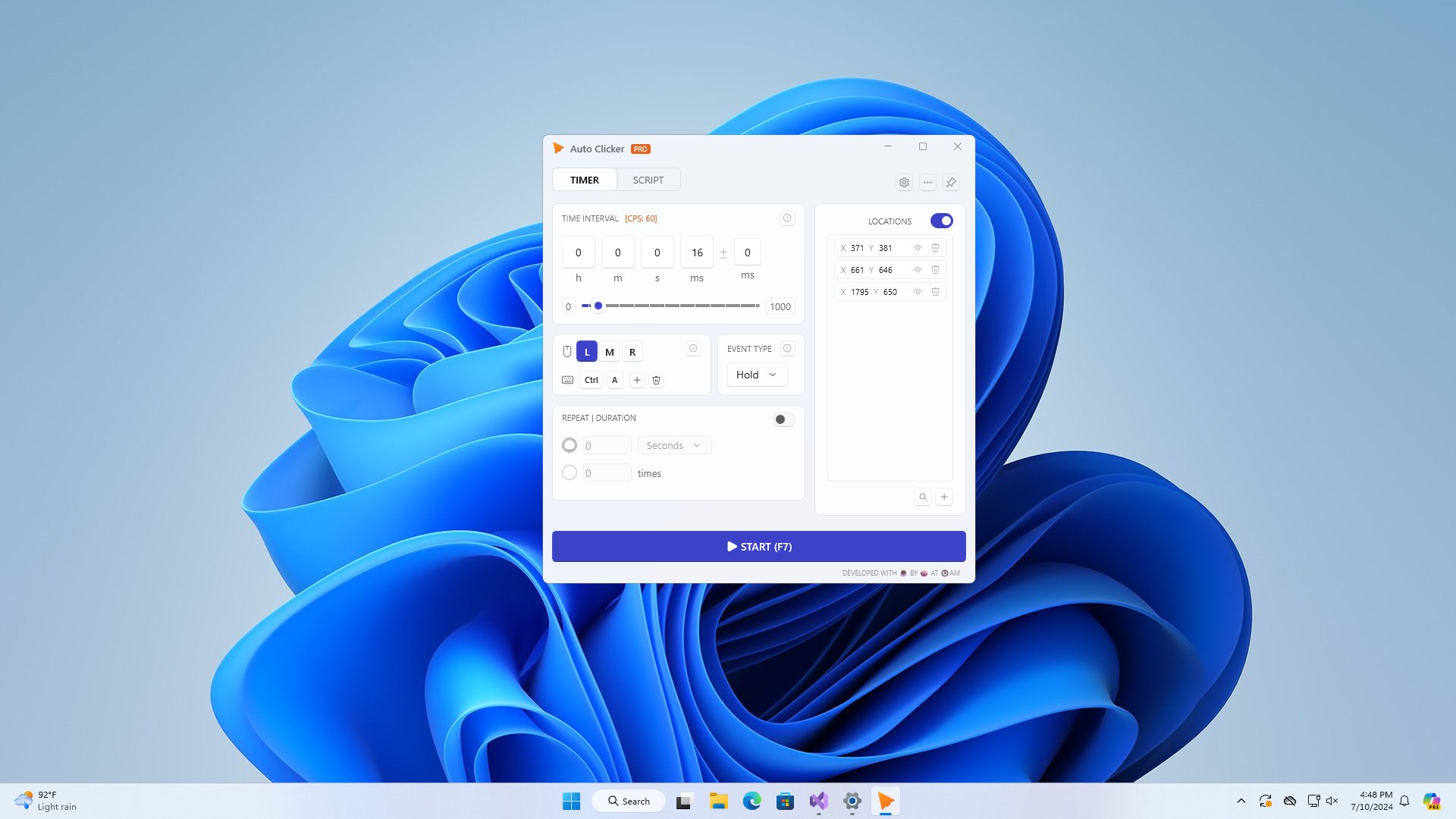
What truly sets Imba Auto Clicker apart is its focus on delivering precise control over your clicking needs. You can specify exact screen coordinates, set intervals down to milliseconds, and choose how many clicks to perform, mimicking human actions but with machine-like consistency. This is especially useful in scenarios like repetitive game farming or automated testing, where consistent timing is crucial.
Additionally, its multi-mode capabilities allow you to switch between single clicks, double clicks, or customized sequences effortlessly. The support for hotkeys means you can activate or pause automation instantly without navigating through menus—a handy feature when you need quick control during intense gaming sessions or live demonstrations.
User Experience: Friendly Design and Smooth Operation
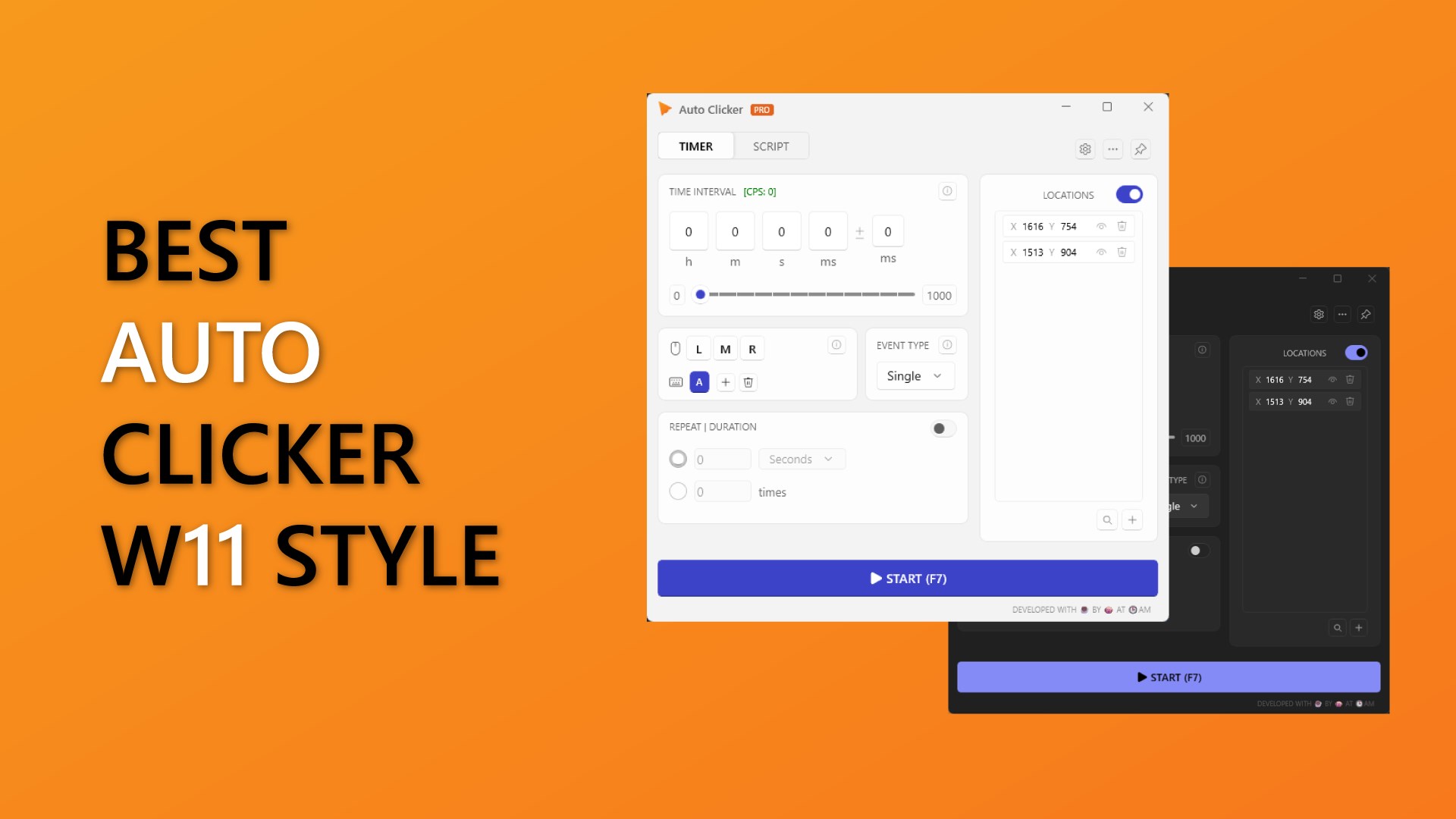
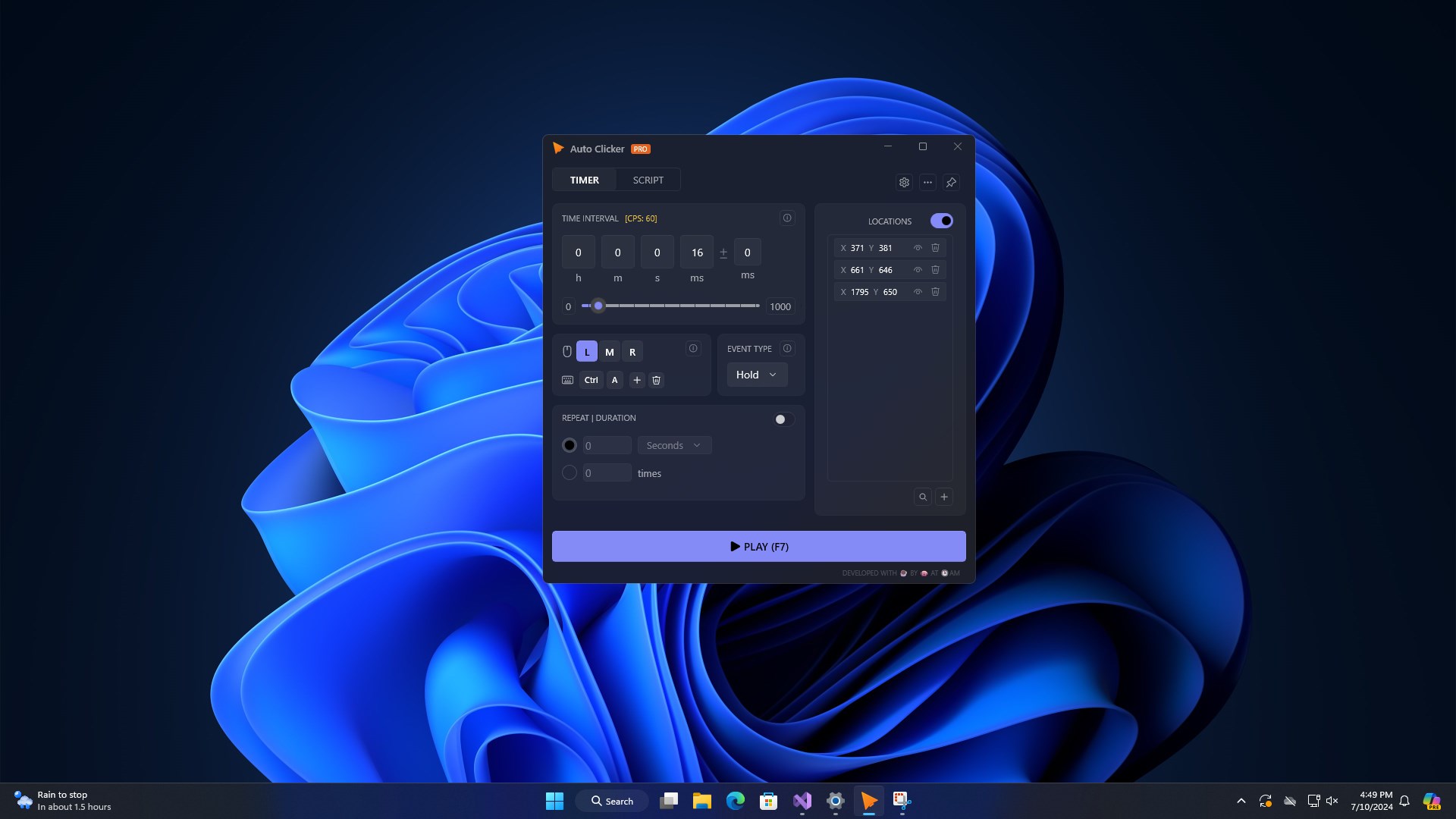
The interface of Imba Auto Clicker is refreshingly minimalist, akin to a clean workspace that invites productivity. The layout guides you effortlessly through setting up your tasks: select your target point, adjust the click intervals, choose your preferred mode, and you're ready to hit run. The software's responsiveness feels silky—clicks land exactly when scheduled, and toggling between modes is immediate, making the user experience both satisfying and frustration-free.
Another plus is its low learning curve. Even if you're new to automation tools, you'll find the controls intuitive enough to get started within minutes. The app runs quietly in the background, and its resource consumption is minimal, ensuring it won't hinder your other activities.
What Makes It Unique? The Highlighted Differentiator
While many auto clickers boast similar features, Imba Auto Clicker's standout trait lies in its high customizability combined with its scheduling feature. Its ability to automate complex clicking sequences with precise timing, all manageable via simple hotkeys, means it can adapt to varied tasks—be it gaming, data scraping, or testing routines—without the need for scripting or complex configuration. This balance of power and simplicity positions it ahead of more cumbersome utilities that often require extra setup or technical knowledge.
Final Verdict: Worth a Try for Automation Rookies and Veterans
Overall, Imba Auto Clicker offers a reliable, easy-to-use solution for those seeking straightforward automation. Its precision, hotkey support, and clear interface make it an attractive choice for users who need a capable yet uncomplicated tool. I recommend giving it a shot if you regularly perform repetitive clicking tasks and want a lightweight, dependable application to assist you. For users looking for complex scripting or advanced automation, other options might be necessary, but for everyday needs, Imba Auto Clicker shines as a user-friendly ally.
Pros
- User-friendly interface
- Highly customizable
- Lightweight and fast
- Supports multiple automation modes
- Free to download and use
Cons
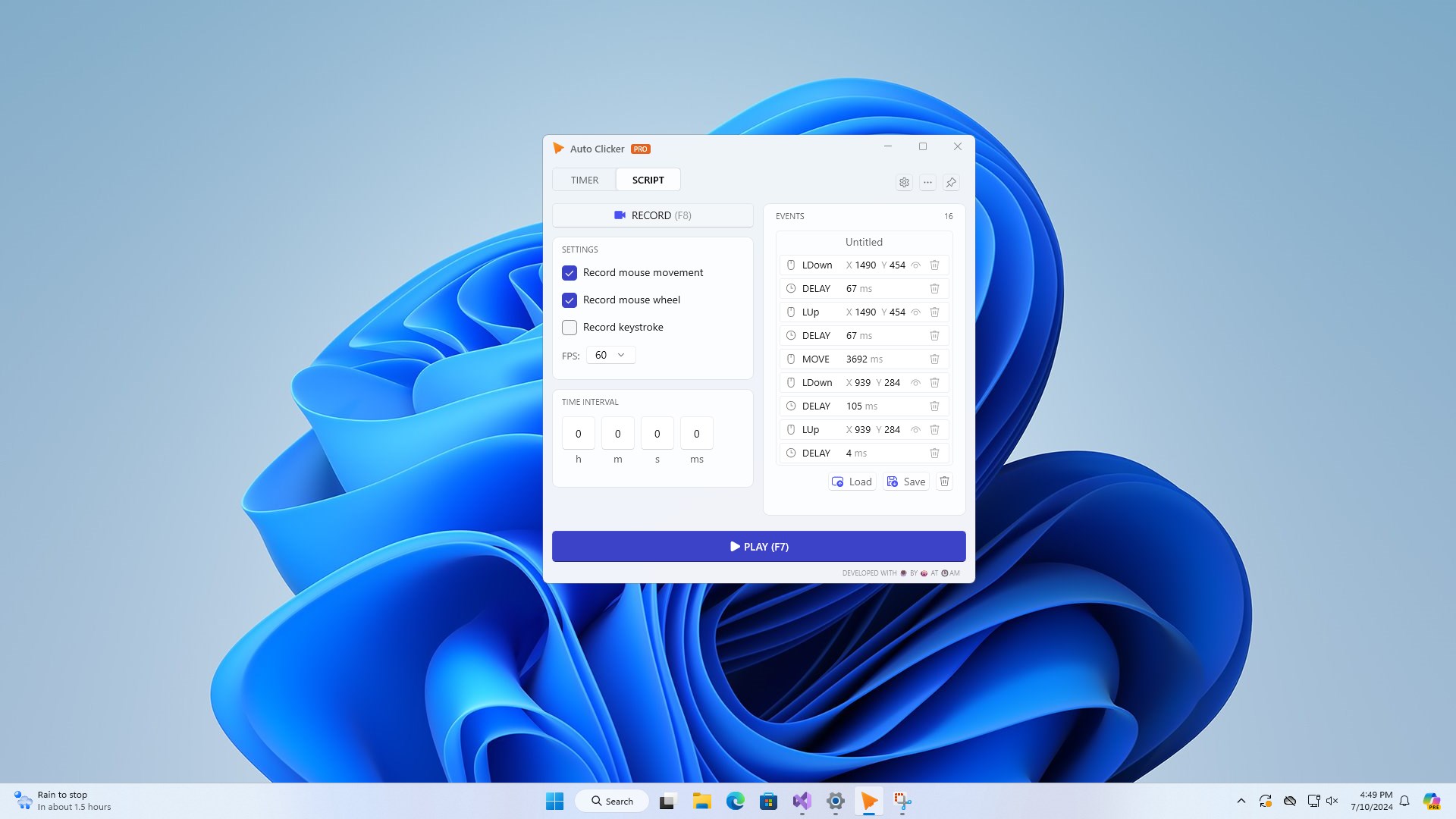
- Limited advanced features in free version
- Potential for accidental clicks
- Lacks detailed user guides
- Compatibility issues with certain screen resolutions
- Limited support for scripting complex sequences











