
- Name iFax App: Send Fax & Receive Faxes
- Category Business
- Available on PC, Mobile, Surface Hub
- OS Windows 10 version 17763.0 or higher
- languages Arabic, Chinese (Simplified), Chinese (Traditional Chinese), Dutch, English (United States), French, German, Hebrew, Italian, Japanese, Spanish (Spain), Turkish
Introducing iFax App: Your Reliable Fax Companion for Windows
Imagine having the power of a traditional fax machine right on your Windows device — fast, secure, and effortless. That's exactly what iFax App delivers, transforming faxing from a cumbersome paper-based process into a seamless digital experience. Developed by Crowded Road, this app redefines how professionals and small businesses handle their document transmissions, making it easier than ever to send and receive faxes with a few clicks.
Core Functionality That Actually Works
Effortless Sending and Receiving of Faxes
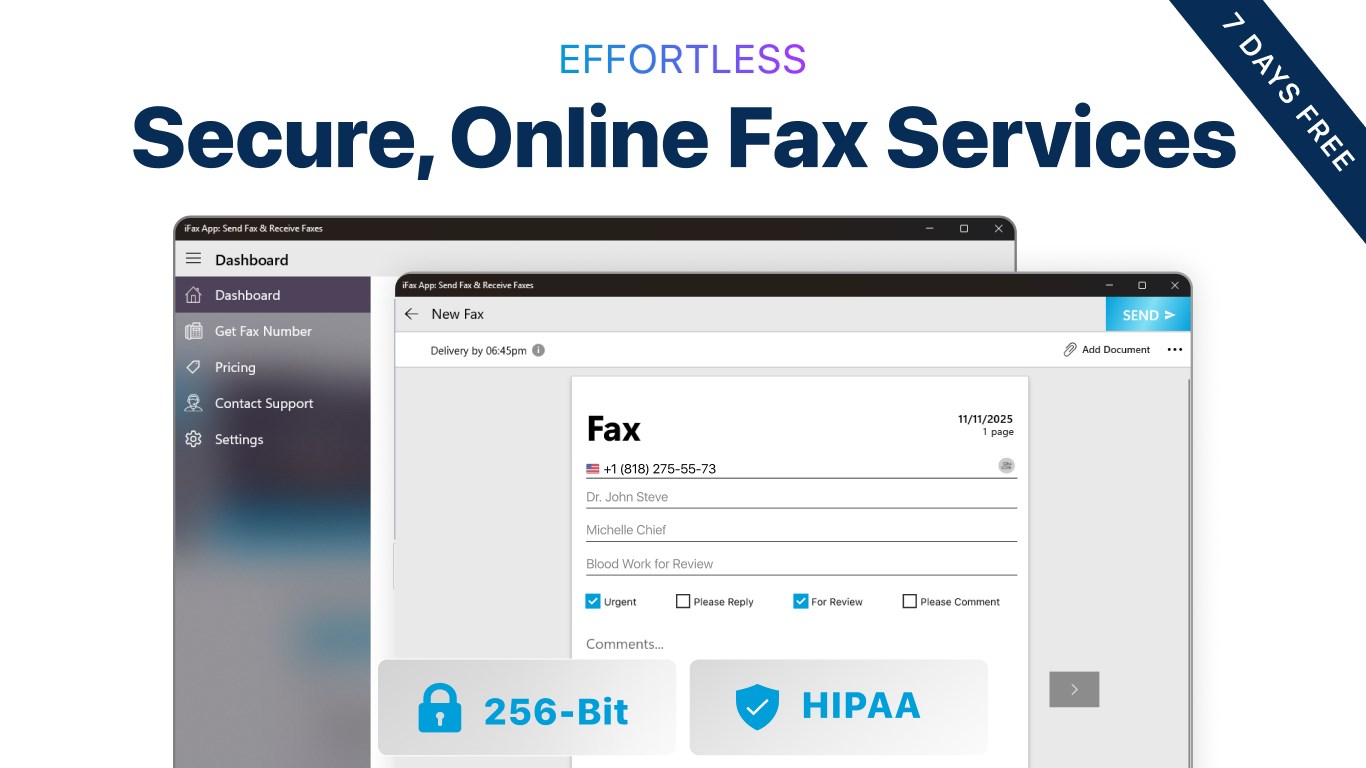
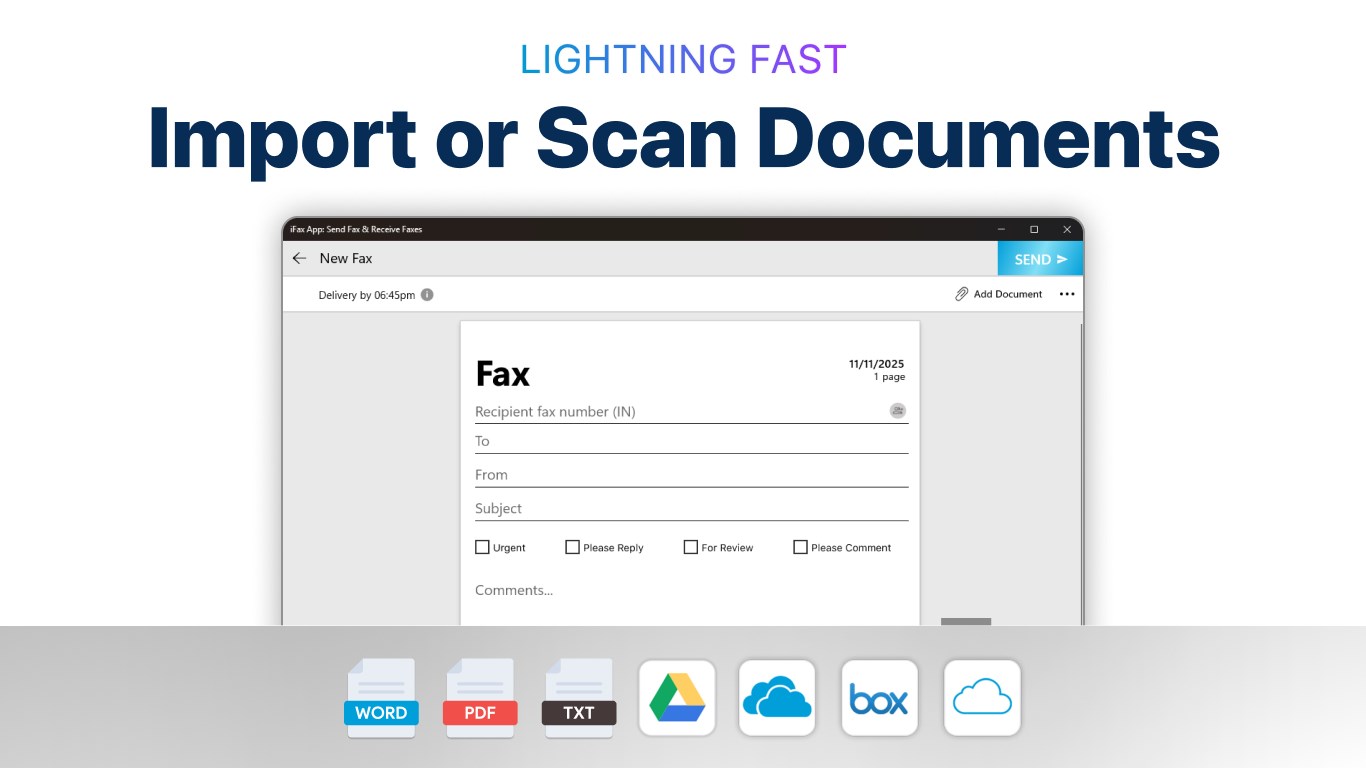
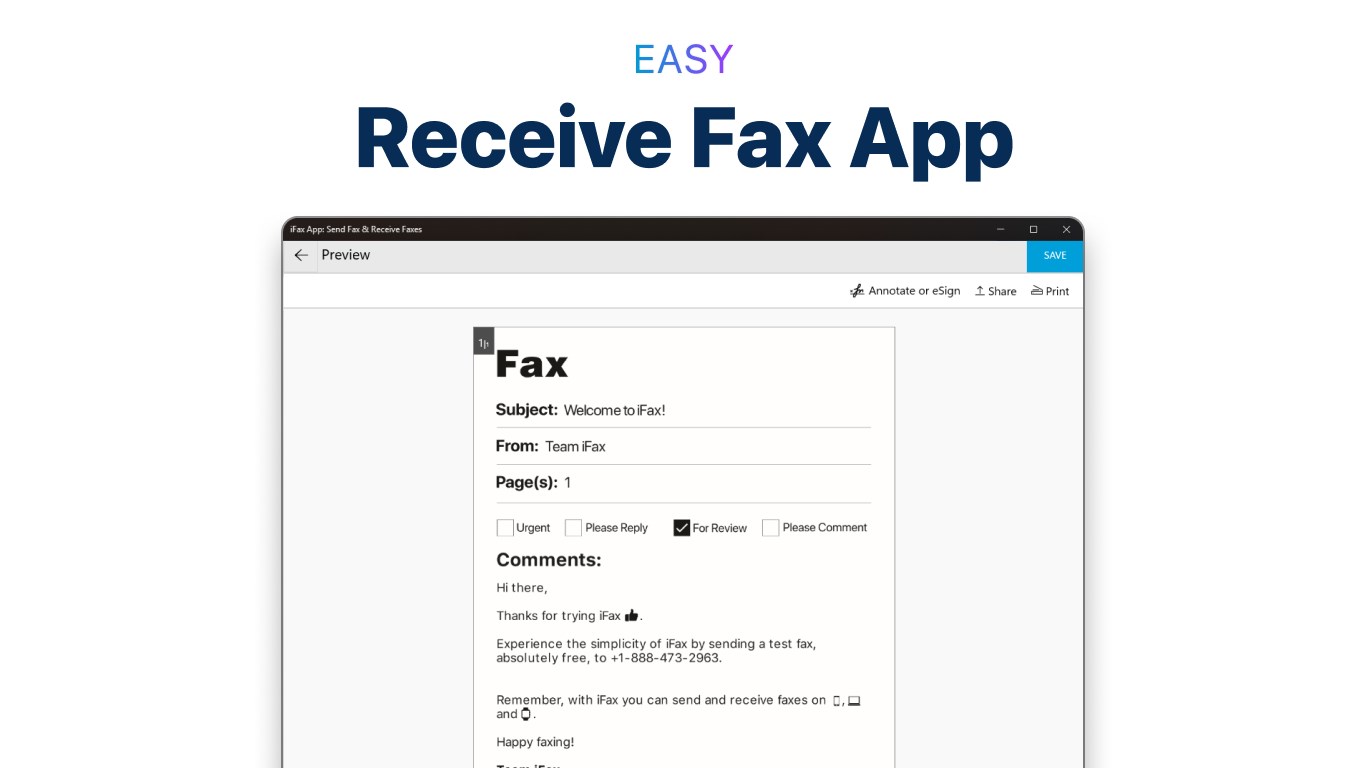
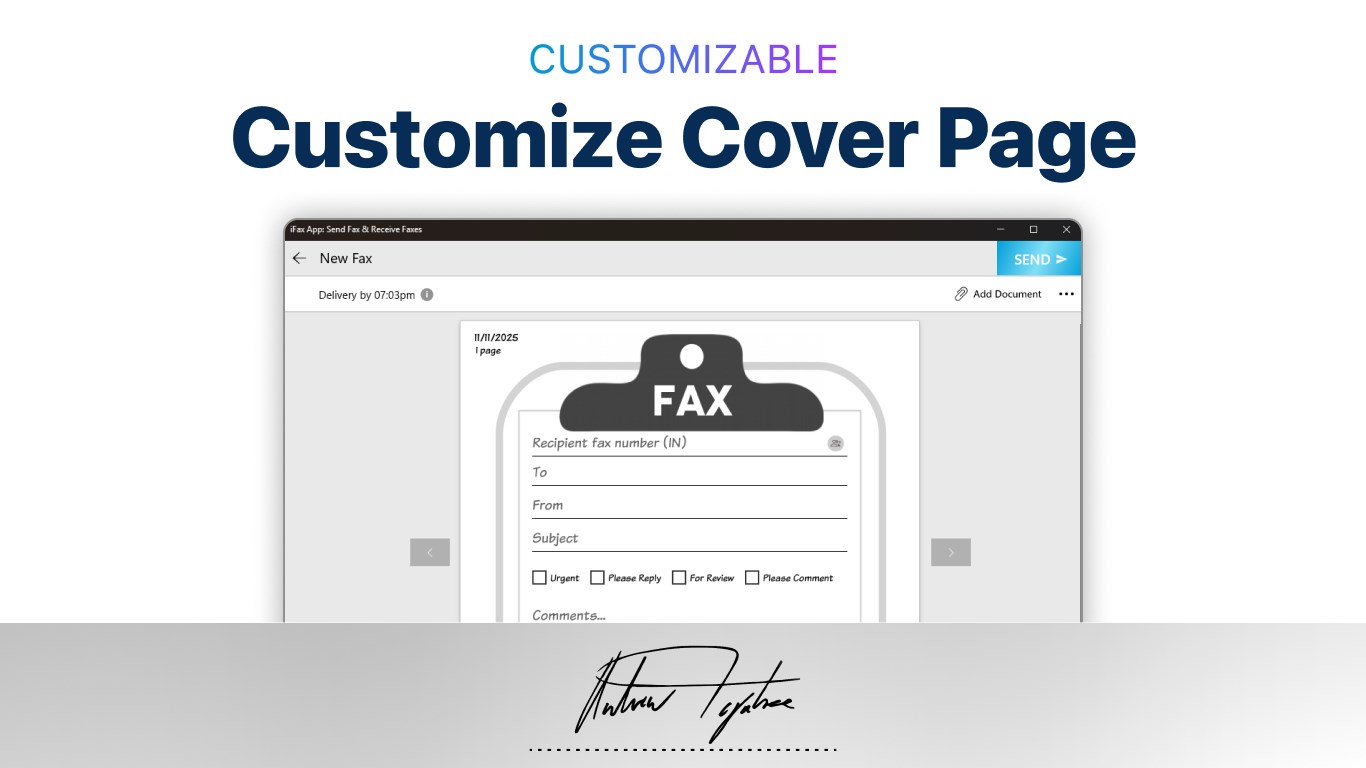
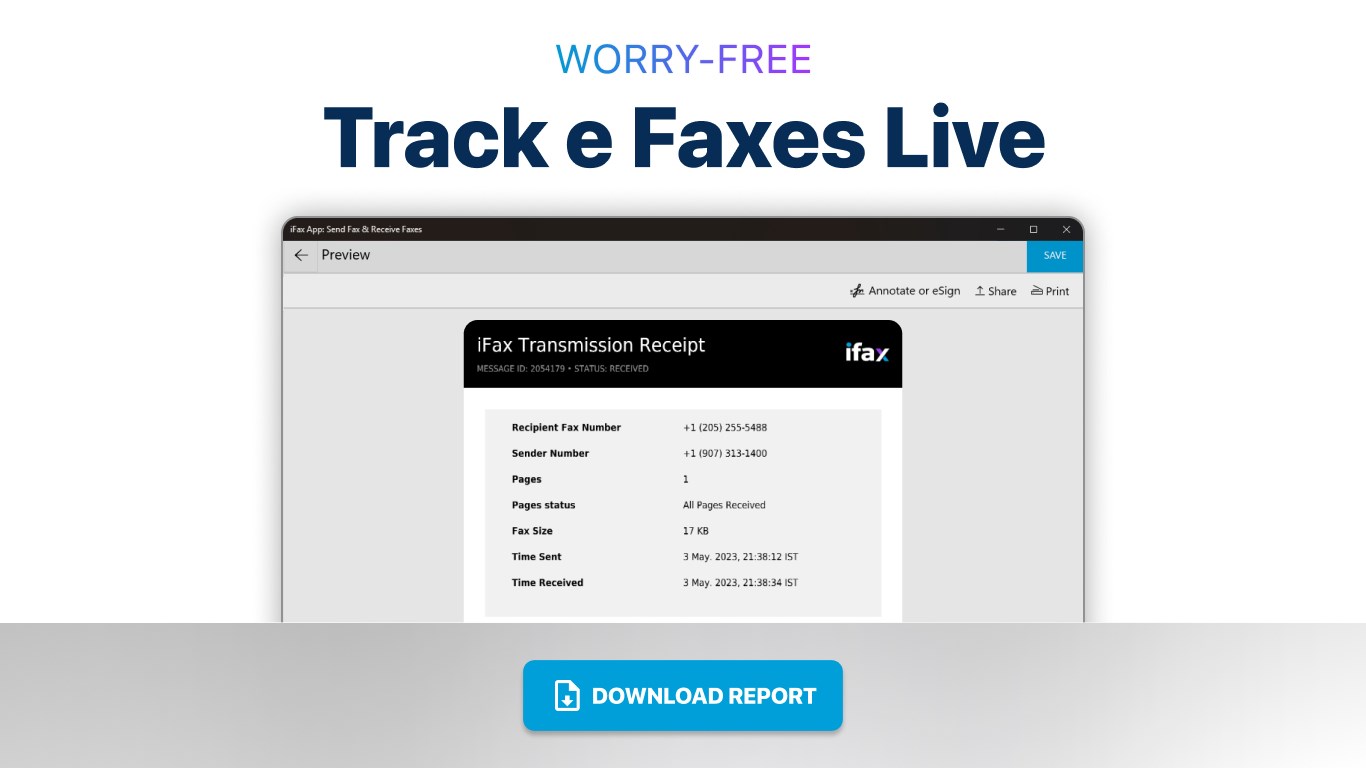
At its heart, iFax shines with its straightforward approach to faxing. Users can send faxes directly from their Windows computer without fussing over printers or scanners. Just upload your documents — be it PDFs, Word files, or images — enter the recipient's fax number, and hit send. Incoming faxes are received securely within the app, complete with notifications, eliminating the need for dedicated fax hardware. This functionality makes iFax a genuine time-saver, especially for busy professionals juggling multiple tasks.
Comprehensive Document Management
Beyond simple faxing, the app offers robust document handling features. You can organize your faxes into folders, annotate received faxes, and easily search through your fax history. These features help keep your workflow streamlined, ensuring that no important document gets lost in the shuffle. Such thoughtful management tools are particularly handy for legal, administrative, or healthcare professionals who need quick access to past communications.
Intuitive User Experience and Design
The interface of iFax is refreshingly clean and user-friendly. The layout resembles familiar office apps, making navigation intuitive even for first-time users. Sending a fax is as simple as clicking a few icons, with clear prompts and minimal clutter guiding the process. The app responds swiftly, maintaining a smooth operation that feels more like chatting with a colleague than wrestling with a traditional fax machine. This ease of use significantly reduces the learning curve, turning what could be complex into a cakewalk.
What Sets iFax Apart From Its Peers?
Innovation in Collaborative Faxing and Task Management
While most business fax apps focus solely on digitizing the classic process, iFax introduces subtle yet effective collaborative features. For example, you can share fax documents directly with team members through integrated cloud platforms or email, empowering collaborative workflows. Additionally, the app allows you to assign tasks related to fax communications—such as follow-up reminders—ensuring your team stays on top of critical documents. These features make iFax not just a fax tool, but a lightweight foray into task management, seamlessly blending communication with productivity.
Final Verdict and Recommendations
All considered, iFax App delivers a pragmatic solution for professionals who prefer digital faxing over legacy hardware. Its strongest points are the ease of use and its collaborative features, which position it a step above traditional fax competitors. For small business owners, administrative staff, or healthcare providers needing a reliable and straightforwardFAX solution, this app comes highly recommended. While it might lack some advanced enterprise features found in larger solutions, its affordability and simplicity make it an ideal choice for everyday needs.
In short, if you're looking to ditch the old clunky fax machine without sacrificing reliability or security, iFax for Windows is certainly worth giving a try — a smart, modern tool that adapts to the fast-paced digital workplace.
Pros
- User-Friendly Interface
- Supports Multiple Document Types
- Cloud Integration
- In-App Notifications
- Affordable Pricing
Cons
- Limited International Coverage
- Occasional App Crashes
- Uploading Large Files Can Be Slow
- Limited Free Usage
- Customer Support Response Time











