

- Name iCircuit
- Category Utilities & tools
- Developer Krueger Systems Inc.
- Available on PC
- OS Windows 8 or higher
- languages English (United States)
An Overview of iCircuit for Windows
iCircuit is a versatile and user-friendly circuit simulation tool designed for engineers, educators, and electronics enthusiasts who wish to explore and prototype electronic circuits seamlessly on their Windows devices. With an intuitive interface and robust features, it strives to make circuit design more accessible and engaging.
Developed by Krueger Systems Inc.
Krueger Systems Inc. is a dedicated software developer specializing in engineering and educational tools, committed to creating practical applications that streamline complex workflows and foster learning.
Main Features Highlighted
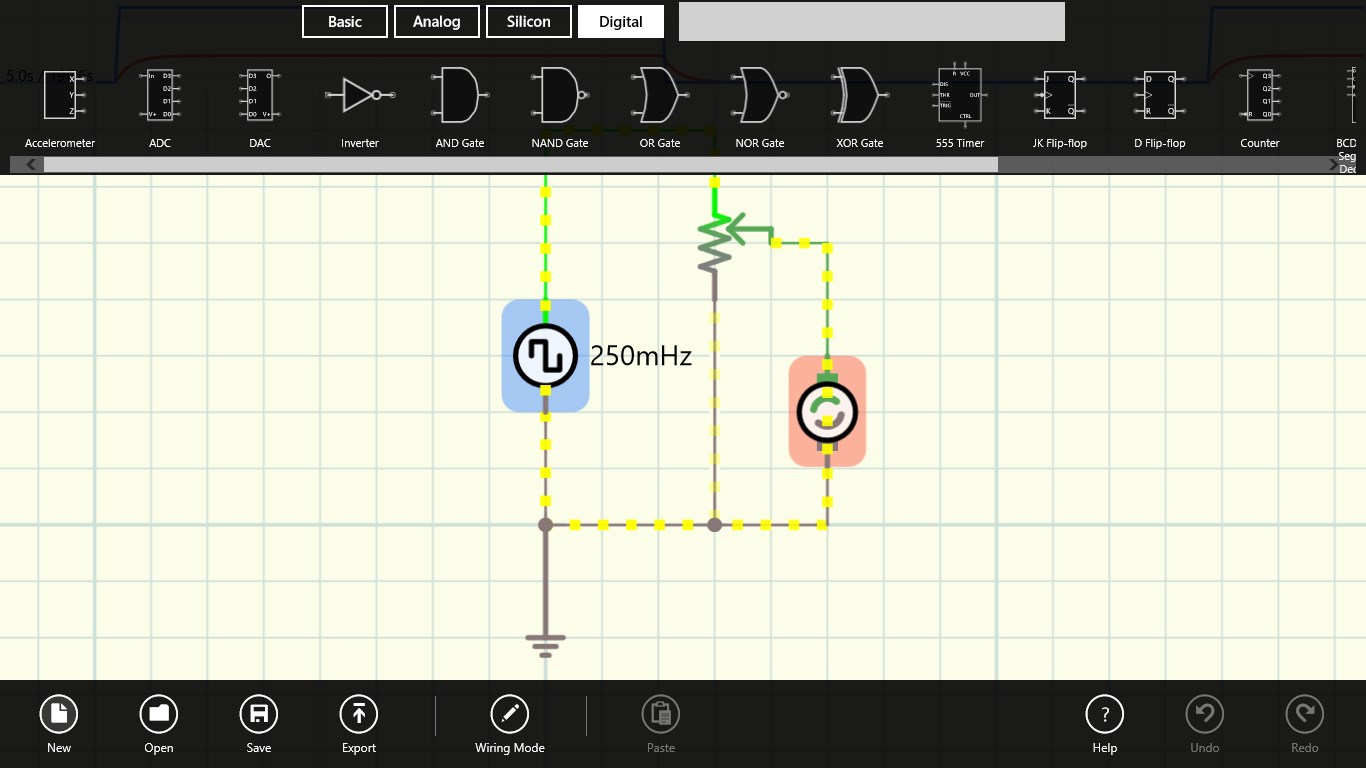
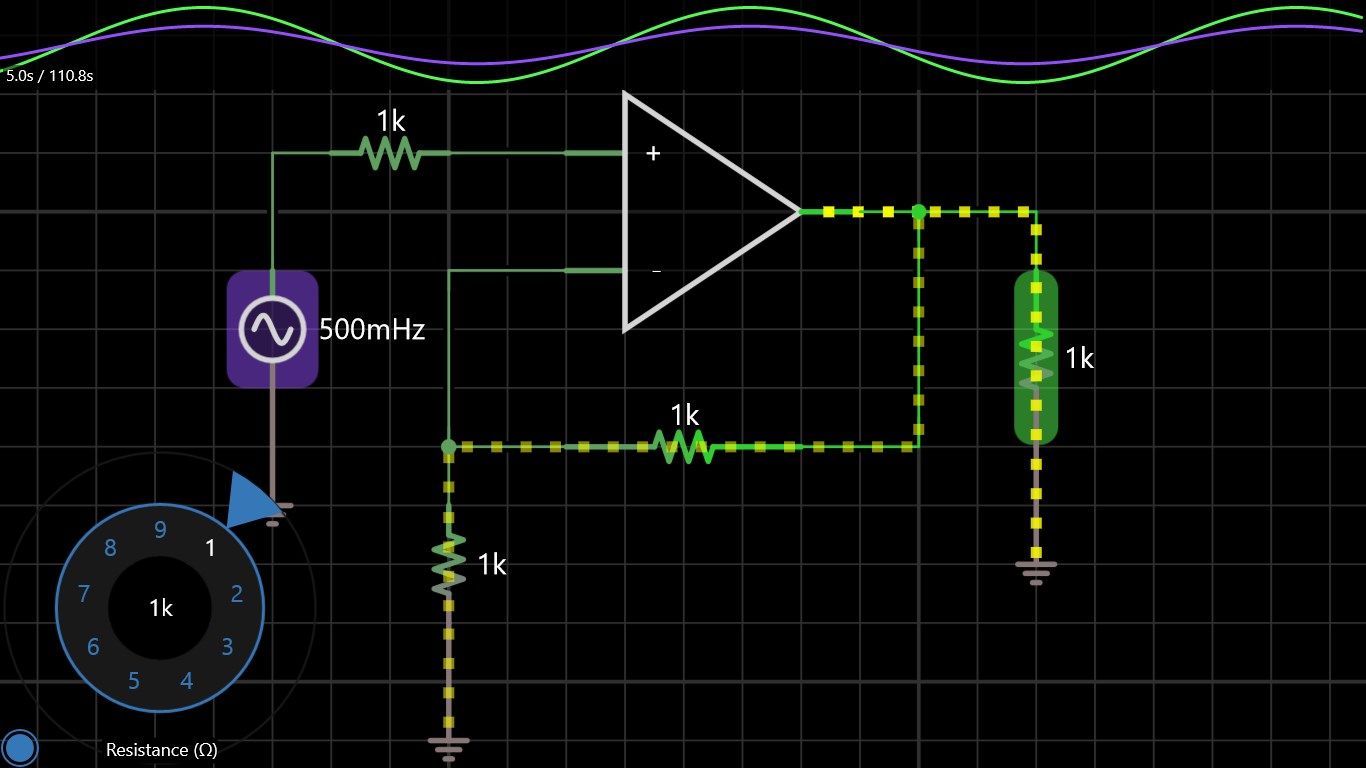
- Real-Time Circuit Simulation: Instantly visualize how circuits behave dynamically, enabling users to tweak and optimize designs with immediate feedback.
- Wide Component Library: Access an extensive collection of electronic components including resistors, capacitors, transistors, and ICs to build diverse circuits.
- User-Friendly Interface: A clean, intuitive layout that simplifies complex operations, making it suitable for both beginners and advanced users.
- Export & Sharing Capabilities: Save your designs effortlessly and share them with colleagues or students for collaborative learning or troubleshooting.
A Vibrant Introduction: Circuit simulation made alive
Imagine sitting at your desk, fingers tapping away as you drag and drop components onto a virtual breadboard, watching your ideas come to life instantly. iCircuit transforms abstract ideas into tangible experiments, making the often intimidating world of electronics feel approachable and fun. Whether you're a student eager to understand circuit behavior, an engineer prototyping a new design, or an educator preparing engaging lessons, iCircuit's lively simulation environment keeps your curiosity flowing without the need for physical components.
Deep Dive into Core Functionalities
Intuitive Circuit Building and Simulation
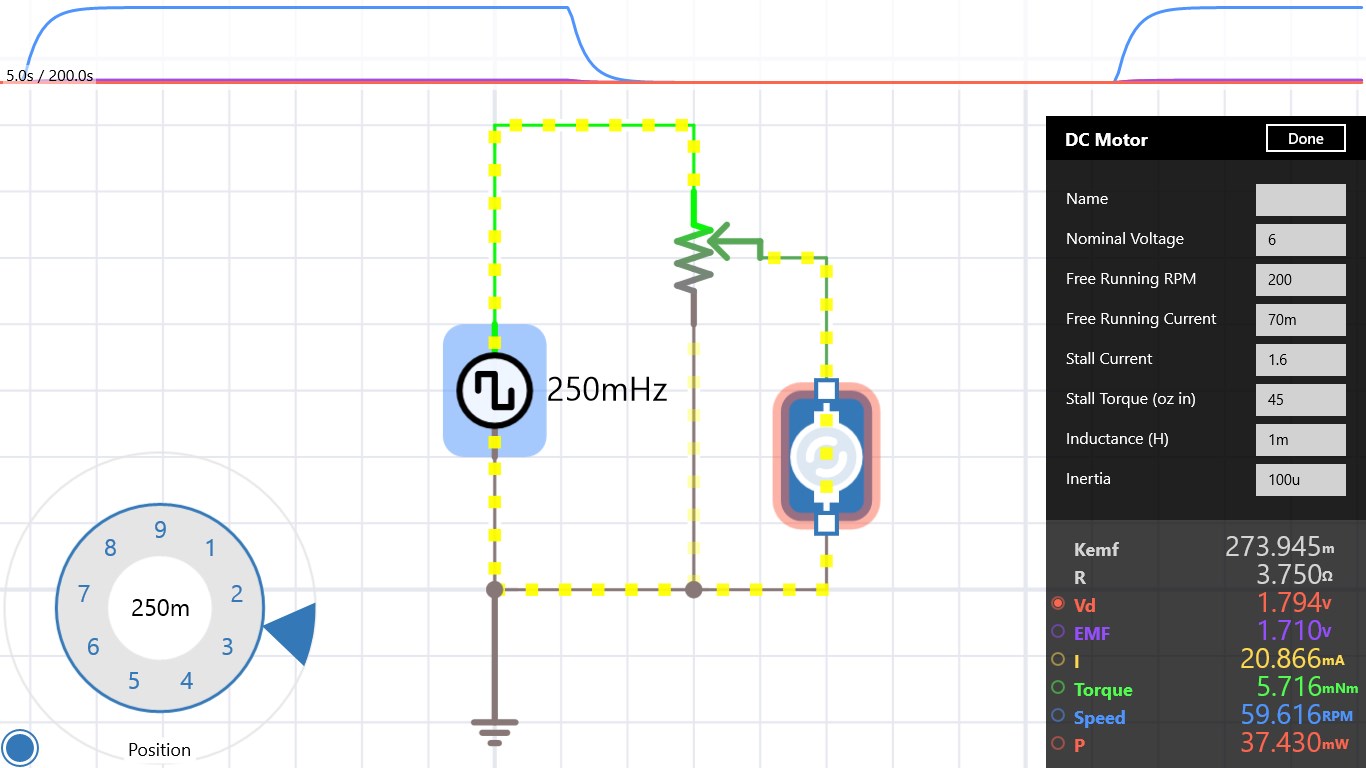
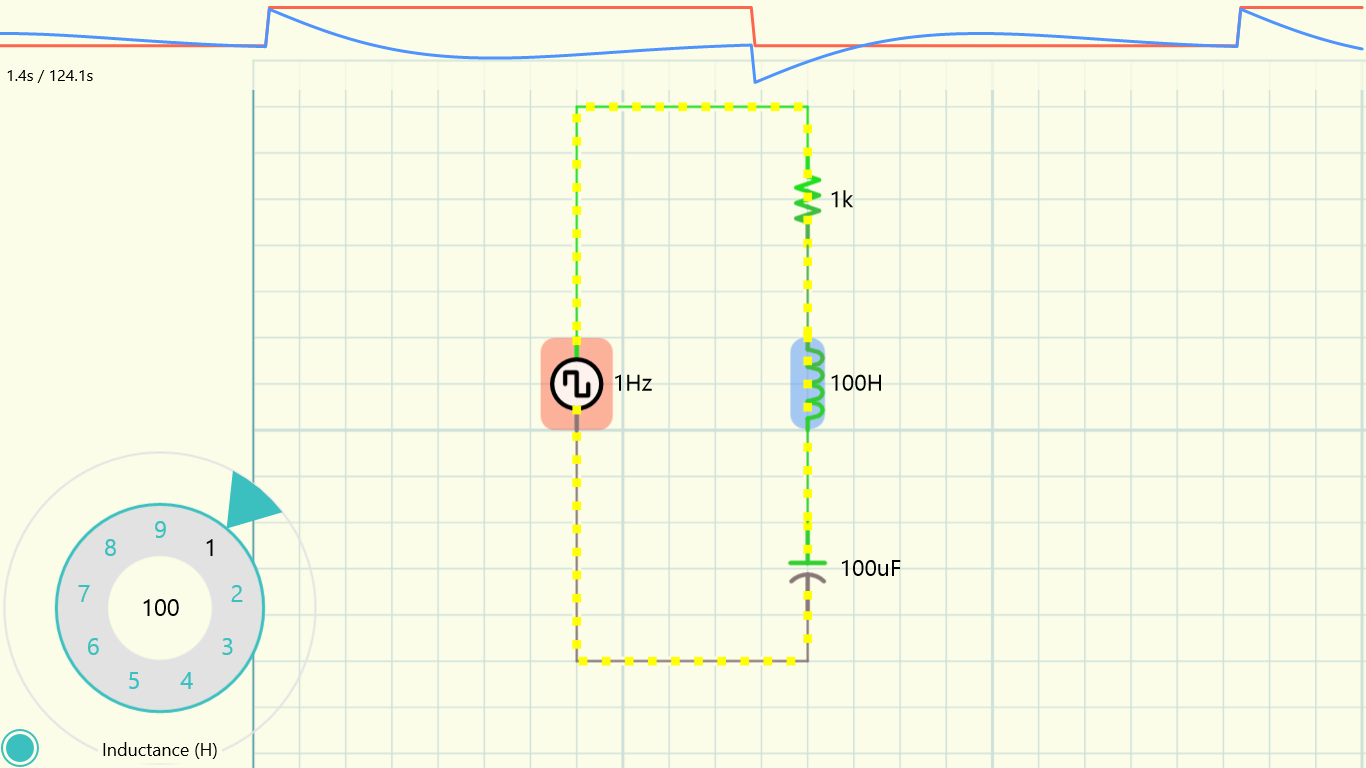
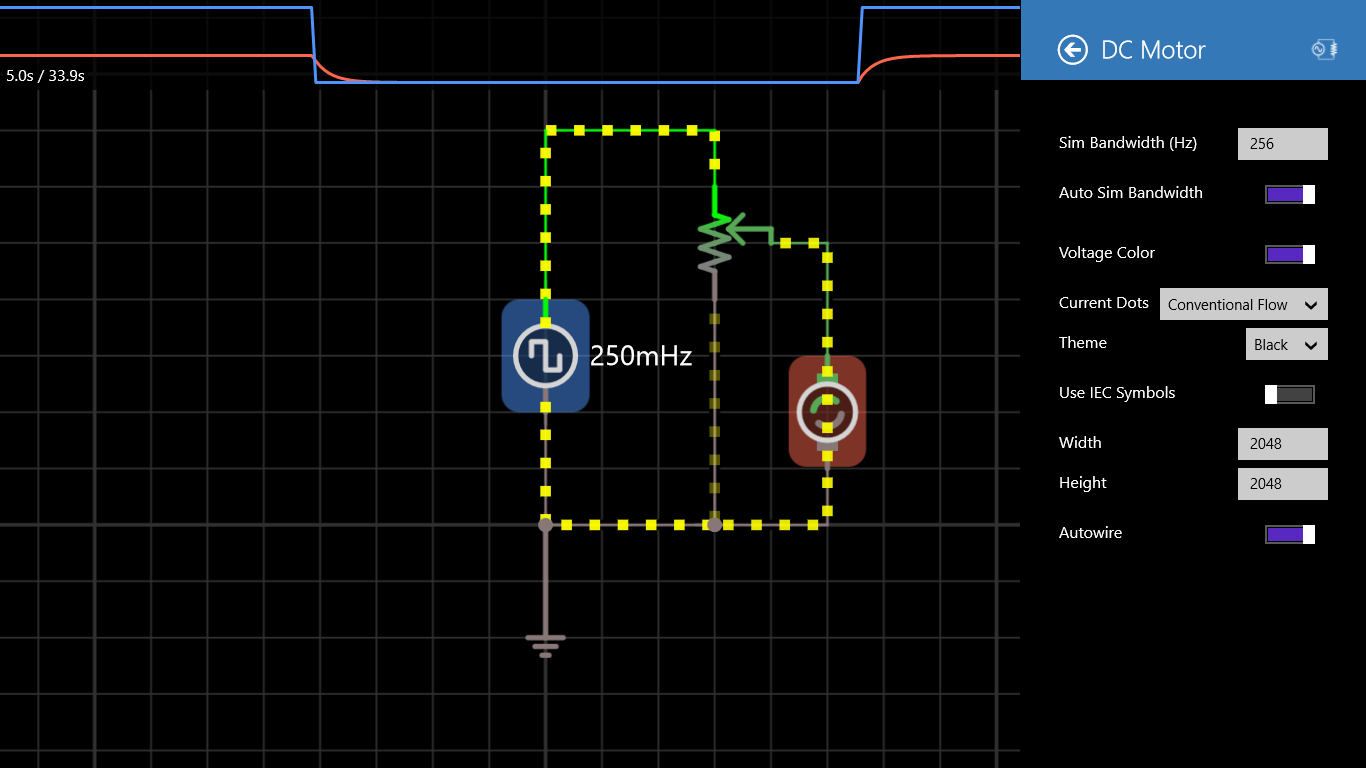
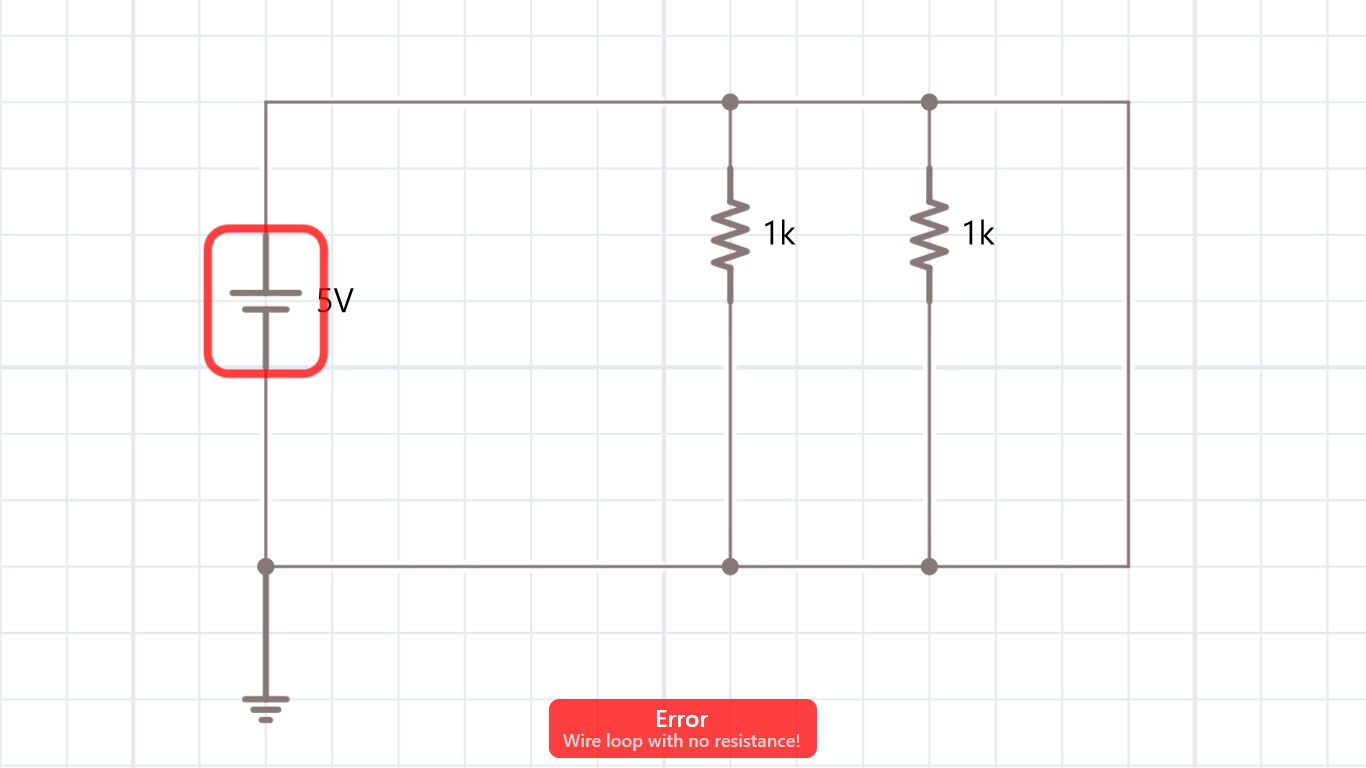
One of iCircuit's biggest draws is its streamlined circuit creation process. Its drag-and-drop interface feels akin to assembling a puzzle, where each piece—resistors, capacitors, transistors—is clear and accessible. Once assembled, the real magic begins: the app simulates your circuit in real time, providing immediate visual feedback on voltages, currents, and waveforms. This interactive environment allows users to experiment freely, encouraging a play-and-learn approach that demystifies complex electronic principles.
Component Library and Customization
The app boasts an extensive library of electronic components, comparable to having a portable electronics lab at your fingertips. From basic resistors to complex ICs, users can customize values, connect components with ease, and even define custom components as needed. This flexibility ensures that both simple projects and sophisticated designs are well-supported, making iCircuit suitable for learners and seasoned professionals alike.
User Experience and Design Quality
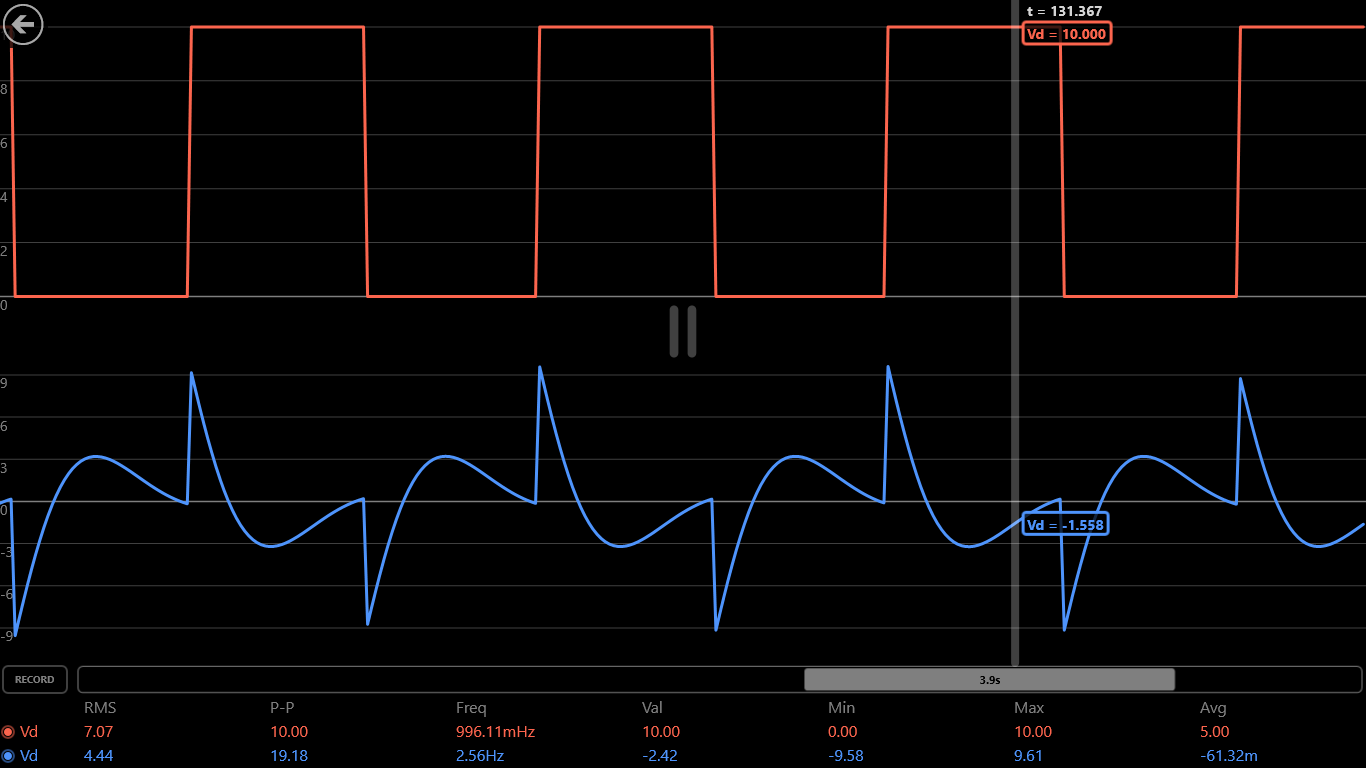
The interface strikes a balance between simplicity and functionality. Its clean layout reduces clutter, allowing users to focus on designing rather than navigating. The responsiveness is smooth, with minimal lag even in complex circuits, fostering a seamless workflow. For newcomers, the app offers an intuitive learning curve; seasoned users will appreciate the precision controls and advanced features like oscilloscope simulations. Overall, iCircuit offers an engaging, accessible experience that keeps users immersed and motivated to experiment.
What Sets iCircuit Apart? Unique Strengths in a Crowded Market
Compared to other circuit simulation tools, iCircuit stands out with its lively real-time feedback and approachable design. Unlike many desktop-based simulators that can feel intimidating or overly technical, iCircuit's interactive environment invites exploratory learning. Its balance of simplicity and depth ensures it satisfies both beginners needing guided insights and experts requiring detailed analysis. Furthermore, the ability to export and share circuits directly supports collaborative workflows—a crucial feature in educational settings or team projects.
Final Recommendations and Usage Suggestions
Overall, iCircuit for Windows is a commendable tool that combines practicality with interactivity. I would recommend it to electronics students, hobbyists, and educators seeking an accessible yet powerful circuit simulation app. It's particularly effective as an introductory platform or for rapid prototyping. While it may not match the depth of professional-level simulation software used in high-end engineering environments, its simplicity and real-time visualization make it an excellent choice for learning and quick experimentation. For casual use or classroom demonstrations, it's a genuinely valuable addition to your digital toolkit.
In conclusion, iCircuit's standout features—its real-time simulation and user-centric design—make it a compelling option among circuit tools. Whether you're debugging a prototype or just exploring electronics concepts, this app offers a friendly, engaging way to turn ideas into virtual realities.
Pros
- Intuitive User Interface
- Comprehensive Component Library
- Real-Time Simulation Feedback
- Educational Resources Integration
- Cross-Platform Compatibility
Cons
- Limited Advanced Analysis Tools
- Occasional Performance Lag with Complex Circuits
- Inadequate Export Options for Designs
- Steep Learning Curve for Beginners
- App Stability on Certain Devices











