

- Name HP Display Center
- Category Utilities & tools
- Available on PC
- OS Windows 10 version 18362.0 or higher
- languages Chinese (Simplified), Chinese (Traditional Chinese), Dutch, English (United States), French, German, Italian, Japanese, Portuguese (Brazil), Russian, Spanish (Spain)
Introducing HP Display Center for Windows
HP Display Center for Windows is a dedicated application designed to streamline and enhance your experience with HP displays, offering a centralized hub for customization, updates, and management of your monitor settings.
About the Developer and Key Features
Developed by HP Inc., a global leader in technology and hardware solutions, this app aims to provide HP monitor users with a seamless control panel harnessing the full potential of their displays. Its main highlights include intuitive customization options for display settings, firmware updates management, and tailored user profiles. Targeted towards both casual users seeking a better visual experience and professionals relying on precise display calibrations, this app bridges convenience and performance.
Engaging Introduction: Your Digital Window, Optimized
Imagine stepping into a room where every detail on your screen is vivid, colors are perfectly balanced, and adjusting your display feels as effortless as tweaking a paintbrush. That's what HP Display Center aspires to deliver—a kitchen-sink solution for all your monitor management needs. Whether you're a gamer looking for that edge in visuals or a designer needing color accuracy, this app promises to be your trusty sidekick, turning your screen into a customized visual paradise.
Core Functionality: Personalization at Your Fingertips
Color Calibration and Display Settings
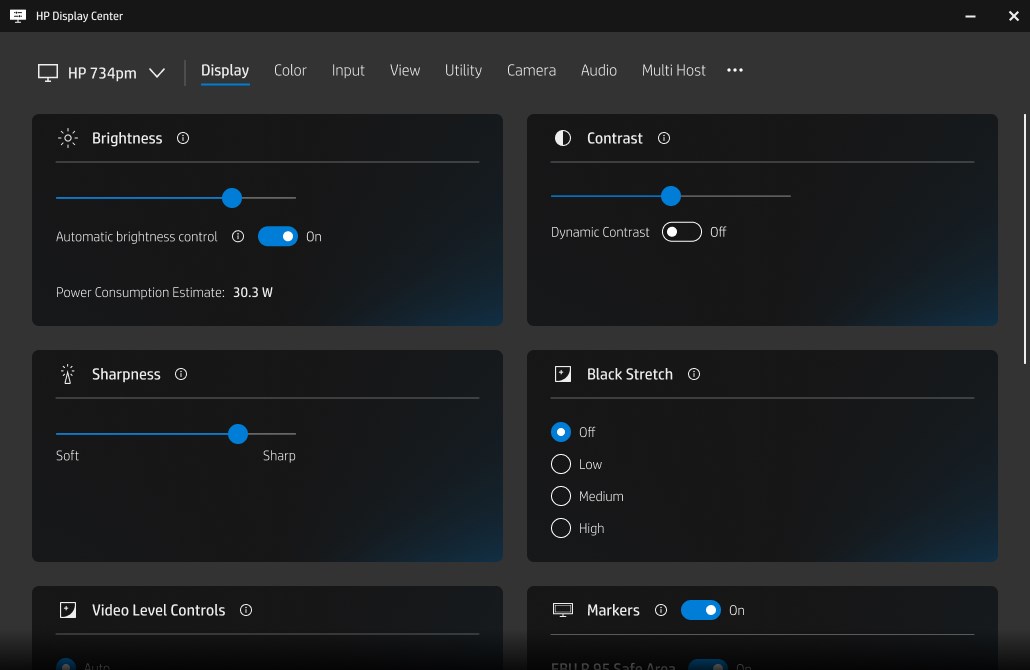
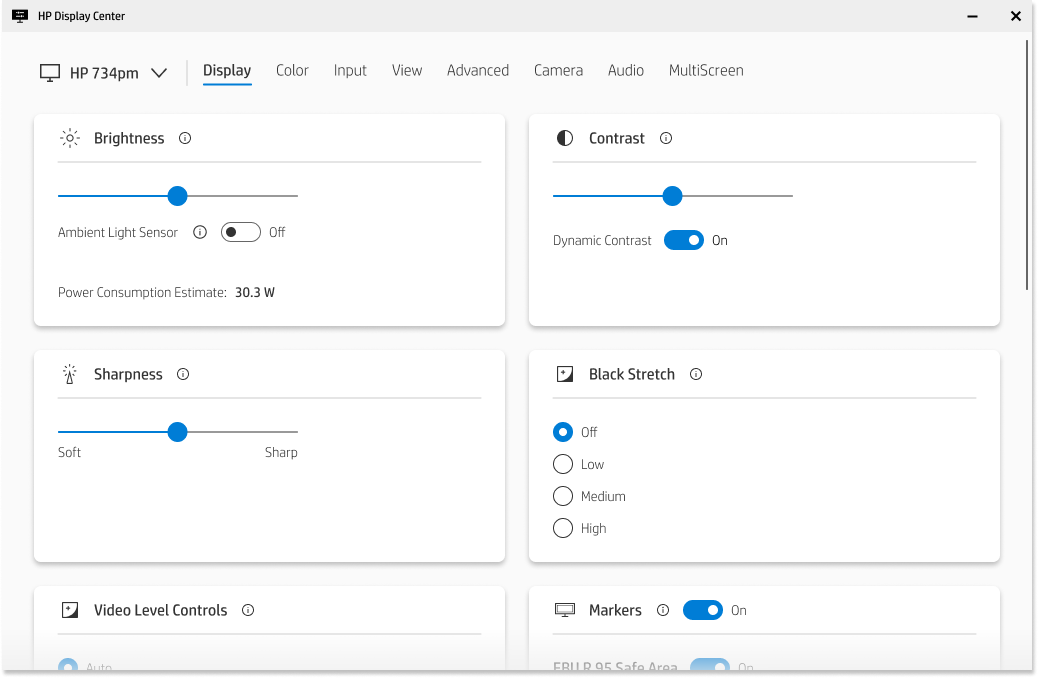
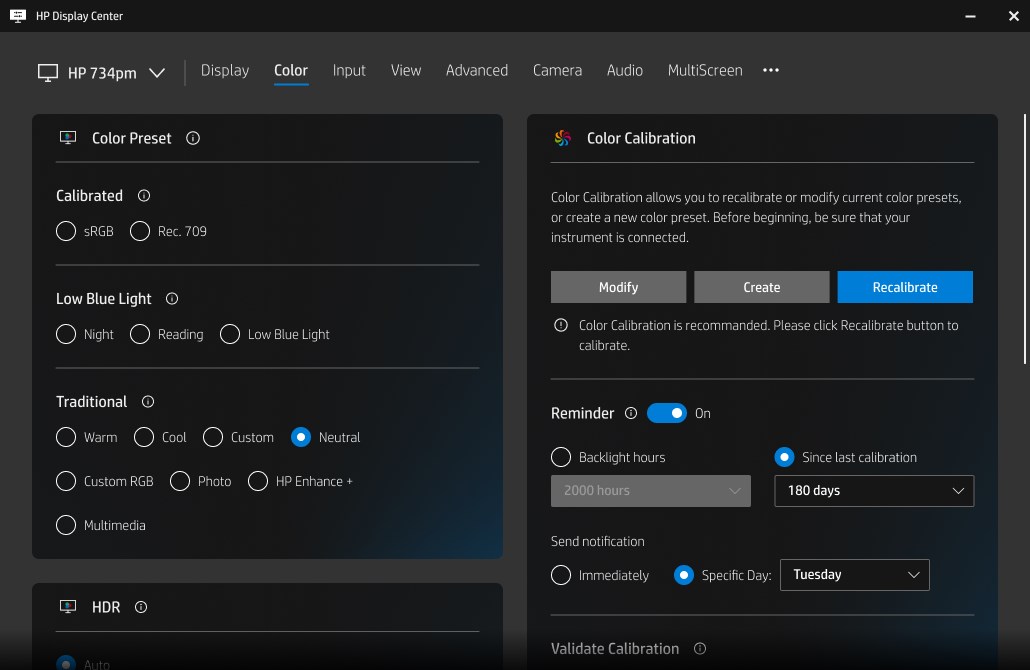
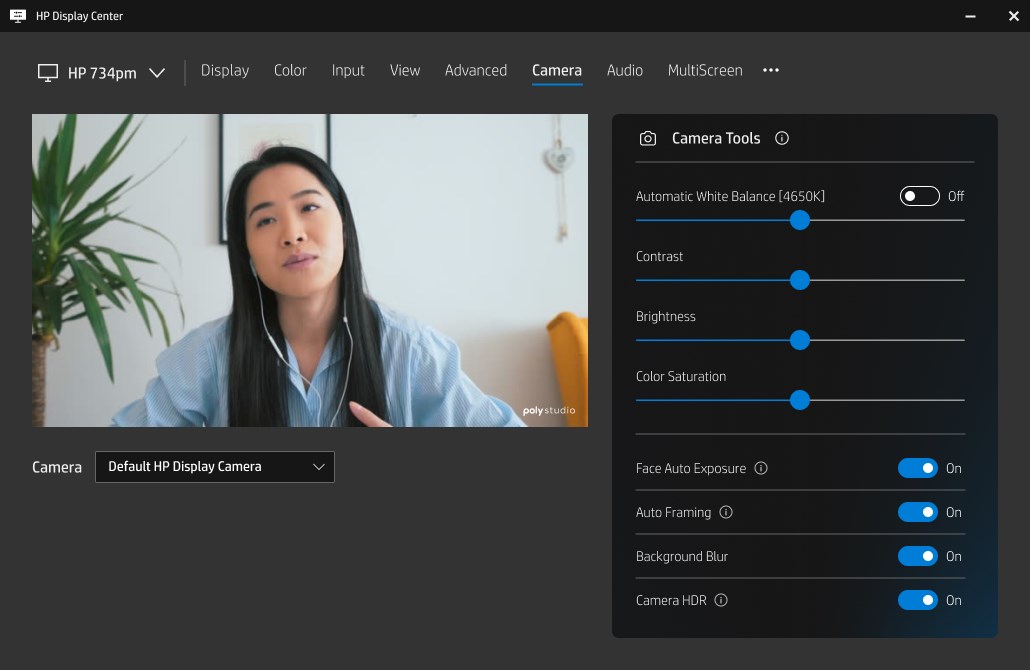
This feature is the jewel in the crown—allowing users to fine-tune color profiles, brightness, contrast, and even specific display modes. With an intuitive interface, adjusting these settings feels akin to painting on a digital canvas, ensuring visuals match your exact preferences. The app offers preset modes, like "Movie," "Gaming," or "Reading," but also invites you to craft your own look—making every pixel serve your purpose.
Firmware Updates and Device Management
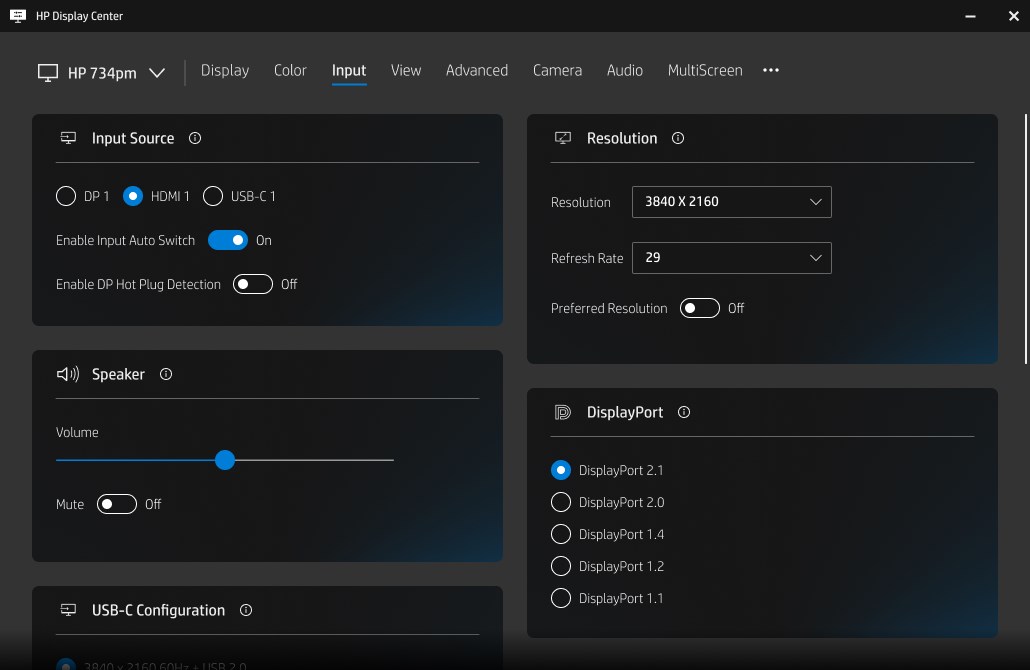
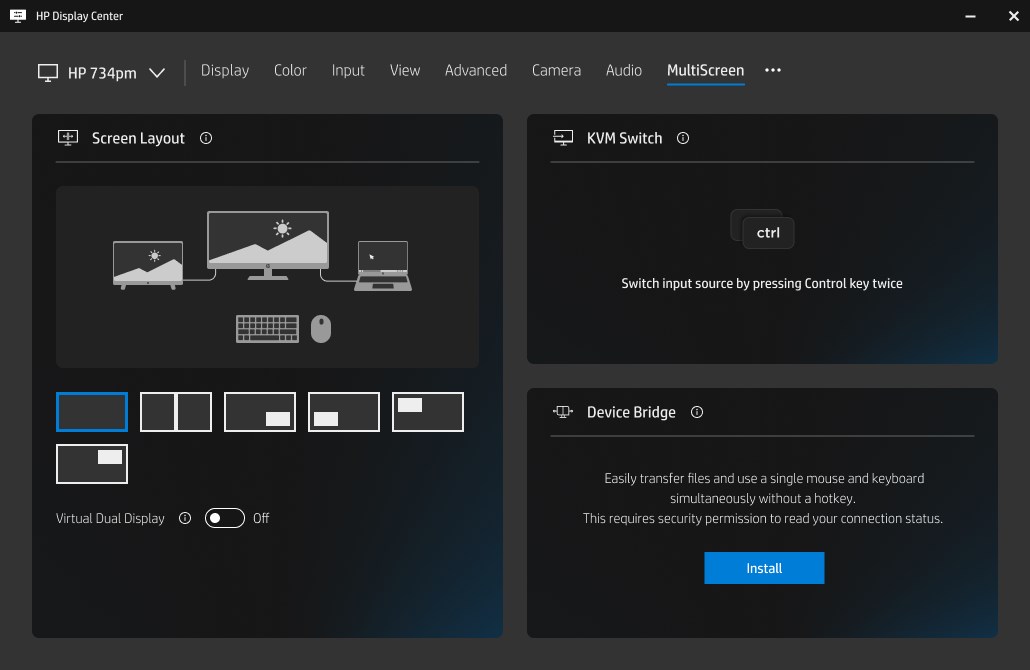
Keeping hardware up-to-date is often a chore, but HP Display Center simplifies this process. The app automatically scans for firmware updates for compatible monitors, notifying you when upgrades are available. Installing updates is a straightforward process—think of it as giving your monitor a gentle upgrade to keep performance sharp and features current. Moreover, managing multiple HP displays from one dashboard is effortless, streamlining setups in multi-monitor configurations or professional workspaces.
User Profiles and Scene Modes
One of the app's standout features is the ability to create multiple user profiles, each with its tailored settings. Whether you're switching between work tasks and gaming, or sharing a monitor with family members, this feature ensures personalized comfort at a tap. The scene modes allow quick toggling between preset configurations, transforming your display from vibrant and saturated for editing to subdued and eye-friendly for late-night reading.
Experience and Performance
The user interface boasts a sleek, modern design that's both attractive and user-friendly, akin to a well-organized toolbox—everything is where you expect it to be. Navigating through menus is smooth, with minimal lag, making adjustments feel natural and responsive. The learning curve is gentle, and even first-time users can grasp the essential features within minutes, turning what could be a technical chore into a delightful tuning session.
Unique Selling Points and Comparison
Compared to other utility apps in the same category, HP Display Center's most distinctive advantage lies in its tight integration with HP hardware, which ensures optimized performance and stability. Its tailored firmware management feature sets it apart—empowering users to keep their displays at peak condition without needing third-party tools. Additionally, the profile management and scene toggling make it a versatile companion for various scenarios, avoiding the one-size-fits-all approach common elsewhere.
Final Verdict: Is It Worth Your Time?
Overall, I recommend HP Display Center for anyone using an HP monitor who appreciates having control at their fingertips. The app strikes a balanced chord between sophistication and simplicity. For professional users who demand color accuracy or gamers seeking quick adjustments, this app offers particularly valuable features. It's a dependable, thoughtfully designed utility that enhances your monitor experience without becoming an overloaded, complicated tool.
Pros
- Seamless Display Customization
- Real-Time Display Calibration
- Automated Display Management
- User-Friendly Interface
- Enhanced Compatibility
Cons
- Limited Device Support
- Occasional Connectivity Issues
- Limited Advanced Settings
- Minor UI Bugs
- Lack of Tutorial Guides











