

- Name HP Cloud Recovery Tool
- Category Utilities & tools
- Available on PC
- OS Windows 10 version 15063.0 or higher
- languages English (United States)
Introducing HP Cloud Recovery Tool for Windows: Your Reliable Backup Companion
If you've ever felt that sinking feeling of losing your system setup or data, you'll appreciate the simplicity and dependability that HP Cloud Recovery Tool brings. Designed specifically for HP device owners, this utility acts as a digital safety net, promising peace of mind with straightforward recovery options.
Who Created It and What Does It Do?
Developed by HP Inc., a giant in the tech industry renowned for its laptops, printers, and other computing solutions, the HP Cloud Recovery Tool aims to streamline the process of system recovery. Key features include seamless cloud-based backups, easy creation of recovery media, and hassle-free restoration of your Windows environment. Its primary goal? To make the often intimidating process of system recovery accessible even to those with minimal technical expertise.
Engaging with the Tool: A User-Friendly Experience
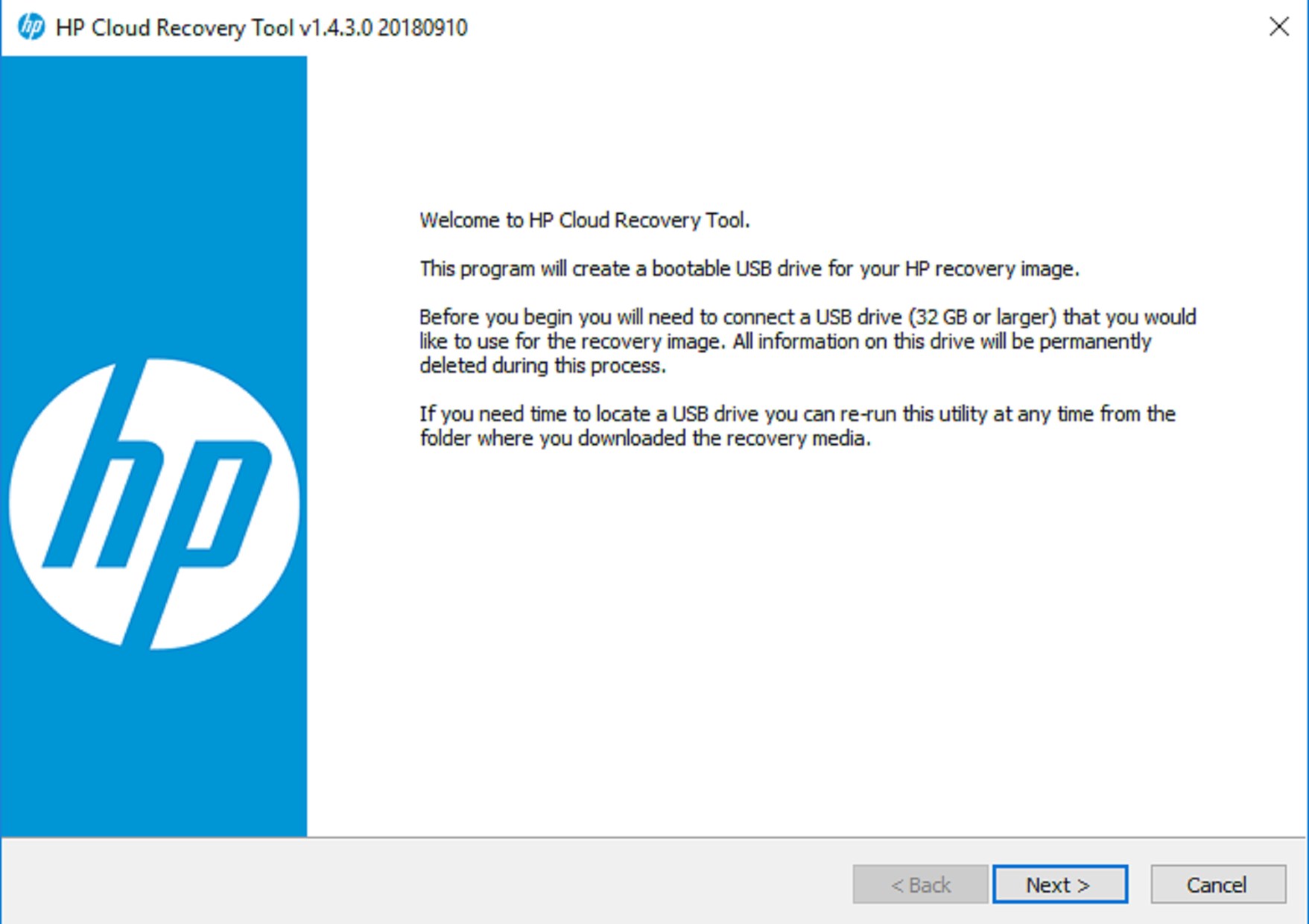
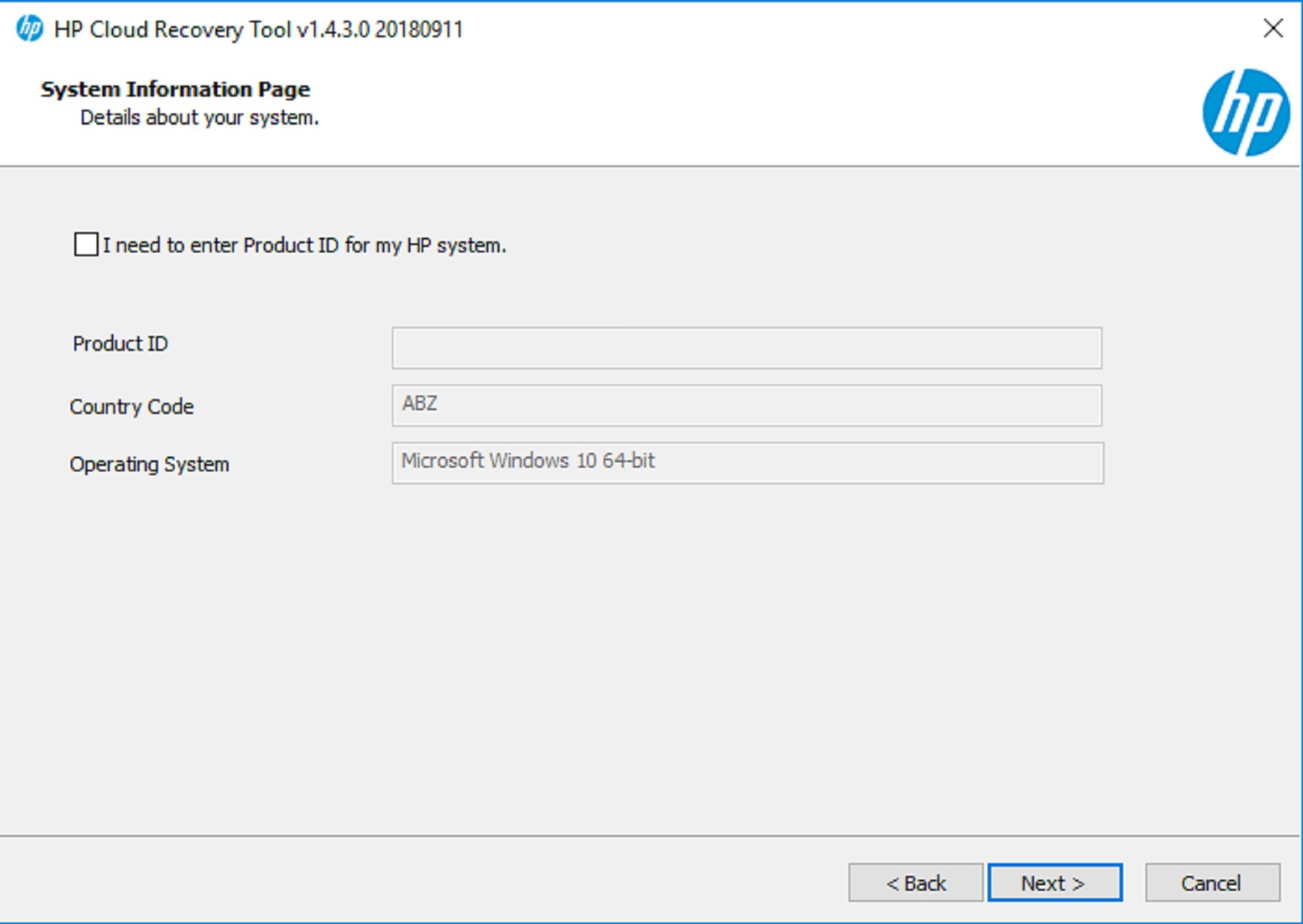
Picture this: your computer suddenly fails, and you're staring at a blank or corrupted screen. Instead of panicking, imagine pulling out a trusty rescue kit—this is what HP Cloud Recovery Tool essentially acts like in your digital toolbox. The interface is clean and intuitive, guiding users step-by-step through the recovery process. The design feels modern yet unobtrusive, allowing you to focus on the task rather than wrestling with complicated menus.
Usage flow is smooth, with quick startup times and logical navigation. The initial setup—creating recovery media or backing up your current system—is straightforward, even for tech novices. The learning curve is gentle; within minutes, most users will comfortably understand how to operate the tool effectively, thanks to clear labels and helpful prompts.
Core Functionalities that Stand Out
Cloud-Based Backup & Recovery
The most distinctive feature of the HP Cloud Recovery Tool is its utilization of cloud storage. Instead of relying solely on physical recovery media or local backups, users can upload critical system images and data to the cloud. This approach provides an extra layer of safety since recovery files are stored remotely, safeguarding your setup against hardware failures or physical damage. It's like having a virtual safety deposit box for your system, ready to be unlocked whenever disaster strikes.
Create and Restore Recovery Media
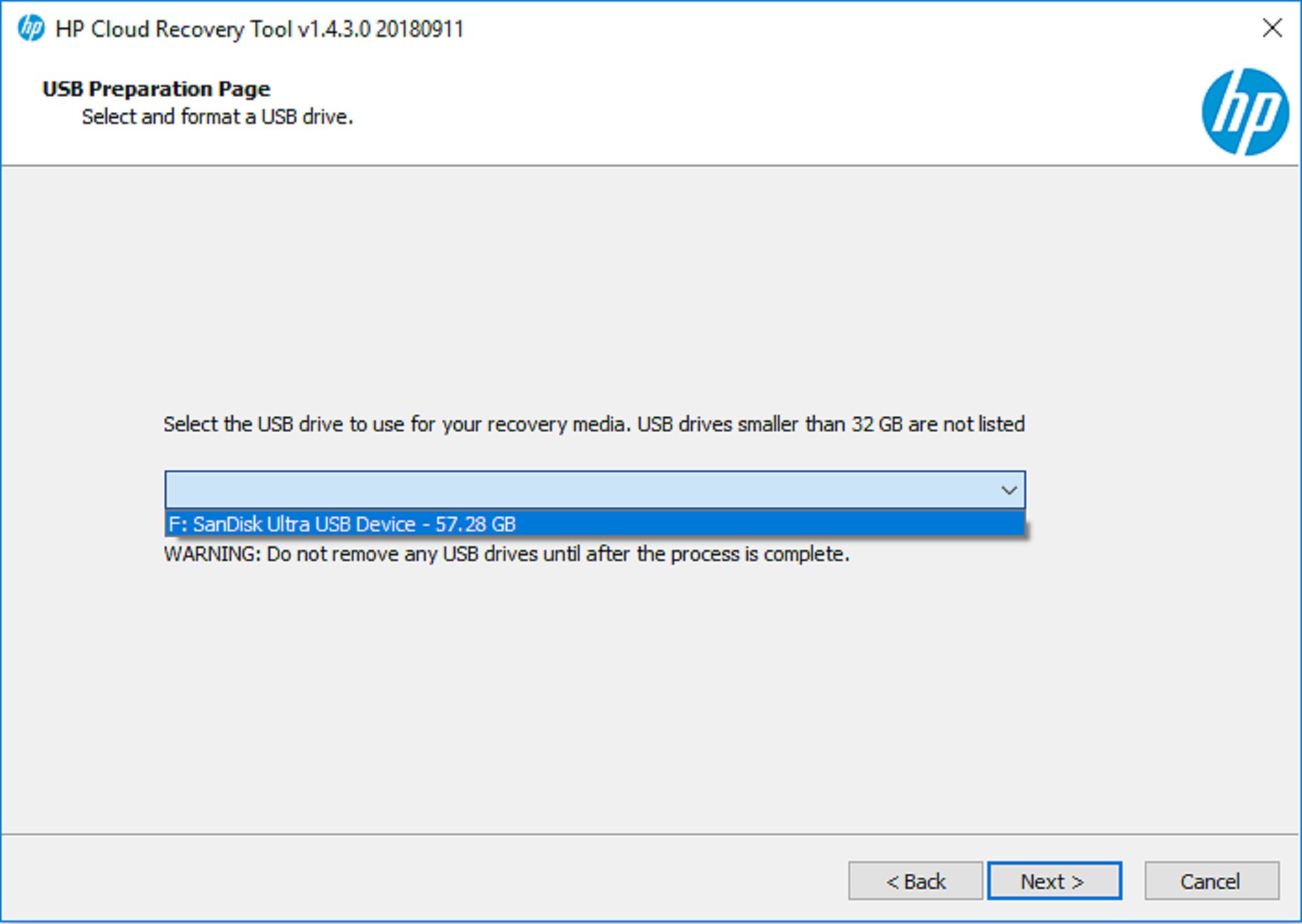
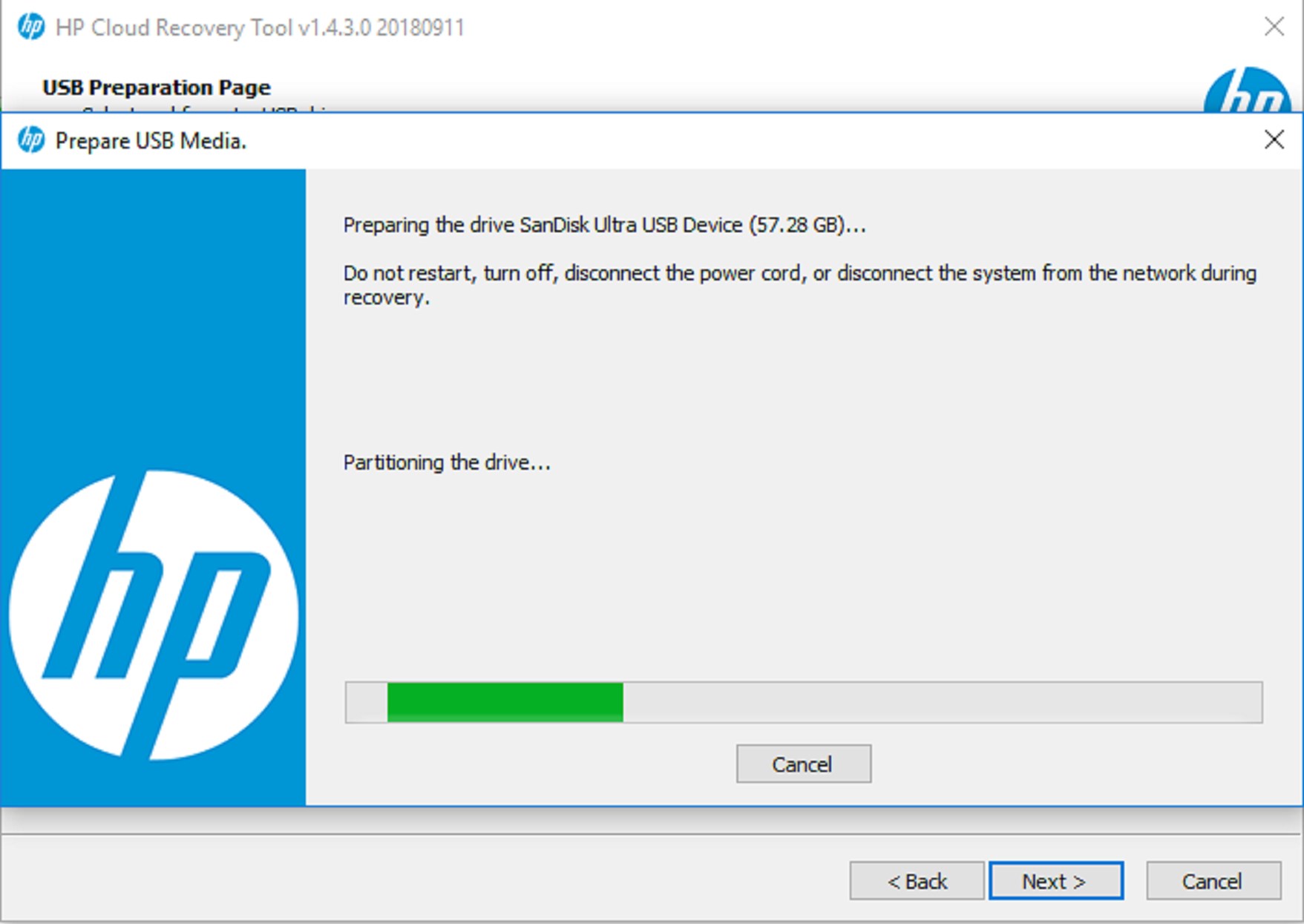
Another standout capability is creating bootable recovery drives directly from the app. Whether you're preparing for future emergencies or restoring from a backup, this process is streamlined. The tool guides you through selecting the right media (USB drive or DVD), ensuring it's properly formatted, and making it bootable. When restoration time comes, just insert your recovery media, follow simple prompts, and restore your system to its previous glory—like turning back the clock with just a few clicks.
Automatic System Diagnostics & Troubleshooting
The app also offers diagnostic tools that scan your system for issues before initiating recovery. This proactive feature helps identify potential problems early, saving troubleshooting time and preventing unnecessary reinstallation steps. It's like having a friendly IT technician sitting beside you, guiding your troubleshooting journey.
Experience and Final Verdict
From a user experience standpoint, the HP Cloud Recovery Tool impresses with its minimalistic design and seamless operation. The interface's clarity reduces the intimidation factor often associated with recovery utilities. The app runs smoothly, responding swiftly to user commands, which boosts confidence during critical recovery scenarios.
When compared to other utilities & tools, HP's offering stands out for its integration with cloud storage, which elevates it from being just another recovery tool to a comprehensive data safety solution. The ability to store recovery images remotely means that users are better protected against hardware failures, malware attacks, or accidental data loss—making it more versatile than simple local backup tools.
Would I recommend it? Absolutely, with some caveats.
If you're an HP device user seeking an easy, reliable way to prepare for unexpected system failures, this tool is definitely worth exploring. It's especially useful for those who prefer cloud backups for added security or want a streamlined way to create recovery media without third-party software. However, do remember that it's tailored for HP machines, so compatibility and functionality might be limited if you have other brands or specialized system setups.
Overall, I'd rate it a solid recommendation for everyday users who prioritize straightforward recovery processes, particularly those looking for an extra layer of protection through cloud integration. Think of this tool as your digital insurance policy—quietly working in the background until you need it, at which point it becomes your best friend in a pinch.
Pros
- User-Friendly Interface
- Reliable Recovery Process
- Compatibility with Multiple Devices
- Fast Performance
- Official Support & Updates
Cons
- Limited OS Compatibility
- Requires Stable Internet Connection
- Occasional Software Freezes
- Limited Customization Options
- Longer Download Times for Large Media Files











