
- Name HEIC Converter Pro - HEIC to JPG
- Category Utilities & tools
- Developer MakeTone
- Available on PC, Mobile, Surface Hub, HoloLens
- OS Windows 10 version 17763.0 or higher
- Keyboard Integrated Keyboard
- Mouse Integrated Mouse
- languages English (United States)
The Ultimate HEIC Conversion Tool for Windows: HEIC Converter Pro
If you've ever hesitated over the inconvenient incompatibility of HEIC files on Windows, HEIC Converter Pro emerges as a reliable and streamlined solution. Designed to bridge the gap between high-efficiency image formats and user-friendly usability, this app promises to make your image conversion tasks smooth and straightforward. Developed by MakeTone, a team committed to improving digital workflows, HEIC Converter Pro focuses on delivering core functions with clarity and efficiency, suitable for everyone from photography enthusiasts to business users needing quick conversions.
Core Features That Stand Out
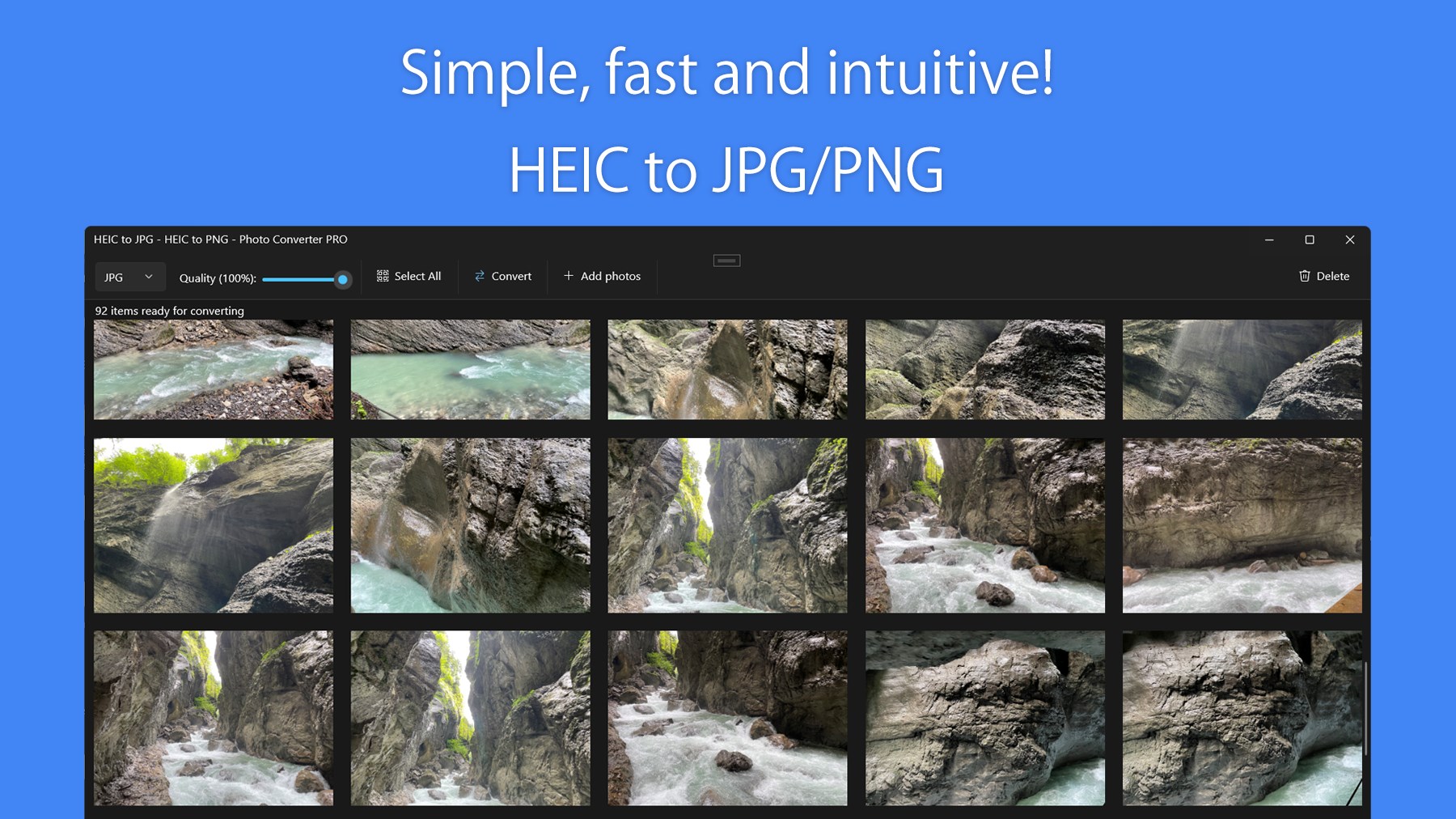
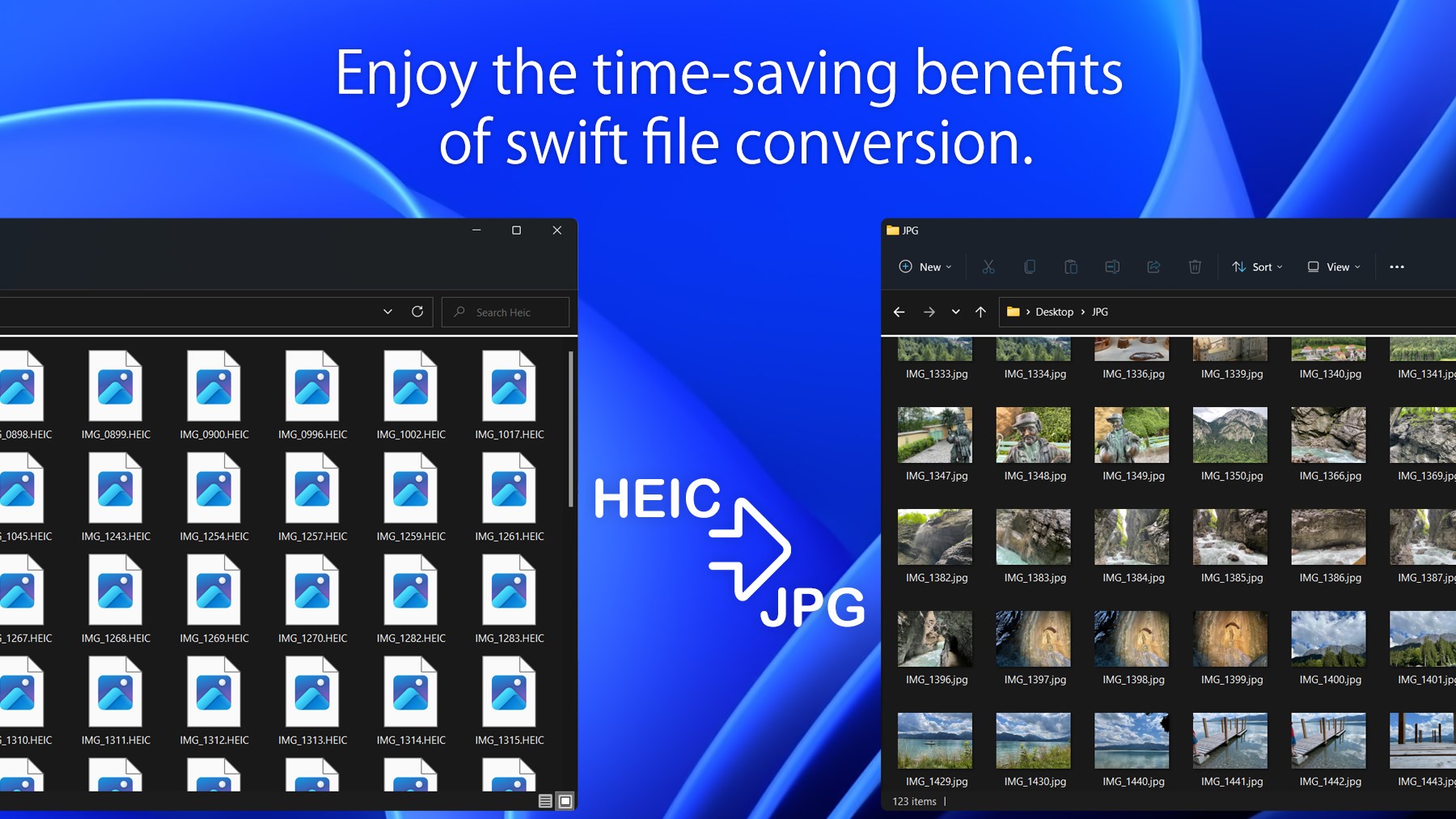
HEIC Converter Pro's standout features are its simplicity, speed, and focus on preserving image quality. The app supports batch processing, allowing users to convert multiple HEIC files into JPGs in one go—saving precious time during photo transcodes. Its ability to convert directly without the need for internet connectivity means you can rely on it anytime, anywhere, making it versatile for various workflows. Additionally, the app maintains high fidelity of images, ensuring that quality is not compromised during the conversion process—a vital aspect for professional use where image clarity matters.
Elegant User Interface and Seamless Experience
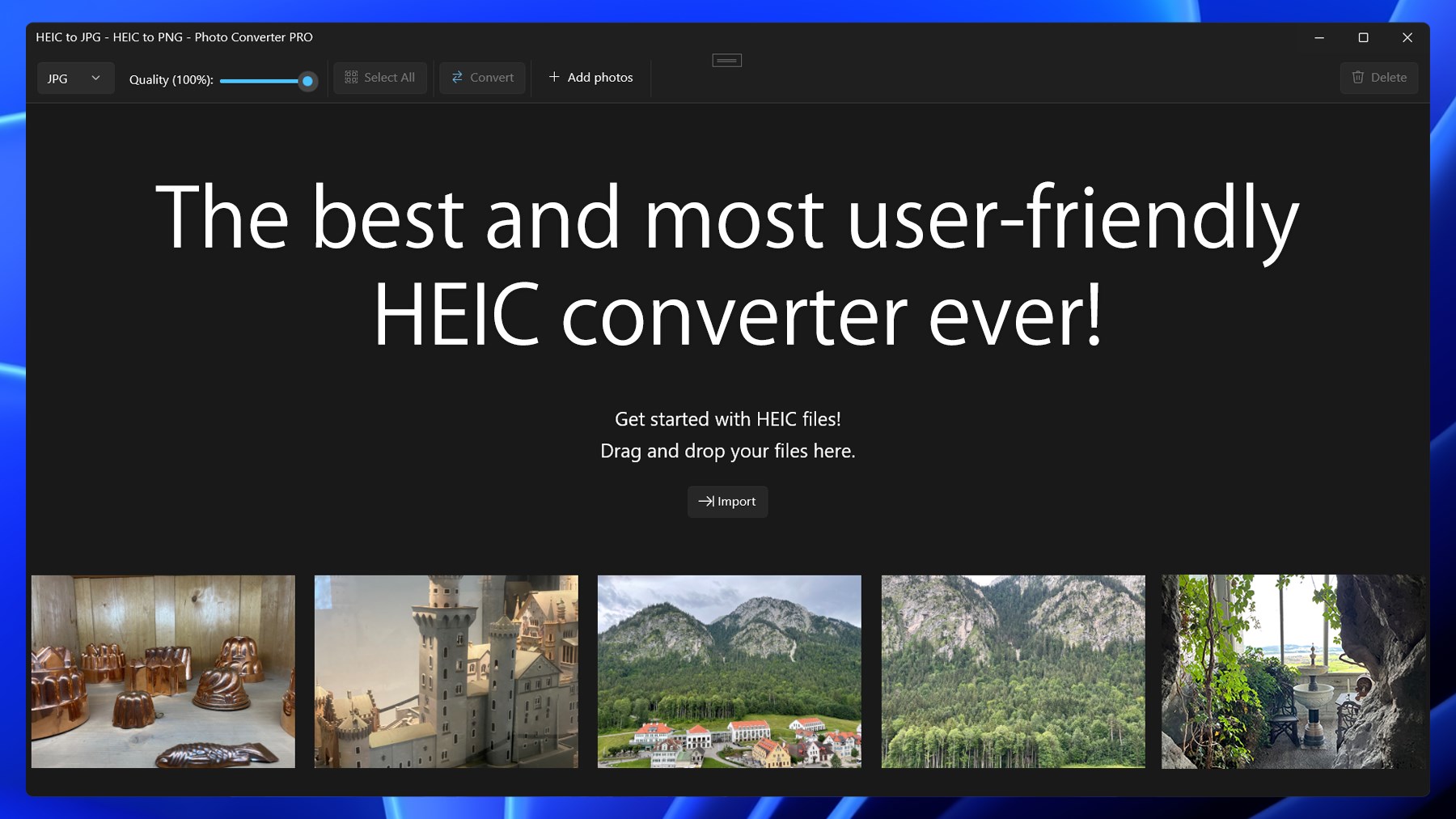
One of the first things you'll notice about HEIC Converter Pro is its clean, modern interface that feels like a breath of fresh air. The layout is intuitively designed, similar to a well-organized photo studio, with clear buttons and drag-and-drop functionality—think of it as your digital photo assistant, eager to help with minimal fuss. Navigating through the app requires no steep learning curve; even tech novices can convert their images within minutes after a brief guided exploration.
Operation speed is impressive; the app handles batch files smoothly, processing dozens of images without lag. During testing, conversions took mere seconds per batch, emphasizing its efficiency—like a well-oiled machine designed for productivity. The straightforward workflow makes it easy to pick up, even for those accustomed to more complex photo management tools, emphasizing its user-centered design.
Unique Selling Points: What Sets HEIC Converter Pro Apart?
Unlike many utilities that offer rudimentary conversion, HEIC Converter Pro's real edge lies in its focus on quality retention coupled with batch processing—imagine a high-end photo lab in your pocket that respects your original images while boosting your productivity. Its offline operation is another highlight, securing data privacy and ensuring no interruptions due to internet issues, which is a significant advantage over cloud-dependent tools. Moreover, the app's ability to convert multiple files simultaneously at high speed is akin to having a personal assistant who can handle all your images quickly and efficiently, freeing you up for more creative pursuits.
Compared to other utilities, HEIC Converter Pro emphasizes stability and precision, ensuring that no detail is lost and that users get consistent results every time. Its focus on core functionality without unnecessary bells and whistles means less clutter and more reliability—like choosing a solid sports car over a flashy sedan, you get performance where it truly counts.
Final Thoughts and Recommendations
All in all, HEIC Converter Pro offers a focused and efficient way to handle HEIC image conversions on Windows. Its user-friendly interface, exceptional processing speed, and commitment to quality make it a valuable tool whether you're an amateur photographer or a professional needing quick batch conversions. I would confidently recommend this app to anyone seeking a straightforward, reliable solution—especially if you prioritize image fidelity and privacy.
While it may not feature advanced editing or cloud integrations, its core strength lies in delivering exactly what users need: simplicity, speed, and high-quality output. For those tired of dealing with incompatible HEIC files or cumbersome workflows, HEIC Converter Pro is worth giving a try—it might just become your go-to image conversion companion.
Pros
- High-quality conversion
- Batch processing support
- Simple and intuitive interface
- Fast conversion speed
- Supports various output formats
Cons
- Limited customization options
- Occasional compatibility issues with certain HEIC files
- No built-in editing tools
- Limited free trials or features
- Minor UI glitches on some systems











