
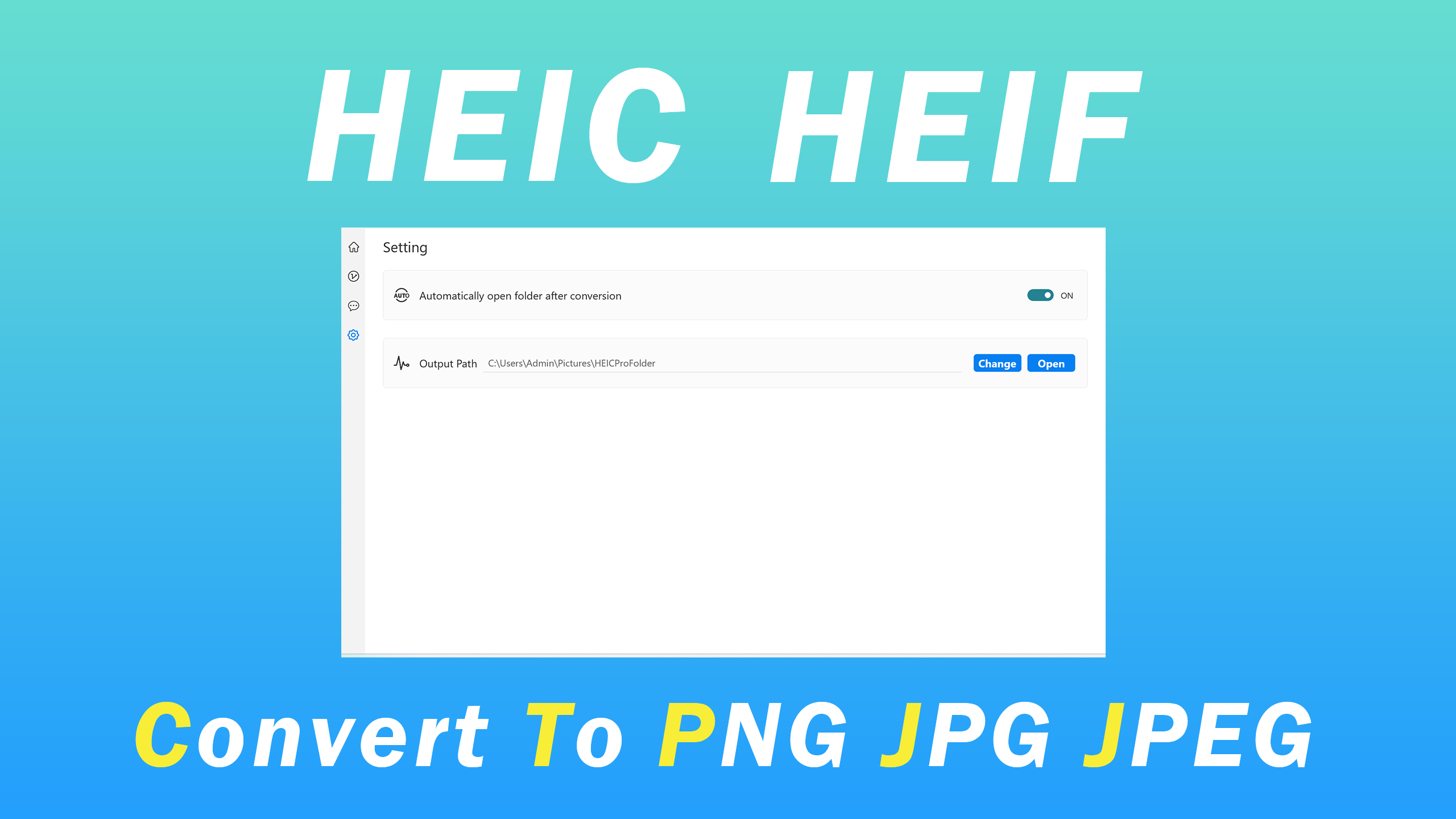
- Name HEIC Convert Pro - Image Converter
- Category Utilities & tools
- Available on PC, Mobile, Surface Hub, HoloLens
- OS Windows 10 version 18362.0 or higher
- languages English (United States)
An Efficient and User-Friendly HEIC Converter for Windows
If you're tired of struggling with incompatible image formats or cumbersome conversion processes, HEIC Convert Pro from MeetmeXM Technology Co., Ltd offers a streamlined solution tailored for Windows users. It promises quick, reliable, and high-quality conversion, making it a handy tool for photographers, designers, and everyday users alike.
What is HEIC Convert Pro?
HEIC Convert Pro is a dedicated image format converter designed specifically for Windows platforms, with a primary focus on converting HEIC images—often used by iPhones and newer devices—into more widely supported formats like JPEG or PNG. Developed by MeetmeXM Technology Co., Ltd., a team committed to creating user-centric utility tools, this app aims to simplify the often-experienced pain of incompatible image files.
This application boasts key features such as batch processing capabilities, preservation of image quality, and an intuitive interface that caters to users of all skill levels. Its target audience includes professional photographers, social media managers, and casual users who frequently handle HEIC images and need a reliable conversion tool.
Decorative yet Practical Interface
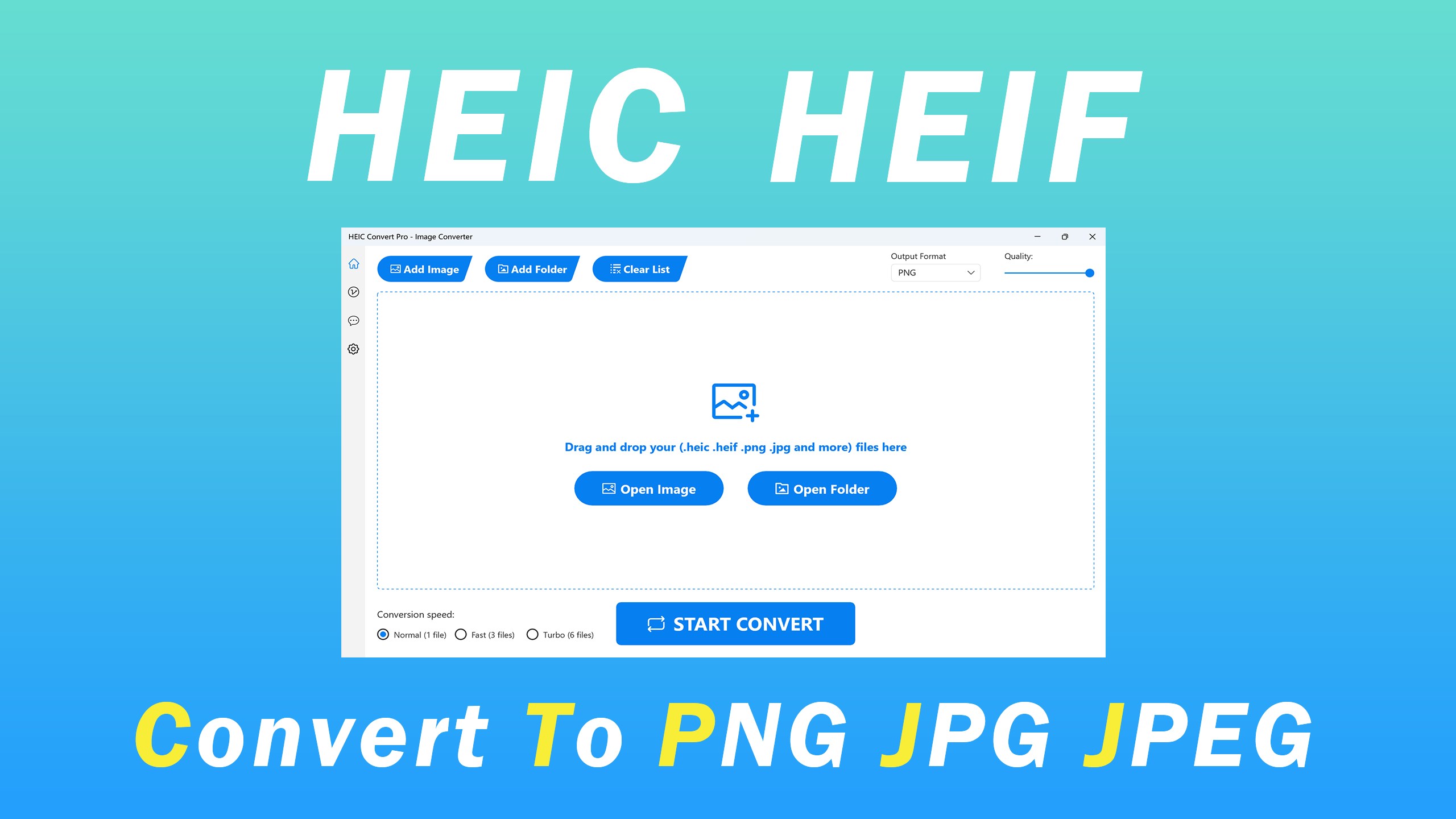
Upon launching HEIC Convert Pro, you're greeted with a clean, straightforward layout that feels like a well-organized workspace rather than a cluttered digital toolbox. The interface employs a minimalistic style with clear icons and straightforward navigation, making it accessible even for users with limited technical expertise. Drag-and-drop functionality isn't just a nice touch—it's a core feature that makes importing images feel as effortless as placing photos on a table.
The app's design emphasizes user comfort: buttons are large, labels are clear, and steps to convert are obvious. Transitioning from importing files to starting a conversion is seamless, allowing users to focus on their tasks without unnecessary distractions. This fluid user experience ensures a gentle learning curve, dramatically reducing the time spent figuring out how to use the tool.
Powerful Features with a Focus on Quality and Speed
Batch Conversion — Save Time Because One Is Never Enough
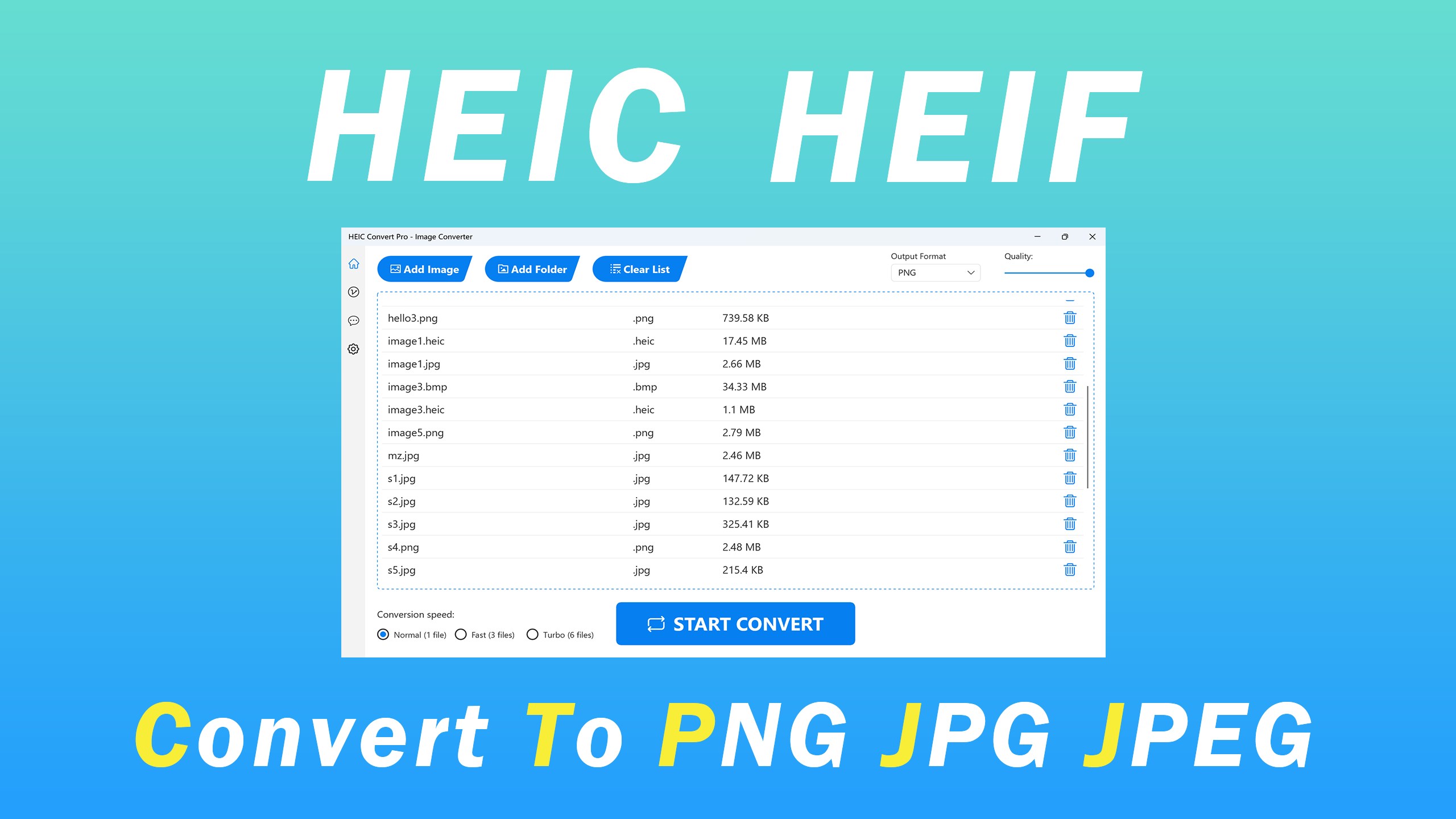
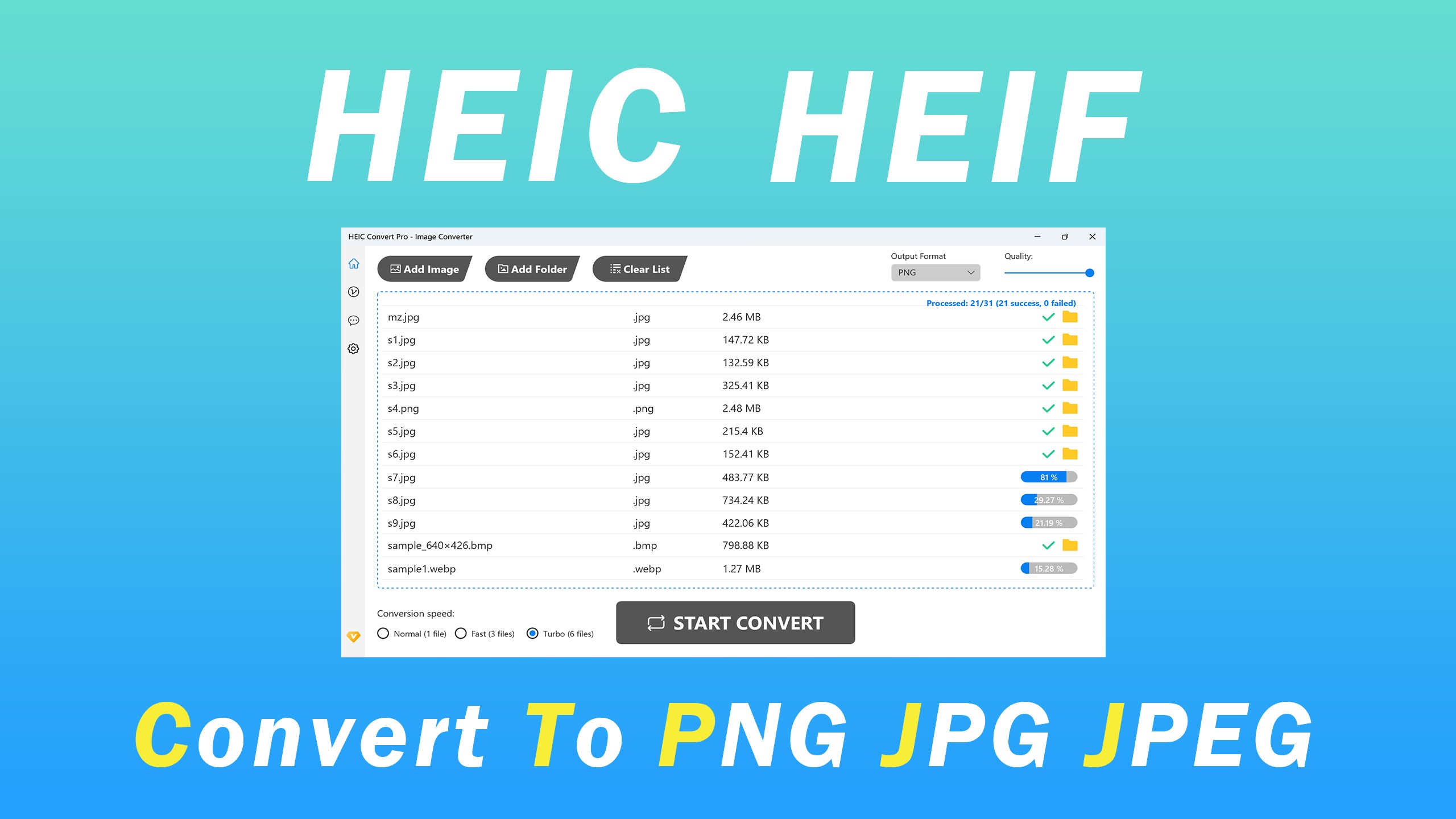
The standout feature of HEIC Convert Pro is its batch processing capability. It's like having a team of assistants working in tandem—upload a dozen images, hit start, and come back later to find all your HEIC photos converted simultaneously. This eliminates the tediousness of converting images one by one, which can be a real time sink. The app handles multiple files efficiently without lag, making it ideal for bulk conversions, whether for professional projects or personal collections.
High-Quality Output for Every Pixel
Despite blazing-fast processing speeds, HEIC Convert Pro refuses to compromise on image quality. Converted images maintain color fidelity, sharpness, and detail, comparable to the original files. This is especially crucial for photographers or designers wanting to repurpose images without losing vital quality, proving that speed doesn't have to mean sacrifice.
Customizable Format Options
Beyond basic conversions, the app offers flexible settings to choose output formats—JPEG, PNG, and others—allowing tailored results for different use cases. Whether preparing images for web uploads, print, or storage, users can easily select the best format for their needs, streamlining their workflow considerably.
Performance and Differentiation
Speed and simplicity are the hallmarks of HEIC Convert Pro, but its real strength lies in its ability to combine these elements with high-quality output and intuitive design. Compared to other utilities that often feel clunky or require technical knowledge, this app offers a hassle-free experience that feels nearly invisible to the user—like a friendly assistant. Its batch processing and preservation of image integrity are particularly notable when contrasted with free or less optimized tools, which often compromise on quality or struggle with larger quantities of images.
Additionally, HEIC Convert Pro distinguishes itself through its straightforward approach—no excessive bells and whistles, just effective, reliable conversion. For users who regularly work with HEIC files but dislike complicated software or slow processing times, this application presents a clear and practical choice.
Final Thoughts: Worth a Spot in Your Toolbox
Given its combination of efficiency, quality, and user-friendly design, HEIC Convert Pro earns a solid recommendation for anyone in need of a dependable HEIC to JPEG/PNG converter on Windows. Its most impressive features—batch processing and high-quality output—are exactly what professionals and hobbyists alike require. If you're tired of fumbling with incompatible images or clunky converters, this app could very well become your go-to solution.
Overall, HEIC Convert Pro is a practical, streamlined utility that fulfills its promise of transforming images swiftly and reliably, making your workflow smoother and hassle-free. Whether for occasional use or regular batch conversions, it's a tool worth trying out—think of it as your digital photo's best buddy, ready to support you whenever you need it.
Pros
- High-Quality Conversion
- Supports HEIC Format Efficiently
- User-Friendly Interface
- Batch Conversion Feature
- Fast Processing Speeds
Cons
- Limited Output Formats
- Basic Editing Functions
- Occasional Conversion Failures
- Watermark on Free Version
- Slow Support Response











