
- Name GPU Check
- Category Utilities & tools
- Available on PC, Mobile, Surface Hub, HoloLens
- OS Windows 11 version 26100.0 or higher
- Keyboard Integrated Keyboard
- Mouse Integrated Mouse
- languages Chinese (Simplified), Chinese (Traditional), Dutch, English (United States), French, German, Portuguese, Russian, Spanish, Ukrainian
Unlock Your GPU's Potential with GPU Check for Windows
If you're a tech enthusiast eager to understand your graphics card's true capabilities, GPU Check for Windows serves as your friendly digital microscope—helping you peek under the hood of your GPU with clarity and ease. Developed by Stefan vd, this straightforward yet powerful tool offers a user-friendly way to monitor, analyze, and benchmark your graphics card, making it an invaluable companion for gamers, PC builders, or anyone curious about their hardware's performance.
Key Features That Shine Bright
Designed with simplicity and precision in mind, GPU Check excels in providing detailed insights into your GPU's health and capabilities. Its main highlights include:
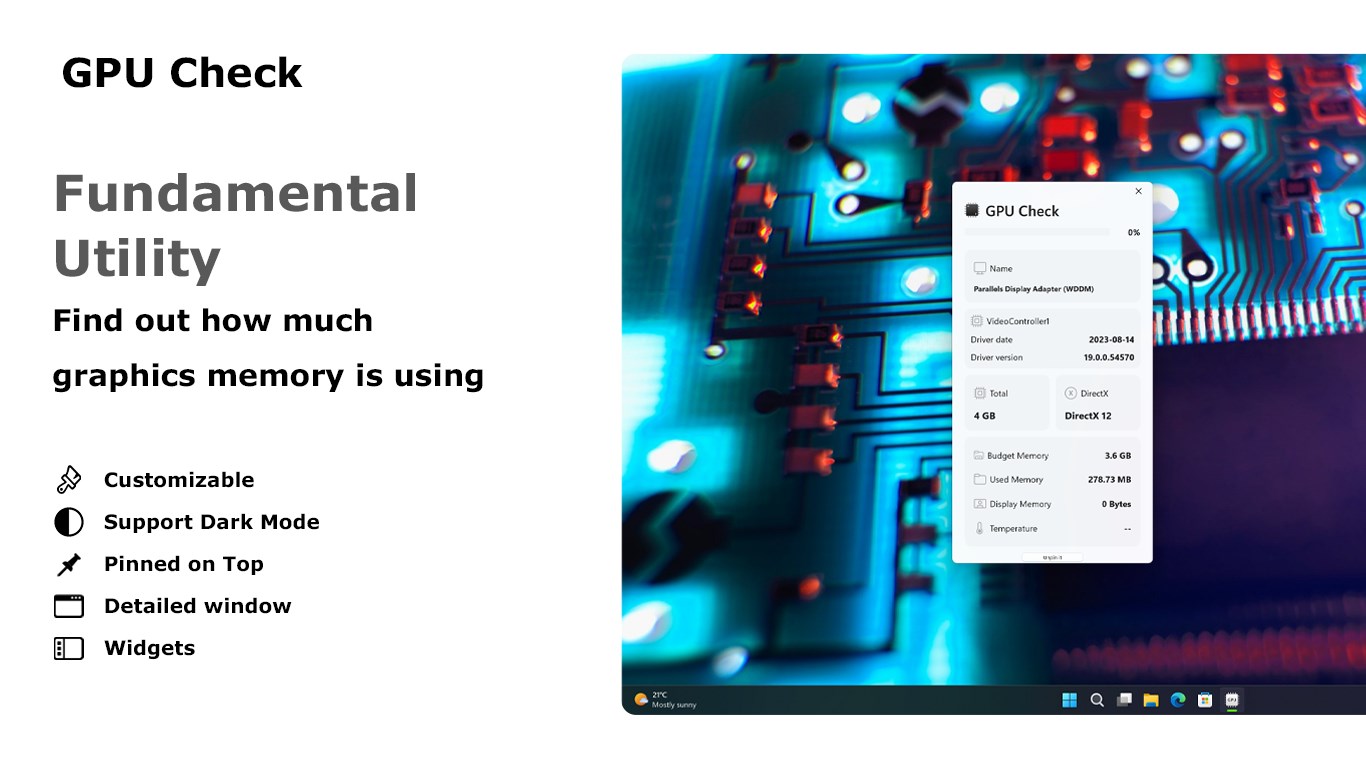
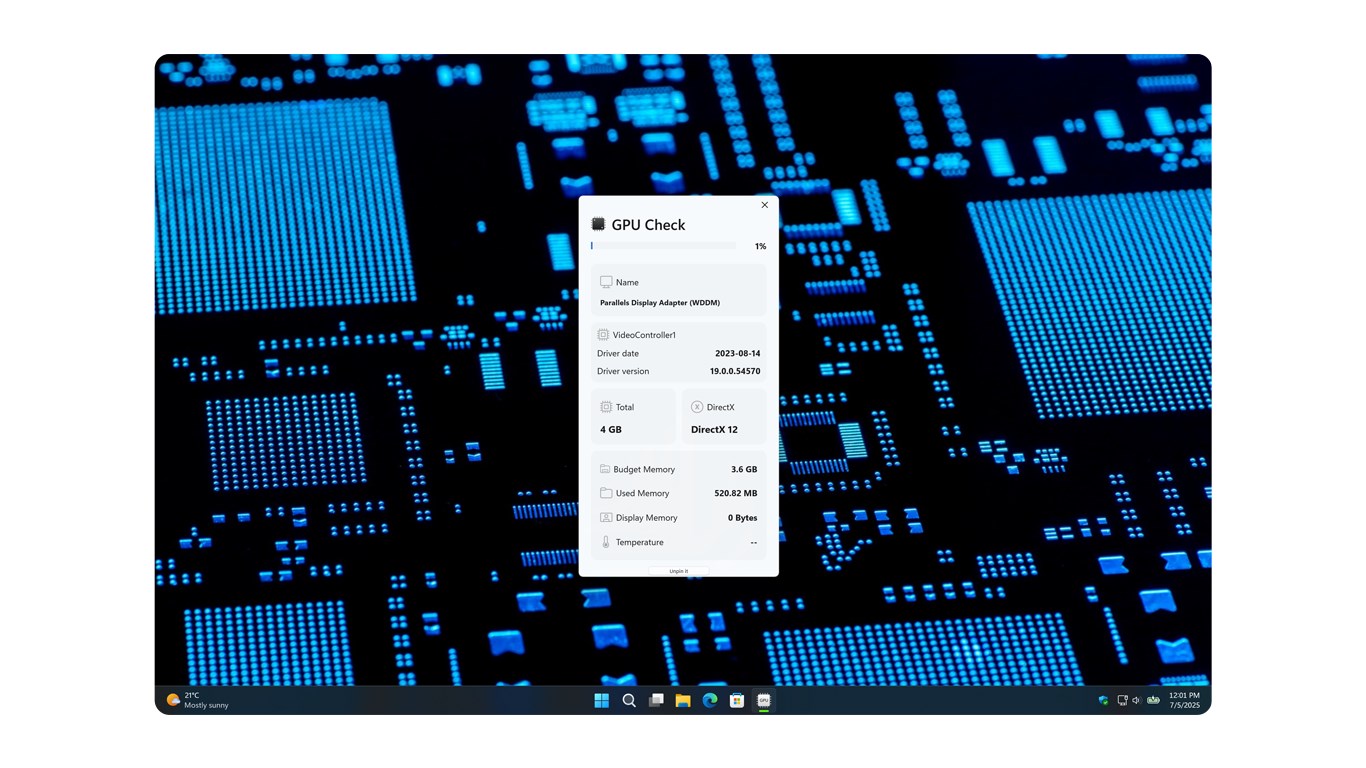
- Comprehensive Hardware Detection: Instantly identifies the specifics of your GPU, including model, VRAM, driver version, and current operating parameters.
- Performance Benchmarking & Stress Testing: Allows users to run quick tests to gauge the GPU's stability and performance under load, similar to a health check-up for your graphics card.
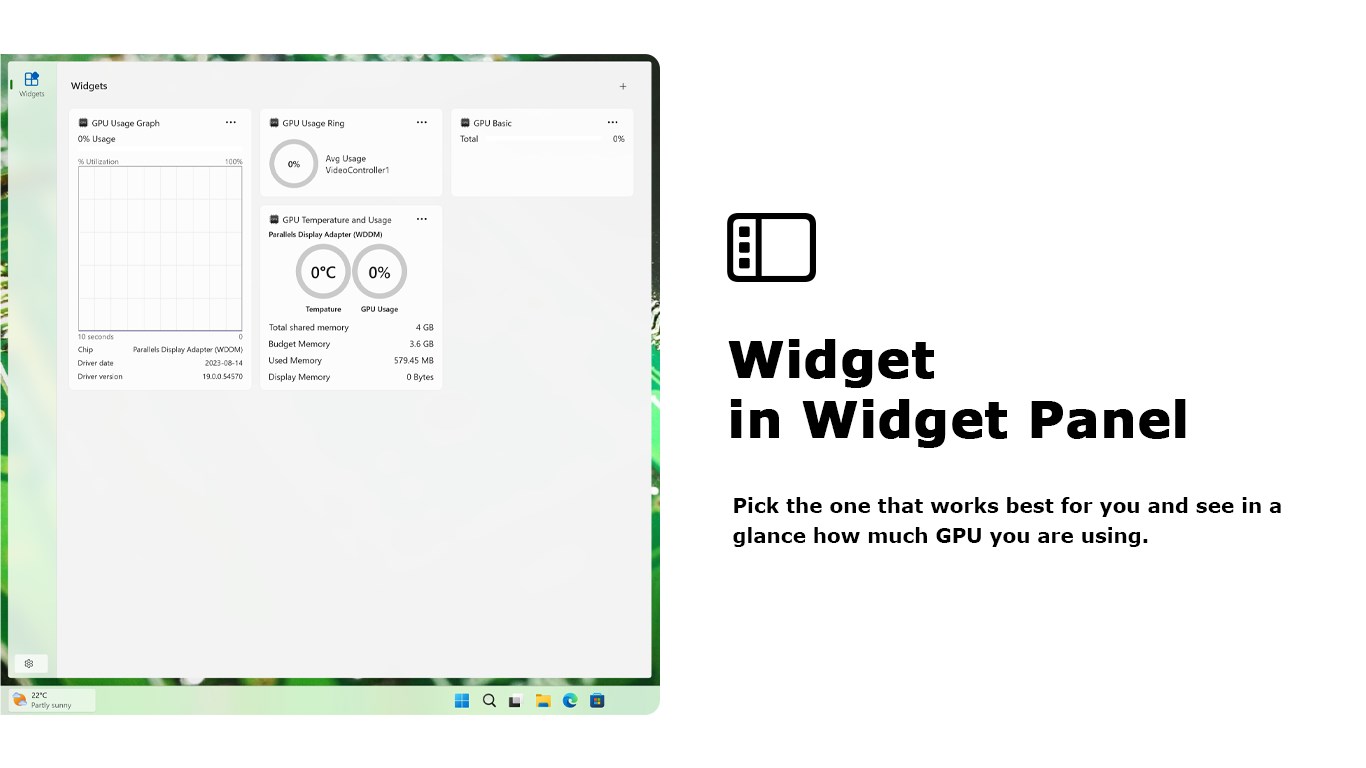
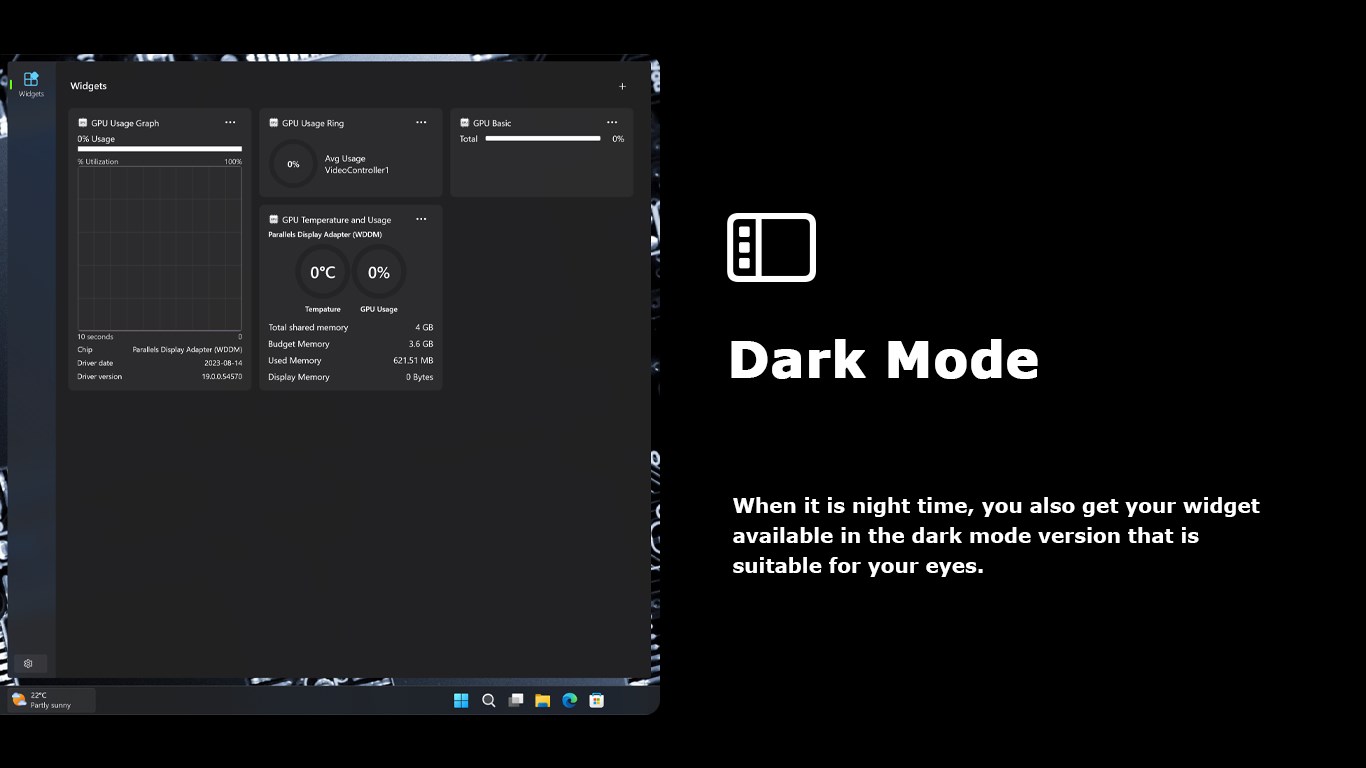
- User-Friendly Monitoring Dashboard: Features an intuitive, real-time display of vital stats such as temperature, clock speeds, and usage—helping you keep tabs during intense gaming or workload scenarios.
- Compatibility & Ease of Use: Built specifically for Windows, it's lightweight, fast, and simple to install and navigate, making it accessible to both novices and advanced users alike.
Experience in Action: Digging Deeper into GPU Check
Imagine turning on your PC and wanting to ensure your graphics card is performing optimally before diving into a graphics-intensive game. GPU Check makes that process not only straightforward but almost enjoyable, like giving your PC a health assessment with just a few clicks. The interface resembles a sleek dashboard, with vivid charts and easy-to-read metrics that anyone can understand—taking the intimidation out of hardware monitoring.
User Interface & Ease of Use
From the moment you launch GPU Check, you're greeted with a clean, organized display that resembles a well-designed cockpit—everything at your fingertips. The layout is intuitive: core information is front and center, with extra details available with a quick click. The learning curve is gentle, making it easy for newcomers to get valuable insights without needing to decipher complex technical jargon. Plus, the quick toggle options let you run tests or update drivers without fuss, streamlining your workflow.
Benchmarking and Monitoring: Coming to the Forefront
The real magic lies in its benchmarking and real-time monitoring features. Running a stress test feels like gently revving up an engine, revealing how your GPU handles prolonged workload without overheating or throttling. The detailed graphs and logs track temperature spikes, usage patterns, and clock speeds—giving you a window into your hardware's behavior during demanding tasks. This is especially useful for overclockers or gamers seeking to optimize performance safely.
What Sets It Apart from Similar Tools
While many GPU utilities focus only on monitoring or driver updates, GPU Check from Stefan vd combines these functions with straightforward benchmarking in a lightweight package. Unlike bulky software that might bog down your system, GPU Check runs quietly in the background or on demand, providing precise info without unnecessary bloat. Its primary allure is the clarity and immediacy of data—it's like having a friendly technician guide you through your GPU's status without requiring deep technical knowledge. The emphasis on minimalism and user experience makes it stand out among more complicated or cluttered utilities.
Final Thoughts and Recommendations
GPU Check for Windows is a solid, reliable tool that demystifies GPU performance monitoring and assessment. For gamers, PC builders, or casual users interested in keeping an eye on their graphics hardware, it offers a seamless blend of simplicity and detailed insight—like a trusted friend who gently guides you toward better hardware health. I recommend giving it a try if you want an easy entry point into hardware diagnostics or need a lightweight utility to complement your existing toolkit.
Pros
- User-friendly interface
- Accurate GPU performance details
- Real-time monitoring features
- Lightweight and quick to launch
- Regular updates with new GPU support
Cons
- Limited diagnostic capabilities
- No benchmark testing features
- Temporary inconsistencies in temperature readings
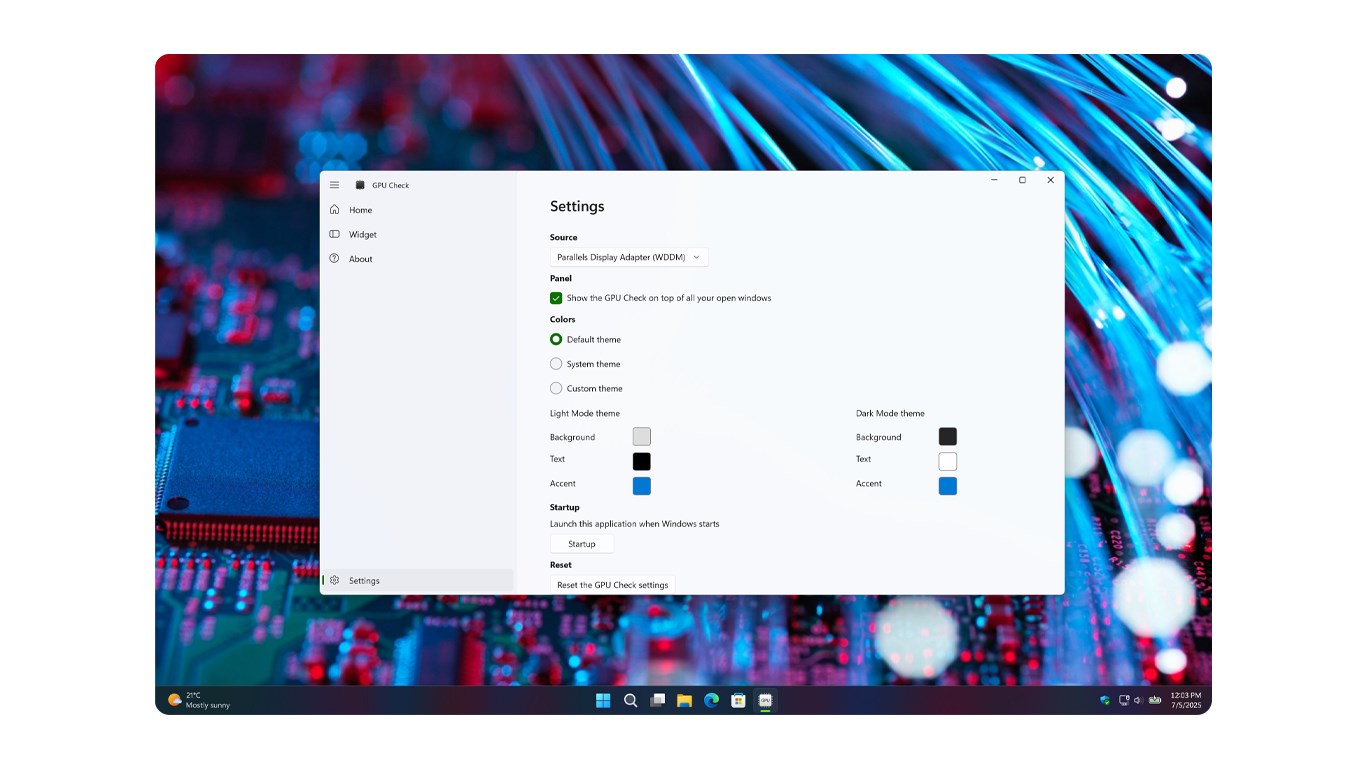
- Limited customization options
- Dependence on system support











