

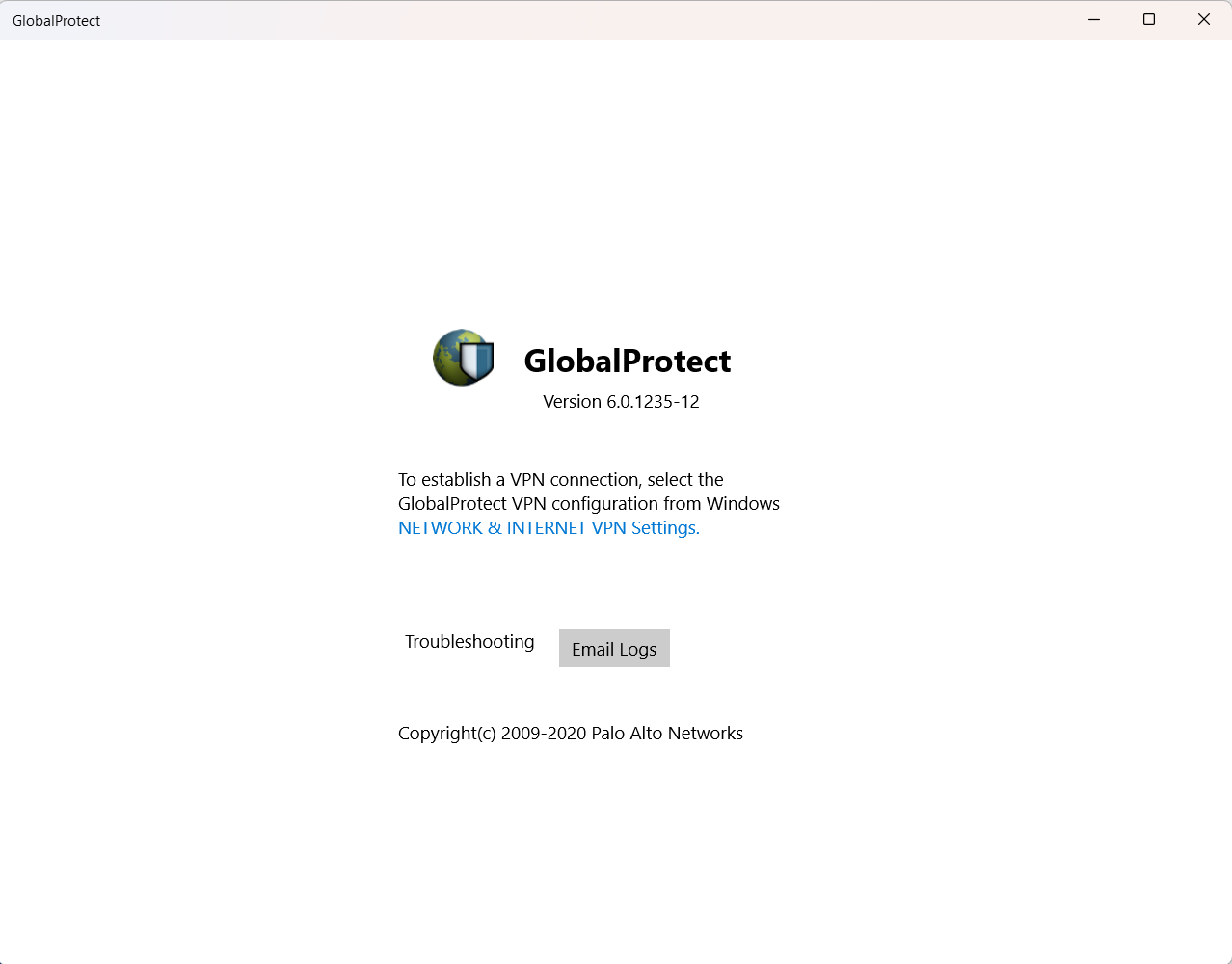
- Name GlobalProtect
- Category Business
- Available on PC, Mobile, HoloLens
- OS Windows 10 version 17134.0 or higher
- languages Chinese (Simplified), Chinese (Traditional), English (United States), French, German, Japanese, Spanish (Spain)
GlobalProtect for Windows: A Robust VPN Solution with Strategic Edge
GlobalProtect for Windows, developed by Palo Alto Networks, stands out as a security-focused VPN application designed to provide seamless and secure remote access for enterprise users. With its enterprise-grade features and emphasis on secure connectivity, it aims to be a reliable digital bridge between users and organizational resources, especially in today's increasingly remote and hybrid work environments.
Core Functions That Power Your Secure Connections
1. Enterprise-Grade Secure VPN Connectivity
At its heart, GlobalProtect offers a comprehensive VPN service that ensures encrypted, reliable connections between remote devices and corporate networks. Its intelligent routing and dynamic portal selection guarantee that users are connected via the most secure and optimal pathways, much like having a trusted digital chauffeur navigating through traffic's maze to bring you safely and swiftly to your destination. This layer of security not only preserves confidentiality but also helps organizations enforce security policies across diverse devices and locations.
2. Advanced Endpoint Security & Device Management
Beyond simple connectivity, GlobalProtect integrates tightly with Palo Alto Networks' security ecosystem, providing real-time visibility and threat prevention for endpoints. This means that before any data leaves or enters a device, it is checked for malicious activity or policy violations—think of it as a vigilant security guard checking IDs at the entrance. This proactive approach ensures that potential threats are neutralized immediately, safeguarding sensitive corporate data from compromised endpoints.
3. Seamless User Experience & Management
Designed with user ease in mind, the application offers a straightforward setup process and minimal disruption to workflow. Its intuitive interface allows users to connect with just a few clicks, while administrators benefit from centralized management tools that simplify deployment, policy enforcement, and troubleshooting. This effortless balance of security and usability makes it suitable for both busy frontline staff and network administrators, comparable to having a well-oiled security system that operates silently in the background.
Evaluating the User Experience
The interface of GlobalProtect for Windows is clean, organized, and professional—think of a professional control tower that provides clear signals and straightforward controls. The application responds swiftly during connection attempts, with no noticeable lag or stuttering, ensuring a smooth user journey. The learning curve is gentle; even users without extensive technical backgrounds can grasp the basic functions quickly, thanks to well-designed onboarding prompts and helpful tooltips.
Differentiating Features—What Sets It Apart?
While many VPN solutions focus solely on encrypted tunnels, GlobalProtect's distinctive advantage lies in its integration with Palo Alto Networks' cybersecurity suite, enabling features like unified threat prevention and endpoint management. Moreover, its strength in collaborative work tools—such as real-time policy updates and synchronized device management—makes it ideal for enterprises aiming for cohesive security governance across dispersed teams. Unlike generic VPNs, GlobalProtect emphasizes a holistic security posture, akin to having a personal security consultant who not only connects you securely but also monitors and manages your protection comprehensively.
Final Thoughts and Recommendations
GlobalProtect for Windows is strongly recommended for organizations seeking a reliable, enterprise-ready VPN solution that prioritizes security without sacrificing usability. Its unique integration with Palo Alto Networks' security ecosystem makes it particularly suitable for businesses that require rigorous threat prevention combined with seamless connectivity. While it might be overkill for casual or individual use, corporate teams that need to balance security with ease of deployment will find GlobalProtect an effective and trustworthy tool—much like having a dependable digital fortress always within reach.
Pros
- Strong VPN Security
- User-Friendly Interface
- Seamless Integration
- Reliable Connection Stability
- Frequent Updates
Cons
- High System Resource Usage
- Connection Drops Occasionally
- Setup Complexity for Non-IT Users
- Limited Customization Options
- Occasional Authentication Delays











