
- Name Fax Faxing App: Send & Receive Faxes
- Category Business
- Available on PC, Mobile, Surface Hub, HoloLens
- OS Windows 10 version 17763.0 or higher
- languages Arabic, Chinese (Simplified), Chinese (Traditional Chinese), Chinese (Traditional), Dutch, English (United States), French, German, Hebrew, Italian, Japanese, Spanish (Spain), Turkish
Introducing Fax Faxing App: Streamlining Your Fax Communication on Windows
In an increasingly paperless world, traditional faxing might seem like a dated concept, but the Fax Faxing App offers a modern, user-friendly solution that brings this communication method into the digital age. Designed specifically for Windows users, it simplifies sending and receiving faxes without the need for bulky hardware or complex setups. Whether you're a small business owner, a legal professional, or someone who occasionally needs to send official documents, this app aims to make faxing effortless and accessible.
Meet the Developers: Amplify Ventures
The application is developed by Amplify Ventures, a team committed to crafting straightforward yet effective communication tools. Their goal appears to be providing users with reliable, easy-to-use applications that integrate smoothly into daily workflows, and Fax Faxing App is no exception.
Core Features That Make a Difference
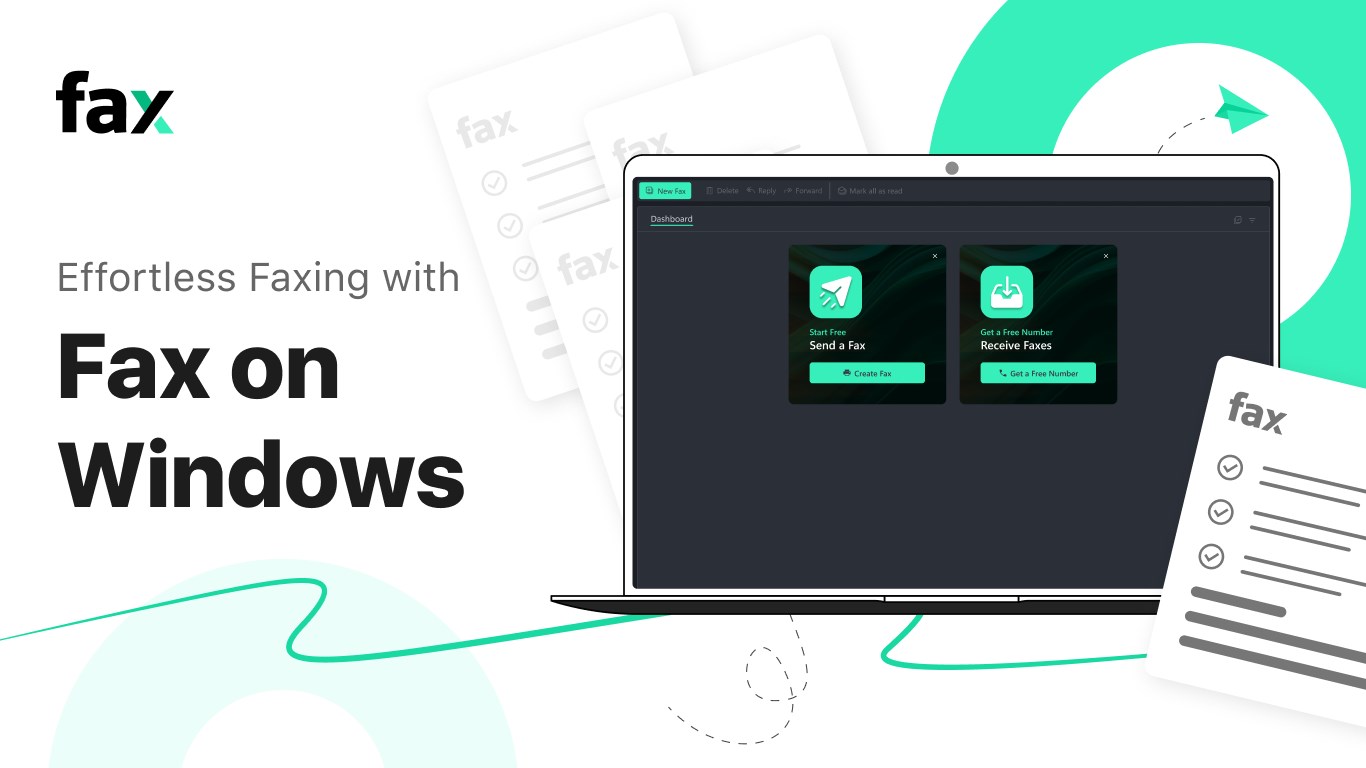
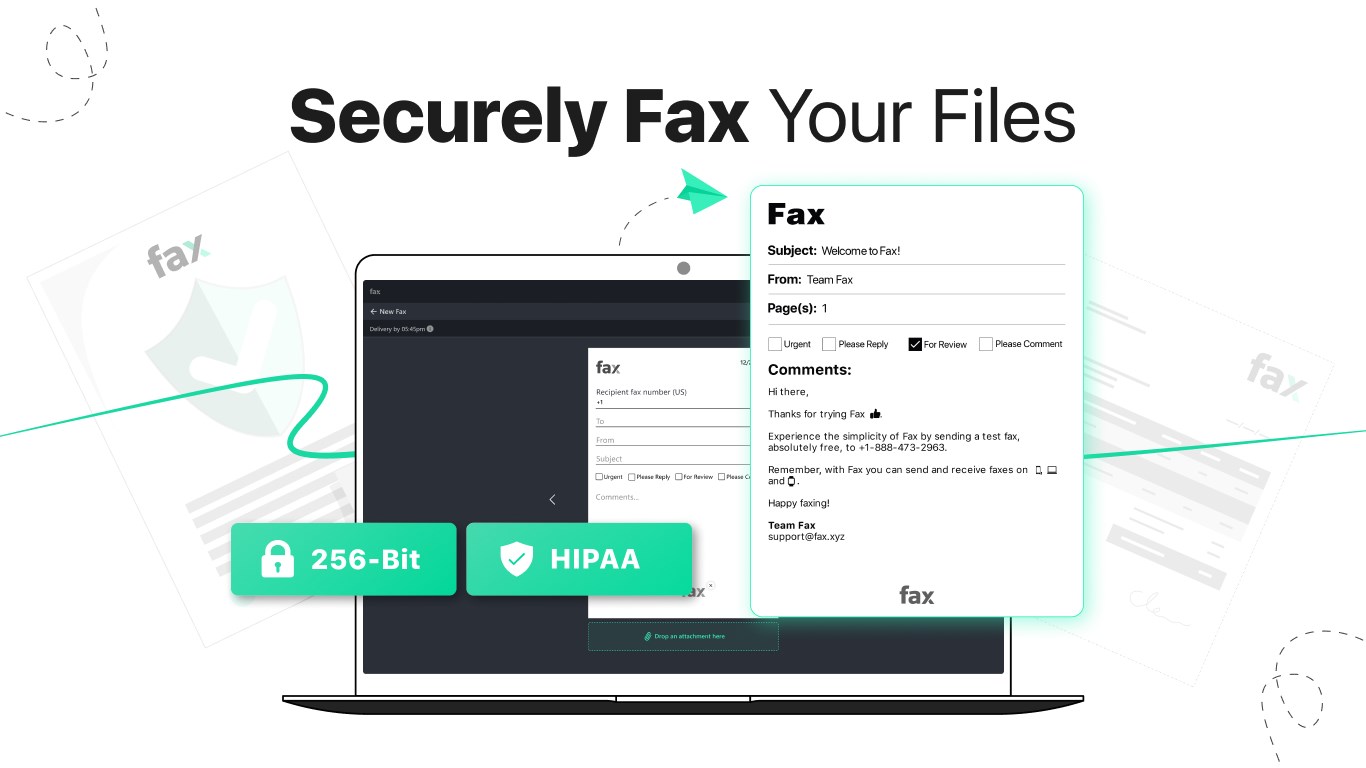
- Seamless Sending and Receiving: The app transforms your Windows device into a virtual fax machine, allowing you to send and receive faxes directly from your computer with just a few clicks—no need for physical fax machines or dedicated fax lines.
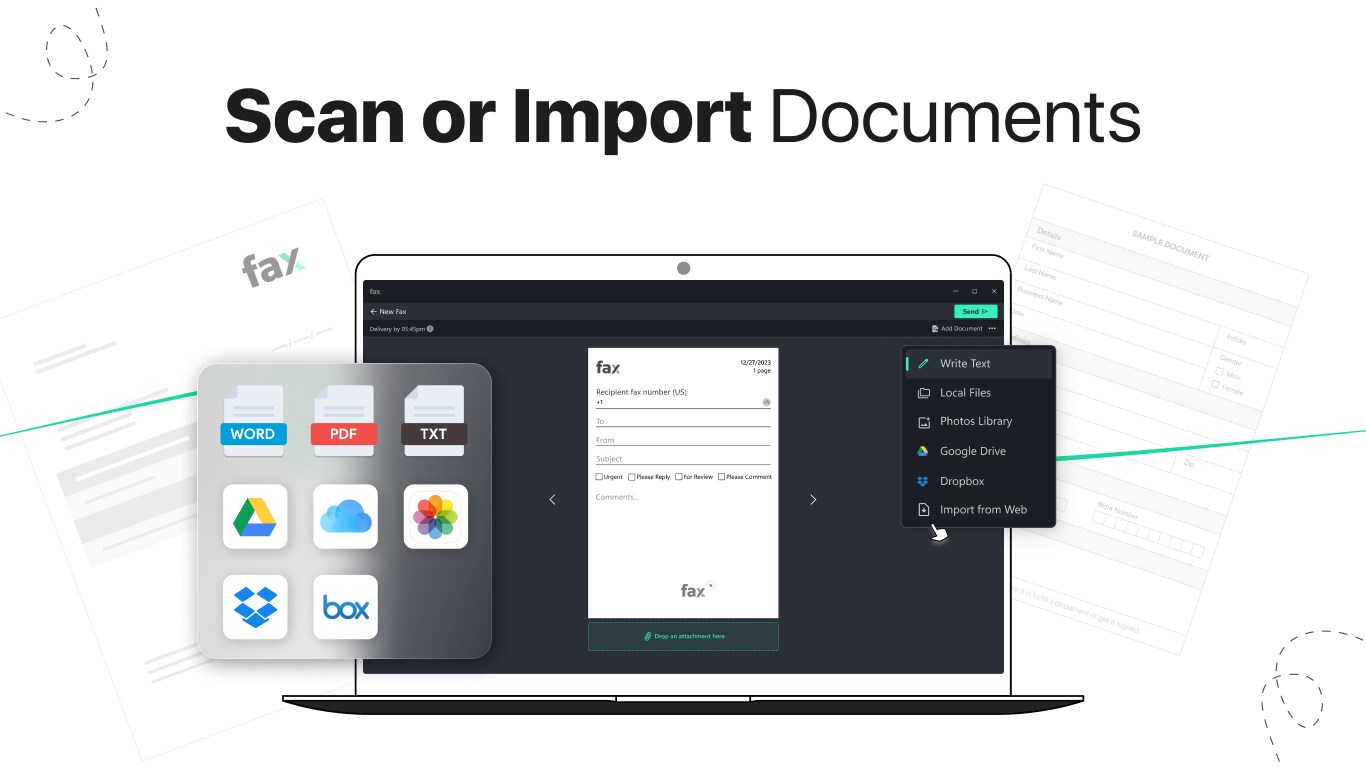
- Document Compatibility and Management: Supports multiple document formats, enabling users to easily attach PDFs, Word docs, and images, streamlining the process of preparing professional-looking faxes.
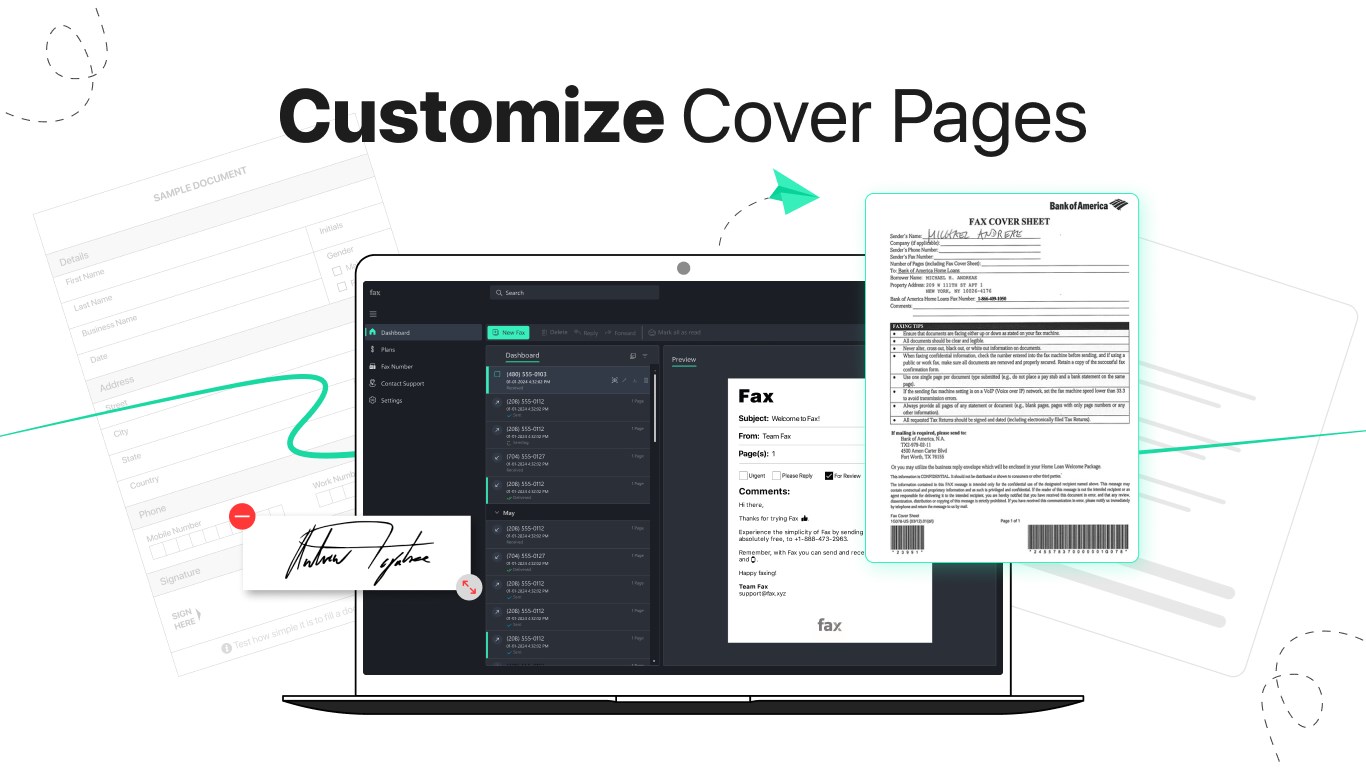
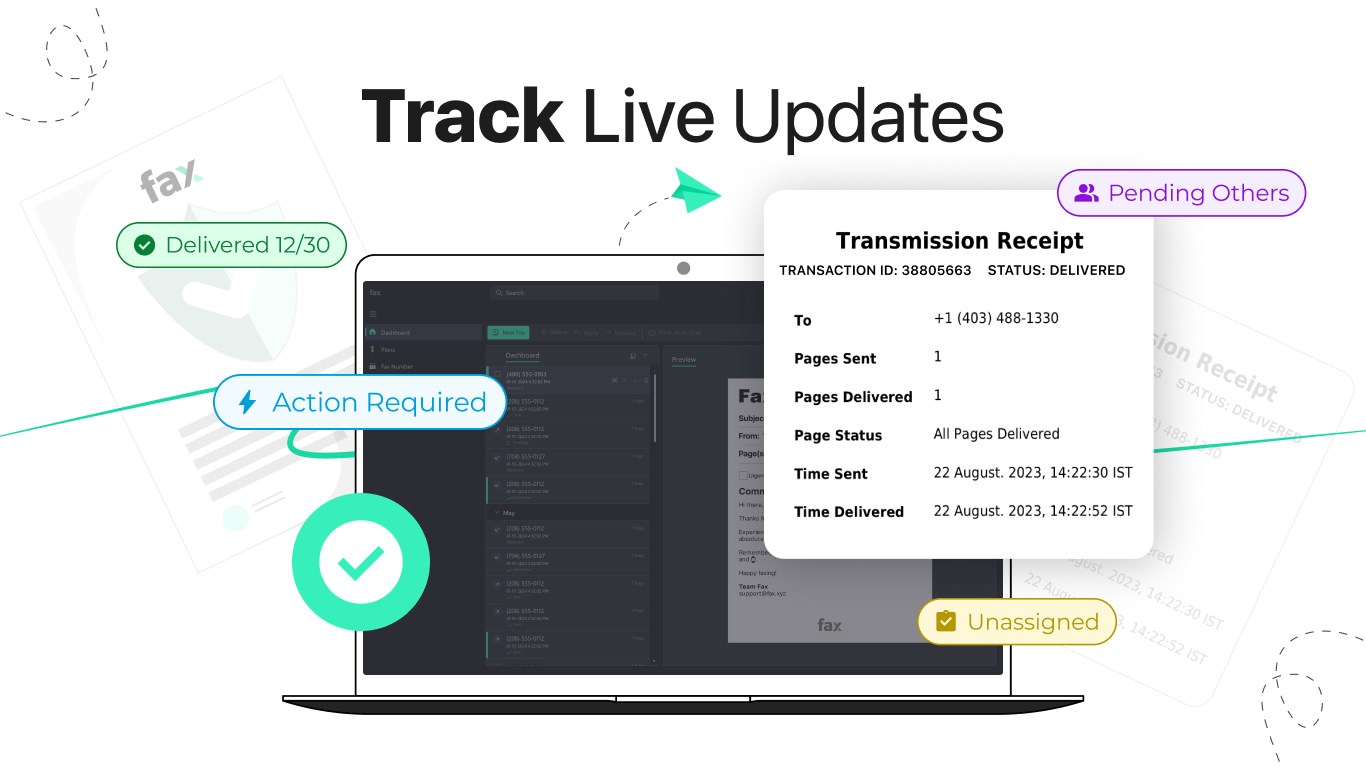
- Instant Notifications and Tracking: Receives real-time notifications on successful deliveries or failures, keeping users informed at every step. It also offers an integrated log to track all fax activities, which is great for record-keeping.
- Integration with Windows Ecosystem: Designed specifically for Windows, it integrates effortlessly with other Microsoft Office tools, simplifying the workflow for users accustomed to the Windows environment.
Design and User Experience: Smooth Sailing for Beginners and Experts Alike
The interface of the Fax Faxing App is clean, intuitive, and remarkably straightforward. Imagine a familiar workspace where buttons and menus guide you naturally—this app delivers that experience. Navigating through sending a fax is akin to mailing an email; upload your document, type in the recipient's fax number, and hit send. The app's responsiveness ensures operations are swift—no lag or confusing prompts to slow you down.
From a usability standpoint, the learning curve is minimal. Even first-time users can get up and running within minutes, thanks to clear prompts and streamlined processes. The app's design caters to users who value efficiency without sacrificing clarity—a welcome feature in fast-paced office environments.
Unique Selling Points: Collaboration and Task Management in Faxing
What sets Fax Faxing App apart from other business fax tools is its potential for collaborative work and task oversight. Unlike traditional fax services that merely handle document transmission, this app integrates a robust activity log and notification system that empowers teams to stay on top of their communications. For instance, if multiple team members need to review or approve a document before faxing, the app facilitates transparent tracking, reducing miscommunications.
Moreover, its task management-like features allow users to organize fax conversations, assign responsibilities, and set reminders for follow-ups. These capabilities make it more than a simple fax app—it's a productivity enhancer tailored for modern workplaces that require seamless communication channels.
Final Thoughts: To Fax or Not to Fax? This App is Worth Considering
In summary, the Fax Faxing App by Amplify Ventures offers a competent, user-centric solution for modern fax needs. Its standout features—particularly the integrated tracking and Windows ecosystem compatibility—make it a compelling choice for professionals who want a reliable, straightforward way to handle faxes digitally. While it may not replace high-volume enterprise fax servers, for individual users and small teams, it provides a neat, efficient tool without unnecessary complexity.
Therefore, if you're seeking a lean, dependable application to manage your fax communications effortlessly, I recommend giving this app a try. It's like having a dedicated digital fax machine right on your desktop—simple, efficient, and ready when you need it.
Pros
- User-friendly interface
- Good compatibility with multiple file formats
- Cloud integration capability
- Reliable delivery confirmation
- Affordable pricing options
Cons
- Limited sending speed
- Inconsistent reception notifications
- Restricted free usage
- Occasional app crashes during large file uploads
- Limited customer support channels











