


- Name Fast Internet Browser
- Category Utilities & tools
- Developer Stollenwerk
- Available on PC, Xbox console
- OS Windows 10 version 17763.0 or higher
- languages English (United States), French, German, Italian, Portuguese (Brazil), Spanish (Spain)
Fast Internet Browser for Windows: A Sleek and Efficient Web Companion
In an era flooded with countless browsers vying for attention, Fast Internet Browser stands out as a lightweight yet powerful tool designed to streamline your browsing experience while maintaining an intuitive interface. Developed by Stollenwerk, this application promises speed, simplicity, and robust features tailored for everyday users and tech enthusiasts alike.
About the Developer and Core Features
Who's Behind It?
Fast Internet Browser is crafted by the developer team at Stollenwerk, a company committed to delivering efficient and user-friendly software solutions for Windows users.
What Makes It Shine?
- Lightning-Fast Browsing Speed: Optimized for speed, the browser ensures quick load times and smooth navigation, making waiting times a thing of the past.
- Lightweight Footprint: With minimal resource consumption, it's ideal for devices with limited specifications without sacrificing performance.
- Privacy-Focused Features: Built-in options for blocking trackers and scripts, helping users browse more securely and privately.
- Customizability: Offers a clean, straightforward interface with options for personal tweaks, giving users control over their browsing environment.
This set of features caters to those who seek efficiency and privacy without the bloat often found in mainstream browsers.
Vivid Experience: Diving Into Fast Internet Browser
Imagine opening your browser to surf the web — it's akin to stepping into a well-organized, swift vehicle that immediately gets you moving. Fast Internet Browser delivers just that: a feeling of immediate responsiveness wrapped in a clean, modern design. It's like having a reliable companion that consistently keeps pace, no matter how complex your browsing journey gets.
Speed and Performance – Zoom Through the Web
Right from launch, the browser impresses with its minimal load times and swift page rendering. It employs streamlined engine optimization techniques that cut through the digital traffic like a hot knife through butter. Navigating thickly packed news sites or streaming videos becomes seamless, rewarding users with a fluid experience seldom found in similarly lightweight browsers. The core advantage is its speed-driven architecture, outperforming many competitors in load time benchmarks without demanding hefty system resources.
Design & User Interface – A Breeze to Use
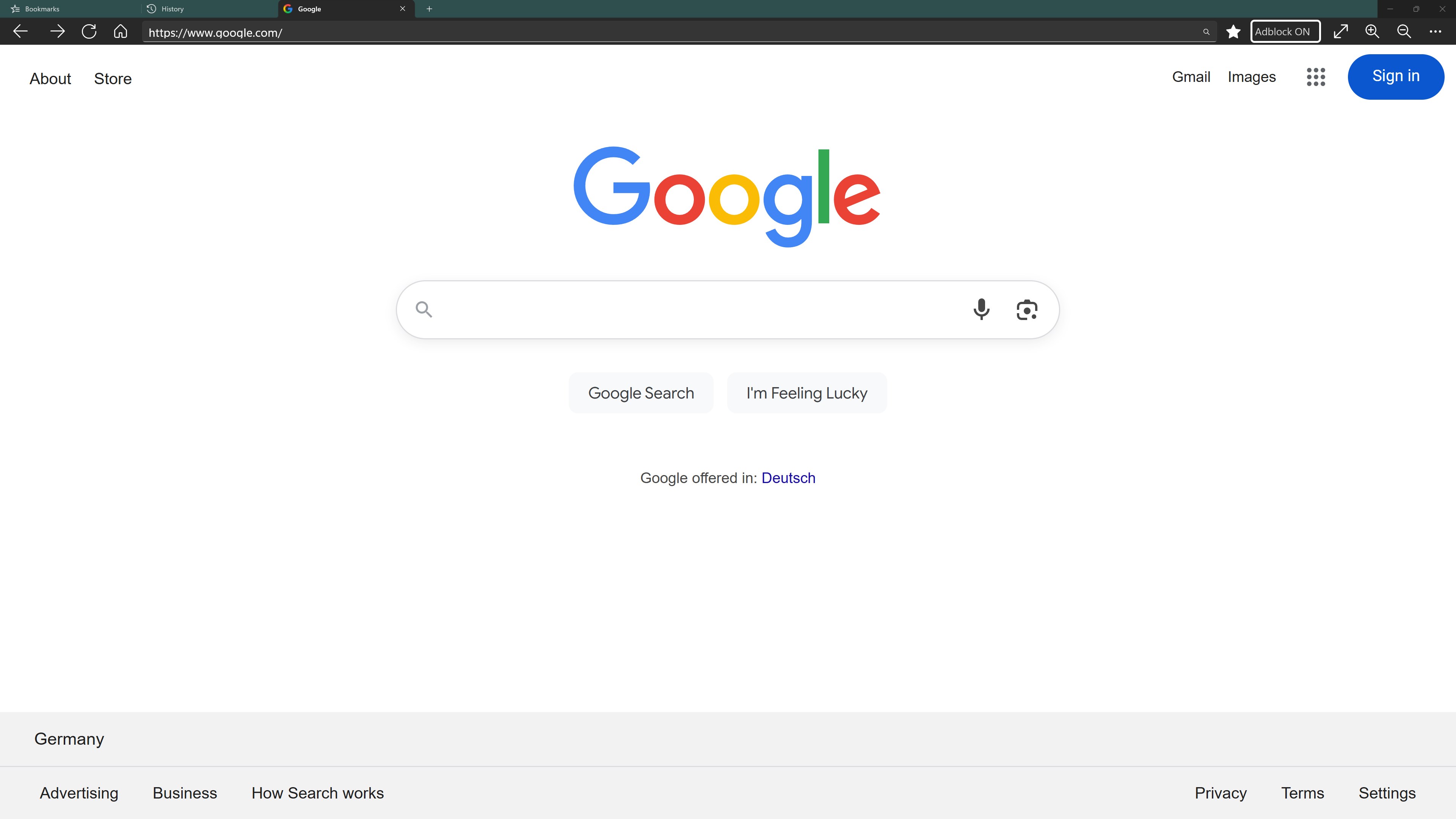
Fast Internet Browser boasts an uncluttered and intuitive interface. Think of it as a tidy desktop workspace—everything is where you expect it to be. Menus are straightforward, icons are minimalistic, and customization options are accessible but unobtrusive. For users familiar with traditional browsers, the learning curve is negligible: open, click, browse. Even newcomers will find it welcoming, because it emphasizes simplicity without sacrificing necessary functions. This balance makes it a perfect choice for users who appreciate efficiency over excessive fluff.
Unique Selling Points: How It Differentiates
Unlike some browsers packed with extraneous features, Fast Internet Browser emphasizes core performance and user privacy. Its standout features include not just speed but also a focus on reducing resource usage, making it particularly attractive for older or less powerful machines. Moreover, if you're someone who values privacy, the built-in tracker blocking and script filtering provide peace of mind right out of the box. Its lightweight nature means it consumes less RAM and CPU, allowing you to keep other applications running smoothly—imagine having your browser be the quiet, efficient car in a busy city traffic.
Recommendation & Usage Tips
Considering its speed, simplicity, and privacy features, I'd recommend Fast Internet Browser to users seeking a no-fuss, reliable internet companion—especially those on modest hardware or who dislike browser bloat. It's suitable for everyday browsing, news reading, and light multimedia use. For power users demanding extensive extensions or integrated cloud services, it might feel somewhat limited, but for most, it delivers exactly what it promises: a fast, clean, and private browsing experience.
In summary, Fast Internet Browser for Windows by Stollenwerk is a noteworthy addition to the minimalist browser lineup. Its emphasis on speed, resource efficiency, and user control makes it particularly appealing for those valuing a straightforward and dependable online environment. Give it a try—you might find your new favorite no-nonsense browser has just arrived.
Pros
- Fast browsing speed
- User-friendly interface
- Built-in security features
- Customizable themes and extensions
- Lightweight app size
Cons
- Limited extension support
- Occasional stability issues
- Basic privacy controls
- Customizability restrictions
- Syncing across devices is missing











