

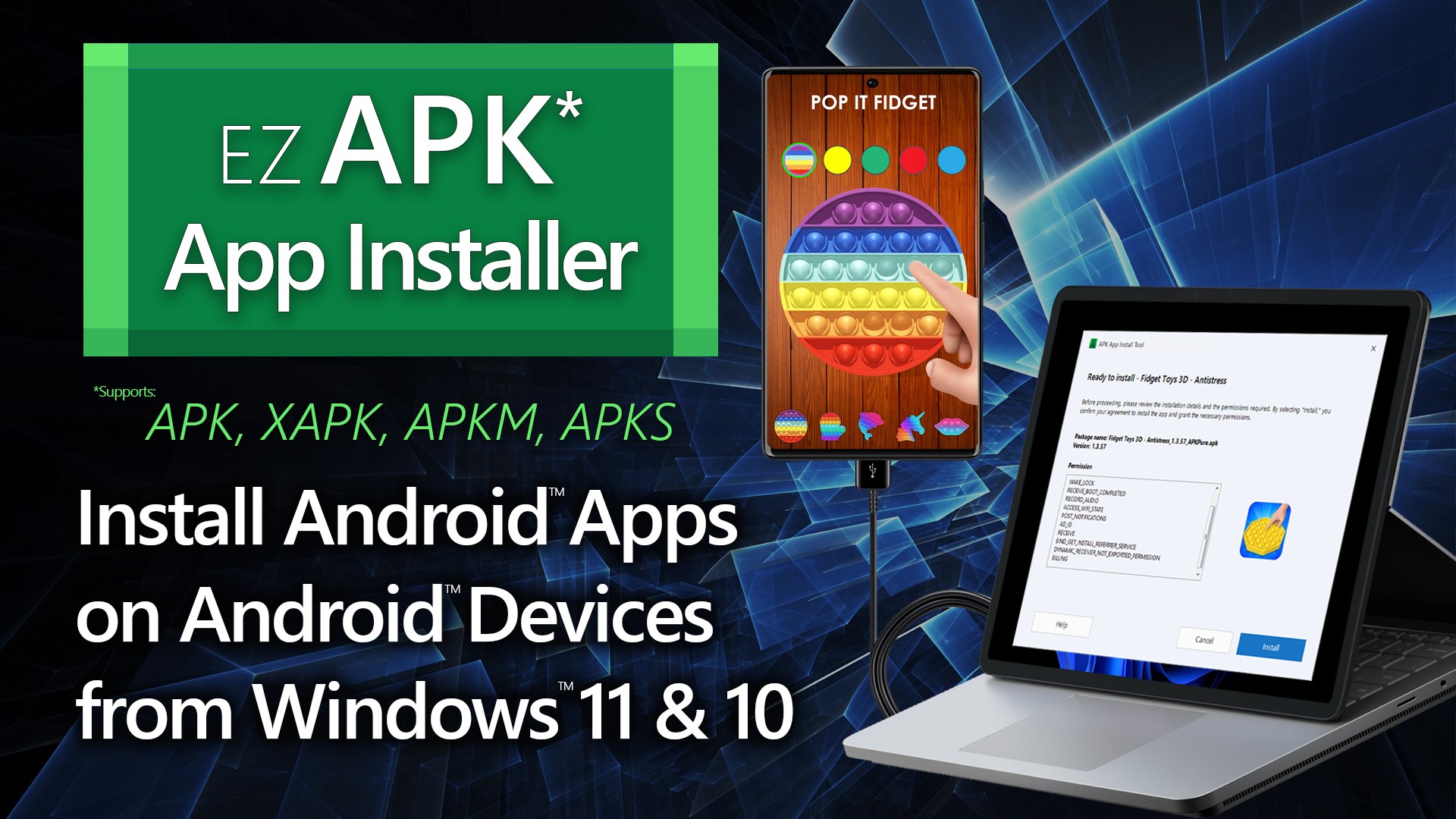
- Name EZ APK App Installer
- Category Utilities & tools
- Developer HUXSoft.com
- Available on PC
- OS Windows 10 version 17763.0 or higher
- languages English (United States)
EZ APK App Installer for Windows: Simplifying Android App Installation on Your PC
EZ APK App Installer for Windows is a handy utility designed to streamline the process of installing APK files directly onto your Windows machine, bridging the gap between Android applications and desktop usage. Developed by HUXSoft.com, this tool offers a user-friendly interface aimed at both tech enthusiasts and casual users eager to experiment with Android apps on their PCs.
Meet the Developers: HUXSoft.com's Vision
HUXSoft.com has built a reputation for developing accessible and efficient tools to enhance user experience across platforms. Their focus with EZ APK App Installer is to create an intuitive solution that simplifies the often complicated process of sideloading APK files, making Android app installation as straightforward as launching a desktop program.
Key Features That Make a Difference
- One-Click APK Installation: This feature acts like a magic wand, allowing users to install APK files with a single click, eliminating the need for complex command-line operations or complicated procedures.
- Drag-and-Drop Functionality: Users can simply drag APK files into the app window, making the process more visual and less intimidating—perfect for those unfamiliar with technical steps.
- Compatibility with Various Android APKs: Whether it's a downloaded app, game, or beta version, EZ APK supports a broad range of APK files, providing flexibility for various use cases.
- Minimal Setup, Maximum Convenience: The lightweight nature of the application means quick installation and minimal system resource consumption, allowing users to deploy it on less powerful devices seamlessly.
The User Experience: Friendly, Smooth, and Easy to Learn
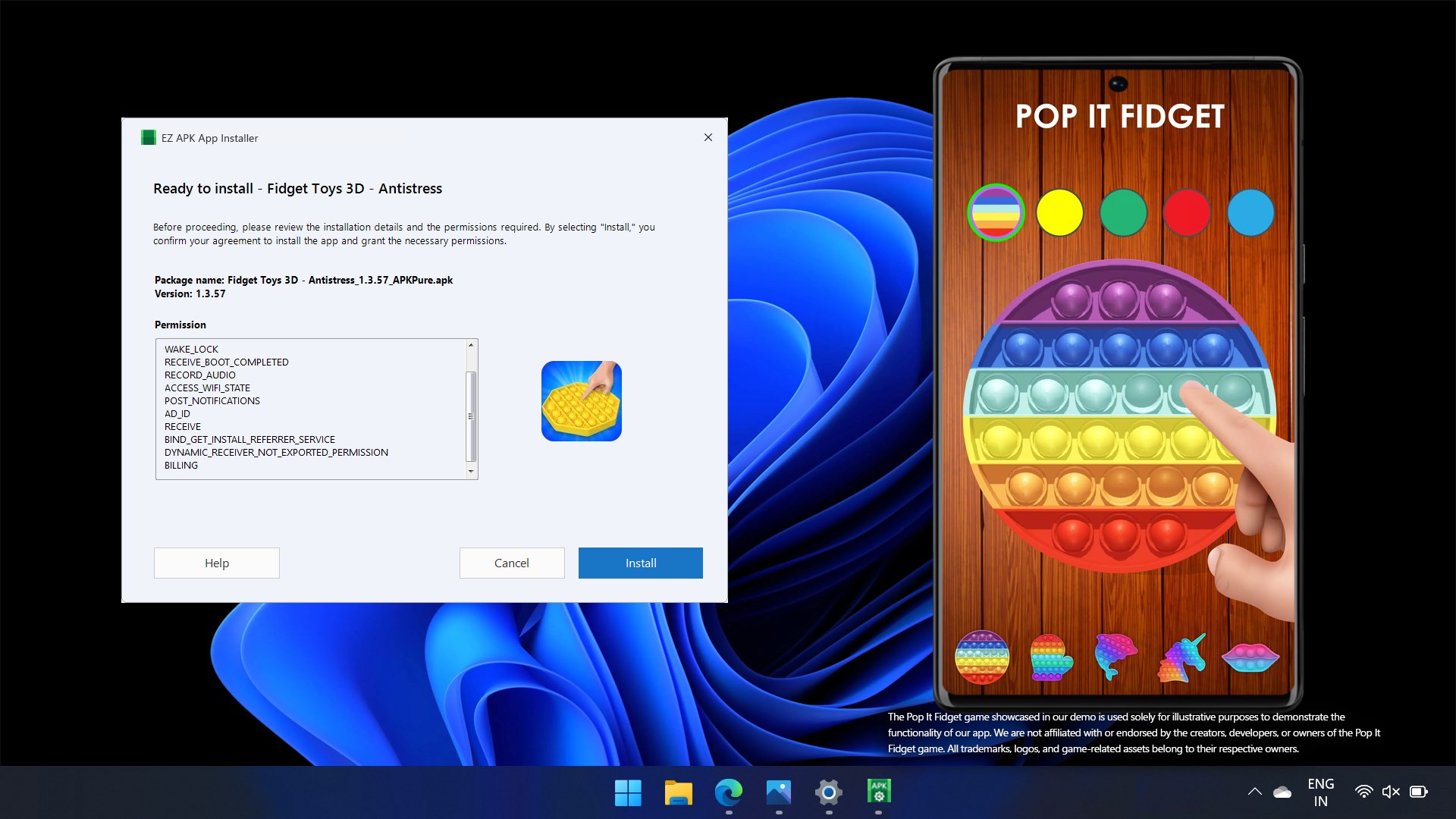
Imagine a dashboard that resembles a cozy garage—neat, uncluttered, inviting you in to start working instantly. EZ APK App Installer is designed with a clean, modern interface that makes navigation feel like a walk in the park. Its intuitiveness means even first-time users can pick up the tool quickly without a steep learning curve. The installation and operation are fluid; clicking a button here, dragging a file there—everything feels natural, akin to using a well-crafted remote that responds instantly.
What truly stands out is how seamlessly the app manages to keep everything straightforward without sacrificing features. It handles resource allocation efficiently, ensuring that your system remains responsive during app installations. Plus, the step-by-step guidance and simple prompts make it accessible for tech novices, yet powerful enough for seasoned developers wanting quick APK management.
Standing Out: Why EZ APK Compared to Other Utilities & Tools?
Unlike more bulky or complex Android emulators and installation tools, EZ APK App Installer zeroes in on simplicity and speed. Its standout feature—the one-click installation—is a breath of fresh air, especially for users tired of fiddling with command lines or multiple configurations. Additionally, its drag-and-drop interface is tailored for efficiency, akin to dropping a photograph into a gallery—quick, intuitive, and clutter-free.
Most utilities offer similar functionalities, but EZ APK distinguishes itself with its minimalistic design dedicated solely to APK installation, avoiding the bloat seen in full-emulation solutions. It's particularly suited for developers or enthusiasts who need a reliable, quick method to test Android apps without the overhead of heavy virtual machines or emulators.
Final Thoughts: Is it Worth a Try?
All in all, EZ APK App Installer for Windows is a commendable tool that delivers on its promise of simplifying APK installations. Its focus on user-friendly operation, combined with practical features like drag-and-drop and one-click setup, makes it a useful addition to any tech-savvy user's toolkit. Ideal for those who want a hassle-free way to run Android apps on Windows, it's worth considering if you're looking for straightforward app management without extra bells and whistles.
While it may not replace full-blown emulators for complex app testing, EZ APK excels as a quick, reliable, and user-friendly solution for installing APK files. For anyone wanting to dip their toes into Android app testing or to access apps not available on Windows, this tool offers a neat and efficient pathway.
Pros
- User-friendly interface
- Supports batch installation
- Compatibility with various APK files
- Fast installation process
- Minimal permissions required
Cons
- Lacks advanced management features
- occasional installer errors
- Limited customization options
- No built-in APK source verification
- Occasional UI responsiveness issues











