

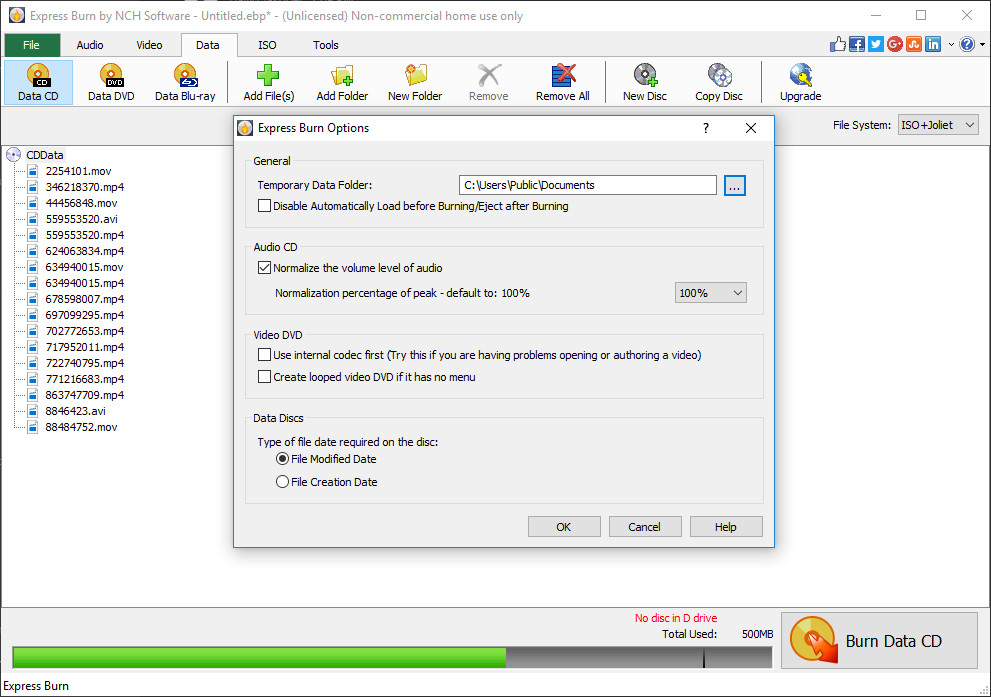
- Name Express Burn
- Category Utilities & tools
- Developer NCH Software
- Available on PC
- OS Windows 10 version 15063.0 or higher
- Mouse Integrated Mouse
- Keyboard Not specified
- languages English (United States)
Express Burn for Windows: A Reliable Companion for Disc Burning Tasks
Express Burn for Windows, developed by NCH Software, positions itself as a straightforward yet powerful tool for burning CDs, DVDs, and Blu-ray discs, catering to both casual users and tech enthusiasts seeking dependable optical media solutions.
About the Developer and Core Highlights
Created by NCH Software, a reputable name in multimedia utilities, Express Burn offers a suite of features designed for efficiency and ease of use. Its main strengths include rapid data burning, support for various disc formats, an intuitive interface, and seamless integration with Windows systems. The software's target audience encompasses hobbyists, small business owners, educators, and anyone needing quick, trustworthy disc burning capabilities without unnecessary complexity.
Ignite Your Creativity with Simplicity
Imagine sitting down with your favorite collection of music, videos, or project files, eager to make a backup or share content with friends — that's the everyday scenario where Express Burn steps in as your reliable partner. Its interface is clean and user-friendly, making the process of burning discs feel almost like a friendly conversation rather than a technical chore. With a few clicks, you can create the perfect copy, whether it's a personal music CD or a professional data backup.
Core Functionality One: Fast and Versatile Burning
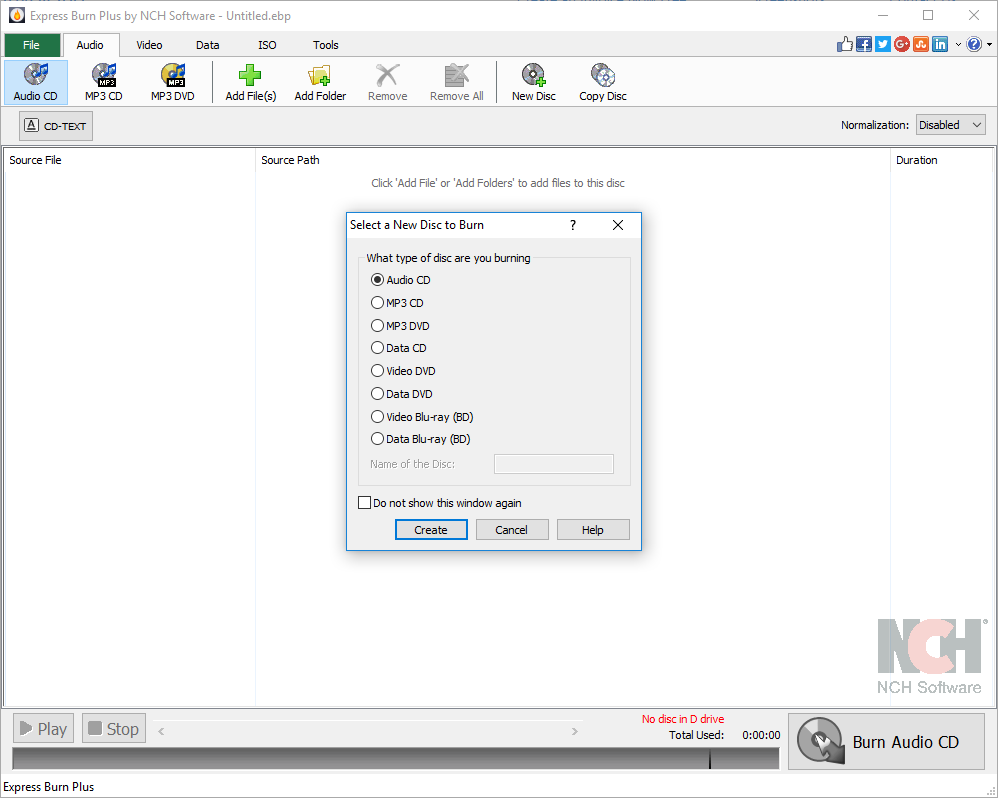
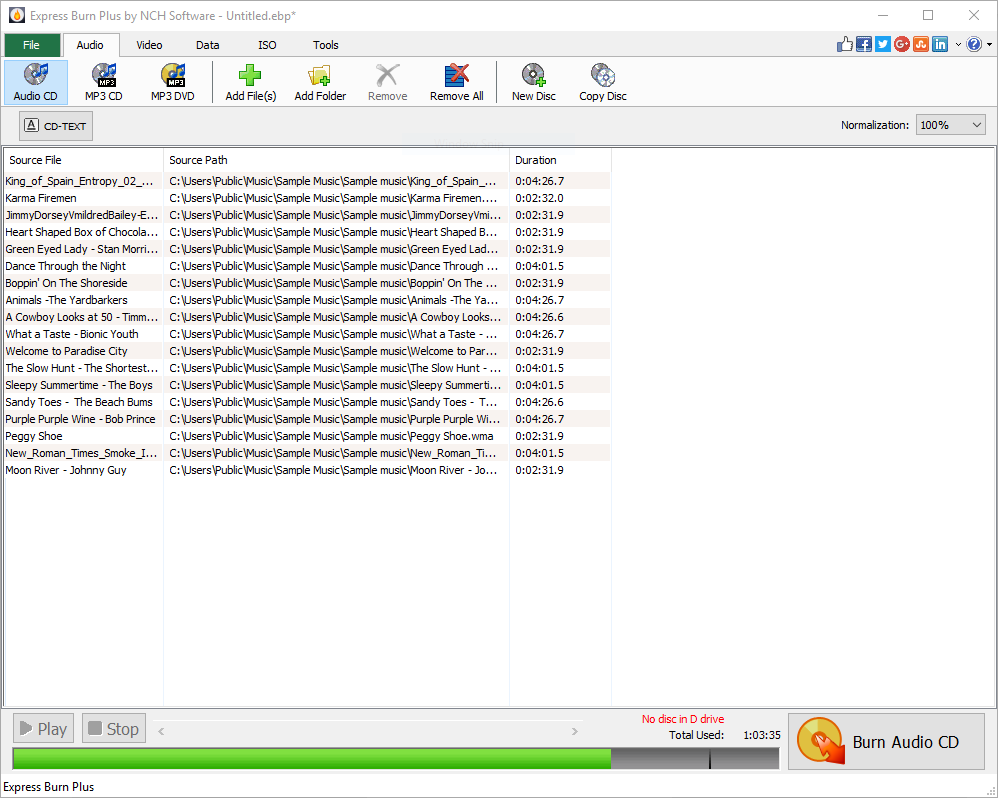
Express Burn's standout feature is its rapid burning capacity. Once your files are loaded, the software efficiently processes and writes data to your chosen disc format. The support for multiple formats—including ISO images, audio CDs, and data discs—ensures that users aren't limited by incompatible types. This versatility comes in handy whether you're compiling a playlist, making a bootable OS disc, or archiving significant data. The software also provides options for multi-session burning, allowing incremental updates — akin to adding pages to a scrapbook over time.
Core Functionality Two: Intuitive and Streamlined Workflow
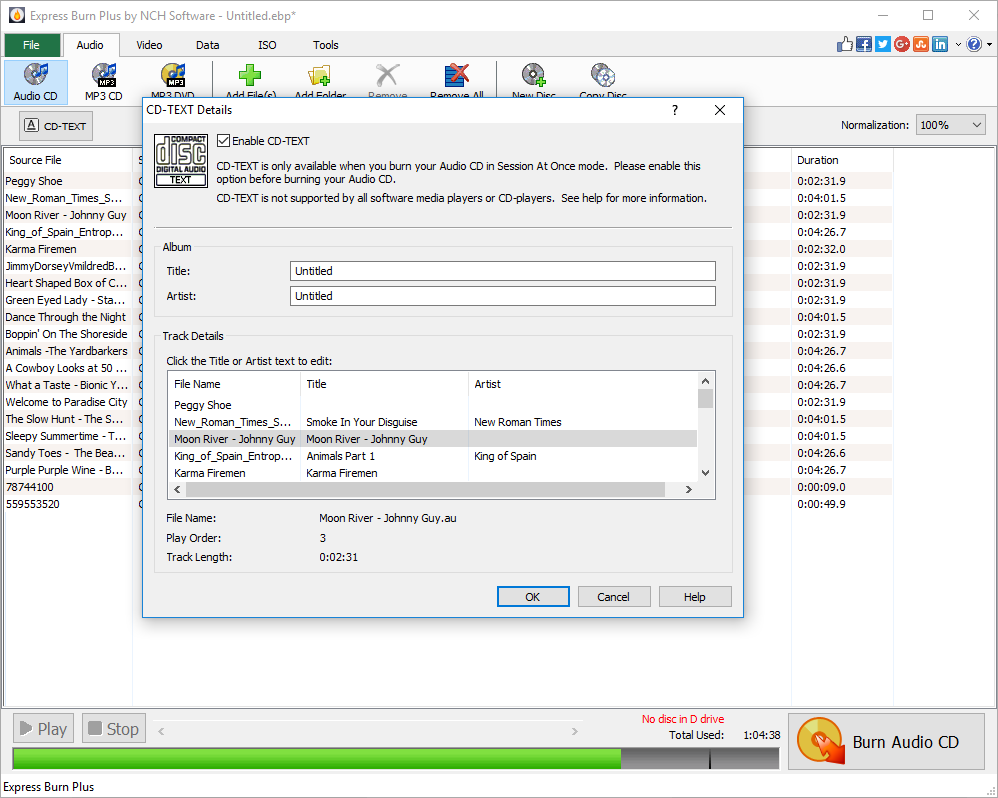
One of Express Burn's most appreciated aspects is its minimal learning curve. The interface is logically designed, with clearly labeled buttons and straightforward menus. Even first-time users quickly grasp how to select files, choose disc types, and initiate burning. Operation speed is commendable, with minimal lag, and the app's stability means you won't worry about crashes mid-process. This smooth experience makes disc creation feel less like a technical task and more like a routine that anyone can master — like painting by numbers, but for digital media.
Design, User Experience, and Unique Selling Points
The interface's minimalism lends itself to an uncluttered experience where function reigns supreme. The color palette and button placement reduce visual noise, allowing users to focus solely on their burning tasks. As for performance, Express Burn's efficiency is comparable to a precise craftsman — quick, accurate, and dependable. Its ability to handle various disc formats without requiring external plugins gives it a slight edge over some counterparts that rely on additional tools or complex configurations.
The software also stands out with its support for batch burning, enabling users to process multiple projects consecutively without manual intervention — perfect for small-scale production or repetitive backups. Unlike more bulky applications, its lightweight design ensures that even less powerful computers can perform efficiently, making it an accessible choice for a broad user base.
Final Recommendations: Is It Worth Your Time?
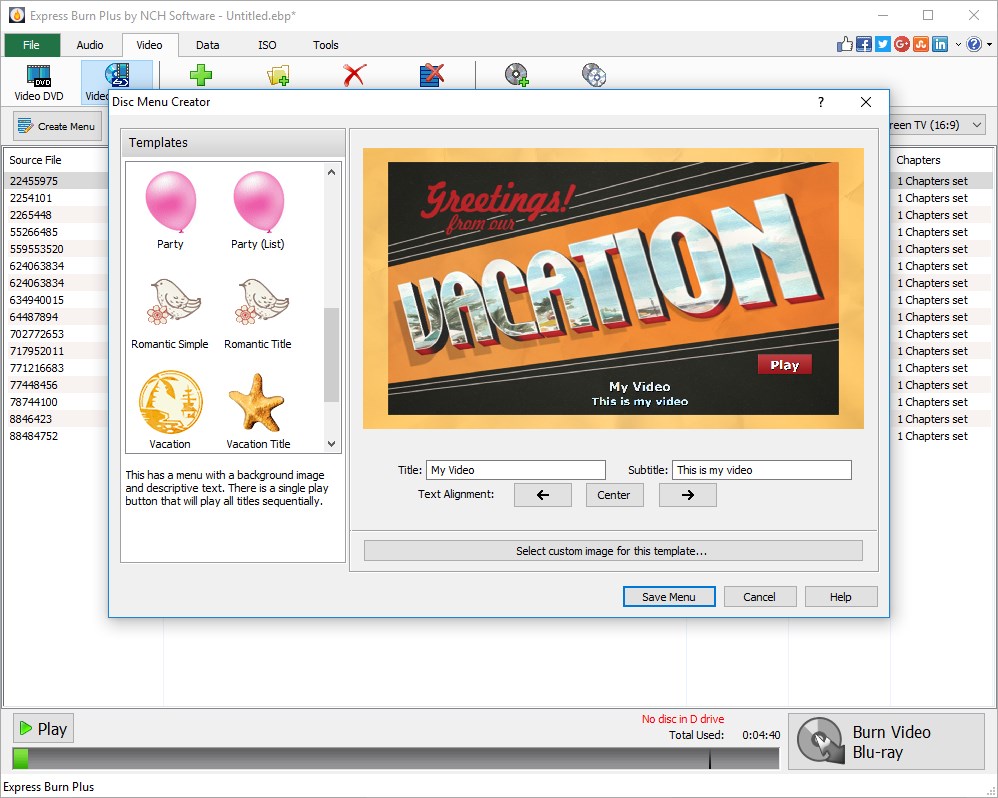
Overall, I'd say Express Burn is a solid choice for those needing a straightforward, reliable disc burning utility. Its core strengths lie in speed, format versatility, and an intuitive interface that lowers the barrier for beginners. If your primary goal is to quickly create discs without fuss or the need for advanced customization, this software will serve you well. However, for tasks that demand intricate menu creation or professional audio production, you might want to explore more specialized tools.
In conclusion, whether you're looking to archive memories or distribute media effortlessly, Express Burn's most distinctive features — swift burning and ease of use — make it a recommendable utility. It's like having a trusty sidekick in your digital toolbox, always ready to turn your data into physical form efficiently and reliably.
Pros
- User-friendly interface
- Supports multiple audio formats
- Fast burning speeds
- Batch burning capabilities
- Preview before burning
Cons
- Limited editing features
- Lacks extensive customization options
- Occasional compatibility issues with newer operating systems
- No built-in support for burning ISO images
- Free version has limited features











