
- Name EPUB+ Reader
- Category Utilities & tools
- Developer Stargate Software
- Available on PC, Mobile, Surface Hub, HoloLens
- OS Windows 10 version 17763.0 or higher
- languages Chinese (Simplified), Chinese (Traditional), English (United States), French, German, Italian, Japanese, Korean
EPUB+ Reader for Windows: A Smart Companion for Book Lovers
Navigating the world of eBooks can sometimes feel like searching for a hidden gem in a vast digital library. EPUB+ Reader for Windows by Stargate Software offers a promising solution designed to streamline your reading experience while providing essential features without the clutter. Whether you're a casual reader or a professional researcher, this app aims to be your reliable partner in managing and enjoying EPUB files seamlessly.
About the Developer and Core Highlights
Developed and published by Stargate Software, a team known for crafting straightforward and effective utility apps, EPUB+ Reader for Windows packs a set of practical features into a clean interface. Its main strengths are its support for a wide range of EPUB formats, an intuitive user interface tailored for effortless navigation, and lightweight performance ensuring minimal resource consumption. The app targets avid readers, students, writers, and anyone who frequently interacts with EPUB files on their Windows devices.
A Closer Look: What Makes EPUB+ Reader Stand Out?
Effortless and Elegant UI — Reading Made Simple
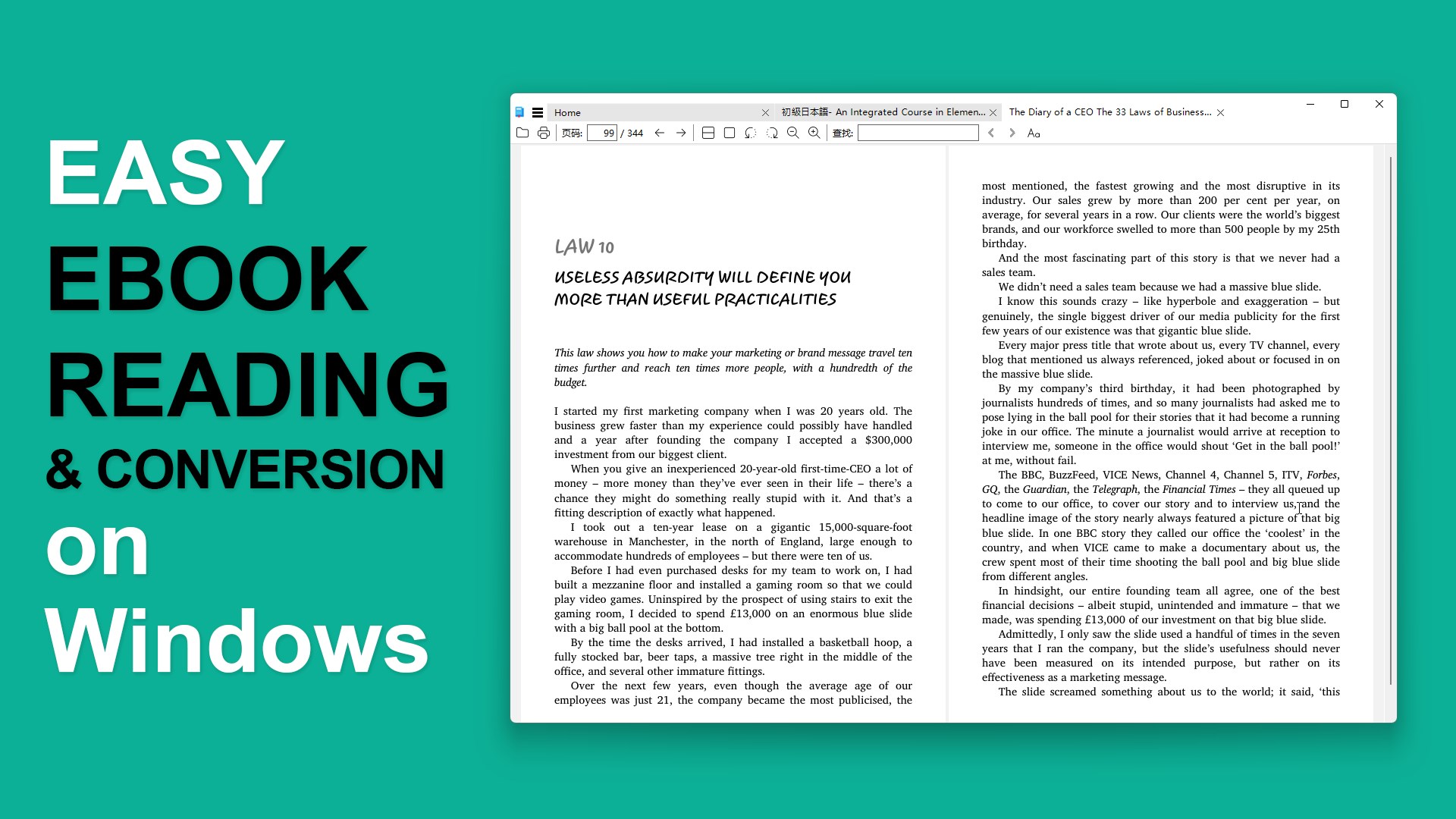
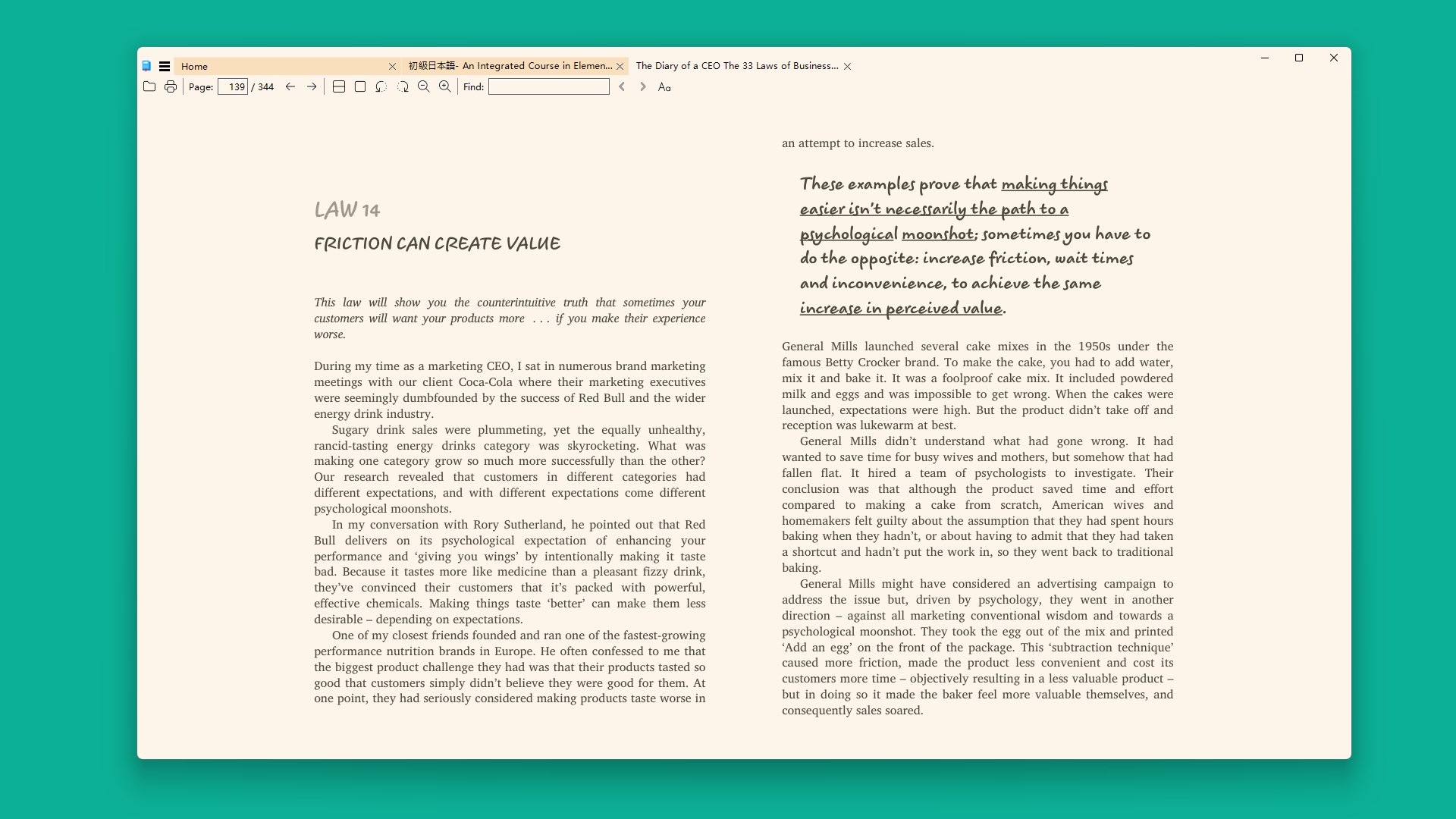
The moment you launch EPUB+ Reader, you're greeted with a minimalistic interface that feels like a well-organized bookshelf. The design emphasizes readability—large, clear fonts, and a clean layout—making it feel like flipping through a favorite hardcover. Navigating between chapters or jumping to specific locations is smooth as silk, thanks to responsive controls that respond instantly to clicks or gestures. The UI's simplicity reduces the learning curve, allowing even new users to jump right in and start reading without hassle.
Customized Reading Experience — Your Personal Library
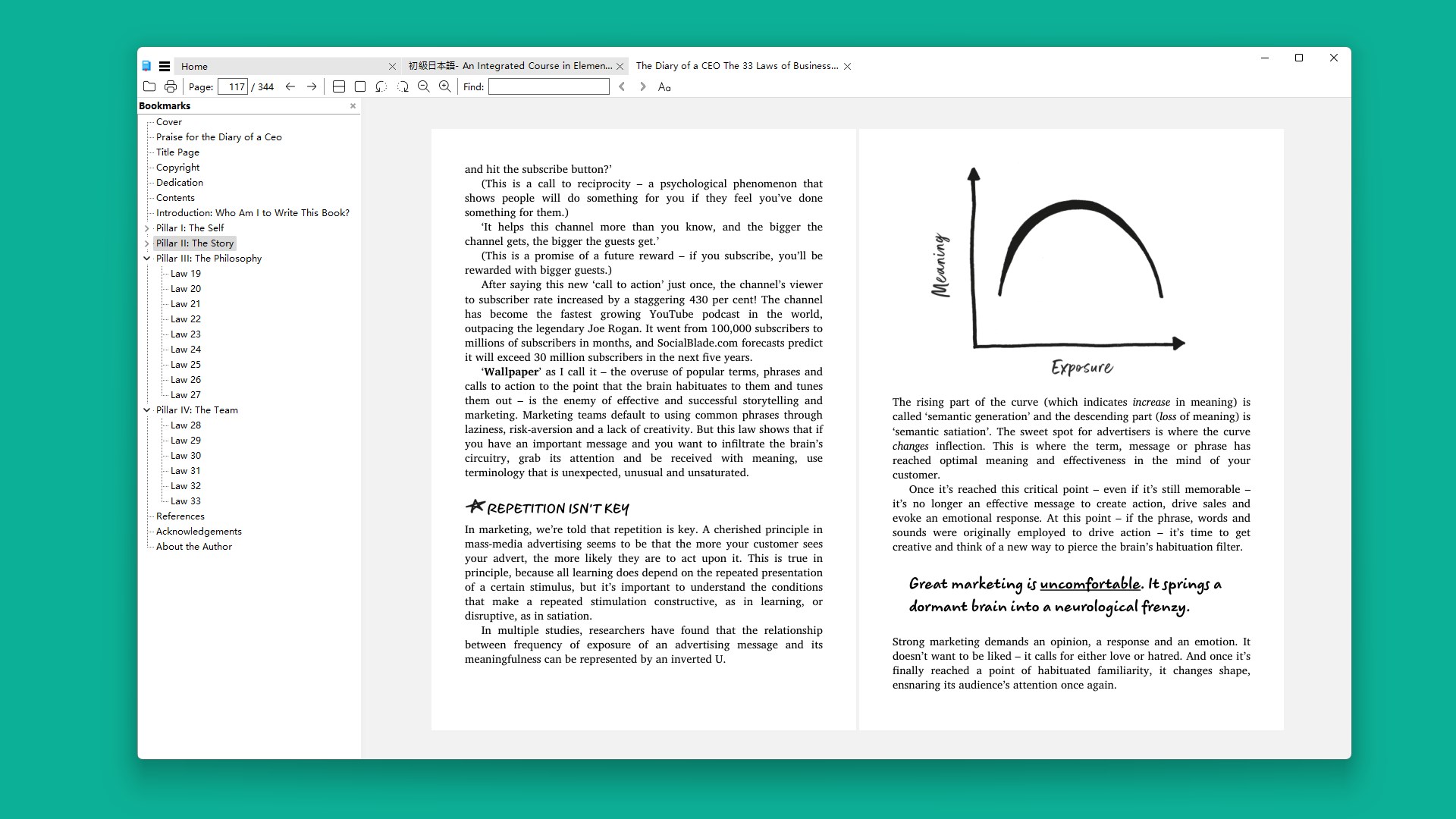
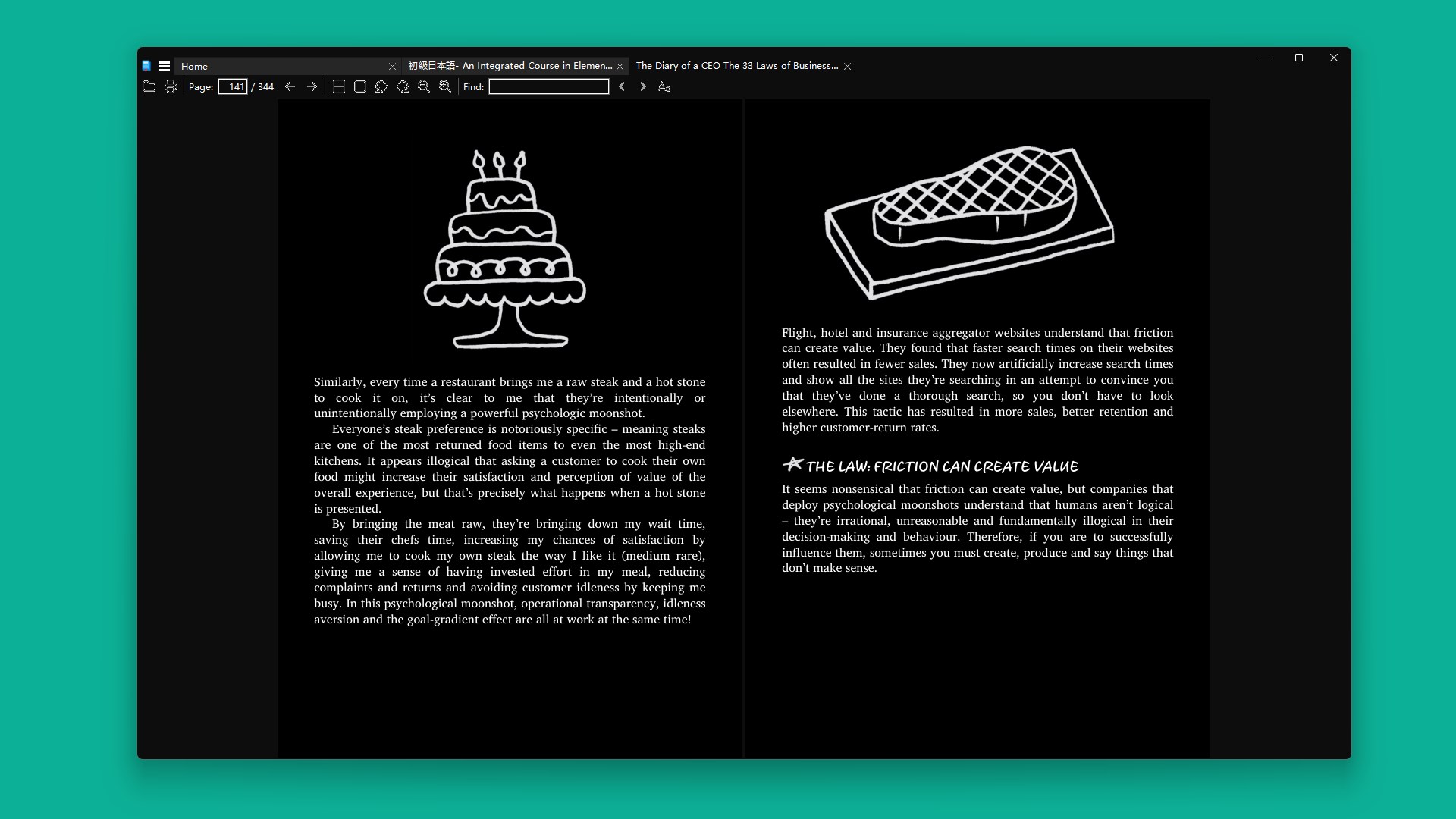
One of the app's standout features is its highly customizable reading environment. Users can adjust font sizes, styles, background colors, and even switch between day and night modes, tailoring the reading experience to their preferences. The app also supports bookmarking, highlighting, and adding notes, transforming EPUBs from static documents into interactive personal journals. These tools turn the device into a dynamic workspace—ideal for students annotating texts or professionals reviewing materials on the go.
Key Differentiator: The EPUB Management & Compatibility
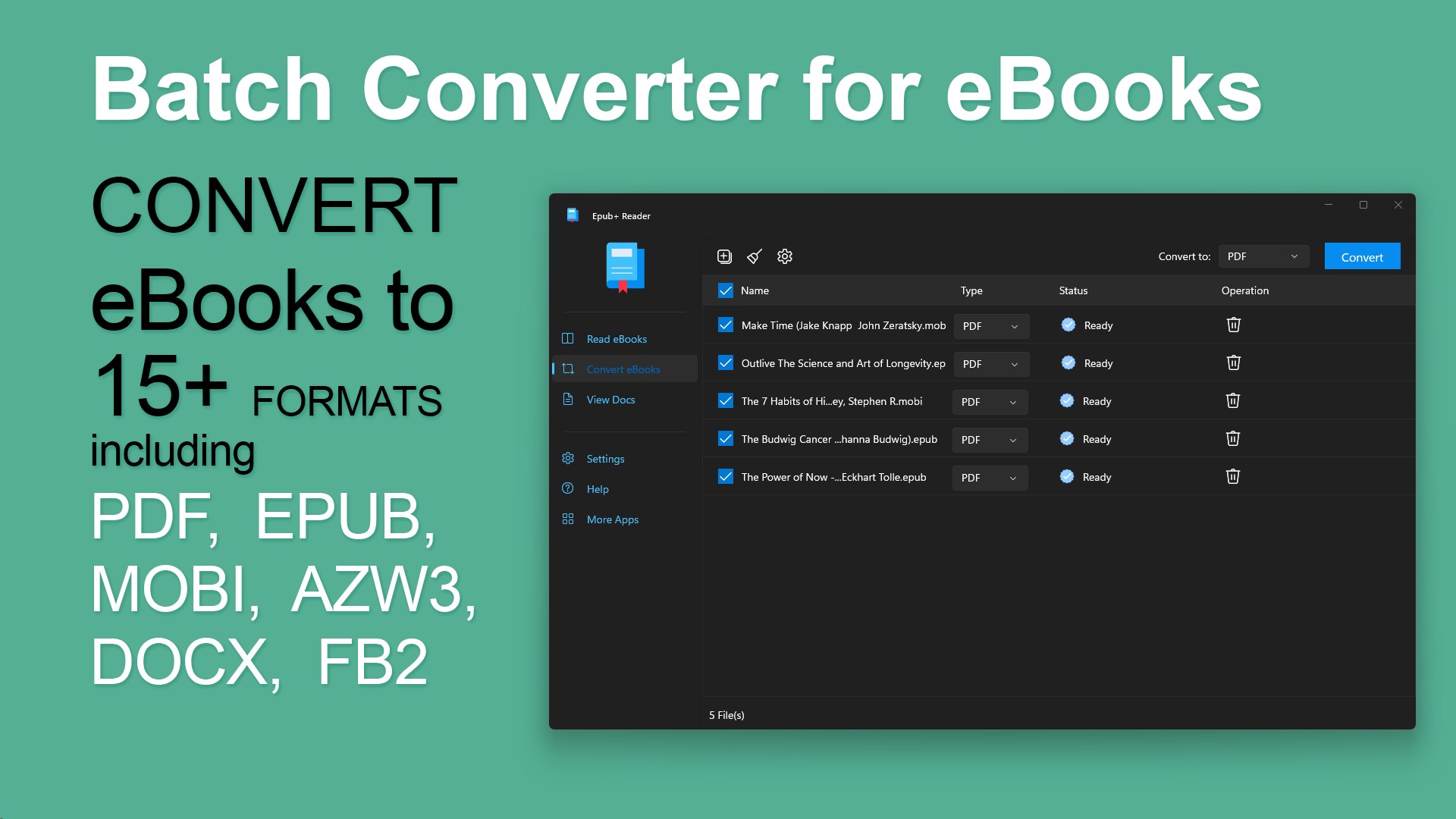
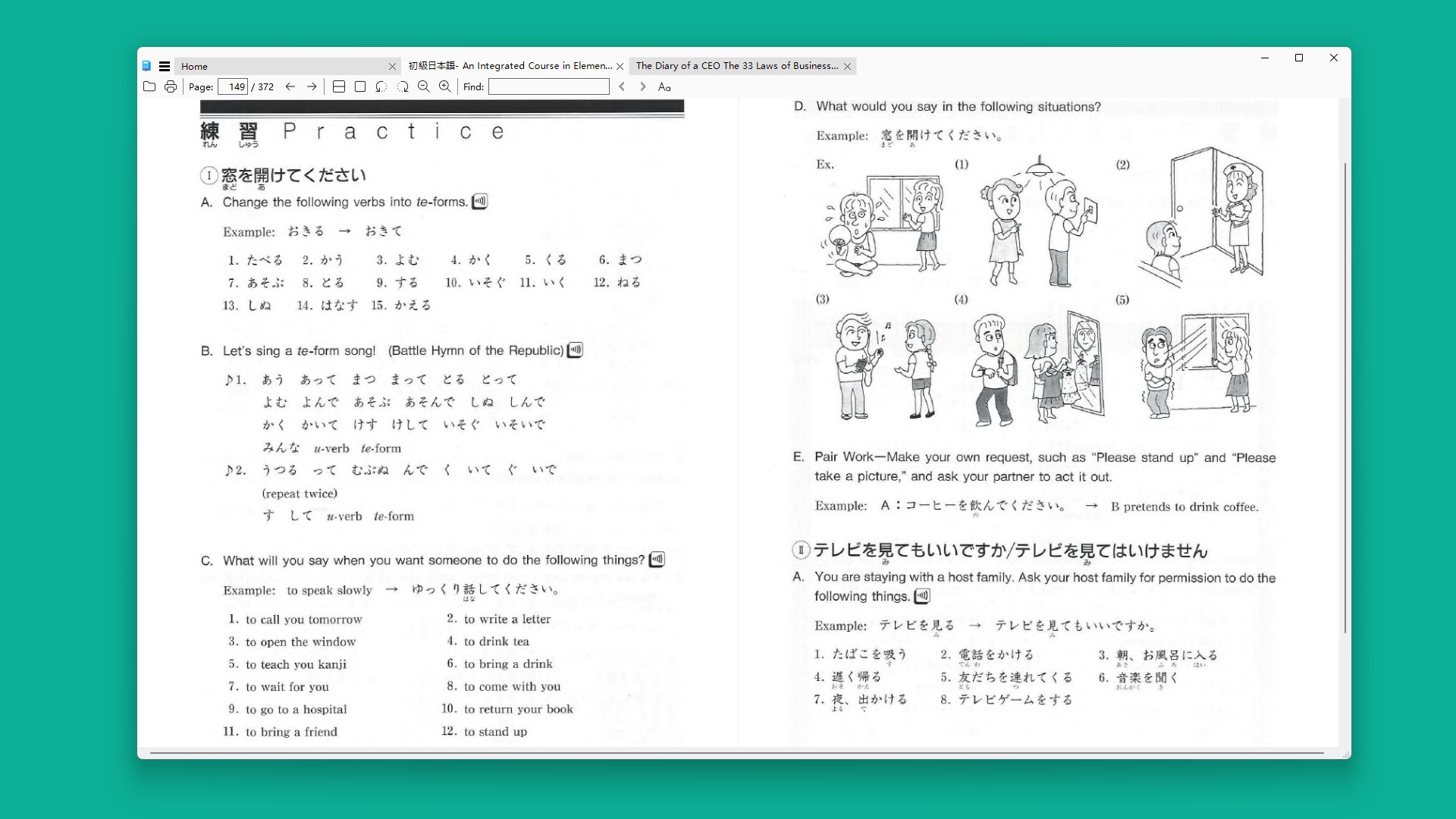
The most remarkable feature of EPUB+ Reader is its robust EPUB management system. Unlike some lightweight readers that open only one file at a time with limited features, EPUB+ Reader allows batch library imports, seamless organization into categories, and quick search functionalities. Its broad compatibility with various EPUB standards means it can handle complex layouts, embedded multimedia, and interactive elements without hiccups—making it ideal for users who deal with diverse EPUB formats. This flexibility sets it apart from many rivals that often struggle with richer content or require additional plugins.
Overall Recommendation and Usage Suggestions
This application is a dependable, thoughtfully designed tool that strikes a good balance between simplicity and functionality. For users seeking a straightforward EPUB reader that doesn't skimp on essentials, EPUB+ Reader is a commendable choice. Its intuitive design, combined with powerful file management capabilities, makes it suitable for both casual reading and more serious research tasks. We recommend it particularly for those who value organized libraries and a distraction-free reading environment.
While it may lack some advanced features found in premium readers—such as integrated text-to-speech or cloud synchronization—it succeeds in providing a smooth, reliable, and customizable reading experience at an accessible price point. If you're looking for a lightweight yet capable EPUB reader to keep your digital library in check, EPUB+ Reader is worth trying out.
Pros
- User-friendly interface
- Supports multiple eBook formats
- Customizable reading experience
- Offline access to downloaded books
- Built-in library management
Cons
- Limited annotation features
- Slow load times for large files
- Occasional app crashes on older devices
- Limited customization options for themes
- No integrated dictionary











