

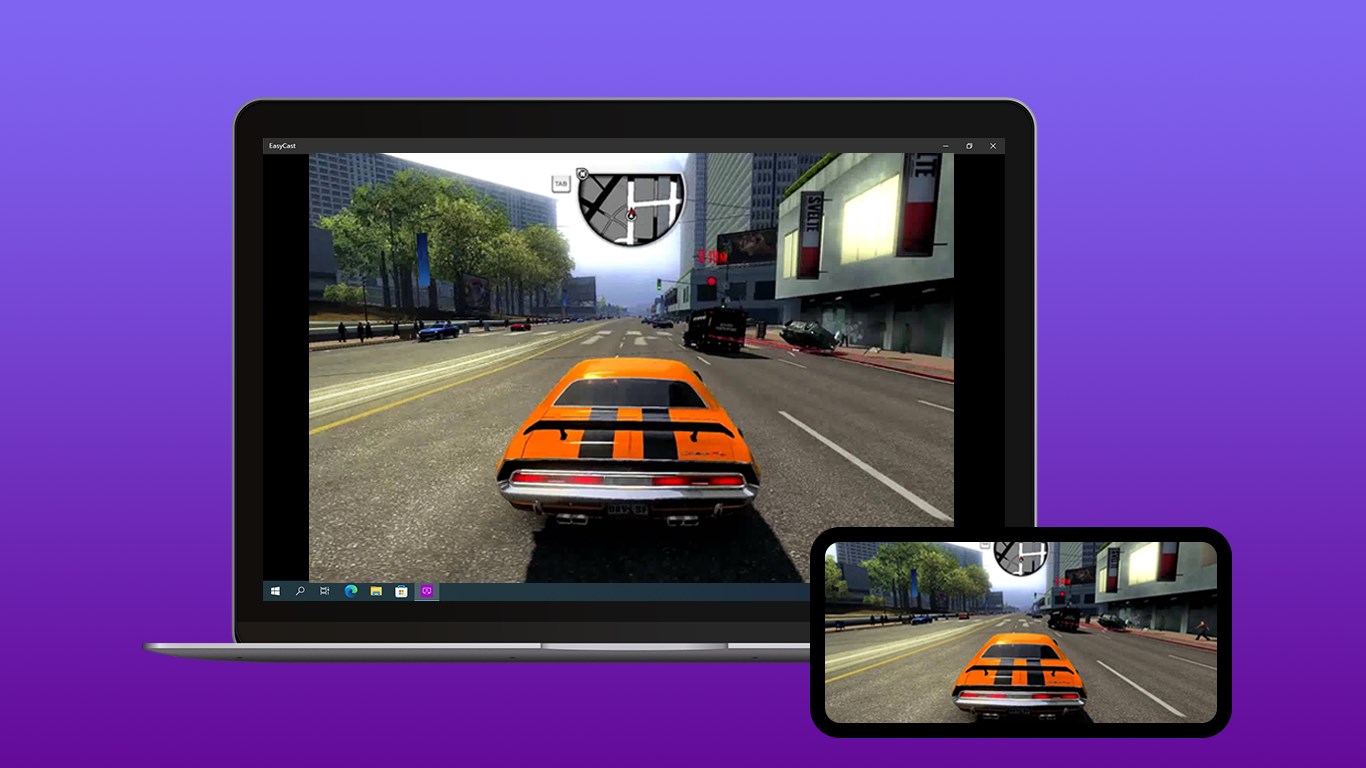
- Name EasyCast - Screen Mirroring Receiver
- Category Utilities & tools
- Developer CAI HAO
- Available on PC, Mobile, Xbox console, Surface Hub, HoloLens
- OS Windows 10 version 16299.0 or higher
- DirectX Version 11
- languages Chinese (Simplified), Chinese (Traditional Chinese), English (United States), French, German, Italian, Japanese, Korean, Malay, Portuguese, Russian, Spanish, Thai, Turkish, Vietnamese
EasyCast - Screen Mirroring Receiver for Windows: A Practical Tool for Seamless Wireless Display
EasyCast is a dedicated application designed to transform your Windows device into an effortless screen mirroring receiver, enabling smooth wireless content sharing for both personal and professional use.
About the Developer and Core Features
Developed by CAI HAO and published by Hao Cai, EasyCast leverages a simple yet robust architecture to facilitate wireless screen sharing. Its main highlights include support for multiple device protocols such as Miracast, intuitive connection management, and a focus on stability and low latency—making it stand out in the crowded utilities space. Targeted at remote workers, educators, and tech-savvy users, the app aims to solve the common frustrations of cable clutter and compatibility issues encountered with traditional methods of sharing content.
Engaging and User-Friendly Interface
Launching EasyCast feels like opening a well-organized digital workspace—clean, straightforward, and inviting. The interface employs a minimalist design with easy-to-understand icons and a clear layout, allowing users to focus on the task at hand without unnecessary distractions. Navigating through setup and connection options is intuitive, much like following a clear path in a lush garden, making first-time users feel confident from the get-go.
Seamless Connection and Reliable Performance
The core promise of EasyCast is fuss-free wireless streaming. Once configured, the app provides a list of available devices, simplifying the discovery process. The process of selecting a device and establishing a link is swift, generally only taking a few seconds—comparable to a quick handshake at a social gathering. During usage, the app demonstrates impressive stability, with minimal lag or jitter, which is particularly vital during presentations or multimedia playback. Its low-latency streaming ensures real-time interaction, even with high-resolution content, elevating the user experience considerably.
Highlighting Its Unique Edge: Multi-Protocol Support & Stability
What truly sets EasyCast apart from many competing utilities is its robust multi-protocol support—particularly for Miracast. This means users can mirror content from a variety of devices, including Windows PCs, Android smartphones, and compatible tablets, all without needing additional hardware or complex configurations. Moreover, the app's focus on connection stability and low latency makes it especially suitable for professional environments where fluctuating connection quality can be disruptive. This dual strength—versatility combined with dependability—is a significant advantage that can appeal to professionals who need reliable, versatile wireless display solutions.
Is EasyCast Worth Trying? My Recommendation
Based on my hands-on evaluation, EasyCast offers a straightforward and dependable solution for wireless screen sharing on Windows. Its user-centric design, ease of connection, and particularly its multi-protocol support make it a noteworthy choice for users seeking a no-fuss, stable mirroring experience. For those tired of dealing with tangled cables or inconsistent connections, this app can serve as a helpful assistant during meetings, classroom sessions, or even casual multimedia sharing at home.
While it may not boast the flamboyance of more feature-rich solutions, its focus on core functionality and reliability makes it a recommended utility. I suggest giving it a try if you value simplicity combined with dependable performance. Overall, EasyCast is like a trusty digital mirror—reflecting your content clearly and smoothly, every time.
Pros
- Easy to Set Up and Use
- Supports Multiple Device Compatibility
- Good Quality Screen Mirroring
- Minimal Delay for Presentations
- Lightweight and Low Battery Consumption
Cons
- Limited Free Features
- Connection Stability Issues
- Restricted Screen Resolution on Certain Devices
- Lack of Customization Options
- No Support for Audio Streaming on Some Platforms











