
- Name EaseUS Disk Copy
- Category Utilities & tools
- Developer EaseUS
- Available on PC
- OS Windows 10 version 0.0 or higher
- Keyboard Integrated Keyboard
- Mouse Integrated Mouse
- Memory 2 GB
- languages Chinese (Simplified), Chinese (Traditional) (Taiwan), English, French, German, Italian, Japanese, Korean, Portuguese, Spanish
EaseUS Disk Copy for Windows: Your Reliable Data Cloning Companion
EaseUS Disk Copy for Windows is a dedicated tool designed to simplify and secure data migration and disk cloning tasks, making it an excellent choice for both tech novices and seasoned professionals alike.
About the Developer
Developed by Chengdu EaseUS Technology Development Co., Ltd., a well-established name in the data management and recovery software industry, EaseUS specializes in creating user-friendly solutions that safeguard and streamline data workflows.
Key Features That Stand Out
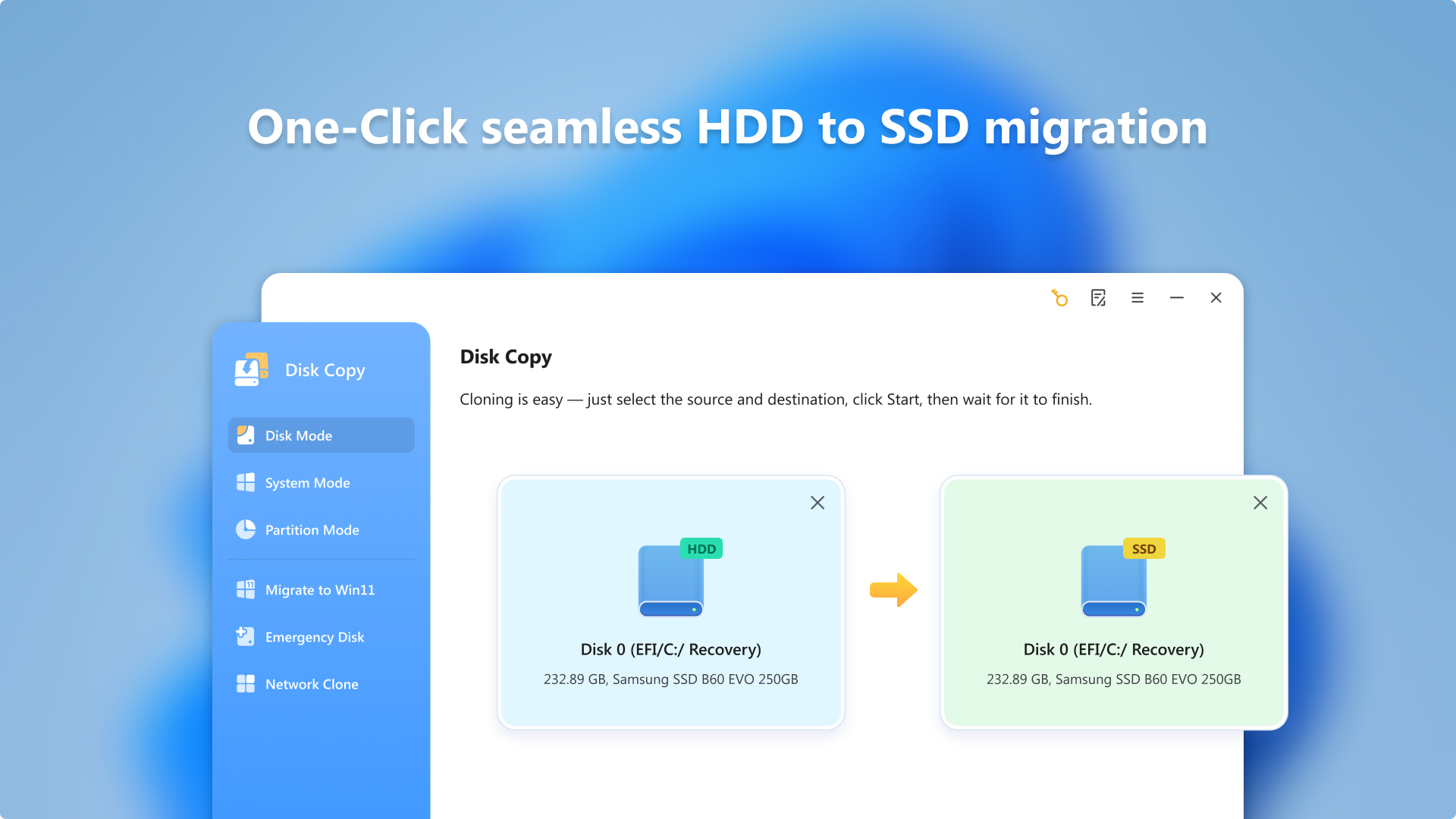
- Intelligent Disk Cloning: Effortlessly duplicate disks or partitions to upgrade hardware or back up data with minimal fuss.
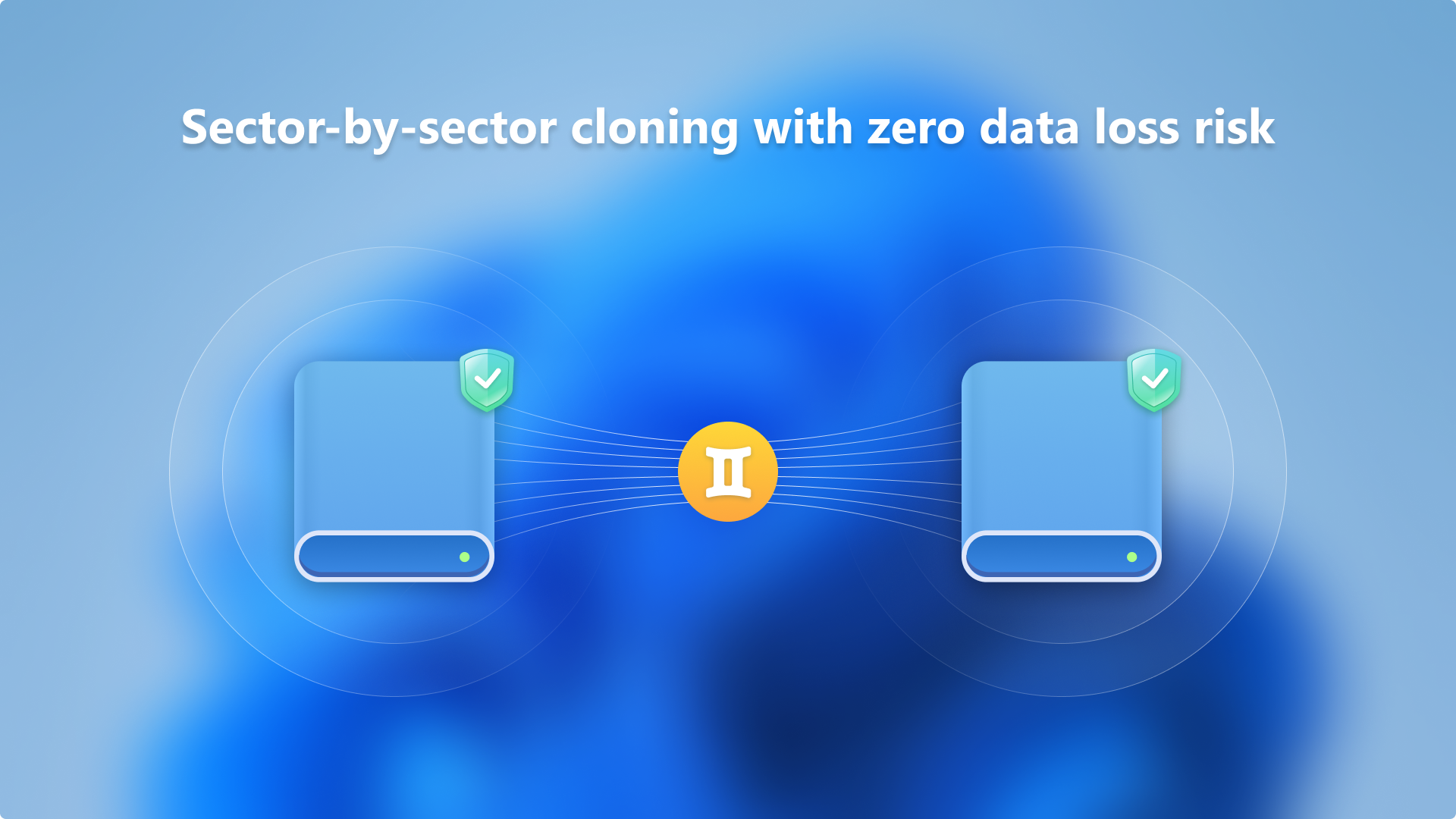
- Sector-by-Sector Copy: Ensures exact replica creation, including hidden and system files, vital for forensic or troubleshooting purposes.
- Ease of Use: Intuitive interface with step-by-step wizards guides users through complex cloning processes seamlessly.
- Wide Compatibility: Supports various disk types and partition styles, accommodating a broad spectrum of Windows environments.
Engaging the User: A Snapshot of Experience
Imagine replacing your old hard drive without breaking a sweat, or swiftly backing up entire disks before a major upgrade—EaseUS Disk Copy transforms these scenarios from daunting chores into straightforward tasks. Its friendly interface and robust capabilities serve as a reliable sidekick, ensuring your data's safety while sidestepping common pitfalls of disk management.
Core Functionality: Seamless Disk Cloning and Backup
The primary draw of EaseUS Disk Copy is its ability to clone disks swiftly and precisely. Whether you're upgrading to a larger SSD or creating a full backup of sensitive data, the software handles the job with a few simple clicks. Its sector-by-sector mode guarantees an exact replica, perfect for technical users who need bit-for-bit accuracy, such as forensic investigators or IT professionals. The cloning process is optimized for speed and stability, reducing downtime and ensuring data integrity.
User Interface and Ease of Use
One of the most pleasantly surprising elements of EaseUS Disk Copy is its clean and intuitive interface. Guided by user-friendly wizards, even newcomers can navigate complex procedures confidently. The layout is uncluttered, with intuitive icons and clear prompts that minimize confusion. During operation, the software maintains smooth responsiveness, and the step-by-step process reduces the learning curve—it's akin to having a patient technician walking you through each step. Overall, the experience feels polished, with minimal glitches or delays.
What Makes It Stand Out?
Compared to other utilities in its class, EaseUS Disk Copy's standout feature is its balance of simplicity and precision. Its sector-by-sector copying mode, for example, is more comprehensive than many competitors that only clone used sectors, making it ideal for data recovery or forensic use. Moreover, support for various disk types and partition styles grants it flexibility often missing in similar tools. This level of compatibility combined with its straightforward operation makes it particularly appealing for a diverse user base, from casual users to enterprise IT staff.
Final Thoughts and Recommendations
Overall, EaseUS Disk Copy for Windows earns a solid recommendation, especially for users seeking a reliable, easy-to-use disk cloning utility. Its focus on precise replication and user-friendly design make complex cloning tasks accessible without sacrificing technical depth. For anyone planning hardware upgrades, backup strategies, or data recovery efforts, this software offers a trustworthy solution. Just keep in mind that while the tool is excellent for cloning, it's best suited for users who understand the importance of disk management best practices.
Pros
- Fast and reliable disk copying capabilities
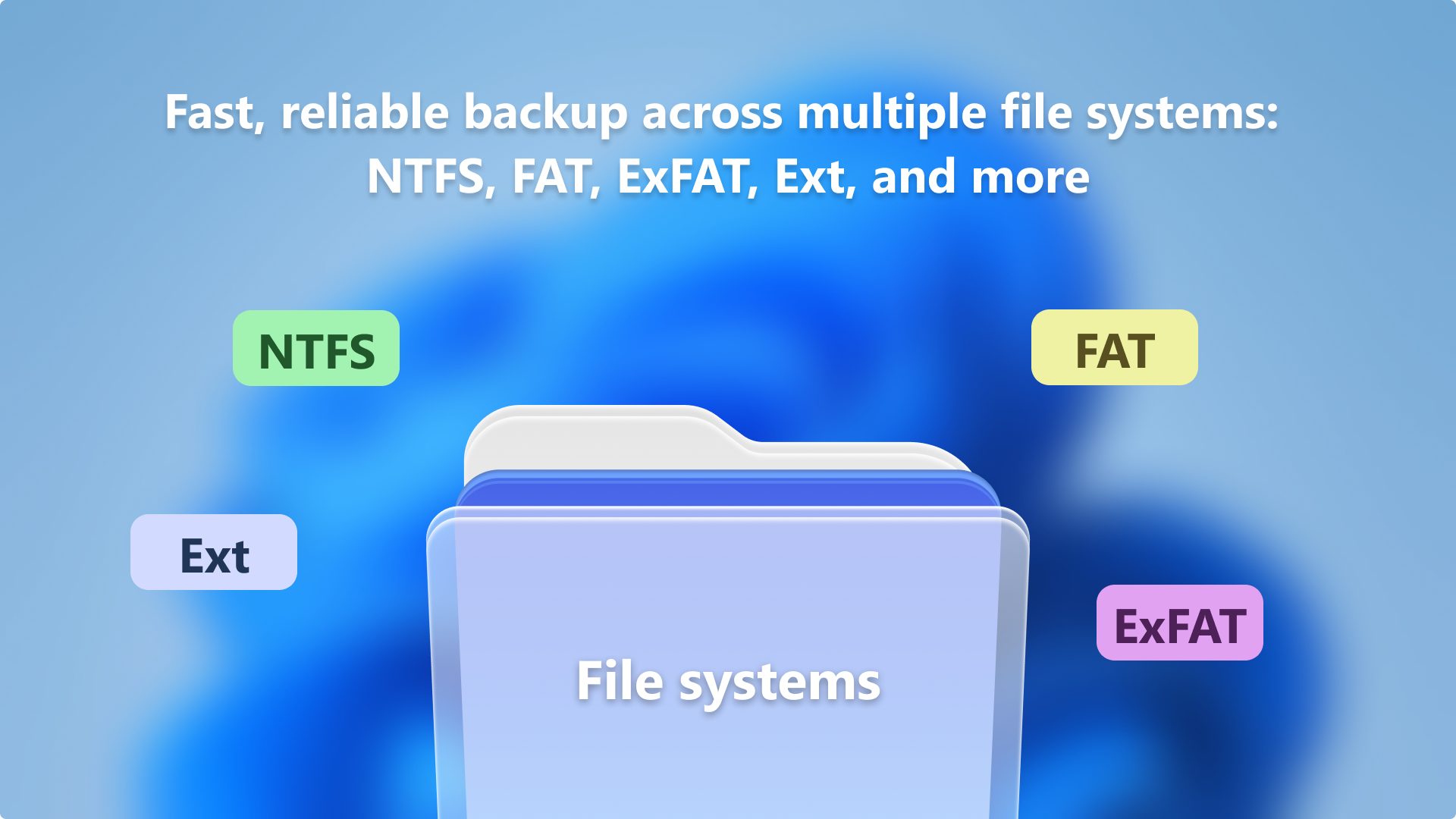
- Supports various disk formats and sizes
- User-friendly interface with simple operation steps
- Offers sector-by-sector copying for complete disk duplication
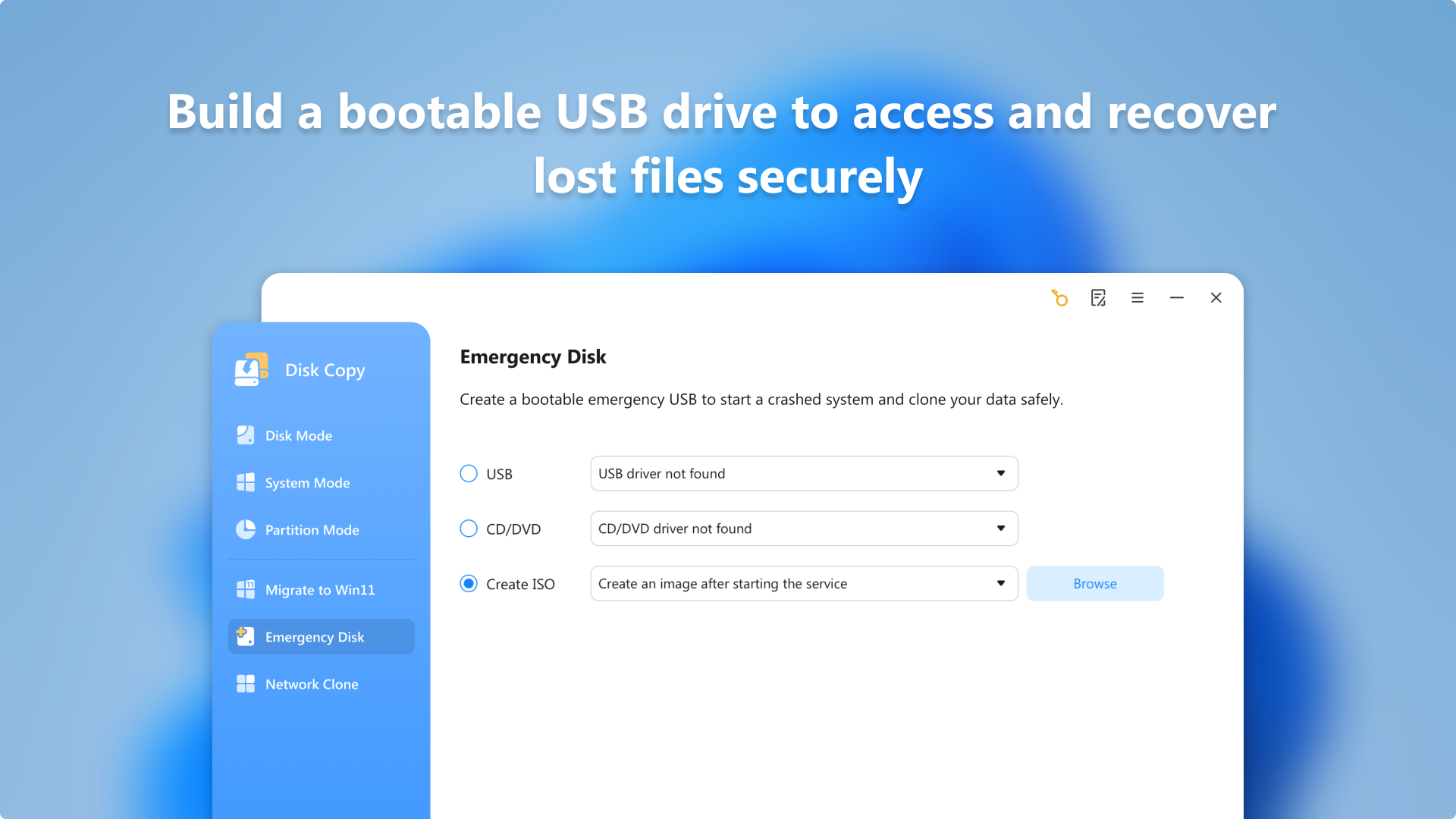
- Supports bootable disk creation for system recovery
Cons
- Limited free features
- Lack of detailed progress logs
- No built-in disk partition management tools
- Occasional compatibility issues with very new or rare hardware
- Limited support for cloning encrypted disks











