



- Name Duplicates Cleaner Prime
- Category Utilities & tools
- Developer kaeros corps
- Available on PC, Surface Hub
- OS Windows 10 version 17763.0 or higher
- Memory 4 GB
- languages Chinese (Simplified), English (United States), French, German, Italian, Japanese, Spanish
Introduction: Simplifying Your Digital Cleanup
In an era where our devices are bursting with files, photos, and duplicates, keeping things tidy can feel like chasing your own tail. Enter Duplicates Cleaner Prime for Windows—a straightforward yet powerful tool designed to help users reclaim storage space effortlessly. Developed by Kaeros Corps, this app promises to be your digital decluttering partner, making duplicate file management less of a chore and more of a breeze.
Core Features That Stand Out
Robust Duplicate Detection Algorithms
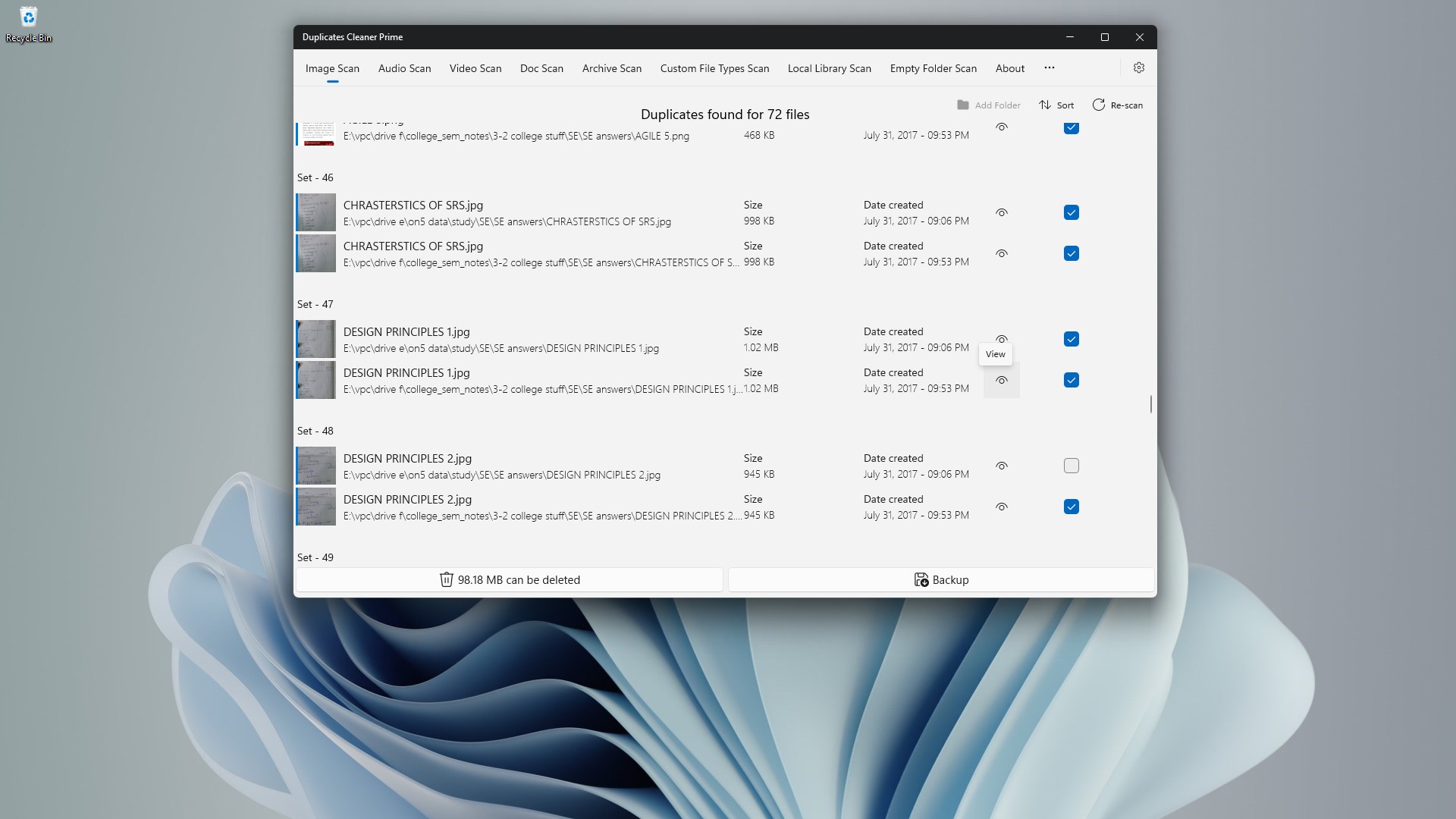
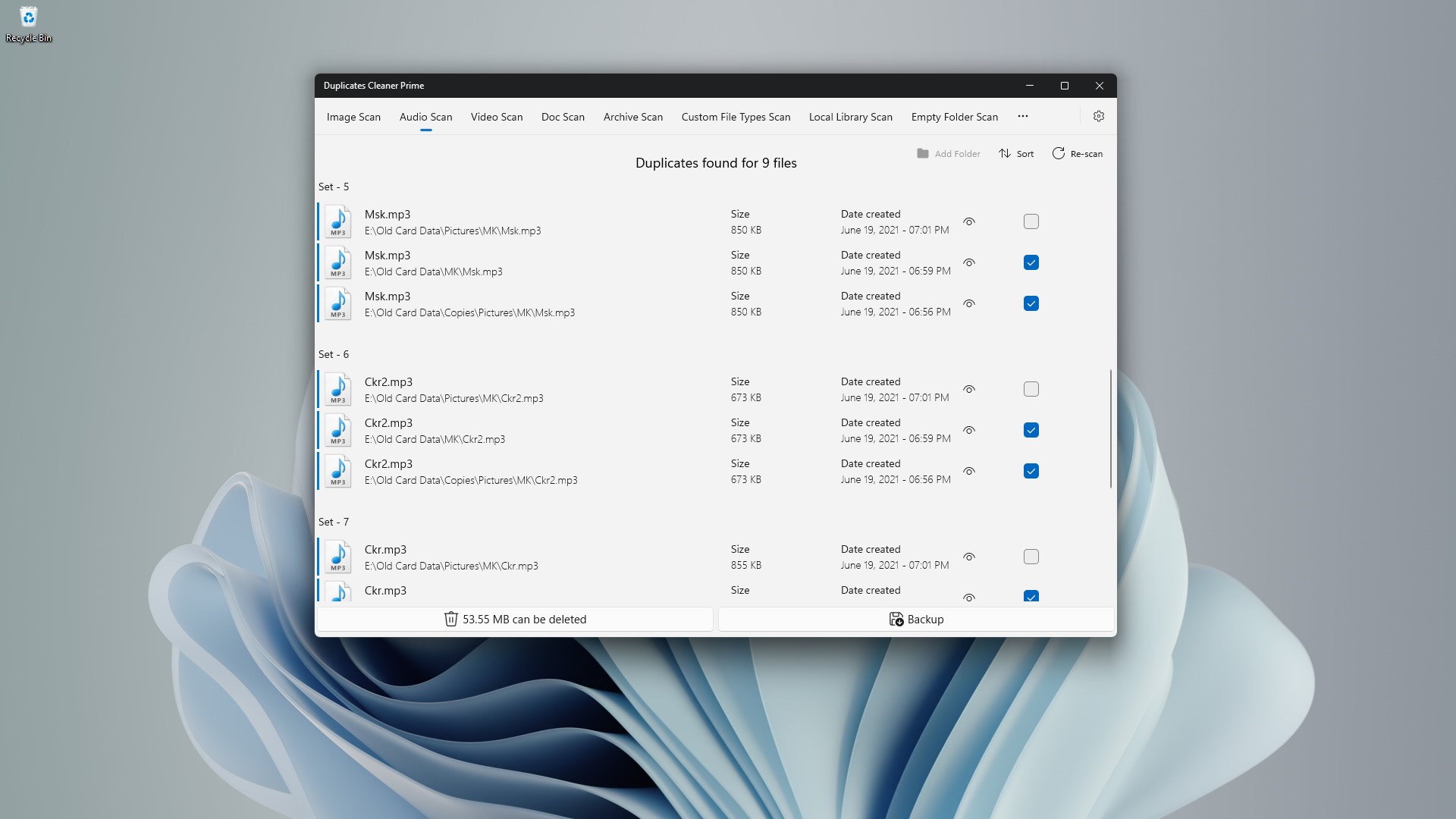
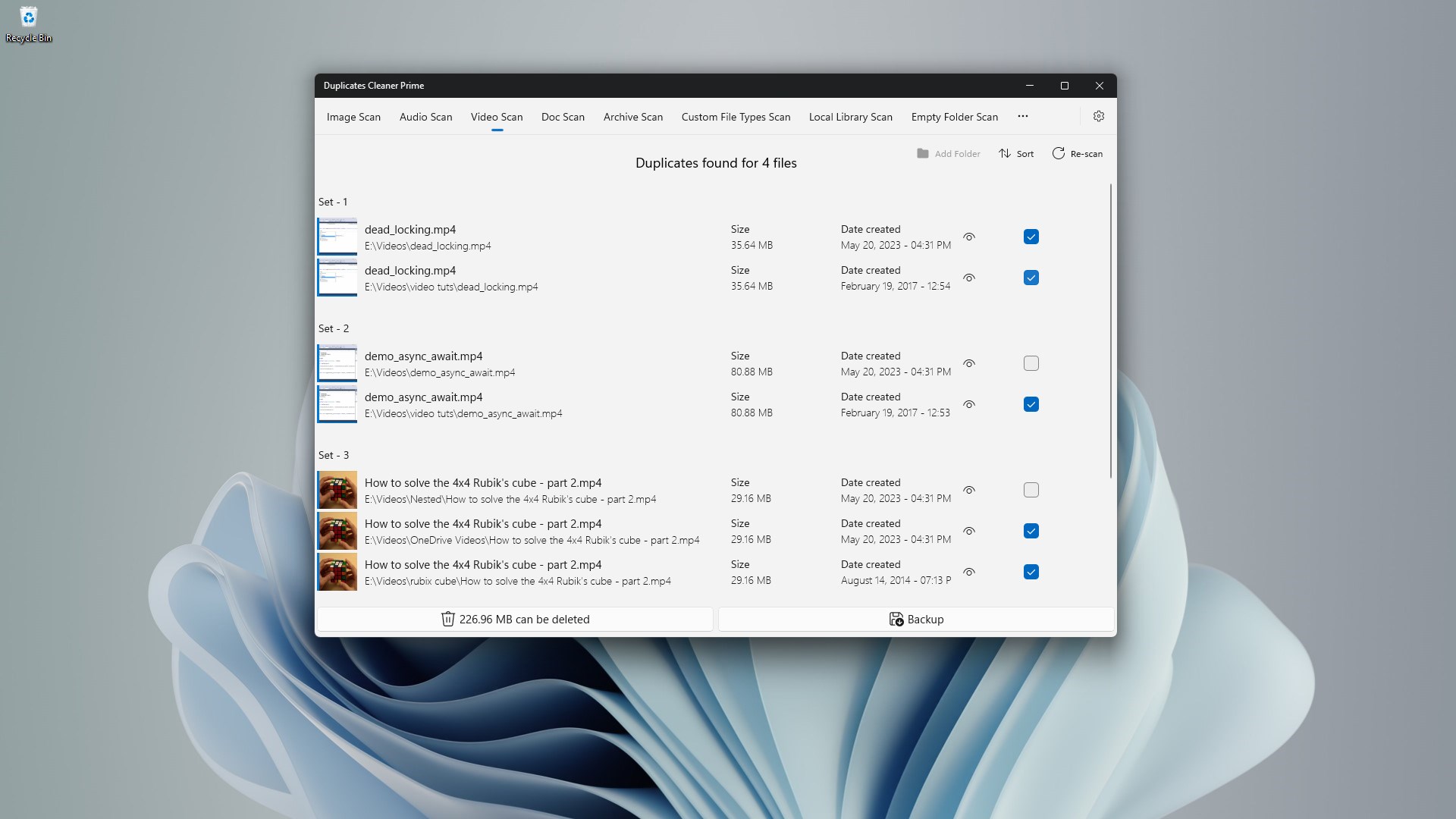
At the heart of Duplicates Cleaner Prime lies its smart detection engine. Utilizing advanced algorithms, it scans for duplicate images, documents, videos, and other files with impressive accuracy. Whether you're hunting for exact copies or similar files, the app's flexibility ensures you won't miss a thing. This reduces the risk of accidental deletion and ensures your storage is optimized without sacrificing important files.
Customizable Search and Filter Options
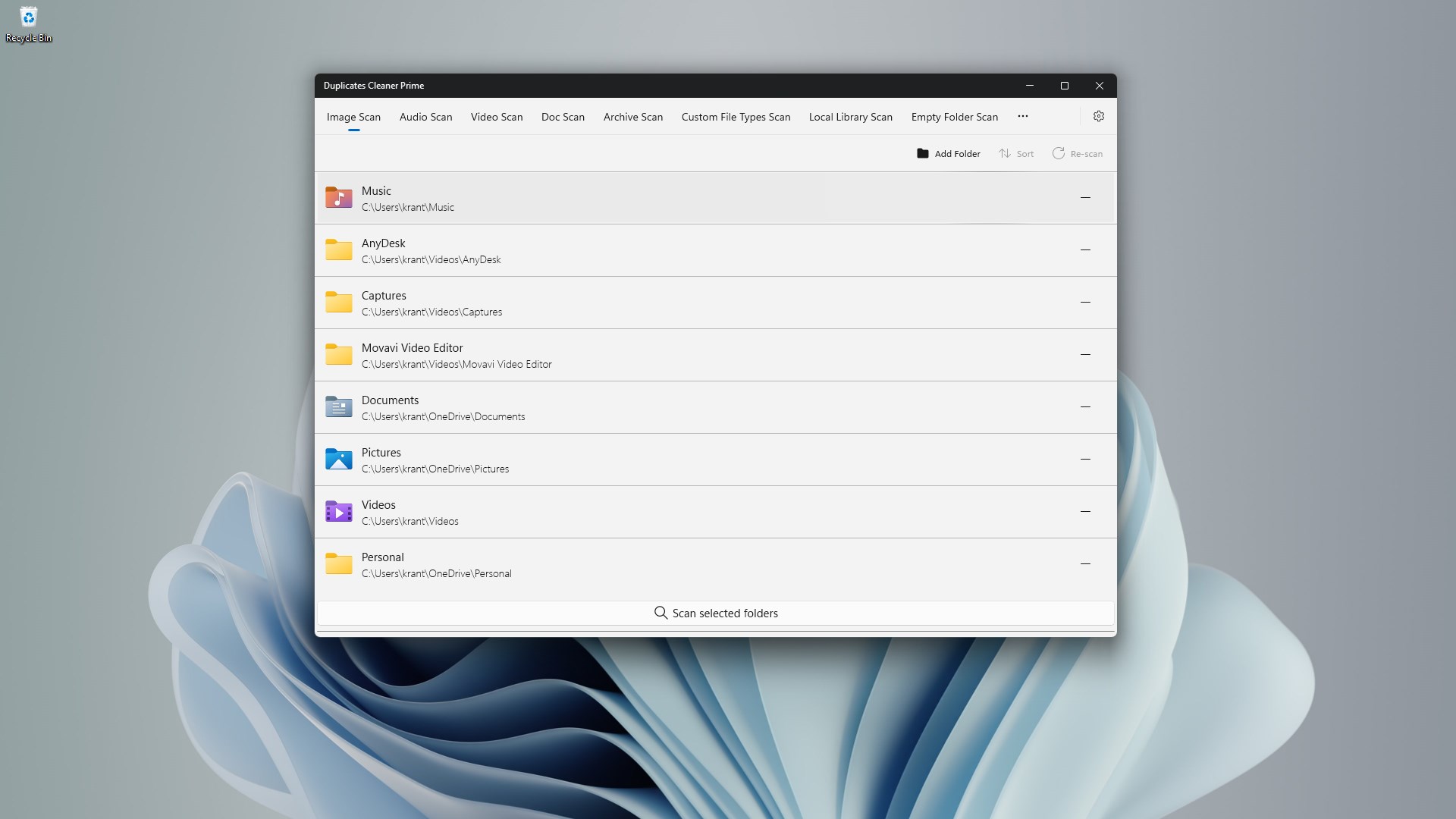
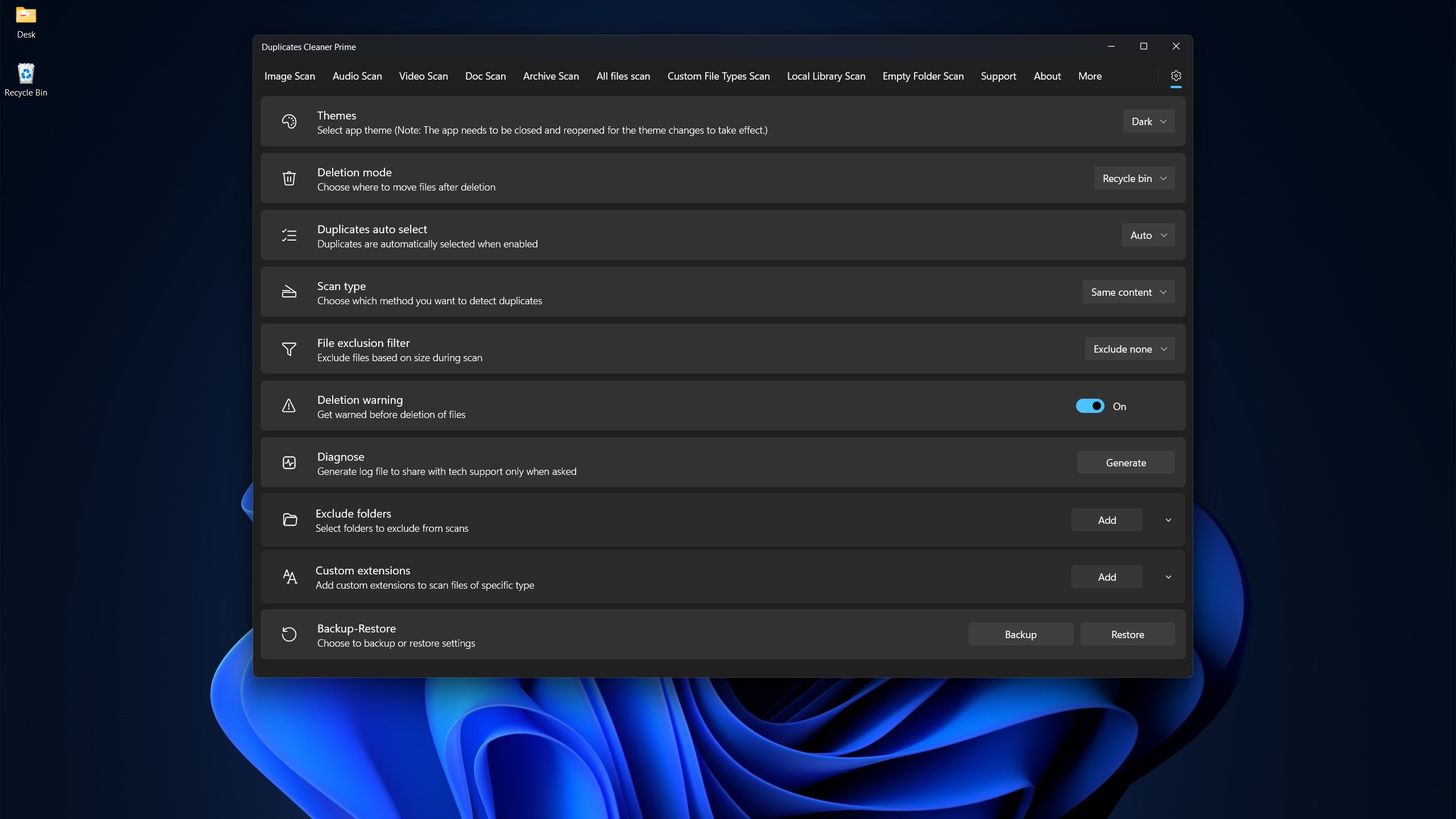
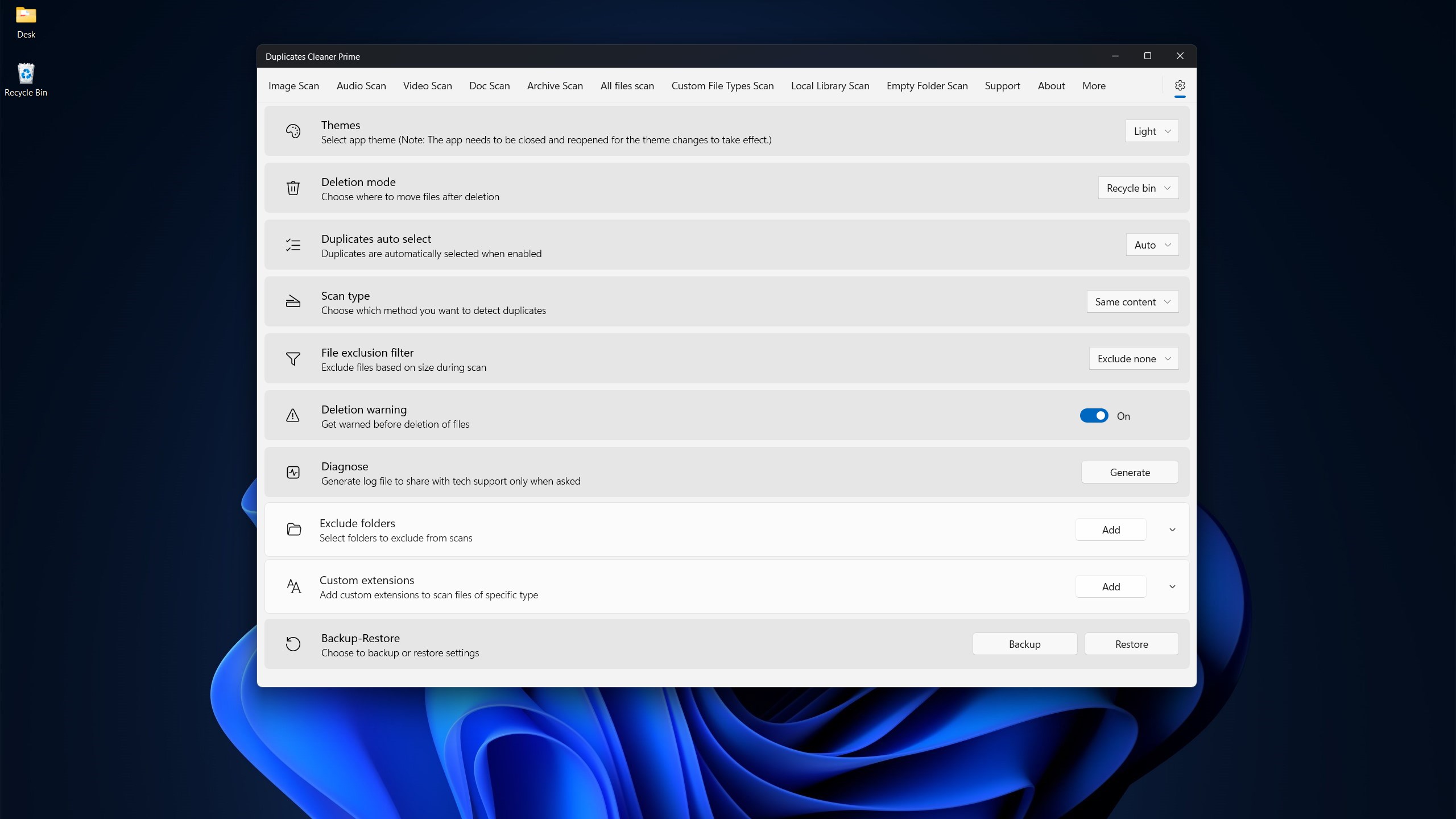
Not all duplicates are created equal, and sometimes, direct removal isn't straightforward. The app shines with its customizable filters—allowing users to specify folders, file types, or even size ranges. This targeted approach is especially handy for power users who want full control, such as photographers or designers managing large media libraries.
Seamless User Interface and Effortless Workflow
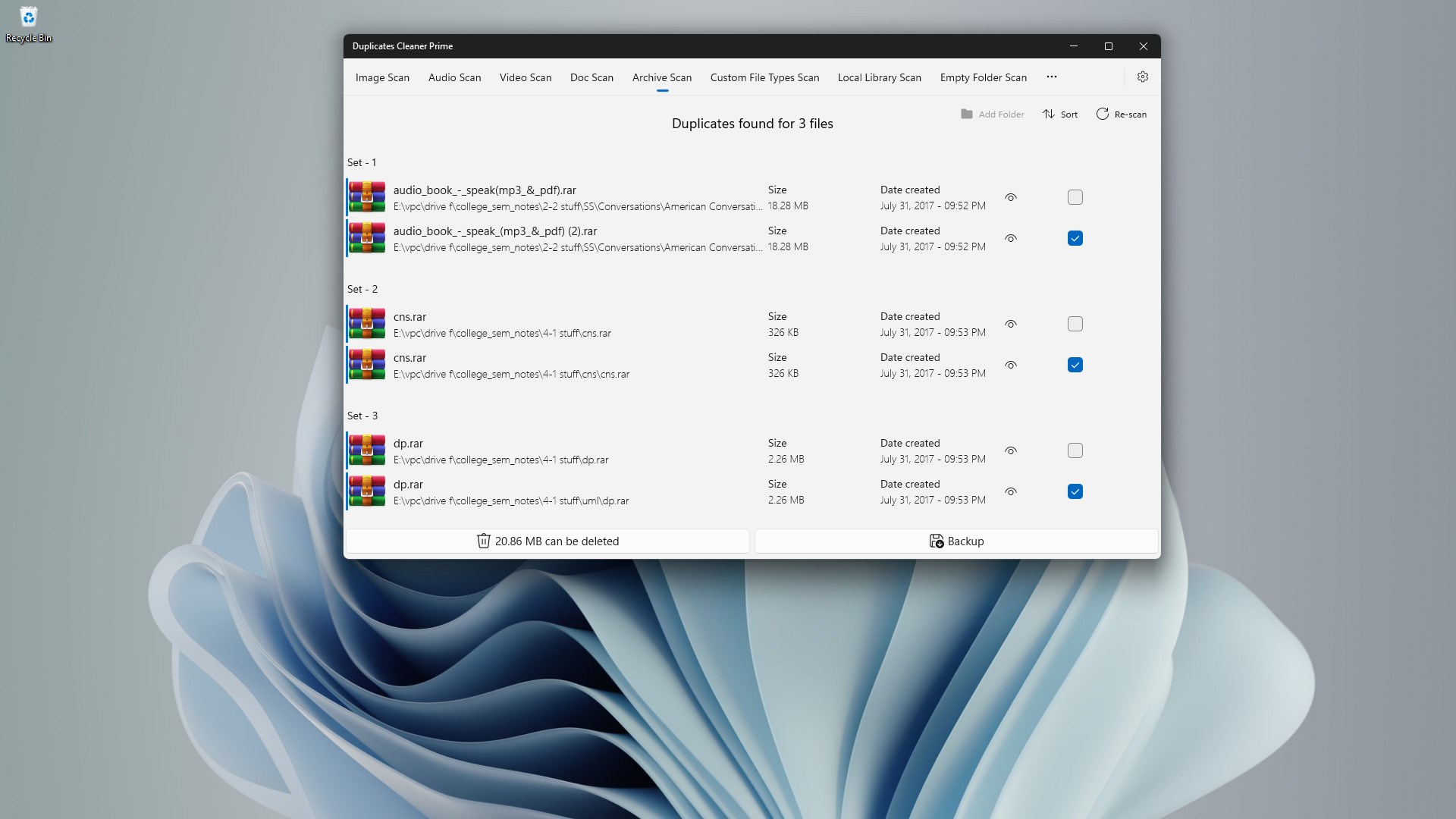
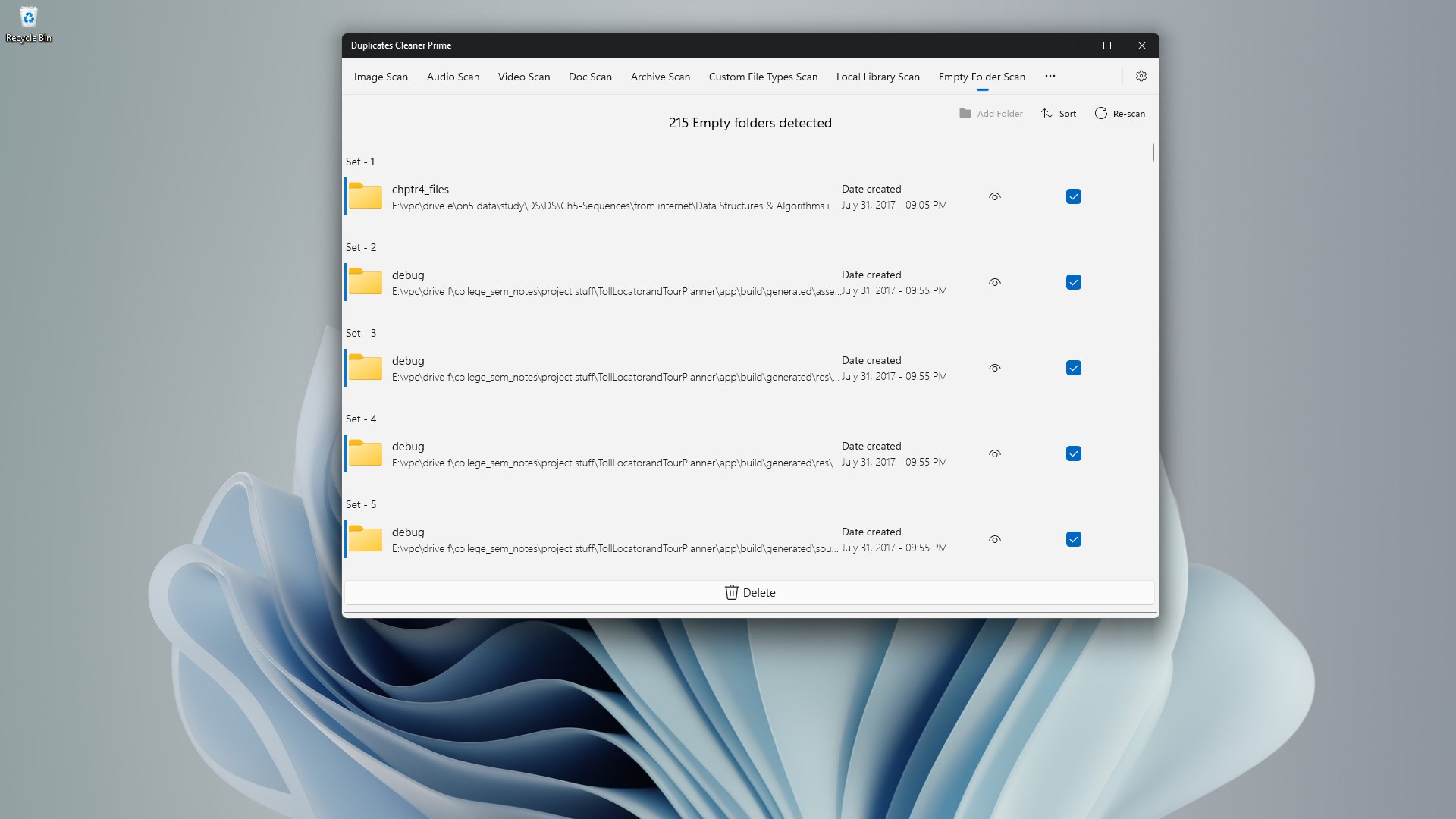
Picture a clean, intuitive dashboard that guides you step-by-step—duplicates are identified quickly, and options to review or automatically delete are clearly presented. The app's straightforward operation minimizes the learning curve, making it accessible even for users who aren't tech whizzes. Smooth performance ensures scans happen swiftly without hindering your workflow, akin to having a friendly assistant swiftly sorting through piles of clutter.
The App's Unique Selling Points
One of Duplicates Cleaner Prime's standout features is its emphasis on safety and precision. Unlike some tools that merely delete files without thorough verification, this app emphasizes “smart cleanup,” allowing users to review duplicates before removal. Its ability to detect similar but not identical files sets it apart—something many generic cleaners overlook, which can lead to accidental data loss.
Additionally, the developer's focus on privacy, ensuring that scans are conducted locally without uploading data to external servers, provides peace of mind for users concerned about sensitive information. The combination of accuracy, safety, and privacy creates a compelling proposition for those serious about maintaining a clutter-free device.
Final Thoughts and Recommendations
If you're a Windows user overwhelmed by duplicate files—be it photos, documents, or media—Duplicates Cleaner Prime offers a practical solution without the fluff. Its core strength lies in its intelligent detection and user-friendly interface, making whole cleanup processes feel less like a chore and more like a well-orchestrated dance. I'd recommend it especially for users who want a reliable, privacy-conscious tool that balances power with simplicity.
While it may not throw in unnecessary bells and whistles, its focus on core functionalities ensures it does the job exceptionally well. For anyone seeking a trustworthy companion in their digital housekeeping, Duplicates Cleaner Prime is a worthwhile addition—think of it as the tidy-up wizard your PC always needed but never knew how to ask for.
Pros
- Effective Duplicate Detection
- User-Friendly Interface
- Multiple Removal Options
- Fast Scan Speed
- Premium Features in Paid Version
Cons
- Limited Free Version
- False Positives in Duplicate Identification
- Slow Initial Scanning on Large Drives
- Limited Support for Network Drives
- Lack of Detailed Scan Reports











