

- Name Driver Updater for Windows
- Category Utilities & tools
- Developer SDM(SpecialDesignMedia)
- Available on PC, Mobile, Surface Hub, HoloLens
- OS Windows 10 version 15063.0 or higher
- Keyboard Integrated Keyboard
- Mouse Integrated Mouse
- languages English (United States)
Unveiling the Power of Driver Updater for Windows
If you've ever felt your PC was moving sluggishly or encountering hardware hiccups, updating device drivers might be your secret weapon—without the hassle of manual searches. Driver Updater for Windows by SDM offers a streamlined solution to keep your system drivers fresh and your computing experience smooth as silk.
Meet the Developer: Who's Behind This Tool?
Developed and published by SDM (SpecialDesignMedia), this app benefits from a team dedicated to delivering efficient utility tools. While details about the team specifics are scarce, their clear focus on utility software indicates a commitment to user-friendly and reliable applications tailored for Windows users seeking simplicity and effectiveness.
What Makes Driver Updater for Windows Stand Out?
This app promises to be a one-stop shop for driver maintenance, with noteworthy features including:
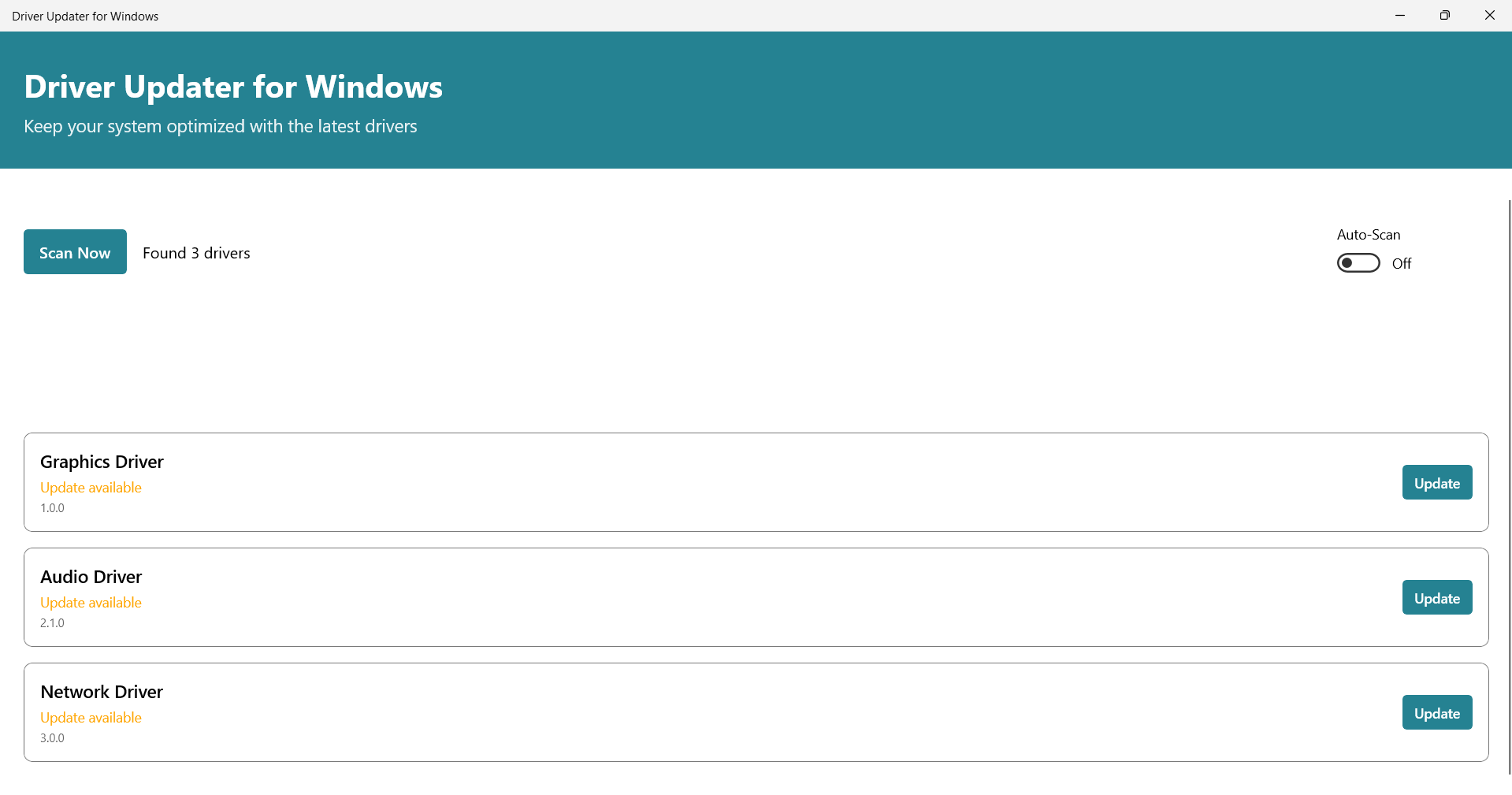
- Automatic Driver Detection and Updates: The app scans your system to identify outdated or missing drivers, providing a straightforward update process. It's like having a diligent mechanic who constantly checks and maintains your vehicle, ensuring everything runs smoothly.
- Backup and Restore Functionality: Before making changes, the app creates backups, giving peace of mind that you can revert if needed—a safety net that's invaluable in system tweaks.
- Device Management Simplification: It organizes your hardware drivers clearly, helping users troubleshoot hardware issues quickly and efficiently.
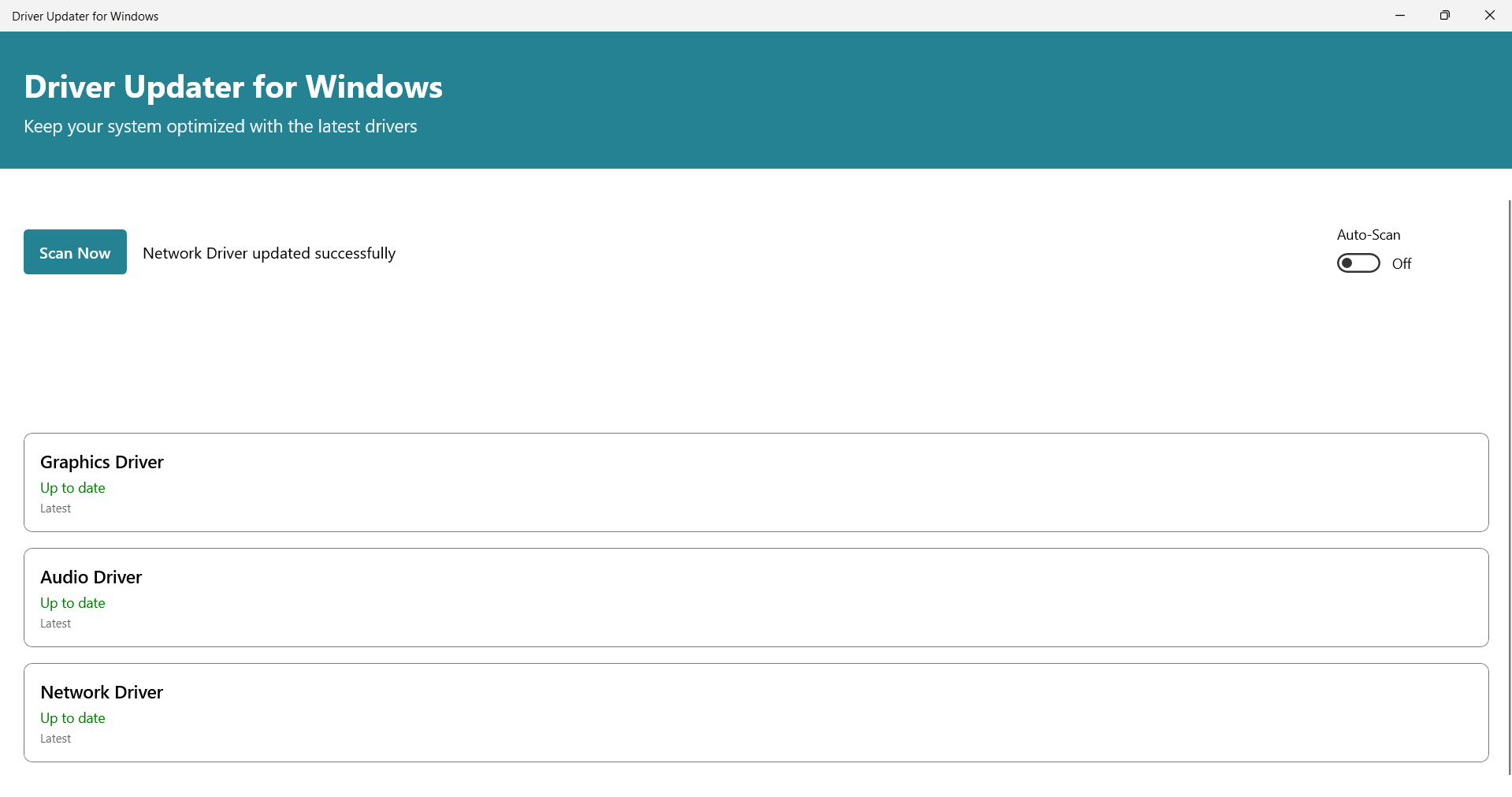
- Minimal User Intervention: The interface automates much of the process, making it approachable even for users with limited technical know-how.
Targeted at everyday Windows users—from casual home users to IT admins—this app aims to simplify driver updating tasks and mitigate potential hardware conflicts.
In-Depth Look: Features and User Experience
Intuitive Interface that Delivers Clarity
The design of Driver Updater is akin to stepping into a well-organized toolbox—clean, straightforward, and with minimal clutter. The main dashboard provides clear labels for scanning, updating, and backup functions. Icons are intuitively designed, making navigation a breeze for first-time users.
Performance and Ease of Use
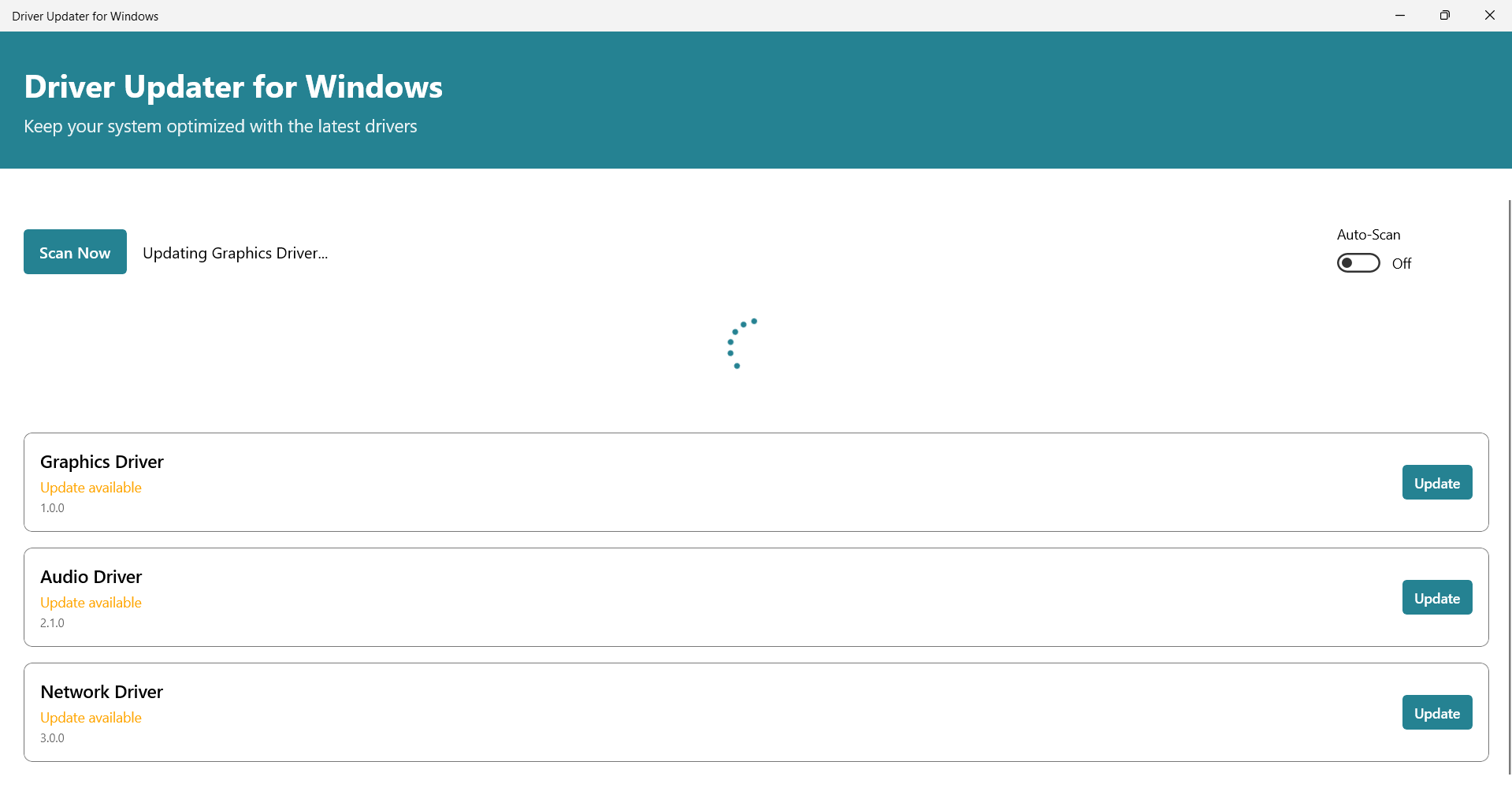
Running the application feels like guiding a trusted assistant—fast scanning speeds, responsive controls, and smooth interactions. The process of detecting outdated drivers seldom stalls, and updates are executed quickly in the background. The learning curve is gentle; many users will find themselves navigating the app after just a single run-through, thanks to straightforward prompts and clear instructions.
Differentiating Features: Ease, Safety, and Precision
Compared with other utilities, Driver Updater for Windows shines in its balanced approach—combining automation with safety features like backups. While some tools rush to update drivers with little regard for stability, SDM's app emphasizes system safety. Its backup and restore capabilities serve as a prudent safeguard, especially when handling critical drivers such as graphics or network adapters. This focus on reliability sets it apart from leaner, more aggressive updating utilities, making it a suitable choice for cautious users.
Final Verdict: A Solid Companion for Windows Maintenance
Overall, Driver Updater for Windows stands out as an accessible yet professional utility that effectively simplifies driver management. Its key strengths lie in its user-friendly design and safety nets, making it ideal for users who value peace of mind alongside system performance. I'd recommend it to anyone seeking a dependable tool to keep their drivers up-to-date without getting lost in complex procedures.
While it may not boast cutting-edge AI-driven detection or overly flashy features, its balanced, straightforward approach makes it a trustworthy companion for everyday system care. Whether you're troubleshooting hardware issues or just ensuring your drivers remain current, this app provides a reliable, hassle-free experience—definitely worth trying out.
Pros
- User-friendly interface
- Automatic driver detection
- One-click updating
- Automatic backups before updates
- Regular update database
Cons
- Occasional false positives
- Limited free functionality
- Potential for incompatible driver updates
- Slow scan process on older PCs
- Lack of detailed driver information











