
- Name Document Manager for Windows 10
- Category Utilities & tools
- Available on PC, Mobile, Surface Hub, HoloLens
- OS Windows 10 version 19041.0 or higher
- languages Chinese (Simplified), Chinese (Traditional Chinese), Chinese (Traditional), English (United States), French, German, Italian, Japanese, Korean, Korean , Russian, Spanish, Spanish (Spain)
Streamlined Document Management for Windows 10
Document Manager for Windows 10 by LLC "SKYSPARK CORP" is designed to simplify the way users organize, access, and handle their digital documents directly within the Windows environment. Whether you're a professional juggling countless files or a casual user seeking order in your digital life, this app aims to be your reliable assistant.
Who's Behind the Curtain?
Developed by LLC "SKYSPARK CORP", a team dedicated to crafting practical and user-friendly productivity tools, this application reflects their focus on delivering straightforward yet powerful document management solutions tailored for Windows 10 users.
Key Features That Make It Stand Out
- Unified File Organization: The app consolidates various document types into an intuitive, customizable interface, reducing clutter and improving search efficiency.
- Seamless Sync and Backup: Ensures your files are securely backed up and synchronized across devices, minimizing data loss risks and maintaining workflow continuity.
- Advanced Search Capabilities: Incorporates intelligent filters and keyword tagging to find documents swiftly, saving valuable time.
- Drag-and-Drop Management: Simplifies the process of sorting and categorizing files through straightforward drag-and-drop operations.
Digging Into the Experience
An Engaging Start: Setting Up and Navigating
From installation to daily use, Document Manager does a good job of easing the learning curve. The initial interface feels like opening a well-organized toolbox—clean, logical, and inviting. On first launch, users are greeted with a dashboard that resembles a neatly arranged filing cabinet, promising a tidy workspace. The onboarding hints at its core functionalities without overwhelming, much like a friendly guide showing you around a new home.
Core Functionality in Action
The first standout feature is its **Unified File Organization** system. Unlike traditional folders that can quickly become disorganized, this app uses tags and categories, allowing users to create custom labels—think of it as turning the chaos of paper piles into a well-labeled filing system. Switching between categories or searching for a specific document feels effortless, thanks to its responsive interface.
Next, the **Sync and Backup** feature acts like a digital safety deposit box. Setting it up is straightforward, and it quietly runs in the background, keeping your documents safe across all devices. Imagine having your files update automatically like a smart assistant keeping your important papers within arm's reach at all times, without manual intervention.
The **Advanced Search** capability is akin to having a magnifying glass that pinpoints exactly what you need. With keyword filtering and quick previews, finding that elusive report or photo becomes less of a scavenger hunt and more like a well-aimed shot. Its speed and accuracy significantly enhance productivity, especially for power users managing many documents daily.
User Experience: Interface, Flow, and Learning Curve
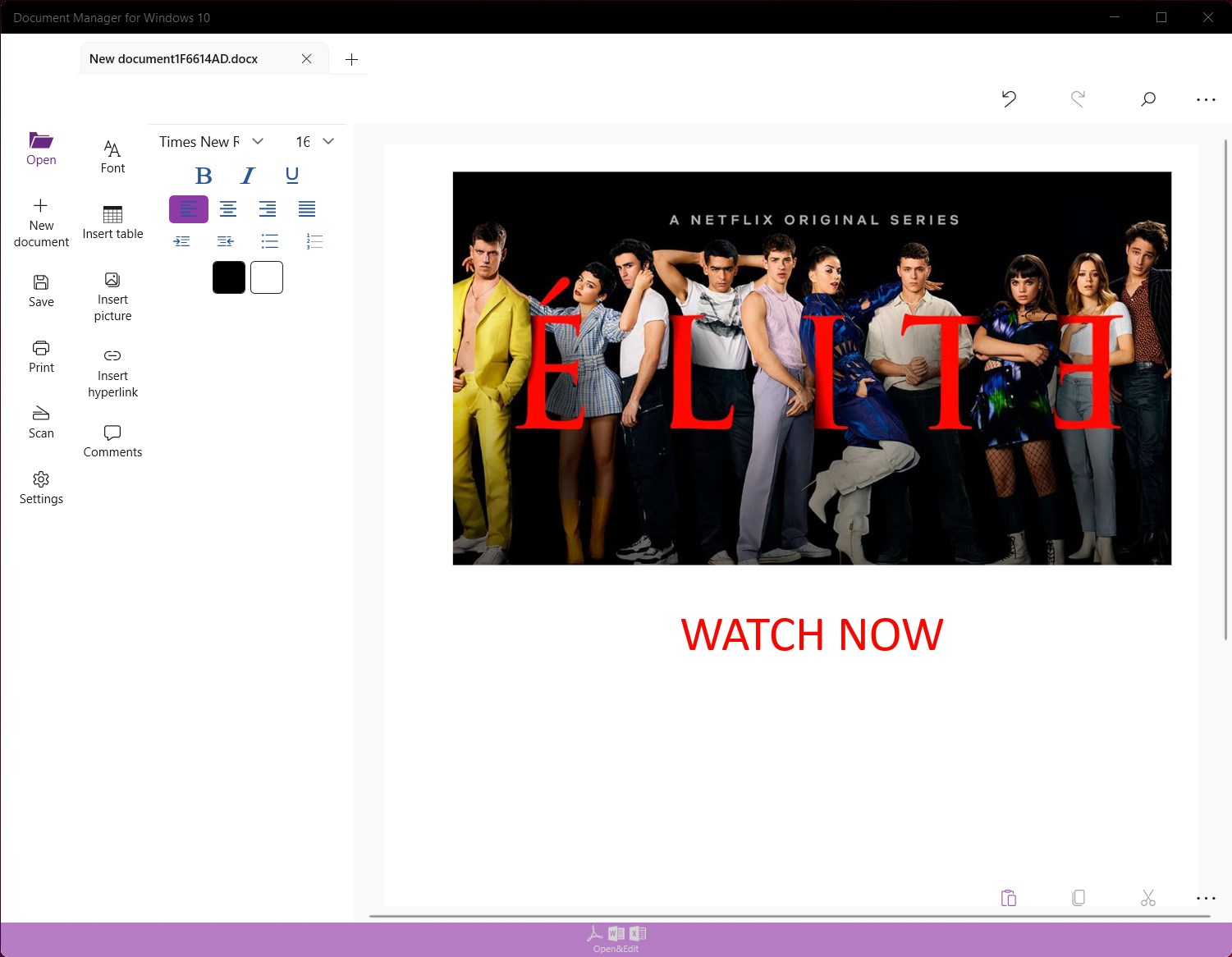
The interface adopts a modern, minimalistic design, blending function with simplicity. Its layout is logical—think of a well-organized desk where everything is within arm's reach—but it also offers enough customization to suit personal workflow preferences. Operationally, interactions are smooth; dragging files, applying tags, and searching happen without noticeable lag, reflecting good optimization for Windows 10's environment.
Compared to similar tools, this app shines with its balance between ease of use and depth of features. Smaller learning curves and intuitive controls mean even beginners can quickly navigate, while power users appreciate the advanced tagging and synchronization options. The interface promotes confidence—no complicated menus, just straightforward workflows.
What Makes It Unique? Why Choose This Over Others?
One of the most distinctive aspects of Document Manager is its emphasis on seamless integration within Windows 10. Unlike some standalone utilities that feel detached or overly complex, this app feels like an extension of your operating system. Its drag-and-drop management combined with intelligent tagging effectively transforms a cluttered digital space into an organized filing system—much like transforming a messy attic into a well-shelved archive.
Another noteworthy advantage is its reliability in syncing and backing up documents in the background. Many similar tools require manual handling or third-party cloud services, but this app's integrated approach ensures continuous safety and access without additional setup.
Final Verdict: A Reliable Companion for Document Management
Overall, I recommend Document Manager for Windows 10 to users seeking a tidy, efficient way to handle their digital documents. Its intuitive interface, smart organization features, and reliable sync capabilities make it a noteworthy addition to any productivity routine. Though it may lack some advanced collaboration features found in heavier enterprise solutions, for personal and small-business use, it hits a sweet spot of simplicity and functionality.
If you're tired of hunting through folders or juggling multiple storage locations, this app offers a calm, organized solution that feels like having your own digital librarian at your side. Give it a try if you prioritize a clean workspace and streamlined workflows—it's like an afternoon spent decluttering your digital life, but way easier.
Pros
- User-Friendly Interface
- Fast Document Management
- Cloud Sync Support
- Robust Search Functionality
- Lightweight and Efficient
Cons
- Limited File Format Support
- Basic Editing Features
- Occasional Sync Delays
- Limited Customization Options
- No Offline Editing











