

- Name Diagnostic Data Viewer
- Category Utilities & tools
- Available on PC
- OS Windows 10 version 18987.0 or higher
- Keyboard Integrated Keyboard
- Memory 1 GB
- Mouse Not specified
- languages Arabic, Bulgarian, Chinese (Simplified), Chinese (Traditional), Croatian, Czech, Danish, Dutch, English (United Kingdom), English (United States), Estonian, Finnish, French, French (Canada), German, Greek, Hebrew, Hungarian, Italian, Japanese, Korean , Latvian, Lithuanian, Norwegian (Bokmål), Polish , Portuguese (Brazil), Portuguese (Portugal), Romanian, Russian, Serbian (Latin, Serbia), Slovak, Slovenian (Slovenia), Spanish (Mexico), Spanish (Spain), Swedish, Thai, Turkish, Ukrainian
Unveiling Diagnostic Data Viewer for Windows: Your Personal Data Investigator
If you've ever felt overwhelmed by the tangle of diagnostic data generated by your Windows system, the Diagnostic Data Viewer offers a thoughtful, user-friendly way to make sense of it all. Think of it as having a personal detective that sorts through technical clues and presents them in a way that's accessible, transparent, and empowering.
Basic Information: What is this app and who stands behind it?
Diagnostic Data Viewer for Windows is a utility designed to help users access and understand the diagnostic information collected by their Windows operating system. Its primary goal is transparency, giving users insight into what data is stored and how it's used.
Developer and Publisher
Developed and published by Microsoft Corporation, ensuring seamless integration with Windows and ongoing support.
Main Features Highlights
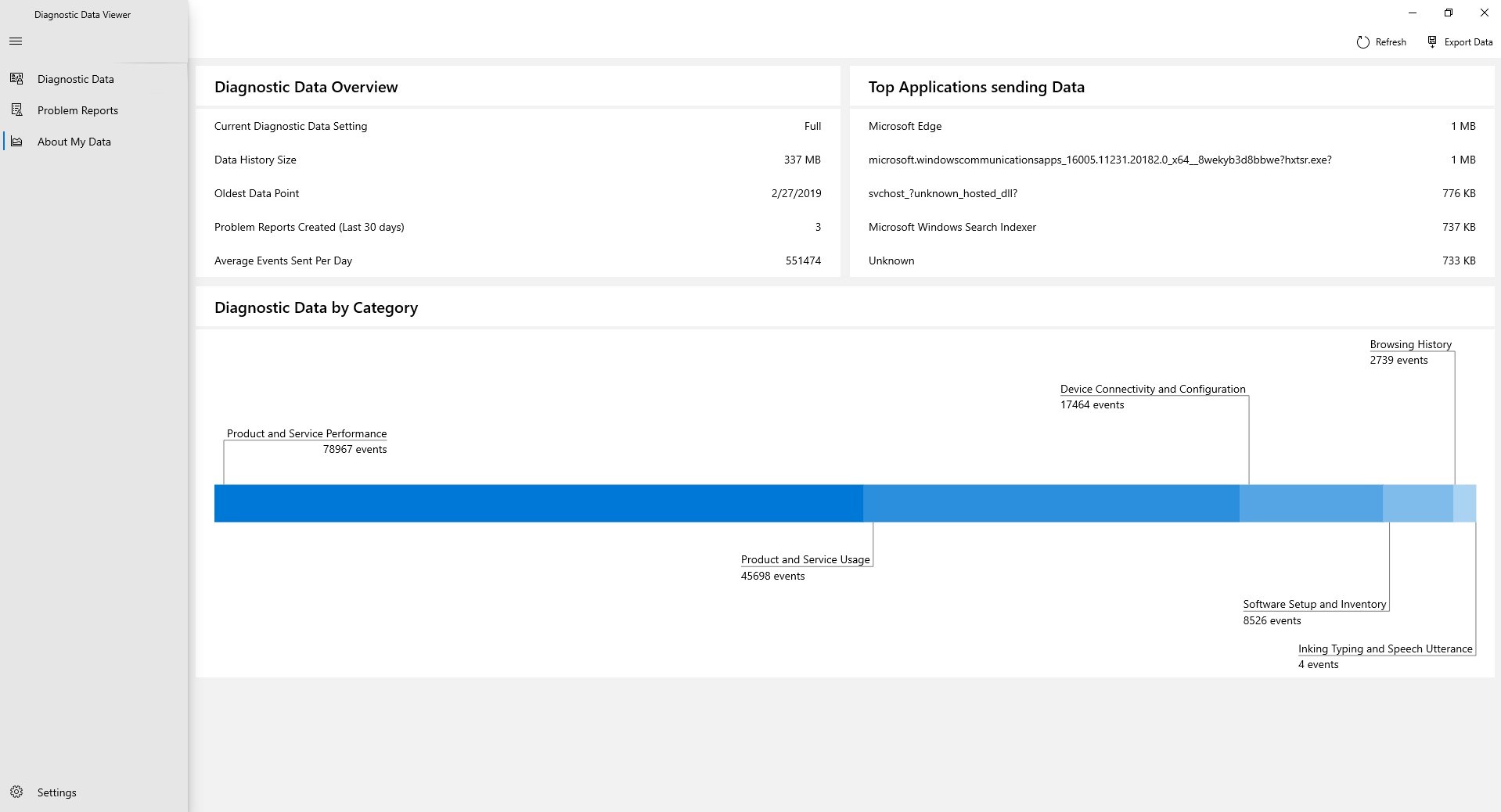
- Clear visualization of diagnostic data types and details.
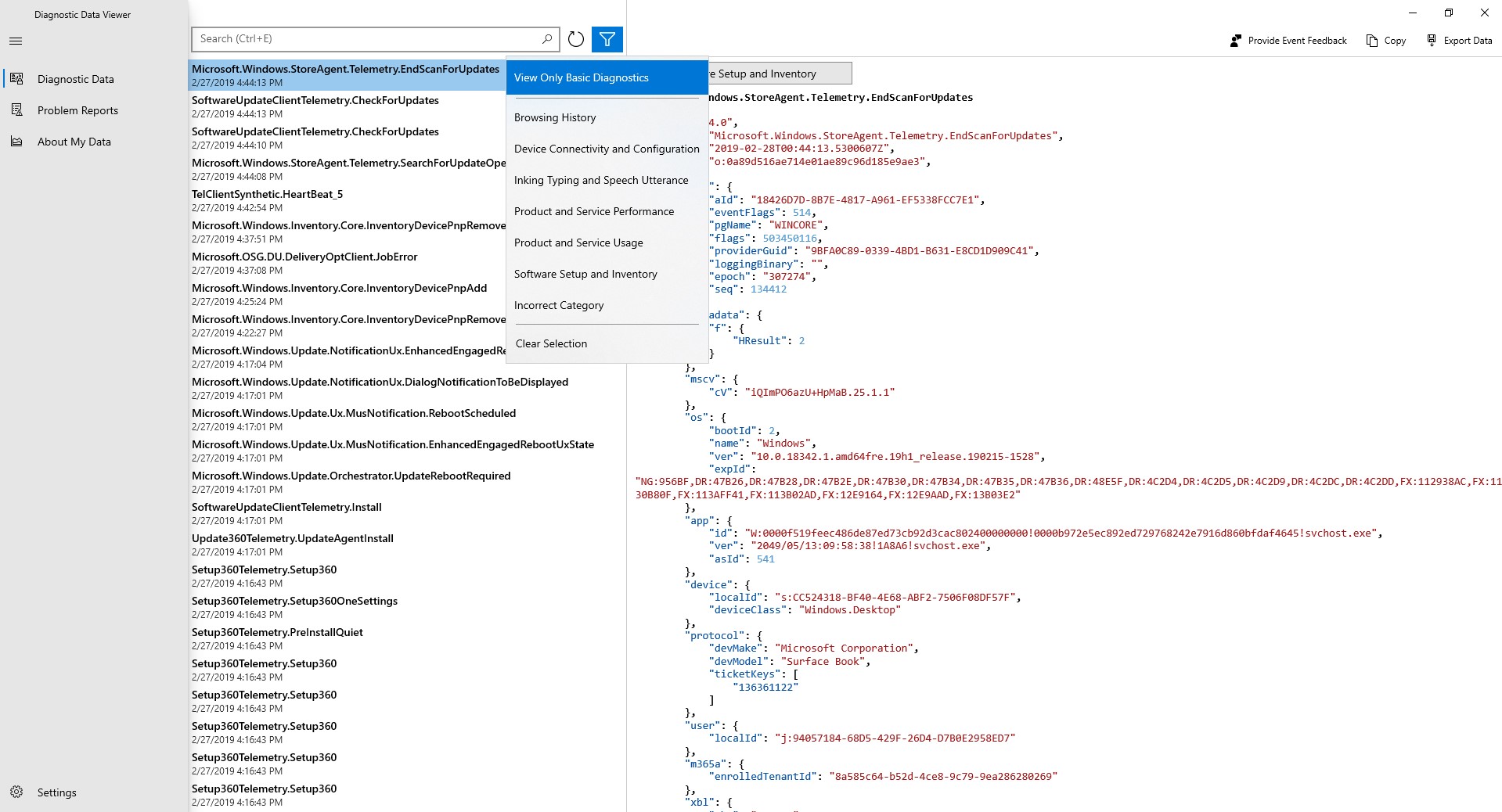
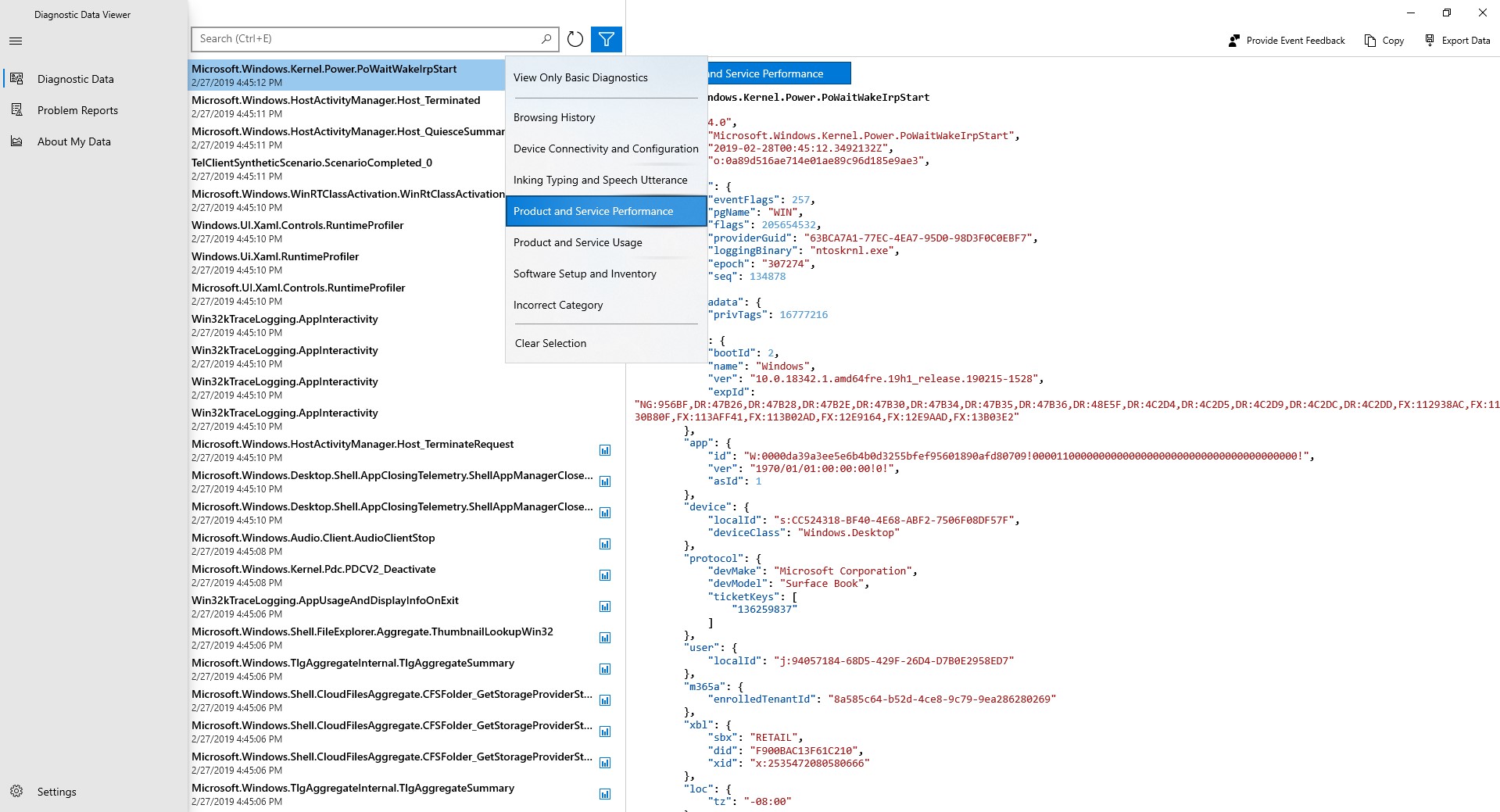
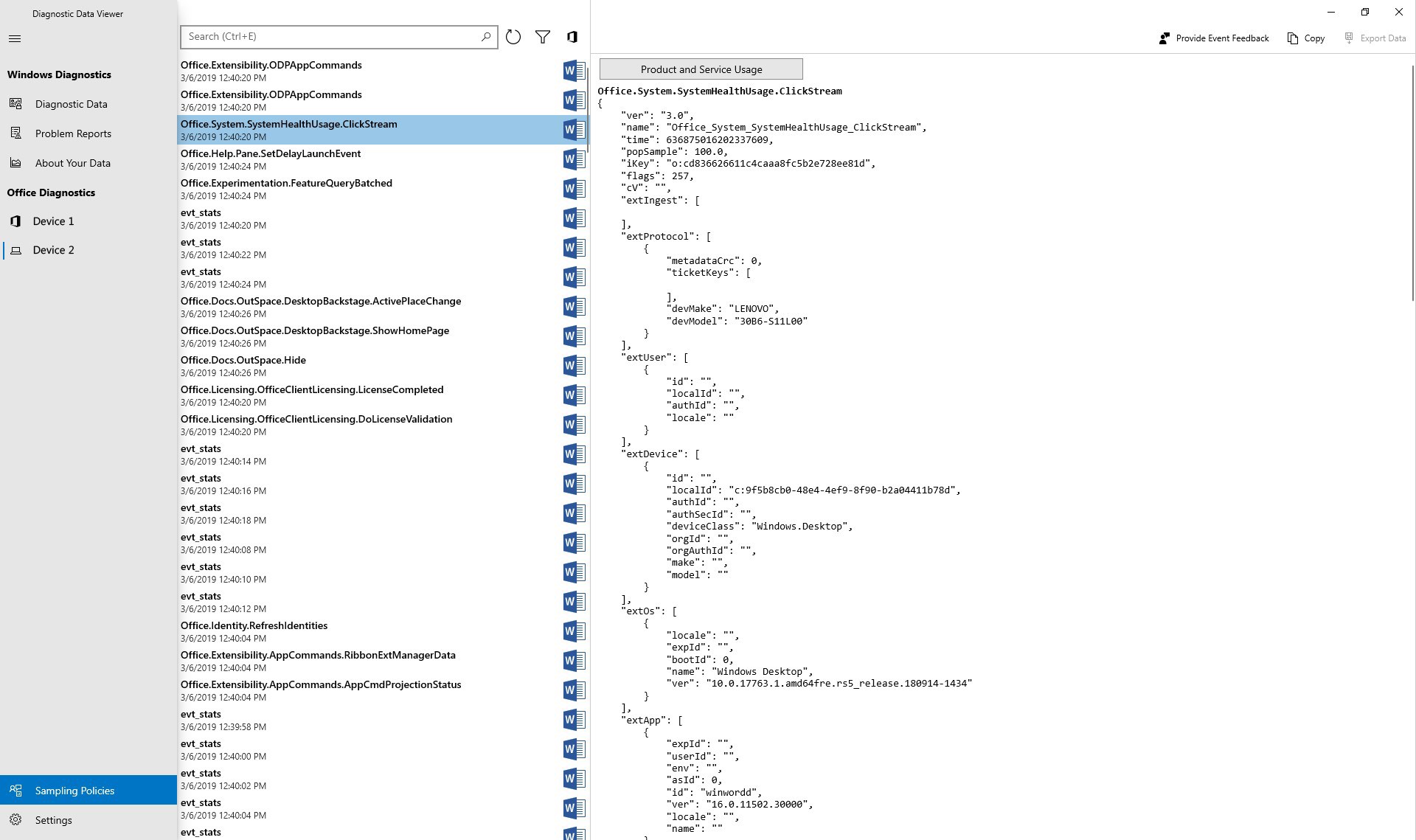
- Filter and search options to easily locate specific data entries.
- Detailed logs that enable users to scrutinize their system's diagnostic reports.
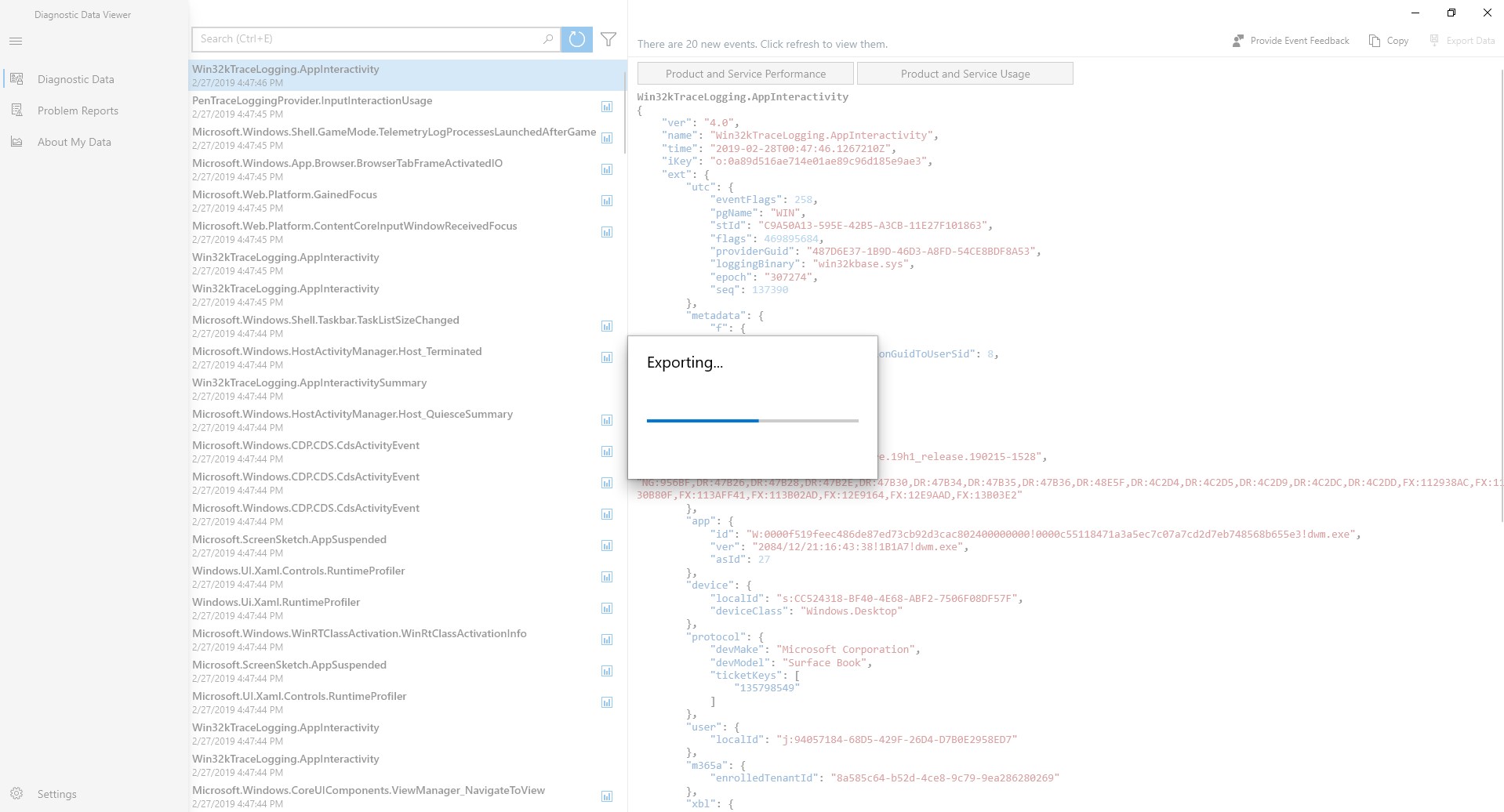
- Data export capabilities for further analysis or record-keeping.
Target Audience
This application is tailored for Windows power users, IT professionals, or anyone curious about their system's diagnostics and data collection practices. It's particularly useful for those who prefer a transparent view into what their OS logs about them.
Making Sense of Your System's Secrets: Engaging Features and User Experience
Imagine trying to read a foreign map of your city—diagnostic data can often look like an indecipherable maze. Fortunately, Diagnostic Data Viewer acts as a friendly guide, transforming complex logs into understandable visuals. Here's how it shines:
Insightful Data Visualization and Filtering
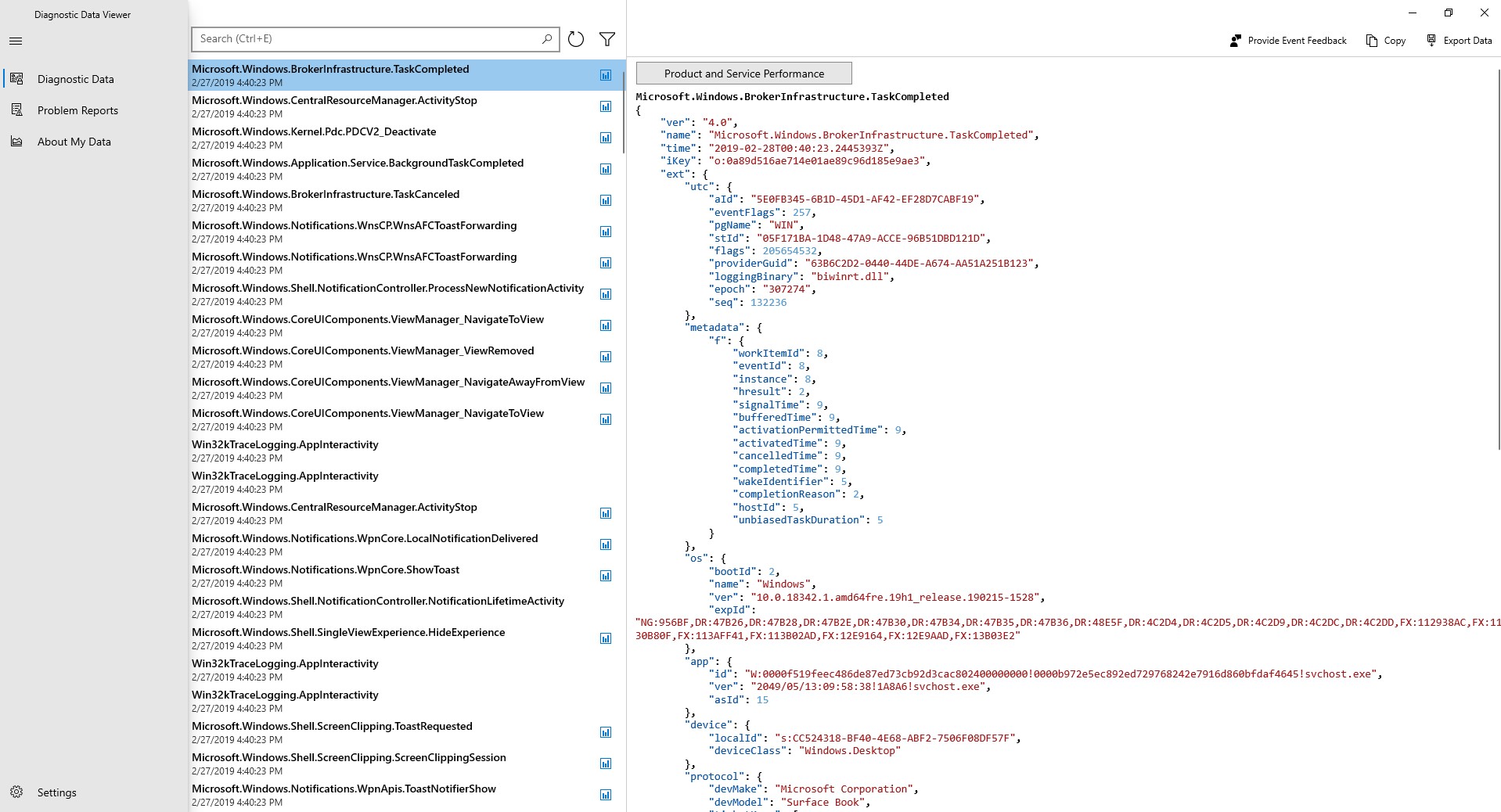
The app's standout feature is its ability to present diagnostic information in an organized, intuitive manner. Instead of sifting through endless raw logs, users can navigate through categorized data—such as error reports, system health checks, or app diagnostics—with a few clicks. The search and filter tools feel like a seasoned librarian's assistants, swiftly bringing the relevant data to the forefront. This not only saves time but also enhances understanding, especially for non-technical users aiming to troubleshoot or simply satisfy curiosity.
Deep Dive into Diagnostic Reports
Beyond surface-level summaries, users can delve into detailed logs that reveal the nitty-gritty of system events. For example, if your PC shows unusual behavior, you can pinpoint specific error entries, understand their context, and even export them for further analysis or sharing with technical support. This granular insight is particularly valuable for troubleshooting stubborn issues or verifying what data your device is transmitting.
Interface, Usability, and Learning Curve
The application boasts a clean, minimalistic interface that belies its technical depth. Its design feels more like browsing a well-organized digital filing cabinet than navigating a confusing dashboard. The layout is logical, with straightforward navigation that makes exploring diagnostic categories feel natural—like flipping through chapters in a well-worn book. This simplicity lowers the barrier for new users, while experts will appreciate its depth and export features.
Operation is smooth, with minimal lag, even when handling large datasets. Though some users with limited technical background may need a brief initial orientation, overall, the app's learning curve is gentle—guarded by tooltips and clear labels that guide users along the way.
What Sets It Apart? Unique Benefits and Differentiators
While many system utilities focus on cleaning or optimizing Windows, Diagnostic Data Viewer's niche is transparency. Its ability to present diagnostic data in a well-organized, searchable format makes it a rare gem among system utilities. Unlike generic log viewers, this app emphasizes user comprehension and control.
Its key differentiator is the direct access to detailed diagnostic logs with filtering options tailored for clarity. For instance, most system data collection tools provide raw logs only accessible via complex command-line interfaces or external tools. In contrast, this app brings the data to your fingertips with a user-centric approach, making diagnostic insights accessible without deep technical skills.
Final Verdict: Should You Give It a Try?
Diagnostic Data Viewer for Windows is a solid, transparent, and user-friendly utility that demystifies the diagnostic data collected by your system. Perfect for technical enthusiasts and cautious users alike, it promotes a better understanding of your device's inner workings. While it's not a replacement for diagnostic tools used by professionals, its clarity and ease-of-use make it a valuable addition to your utility toolbox.
Considering its features and the level of detail it provides, I recommend giving this app a try if you're interested in understanding or monitoring the data your Windows device gathers. It's a helpful eye-opener, empowering you to take greater control of your digital environment without overwhelming complexity.
Pros
- Provides comprehensive diagnostic data
- User-friendly interface
- Supports troubleshooting
- Allows data export
- Integrates seamlessly with Windows
Cons
- Limited explanatory details
- Information overload
- Occasional synchronization delays
- Limited customization options
- Requires administrative permissions











