
- Name Desktop digital clock
- Category Utilities & tools
- Available on PC
- OS Windows 10 version 17134.0 or higher
- languages Chinese (Simplified), English, French, German, Japanese, Korean, Portuguese, Russian, Spanish, Thai, Vietnamese
An Elegant Digital Clock for Windows: Simplicity Meets Functionality
If you're seeking a sleek, reliable desktop digital clock that seamlessly integrates into your Windows environment, this app from Wuhan Net Power Technology Co., Ltd offers a neat solution. It's designed to keep time within easy reach, serving as both a practical tool and a stylish desktop accessory.
About the App and Its Creators
Positioning in a Nutshell
This desktop digital clock app aims to provide Windows users with a streamlined, customizable time display that enhances productivity and desktop aesthetics.
Developer Profile
Produced by Wuhan Net Power Technology Co., Ltd, a company specializing in utility tools and system enhancements, this app reflects their focus on delivering user-centric software solutions.
Key Features That Shine
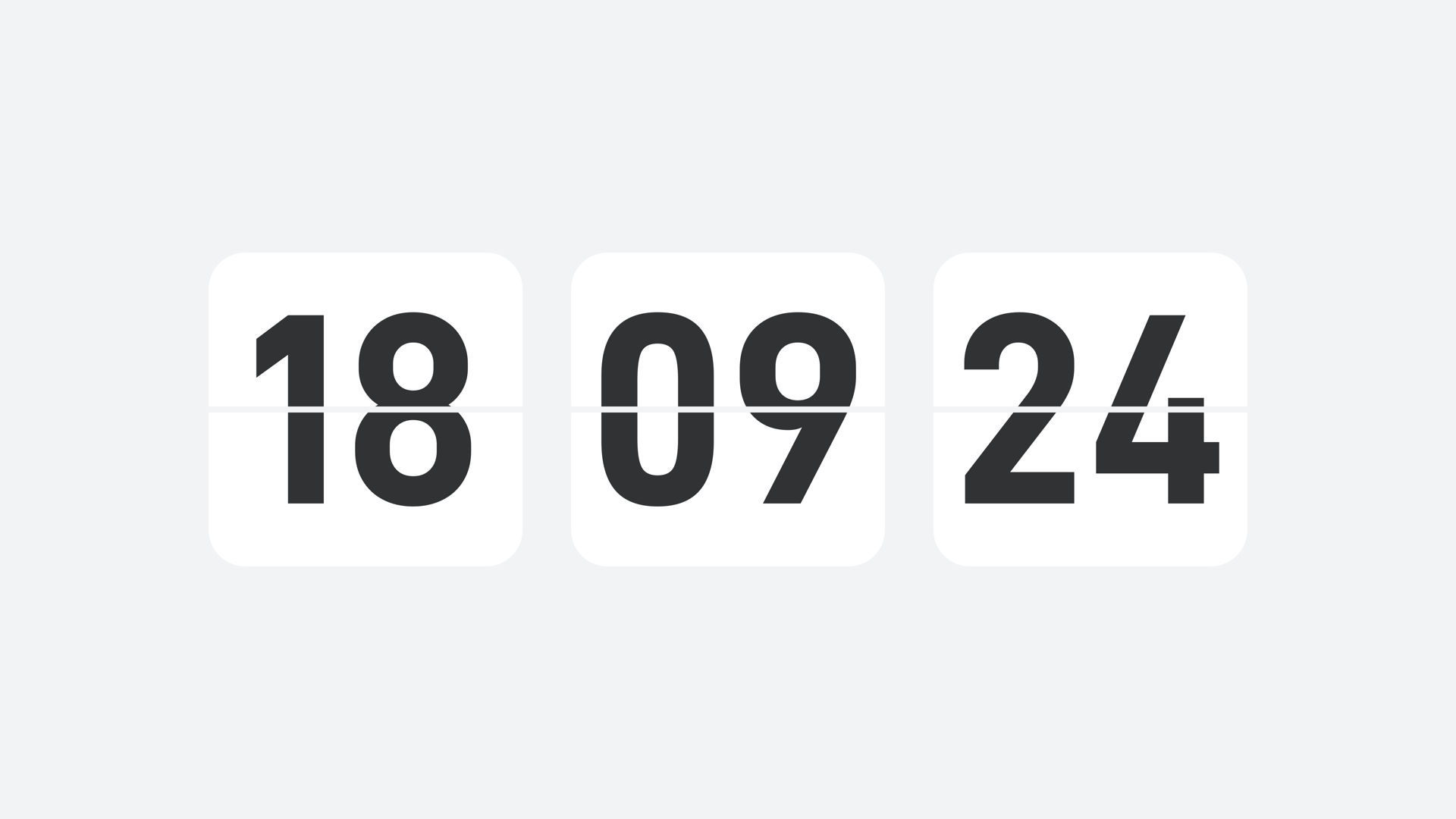
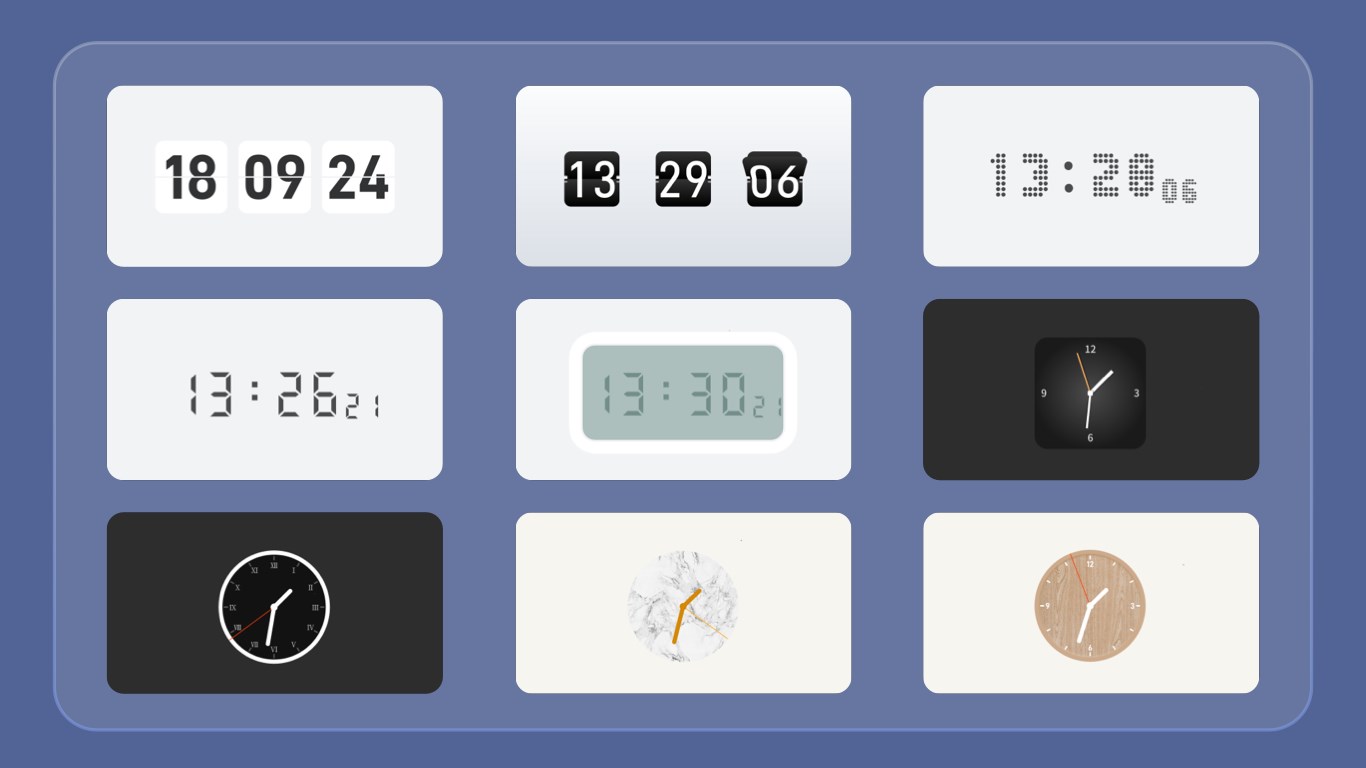
- Highly Customizable Display: Users can tweak clock appearance, choose different fonts, colors, and layouts, making it adapt to various desktop themes.
- Multiple Time Zones: Supports viewing multiple clocks simultaneously, ideal for professionals working across regions or global teams.
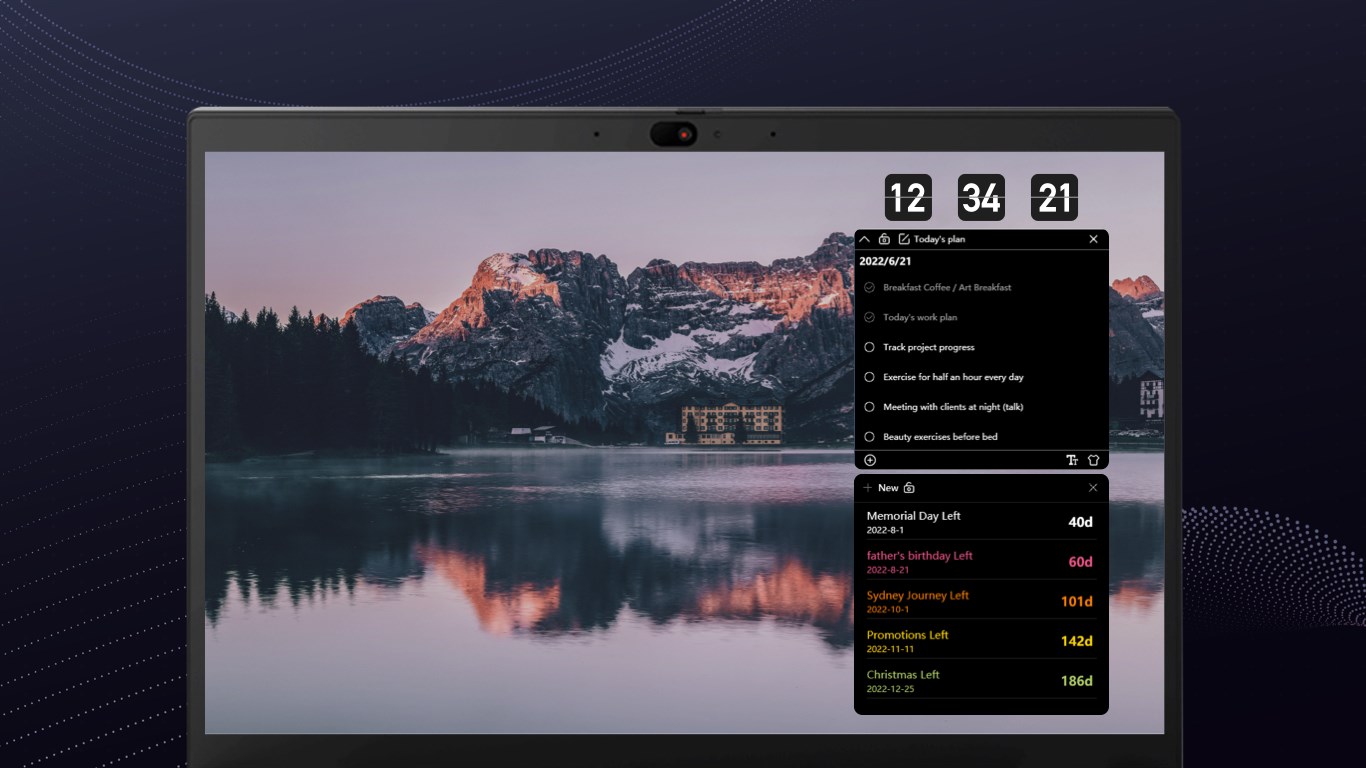
- Alarm & Reminder Integration: Built-in alarm functions allow users to set reminders directly on their desktop, streamlining daily schedules.
- Minimalist and Intuitive Interface: The clean design ensures easy access without cluttering your workspace.
Target Audience
This application appeals to desktop users who appreciate minimalism, need quick time references, or want a customizable clock for personal or professional environments—including students, remote workers, and busy executives.
A Fresh Take on a Desktop Clock—User Experience Deep Dive
Bright, User-Friendly Interface—Like a Tiny Dashboard
From the moment you launch the app, you're greeted with an uncluttered, modern interface that's as welcoming as a well-organized workspace. The clock display is sharp, with high contrast options ensuring readability even in dim lighting. Customization options are straightforward—select your preferred font, color, or layout with just a few clicks, much like tuning a radio to your favorite station. This simplicity makes the app accessible even for users who aren't tech-savvy, lowering the barrier to a more organized desktop environment.
Fluidity and Responsiveness—The Heartbeat of the App
On the technical side, the app demonstrates smooth operation—no laggy interface or stuttering updates—making every glance at the clock feel natural and immediate. It responds swiftly to user inputs, whether adjusting settings or adding alarms, ensuring an experience akin to flipping a light switch—quick and effortless. This fluidity guarantees that users can rely on the clock without interruption or distraction, keeping their focus on core tasks.
Learning Curve—As Easy as Tuning a Guitar String
Setting up the app requires minimal effort. The intuitive layout means users can master the key functions within minutes. Whether customizing the display, setting multiple clocks, or configuring alarms, the steps are logical and well-supported by clear prompts or tooltips. Even first-time users will find it easy to get up and running, much like picking up a familiar instrument for the first time but quickly learning to play a favorite tune.
What Makes This App Stand Out?—The Unique Advantages
Compared to other utility apps that just display the time, this clock distinguishes itself with its multi-time zone support and alarm integration—turning a simple clock into a mini time-management hub. Its high degree of customization allows users to align the clock's appearance with their desktop aesthetic, transforming a utilitarian tool into a personalized desktop accessory. Unlike basic clocks that are static and dull, this app adapts to your workflow and style preferences, making it a true fit for modern, design-conscious users.
Final Recommendations—Should You Download?
Overall, I recommend this application for anyone looking for a reliable, customizable desktop clock that goes beyond just telling time. Its ease of use, combined with standout features like multiple clocks and alarm functions, makes it a practical addition to your Windows toolkit. Whether for staying synchronized across time zones or simply adding a touch of style to your workspace, this app proves to be a nice little helper that doesn't overcomplicate things. If you appreciate clean design and customization, give it a try—you might find it becomes your new desktop companion.
Pros
- User-friendly interface
- Multiple clock styles
- Customizable themes
- Lightweight performance
- Additional features
Cons
- Limited widget placement options
- No weather integration
- Basic alarm features
- No support for multiple time zones display
- Minor bugs in customization











