

- Name DeDuplicate - Cloud Cleaner
- Category Utilities & tools
- Developer Campione Software
- Available on PC
- OS Windows 10 version 17763.0 or higher
- languages Albanian, Arabic, Belarusian, Bosnian (Latin), Bulgarian, Catalan, Chinese (Simplified), Chinese (Traditional Chinese), Croatian, Czech, Danish, Dutch, English, English (Australia), English (Canada), English (United Kingdom), English (United States), Estonian, Filipino, Finnish, French, French (Canada), German, Greek, Hebrew, Hindi, Hungarian, Icelandic, Indonesian, Italian, Japanese, Korean, Latvian, Lithuanian, Macedonian, Malay, Norwegian, Polish, Portuguese, Portuguese (Brazil), Portuguese (Portugal), Punjabi, Romanian, Russian, Serbian (Cyrillic), Serbian (Latin), Slovak, Slovenian, Spanish, Spanish (Latin America), Spanish (Mexico), Spanish (Spain), Spanish (United States), Swedish, Thai, Turkish, Ukrainian, Urdu, Vietnamese
DeDuplicate - Cloud Cleaner for Windows: A Comprehensive Review
If you're drowning in a sea of duplicate files cluttering your Windows system, DeDuplicate offers a timely lifeline. Designed to streamline your digital life, this tool promises efficient duplicate detection and cleanup, freeing up space without the fuss.
What Is DeDuplicate and Who Is Behind It?
DeDuplicate is a specialized utility aimed at decluttering your Windows PC by identifying and removing redundant files. Developed and published by Campione Software, a company focused on making system maintenance straightforward and accessible.
The Core Functional Highlights
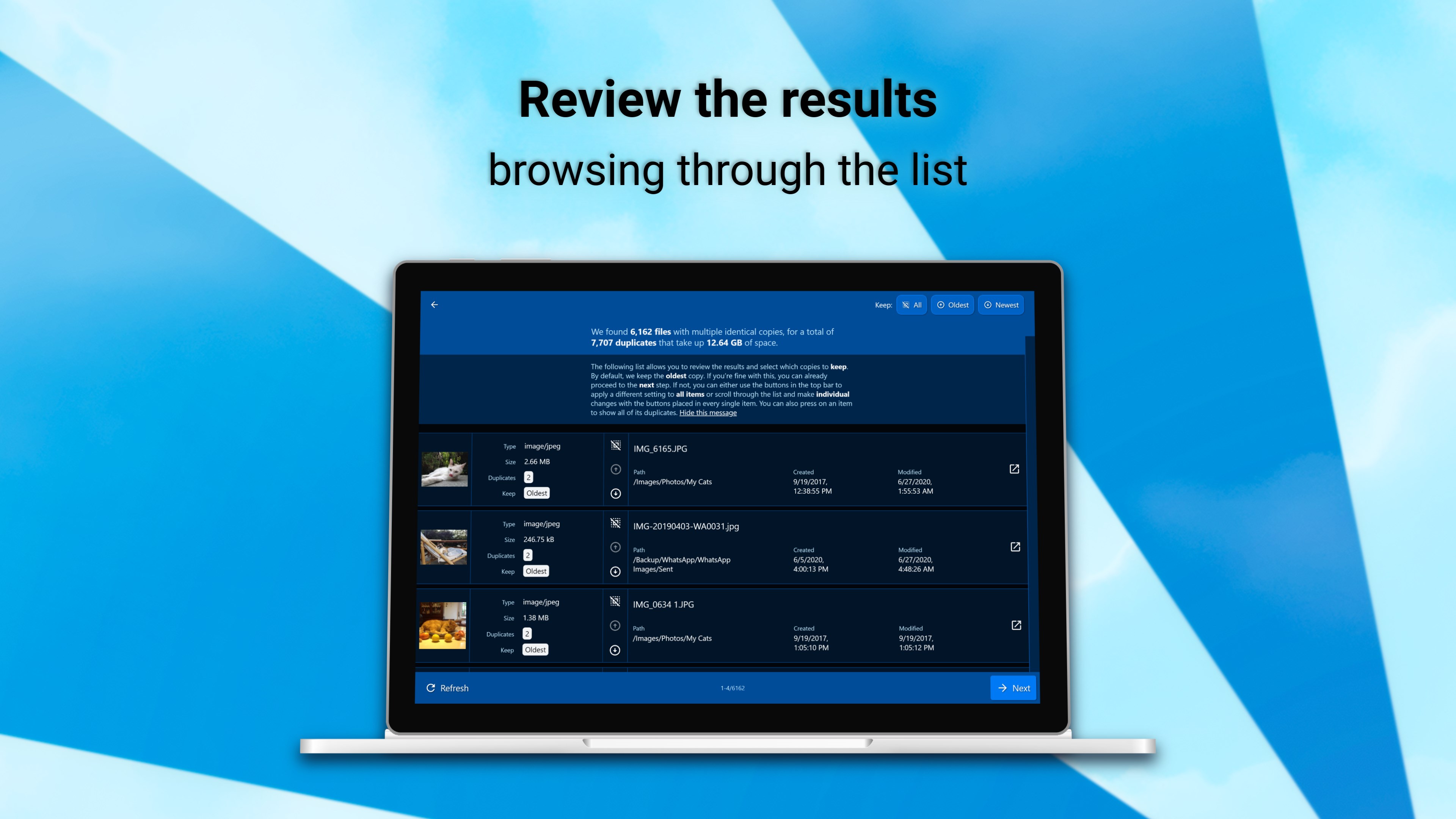
- Smart Duplicate Detection: Uses advanced algorithms to scan and identify exact and similar files quickly.
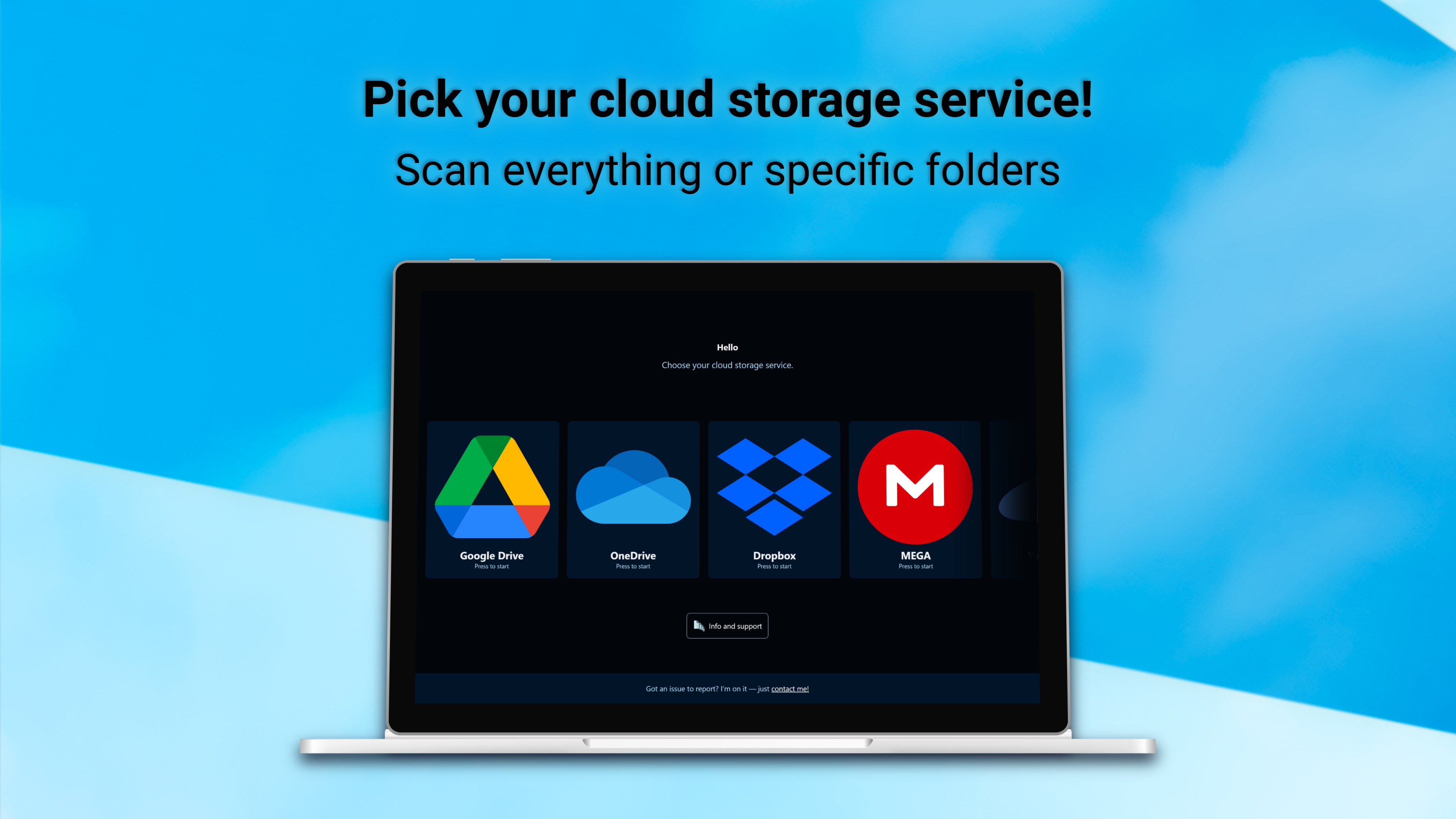
- Cloud Integration: Leverages cloud capabilities for faster processing and backup safety during cleanup.
- Automatic Cleanup Options: Provides customizable rules to automate the removal of unwanted duplicates.
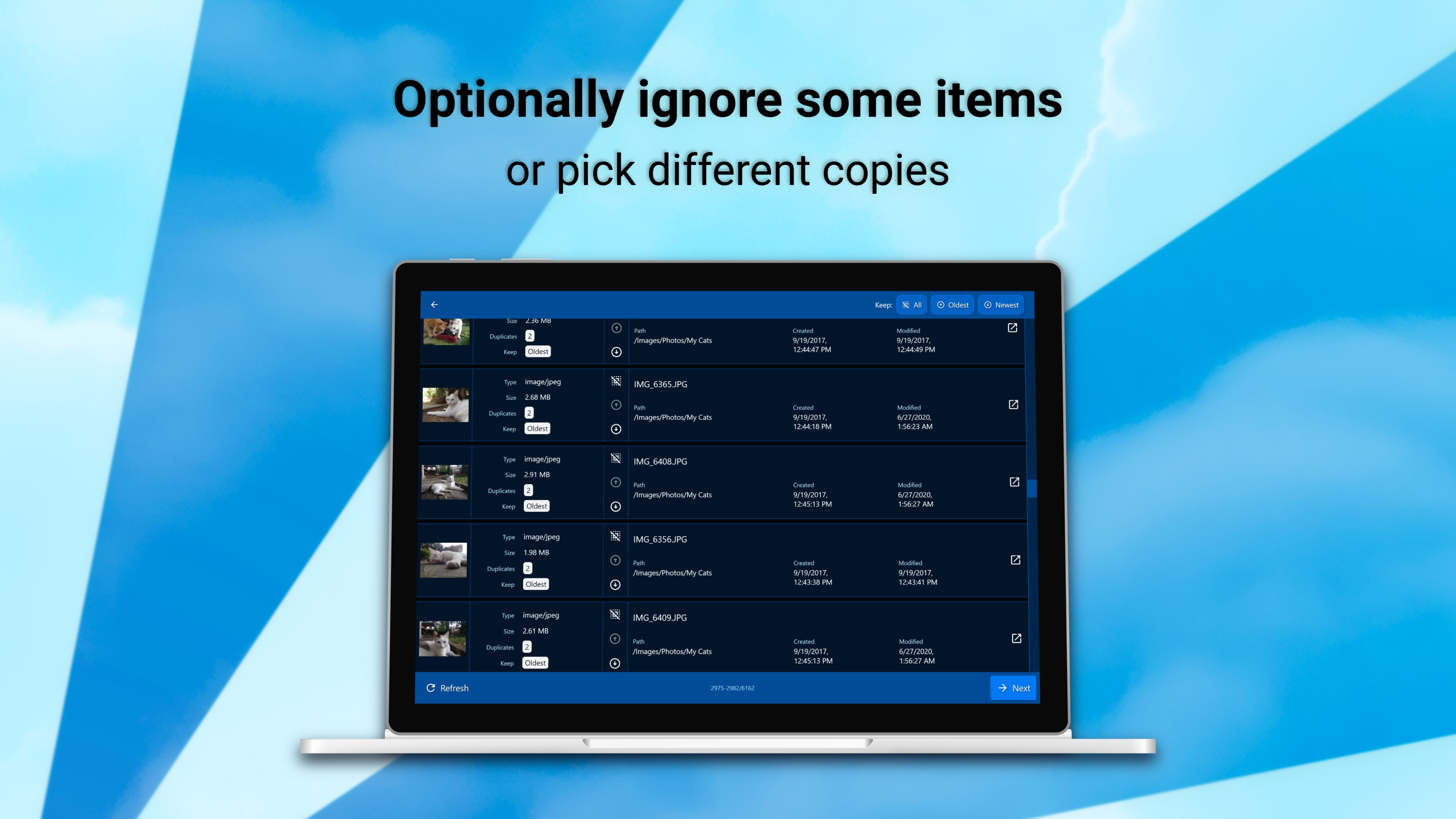
- Sophisticated Filtering: Allows users to specify file types, sizes, or folders to focus the scan efficiently.
Starting the Journey: First Impressions and User Experience
Launching DeDuplicate feels akin to opening a well-organized toolbox—clean, intuitive, and ready to assist. The interface is sleek and modern, with a dashboard that invites users without overwhelming them. Navigating through the app is akin to following a well-marked trail—straightforward and smooth, even for those new to duplicate cleaners.
Operational performance is robust. The scan speeds are impressive, turning what was once a tedious chore into a breezy task. The app offers clear progress updates and allows users to pause and resume scans at their convenience, adding flexibility to the process. Learning curve? Minimal. Most users will find themselves up and running within minutes, thanks to concise instructions and unintimidating design.
Distinguishing Features: What Sets DeDuplicate Apart?
While many duplicate cleaners flood the market, DeDuplicate distinguishes itself through its cloud integration and intelligent filtering. The cloud-backed scanning accelerates the process, leveraging cloud computing power to handle large datasets efficiently—a real boon for users with extensive media libraries or backups.
Moreover, its filtering capabilities allow users to set precise parameters, ensuring that critical files remain untouched. Unlike some tools that merely delete all duplicates indiscriminately, DeDuplicate offers a nuanced approach—focusing on what truly matters to the user, which is a thoughtful touch in an era of automated yet sometimes overly aggressive utilities.
Conclusion and Recommendations
Overall, DeDuplicate performs solidly as a reliable, user-friendly tool that can significantly declutter your PC with minimal fuss. Its cloud-enhanced speed and intelligent filtering make it particularly appealing for users dealing with large numbers of files or seeking a gentle, yet effective, cleanup experience.
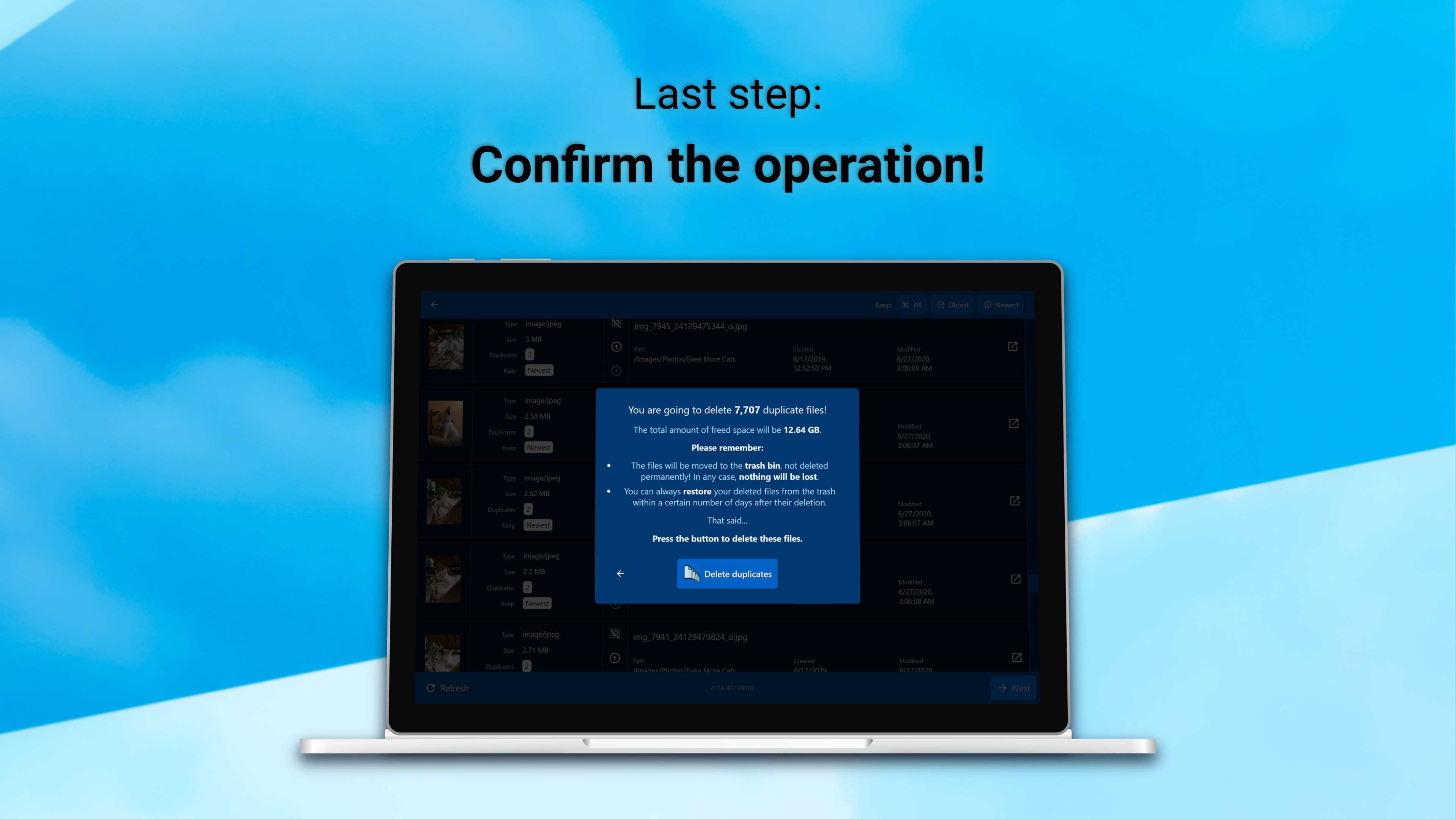
If you're looking for a duplicate cleaner that balances power, ease of use, and smart features, DeDuplicate deserves a spot on your toolbelt. I recommend it for casual users and professionals alike, especially if you value precision in maintaining a tidy system. Just keep an eye on sensitive files—like documents you wish to keep, and ensure you double-check before deletion.
In sum, DeDuplicate isn't the flashiest tool out there, but it gets the job done reliably and efficiently—a friend you can trust to keep your Windows system lean and mean.
Pros
- Effective Cloud Data Deduplication
- User-Friendly Interface
- Supports Multiple Cloud Platforms
- Automated Duplicate Detection
- Real-Time Sync Monitoring
Cons
- Limited free trial features
- Longer scan times for large cloud accounts
- Occasional false positives in duplicate detection
- No offline mode available
- User documentation could be more detailed











