

- Name CrystalDiskMark
- Category Utilities & tools
- Available on PC
- OS Windows 10 version 14393.0 or higher
- languages English (United States), Japanese
CrystalDiskMark for Windows: The Go-To Tool for Disk Performance Benchmarking
If you're a tech enthusiast or a professional who holds storage performance as a priority, then CrystalDiskMark for Windows is like that reliable friend who always tells you the truth—crisp, clear, and trustworthy. This lightweight yet powerful utility offers a straightforward way to gauge your disk's speed, giving you insights that can influence your purchasing decisions or troubleshooting efforts.
About the Developer: Crystal Dew World
Developed by Crystal Dew World, a dedicated team specializing in disk utility tools, CrystalDiskMark has established itself as an essential component in the toolbox of anyone working closely with storage devices. Their focus on accuracy, simplicity, and accessibility drives the continual improvement of this application.
Major Features That Make a Difference
- Fast and Precise Benchmarking: Quickly measures sequential and random read/write speeds, providing detailed insights into disk performance.
- User-Friendly Interface: Simplifies complex testing procedures into an intuitive workflow suitable for beginners and experts alike.
- Highly Configurable Tests: Allows customization of test parameters such as test size and number of runs, offering tailored benchmarking suited to various needs.
- Support for Multiple Storage Devices: Compatible with HDDs, SSDs, and NVMe drives, ensuring versatility across different hardware setups.
A Deep Dive into the Application Experience
Imagine you're planning to upgrade your storage setup — the thrill of choosing faster SSDs quickly turns into a moment of uncertainty. Will my new drive really deliver on its promises? Enter CrystalDiskMark: this tool acts like a trusted speedometer for your storage devices, translating raw data into understandable metrics that make your decision-making process straightforward and confident.
Core Functionality: Benchmarking That Speaks Volumes
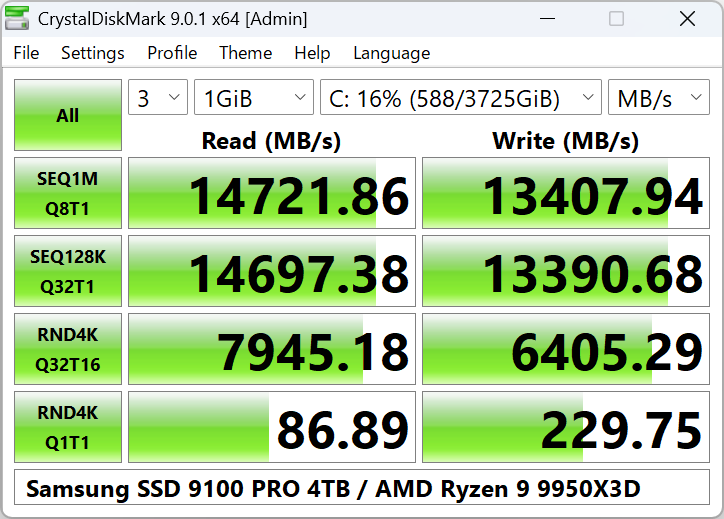
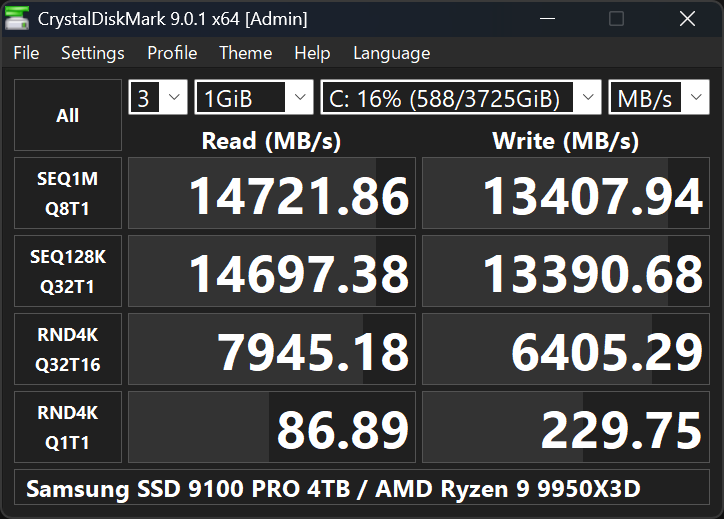
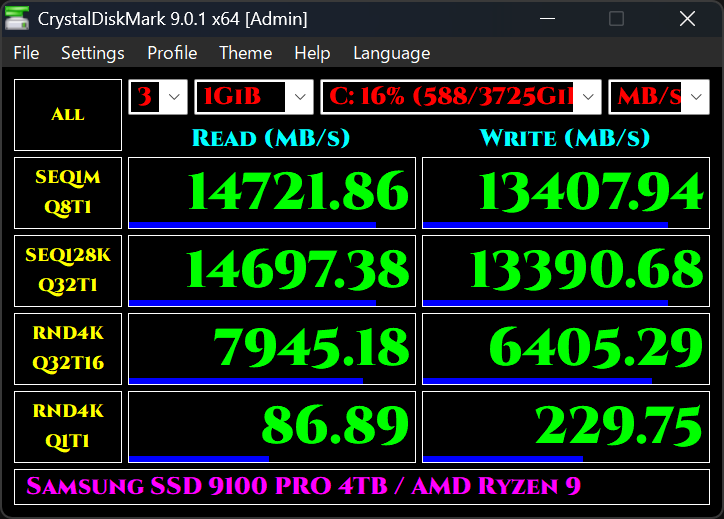
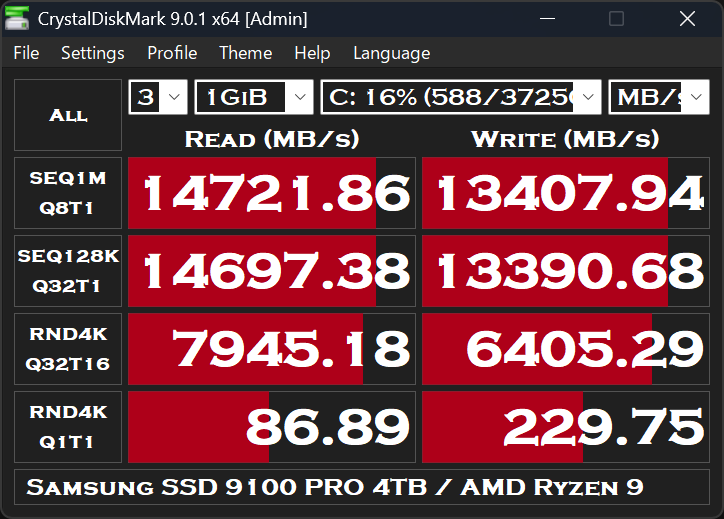
The heart of CrystalDiskMark lies in its benchmarking prowess. It conducts a series of tests measuring sequential read/write speeds—think of it as checking how fast data zips down a highway—and random speeds, which reflect performance during typical computer use. These metrics are displayed in clear columns, allowing you to see, at a glance, how your disk stacks up. The app's ability to run multiple test configurations means you can evaluate various scenarios, whether you're assessing a new NVMe SSD or your trusted HDD.
Design and User Experience: Simplicity Meets Professionalism
The interface resembles a minimalist dashboard — straightforward, uncluttered, yet packed with information. Navigating the app requires no steep learning curve; even if you're not tech-savvy, you'll find pressing "All" or customizing your tests as intuitive as setting your coffee timer. The application's responsiveness ensures fluid operation, and its small footprint means it won't bog down your system. Most users find it convenient to run benchmarks and interpret results within a few clicks, making it an efficient addition to your routine diagnostics.
What Sets CrystalDiskMark Apart?
While many disk utilities offer similar features, CrystalDiskMark's core advantage is its focus on accuracy combined with simplicity. Its testing algorithms are praised for producing reproducible results that you can rely on. Additionally, the support for multiple test configurations allows detailed profiling, especially useful in professional contexts or for enthusiasts performing comparative analyses.
Another notable aspect is its open and transparent methodology; instead of overwhelming users with technical jargon, it presents data in an accessible format. This clarity distinguishes it from bulkier utilities that aim for comprehensive system analysis but often do so at the expense of user-friendliness.
Final Verdict and Recommendations
Overall, CrystalDiskMark is a trustworthy, lightweight benchmarking tool that excels at providing clear, accurate storage performance metrics. Its simplicity makes it accessible to beginners, while its customizable options serve power users seeking detailed insights. I would highly recommend it to anyone looking to verify their disk speeds or troubleshoot performance issues, especially if you prefer a no-nonsense approach that gets straight to the point.
In essence, if your goal is to obtain quick, reliable data about your drives without overwhelming complexity, CrystalDiskMark stands out as an ideal choice. Just like a precise speedometer on a car dashboard, it offers you the clarity to make informed decisions and optimize your storage devices confidently.
Pros
- Intuitive User Interface
- Fast Benchmarking
- Multiple Test Options
- Lightweight Application
- Free and No Ads
Cons
- Limited Detailed Metrics
- Lack of Customization Options
- No Support for SSD-Specific Features
- Limited Language Support
- Occasional Compatibility Issues











