


- Name Crosshair X Extension
- Category Utilities & tools
- Developer Centerpoint Gaming
- Available on PC
- OS Windows 10 version 18362.0 or higher
- Keyboard Integrated Keyboard
- Mouse Integrated Mouse
- languages English (United States)
Unlock Precise Control with Crosshair X Extension for Windows
If you're a gamer or a professional who demands pinpoint accuracy in your on-screen interactions, the Crosshair X Extension for Windows could become your new best friend. Designed by Centerpoint Gaming, this utility aims to fine-tune your visual alignment, offering a seamless experience that bridges technical precision with user-friendly design.
About the App: A Clear Focus on Precision Targeting
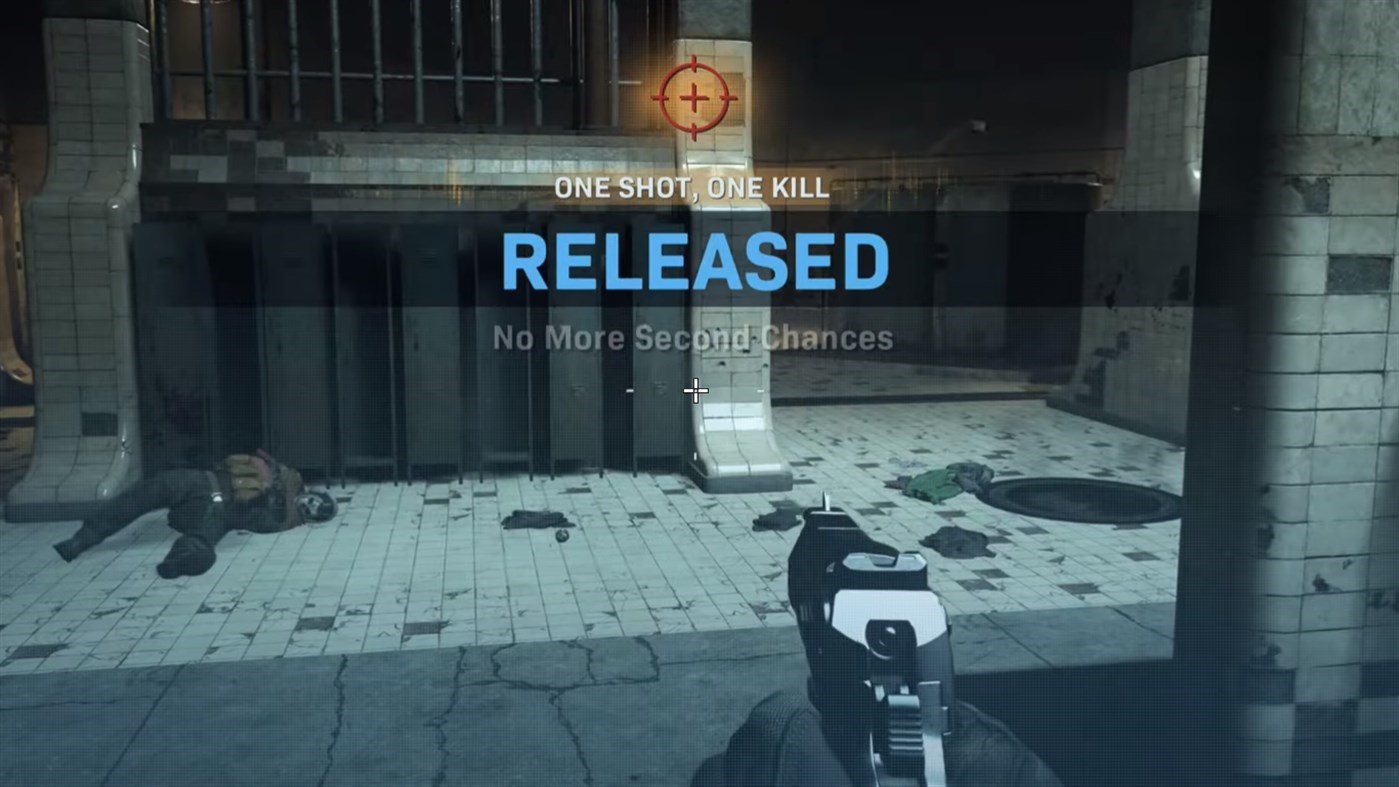
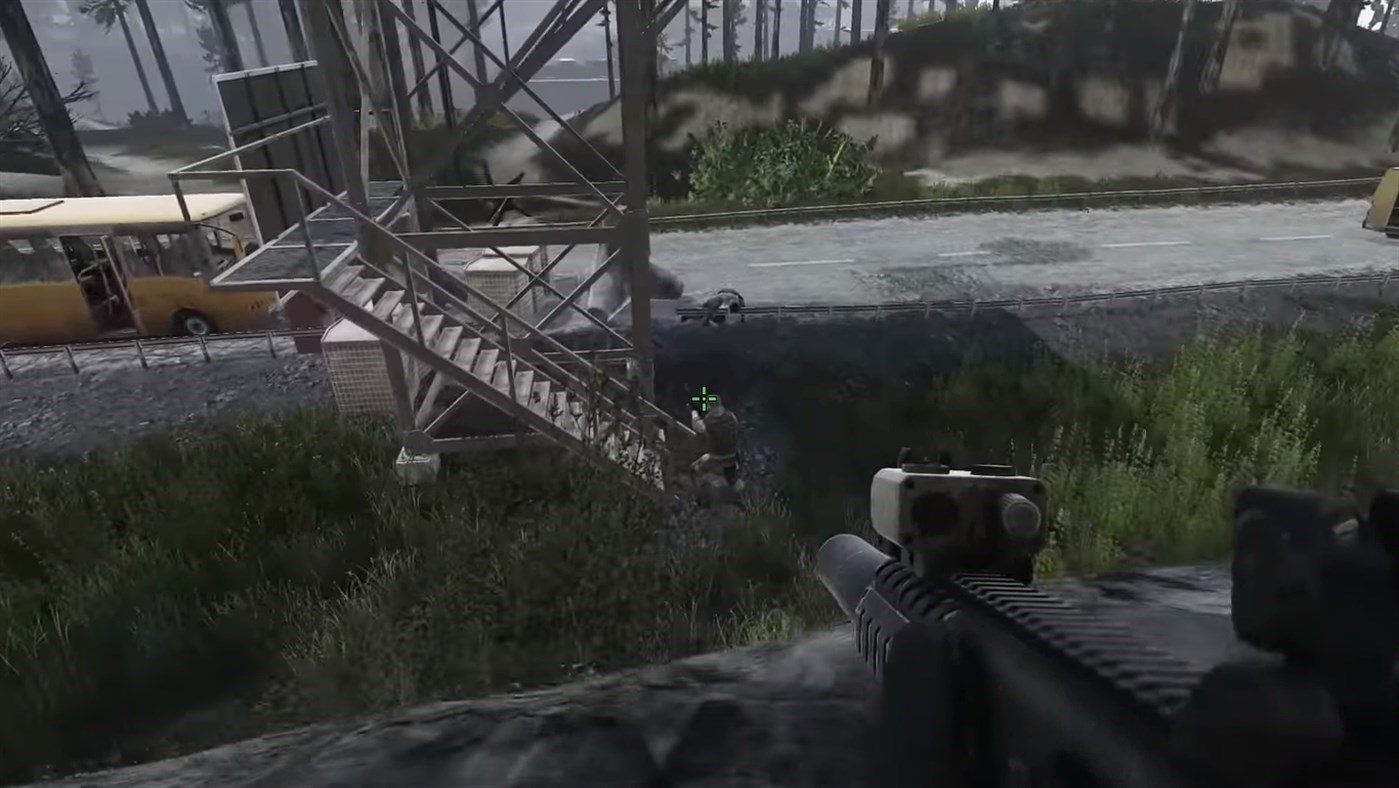
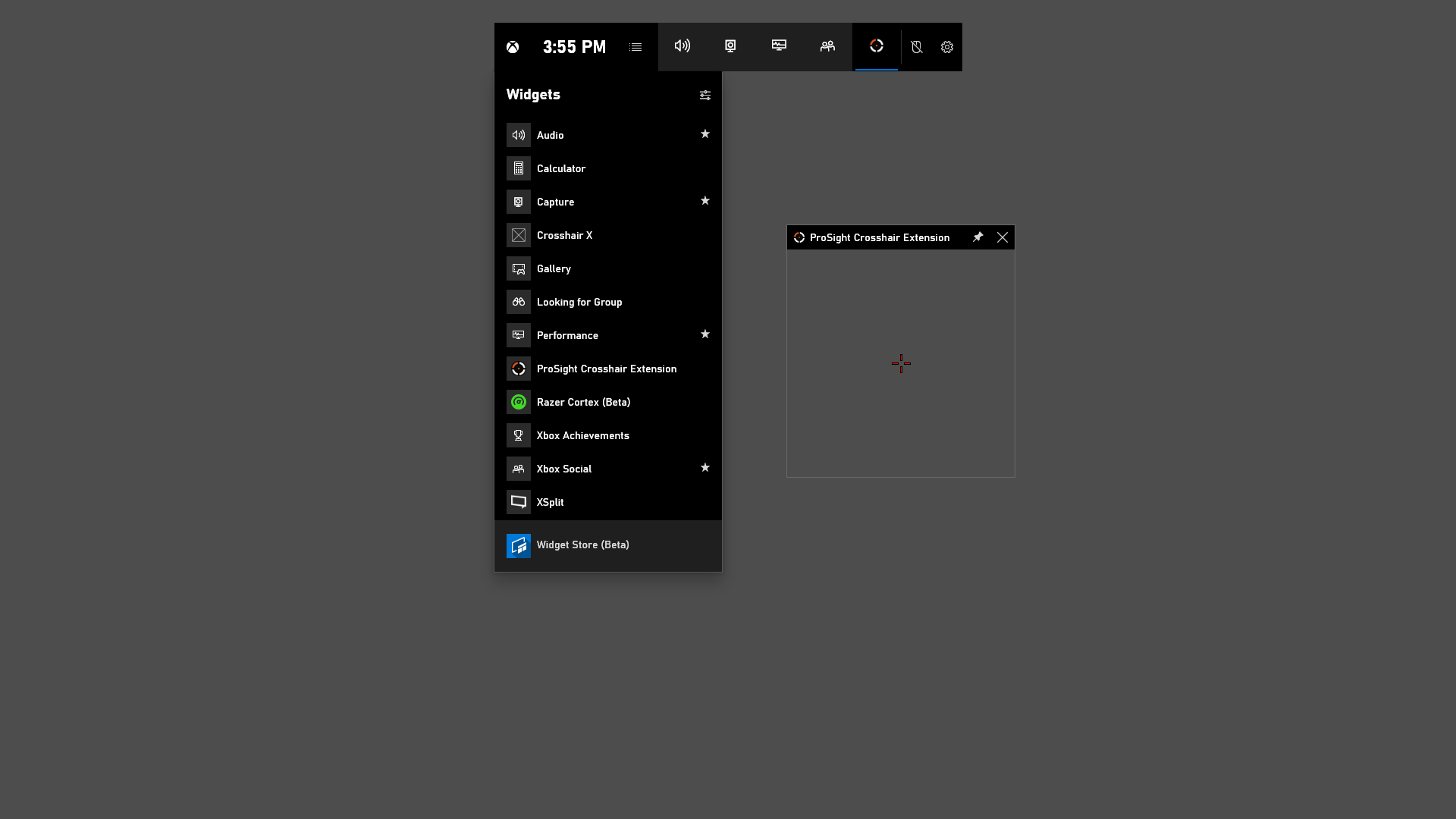
The Crosshair X Extension is a Windows-based utility developed by Centerpoint Gaming that enhances your on-screen targeting experience. Its main advantage is providing customizable crosshairs or visual aids that help improve accuracy during gaming or detailed work tasks. The tool caters to gamers, streamers, eSports athletes, and professionals involved in design or digital art who require meticulous control. The app's key features include adjustable crosshair styles, on-screen positioning controls, and real-time overlay management, making precision adjustments straightforward and accessible in various scenarios.
Engaging the User: Making Precision Fun and Intuitive
Imagine trying to hit a tiny target across a vast digital battlefield—every millisecond counts, and the smallest misalignment can mean the difference between victory and frustration. Crosshair X Extension transforms your screen into a battlefield of accuracy, like adding a finely calibrated compass to guide your shot. Easy to launch and adjust, it feels like having a professional coaching assistant right at your fingertips, making precision not just accessible but also almost enjoyable.
Core Functionality in Action
Customizable Crosshair Styles and Positions
The heart of the app lies in its robust customization options. Users can select from a variety of crosshair styles—from subtle dots to dynamic lines—and tailor their position on the screen with pixel-perfect precision. Think of it as decorating your workspace with a personalized sightline that always points exactly where you want it. The flexibility ensures that it fits seamlessly into different use cases, whether it's shooting in games or aligning graphic elements in design software.
Overlay Management and Real-time Adjustment
Adjusting overlays in real time is akin to having a live editor right over your screen, allowing instant tweaks without interruptions. The intuitive slider controls and easy toggle switches let you move or resize the crosshair swiftly—great for testing different setups during gameplay or editing sessions. This immediate feedback loop significantly increases productivity and enjoyment, especially during intense moments when quick adaptations matter.
Intuitive Interface and User Experience
The design of Crosshair X Extension is clean and uncluttered, fostering a smooth learning curve even for first-time users. Navigating menus and settings feels like flipping through familiar pages of a well-organized guidebook. Loading times are minimal, and responsiveness is excellent, ensuring that adjustments happen instantly and without lag. The app integrates seamlessly into your workflow, almost as if it's an invisible but reliable partner guiding your aim and actions.
What Makes It Stand Out?
Compared to other utility tools aimed at enhancing on-screen accuracy, Crosshair X Extension's standout feature is its blend of high customization with ease of use. Unlike more complex overlays that can feel overwhelming or intrusive, this app provides a streamlined interface that appeals to both casual users and professionals alike. Its ability to rapidly switch configurations and fine-tune overlays in real time is akin to having a professional-grade sighting system that remains completely unobtrusive—making it uniquely suited for dynamic environments like competitive gaming or rapid design tasks.
Final Thoughts & Recommendations
All in all, the Crosshair X Extension for Windows offers a thoughtful, user-centric approach to precision enhancement. It's particularly recommended for gamers looking to improve shot accuracy, streamers wanting a professional touch, or designers who require meticulous alignment. The app earns a solid recommendation, especially considering its straightforward setup and minimal learning curve. For those who value control and clarity over their digital interactions, this tool could become an indispensable part of your toolkit, helping you aim with confidence and finesse.
Pros
- User-friendly interface
- Highly customizable crosshair options
- Low system resource usage
- Seamless integration with Microsoft Store games
- Regular updates and improvements
Cons
- Limited cross-platform support
- Occasional lag in crosshair rendering
- Customization options could be more extensive
- Initial setup might be confusing for newcomers
- Limited free trial features











