
- Name CPU ZX Pro
- Category Utilities & tools
- Developer Zero Byte Software Solutions, zerobytebd.com
- Available on PC
- OS Windows 10 version 17134.0 or higher
- Keyboard Integrated Keyboard
- Mouse Integrated Mouse
- languages English (United States)
Introducing ZX Pro for Windows: Your Ultimate CPU Monitoring Companion
ZX Pro for Windows is a dedicated utility designed to provide users with real-time insights into their CPU performance, temperature, and system health, making it a must-have for tech enthusiasts and professionals alike.
About the Developer and Core Highlights
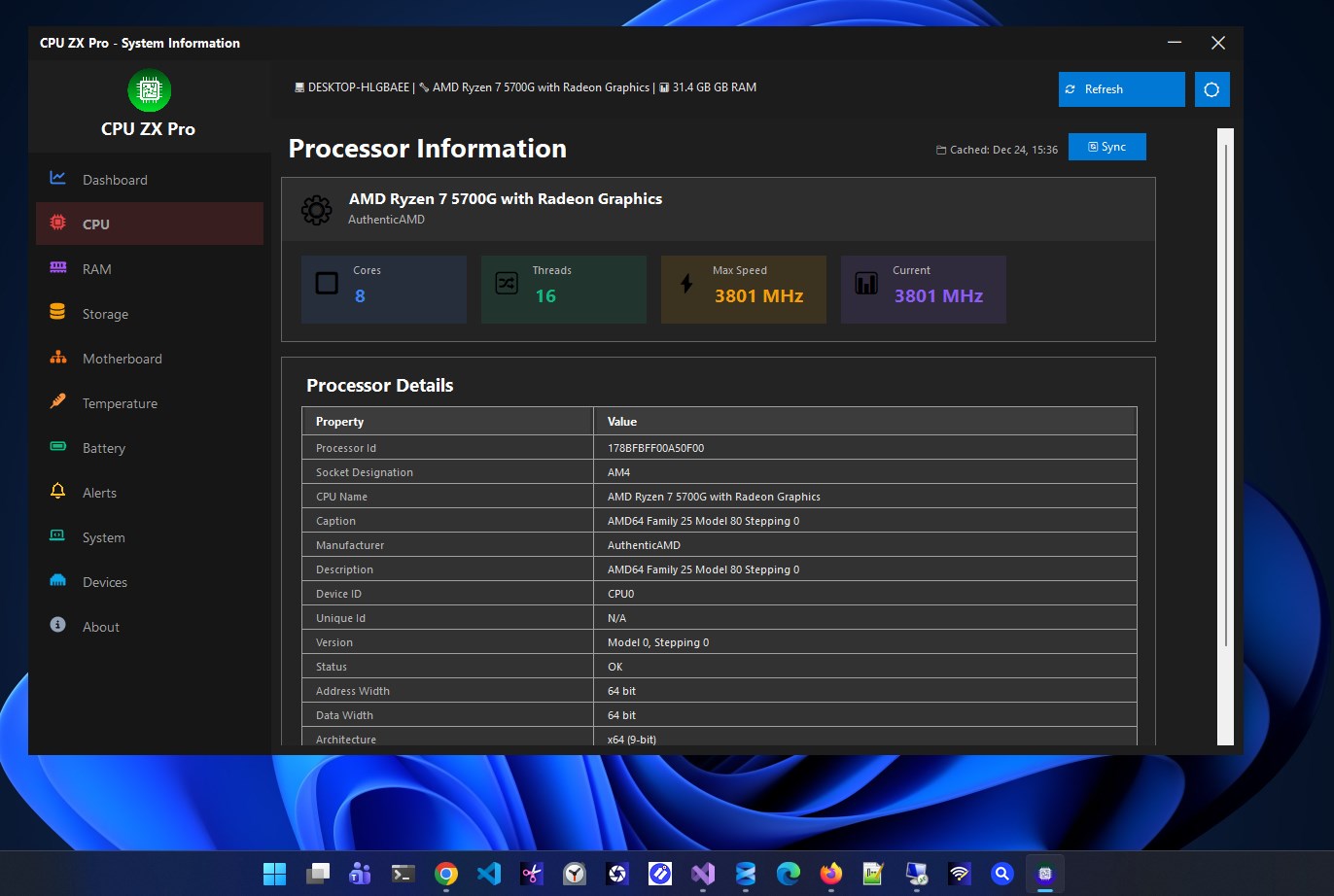
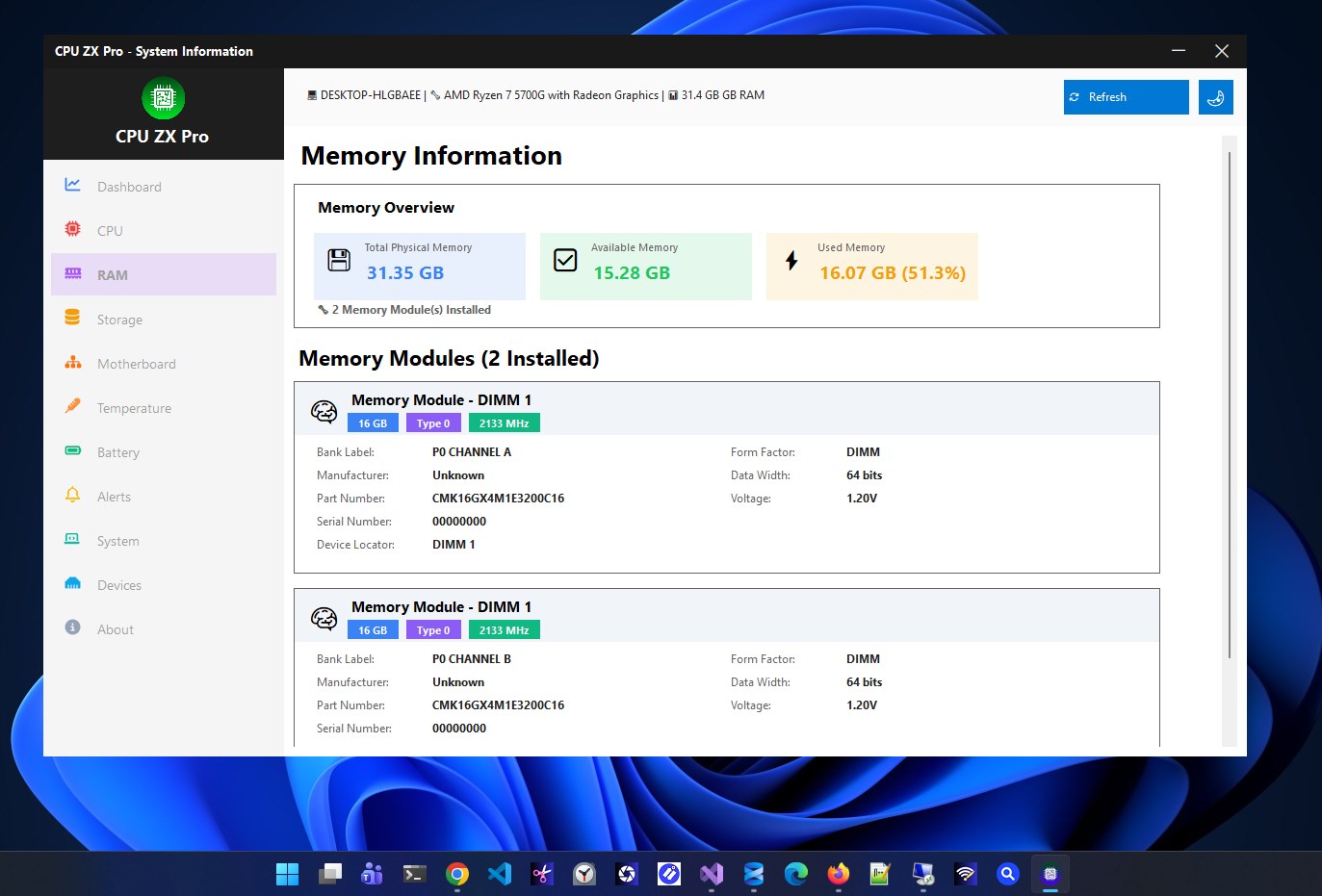
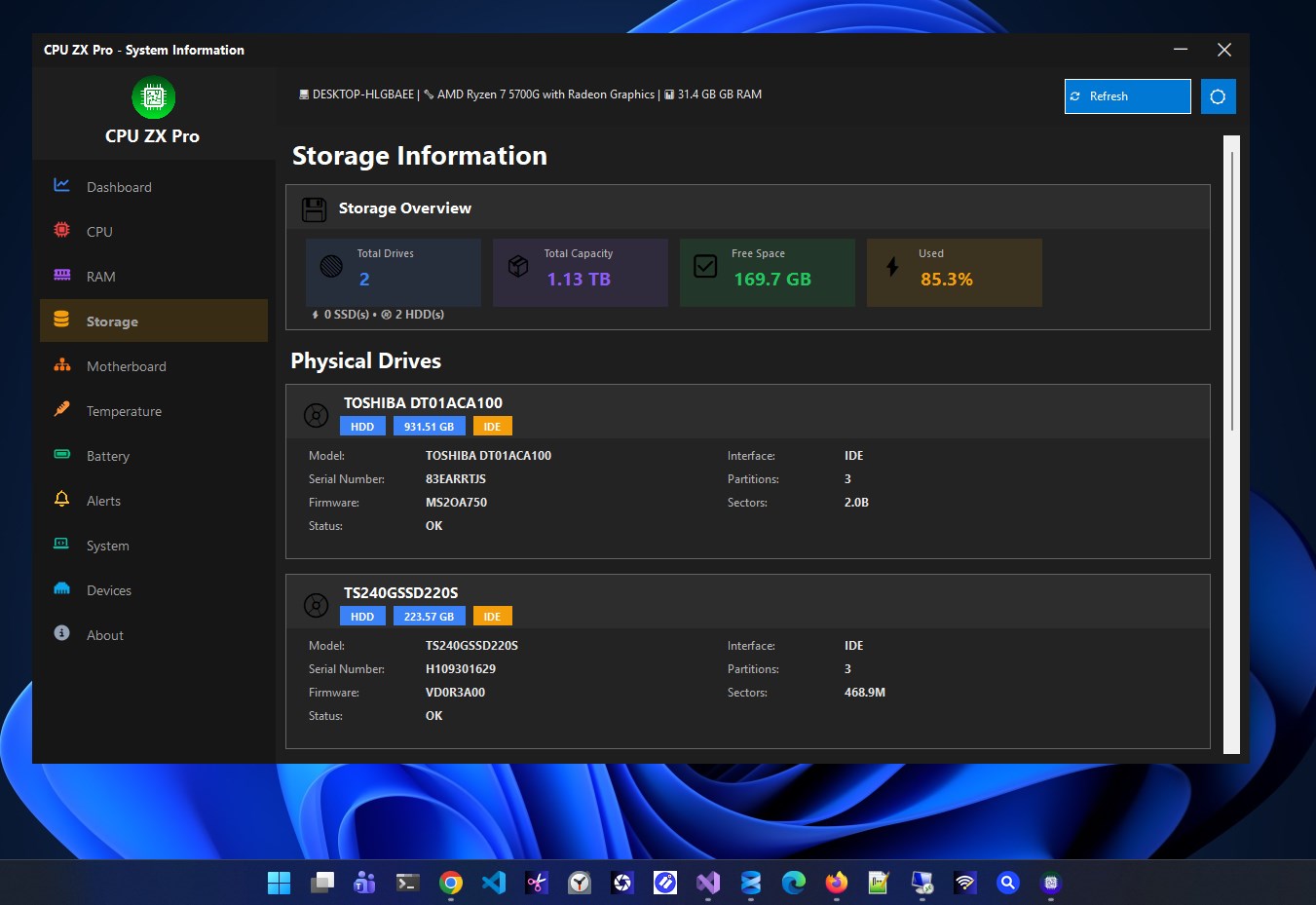
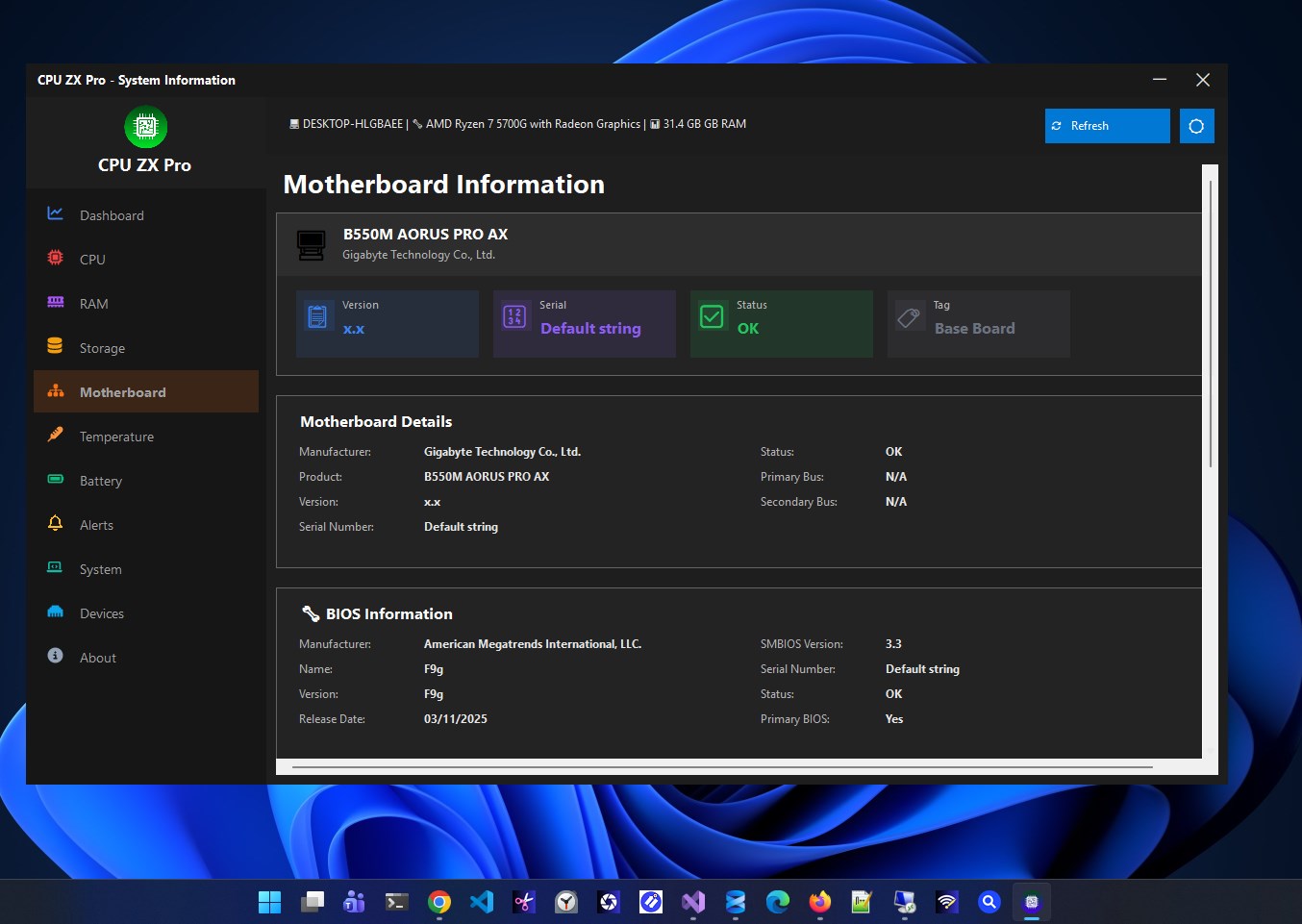
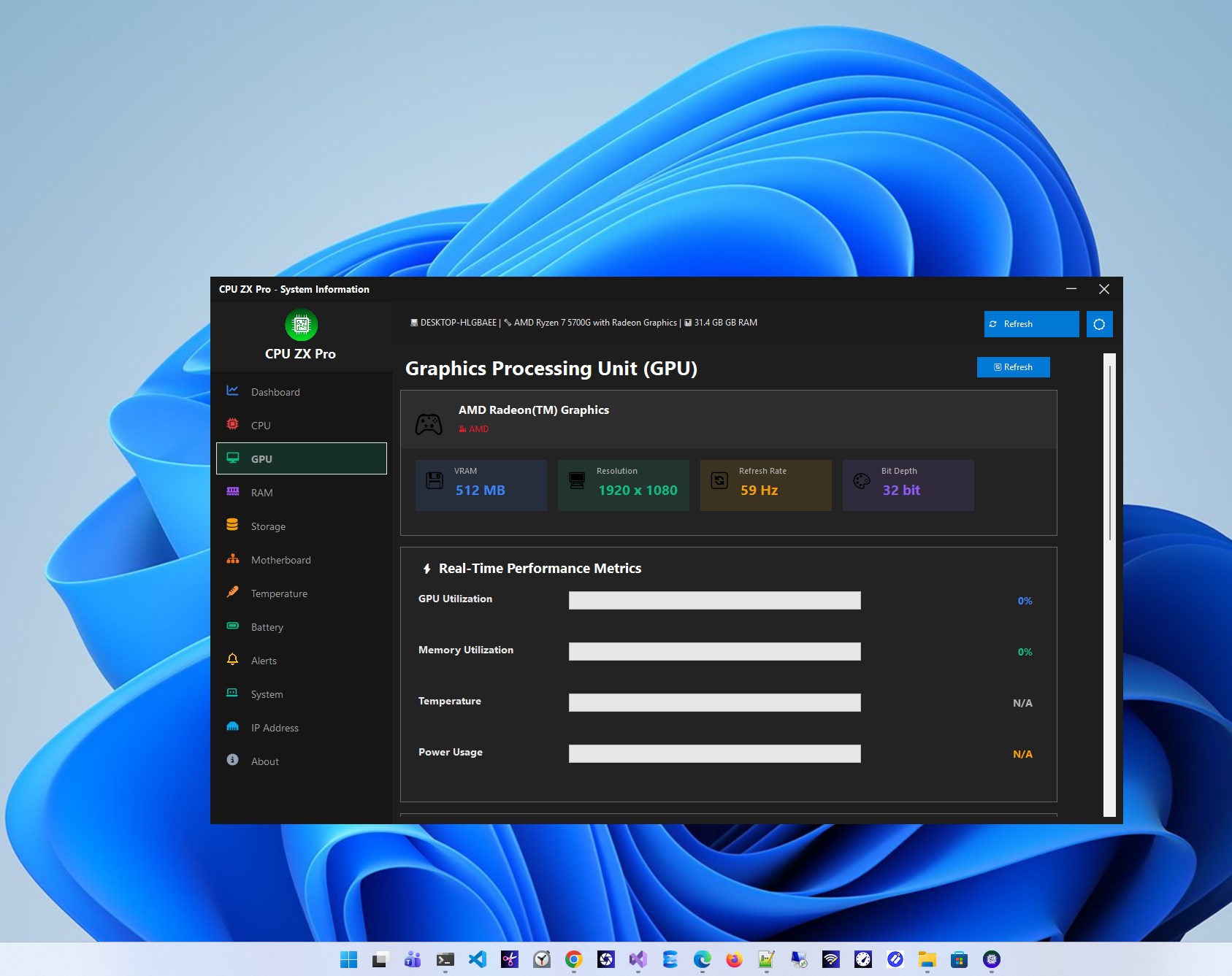
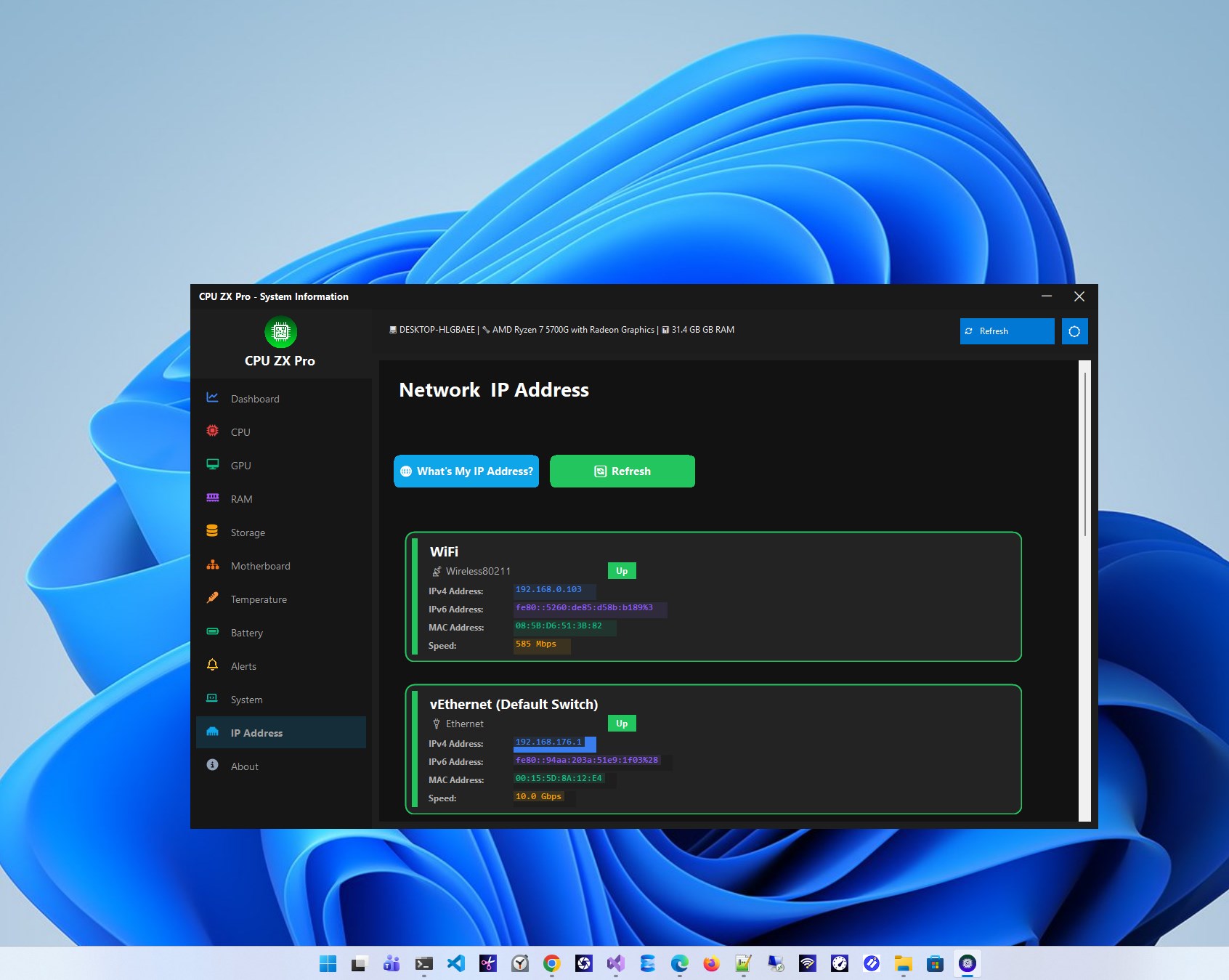
Developed by Zero Byte Software Solutions, a team known for creating clean, functional, and user-centric tools, ZX Pro aims to deliver accurate and accessible CPU diagnostics. The app's main features include detailed real-time CPU usage tracking, temperature monitoring with alerting capabilities, and hardware information display. Targeted at PC builders, gamers, IT professionals, and curious everyday users, ZX Pro seeks to simplify understanding complex system metrics with an intuitive interface.
Engaging and Informative User Experience
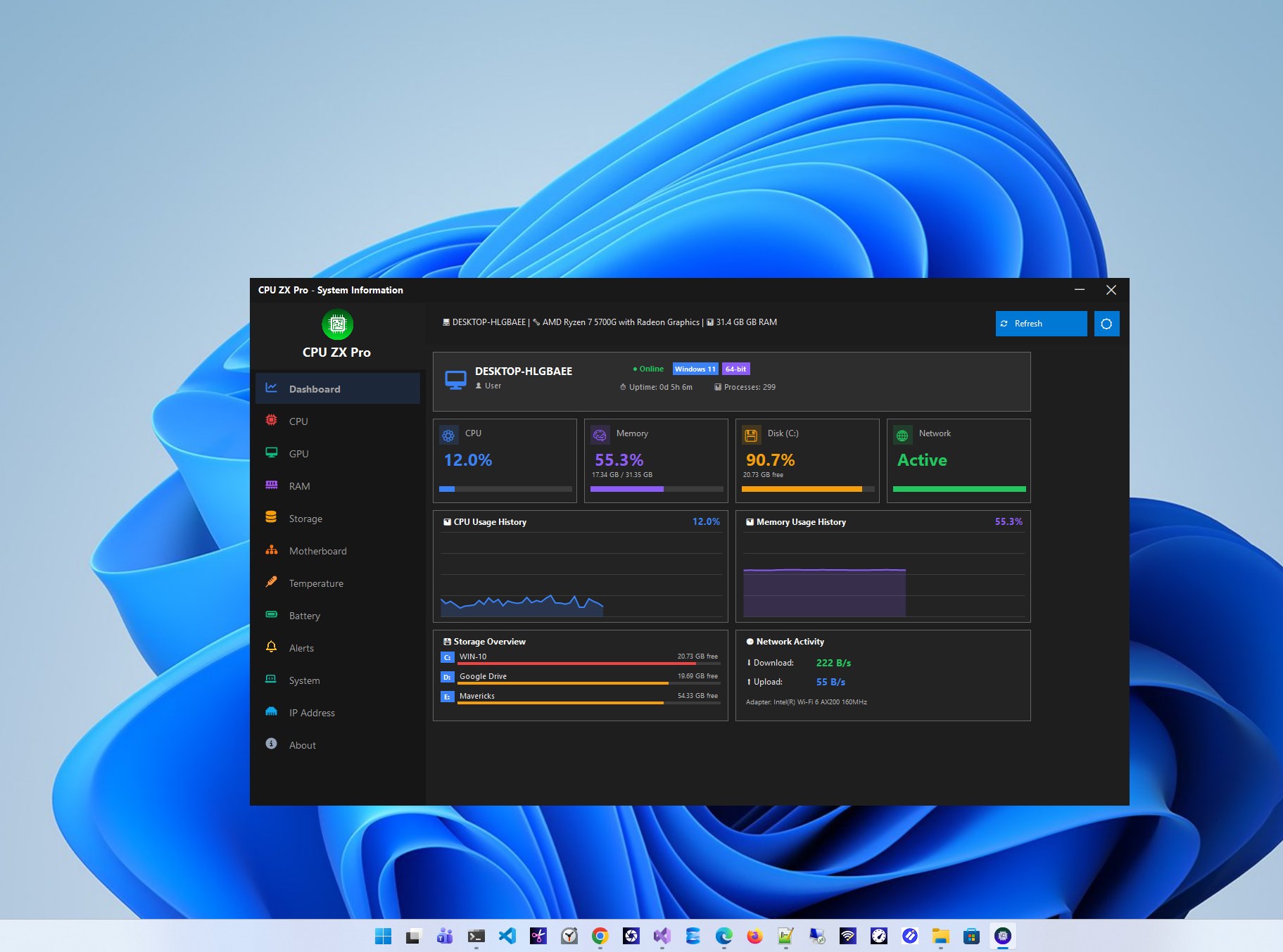
Imagine sitting at your desk, peering into a dashboard that not only shows the current heartbeat of your computer but also tells you when things heat up or slow down—ZX Pro's interface feels just like that. Its design balances clarity with professionalism, offering a sleek, dark-themed layout that's easy on the eyes during long monitoring sessions. The app operates smoothly, with instant updates and minimal lag, making it feel like having a personal system nurse by your side.
Core Function: Dynamic CPU Performance Visualization
One of ZX Pro's standout features is its vibrant, real-time CPU usage chart that acts like a pulse monitor—pulsing with activity as your system runs different tasks. This visualization isn't just pretty; it provides granular insights into how each core performs, allowing users to identify processes that hog resources. Compared to typical system monitors, ZX Pro offers more detailed breakdowns and customizable views, making complex data easy to interpret at a glance. Its straightforward interface means even beginners can benefit from this feature without a steep learning curve.
Core Function: Temperature and Alert System
Overheating can be a silent threat to hardware longevity, and ZX Pro addresses this with its precise temperature monitoring. The app displays real-time thermal data for your CPU, along with customizable temperature thresholds. When temperatures approach dangerous levels, the app promptly alerts you—like a gentle warning tap before a potential issue escalates. This feature sets ZX Pro apart from many competitors by combining accurate monitoring with proactive alerts, empowering users to take immediate action to prevent damage.
User Experience and Unique Differentiators
From a user experience perspective, ZX Pro excels at translating technical complexity into accessible visuals. Its learning curve is gentle—users quickly grasp how to interpret graphs and configure alerts—making it suitable for novices and seasoned pros. Unlike generic utilities that offer scant insights, ZX Pro's key differentiator lies in its comprehensive yet user-friendly approach, combining detailed hardware data with an elegant interface. Plus, the app's lightweight design ensures it runs seamlessly on most Windows machines without noticeable resource drain.
Recommendation and Usage Tips
Considering its features, stability, and user-centric design, I confidently recommend ZX Pro to anyone looking for a reliable CPU monitoring tool. Whether you're overclocking your system, troubleshooting performance issues, or simply curious about your PC's internal health, ZX Pro provides valuable insights with minimal fuss. For best results, pair it with routine system checks and custom alert settings to maintain optimal performance and hardware safety.
Pros
- Accurate CPU Monitoring
- User-Friendly Interface
- Low Resource Consumption
- Customizable Settings
- Compatibility with Multiple Cores
Cons
- Limited Additional Features
- Occasional Data Lag
- No Historical Data Storage
- In-App Advertising
- Limited Customization for Alerts











