

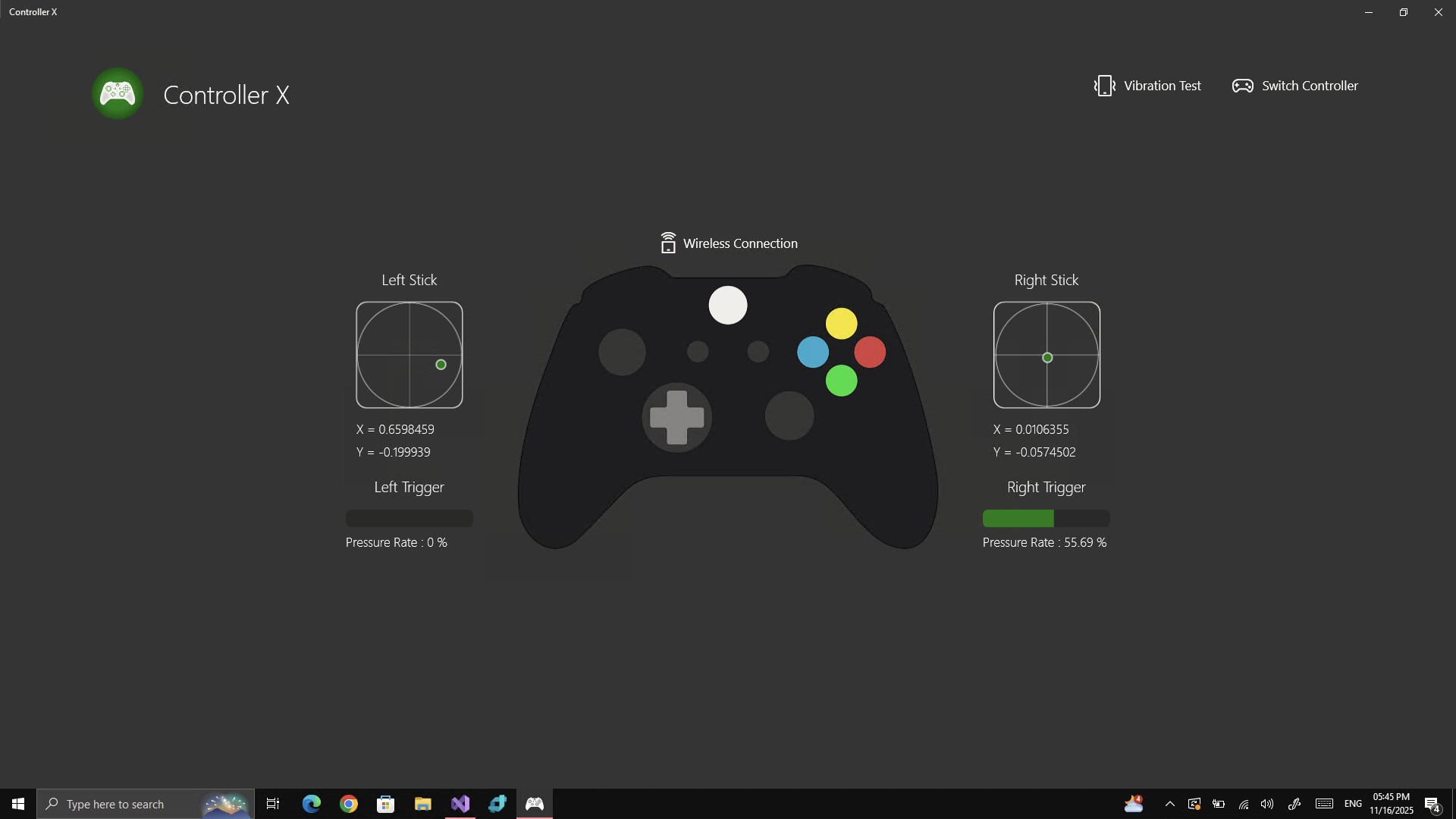
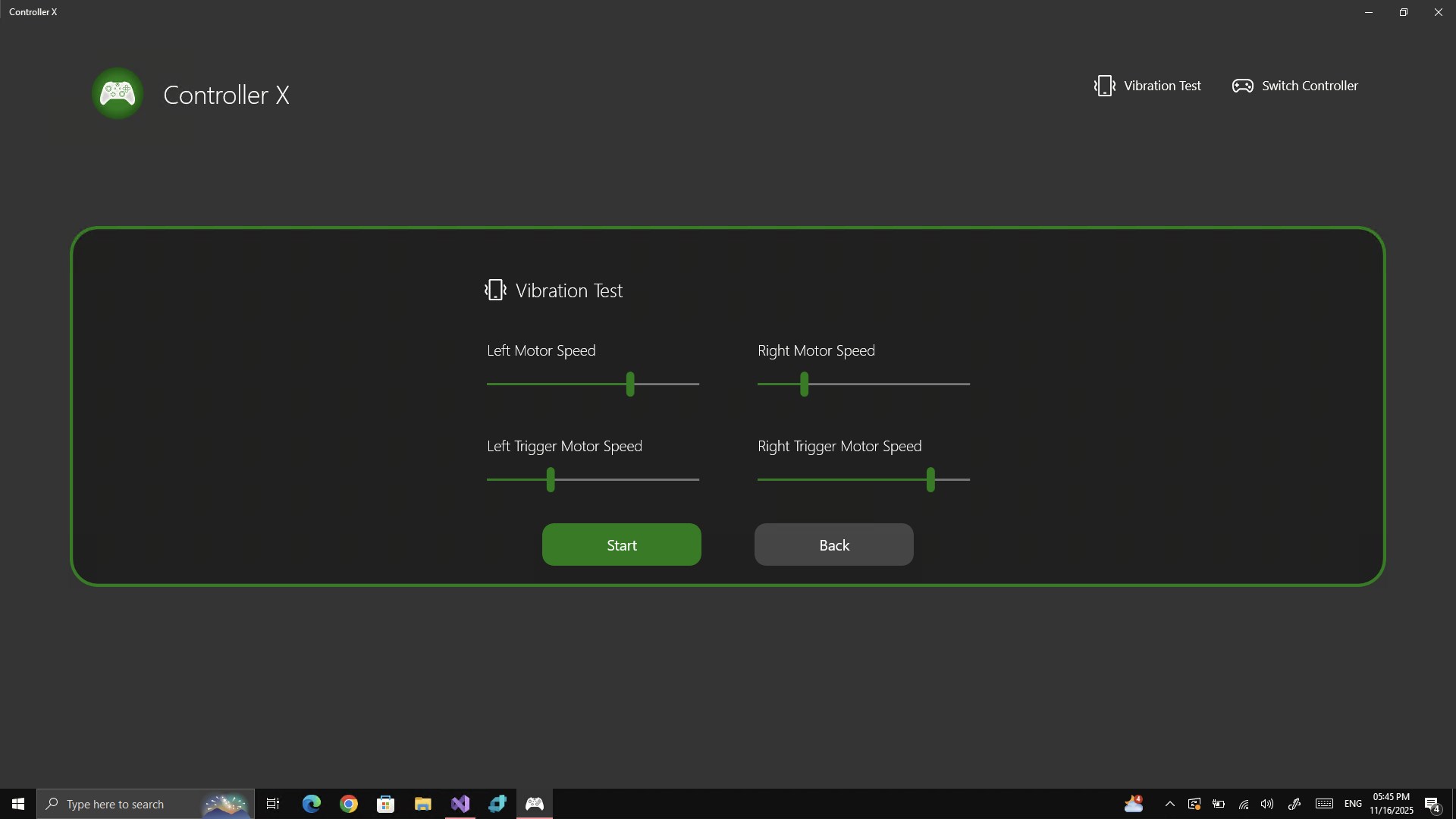
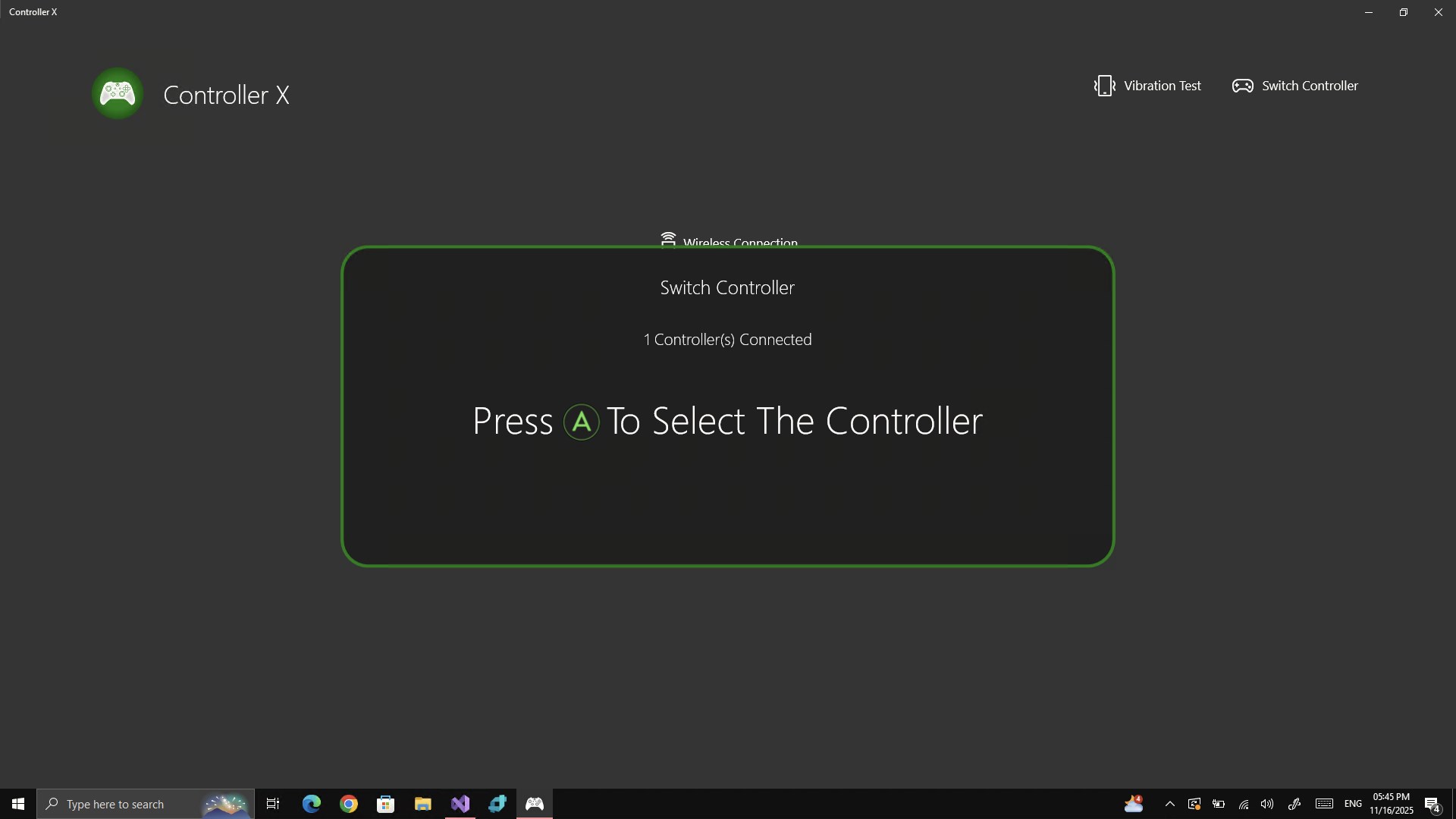
- Name Controller X
- Category Utilities & tools
- Available on PC
- OS Windows 10 version 16299.0 or higher
- languages English (United States)
Basic Information of Controller X for Windows
Controller X for Windows is a versatile and customizable gamepad mapping tool designed to enhance your gaming and application experience on Windows systems.
Developer and Main Features
Developed by Mersad.M, this application stands out with its user-friendly interface and powerful configuration capabilities. Its key highlights include flexible controller remapping, profile management for different games or apps, and advanced macro creation. The app is tailored primarily for gamers seeking personalized control setups and creative professionals needing custom input configurations.
Target Audience
This tool is perfect for gamers who want to optimize their control schemes, streamers aiming for quick profile switches, and developers or content creators customizing input devices for specific workflows. It appeals to both casual users and more tech-savvy enthusiasts looking for precision and flexibility in device control.
Embarking on a Custom Control Journey with Controller X
Imagine transforming your standard controller into a personalized command center—this is what Controller X promises. Its intuitive design transforms what could be a complex configuration task into an engaging, almost puzzle-like experience. Whether you're swapping buttons for macros or creating profiles tailored to different games, the app acts as your digital control wizard, making customization feel like an exciting adventure rather than a chore.
Deep Dive into Core Features
Flexible Controller Remapping
The standout feature of Controller X is its ability to remap virtually any input from your controller. Whether you want to assign a single button to execute multiple commands, invert axes, or disable certain controls altogether, this feature provides a level of granular control that exceeds typical utilities. Its drag-and-drop interface makes it accessible for newcomers, yet the underlying options satisfy power users seeking detailed customization.
Profile Management & Switching
Switching between different game or application profiles is seamless with Controller X. Think of it like having multiple control schemes stored in your digital toolbox, ready to be activated with a simple shortcut. This is particularly advantageous for gamers who juggle different titles, each requiring unique control setups. Managing these profiles is straightforward, with options to export and import configurations, ensuring your setups are portable and backupable.
Macro and Automation Capabilities
Arguably the most powerful aspect of Controller X is its macro creation feature. This allows users to record sequences of inputs—like a choreographed dance—then assign these macros to buttons or triggers. Imagine executing complex combos or repetitive tasks with a single press, freeing up your mental bandwidth for game strategy or creative workflows. The macro editor is intuitive but provides enough depth for intricate sequences for advanced users.
User Experience and Design Philosophy
The user interface is clean and modern, with clearly labeled sections that make navigation feel like flipping through a well-organized toolbox. The design philosophy prioritizes ease of use, with helper tips and default profiles to get beginners started without frustration. Operating smoothly without noticeable lag or crashes, Controller X offers a responsive experience that makes configuration feel effortless—almost like having a personal assistant helping you tailor the inputs just right.
Learning curve is moderate; most users will be up and running within minutes, but mastering advanced macro sequences or multi-profile management takes a bit of experimentation. Overall, it strikes a good balance between simplicity for newcomers and depth for power users—like a Swiss Army knife that's just as handy for quick fixes as for detailed customization.
What Sets Controller X Apart?
Compared to similar utilities, Controller X's most notable features are its extensive macro capabilities and intuitive profile management. While many tools focus solely on remapping, this app combines configuration, scripting, and profile handling into a unified ecosystem. Its flexibility makes it suitable for a broad spectrum of users—from casual gamers to professional streamers and developers. Notably, its ability to manage multiple profiles effortlessly and create complex macros seamlessly distinguishes it from more limited utilities that often require multiple apps or complex scripting outside the interface.
Recommendation & Usage Advice
Based on its feature set and user experience, I would rate Controller X as a solid 'Recommended' for anyone serious about customizing their control inputs. It's particularly suited for users who value flexibility and advanced configuration options without the steep learning curve typically associated with such tools.
For best results, start with simple remapping tasks to familiarize yourself with the interface. Then, explore macro creation and profile management to optimize your workflows or gaming sessions. If you often switch between different games or use controllers for creative purposes, Controller X will become an indispensable part of your toolkit—streamlining your control scheme and opening new possibilities for personalization.
Pros
- User-Friendly Interface
- Wide Device Compatibility
- Customizable Button Mapping
- Stable Connection Management
- Regular Software Updates
Cons
- Limited Advanced Configuration Options
- Occasional Connectivity Drops
- Slow Response to Feedback
- Interface Localization Inconsistencies
- Limited Support for Non-Microsoft Controllers











