

- Name Company Portal
- Category Business
- Available on PC, Surface Hub, HoloLens
- OS Windows 10 version 18362.0 or higher
- languages Chinese (Simplified), Chinese (Traditional), Czech, Danish, Dutch, English (United States), Finnish, French, German, Greek, Hungarian, Italian, Japanese, Korean , Norwegian (Bokmål), Polish , Portuguese (Brazil), Portuguese (Portugal), Romanian, Russian, Spanish (Spain), Swedish, Turkish
Introducing Company Portal for Windows: Your Gateway to Seamless Enterprise Access
Microsoft's Company Portal for Windows is a dedicated app designed to streamline enterprise device management and employee access, providing a unified platform for productivity and security.
Who's Behind the App?
Developed by Microsoft Corporation, this app is part of the Microsoft Endpoint Manager ecosystem, reflecting the company's commitment to integrated enterprise solutions. Its development team ensures that the app stays current with evolving workplace needs and security standards.
Main Features at a Glance
- Secure access to corporate resources, applications, and data with robust authentication measures.
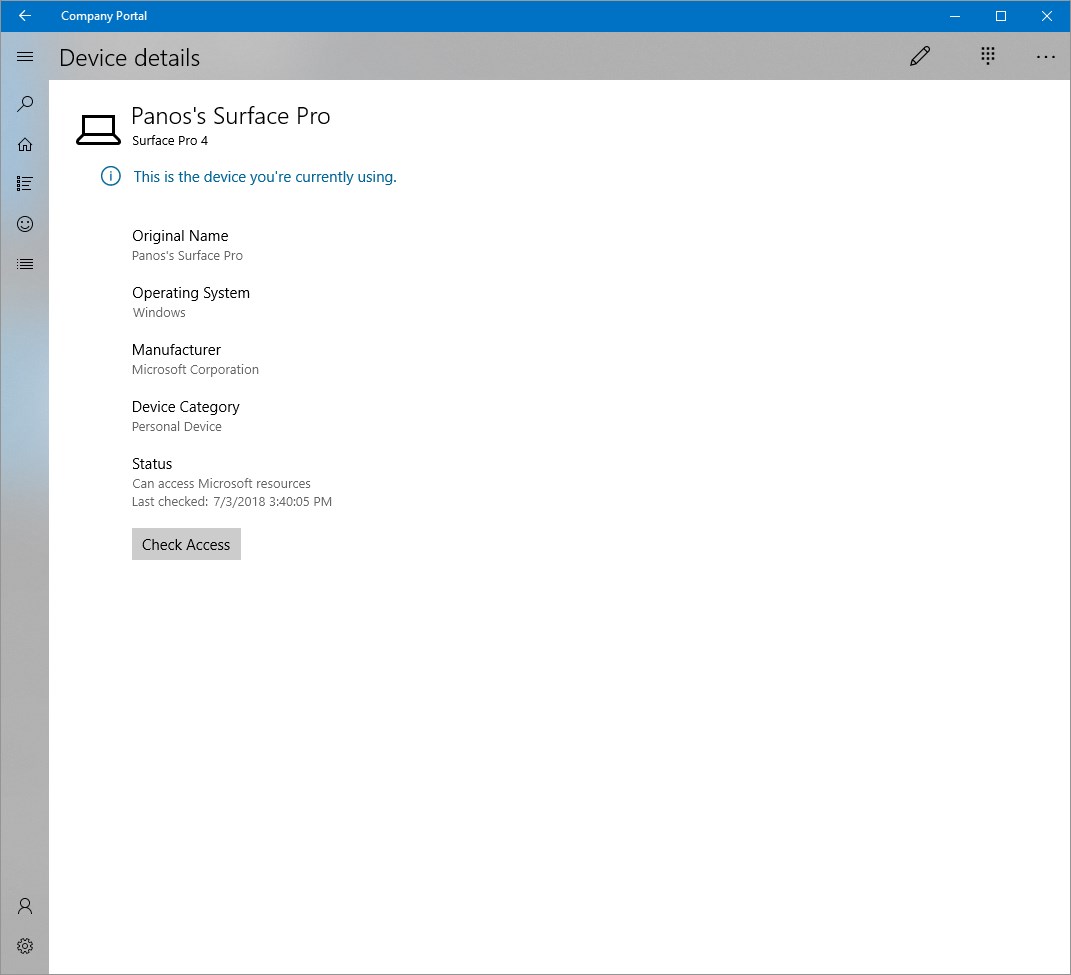
- Device enrollment and management, allowing IT teams to configure and monitor devices remotely.
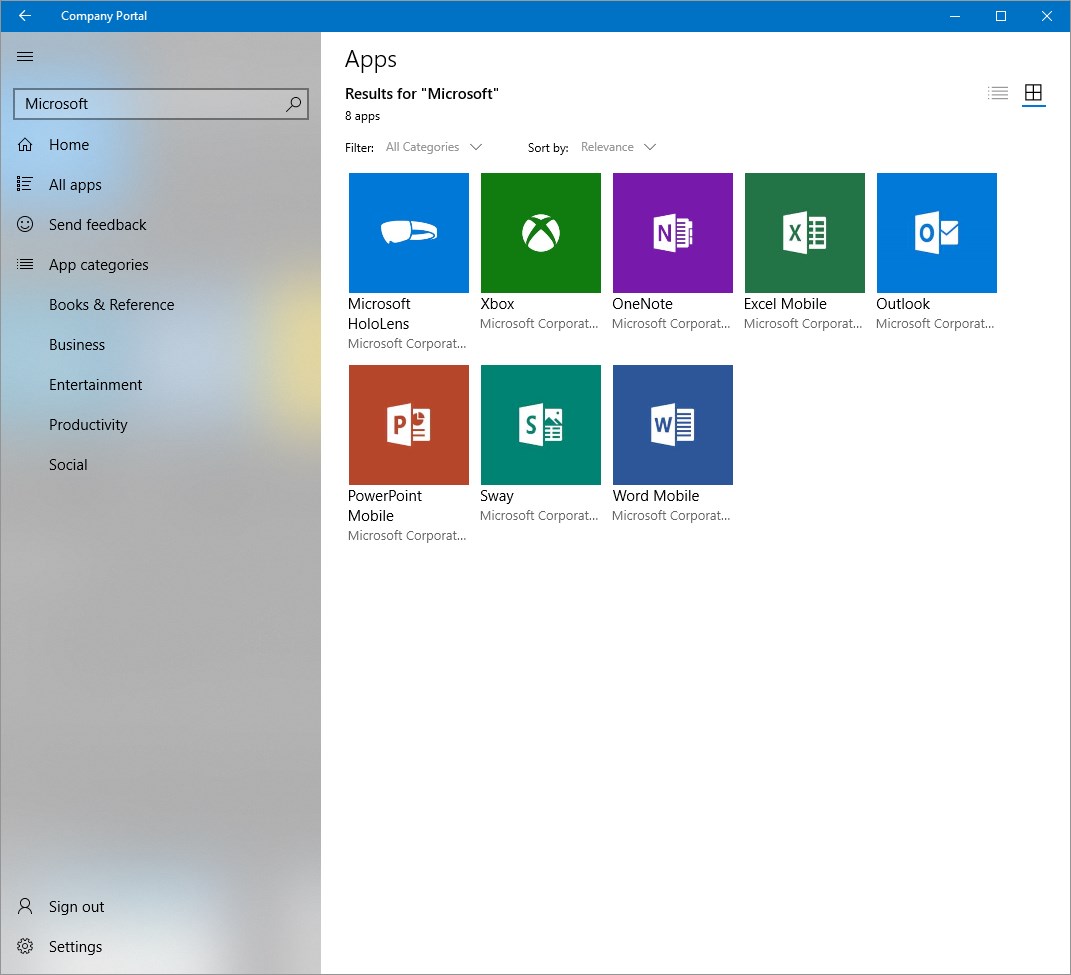
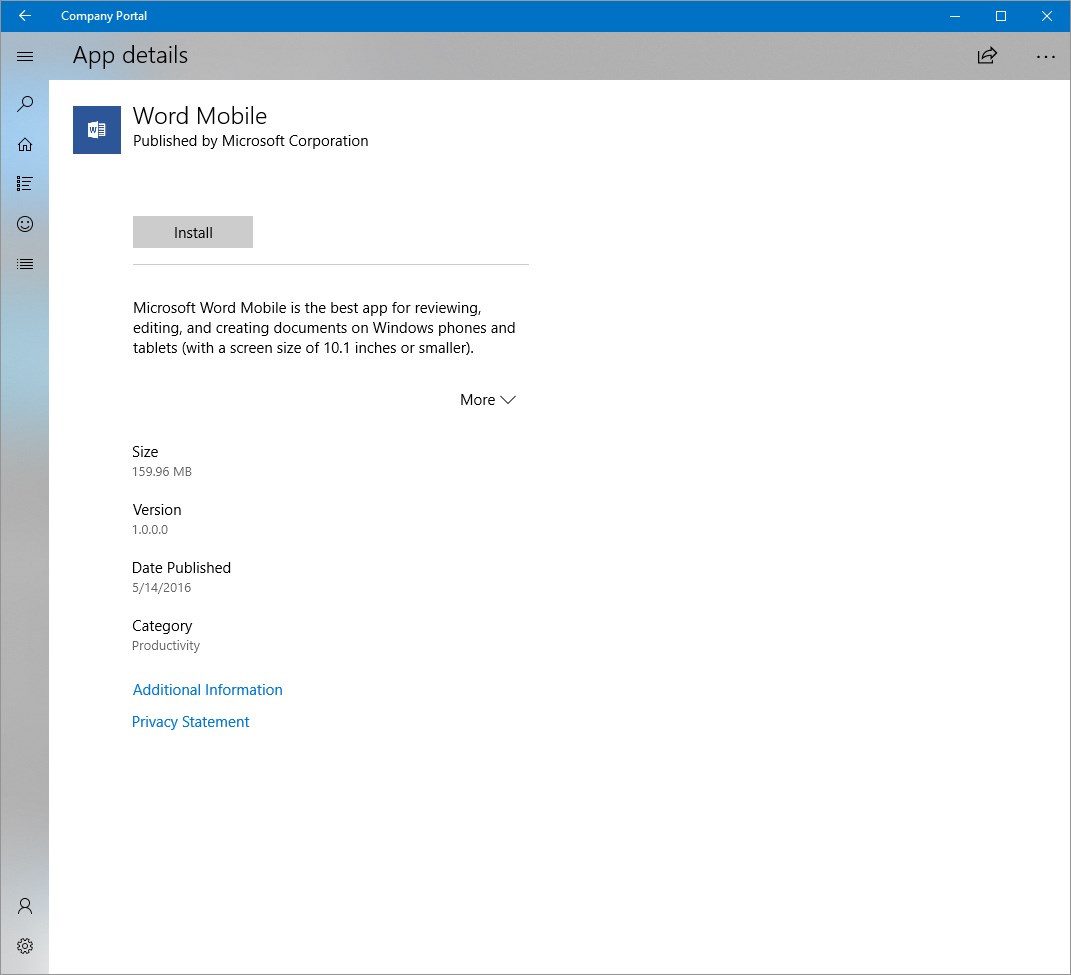
- Self-service portal for employees to install apps, update profiles, and troubleshoot issues independently.
- Collaboration integration with tools like Microsoft 365 to enhance teamwork.
A Friendly Dive into Company Portal's Core Capabilities
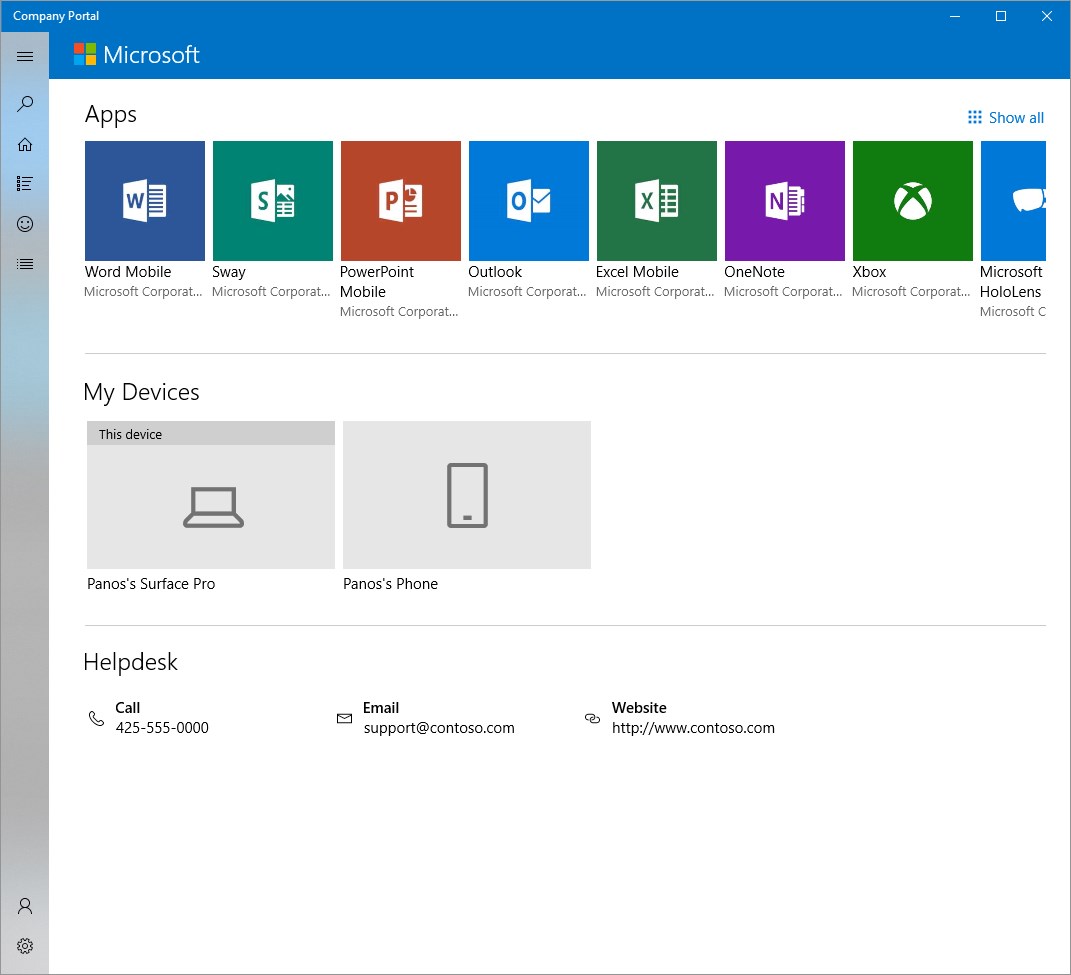
Imagine stepping into a well-organized digital office—everything you need is just a tap away, neatly curated and instantly accessible. That's what Company Portal offers: a user-friendly dashboard that simplifies complex enterprise workflows into manageable, intuitive steps.
Effortless Device and Application Management
The app shines brightest in its management capabilities. With just a few clicks, users can enroll their devices, ensuring they meet security policies without the usual hassle. The portal also allows for seamless installation and updating of enterprise applications, making sure everyone has the right tools at the right time. For IT administrators, it provides comprehensive oversight—monitoring device compliance, remotely wiping data if necessary, and pushing important updates—all from a centralized console.
Enhanced Collaboration and Task Coordination
One of standout features is its focus on collaborative work. Unlike more generic apps, Company Portal integrates tightly with Microsoft 365 services, enabling users to access shared files, team calendars, and communication tools directly within the portal. Tasks and project updates can be assigned and tracked effortlessly, reducing miscommunication and keeping teams aligned. Think of it as the digital hub where all your work-life threads weave together smoothly, thanks to its smart integration and task management features.
User Experience: Navigating a Well-Designed Digital Workspace
The interface strikes a nice balance between professionalism and approachability. The design is clean, with intuitive icons and straightforward navigation that even technophobic users can pick up quickly. Responding swiftly to user inputs, the app exhibits smoothness in operation—scrolling, loading, and transitioning happen seamlessly, reminiscent of a well-oiled machine. The learning curve is gentle; most users will be productive within just a few minutes of setup, making it accessible for a broad range of enterprise employees.
What Sets Company Portal Apart?
Compared to other business apps, the most distinctive feature of Company Portal is its deep integration within the Microsoft ecosystem, especially its collaborative work and task management capabilities. Its ability to serve as a one-stop-shop—handling device management, app deployment, and team coordination—makes it stand out as a comprehensive enterprise tool. The app's design emphasizes user empowerment; employees can handle many routine tasks independently, freeing up IT resources and fostering a more agile work environment.
Final Verdict: A Practical Choice for Modern Workforces
This app earns a strong recommendation for organizations already entrenched in the Microsoft environment or those seeking a unified platform to streamline device management and collaboration. It's particularly suited for IT administrators who need reliable control combined with an easy-to-navigate user experience, and for employees who value a clean, functional interface that simplifies their daily routines. While not a flashy app loaded with gimmicks, its strength lies in reliable performance and ecosystem integration—making work feel less like a chore and more like collaboration in a smart digital workplace.
Pros
- Seamless integration with Microsoft ecosystem
- Strong device management capabilities
- User-friendly interface
- Enhanced security features
- Frequent updates and support
Cons
- Initial setup can be complex for new users
- Occasional latency issues during device enrollment
- Limited customization options for user interface
- Some bug reports related to app crashes under certain conditions
- Notification management can be improved for better user experience











