

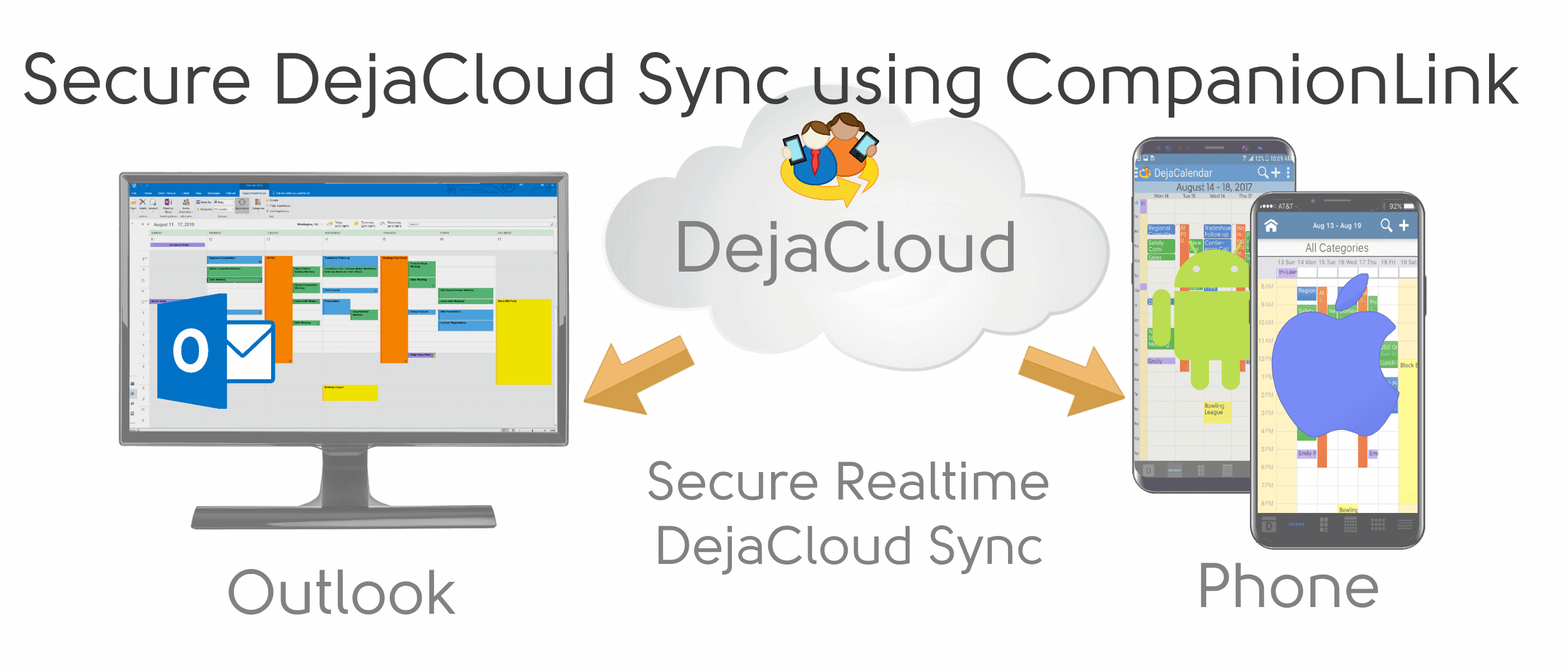
- Name CompanionLink for Outlook
- Category Business
- Developer CompanionLink Software, Inc.
- Available on PC
- OS Windows 10 version 0.0 or higher
- languages Czech, German, Dutch, Spanish, French, Hungarian, Italian, Japanese, Korean, Portuguese, Chinese (Simplified), Chinese (Traditional Chinese)
CompanionLink for Outlook: Seamlessly Synchronize Your Digital Life
If you're someone juggling multiple calendars, contacts, and tasks across devices, CompanionLink for Outlook offers a reliable bridge to keep everything in sync. Designed for professionals who value productivity and organization, this Windows application simplifies management of your Outlook data with precision and ease.
Who Makes It? The Minds Behind the Magic
Developed and published by CompanionLink Software, Inc., a well-established company specializing in synchronization solutions for over two decades, their expertise shines through in this application. Their focus on creating robust, user-friendly tools makes them a go-to provider for businesses and individuals seeking seamless data integration.
Core Features That Stand Out
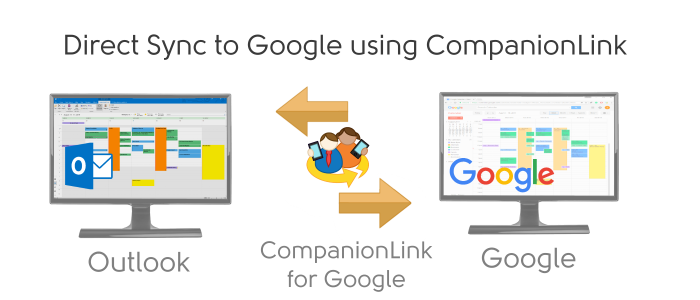
- Bidirectional Synchronization: Ensures your Outlook data and external devices or services (such as Google, iCloud, or Exchange) stay perfectly aligned both ways, eliminating manual updates.
- Flexible Data Management: Supports synchronization of contacts, calendars, and tasks, allowing users to customize which data sets are shared or maintained separately.
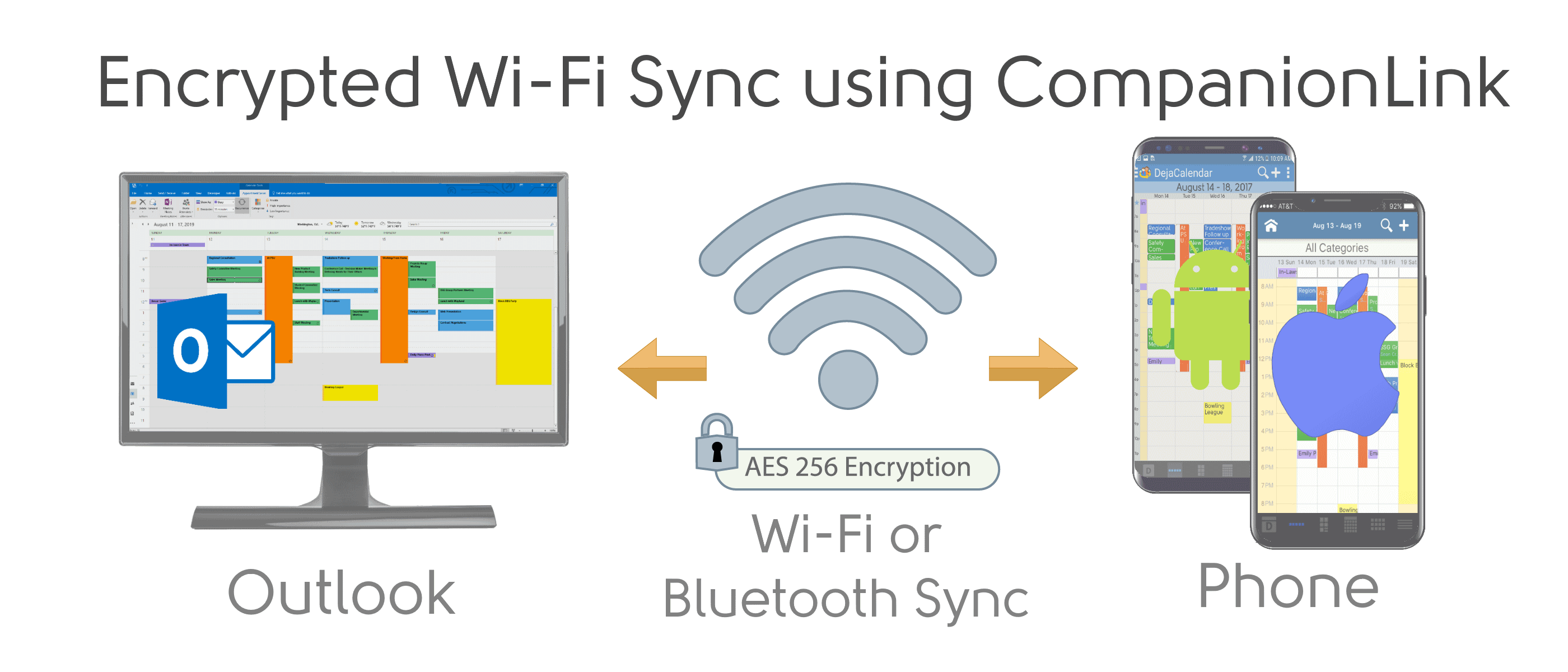
- Encrypted and Secure Transfer: Prioritizes data security during sync processes, giving users peace of mind that sensitive information remains protected.
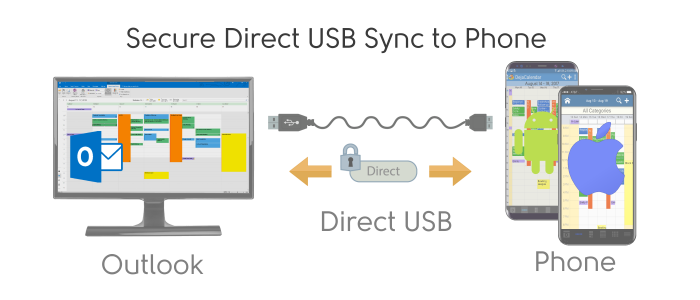
- Multiple Device Support: Ideal for users with diverse workflows, enabling synchronization across various platforms and device types.
A Fresh Take on Data Sync: An Engaging Dive into Its Core Strengths
Imagine managing your hectic schedule with the confidence that your calendar appointments, contacts, and to-do lists are always up-to-date across your devices—without the painstaking manual input. CompanionLink makes this dream a reality, acting as the master conductor orchestrating your digital symphony with quiet efficiency.
Intuitive Interface Design and User Experience
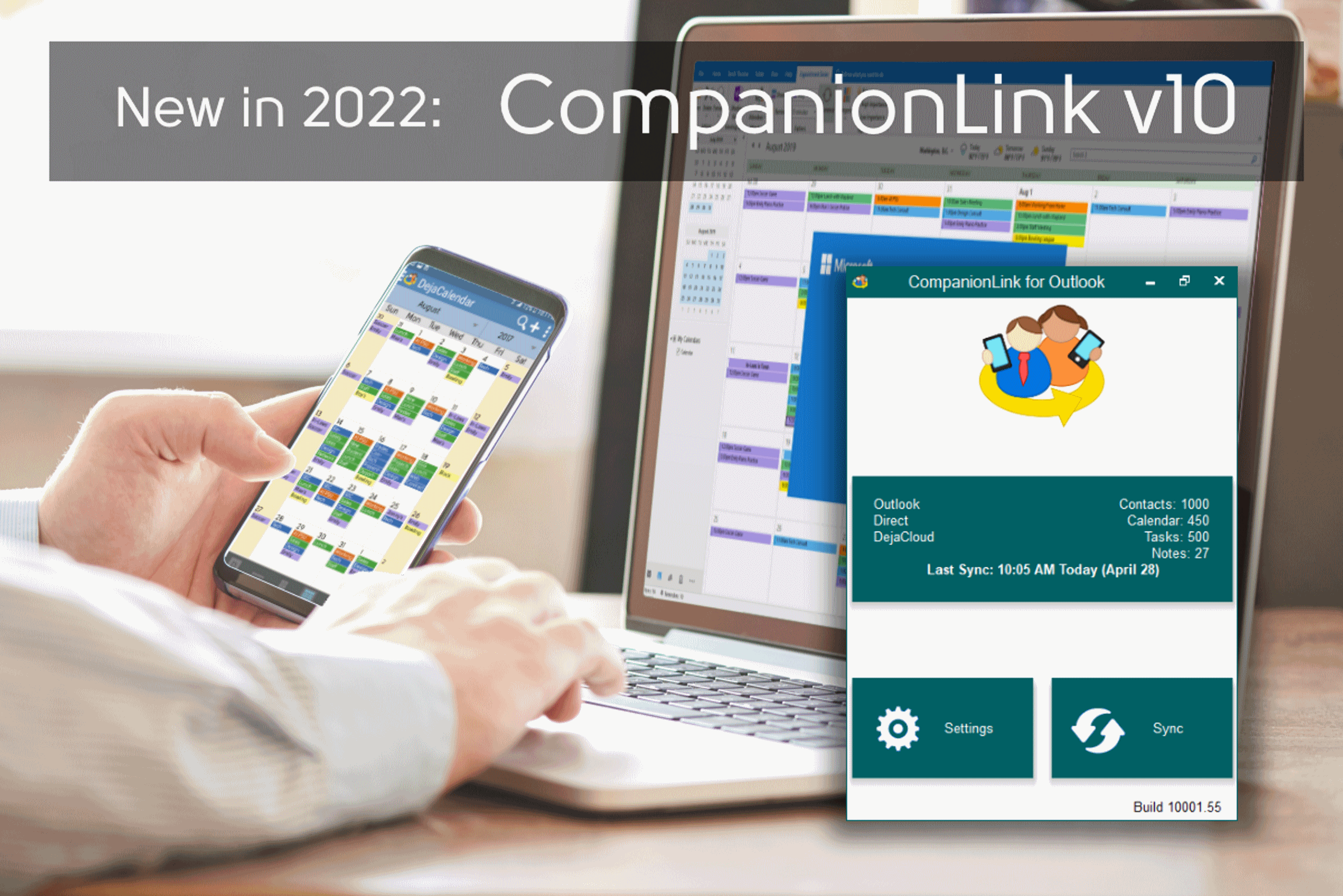
The application's interface resembles a sleek control panel—clear, uncluttered, and straightforward. It guides users through the setup process with step-by-step wizards, making it accessible even for less tech-savvy individuals. Once configured, routine syncs require minimal intervention. During our review, the software demonstrated excellent responsiveness, with operations flowing smoothly—a true testament to their focus on user experience. Learning curve? As gentle as a morning breeze—most users will find themselves comfortable after a brief setup period.
Robust Functionality: Making Data Management Effortless
The core strength of CompanionLink lies in its powerful synchronization engine. Whether you're managing a team or a busy solo calendar, the app ensures everything harmonizes without conflicts. The flexibility to choose specific data sets for sync (like only contacts or just tasks) offers tailored control, avoiding unnecessary clutter. Notably, its encryption features stand out as a top-tier security layer, a feature often overlooked in simpler sync tools. This focus on data integrity means users can rely on the app for sensitive business information.
Standing Out in the Crowd: Collaborative and Task Management Features
Compared to typical business apps that focus solely on individual productivity, CompanionLink introduces subtle but vital enhancements. Its synchronization capabilities facilitate collaborative work by ensuring team members access a unified set of contacts and schedules. While it doesn't replace dedicated project management tools, its ability to keep Outlook data consistent across multiple users and devices makes it invaluable in team settings. The app effectively bridges the gap between individual organization and team collaboration, setting it apart from peers that lack such fluid integration.
Final Verdict: A Solid Choice for the Organized Professional
CompanionLink for Outlook deserves high marks for its dependable synchronization, security, and ease of use. If you're looking for a tool that “just works,” especially in a business environment where keeping everyone on the same page is crucial, this application is worth considering. It's particularly recommended for users who need reliable, secure, bi-directional sync across various devices and platforms. Whether you're managing a hectic schedule or coordinating team efforts, CompanionLink offers a robust, no-fuss solution to keep your digital life synchronized seamlessly.
Pros
- Seamless Outlook Sync
- Broad Platform Compatibility
- Customizable Sync Settings
- Reliable Data Backup
- User-Friendly Interface
Cons
- Initial Setup Complexity
- Limited Free Features
- Occasional Sync Delays
- Compatibility with Third-Party Apps
- Learning Curve for Advanced Features











